Last updated
Black out sensitive information in a PDF
Before you start
- Have the PDF on your phone or computer. The upload box tells you how big a file can be.
- To redact is to cover words so nobody can read them, and to remove them from the file underneath. A plain black box laid over text would not do that.
- When you download, every page becomes a picture. You can't select or search the text afterwards. Keep your original file.
- You don't need an account.
Open your PDF
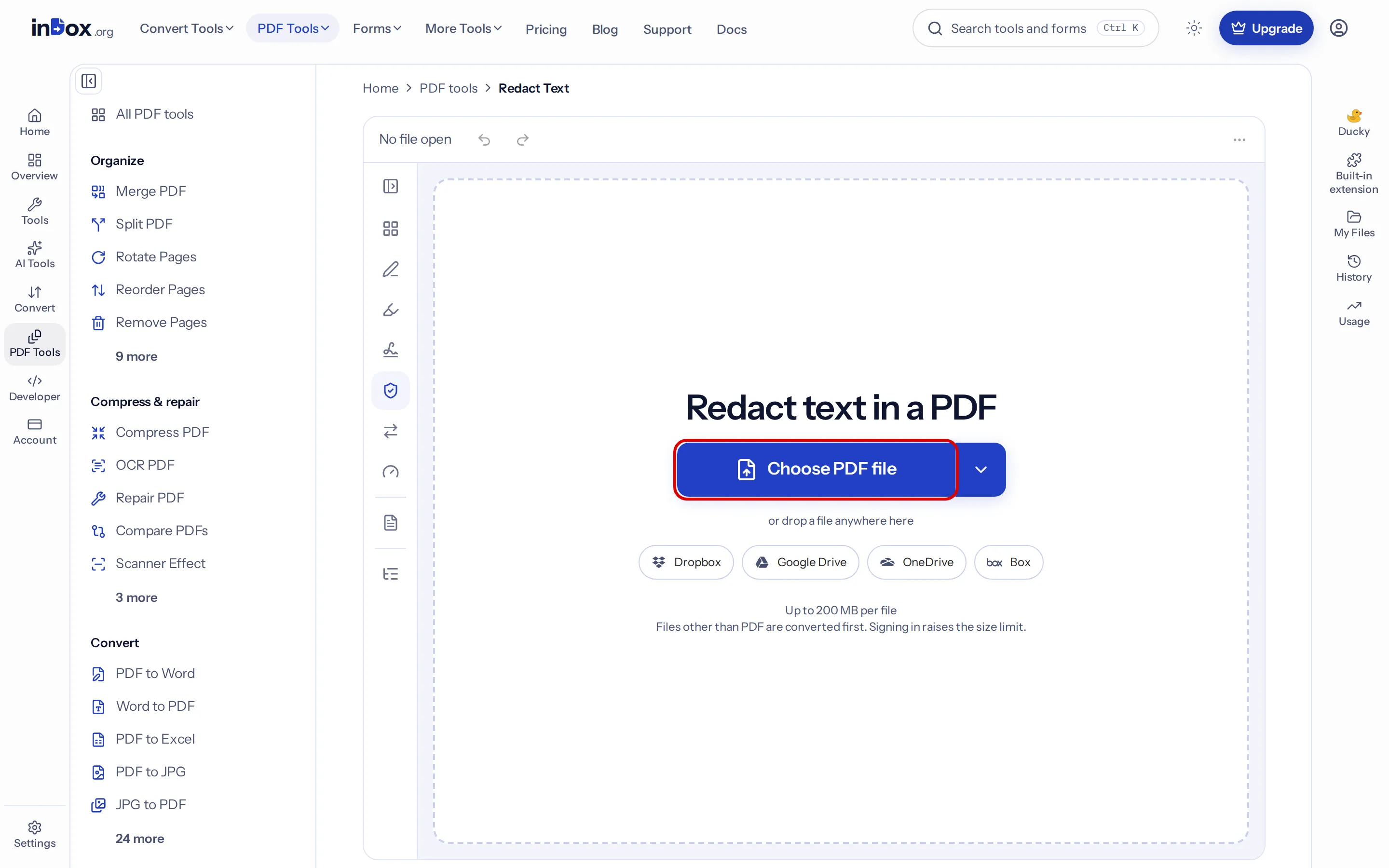
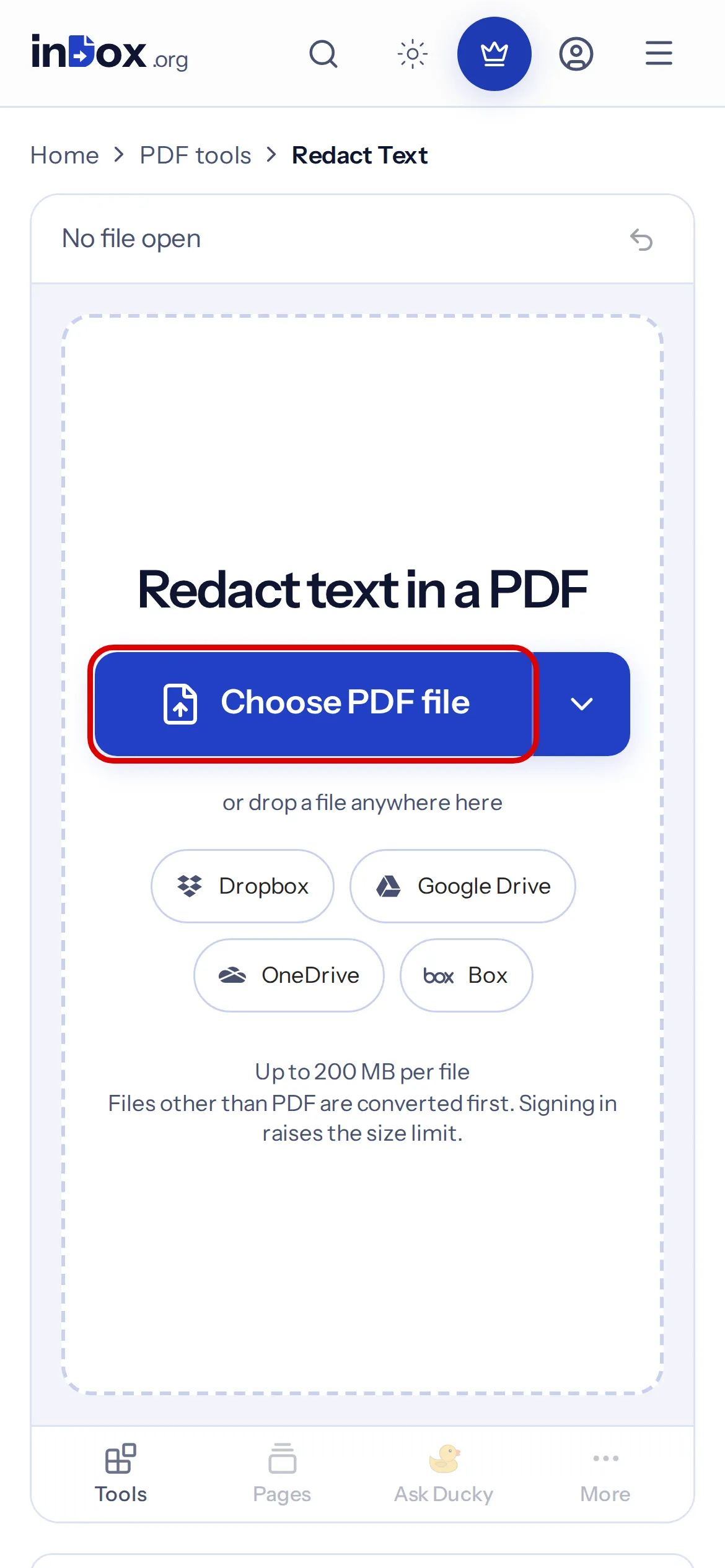
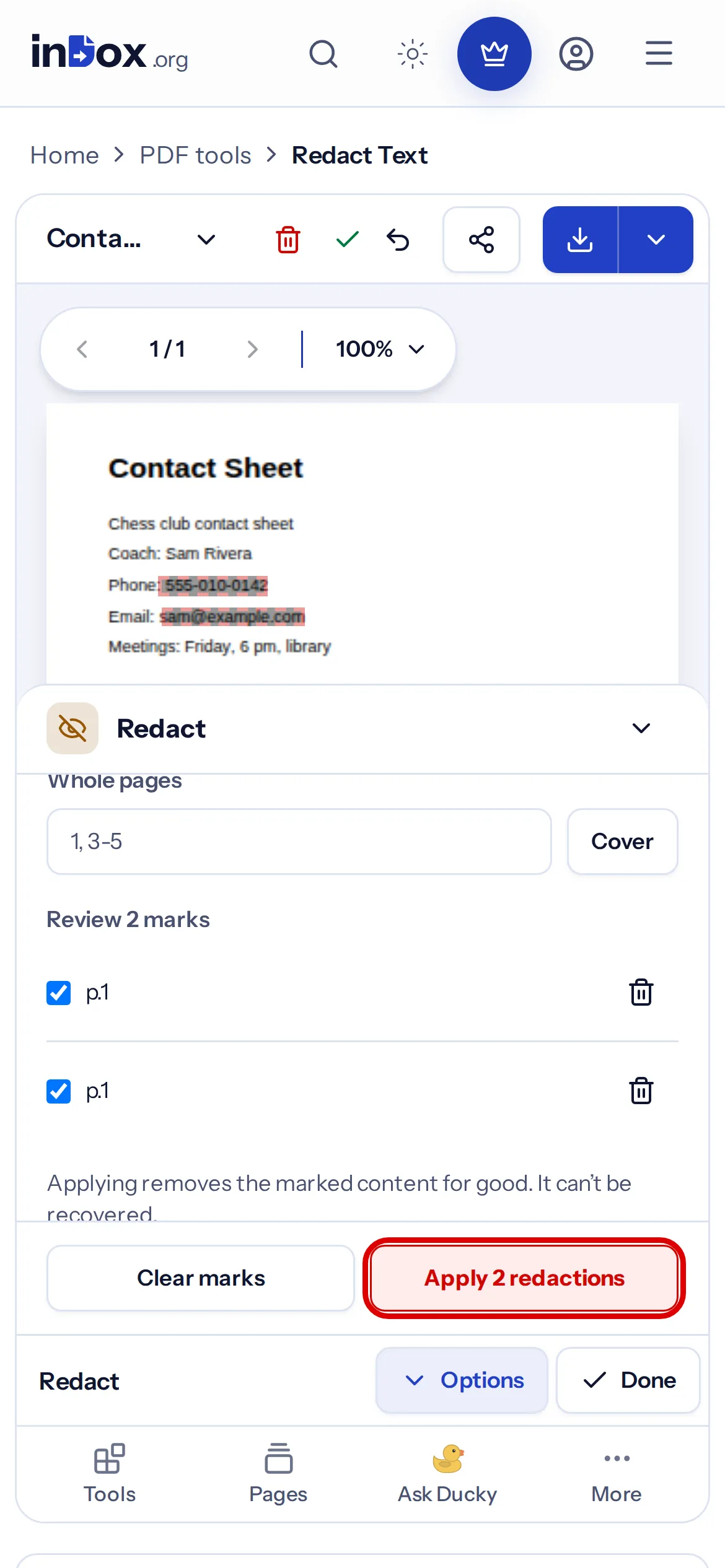
Go to the Redact Text page. In the middle of the page, select the blue Choose PDF file button. A box opens so you can pick a file from your device. You can also drag a file onto the page. The file opens with a panel called Redact. On a computer the panel is on the right. On a phone it slides up from the bottom.
Find a phone number
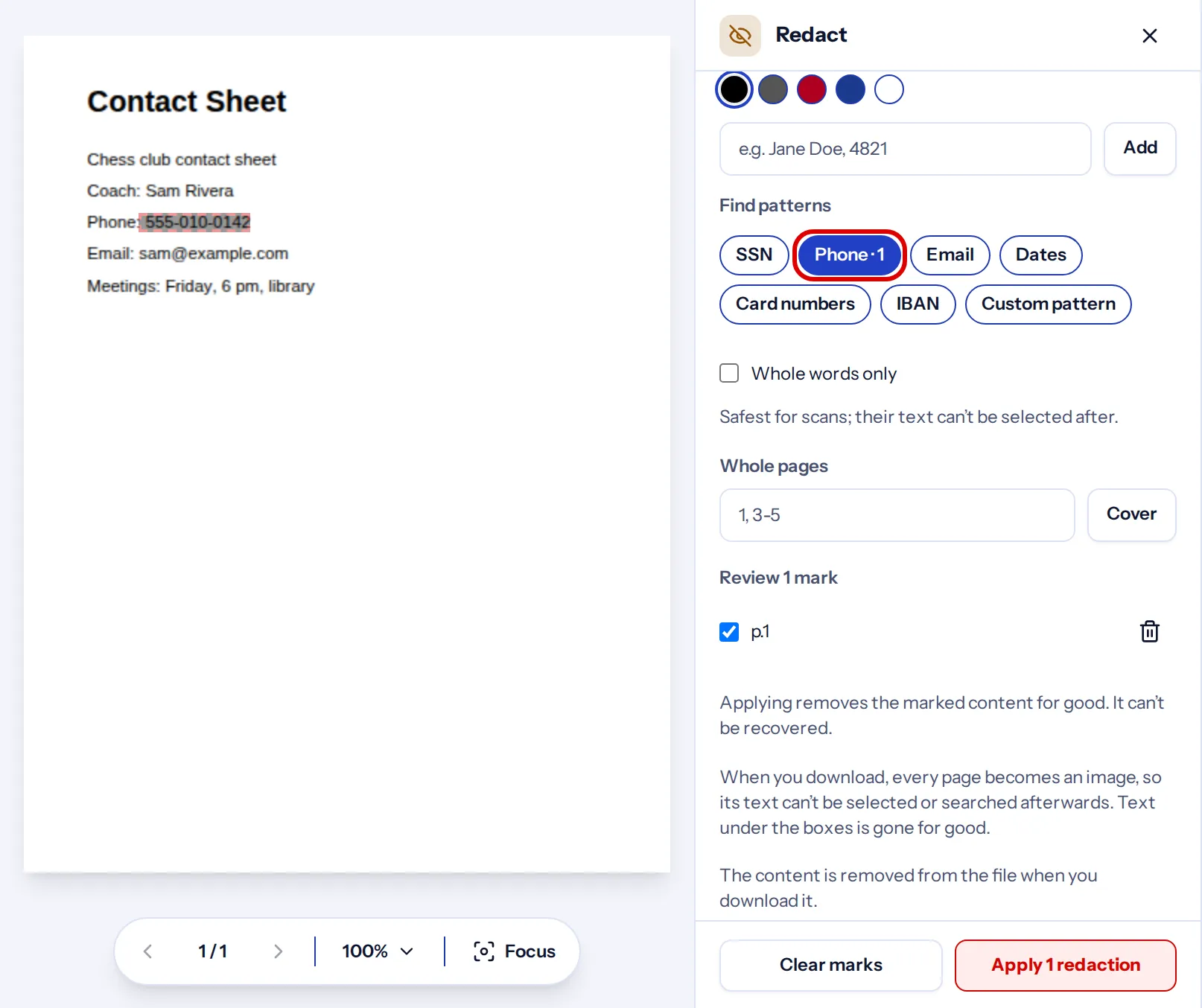
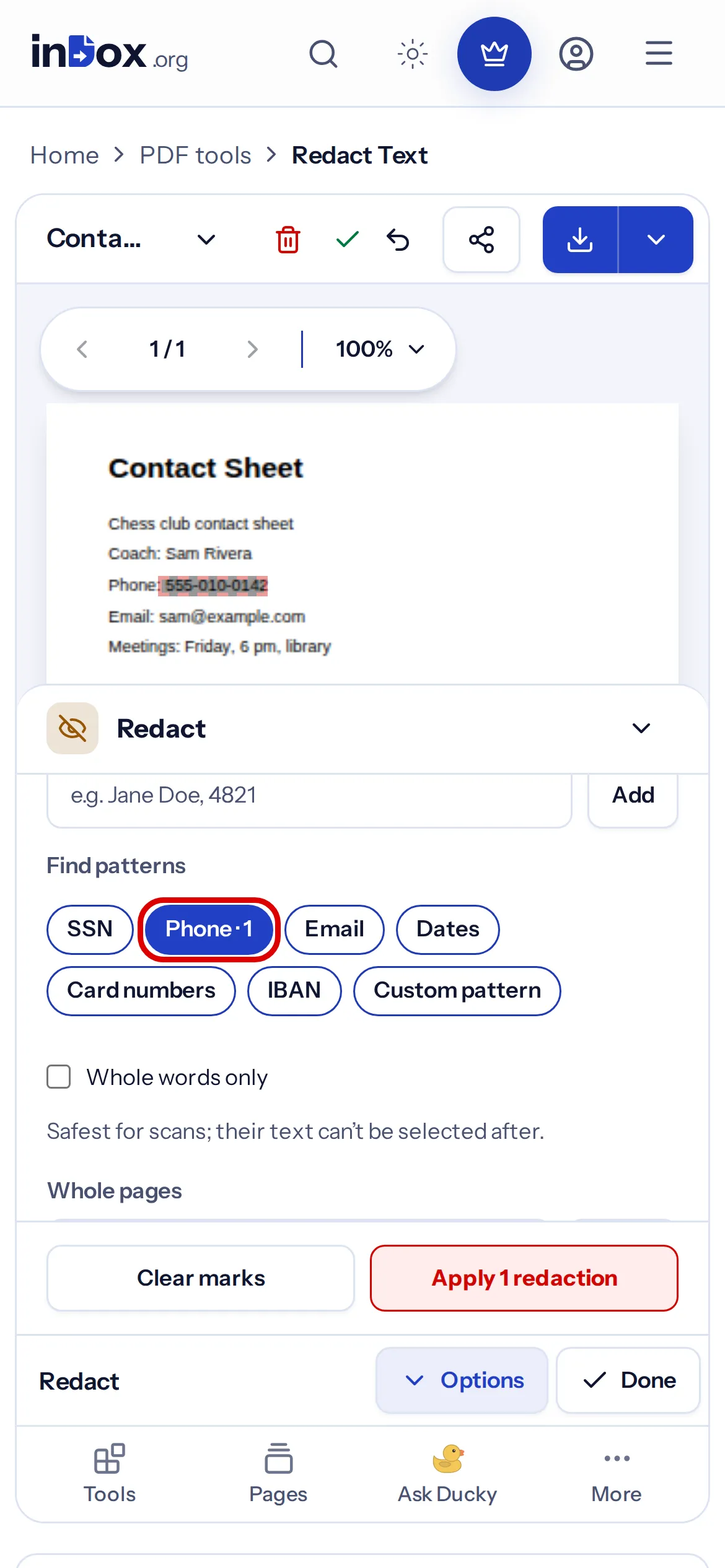
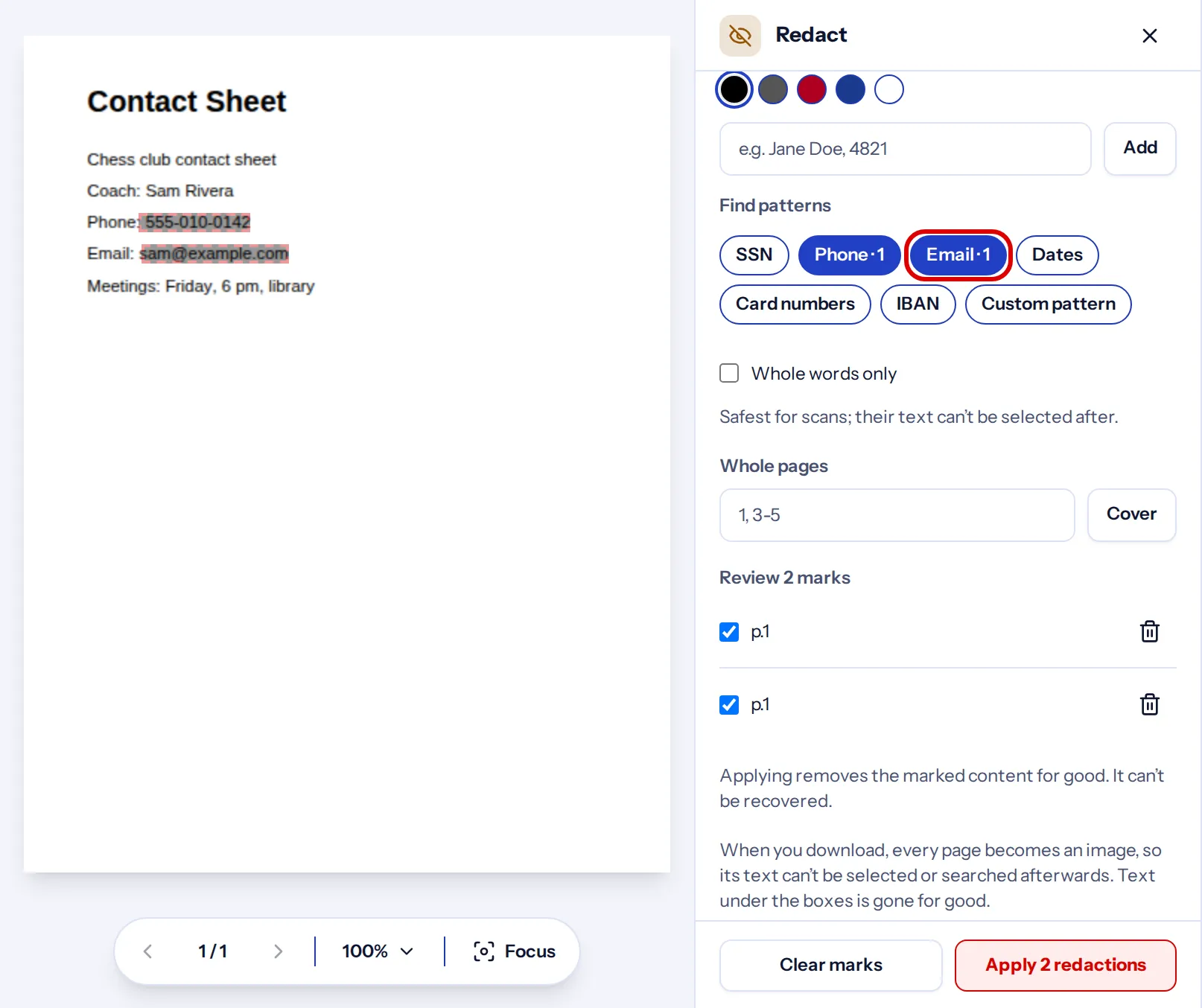
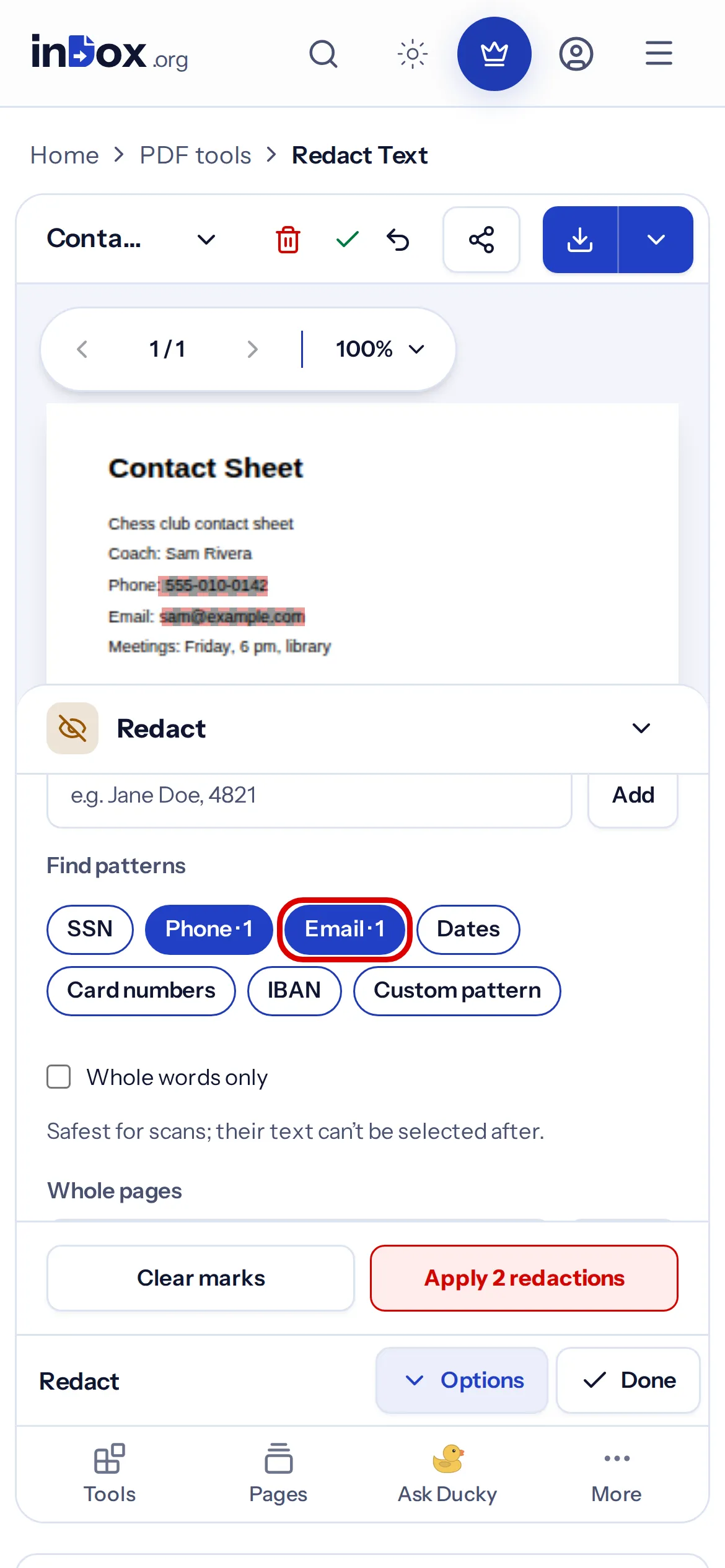
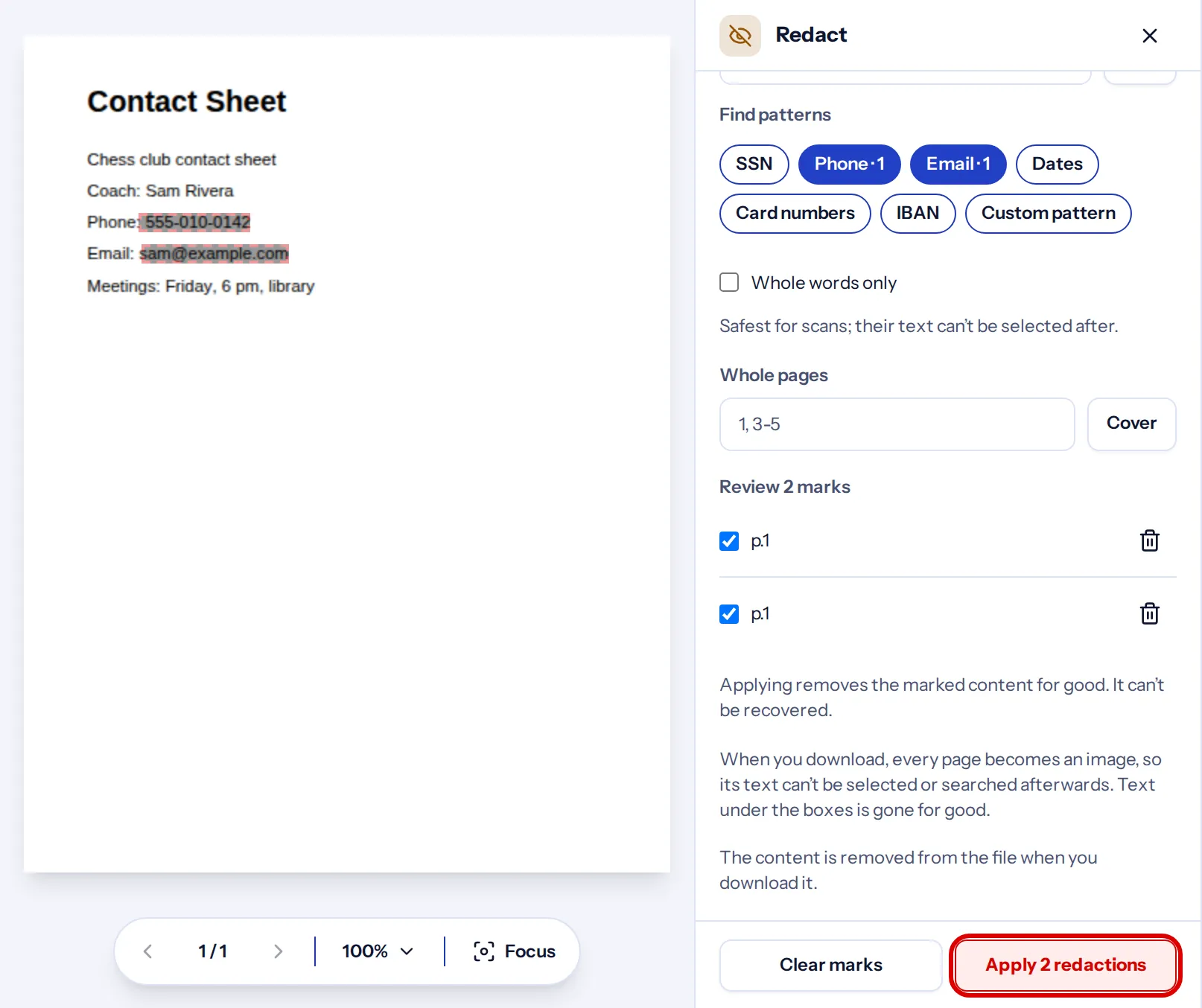
Scroll down the panel to Find patterns. A pattern is a shape the tool can look for, such as a phone number. Select Phone. The tool marks every phone number on the page in red. The button shows how many it found, such as Phone · 1.
Find an email address
Select Email the same way. The page now marks the email address too, and the button says Email · 1. To find your own word or number instead, type it in the box above, such as Jane Doe, and select Add.
Check the list
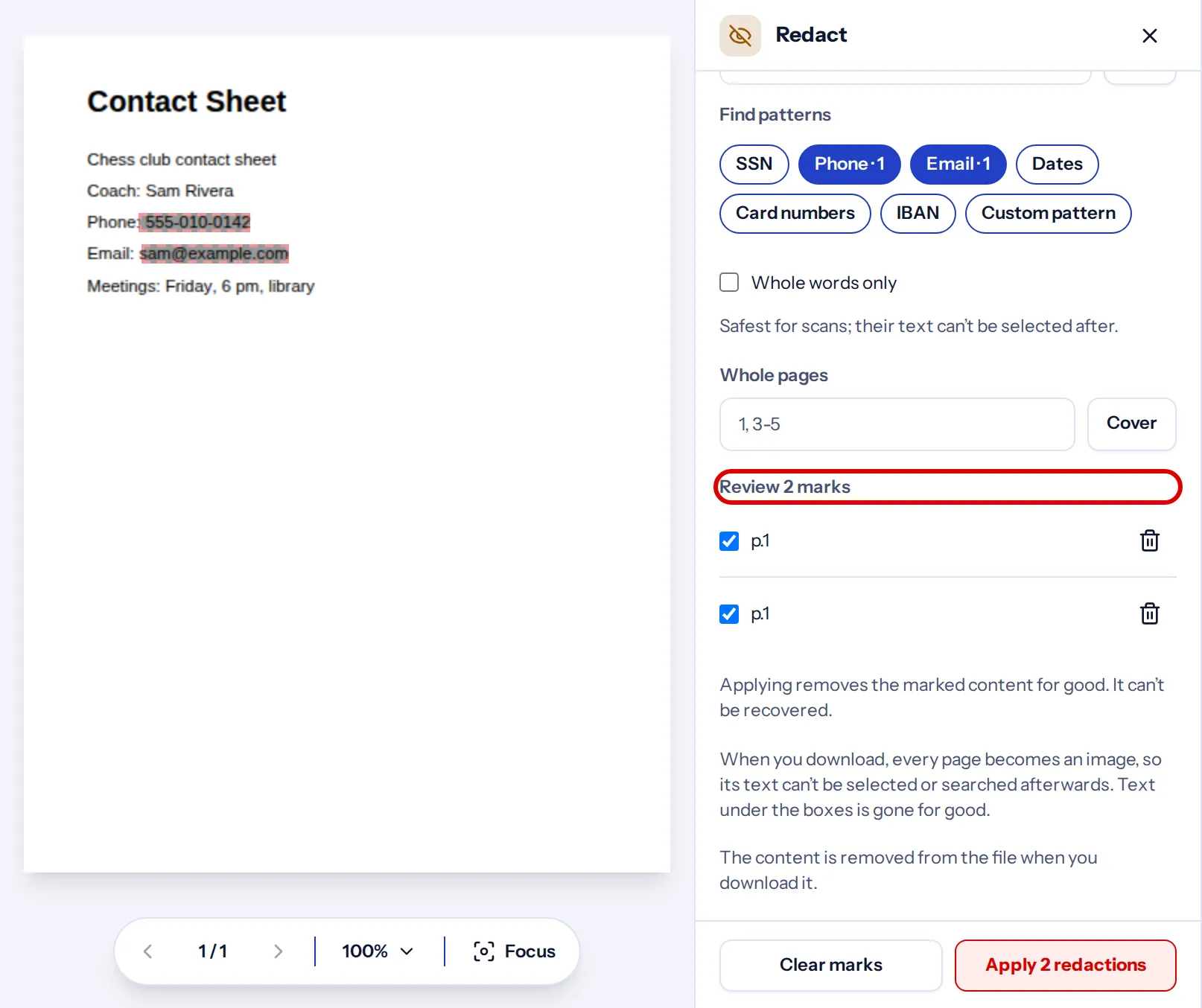
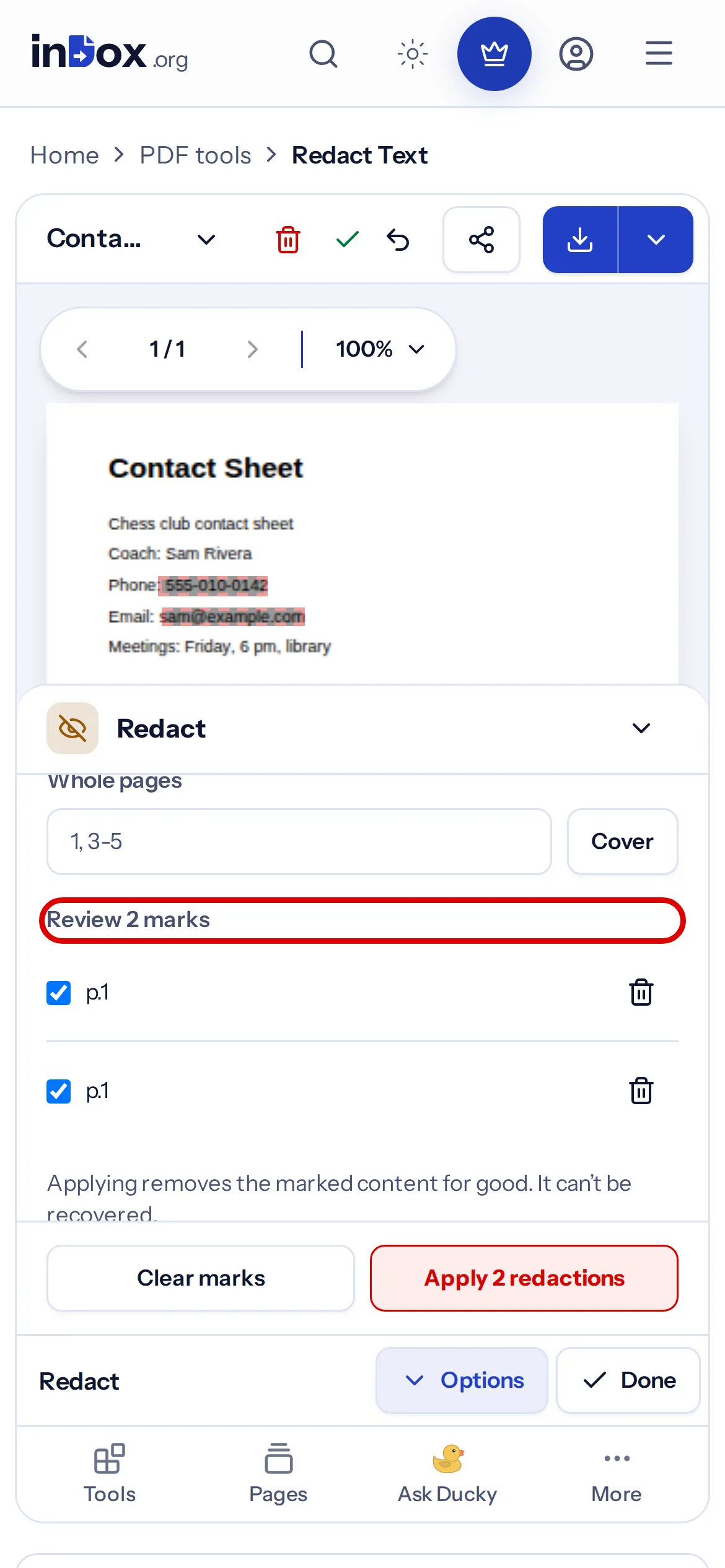
Scroll down to Review 2 marks. Each row is one thing the tool found. p.1 means page 1. A tick means it will be covered. Untick a row to keep it, or select its bin to drop it.
Apply the redactions
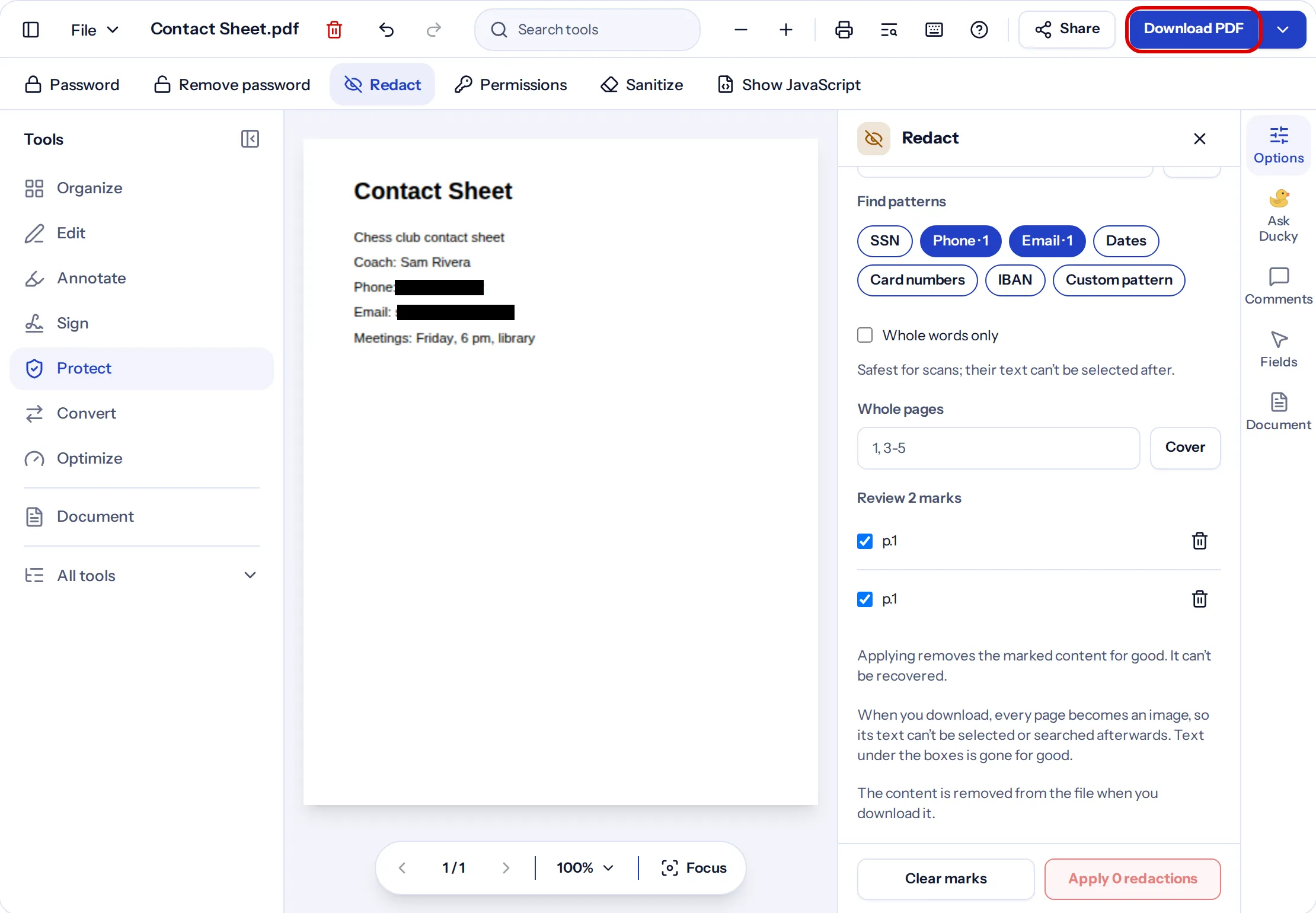
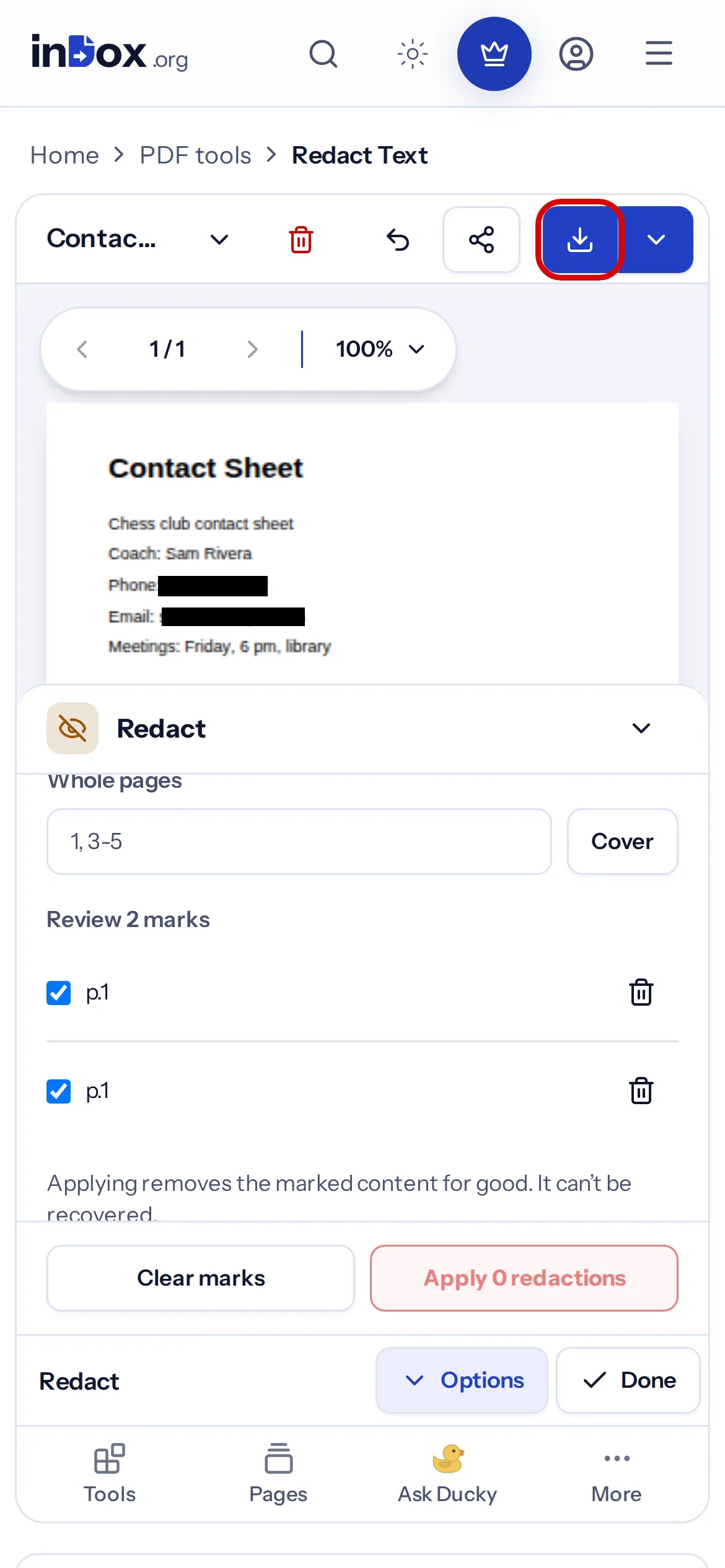
Select the red Apply 2 redactions button at the bottom of the panel. Black boxes cover the marked words on the page. The button now says Apply 0 redactions, and a message says Redactions marked. The file is only changed when you download it.
Download your PDF
Select the blue Download PDF button. On a computer it is at the top right. On a phone it is the arrow in the bar above the page. The new file is saved on your device. Its name ends in -edited. The covered words are gone from it.
Troubleshooting
| Problem | Cause | Fix |
|---|---|---|
| The button shows Phone · 0 but you can see a phone number | The Phone choice looks for a full number such as 555-010-0142 | Type the number in the box above, then select Add |
| The panel says A search found nothing. | The words are not in the file, or the page is a scan | Check the spelling. For a scan, run Make searchable (OCR) first so the text can be found |
| You marked something by mistake | The mark is not applied yet | Untick its row, select its bin, or select Clear marks |
| You can't select the text in the new file | Every page was turned into a picture | This is how the covered words are kept out. Use your original file when you need the text |