Last updated
Find the converter for your file format
Goal: The right converter page open and ready for your file.
Before you start
- Know the format of your file. The format is the end of the file name, such as .heic or .docx.
- You don't need an account.
Open the formats page
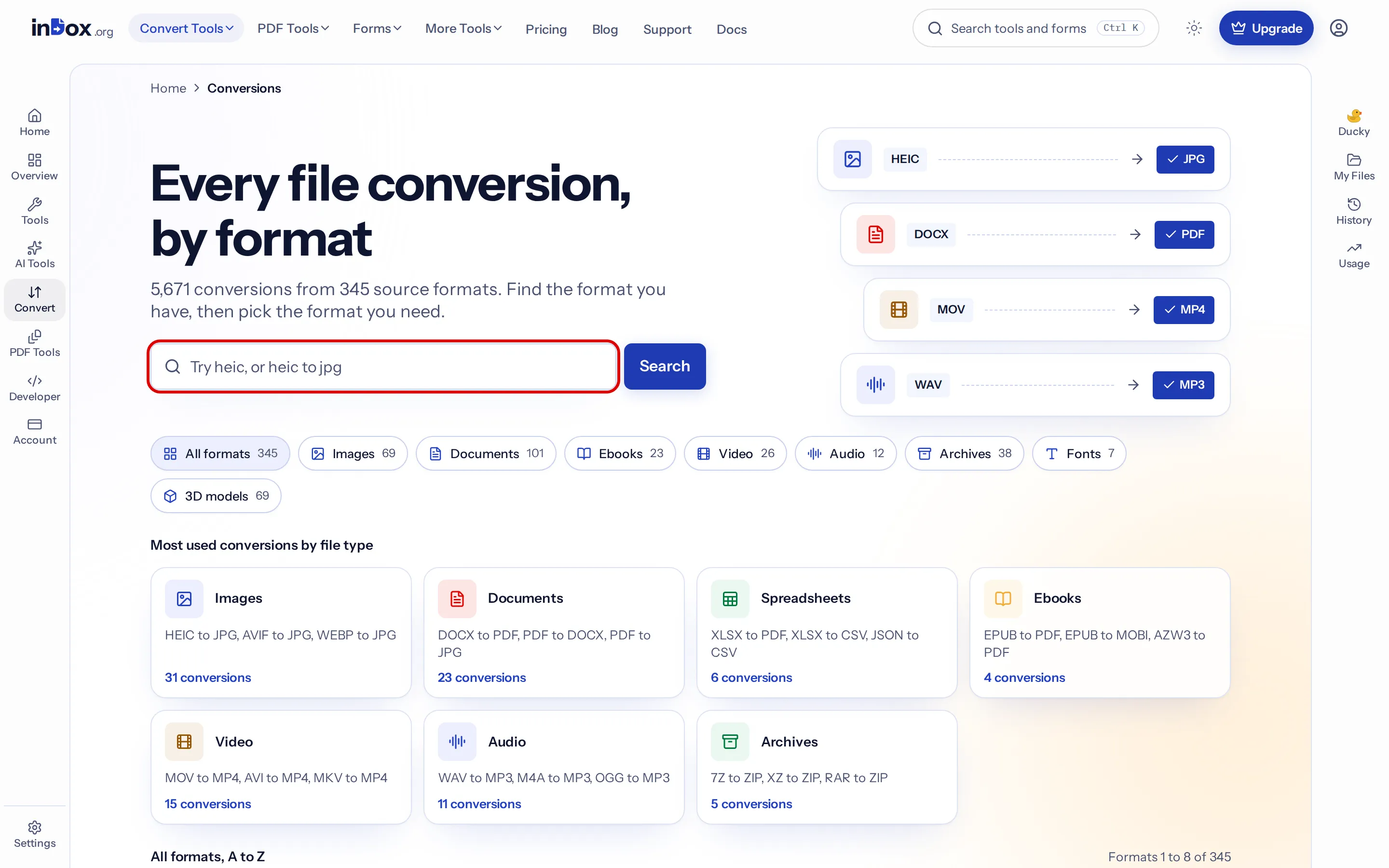
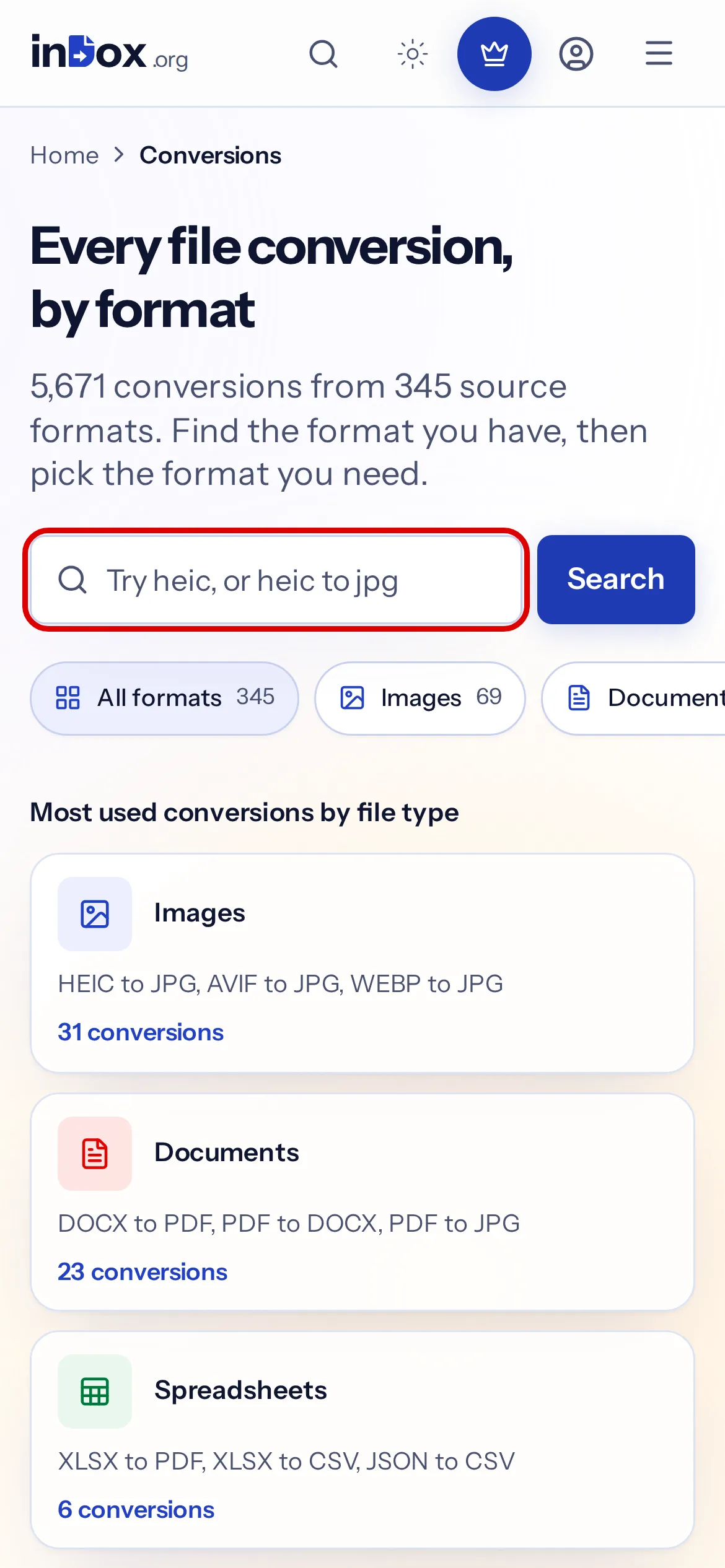
Go to the Formats page . It lists every format indox can read. At the top left is a search box that says Try heic, or heic to jpg.
Search for your format
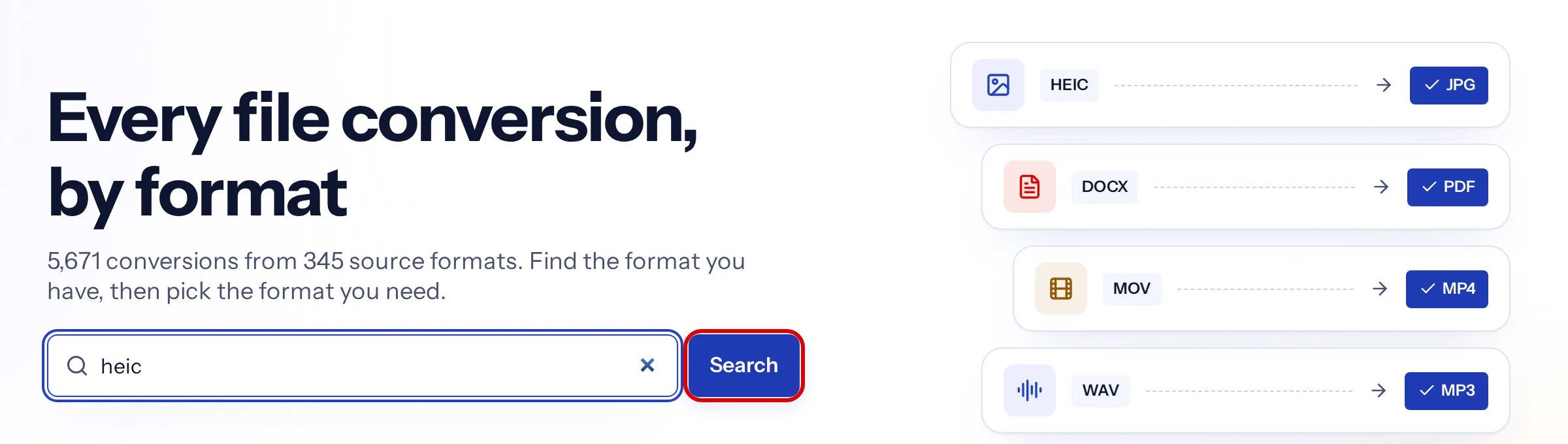
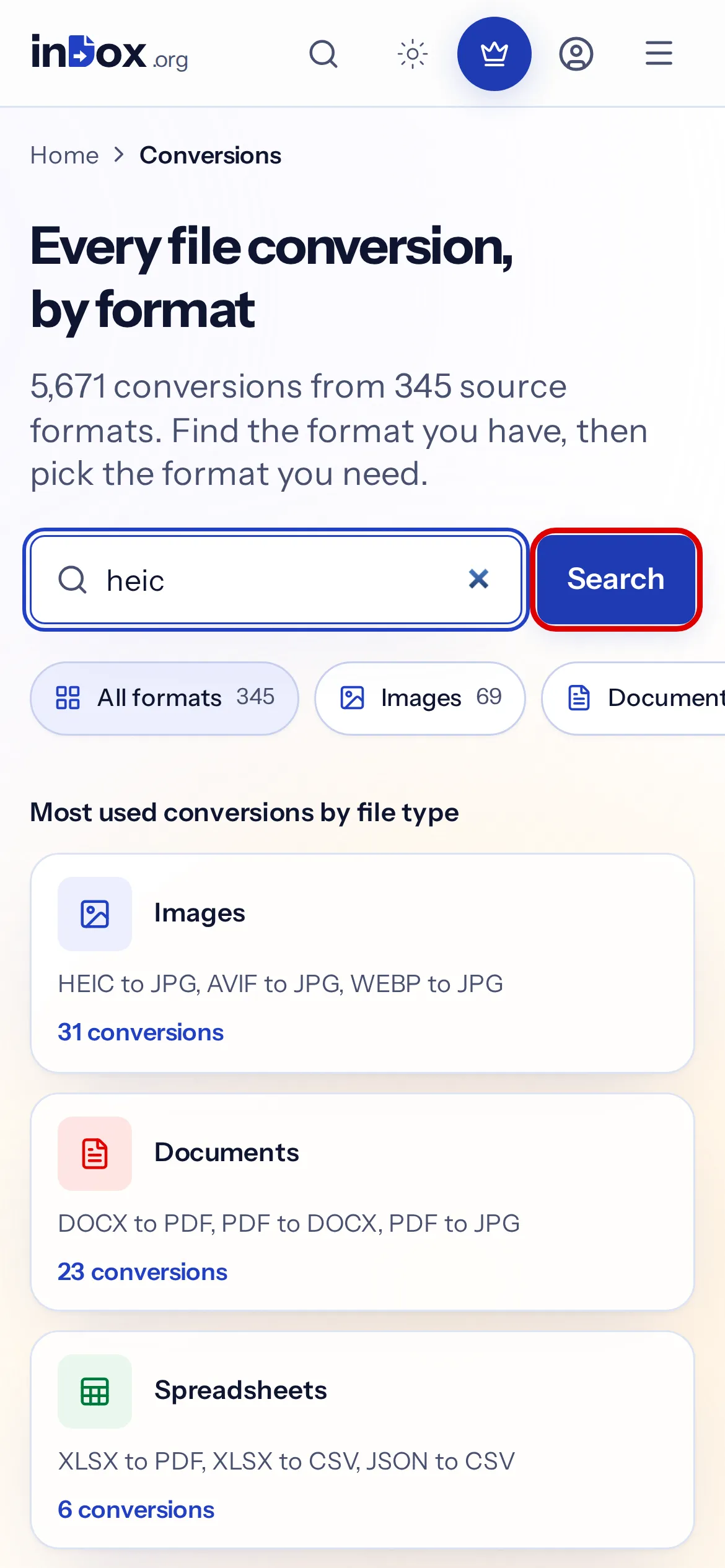
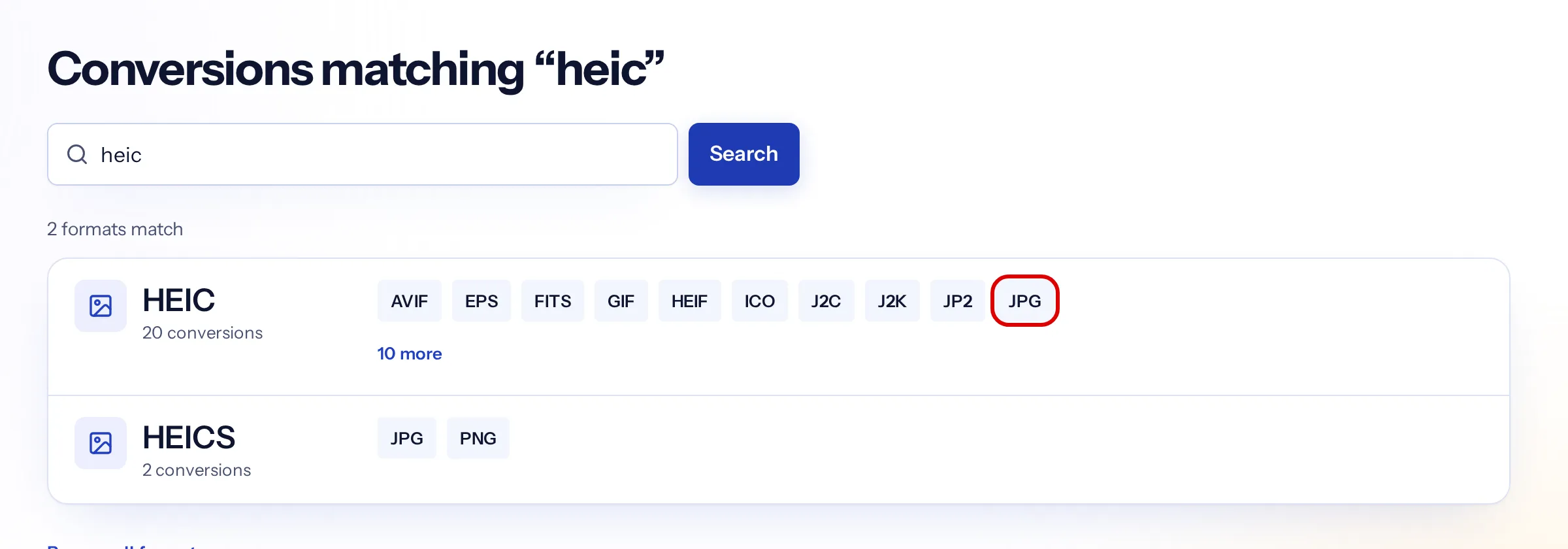
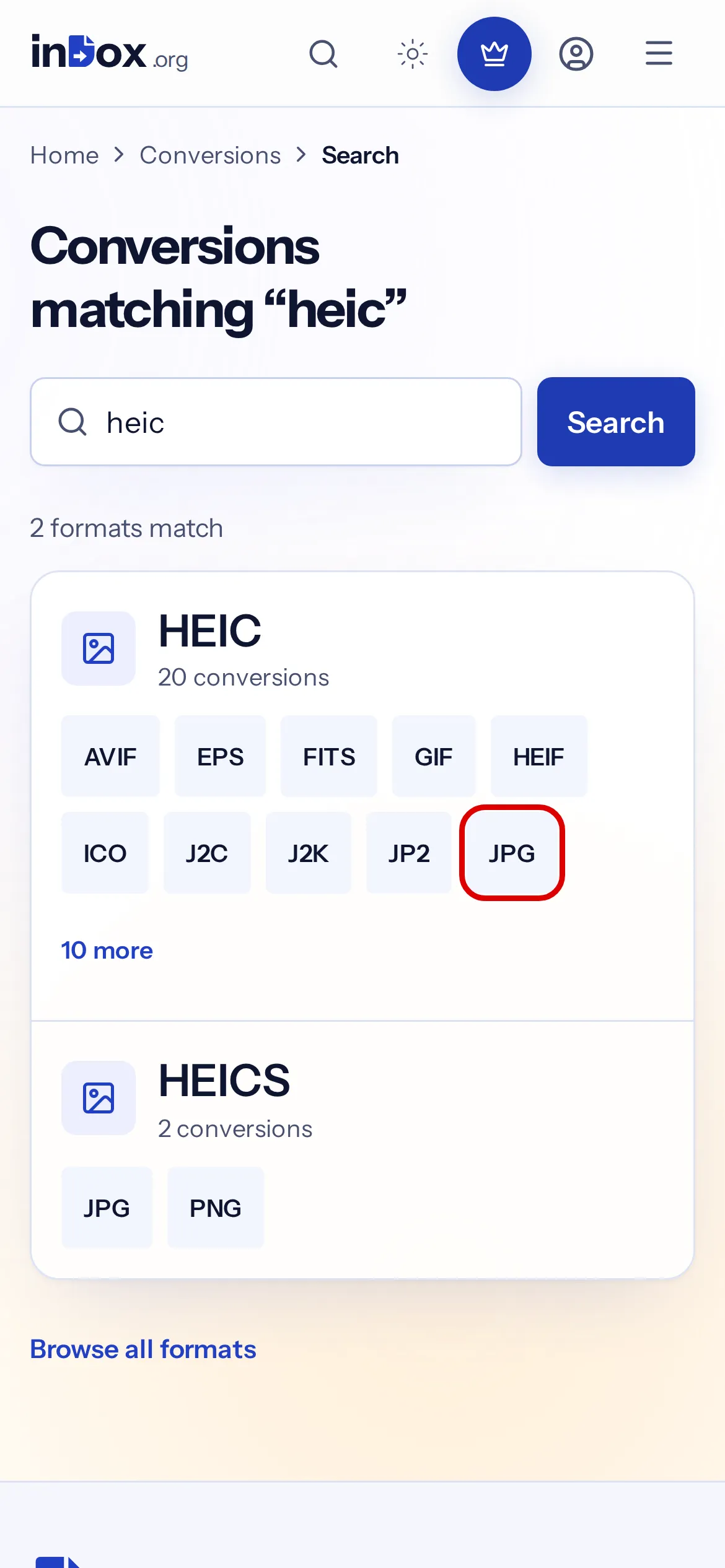
Type the format you have in the search box, such as heic. Then select the blue Search button next to it. You can also press Enter.
Pick the conversion
A new page opens with the title Conversions matching and your word. Each big name is a format you have. The small tags beside it are the formats it can become. In the HEIC row, select the JPG tag.
Check the converter page
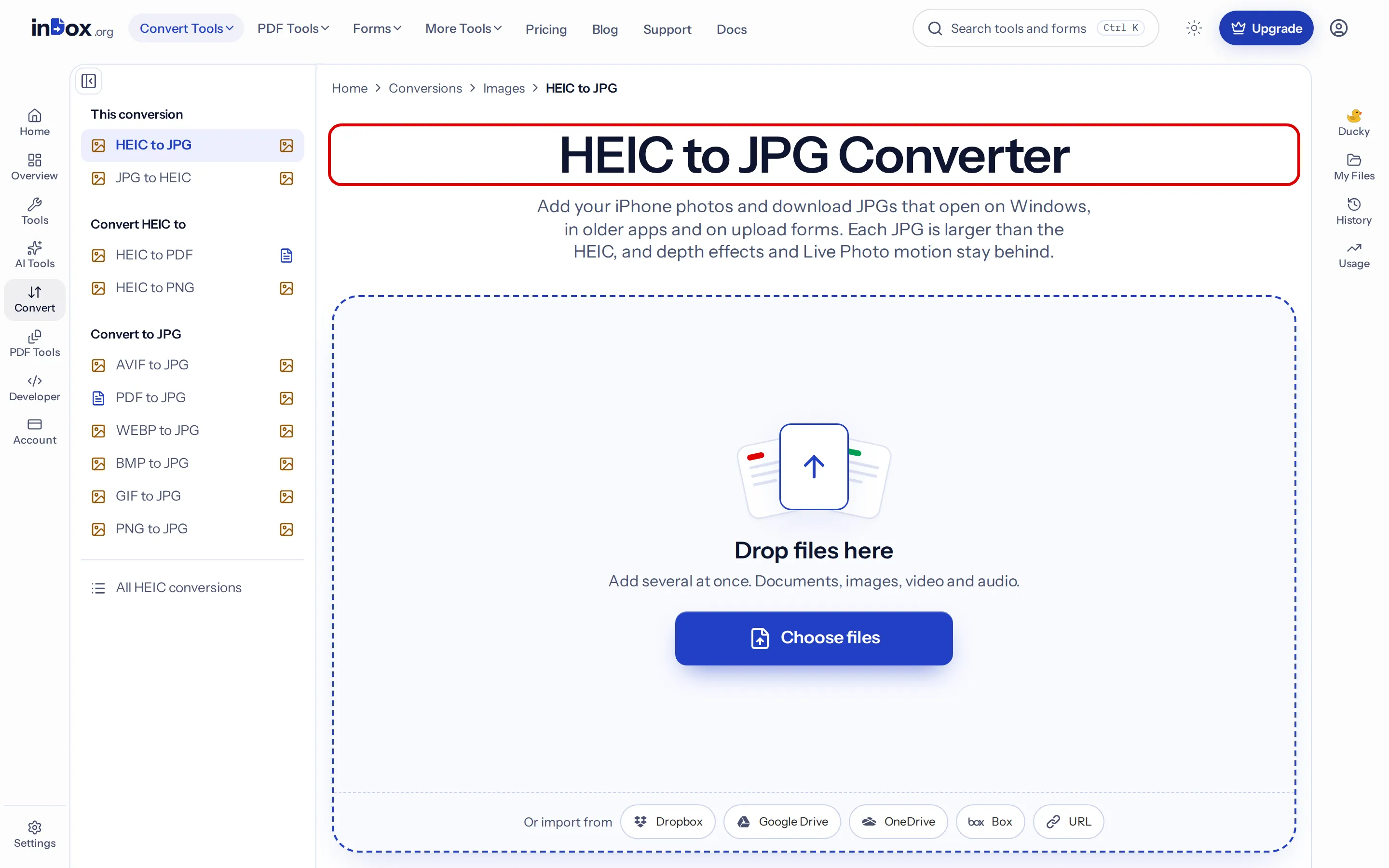
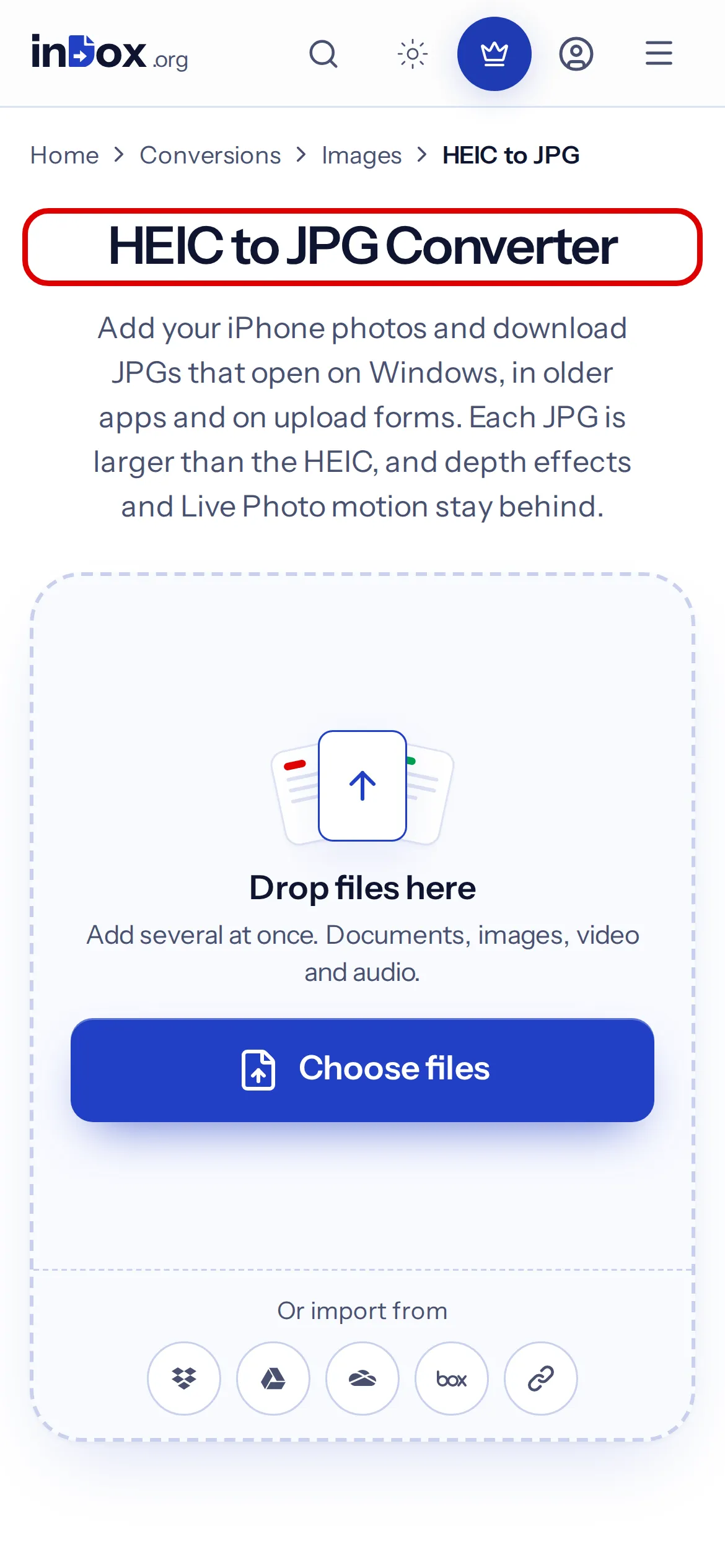
The converter for your two formats opens. Its title says HEIC to JPG Converter. Add your file in the dashed box that says Drop files here.
Troubleshooting
| Problem | Cause | Fix |
|---|---|---|
| You see No formats match | The word is not a format indox knows | Check the spelling, or select Browse all formats |
| You don't know the name of your format | The format is the end of the file name | Under the search box, select a kind such as Images or Video and look through the list |
| The list does not change when you type | The search runs only after you start it | Select Search or press Enter |