Last updated
Choose which emails indox sends you
Before you start
- You need to be signed in to indox.org.
Open the Notifications page
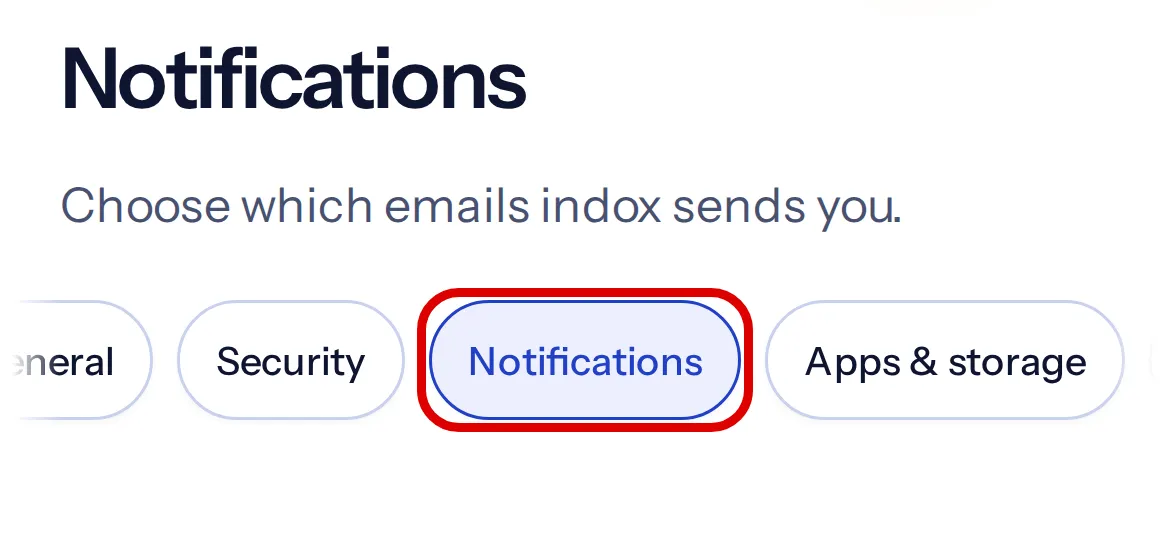
Go to the Notifications page. On any screen, select Notifications in the row of round buttons under the page title. The page title is Notifications, and it says: Choose which emails indox sends you.

Look at the switches
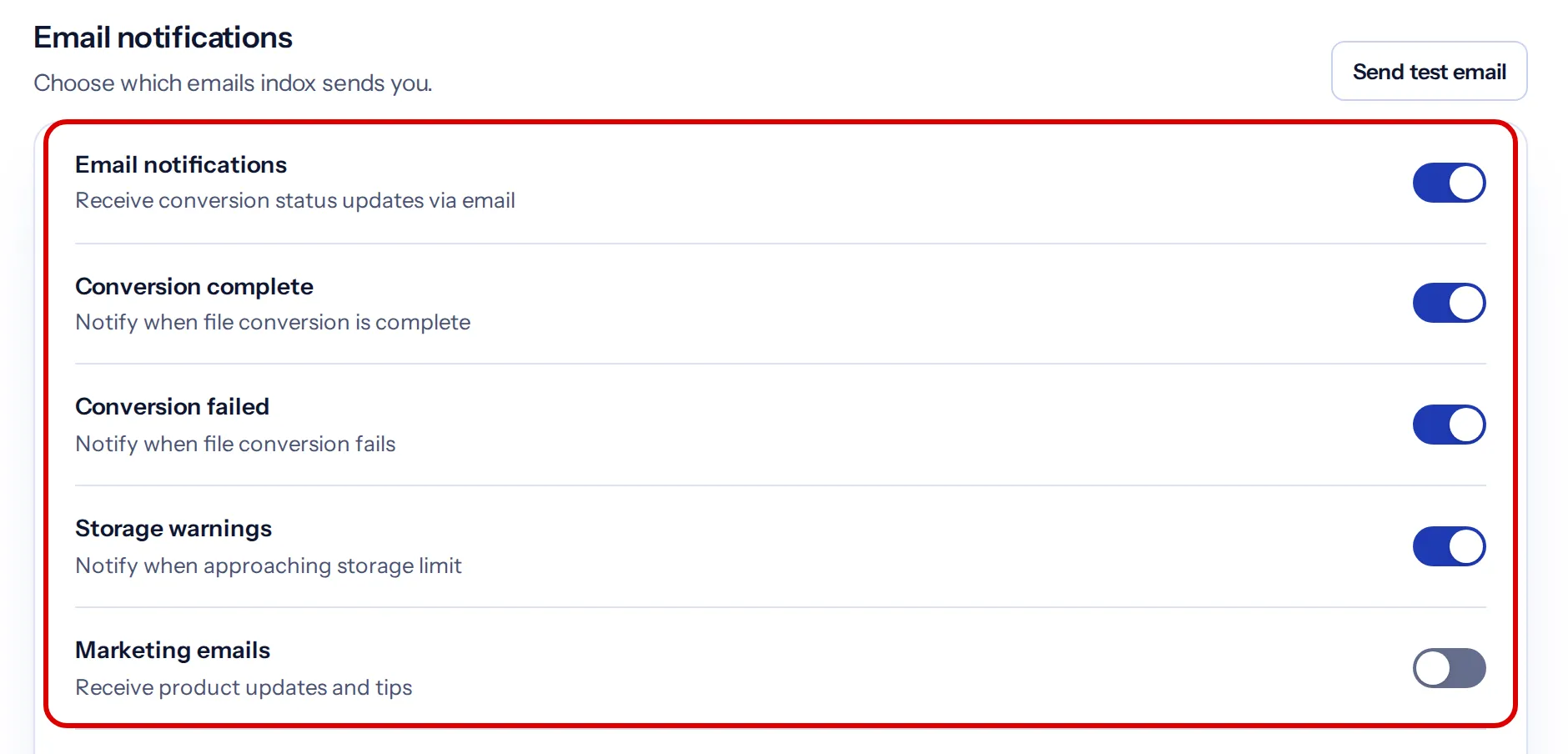
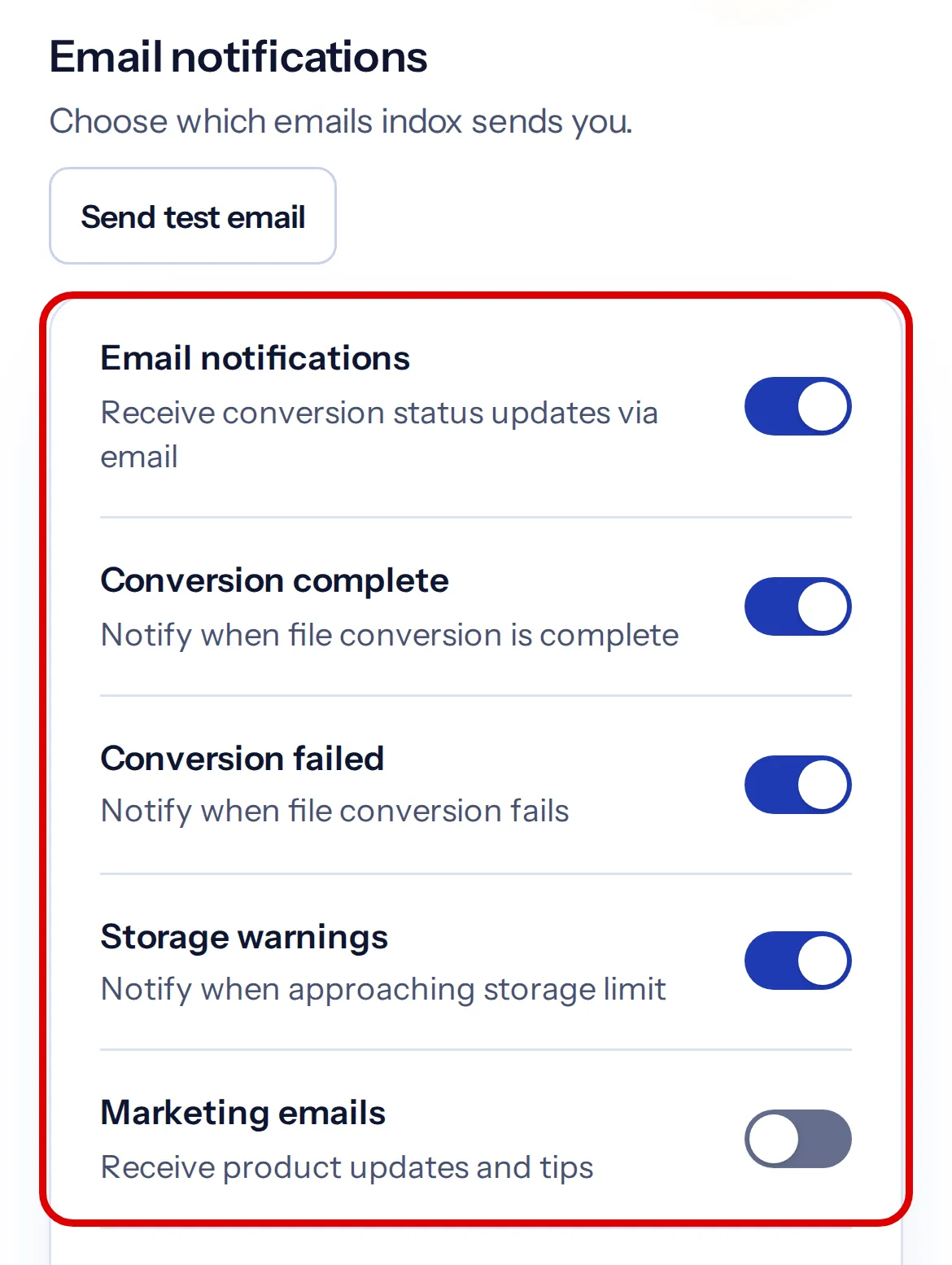
The Email notifications card has five switches: Email notifications, Conversion complete, Conversion failed, Storage warnings and Marketing emails. A blue switch is on. A grey switch is off.
Turn an email off or on
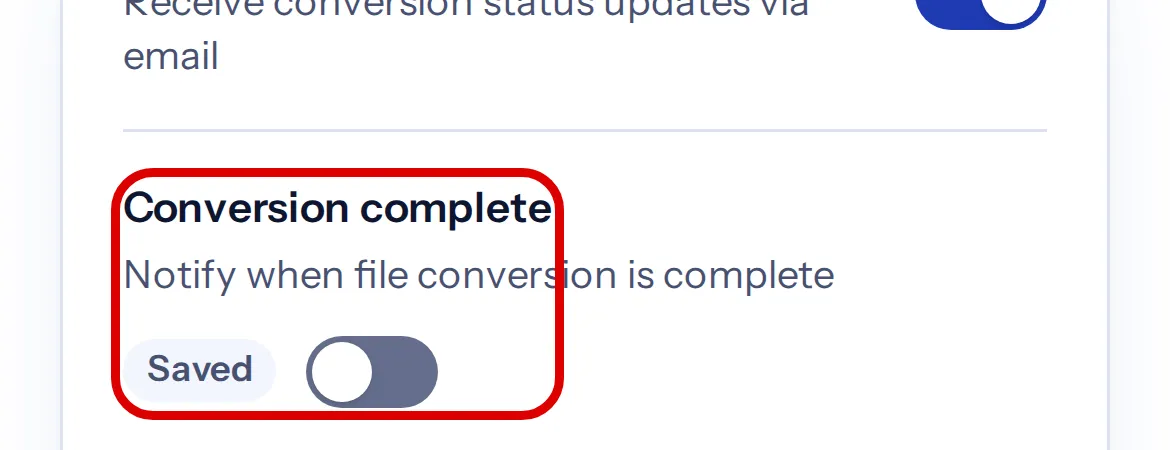
Select the switch next to an email you do not want, for example Conversion complete. It turns grey and the word Saved appears next to it. The page saves on its own, so there is no Save button. To get that email again, select the switch once more. It turns blue.

Pick the storage warning level
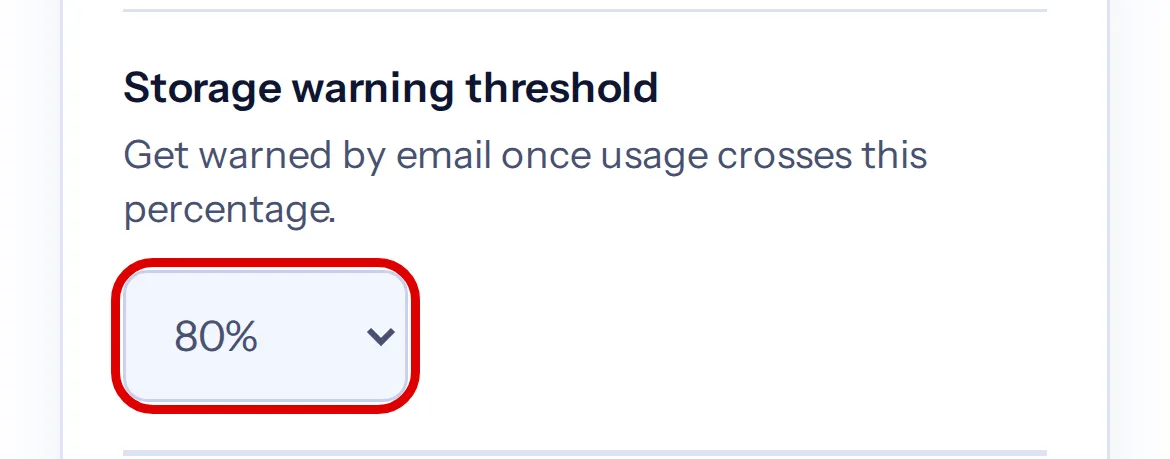
Find Storage warning threshold. It sets how full your storage must be before indox emails you a warning. Select the box to pick another level.

Troubleshooting
| Problem | Cause | Fix |
|---|---|---|
| A switch is grey and you wanted it on | That email is turned off | Select the switch once. It turns blue and shows Saved. |
| You are not sure which email a switch controls | The names are short | Read the small line of text under each name. It says when that email is sent. |