Last updated
Remove a certificate signature from a PDF
Before you start
- Have the PDF on your phone or computer. The upload box tells you how big a file can be.
- A certificate signature is a digital signature stored inside the PDF. It lets a PDF reader tell whether the file changed after it was signed.
- Removing it makes the copy unsigned. Nobody can then check who signed it or whether it changed since. Keep the signed original.
- Do this only with files you have the right to change.
- You don't need an account.
Open your PDF
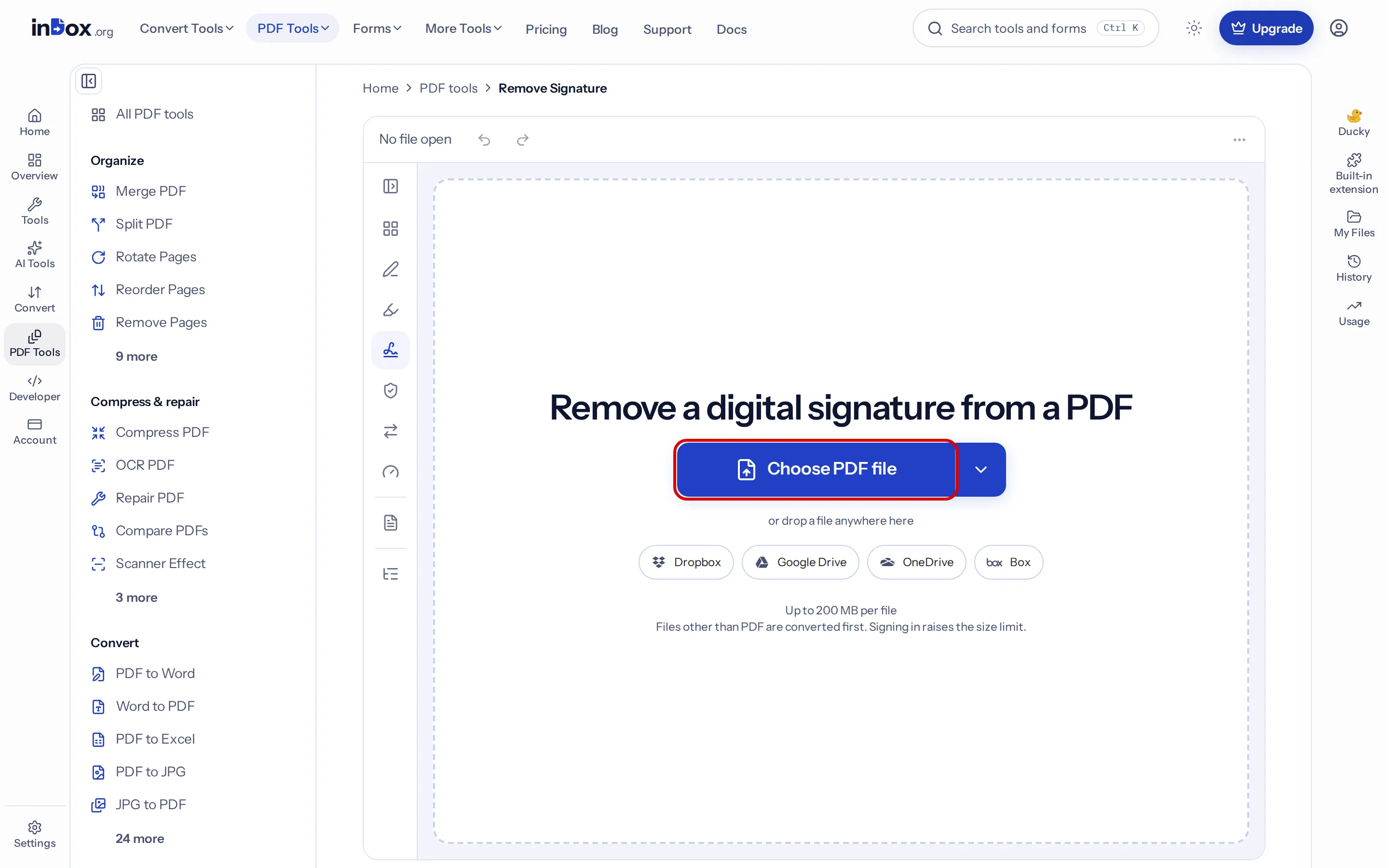
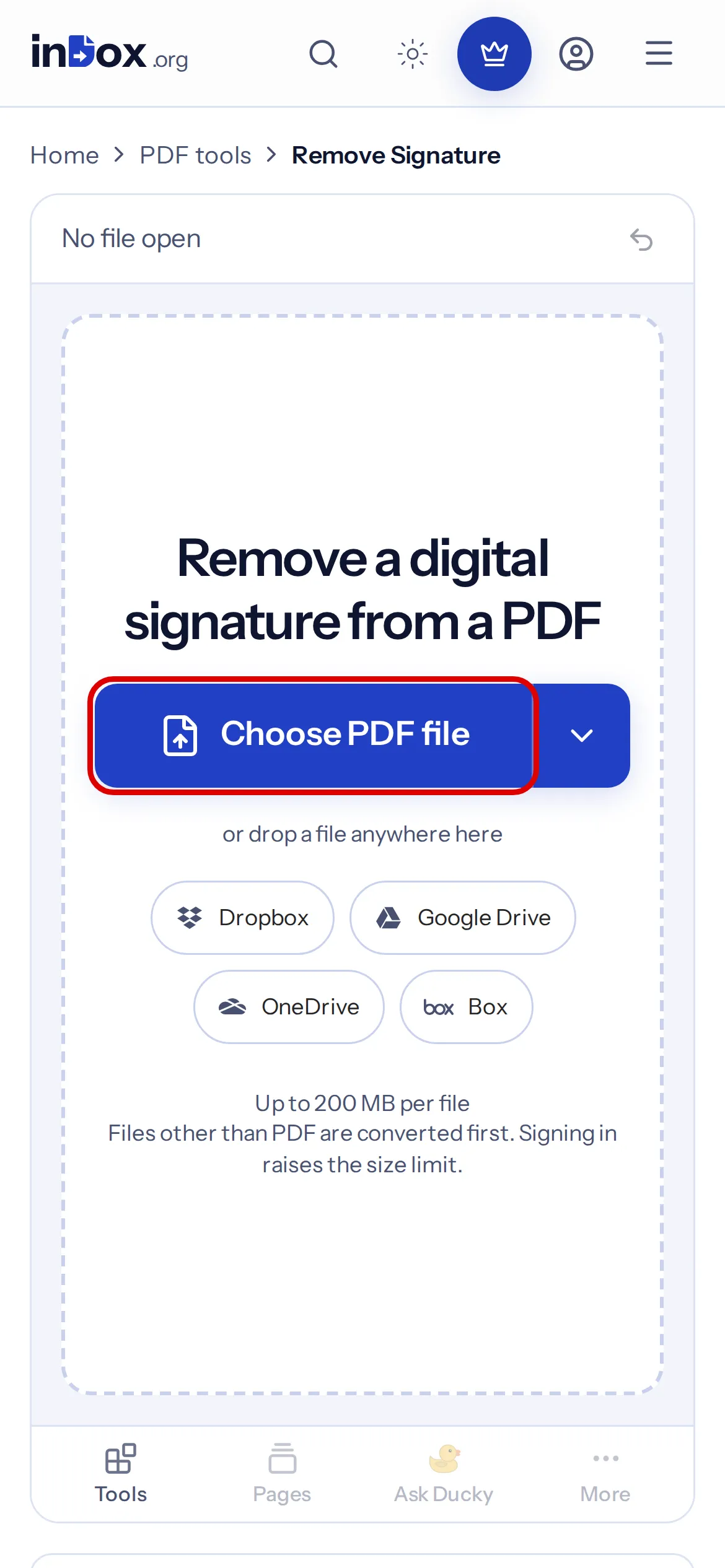
Go to the Remove Signature page. In the middle of the page, select the blue Choose PDF file button. A box opens so you can pick a file from your device. You can also drag a file onto the page. The file opens with a panel called Remove Signature. On a computer the panel is on the right. On a phone it slides up from the bottom.
Read the list
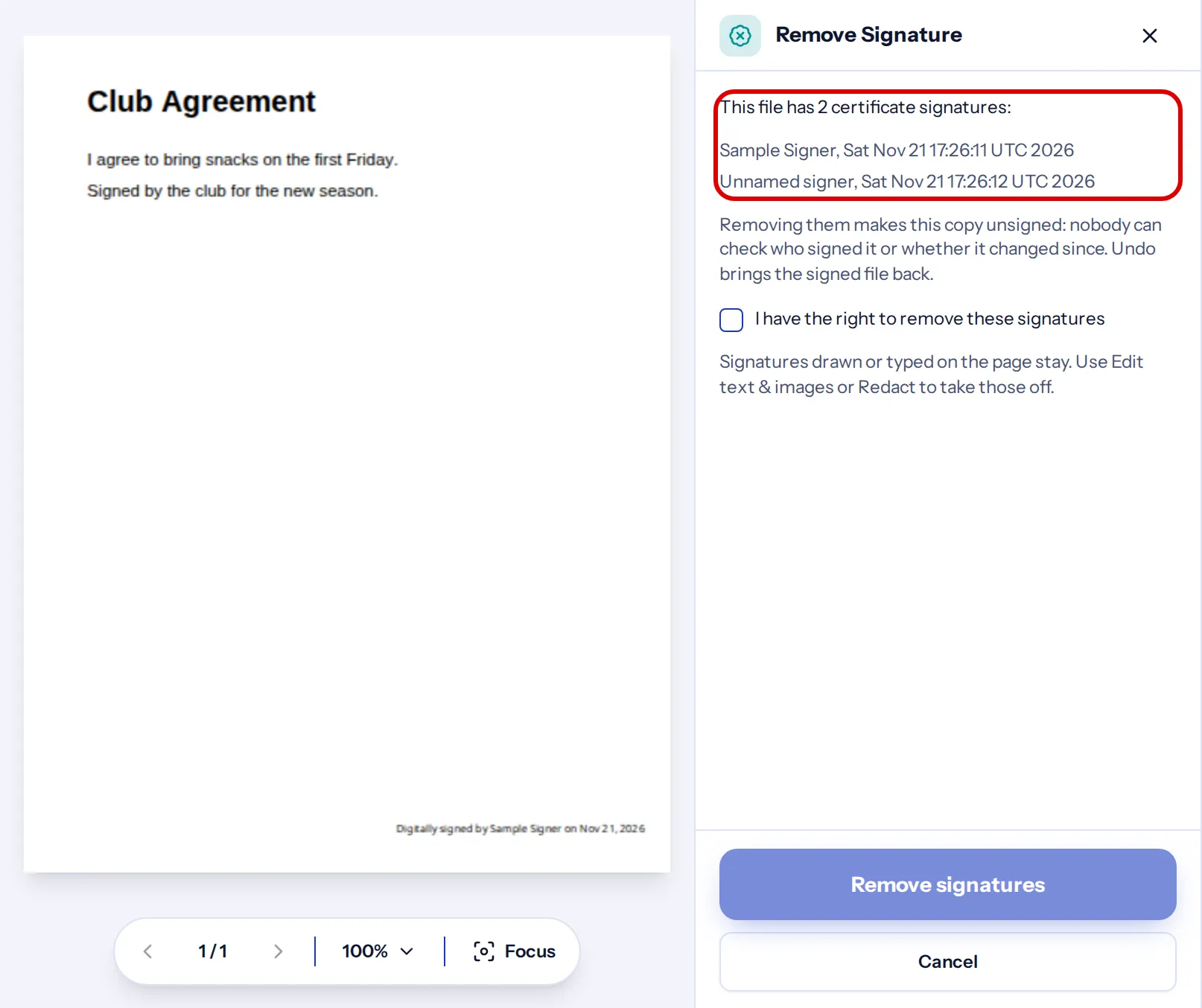
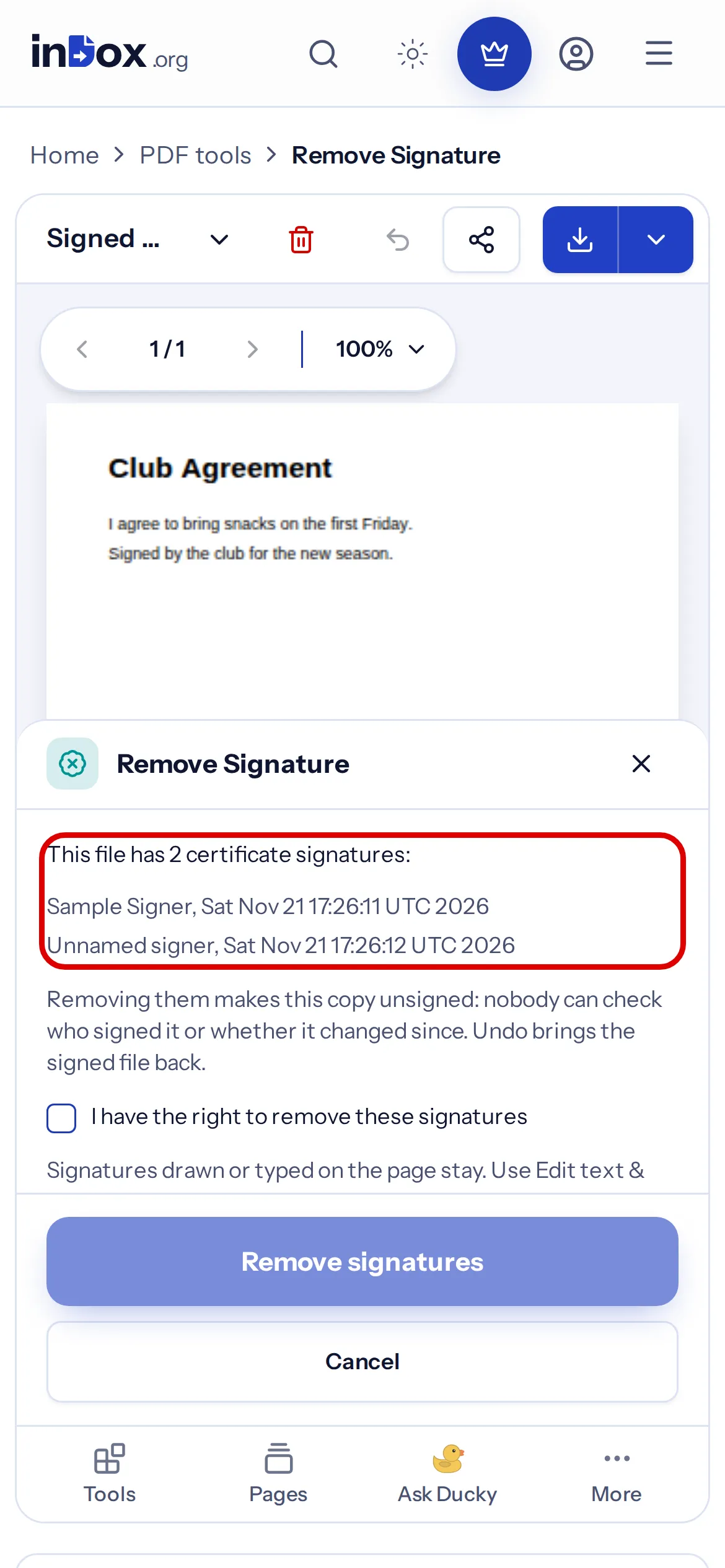
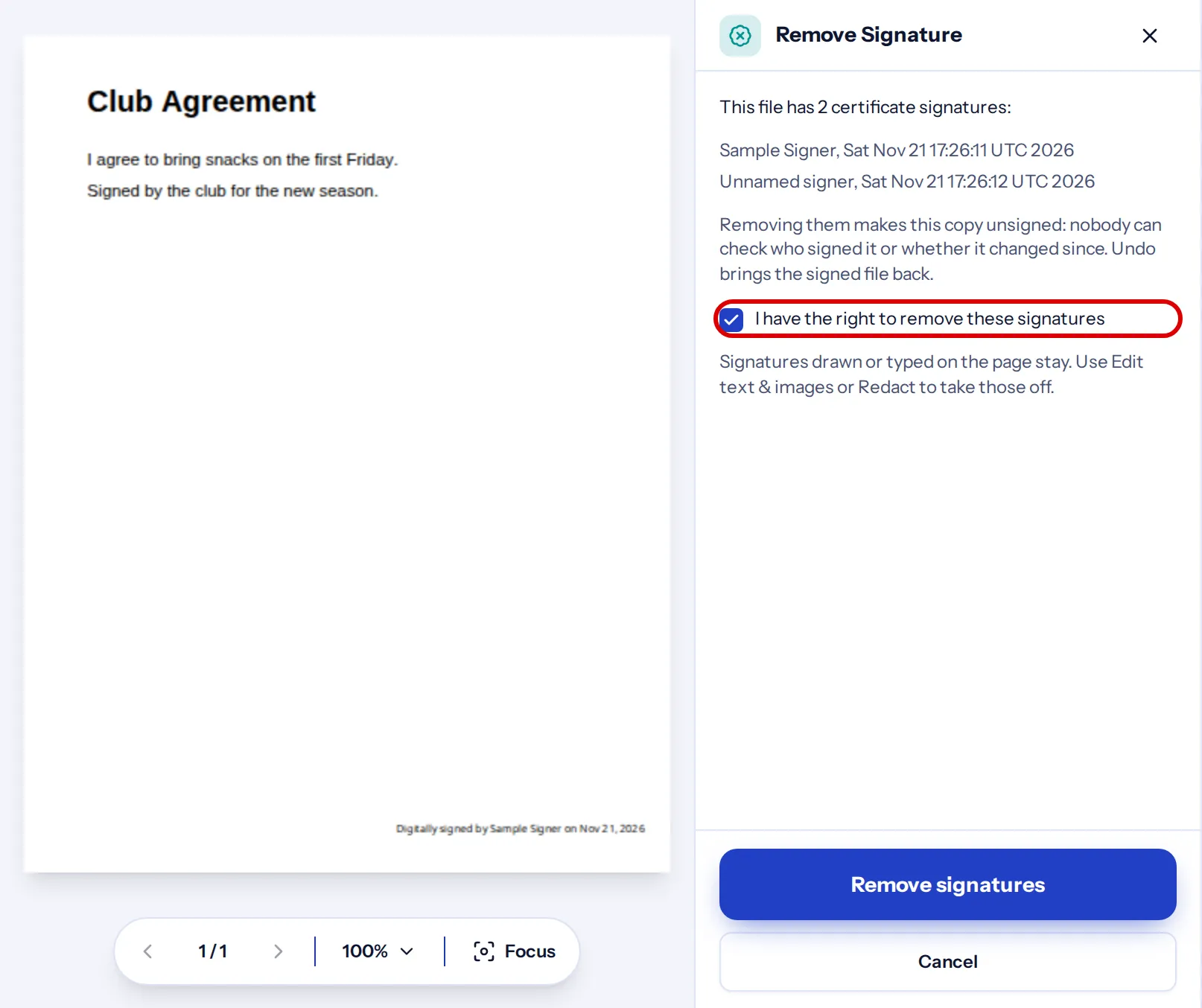
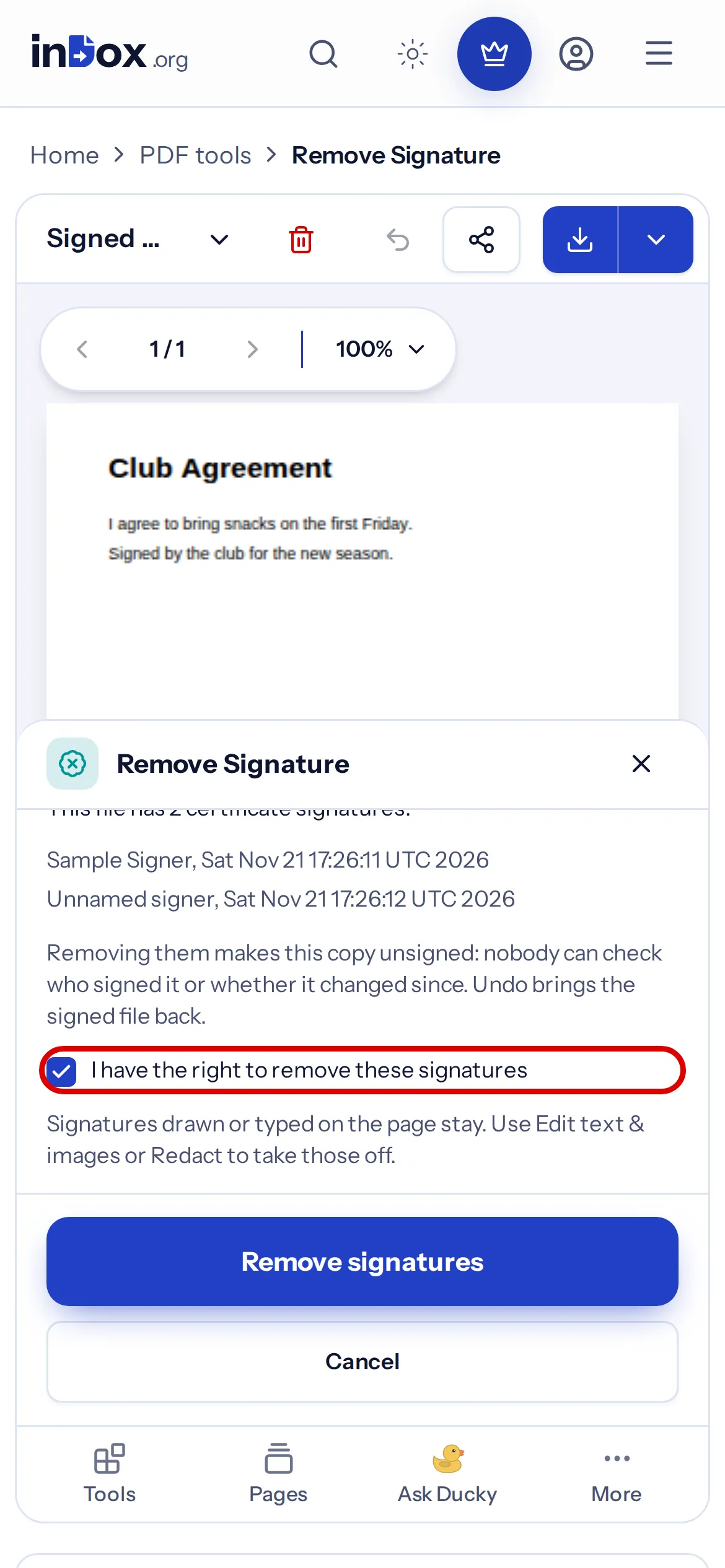
The panel checks the file. It says This file has 2 certificate signatures: and lists each one by name and date. A line that says Unnamed signer can be the timestamp, which has no name.
Say you may remove them
Tick the box I have the right to remove these signatures. The blue button below stays pale until you do.
Remove the signatures
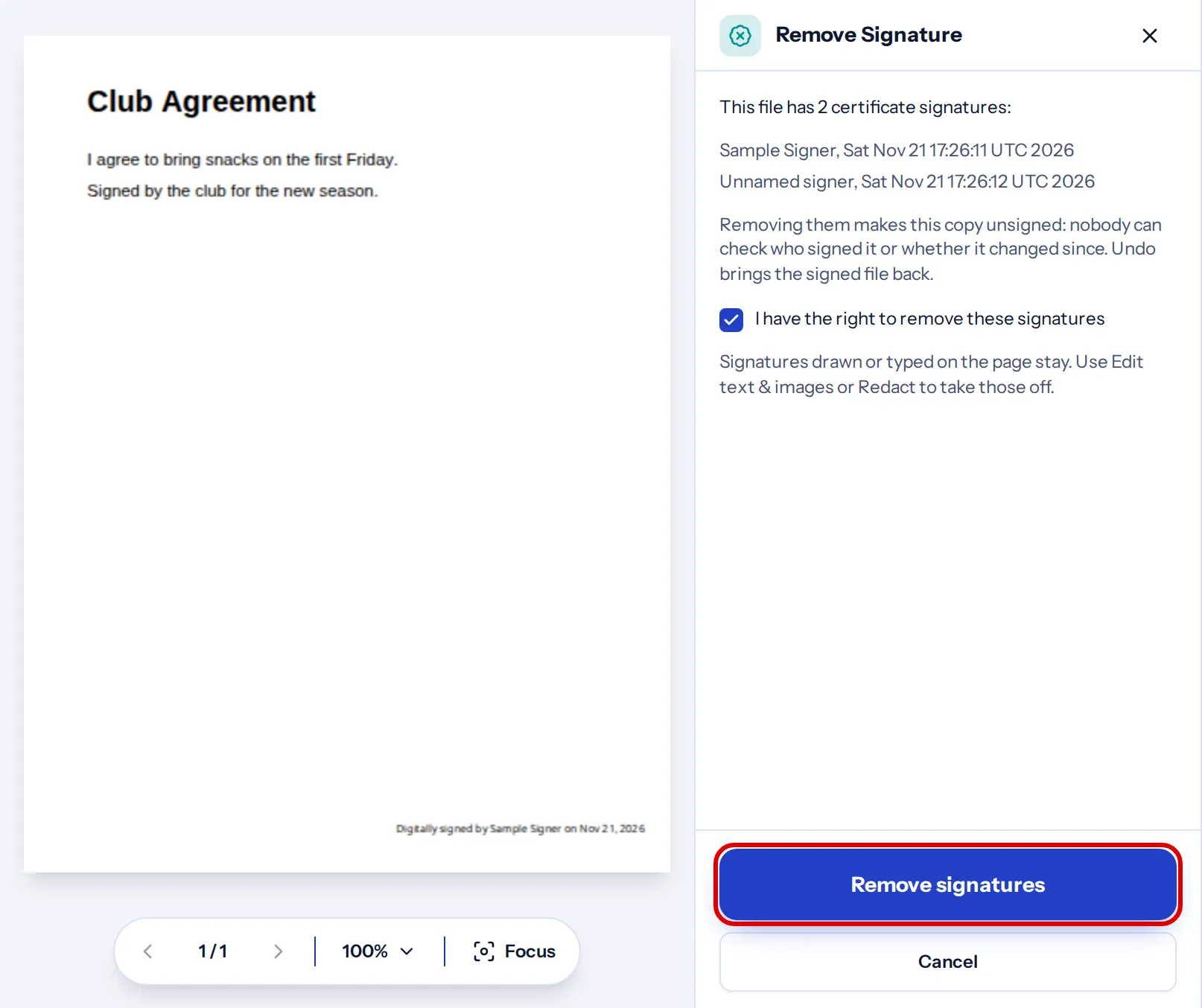
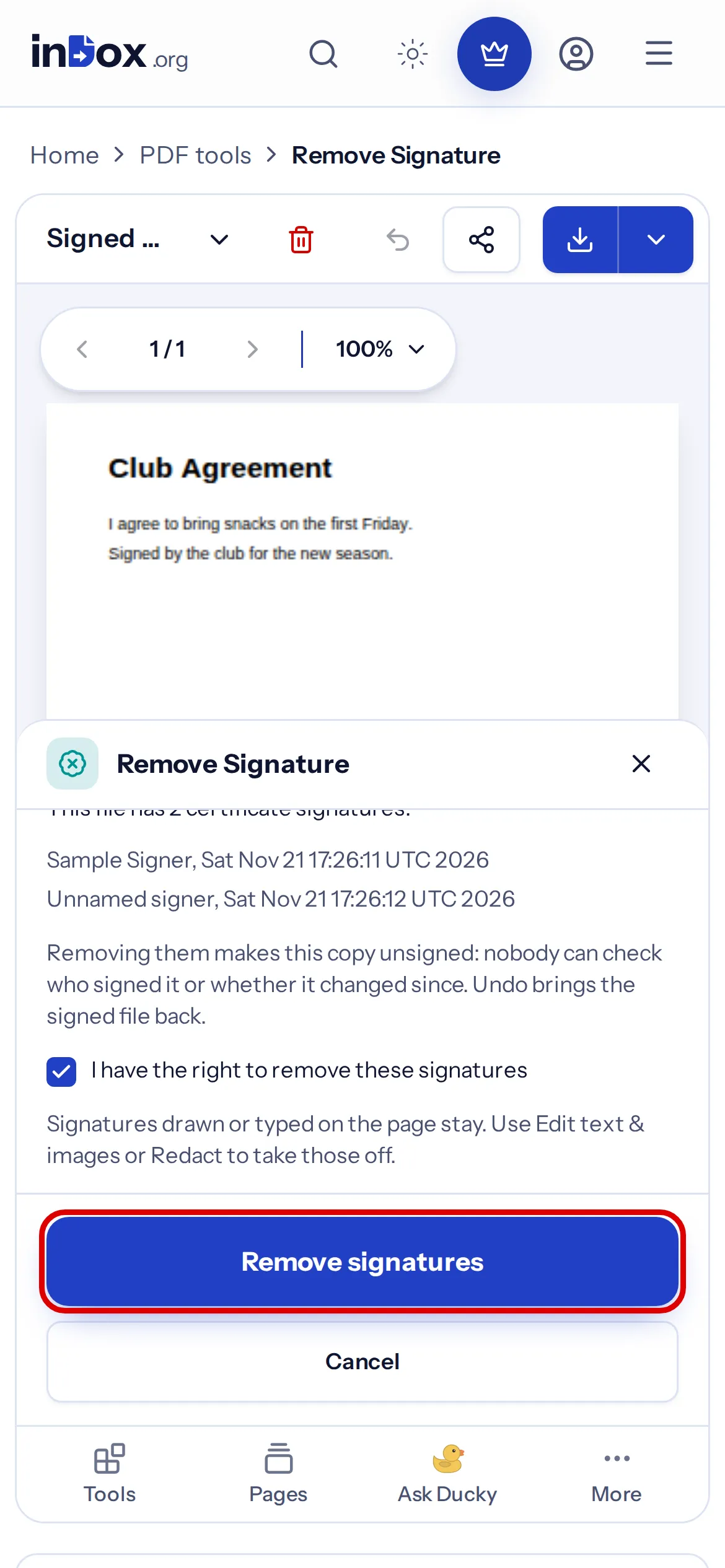
Select the blue Remove signatures button at the bottom of the panel. Wait a moment.
Read the result
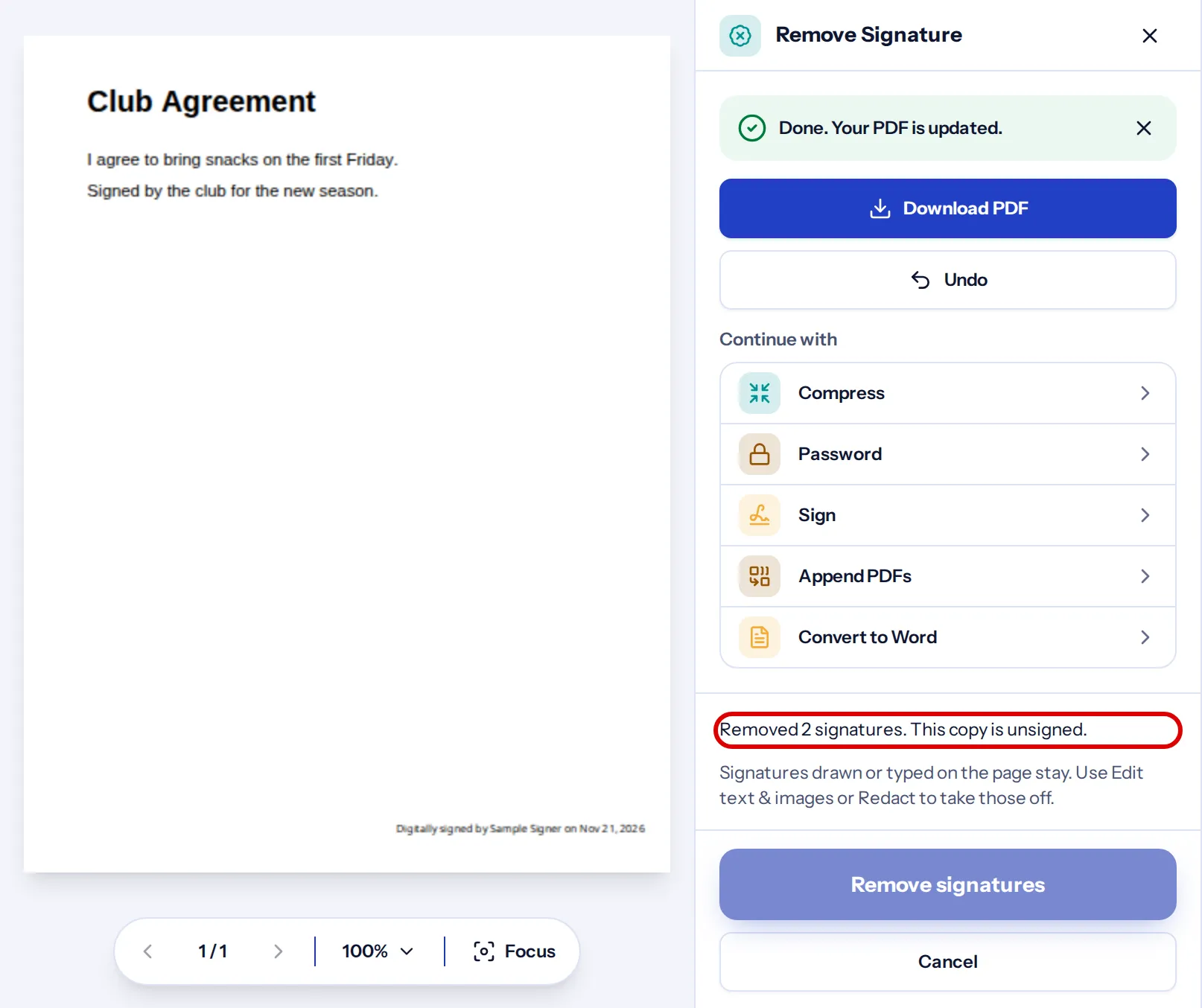
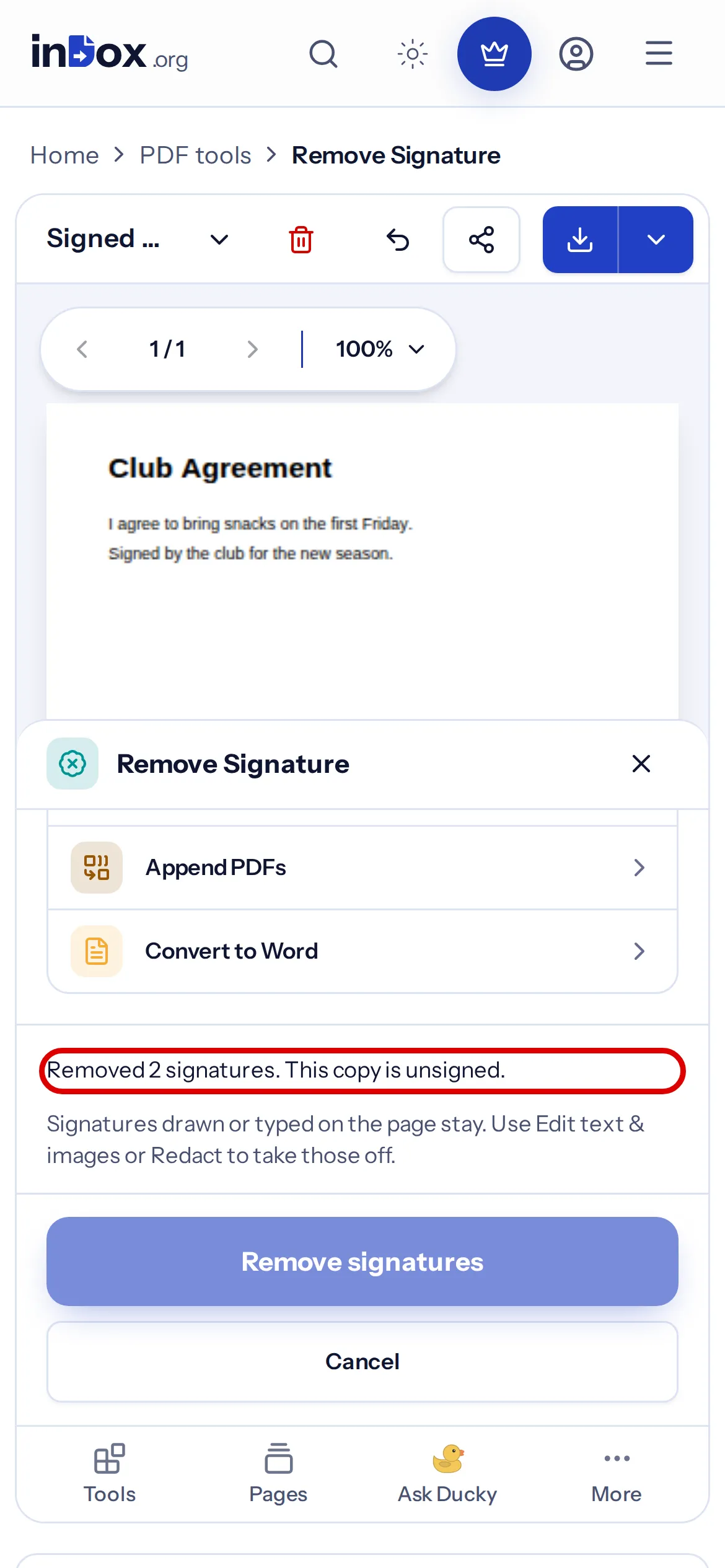
The panel says Done. Your PDF is updated. and Removed 2 signatures. This copy is unsigned. A line under it says that signatures drawn or typed on the page stay.
Download your PDF
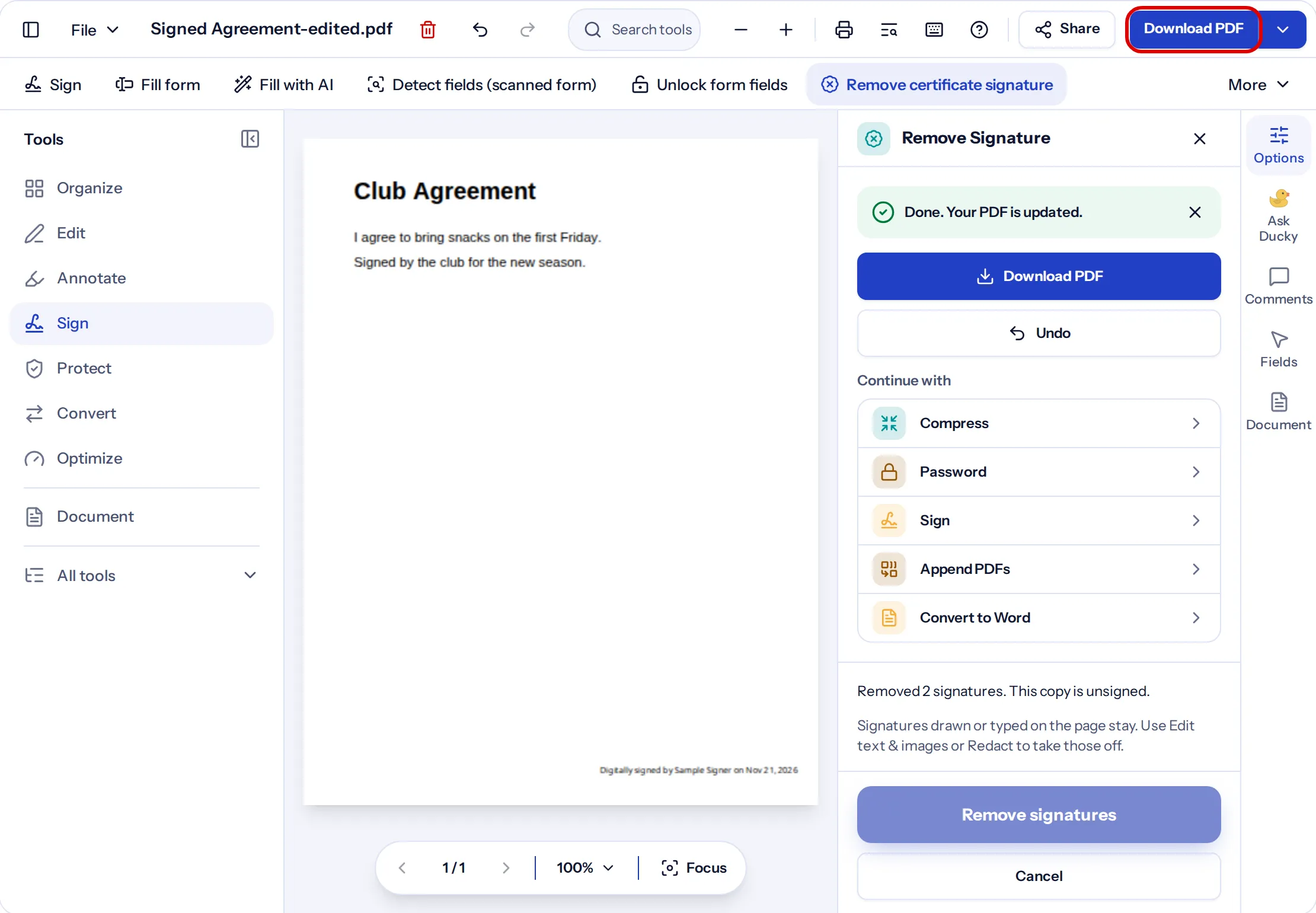
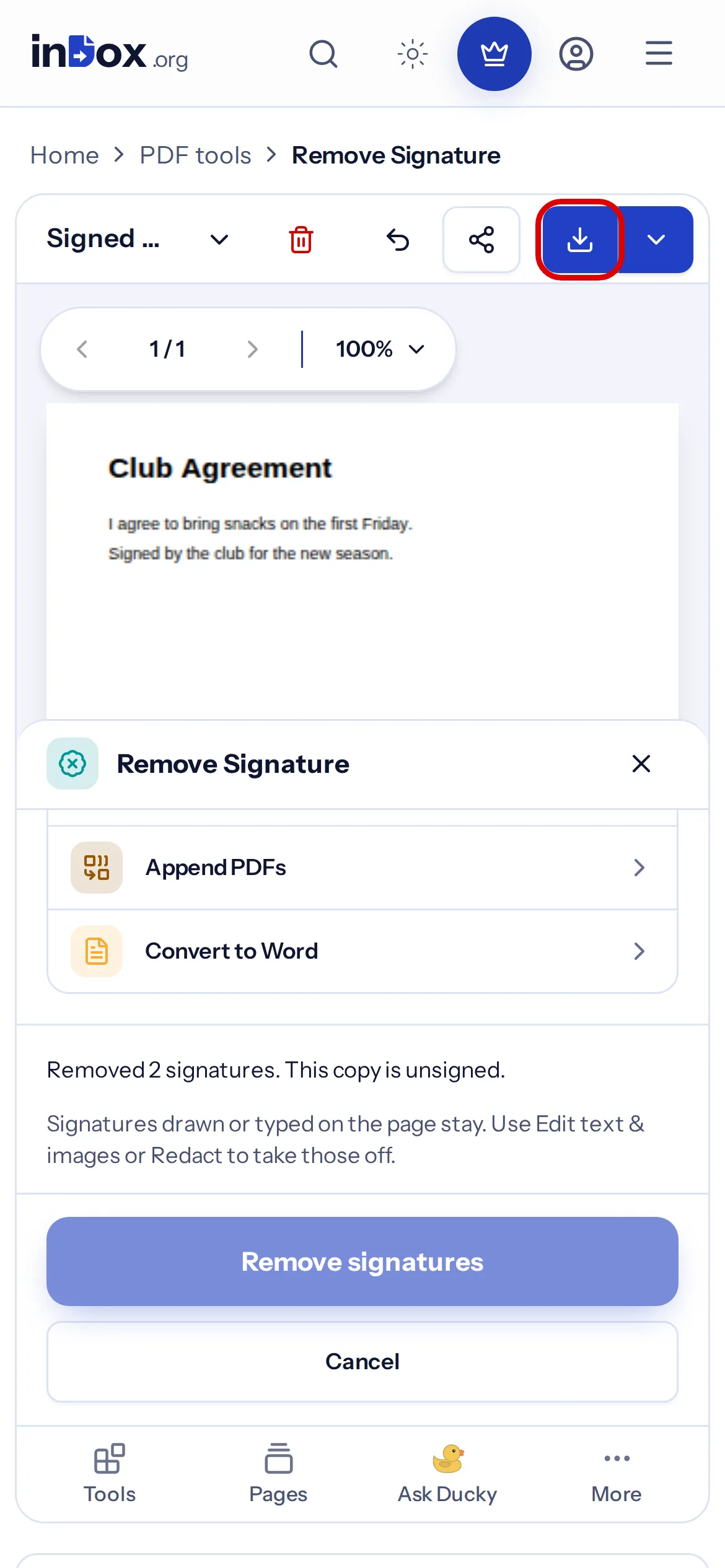
Select the blue Download PDF button. On a computer it is at the top right. On a phone it is the arrow in the bar above the page. The unsigned file is saved on your device. Its name ends in -edited.
Troubleshooting
| Problem | Cause | Fix |
|---|---|---|
| The panel says No certificate signatures found in this file, so there's nothing to remove. | The file is not signed, or its signature was drawn on the page | Use your PDF reader to check. For a drawn signature, use Edit text & images or Redact text |
| The panel says Couldn't check this file for signatures. | The check did not work | You can still run it. Tick the box and select Remove signatures |
| The words Digitally signed by are still on the page | A note drawn on the page is not a signature | Signatures drawn or typed on the page stay. Use Edit text & images or Redact to take them off |
| You want the signatures back | The new copy is unsigned | Select Undo next to Download PDF, or use your signed original |