Last updated
Open a file someone shared with you
Goal: The shared file saved on your device.
Before you start
- You need the link the person sent you. It starts with indox.org/s/.
- You do not need an account and you do not need to sign in.
- The link works until the date shown next to Expires.
Open the link
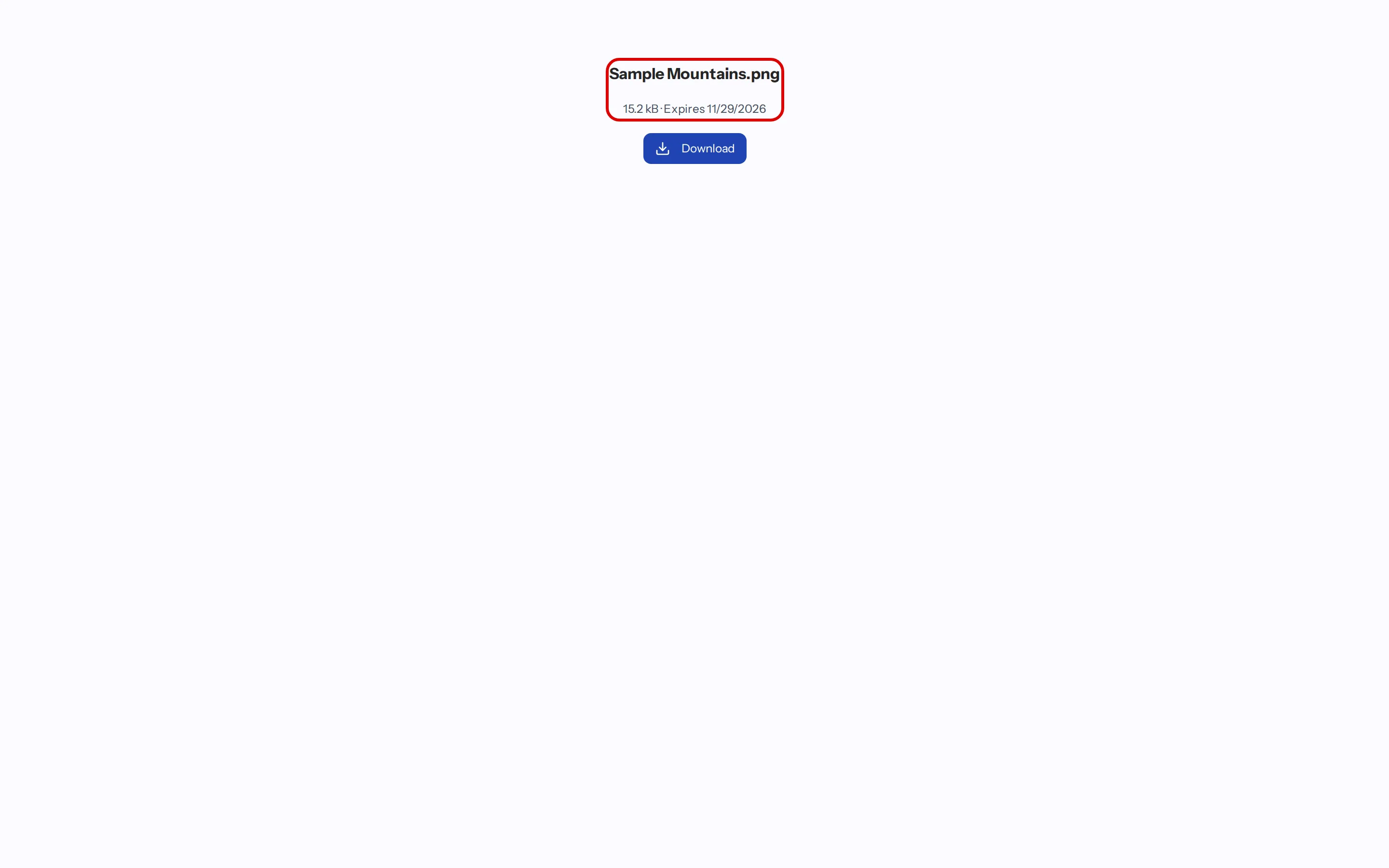
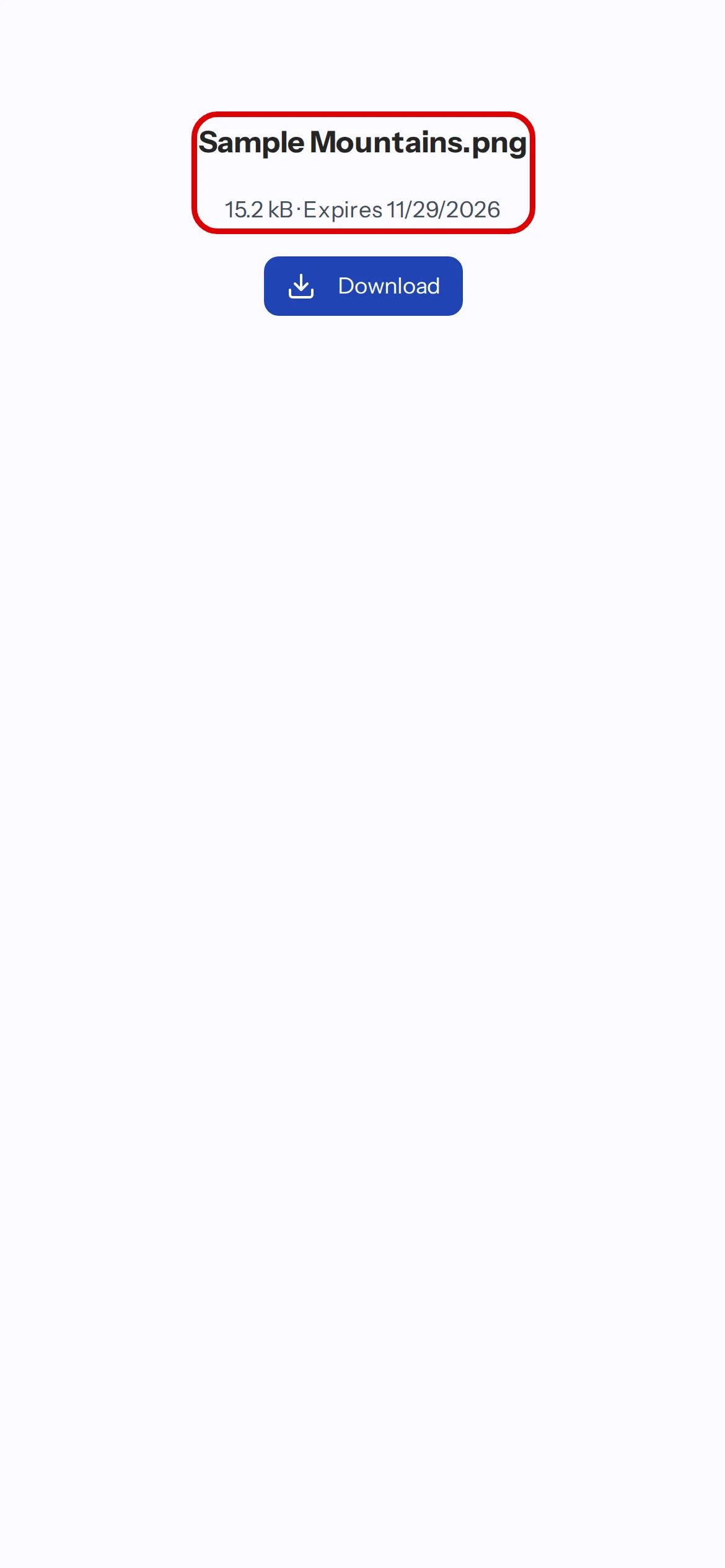
Select the link in your message or email. You can also paste it into the address bar of your browser. A plain page opens. It shows the file name in bold. Under it you see the file size and a date after Expires. Check that the file name is the one you expected.
Download the file
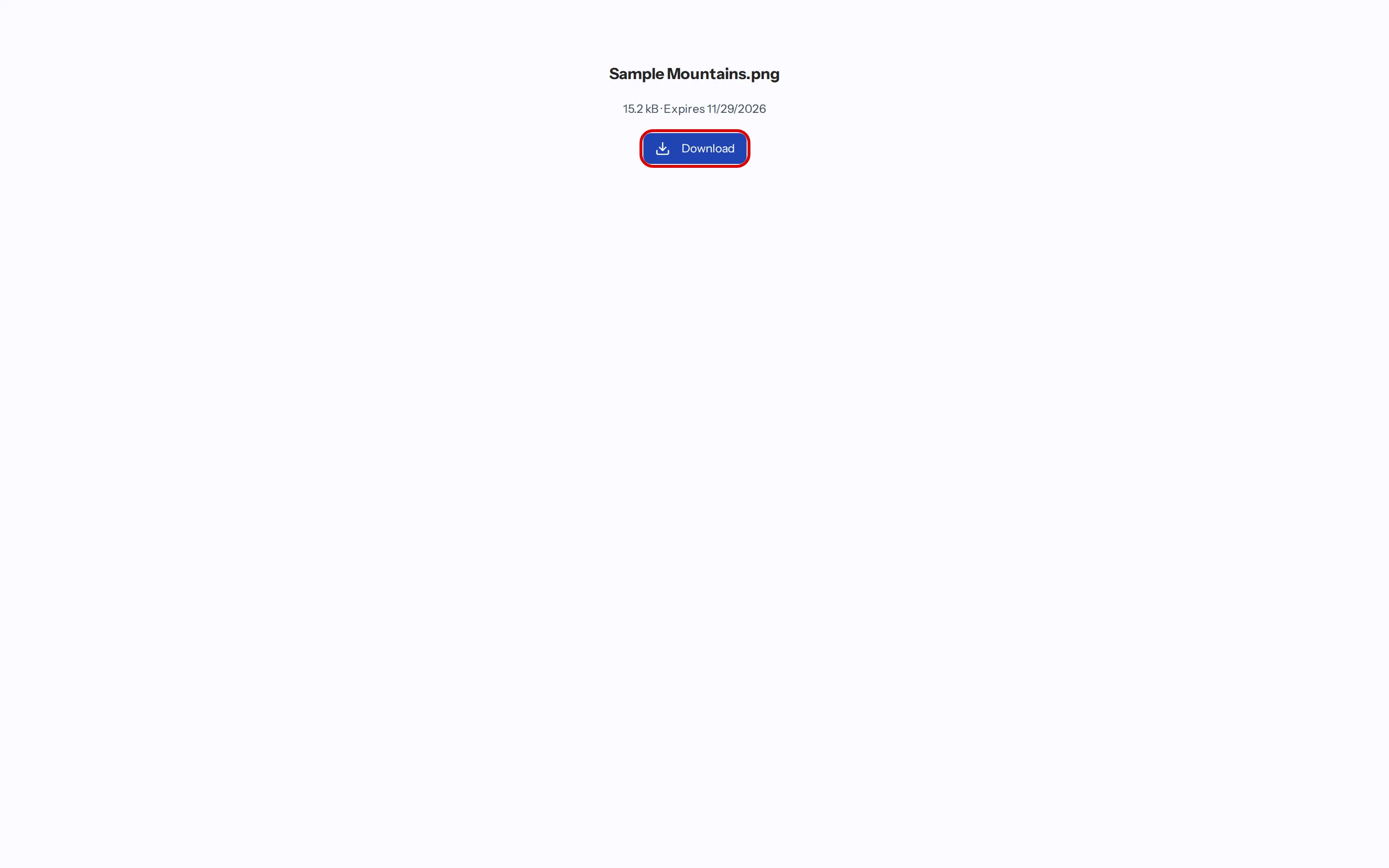
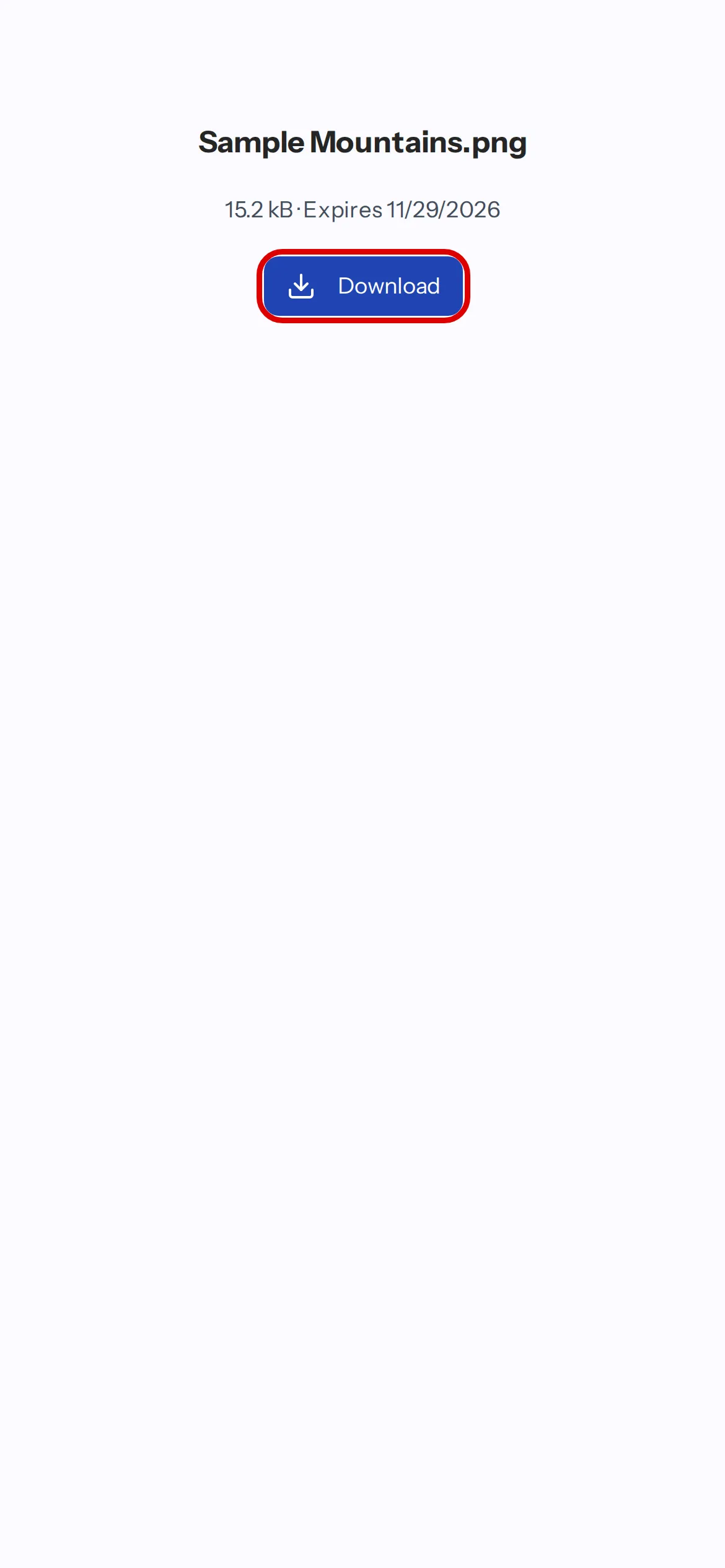
Select the blue Download button under the date. Your device saves the file. Look in your Downloads folder, or in your browser's list of downloads. The saved name can start with extra letters and numbers. You can rename the file after you save it.
Troubleshooting
| Problem | Cause | Fix |
|---|---|---|
| Link not found | The sender turned the link off, it passed its date, or part of the link was cut off when you copied it | Ask the sender for a new link, and copy the whole link |
| This file is password protected | The sender added a password | Type the password they gave you, then select Unlock |
| Incorrect password | The password does not match | Type it again. Check capital letters. After many wrong tries you have to wait before you can try again |
| Could not download this file. | The download did not start | Select Download again |