Last updated
Flatten a PDF
Before you start
- Have the PDF on your phone or computer. The upload box tells you how big a file can be.
- Flattening turns form boxes you can type in into plain page content. After that, nobody can change the answers.
- If the PDF has a digital signature, flattening removes it, so the page asks you to confirm first.
- You don't need an account.
Open your PDF
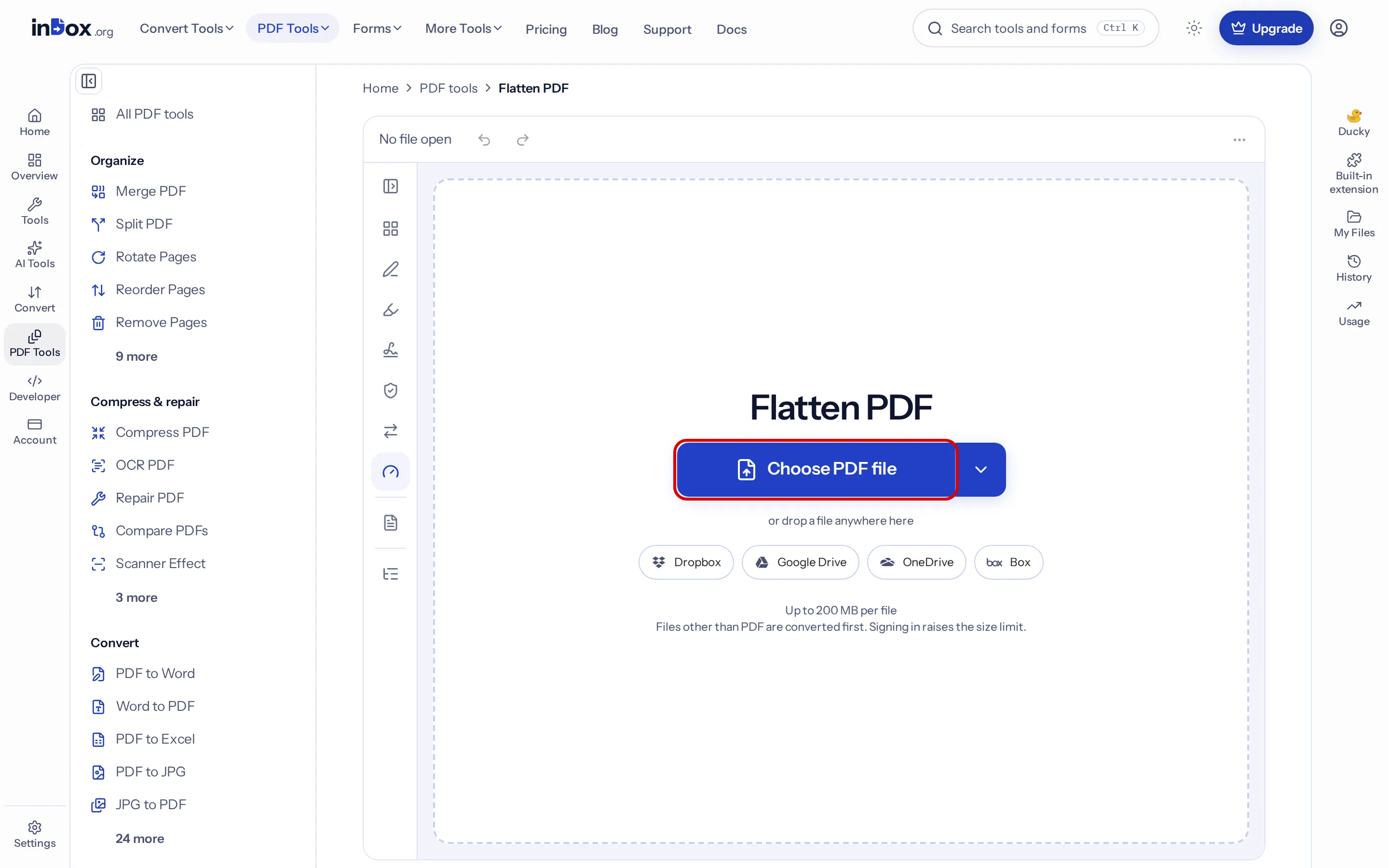
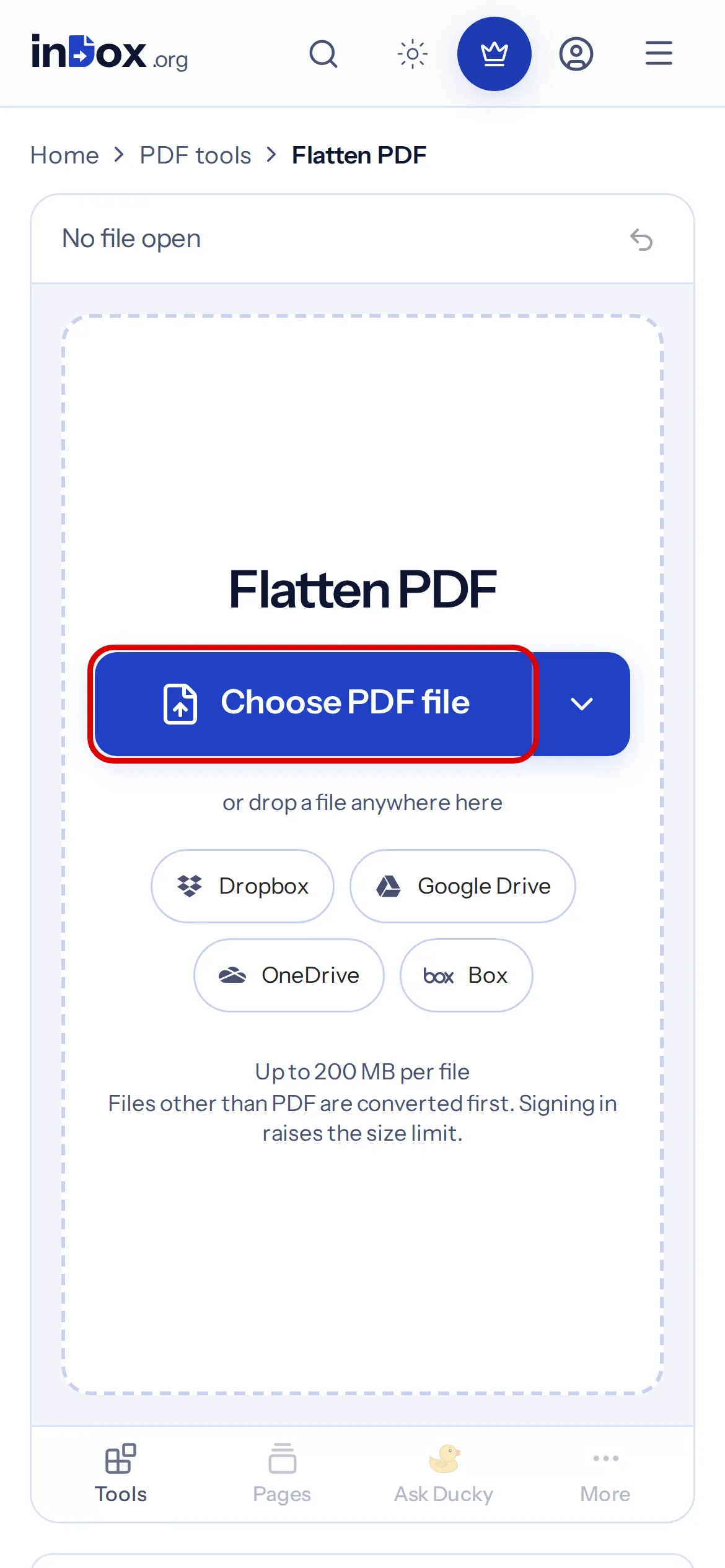
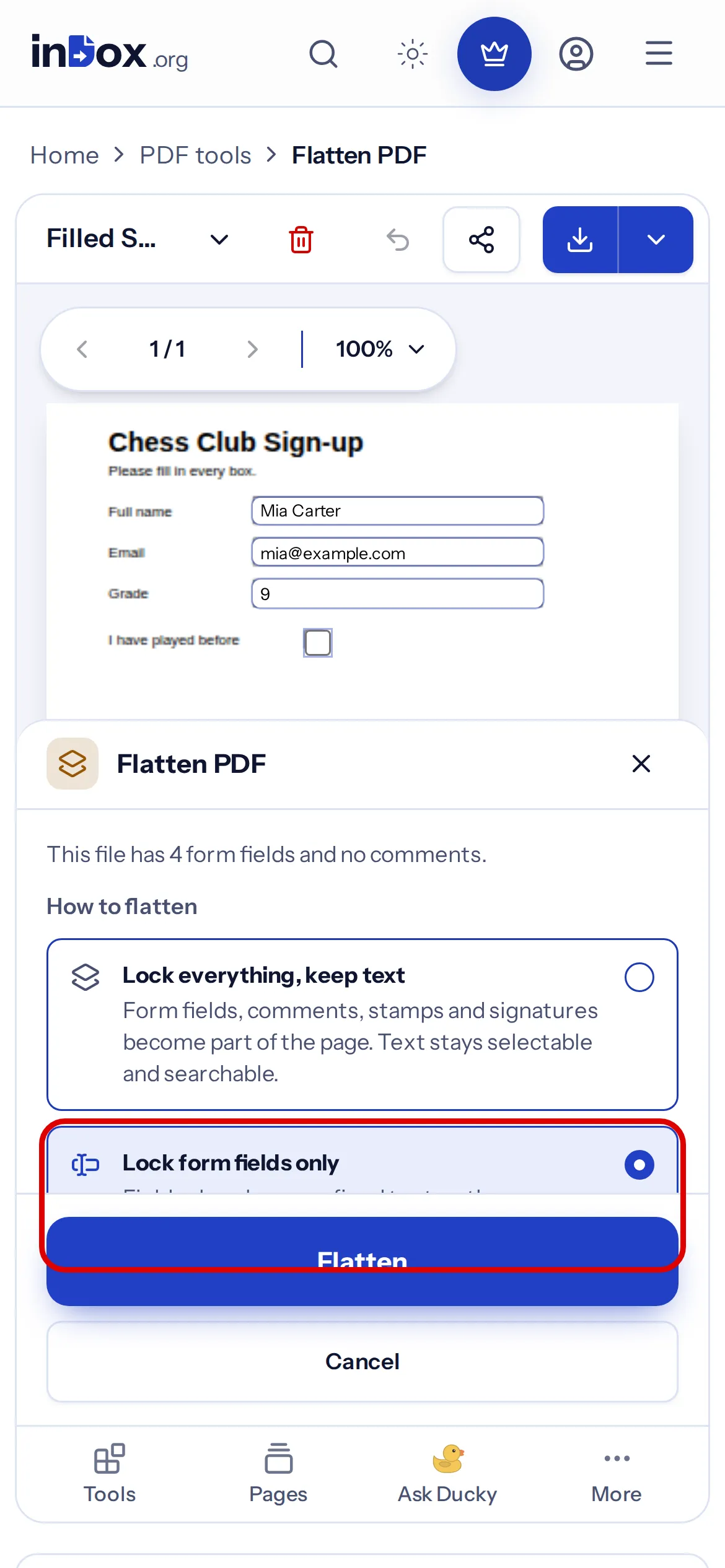
Go to the Flatten PDF page. In the middle of the page, select the blue Choose PDF file button. A box opens so you can pick a file from your device. You can also drag a file onto the page. The file opens with a panel called Flatten PDF. On a computer the panel is on the right. On a phone it slides up from the bottom.
Read what the file has
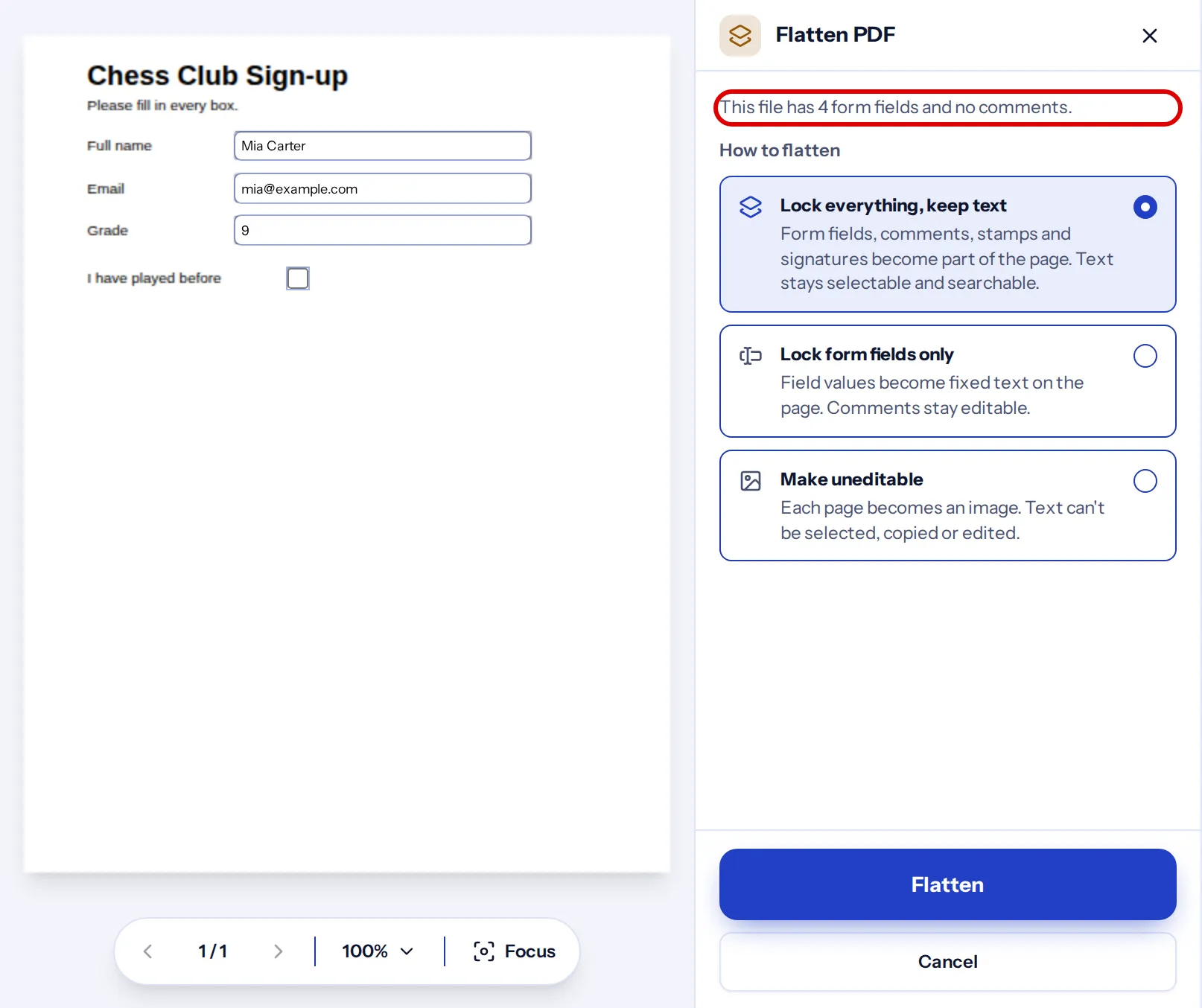
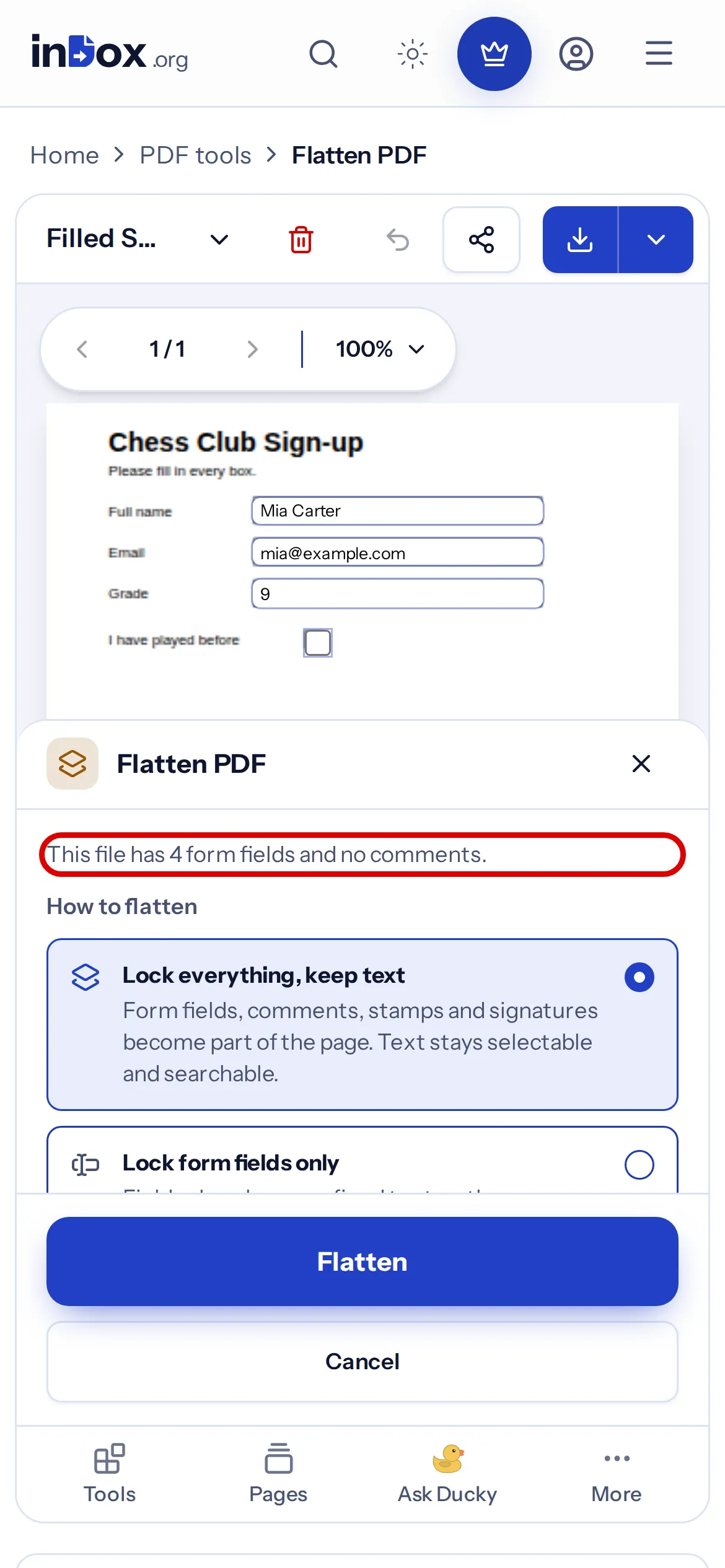
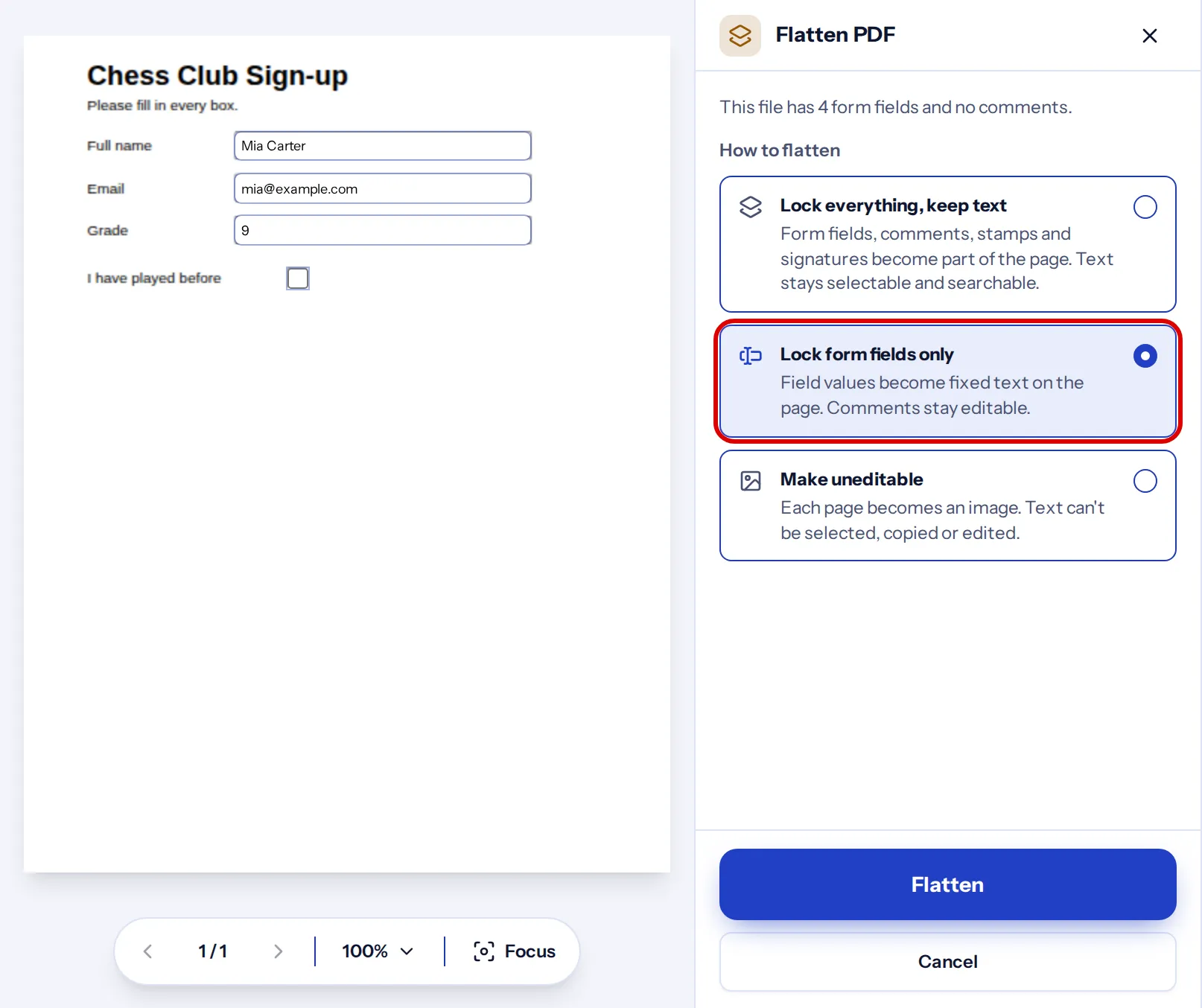
At the top of the panel, a line tells you what indox found, such as This file has 4 form fields and no comments. Form fields are the boxes you can type in.
Choose how to flatten
Under How to flatten, pick one of three choices. Lock everything, keep text makes fields, comments, stamps and signatures part of the page, and the text stays selectable. Lock form fields only fixes the answers on the page and leaves comments editable. Make uneditable turns each page into an image, so the text can't be selected or copied. Select the one you want.
Flatten the file
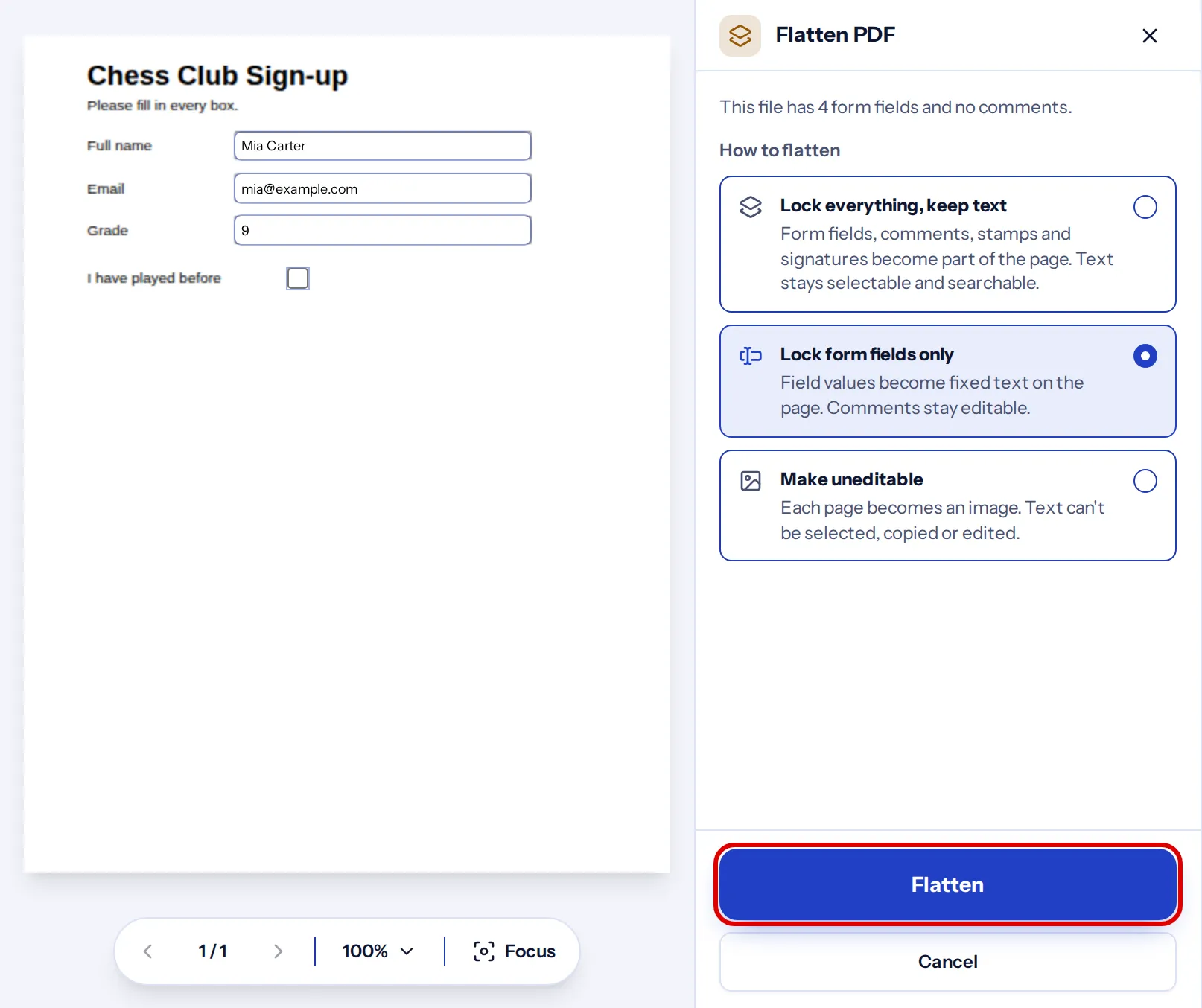
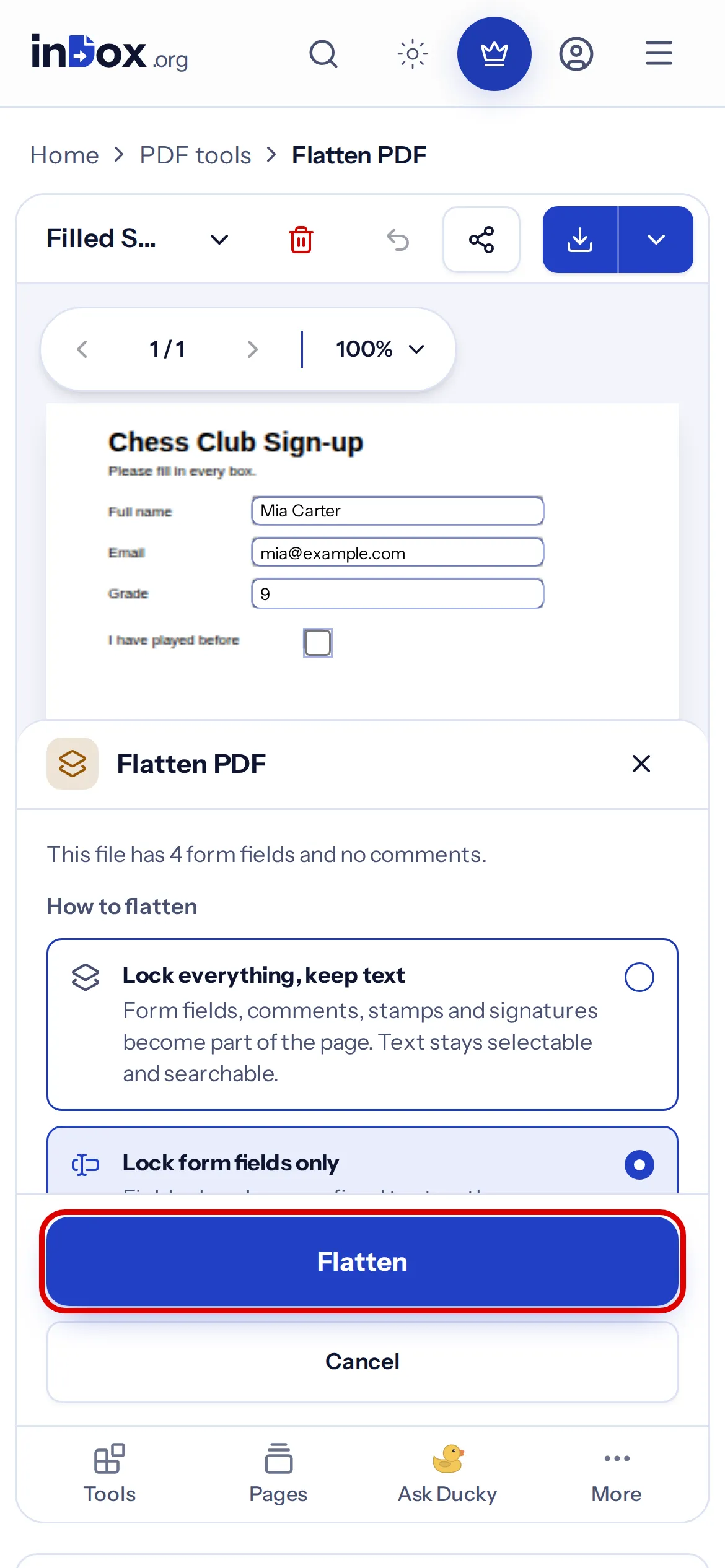
Select the blue Flatten button at the bottom of the panel. A progress message shows while indox works.
Download your PDF
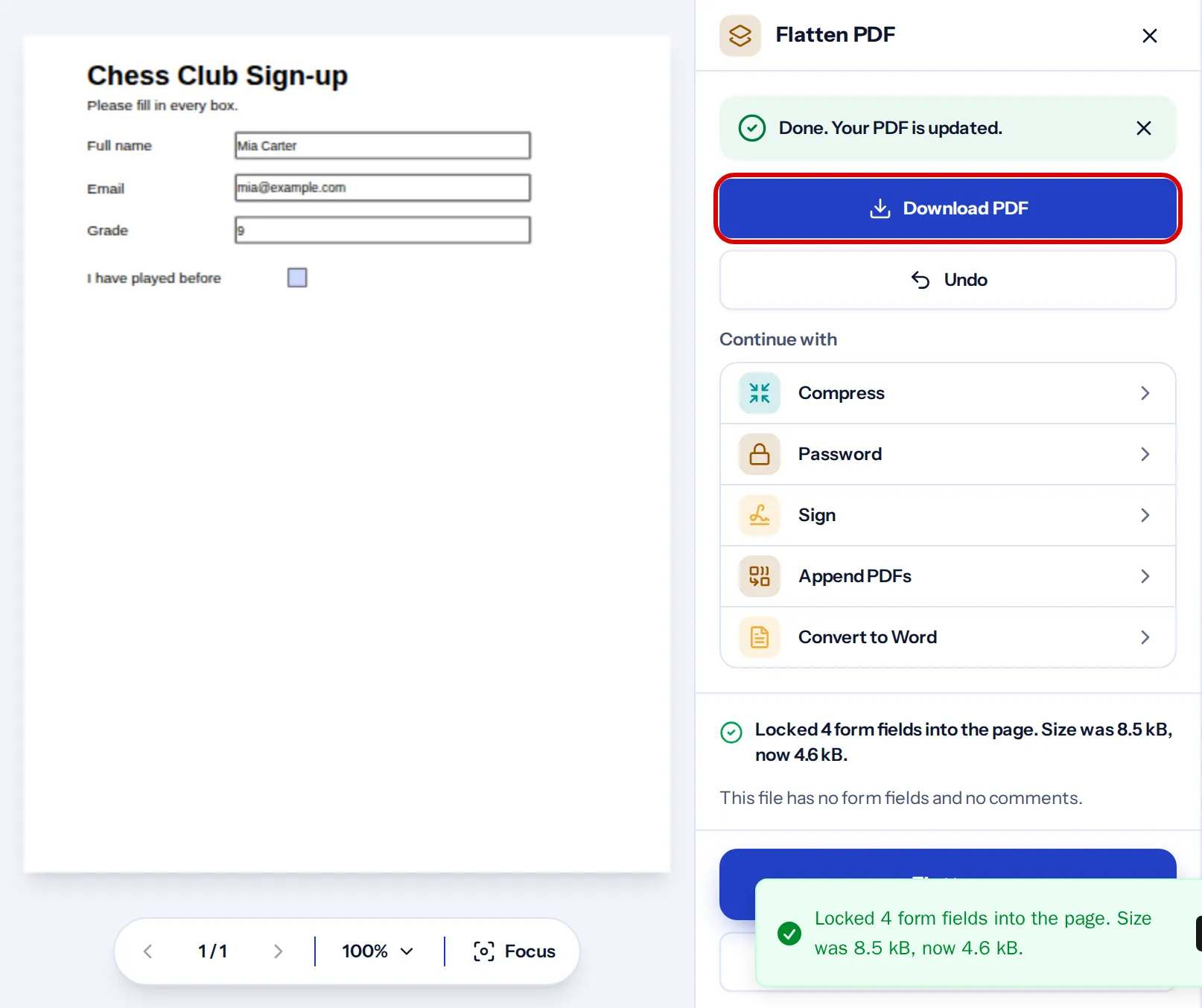
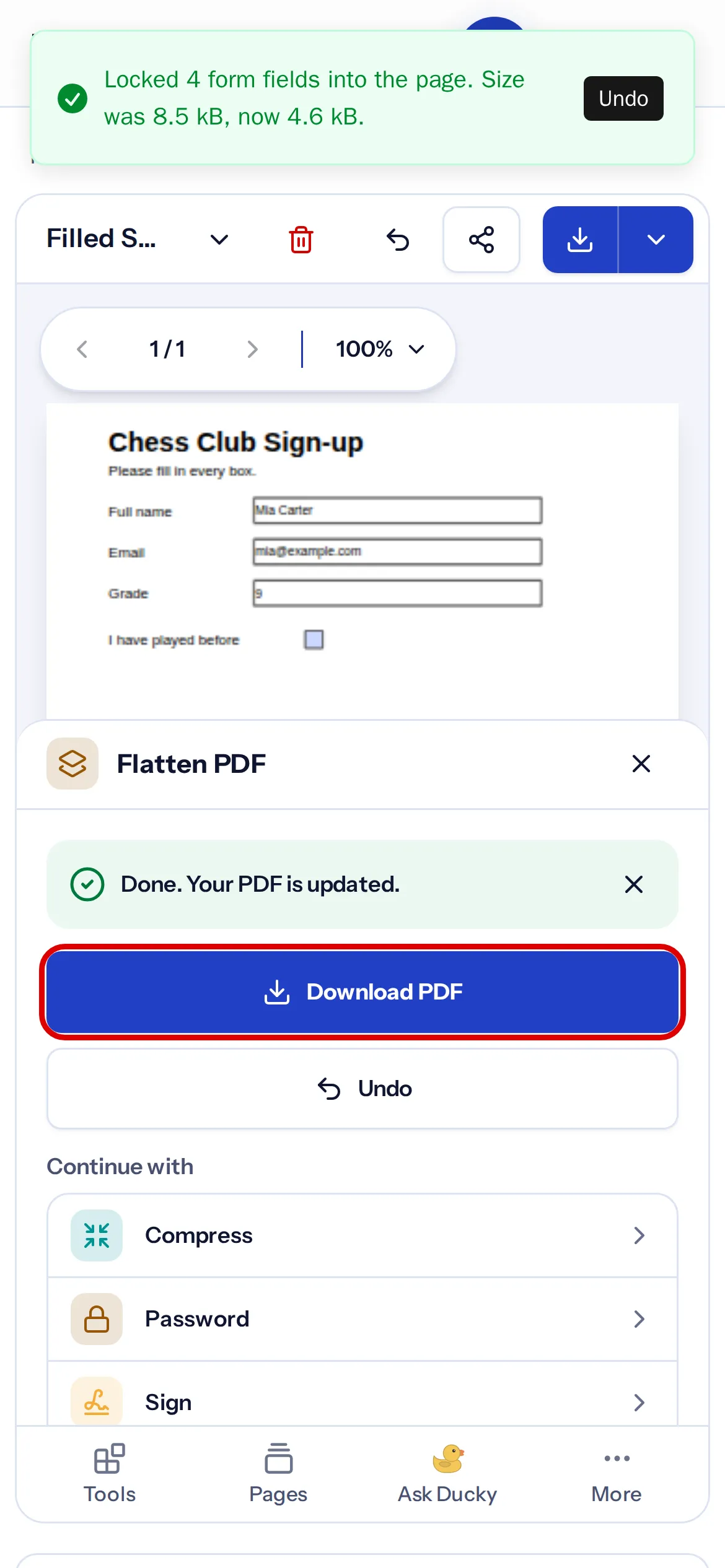
The panel says Done. Your PDF is updated. A line below says what was locked and how big the file is now. Select the blue Download PDF button. The flattened PDF downloads to your device.
Troubleshooting
| Problem | Cause | Fix |
|---|---|---|
| A window asks you to confirm | The PDF has a digital signature | Flattening removes the signature. Go on only if you are sure |
| You can't select the text any more | Make uneditable turns each page into an image | Flatten again from your original file and pick Lock everything, keep text |
| You want to keep typing in the form | Flattening fixes the answers on the page | Use the Fill PDF Form page and download without locking |