Last updated
Convert an ebook
Before you start
- Have the ebook file on your device, such as an EPUB. An EPUB is a book file that phone apps and e-readers open.
- Check that the book has no copy protection (DRM). Copy protection is a lock that stops a file from being copied. indox can't convert locked books.
- You don't need an account.
Open an ebook converter
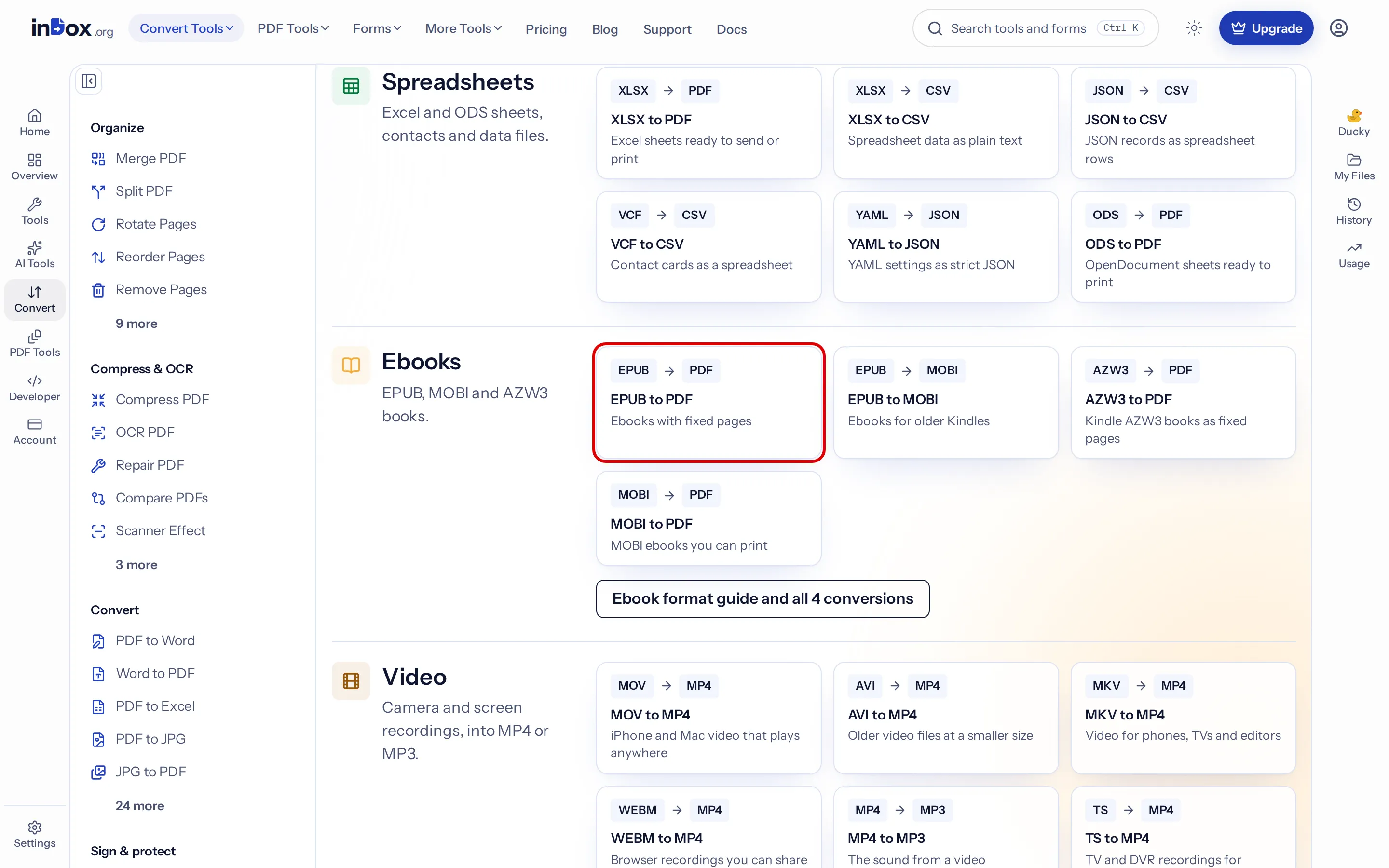
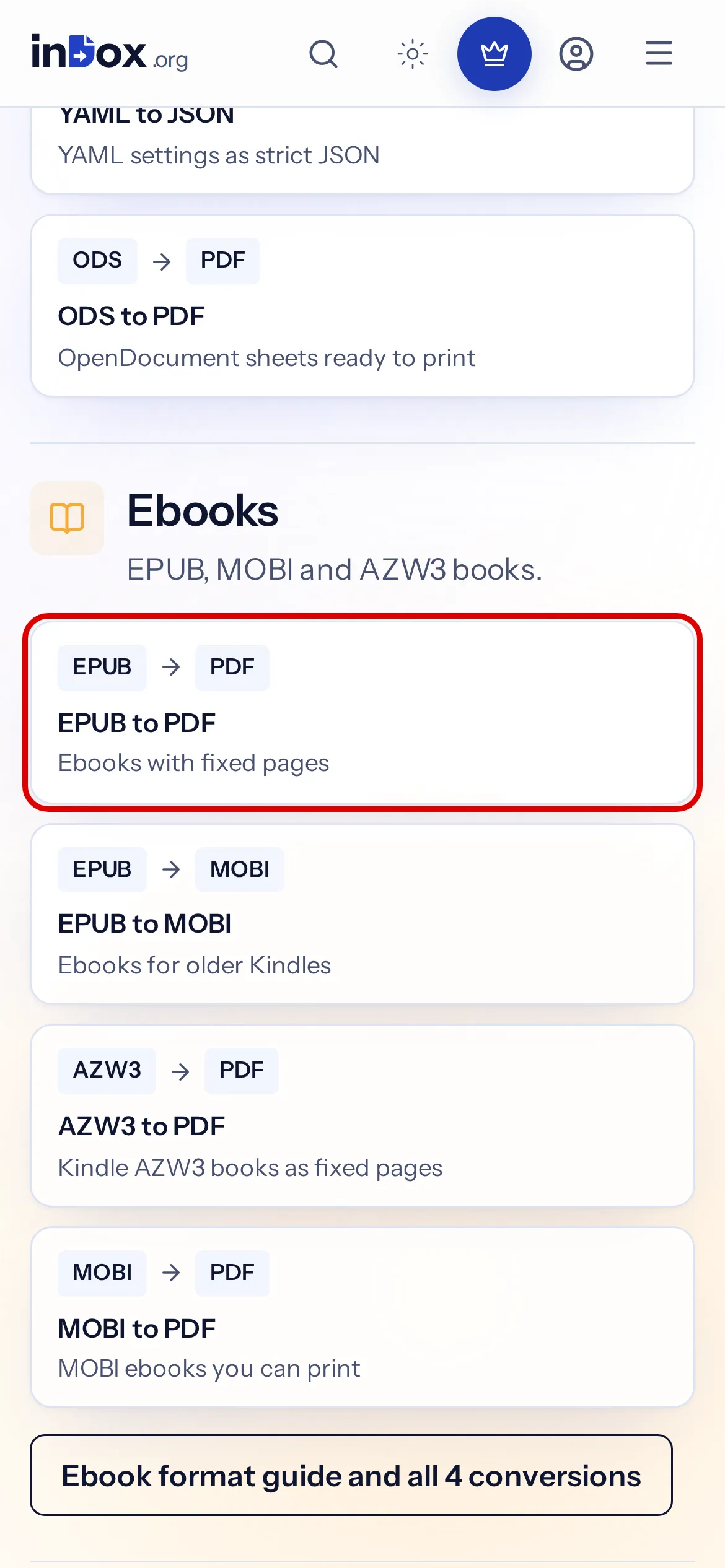
Go to the Conversions page . It is a long page of cards, grouped by kind of file. Scroll down to the Ebooks group and select the card that matches your book, such as EPUB to PDF. A PDF keeps the pages fixed, so it is good for printing.
Choose your ebook
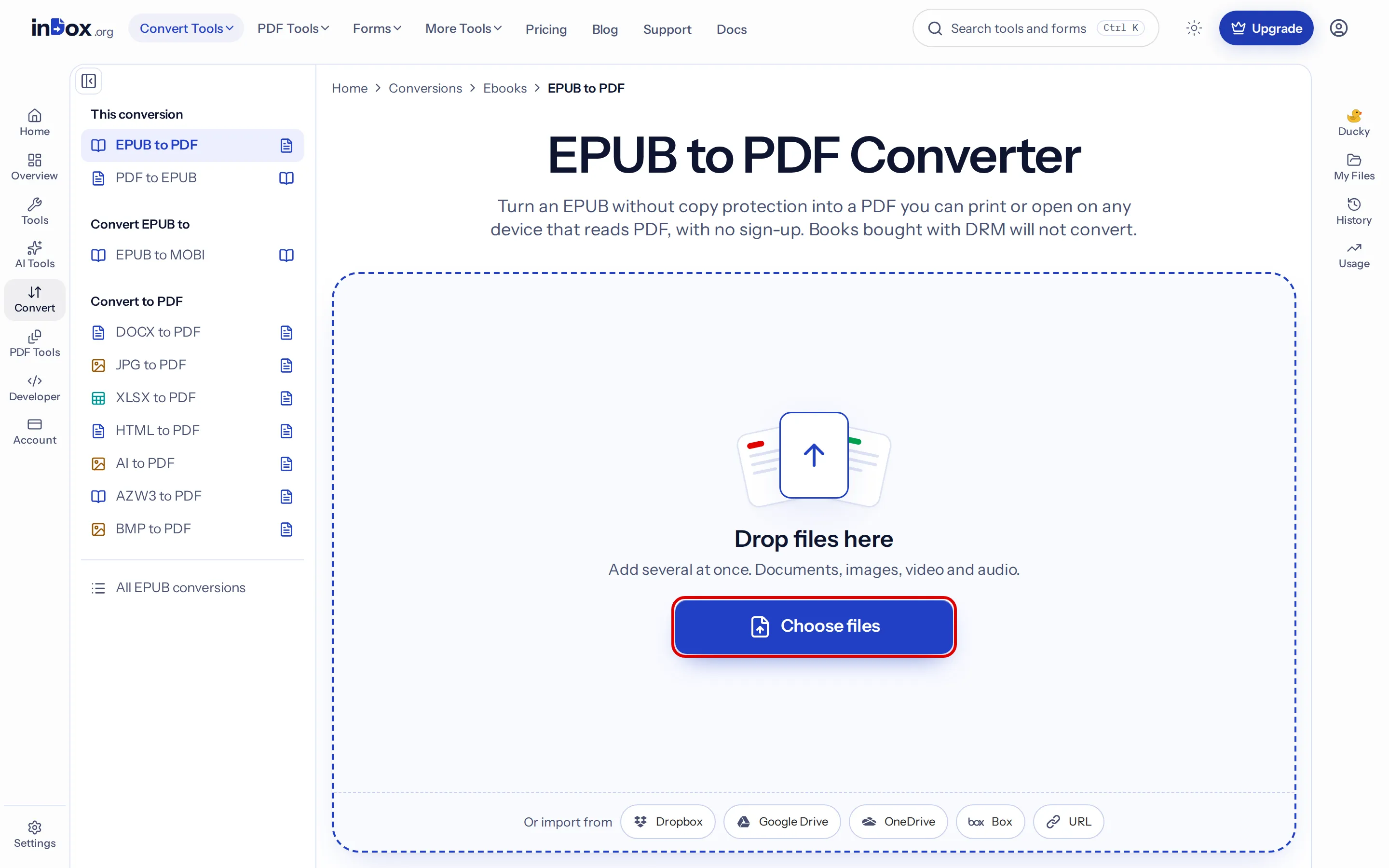
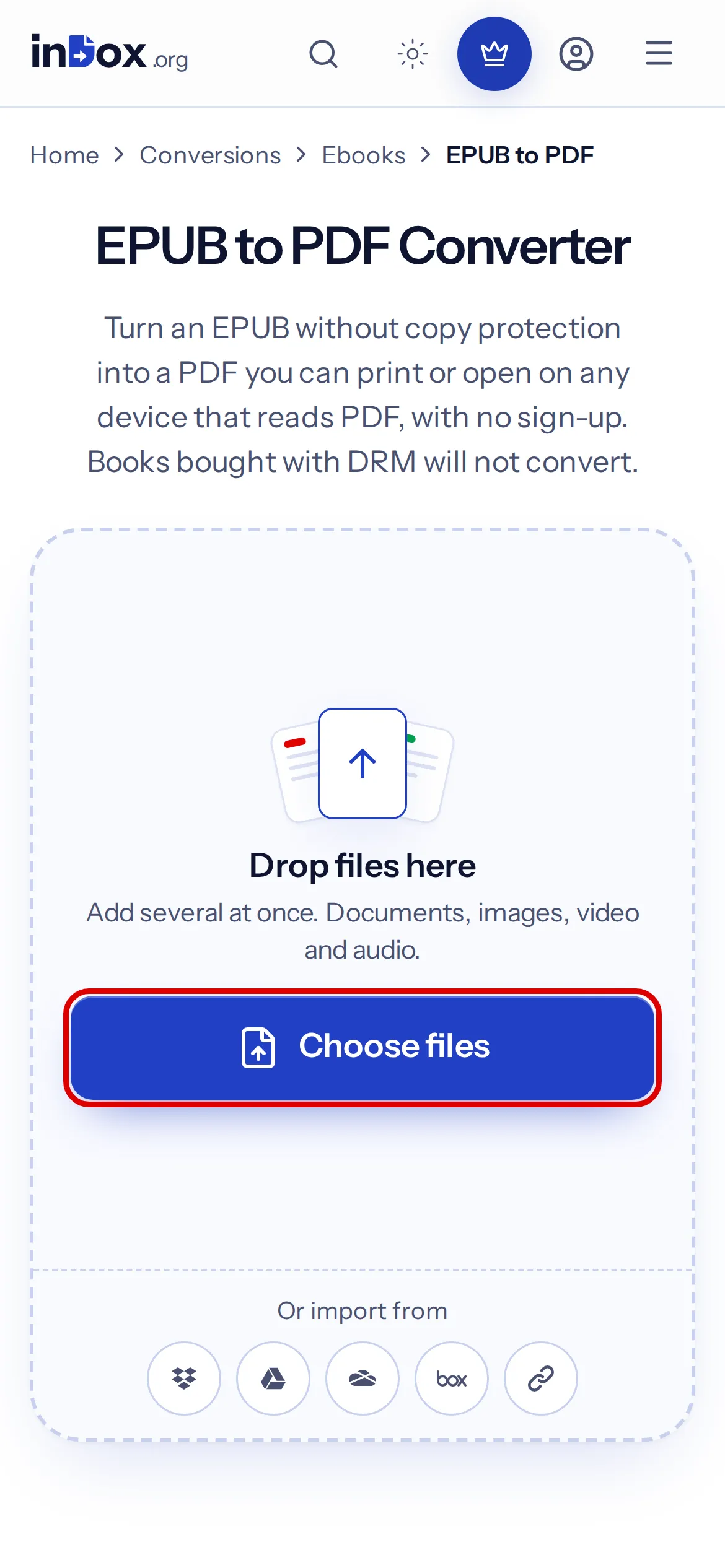
A new page opens with a big dashed box that says Drop files here. Select the blue Choose files button in the middle of the box. A window opens so you can pick your ebook from your device.
Check the output format
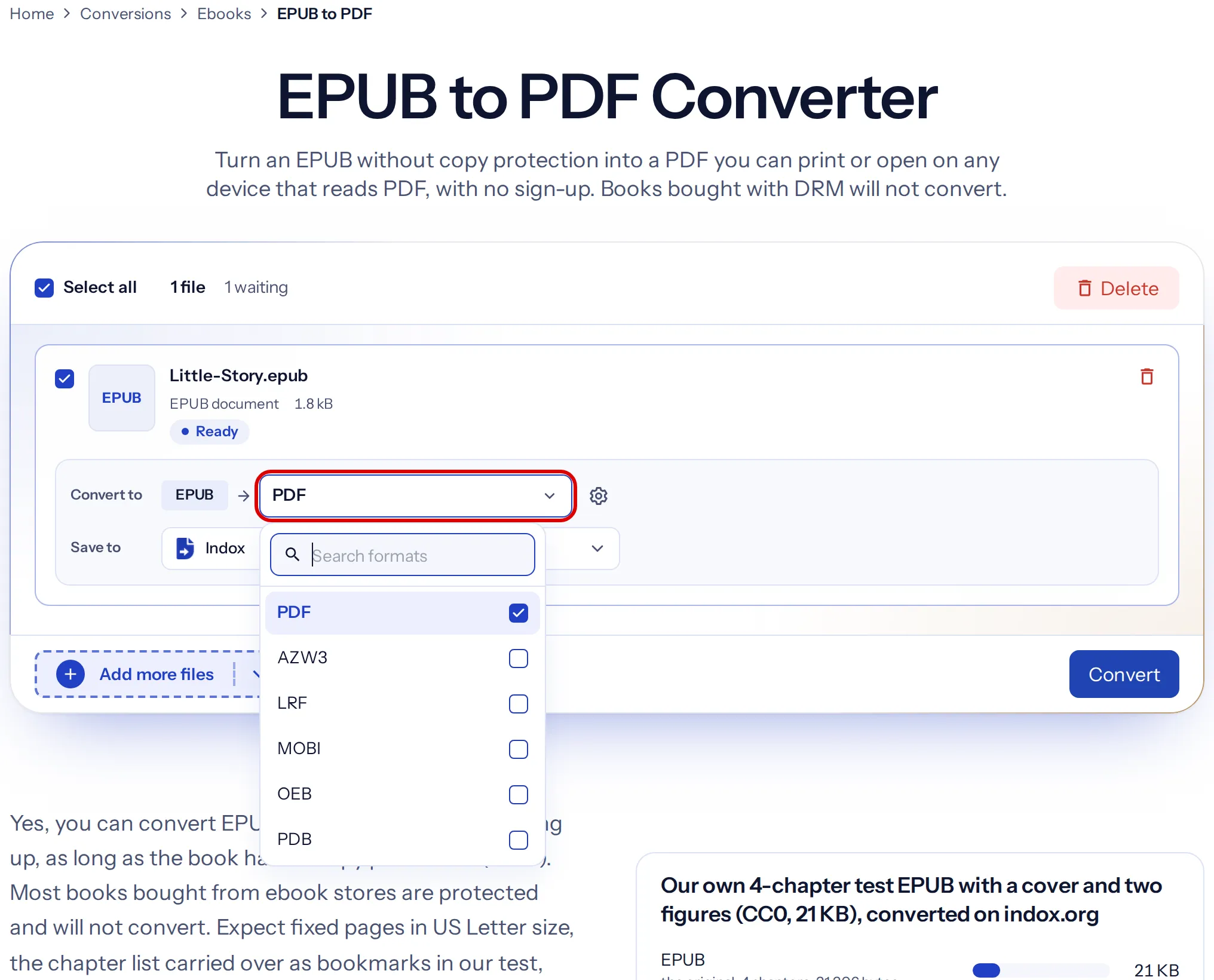
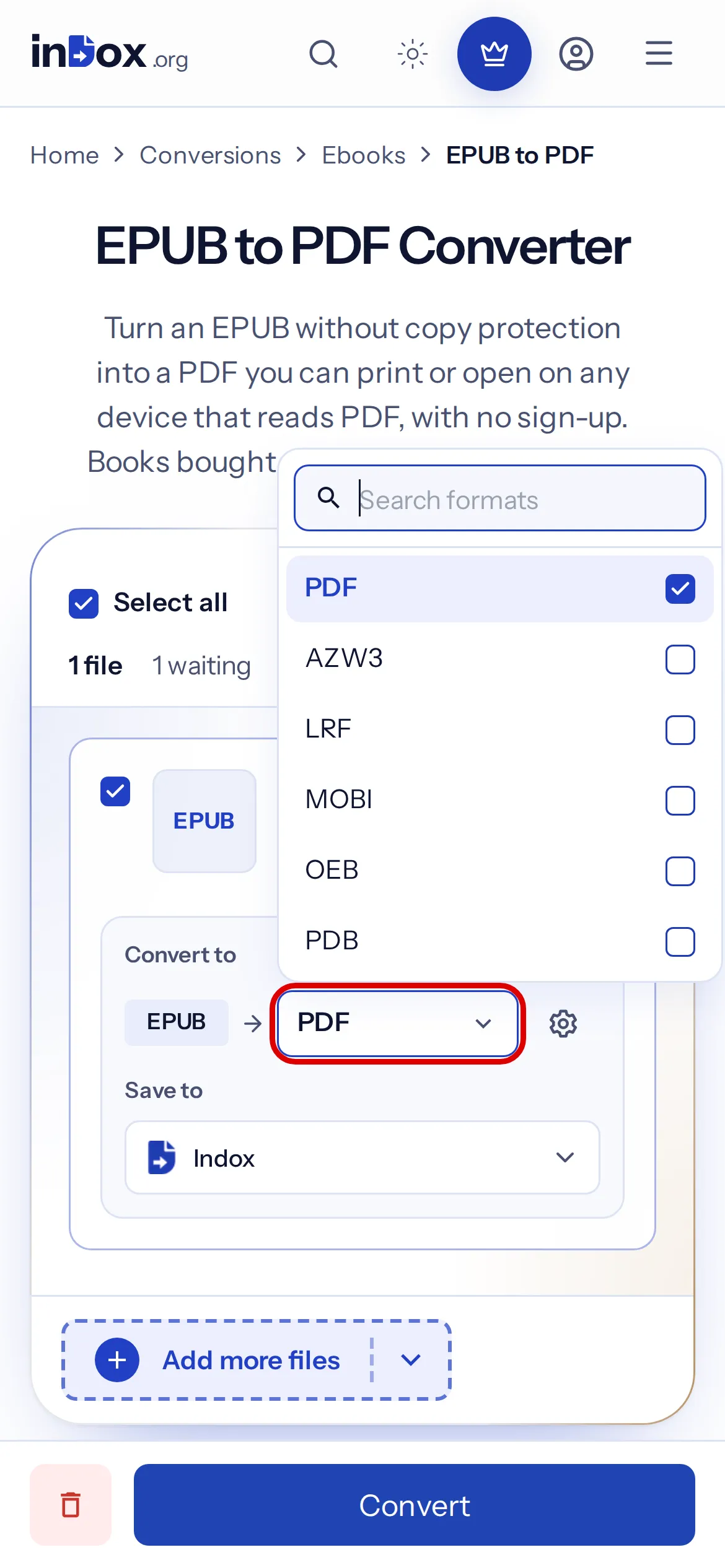
Your file appears in a card. In the row Convert to, the first tag is your file's format and the box after the arrow is the format you will get, such as PDF. To change it, select that box. A list opens with a Search formats field. For an EPUB file the list also has MOBI, TXT, DOCX and many more.
Convert the ebook
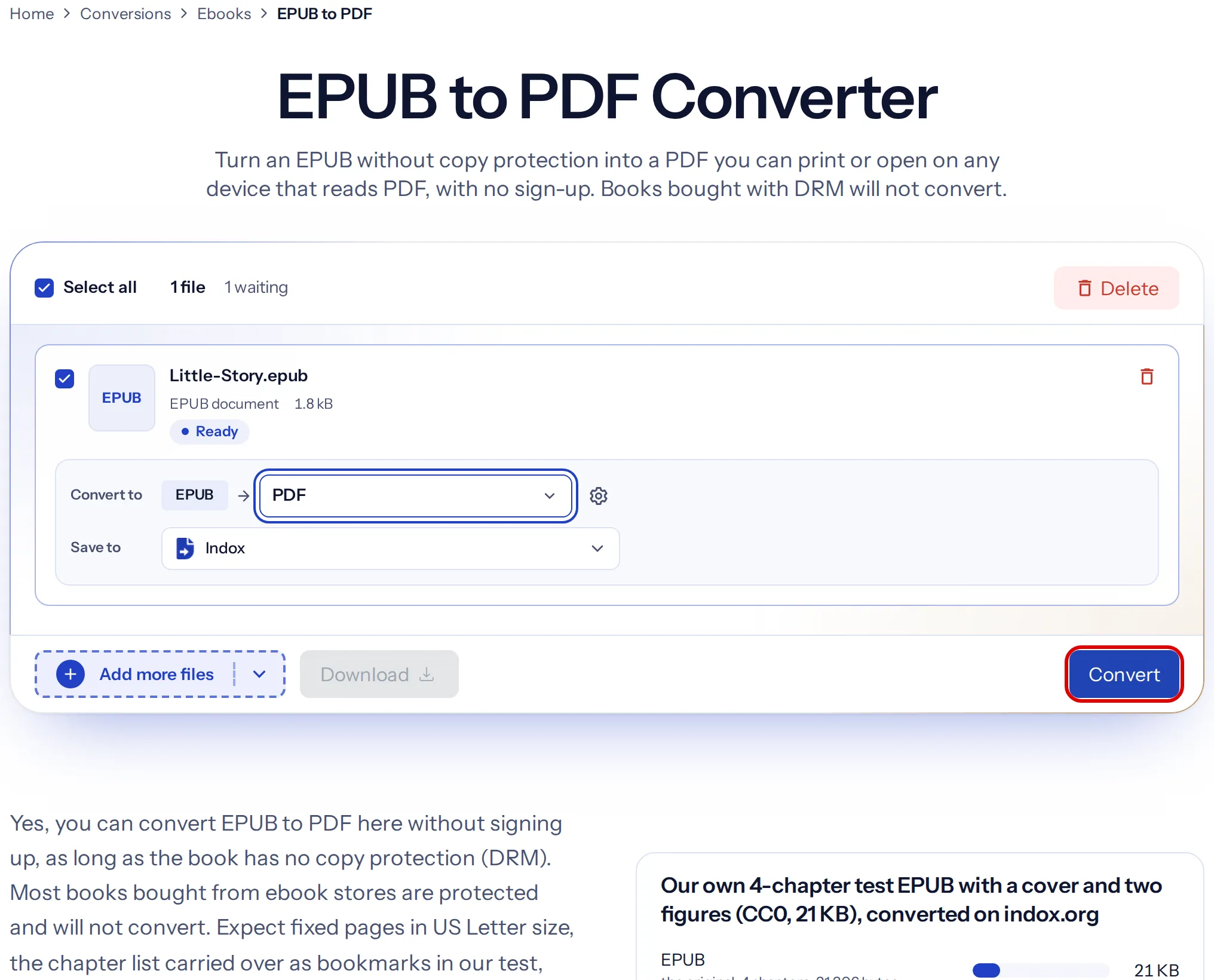
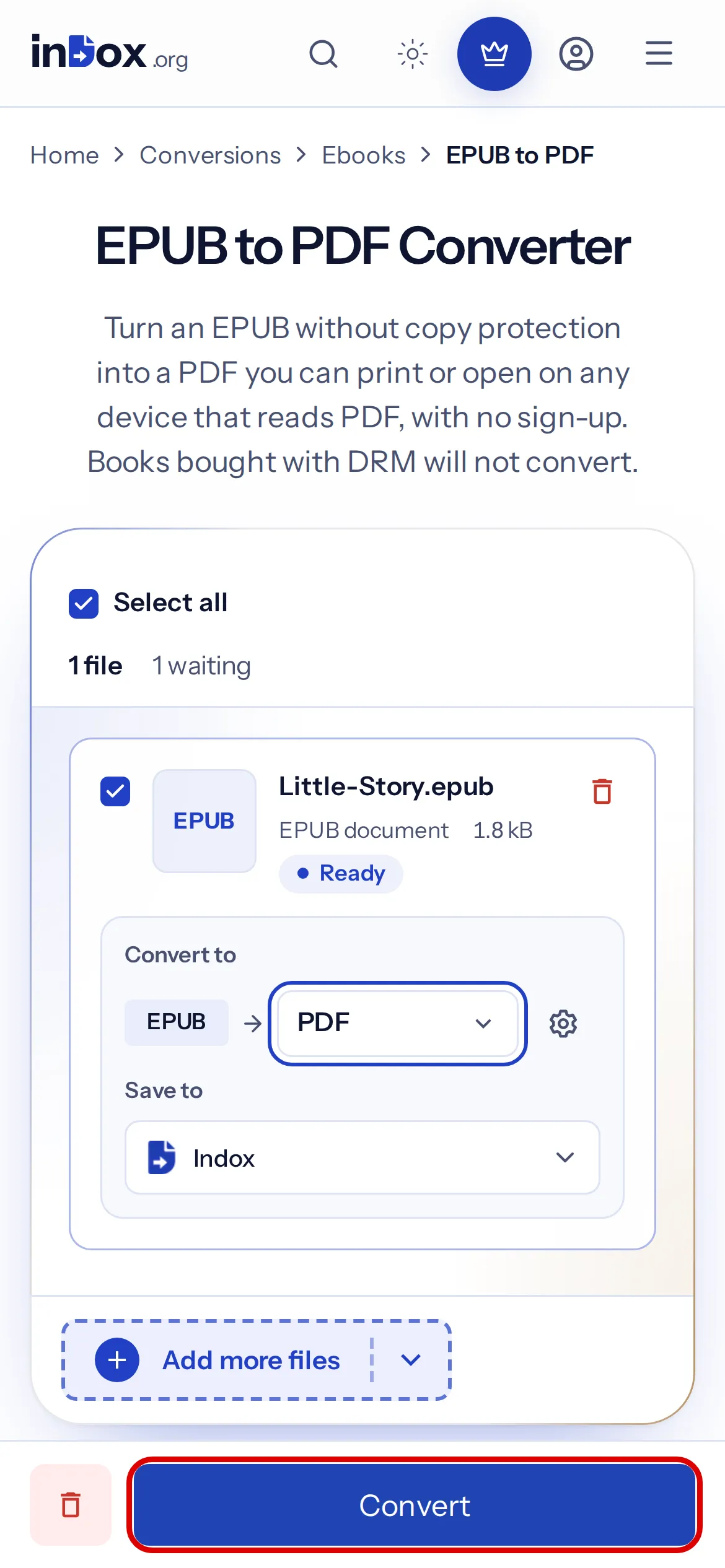
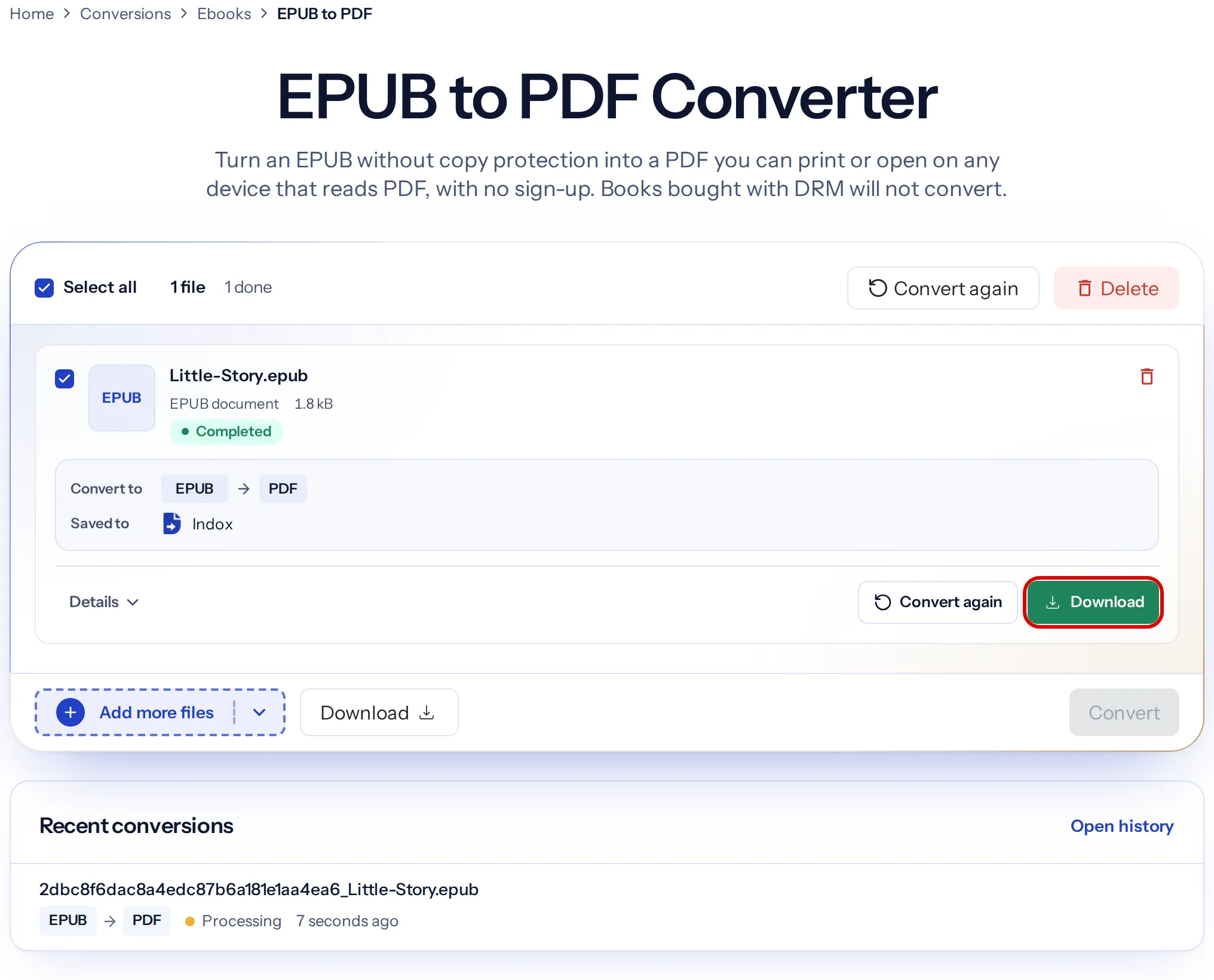
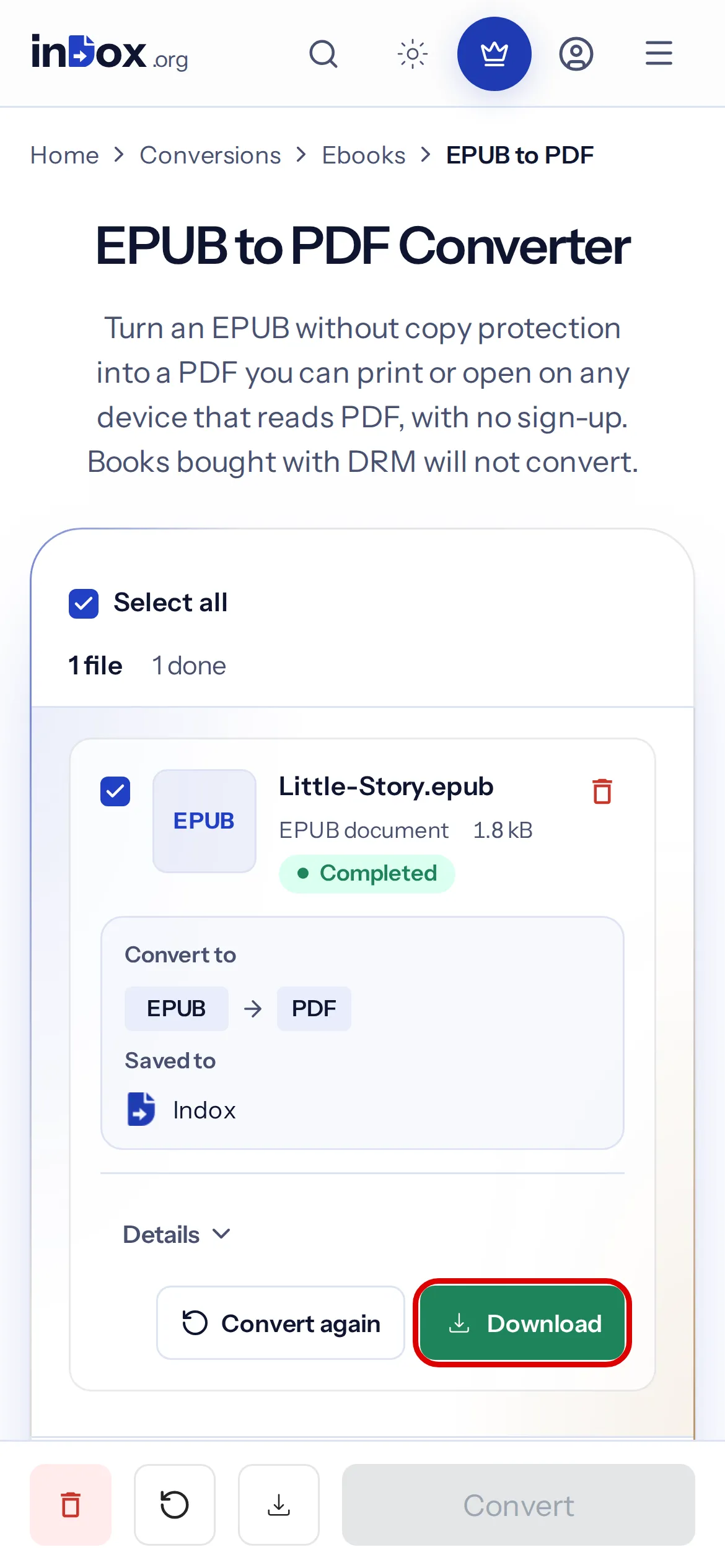
Select the blue Convert button. On a computer or tablet it is at the bottom right of the panel. On a phone it is at the bottom of the screen. The status under the file name changes from Ready to Completed when your ebook is done.
Download the result
When the status says Completed, select the green Download button in your ebook's card. Your device saves the new file.
Troubleshooting
| Problem | Cause | Fix |
|---|---|---|
| The status shows Error | The conversion failed | Select Convert again to try once more |
| Download is greyed out | The file isn't ready yet | Wait until the status shows Completed |
| You see File is too large | The file is bigger than your upload limit | Use a smaller file. The home page upload box shows the largest size you can use |
| The conversion fails on a book from a store | The book has copy protection (DRM) and indox doesn't remove it | Use a book file that has no copy protection |