Last updated
Send feedback or report a problem
Before you start
- A few words about what you want to say. Tell the team what you were doing and what went wrong, or what you would like indox to do.
- An email address, if you want a reply. Use one you check.
- Don't type passwords, card numbers or other private details into the message.
Open the Feedback page
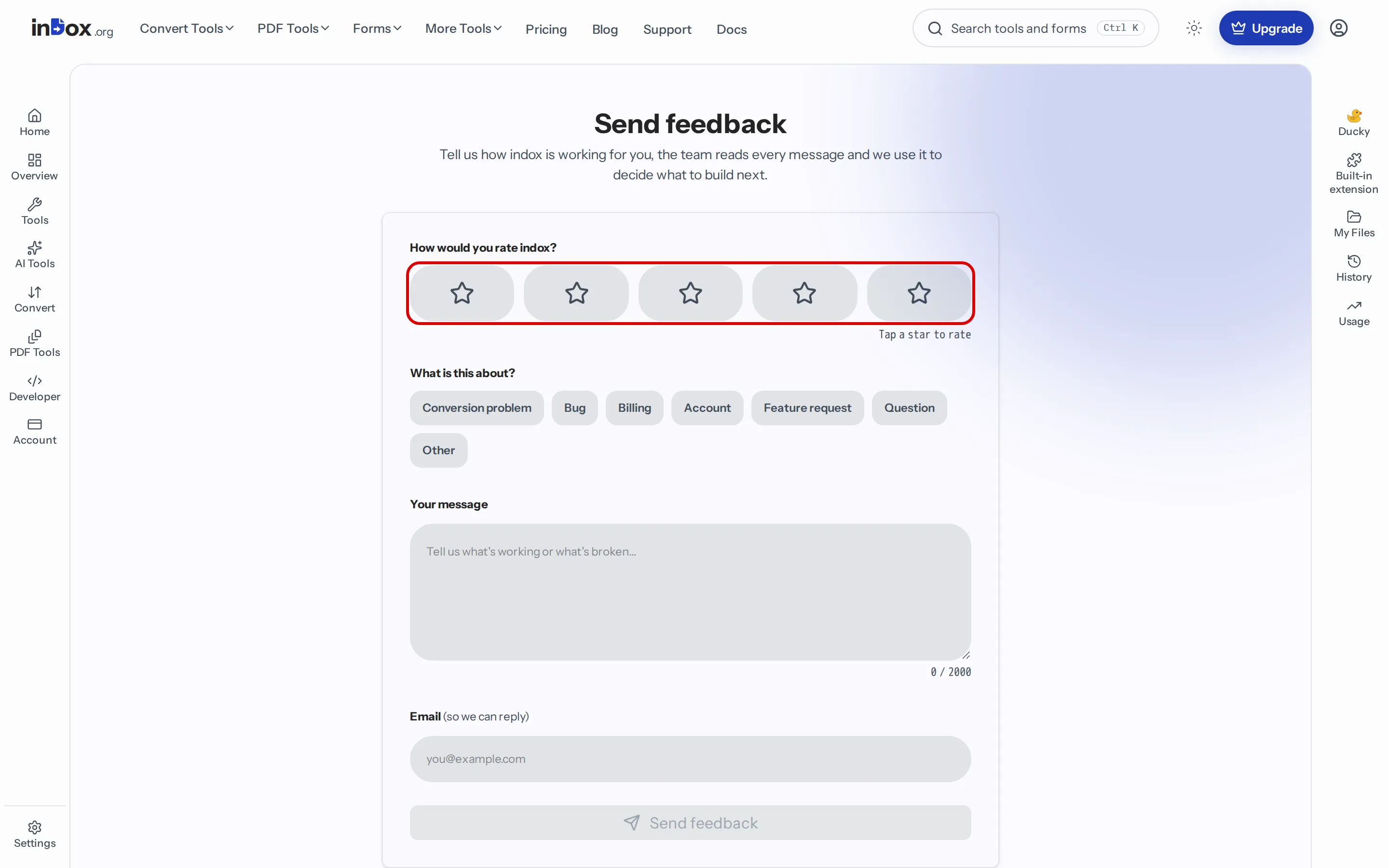
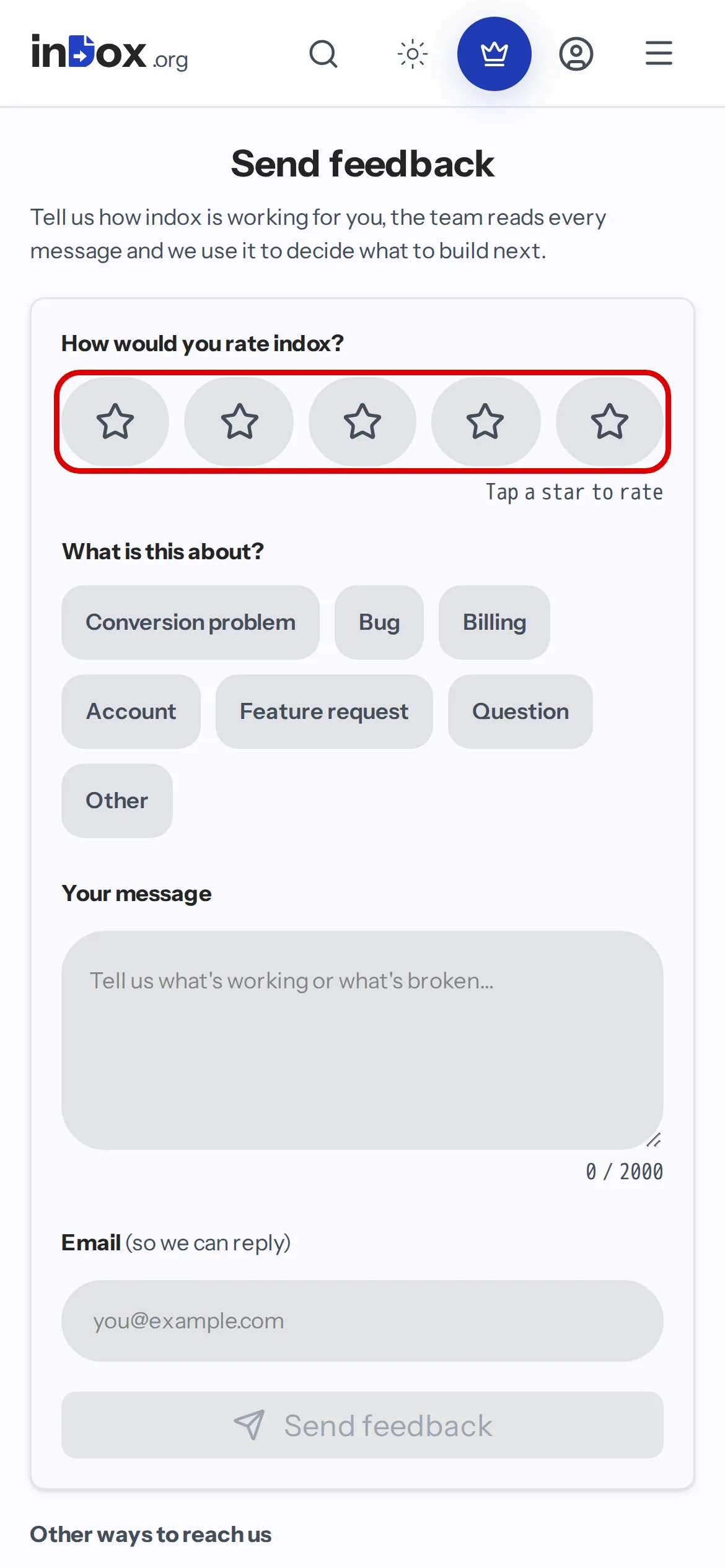
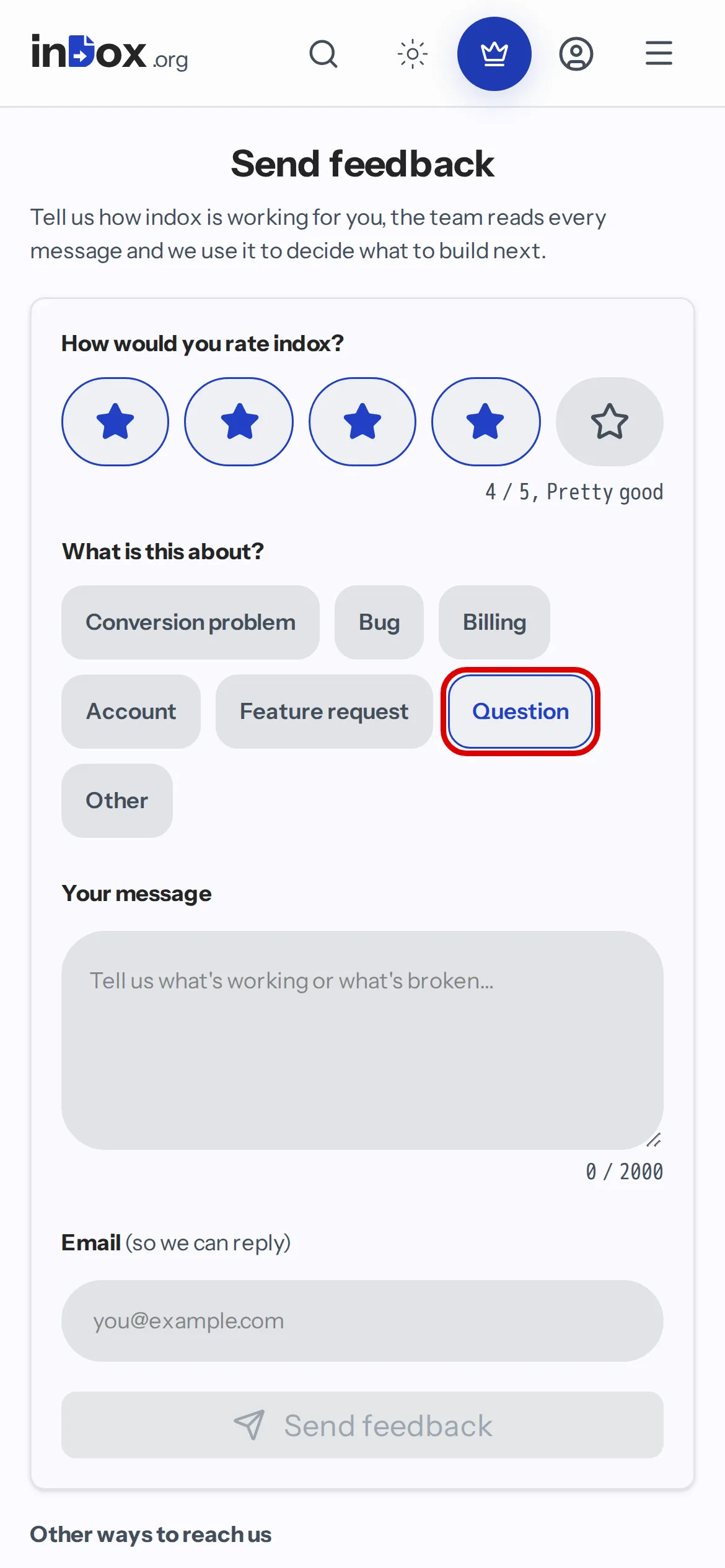
Go to the Feedback page. It is called Send feedback. The form under the title has a row of five stars, a list of topics, a Your message box, an Email box and a Send feedback button.
Rate indox
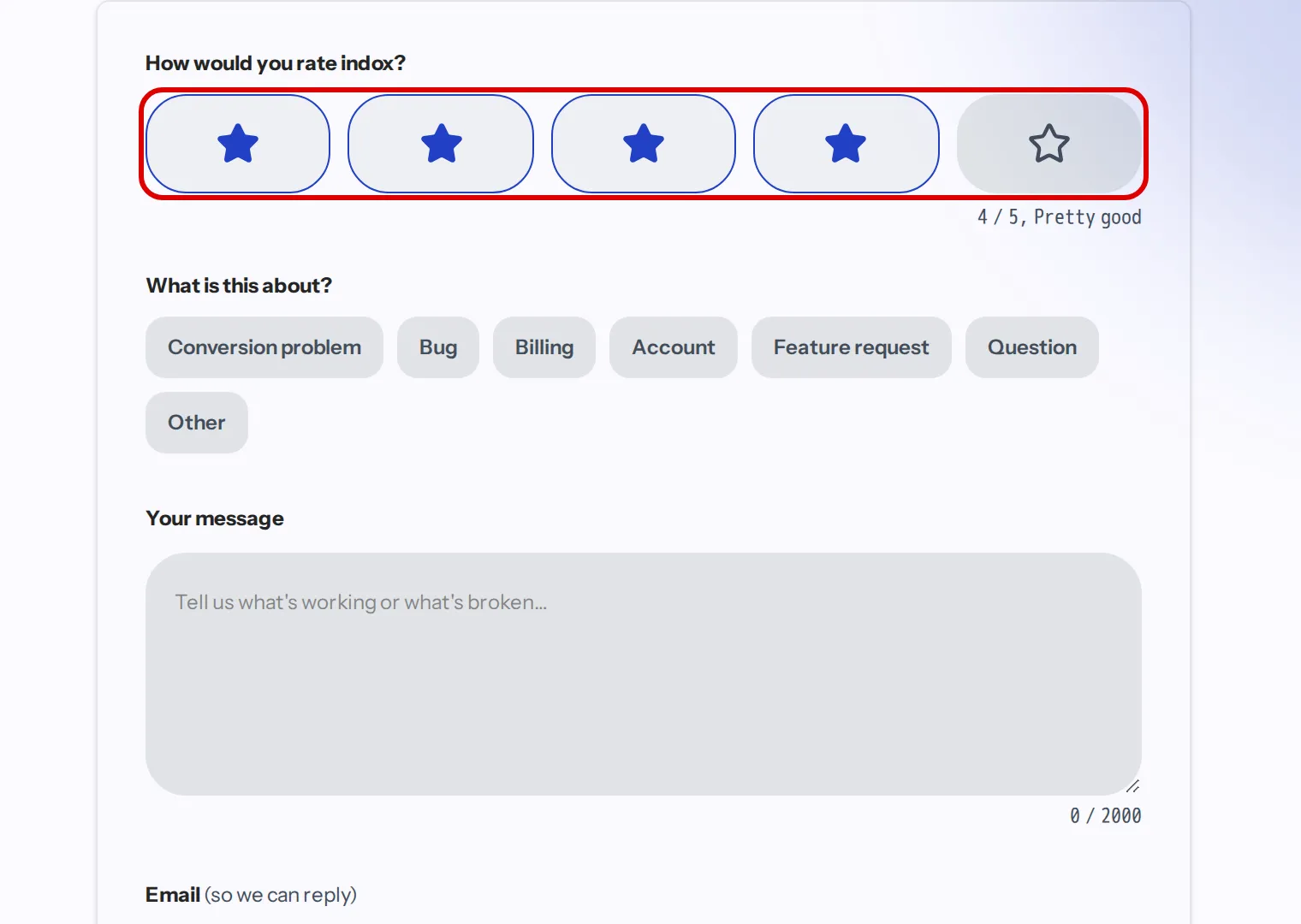
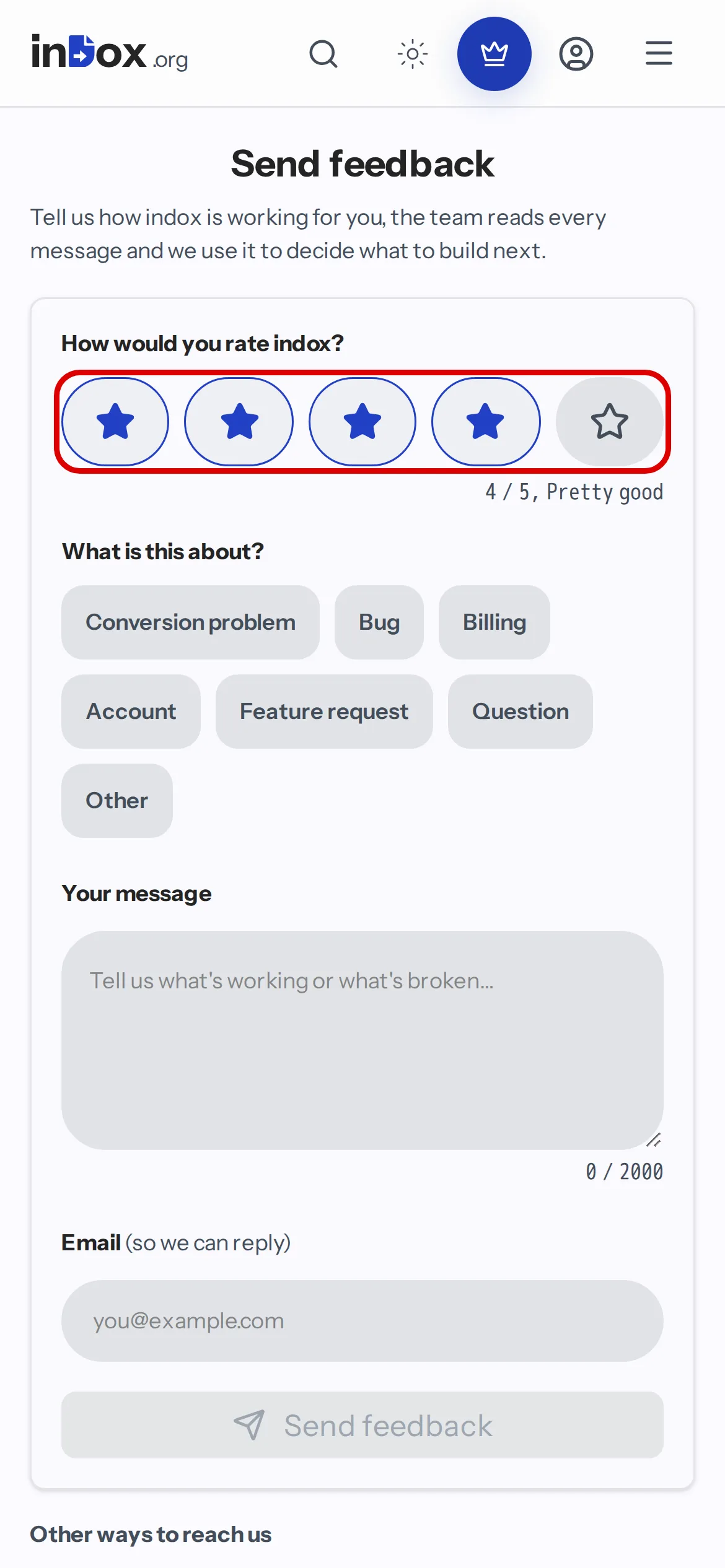
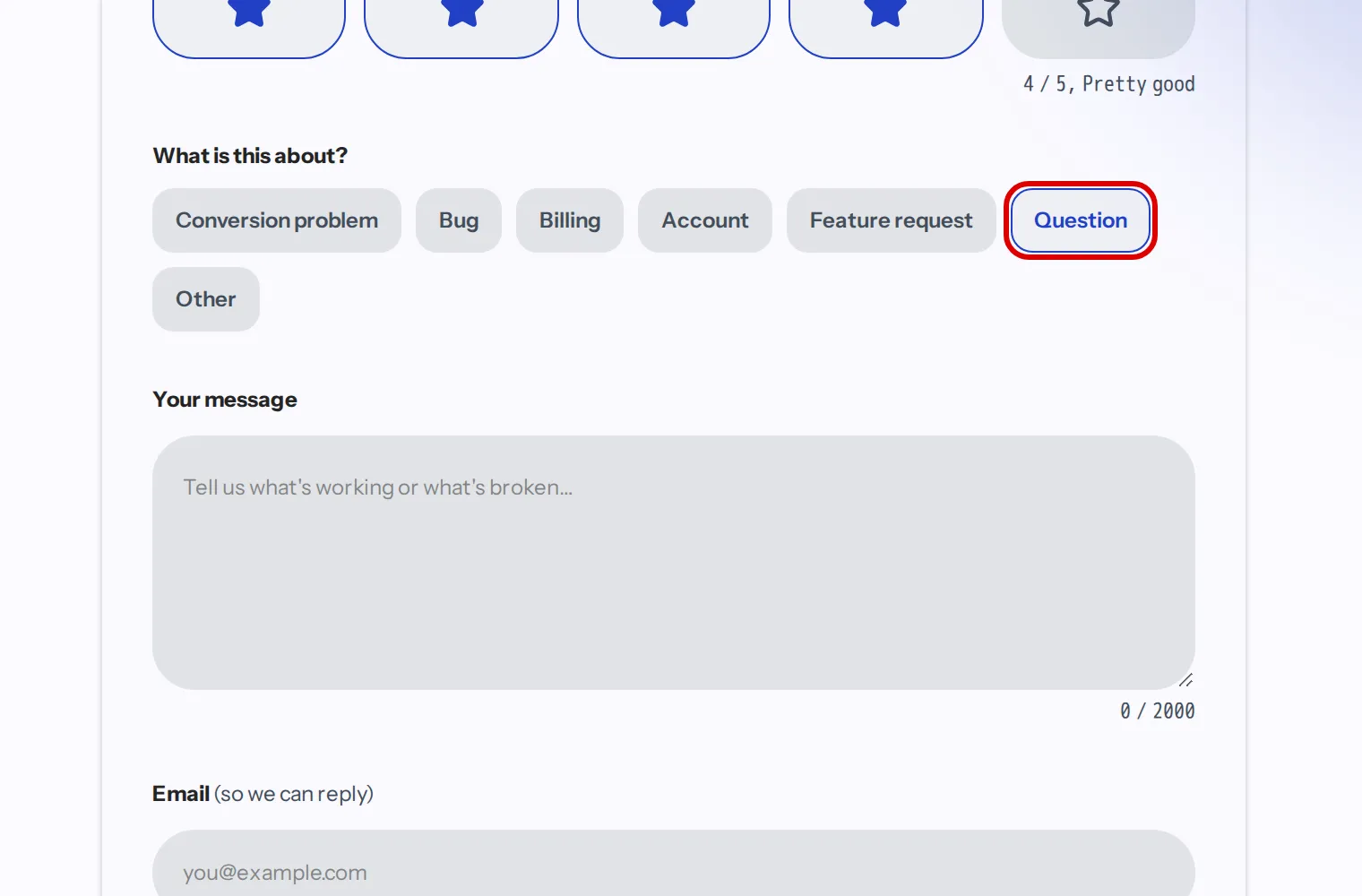
Under How would you rate indox?, select a star, such as the fourth one for 4 out of 5. The stars up to the one you picked turn blue, and words such as 4 / 5, Pretty good show under the row.
Pick a topic
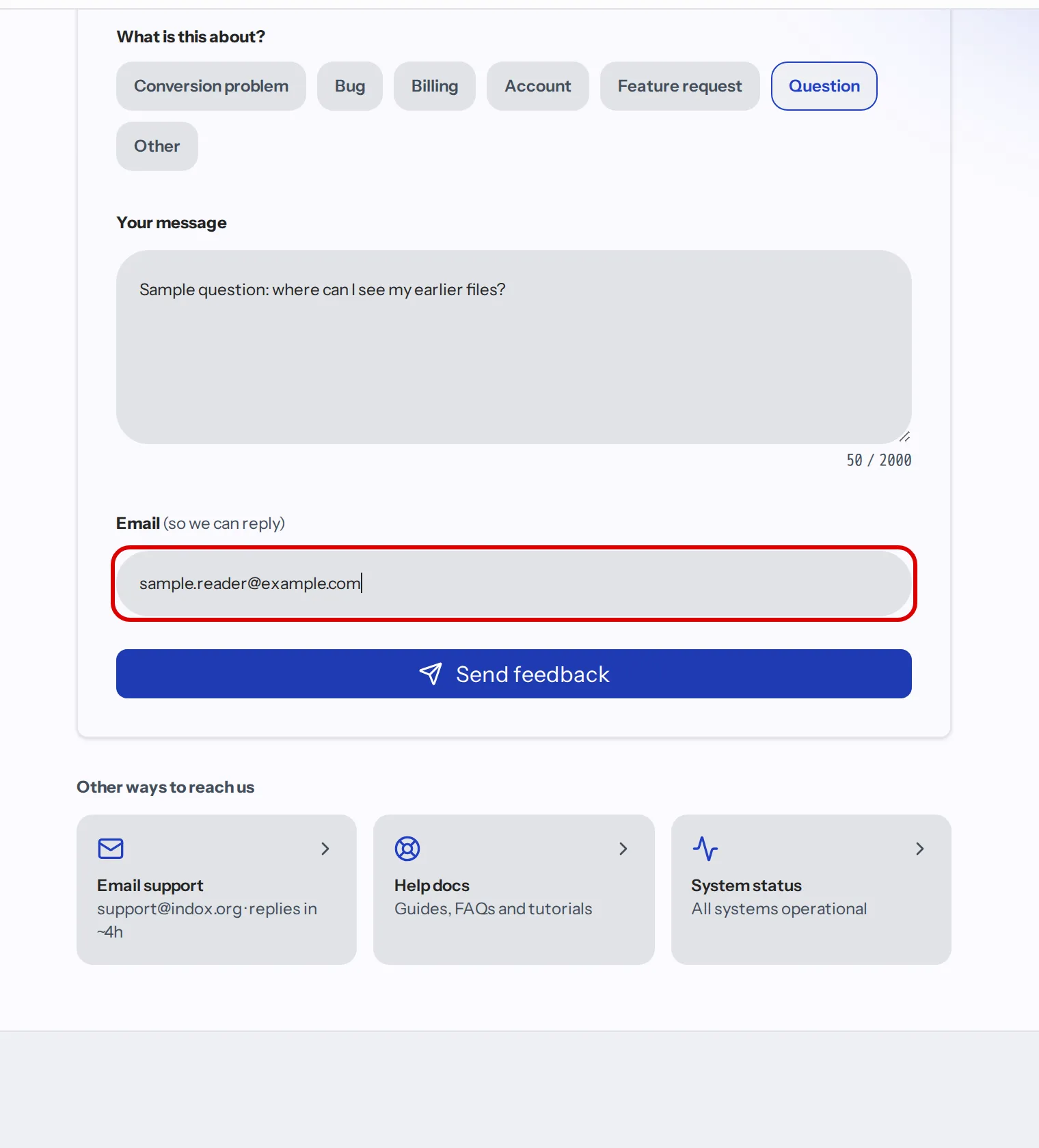
Under What is this about?, select the topic that fits best. The choices are Conversion problem, Bug, Billing, Account, Feature request, Question and Other. The topic you pick gets a blue outline.
Write your message
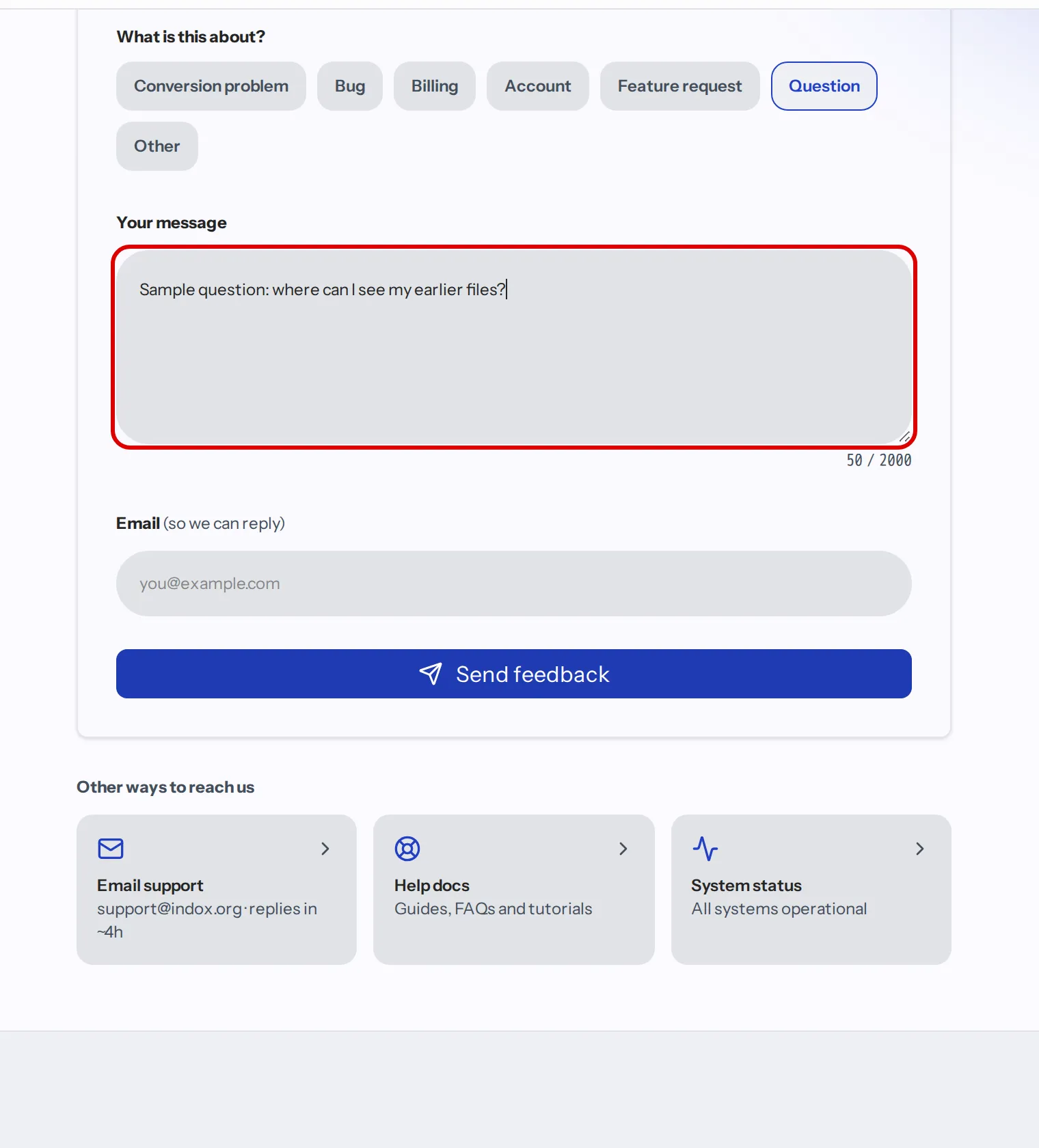
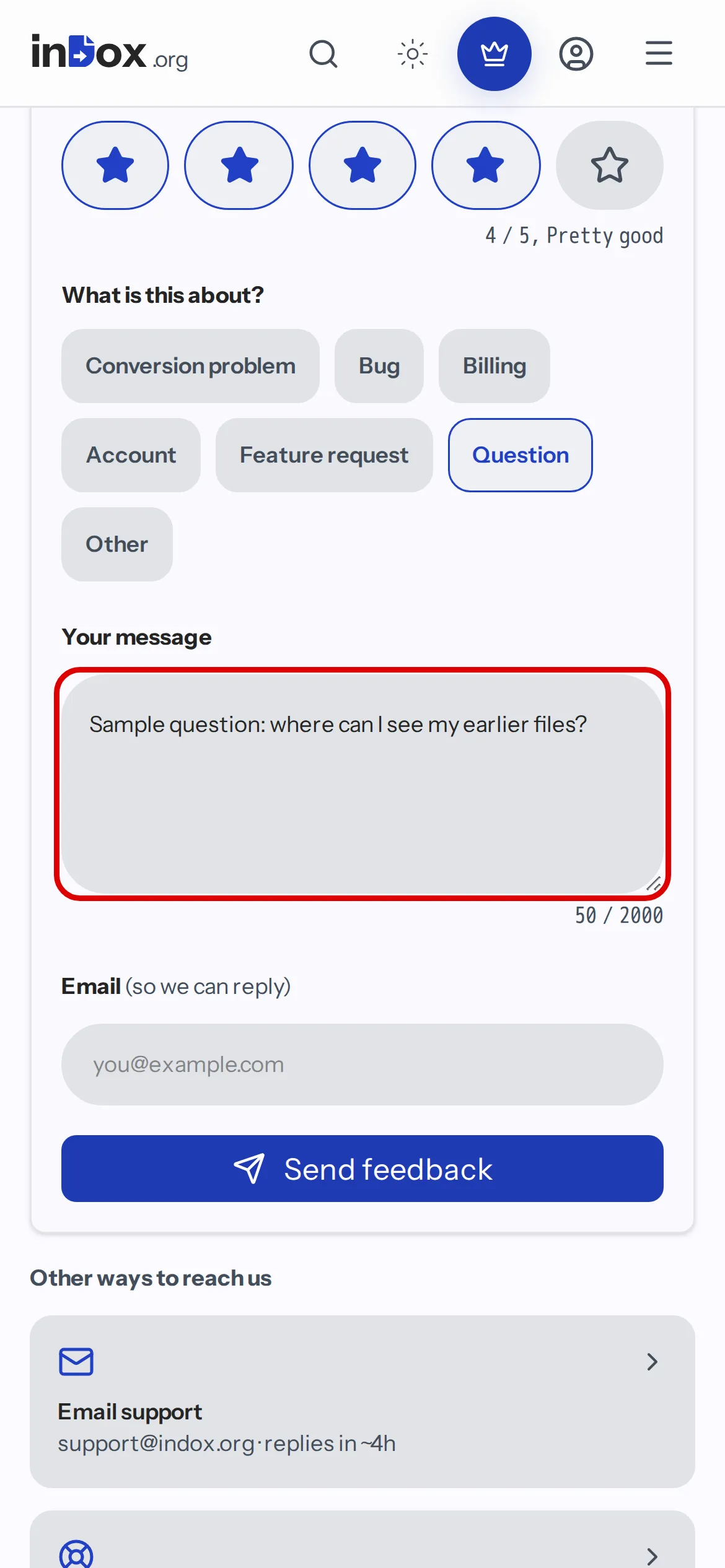
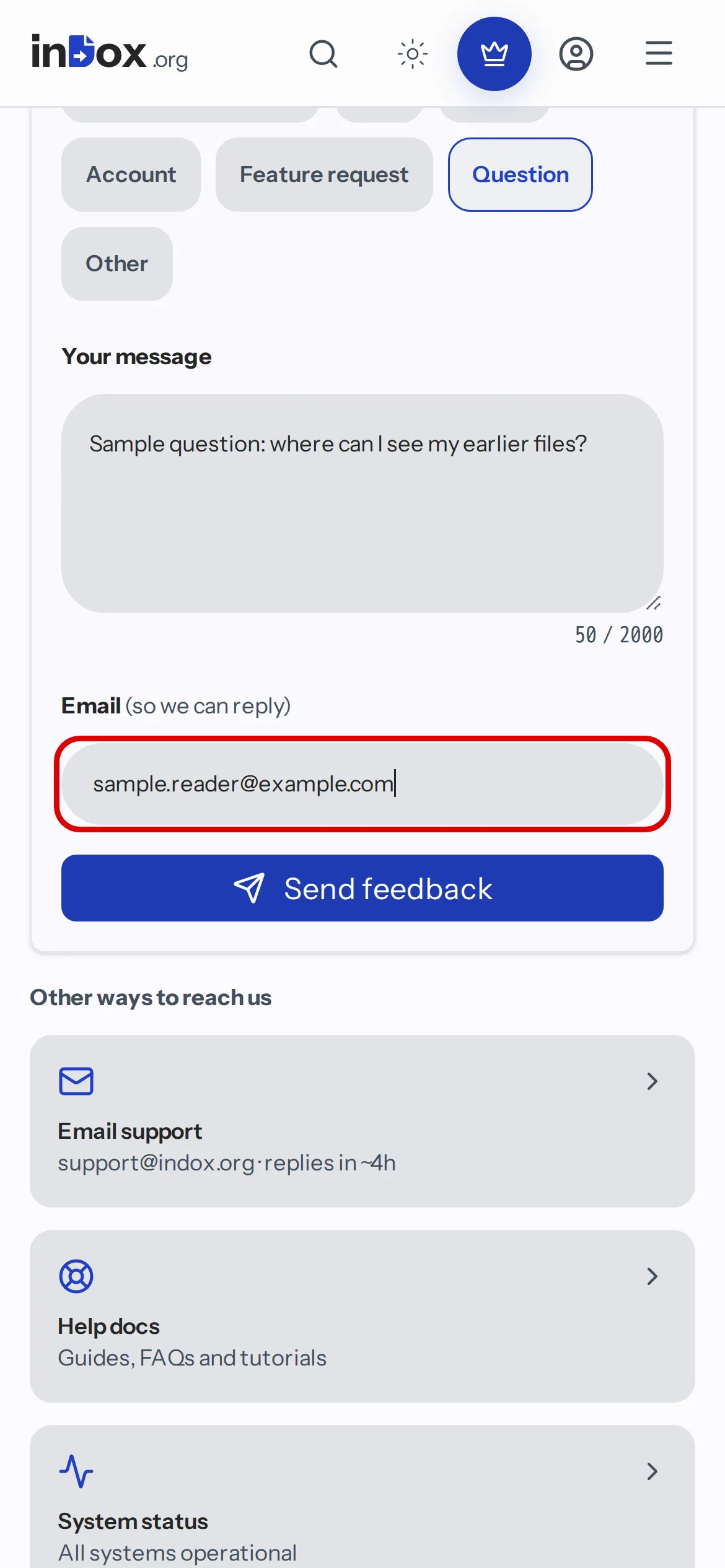
Select the Your message box and type what you want to say. A counter under the box shows how many characters you have used, such as 50 / 2000. You can write up to 2000.
Add your email if you want a reply
Select the Email box and type the address where you want the answer. The label says (so we can reply).
Send it
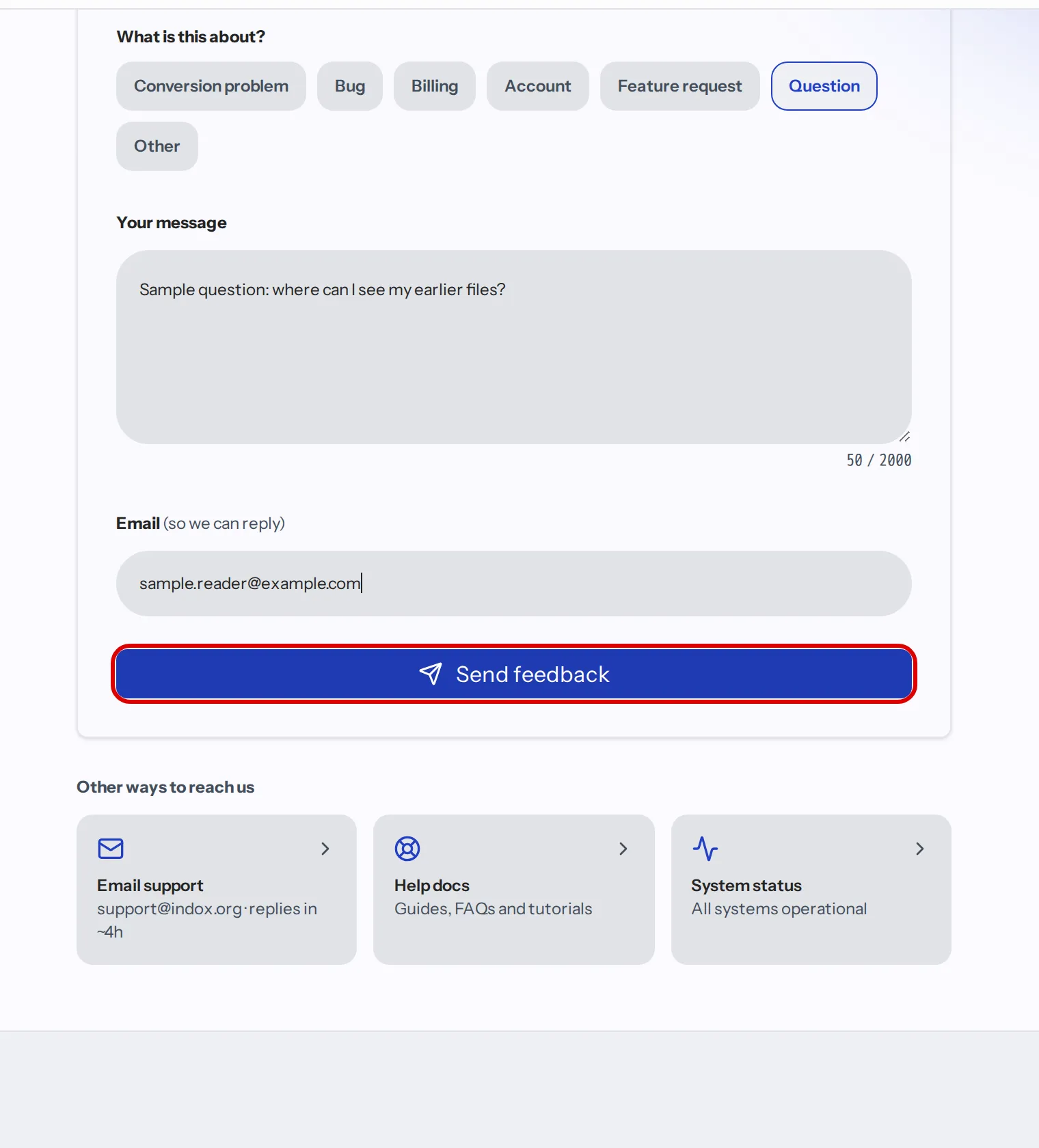
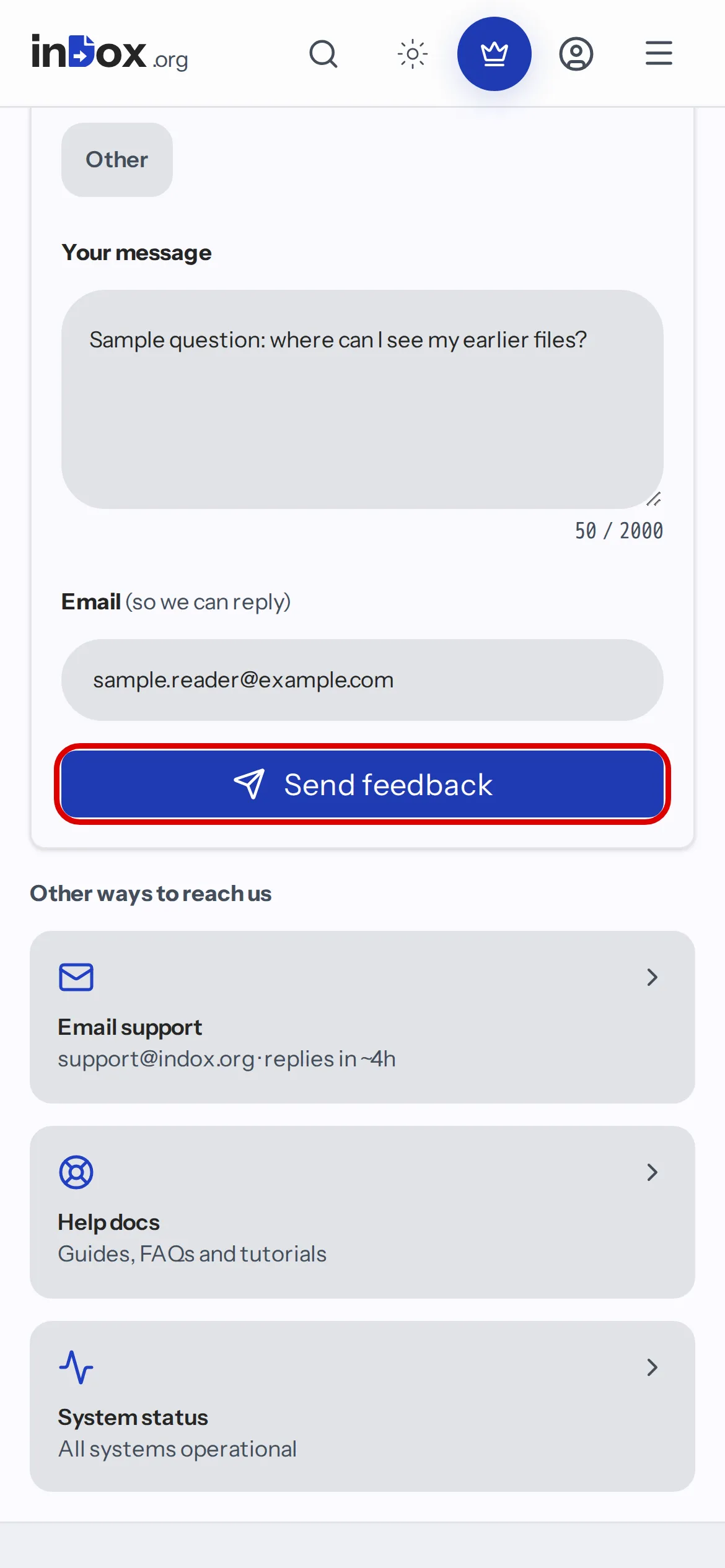
Select the blue Send feedback button. It stays grey until you have written a message. After you send, a message says Thanks, we got it. It adds that your feedback is on its way to the team and that they will reply by email if they need to follow up. A Send more feedback button lets you write another.
Troubleshooting
| Problem | Cause | Fix |
|---|---|---|
| The page says Please write a short message before sending. | The message box is empty or too short | Write a sentence about what you want to tell the team |
| The page says Enter a valid email address. | The address is not written like [email protected] | Check it for typing mistakes, or clear the box if you don't want a reply |
| The page says That didn't go through. | The message could not be sent, for example because of a weak connection | Select Try again. If it fails again, write to [email protected] |
| You need help with an account or a payment | The Billing and Account topics on this form are for that, and the support team can help too | Pick one of those topics here, or use the Support page, or write to [email protected] |