Last updated
Get an alert when credits run low
Goal: Your low-balance alert is set to the number of credits you chose.
Before you start
- You need to be signed in to indox.org.
Open the Subscription page
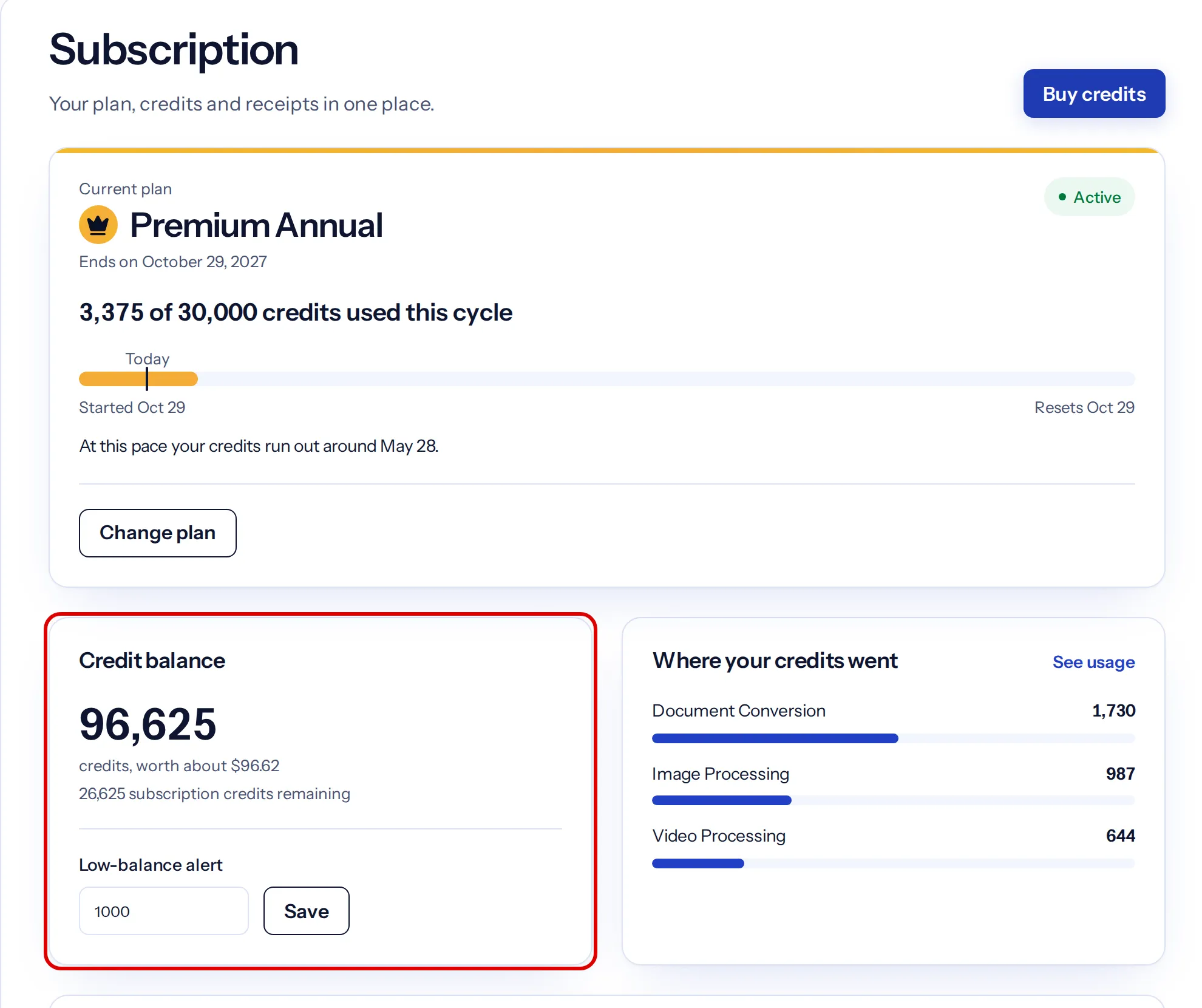
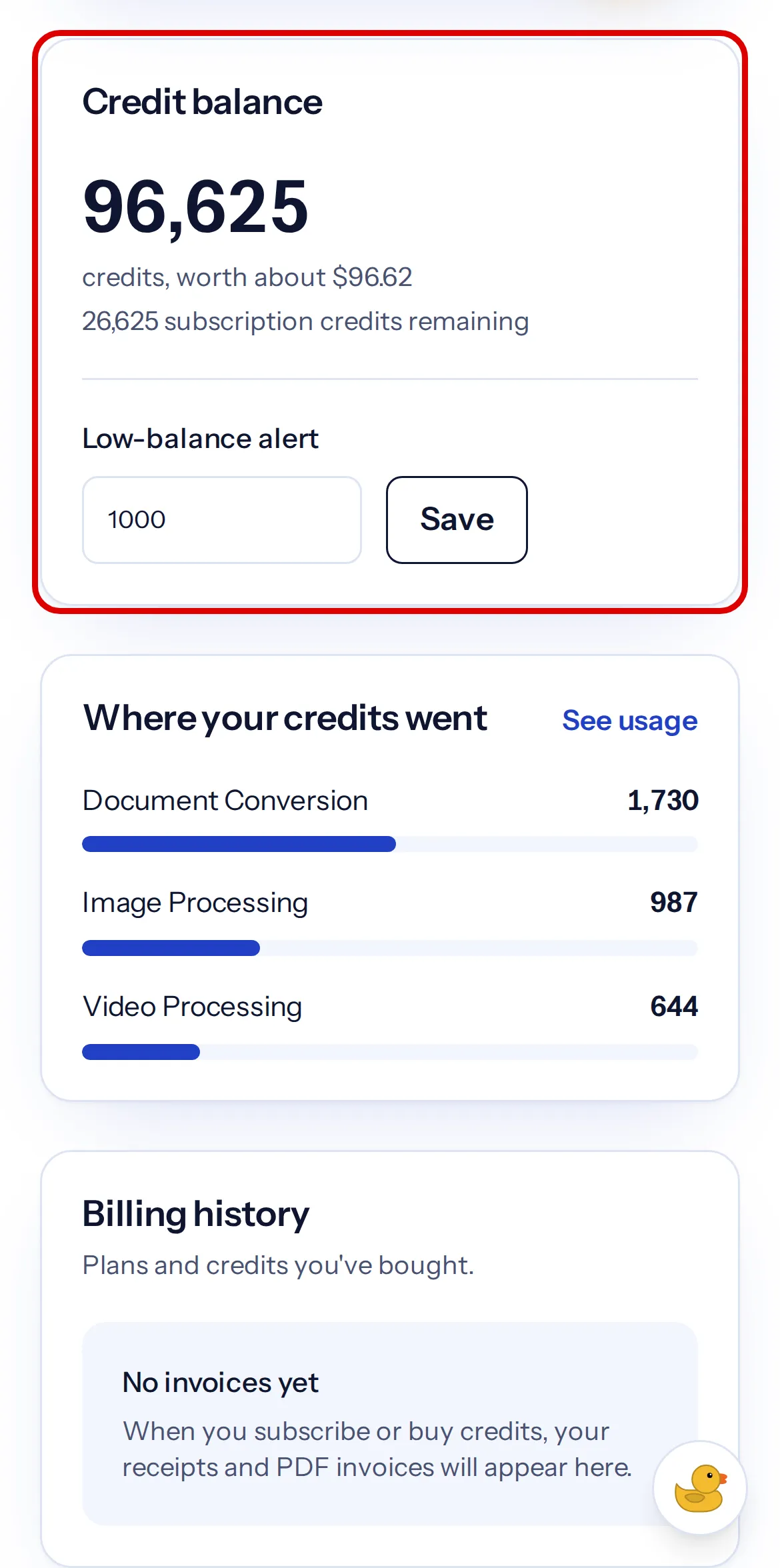
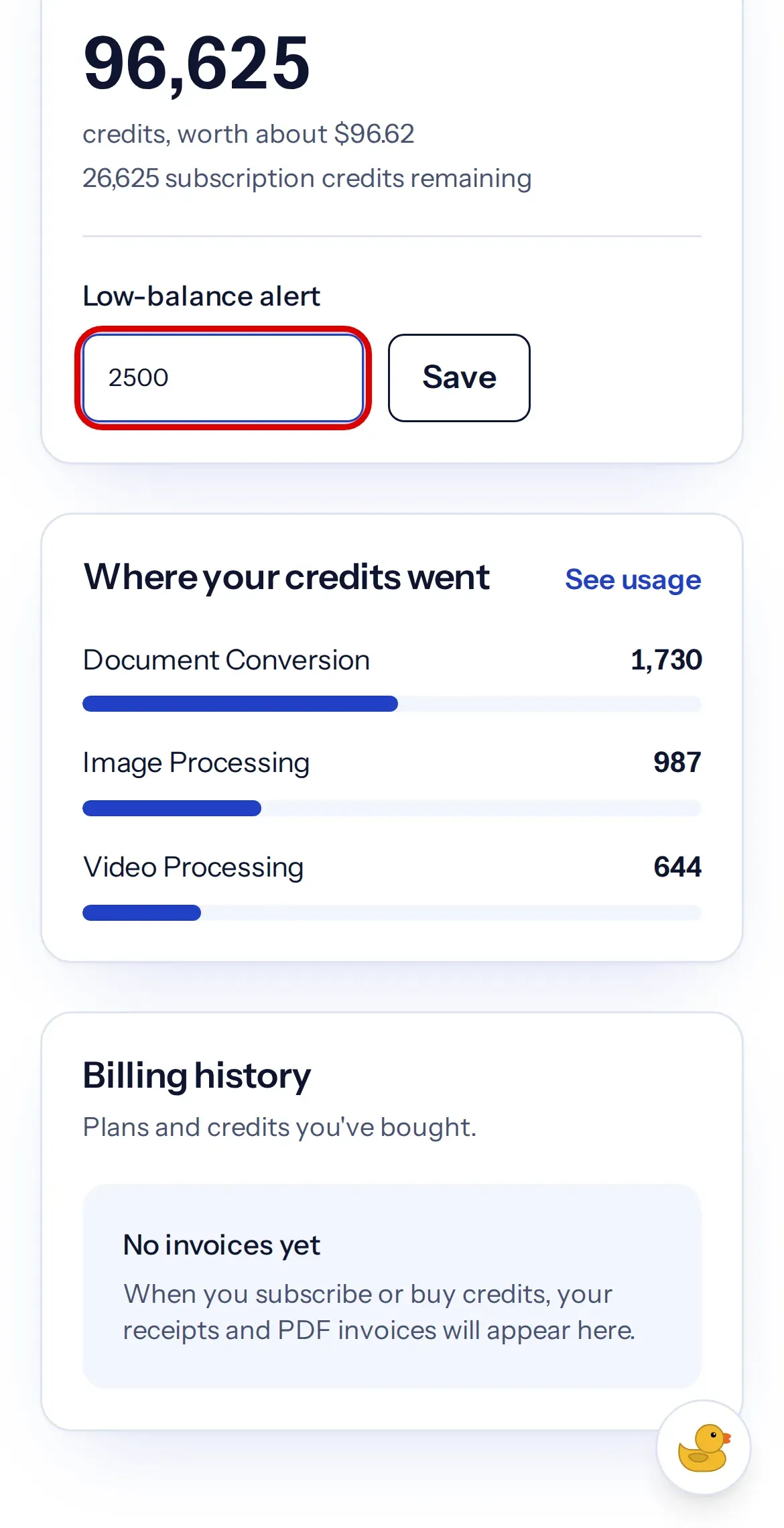
Go to the Subscription page. Find the card called Credit balance. It shows how many credits you have. On a phone, scroll down a little to reach it.
Find the Low-balance alert box
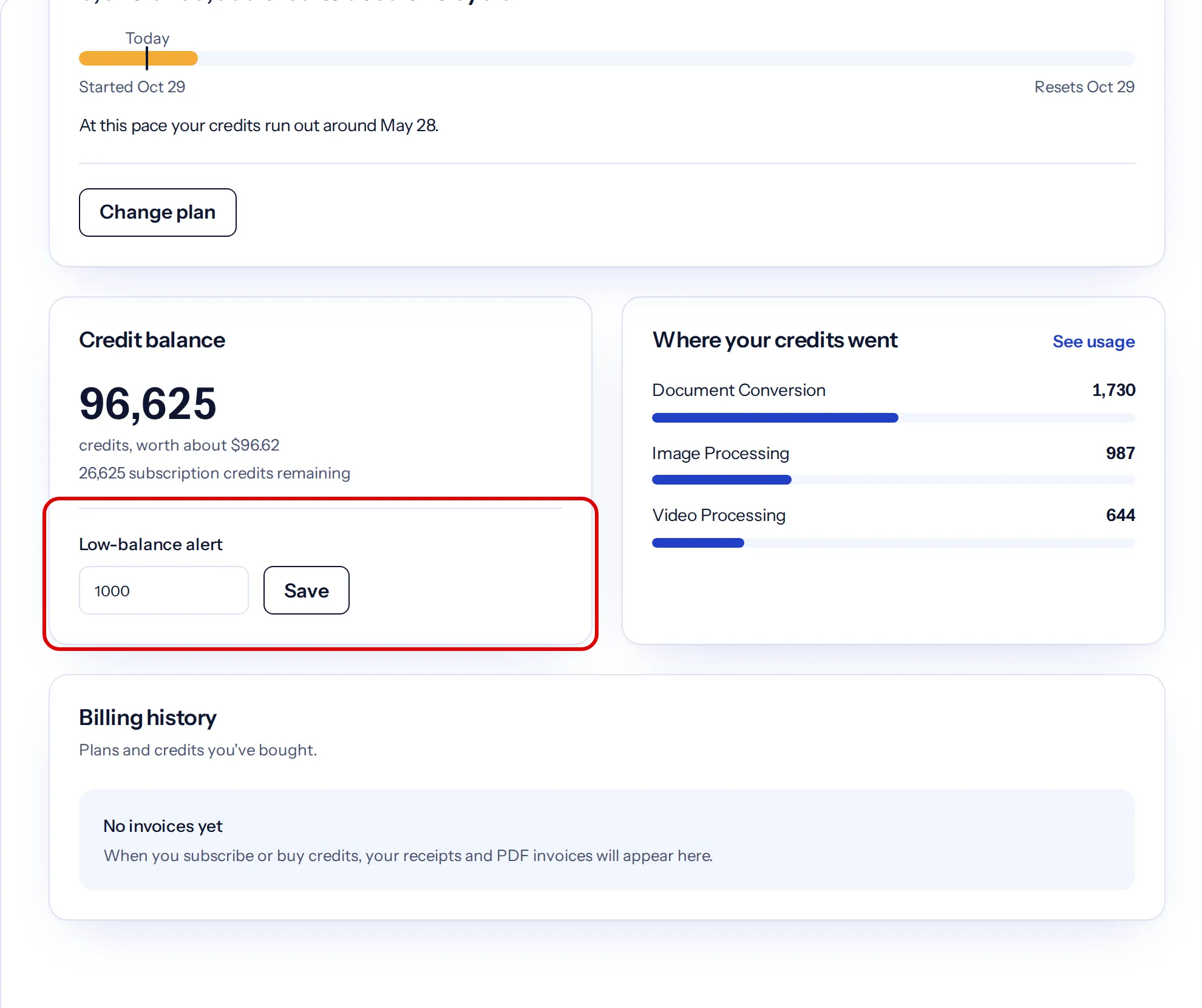
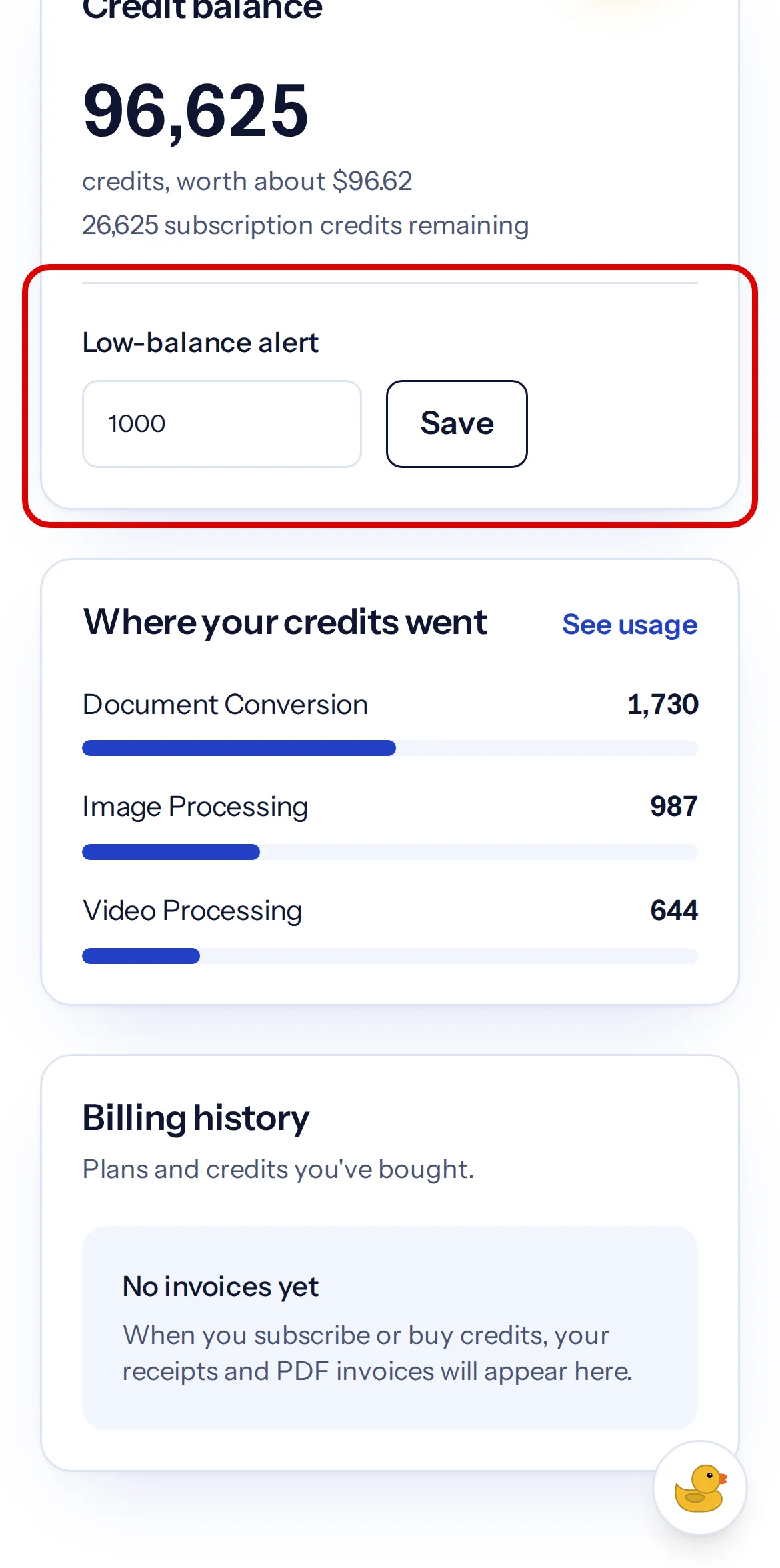
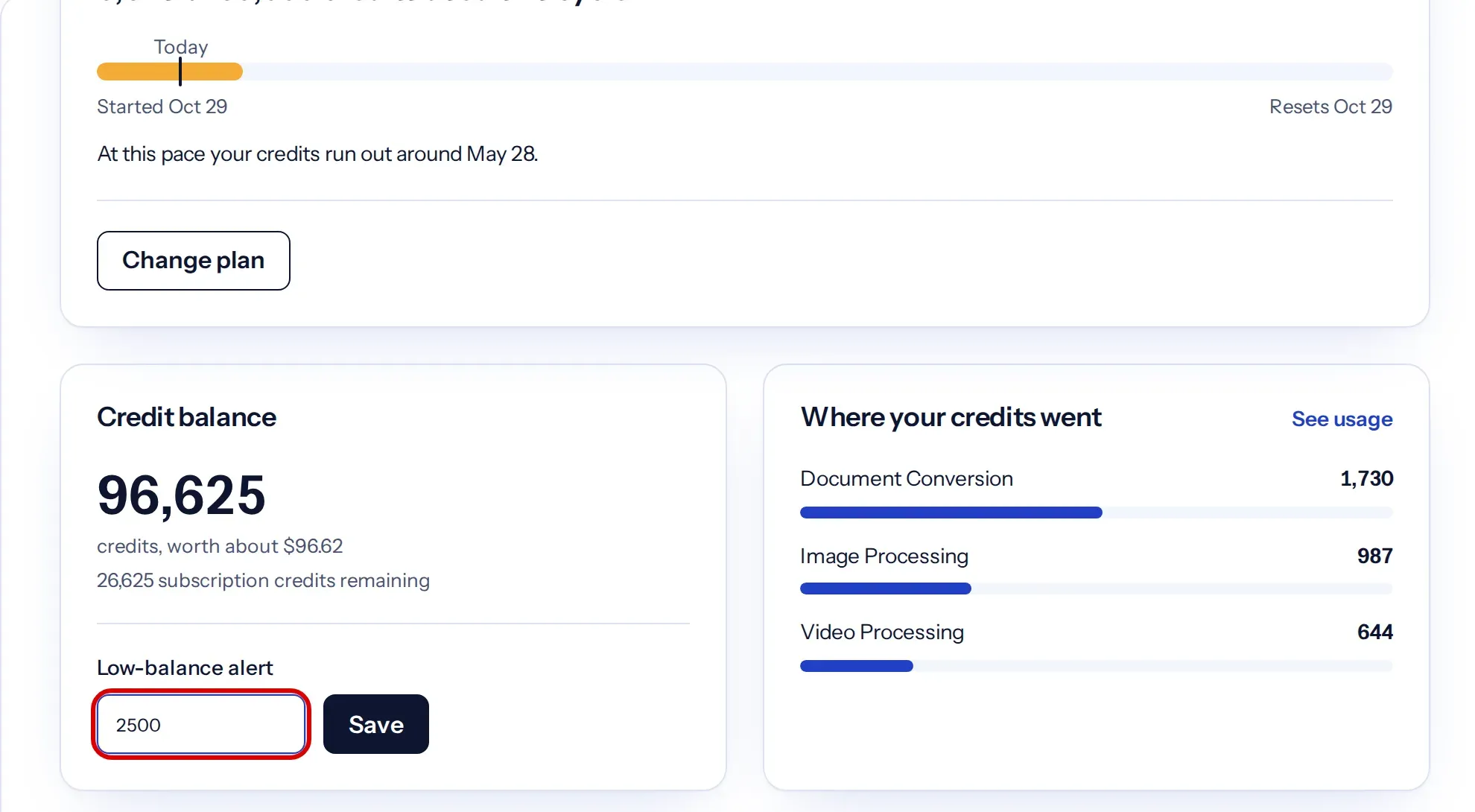
At the bottom of the Credit balance card is a label, Low-balance alert. Under it is a box with a number and a Save button. The number counts credits. It shows your saved alert level.
Type the number you want
Select the box and type a new number, for example 2500. indox will alert you when your credits drop to that number or lower. Pick a number that gives you time to top up.
Select Save
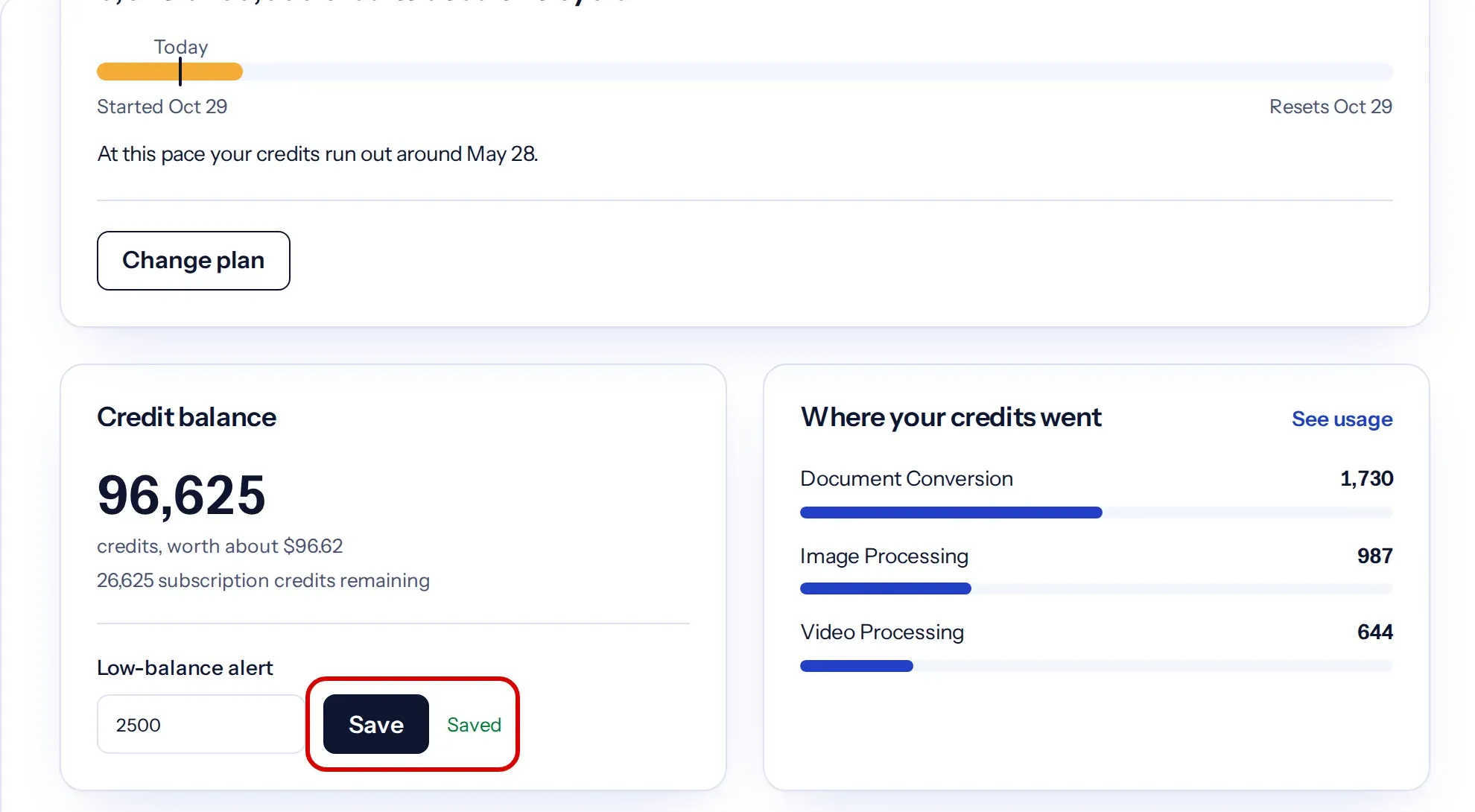
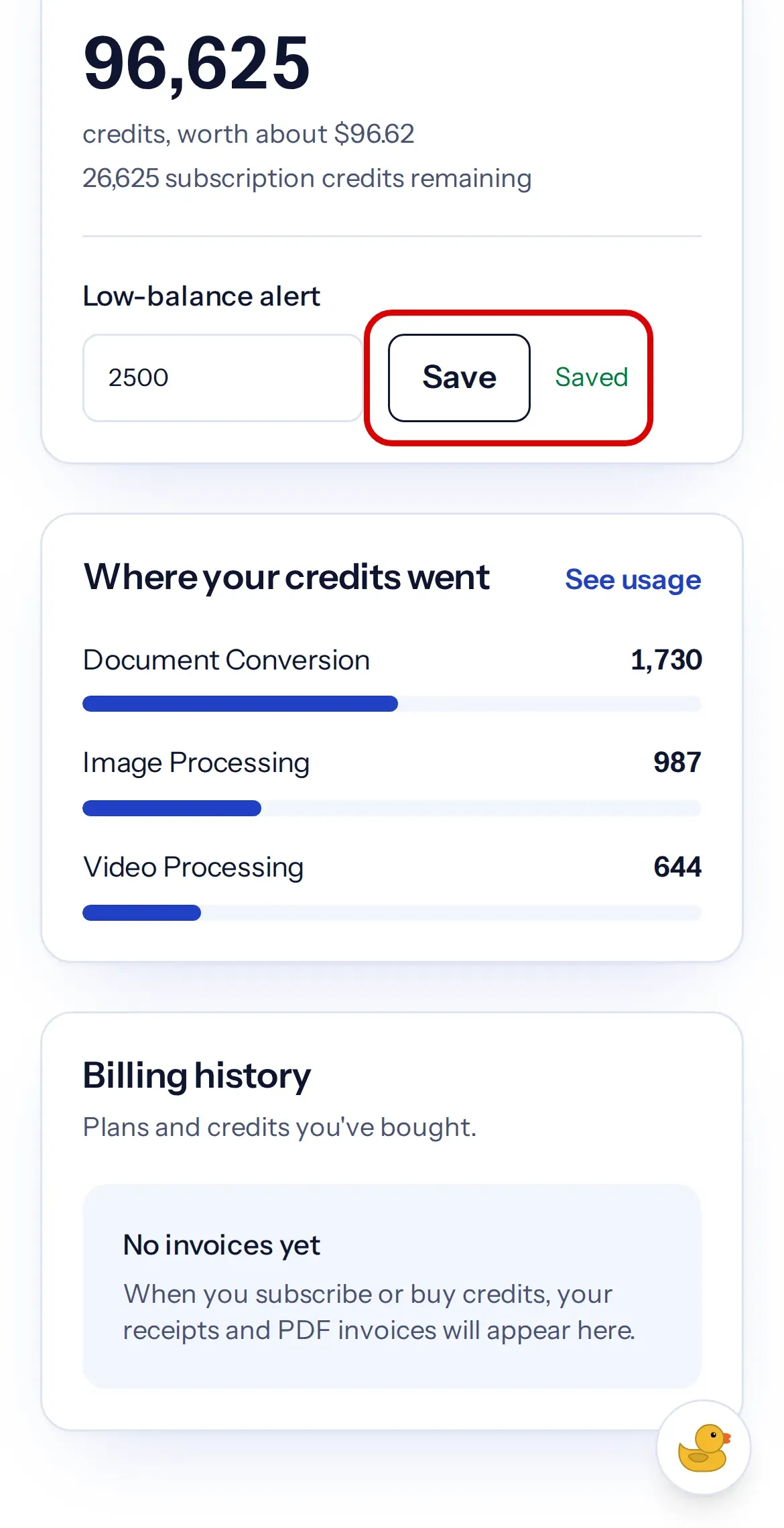
Select Save. The word Saved shows next to the button in green. Your new alert level is kept. To change it later, type another number and select Save again.
Troubleshooting
| Problem | Cause | Fix |
|---|---|---|
| A red message pops up after you select Save | The number is too low | Type a bigger number and select Save again |
| The Save button is grey | The box is empty | Type a number in the box |
| You want to see your current level | The box shows the saved number | Open the Subscription page and look at the Low-balance alert box |