Last updated
Split a PDF into separate files
Before you start
- To split a PDF means to cut it into smaller PDF files. Have the PDF on your phone or computer. The upload box tells you how big a file can be.
- The PDF needs at least two pages.
- You don't need an account.
Open your PDF
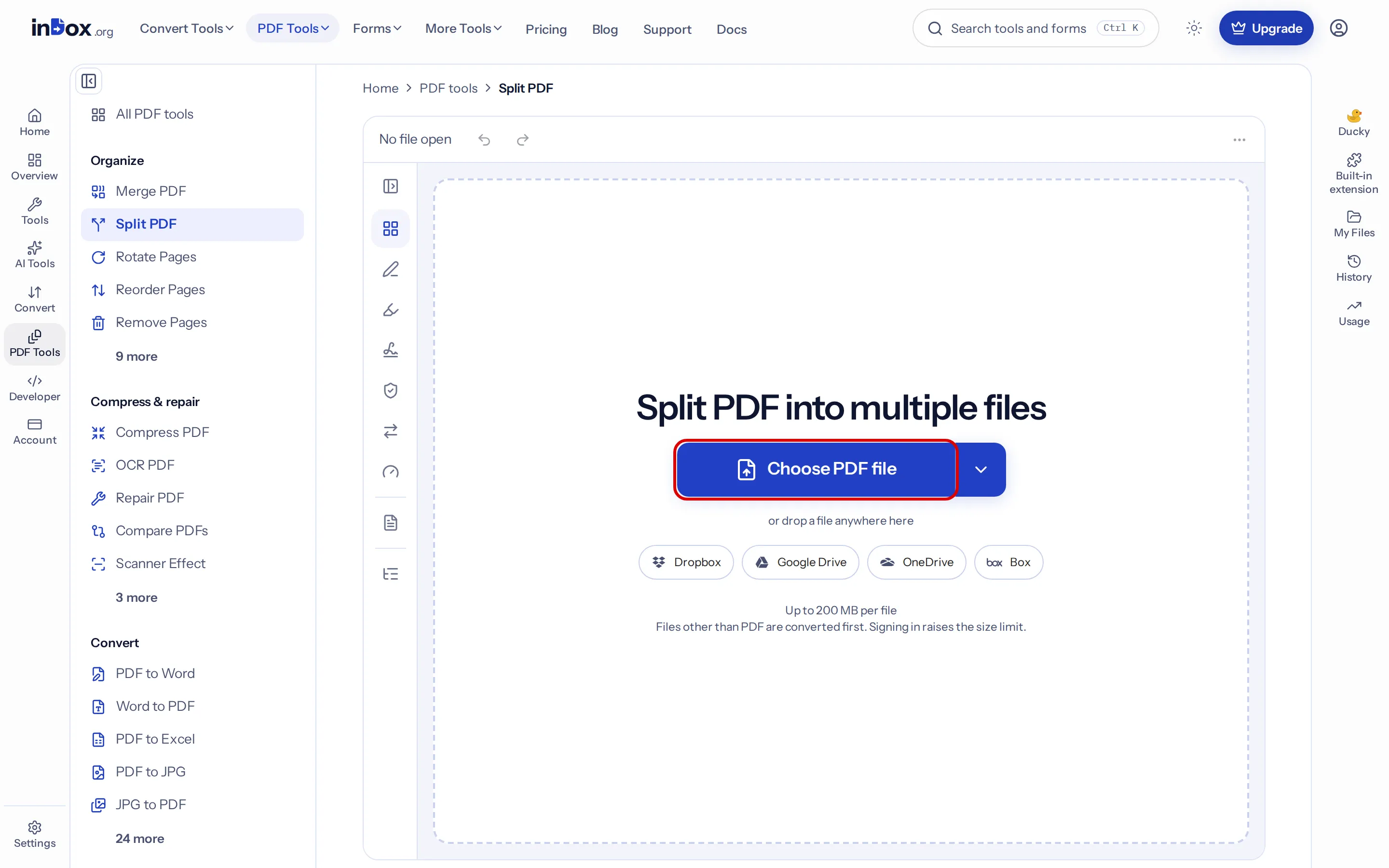
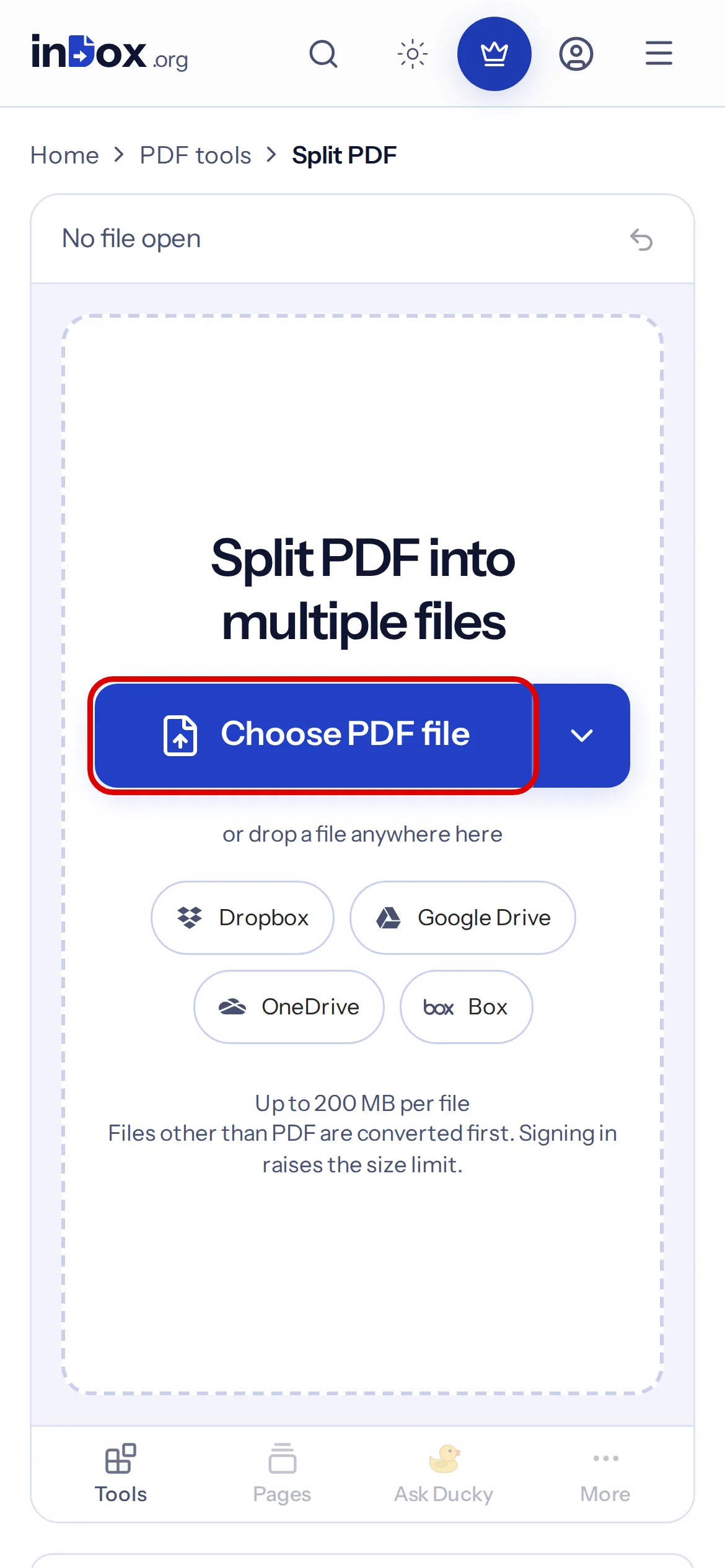
Go to the Split PDF page. In the middle of the page, select the blue Choose PDF file button. A box opens so you can pick a file from your device. You can also drag a file onto the page. When the file loads, you see its pages and a Split PDF panel. On a computer the panel is on the right. On a phone it is at the bottom of the screen.
Choose how many files you want
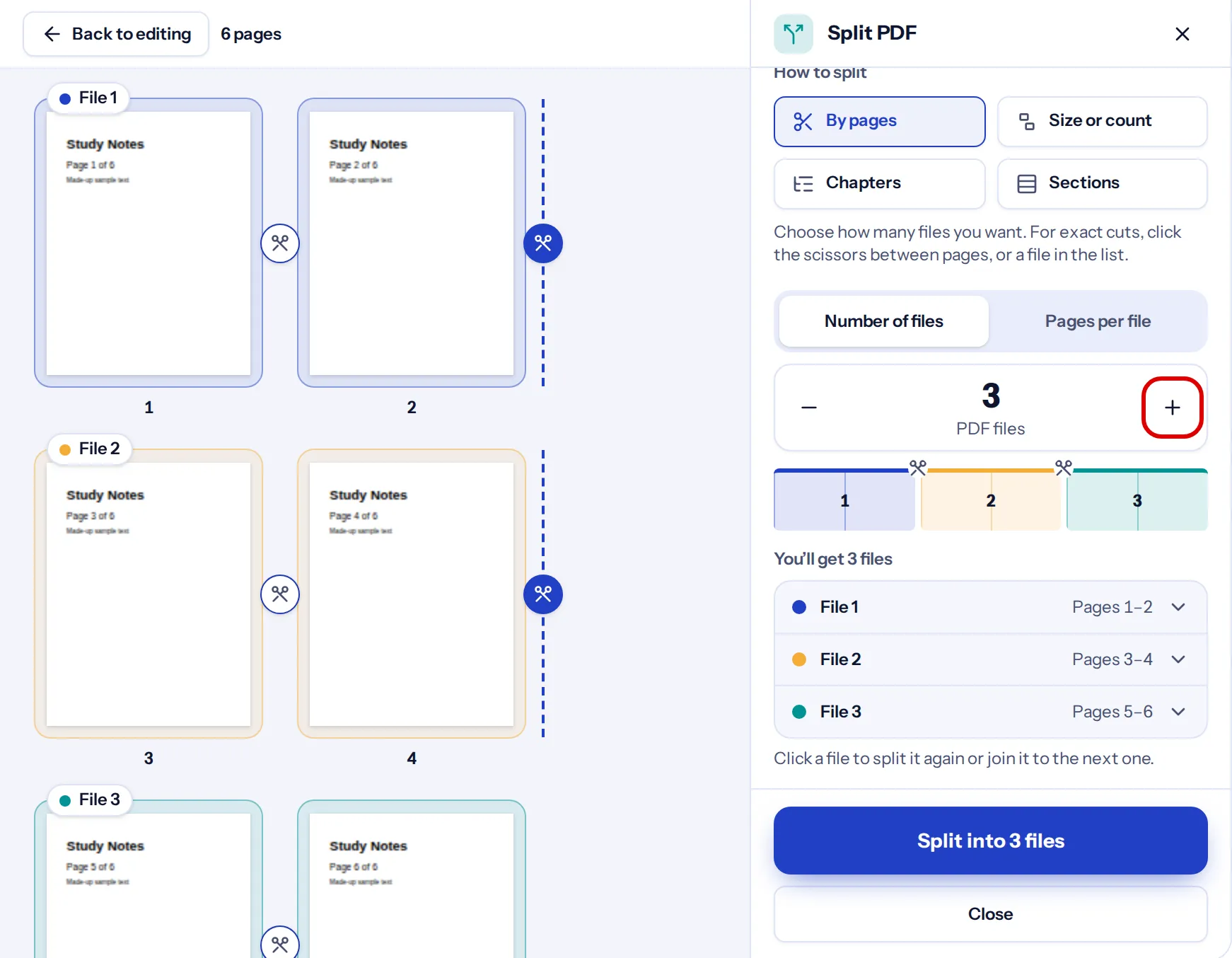
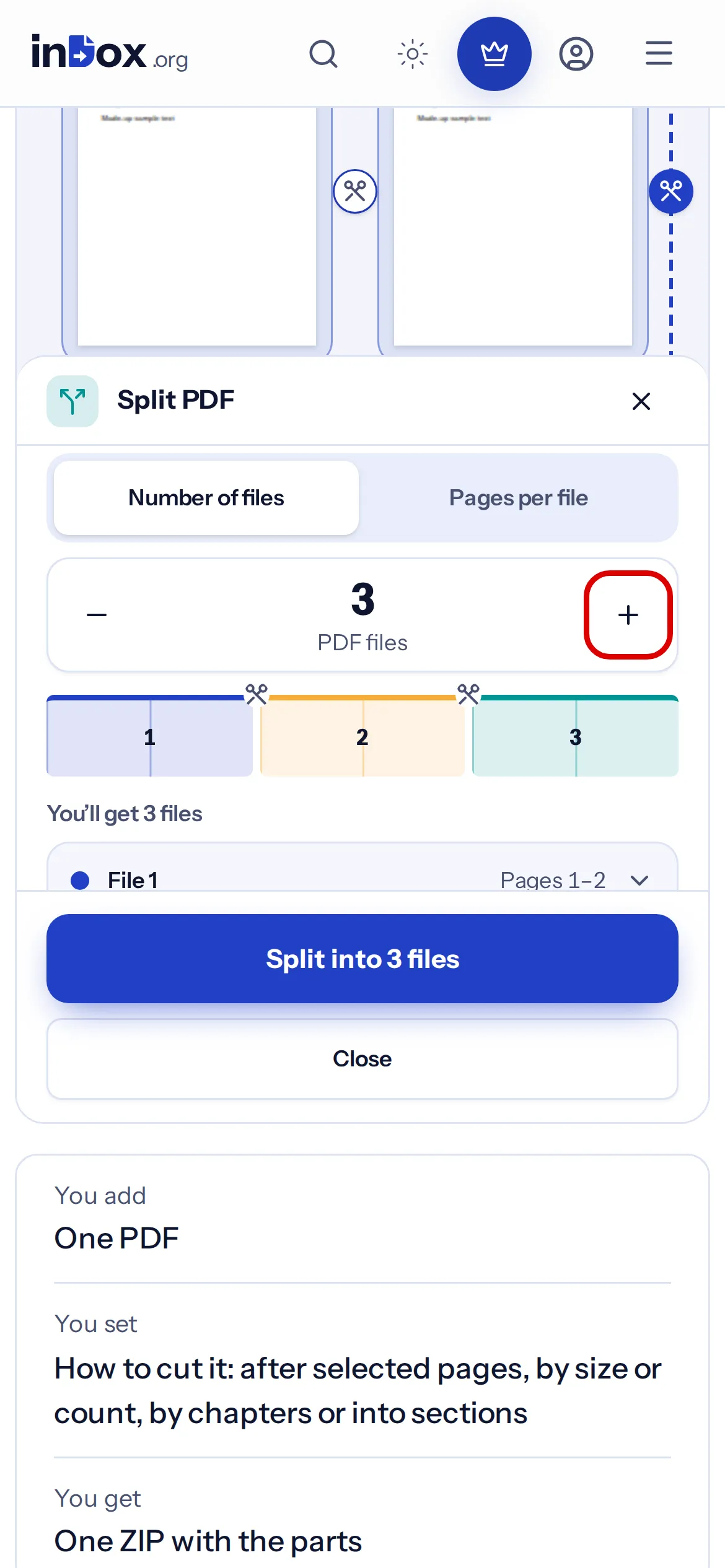
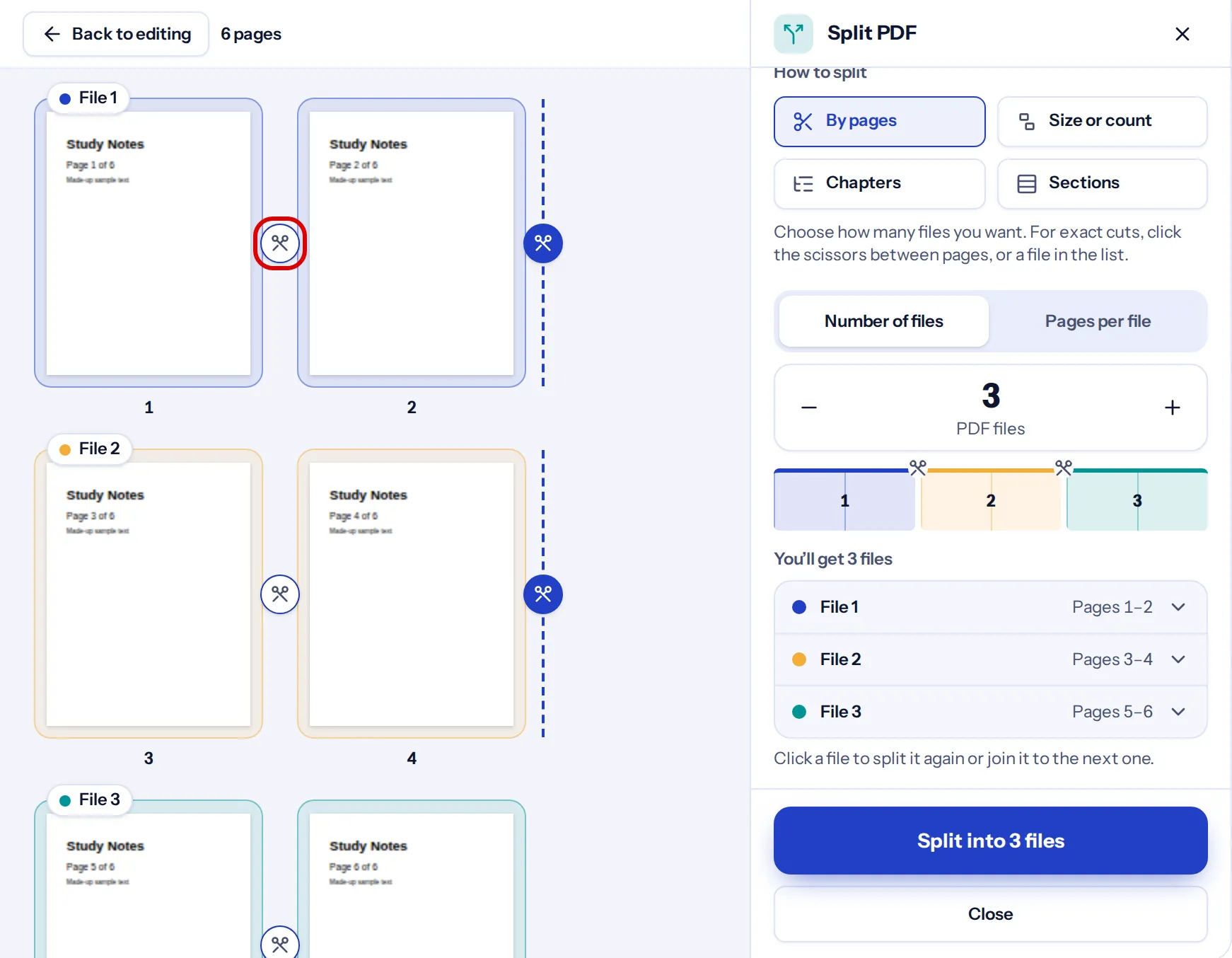
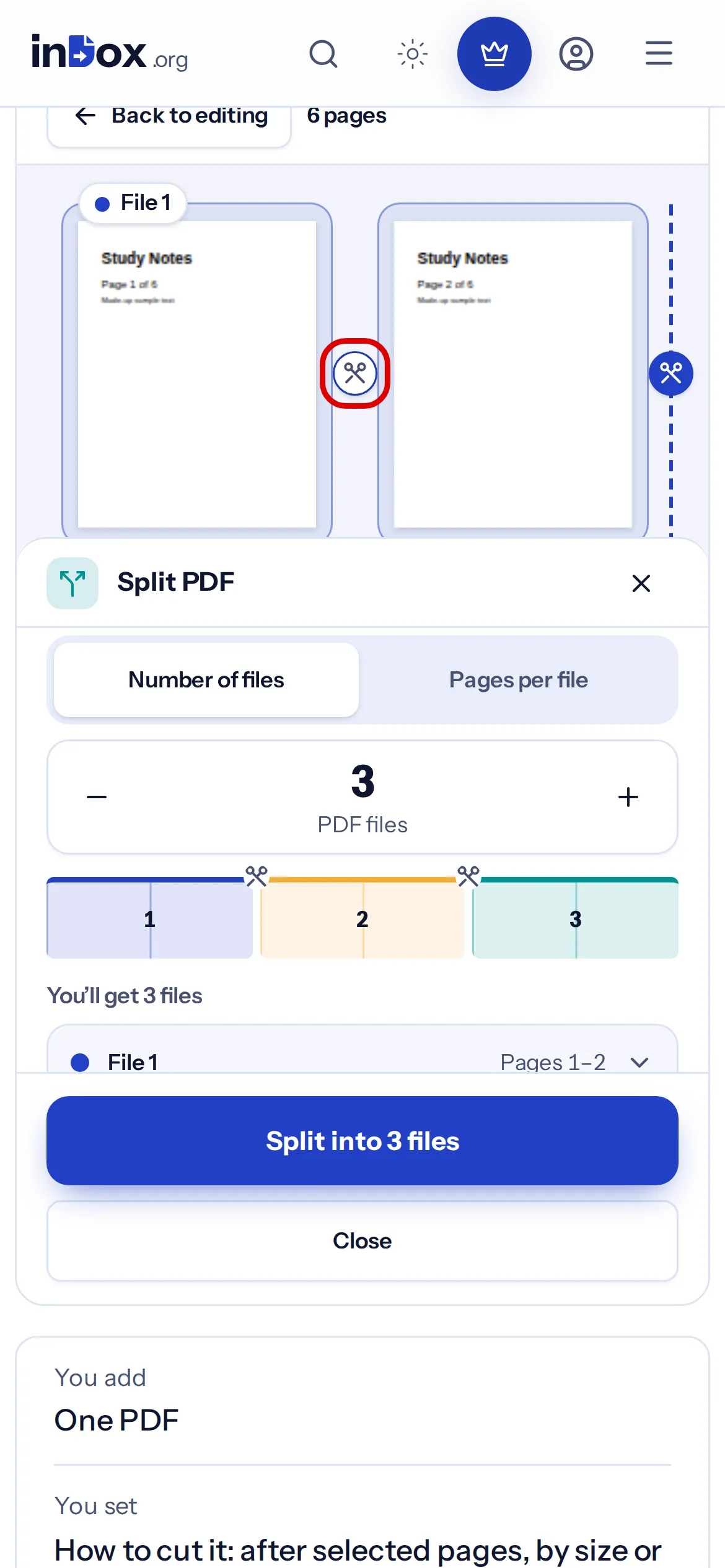
In the Split PDF panel, By pages and Number of files are already picked. The big number shows how many files you will get. Select + to get one more file, or − to get one fewer. The list under You’ll get 3 files shows which pages go into each file.
Cut at an exact page (optional)
To choose where each file ends, look at the round scissors buttons between the pages. A blue one is a cut that is already there. Select a pale one, like the one between page 1 and page 2, to add a cut. Each cut ends a file, and the next page starts a new one. Select a blue one to remove the cut.
Split the PDF
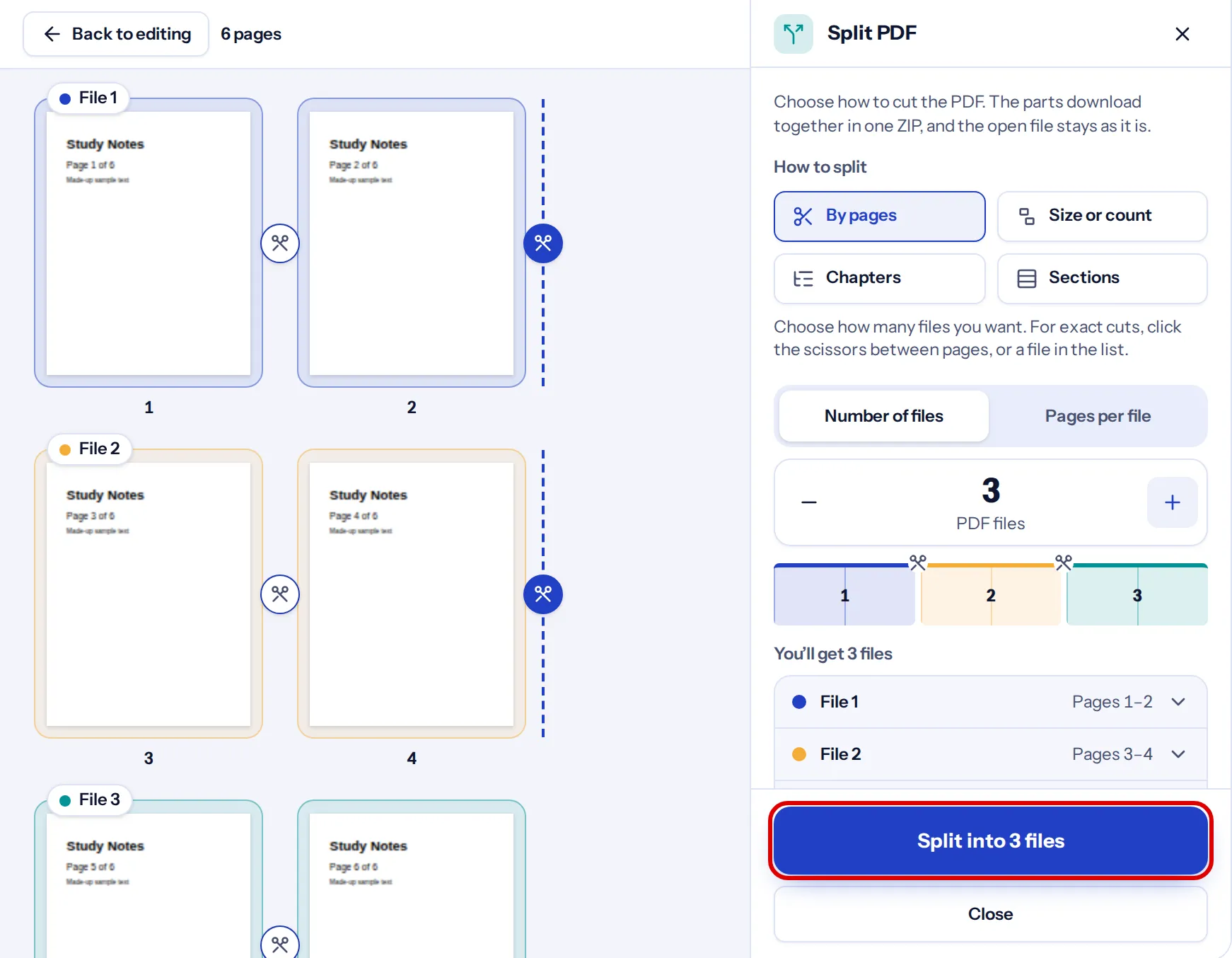
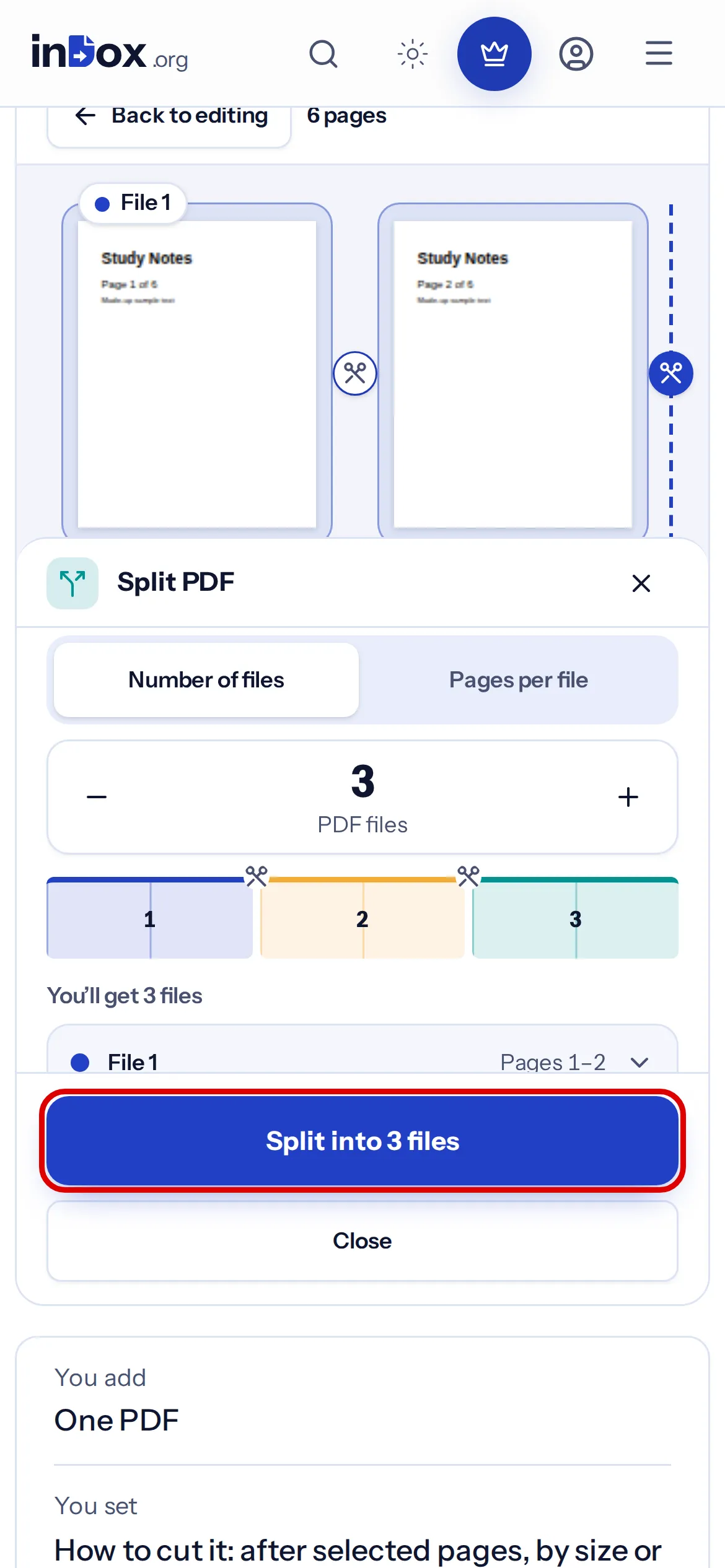
Select the blue Split into 3 files button at the bottom of the panel. The number on the button matches the files in the list. Wait a moment while indox cuts the PDF.
Download the ZIP
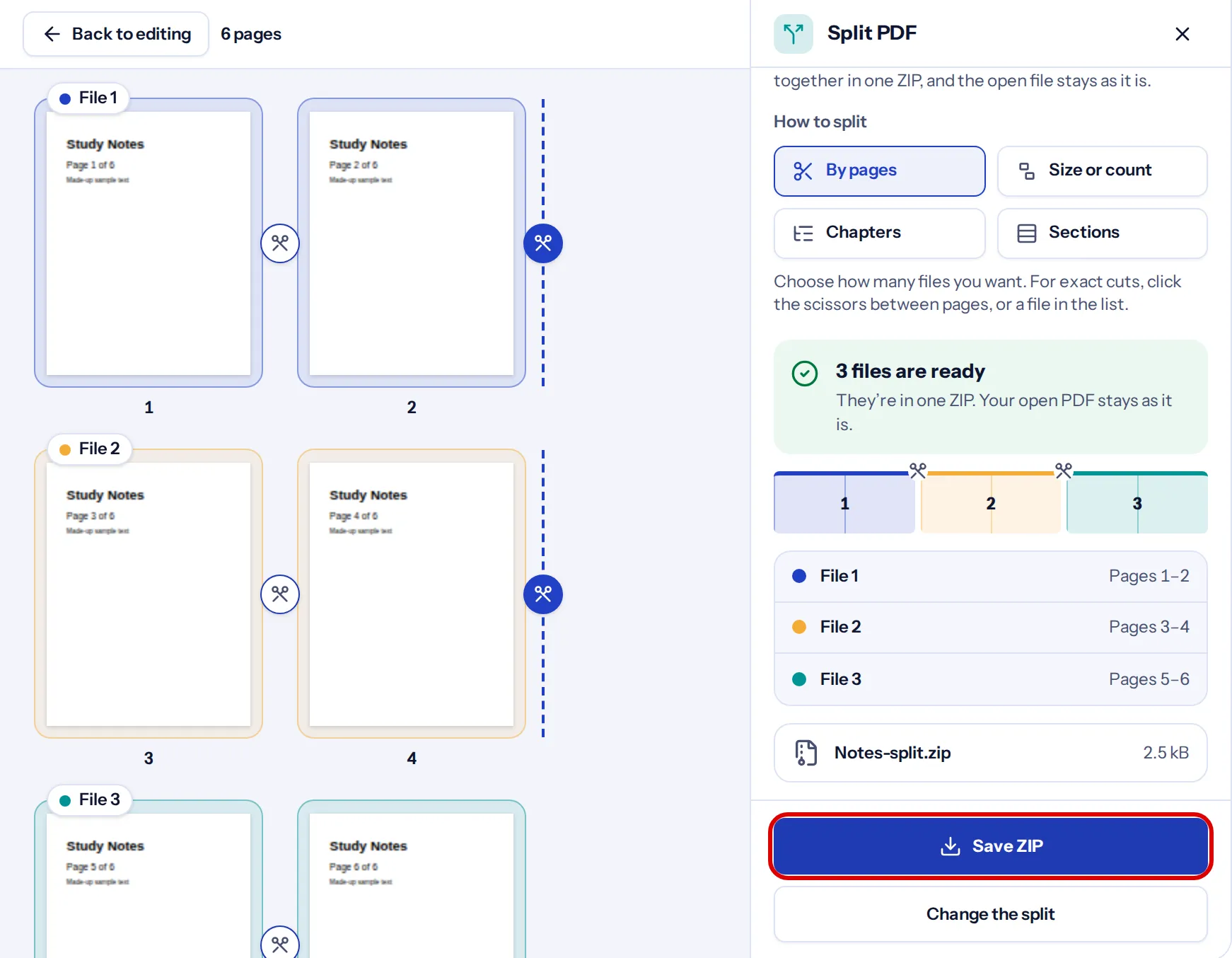
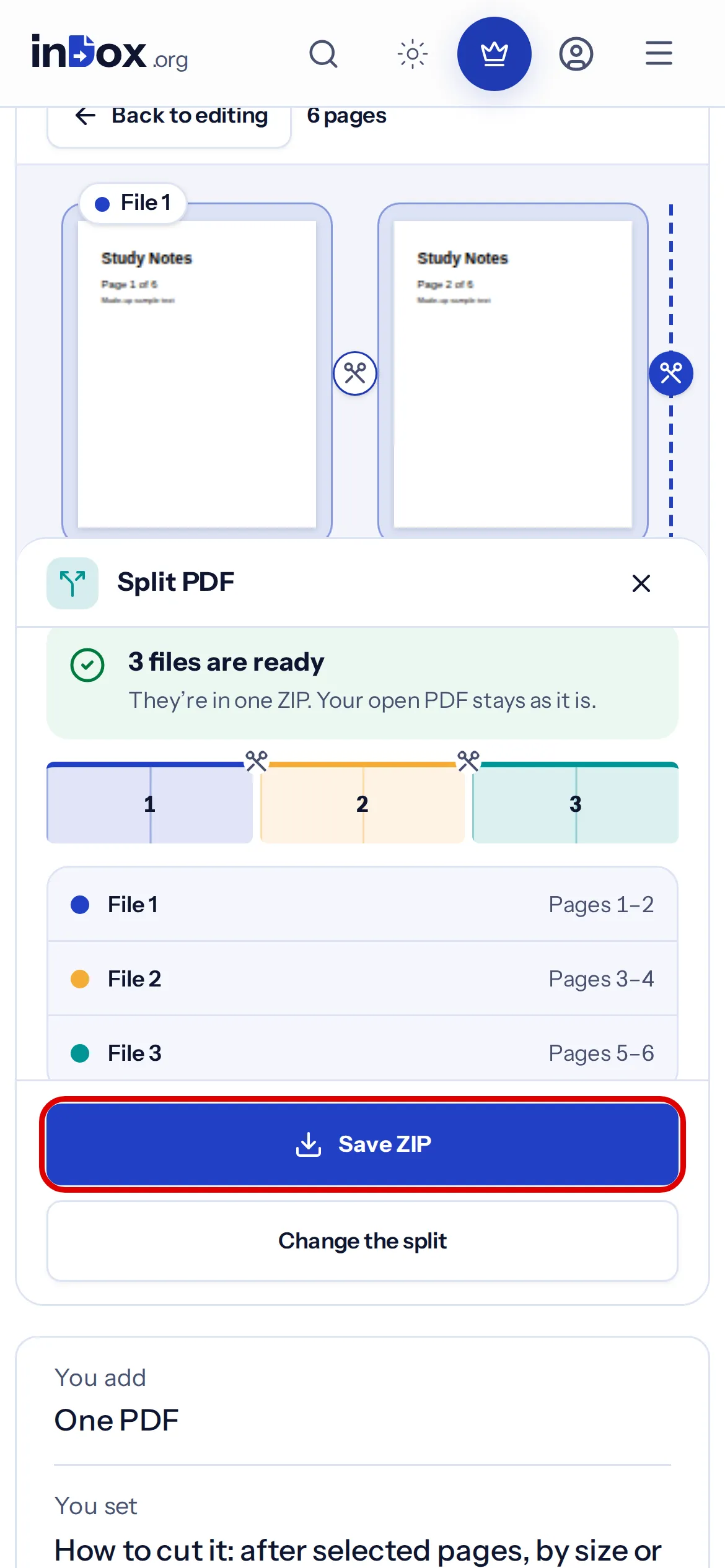
A green box says 3 files are ready. Select the blue Save ZIP button below the list. A ZIP file is one file that holds many files. Your device saves all the PDFs together in one ZIP. Open it to find them. The PDF you opened stays as it was.
Troubleshooting
| Problem | Cause | Fix |
|---|---|---|
| Split into 1 file is greyed out | There's no cut left between the pages, or you're offline | Select the scissors between two pages or select +, and check your connection |
| The download is a ZIP | Every split puts its files in one ZIP | Open the ZIP on your device to get the separate PDFs |
| The PDF you opened didn't change | Splitting makes new files and leaves the open PDF as it was | Select Save ZIP to get the new files |
| The panel says there's nothing to split | The PDF has only one page | To cut one page into pieces, choose Sections in the Split PDF panel |
| The files are almost as big as the original | Each file can keep its own copy of images and fonts used on every page | Try Compress PDF on each file |