Last updated
Manage your cookie and privacy choices
Before you start
- You need to be signed in to indox.org.
- A cookie is a small file that a website saves in your browser. The switches on this page are your choices about those files.
- This guide does not use the Delete button on the Your data card.
Open the Privacy page
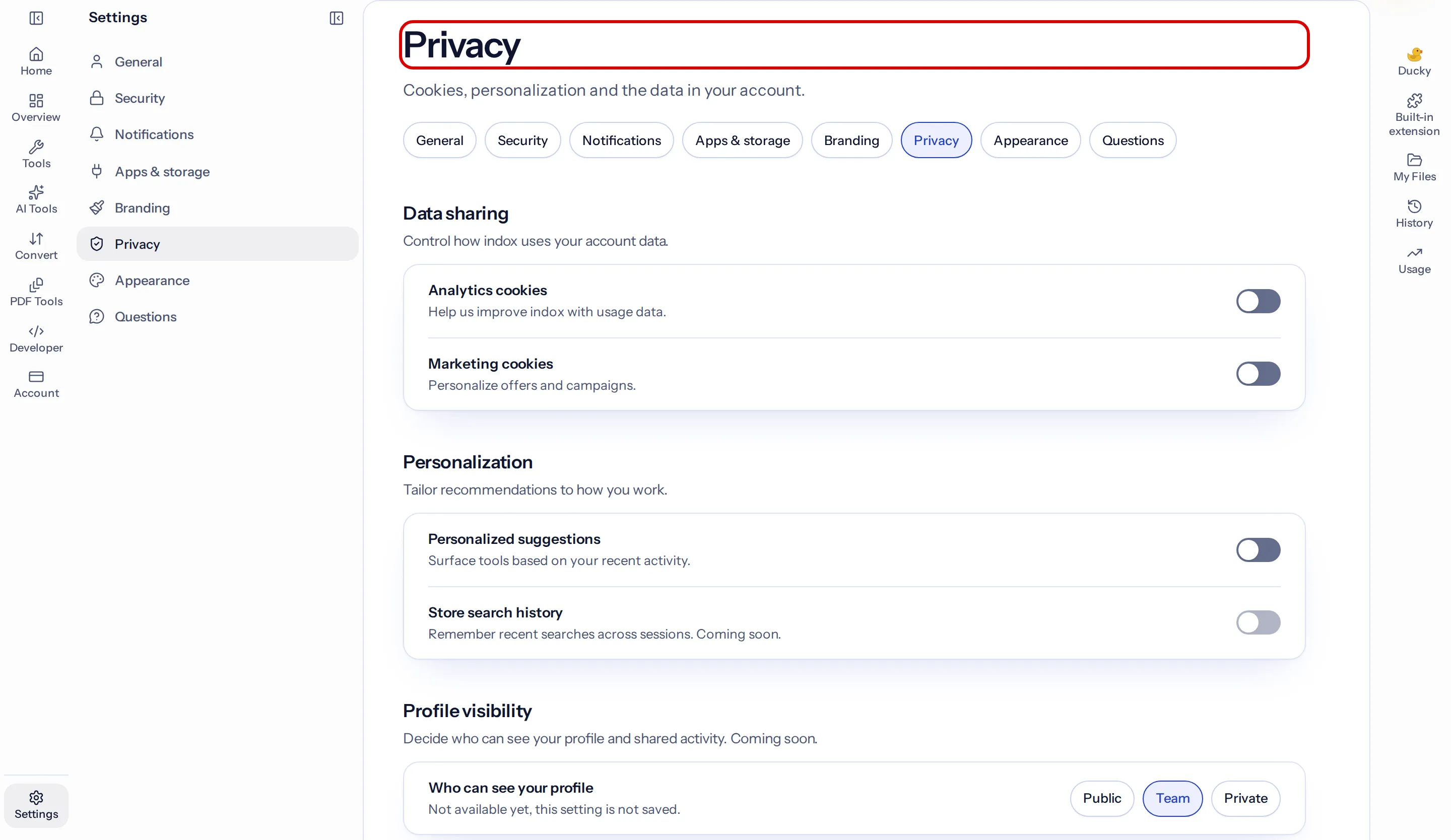
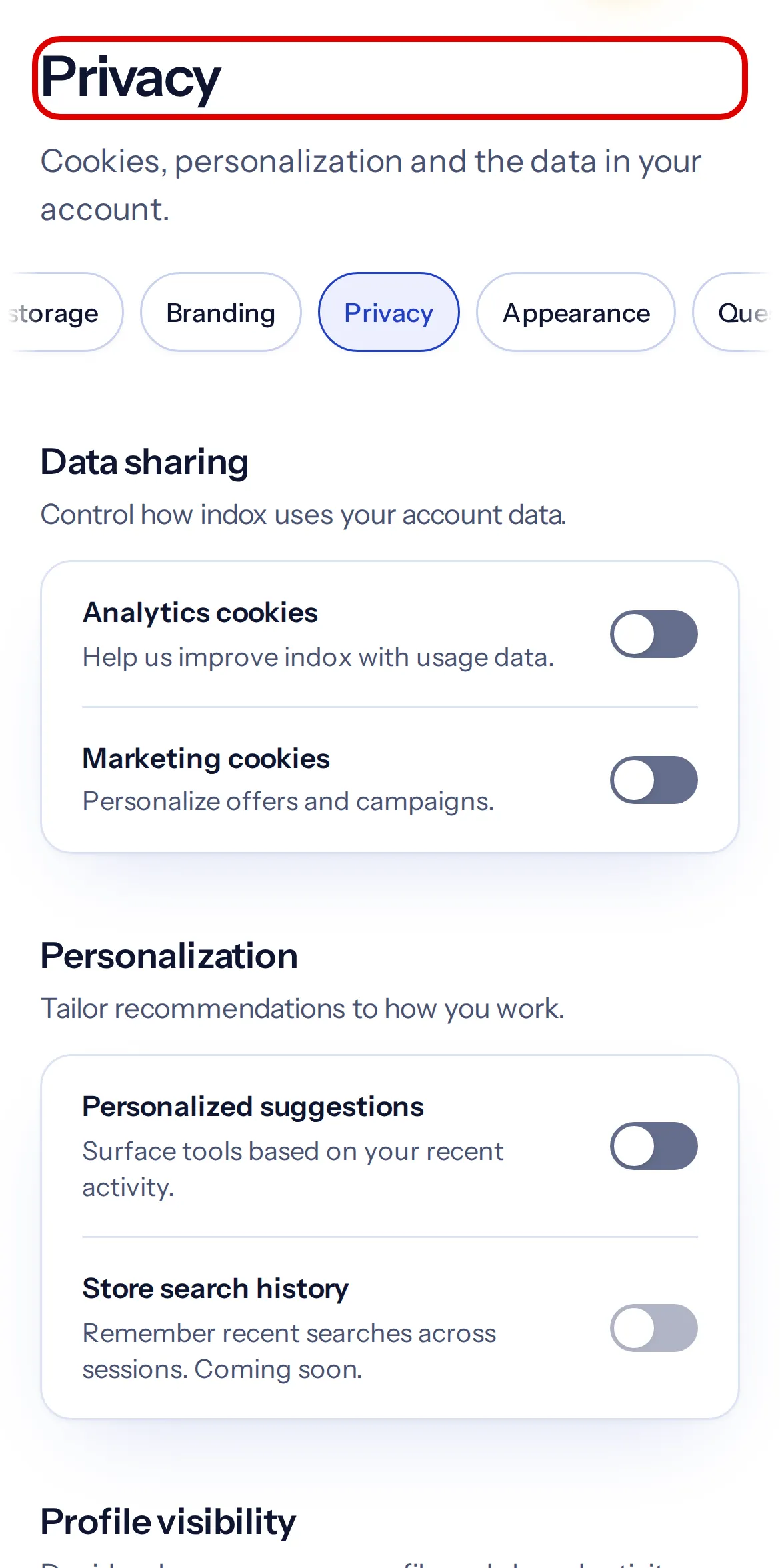
Go to the Privacy page. On a computer, you can also select Privacy under Settings in the left menu. On any screen, select Privacy in the row of round buttons under the page title. The page title is Privacy, and it says: Cookies, personalization and the data in your account.
Choose your cookie options
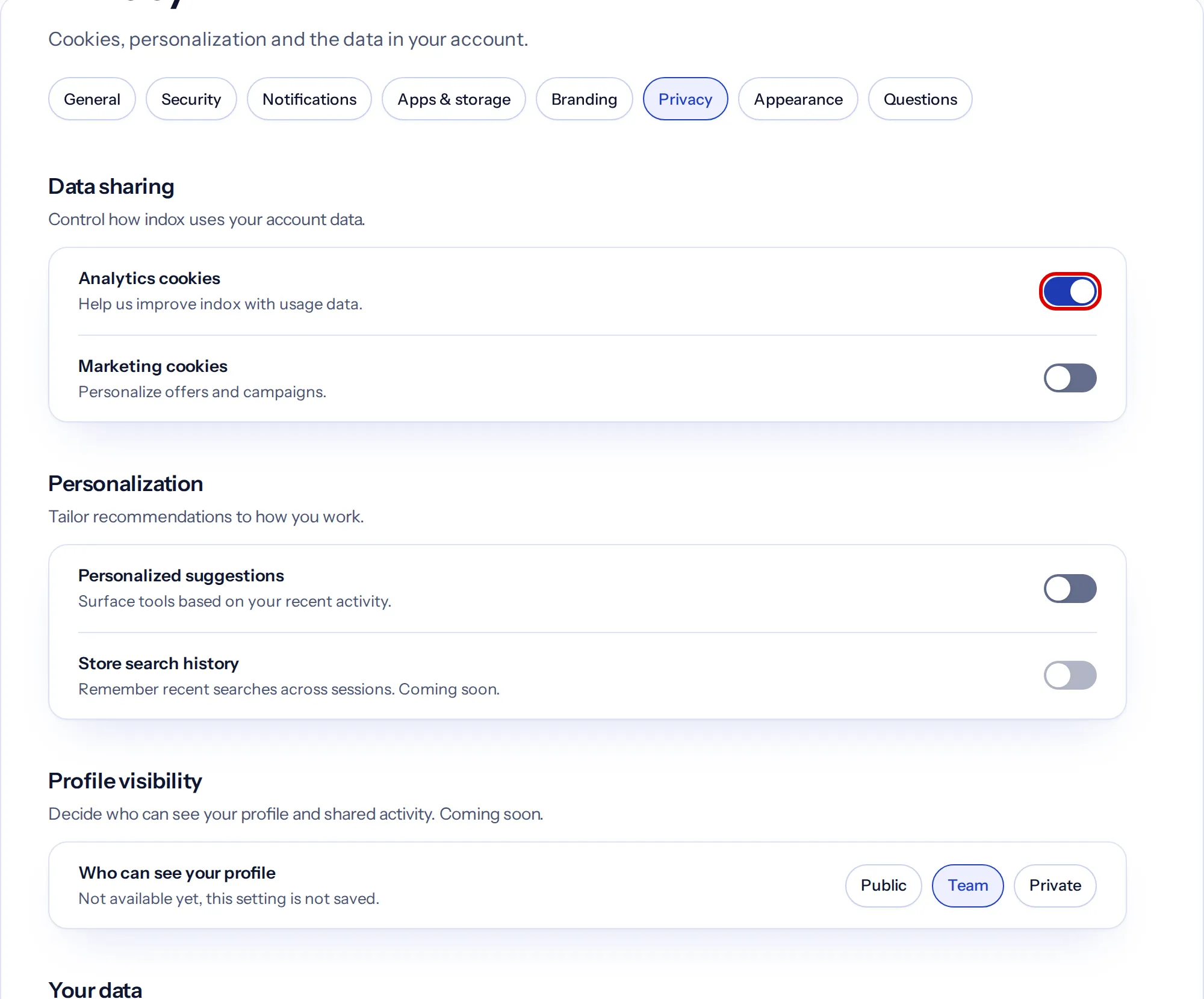
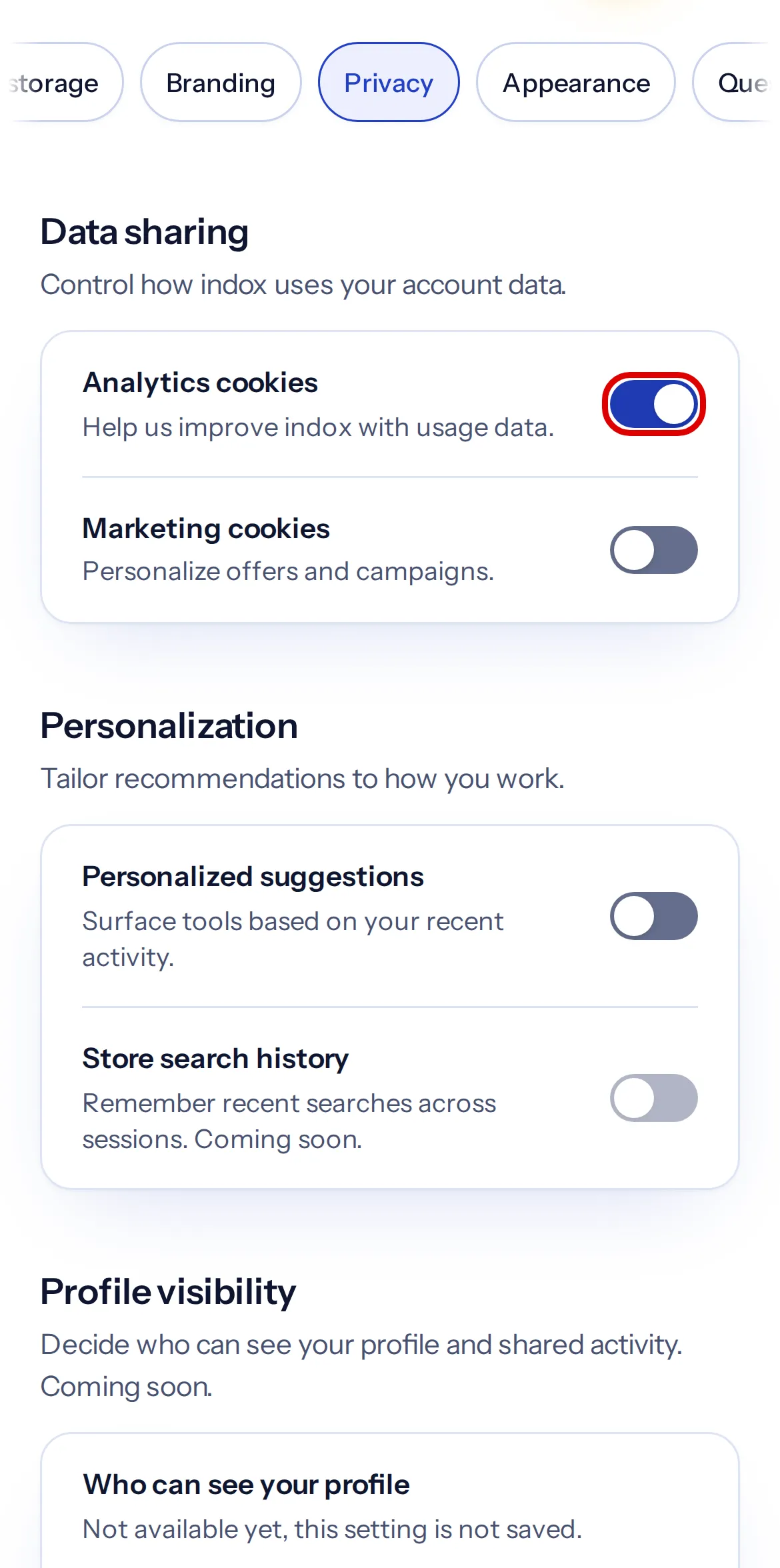
Under Data sharing, find Analytics cookies. Its note says: Help us improve indox with usage data. Select its switch. The switch turns blue and its knob moves to the right. Marketing cookies, just below it, has its own switch. To turn a choice off again, select its switch once more.
Choose personalization
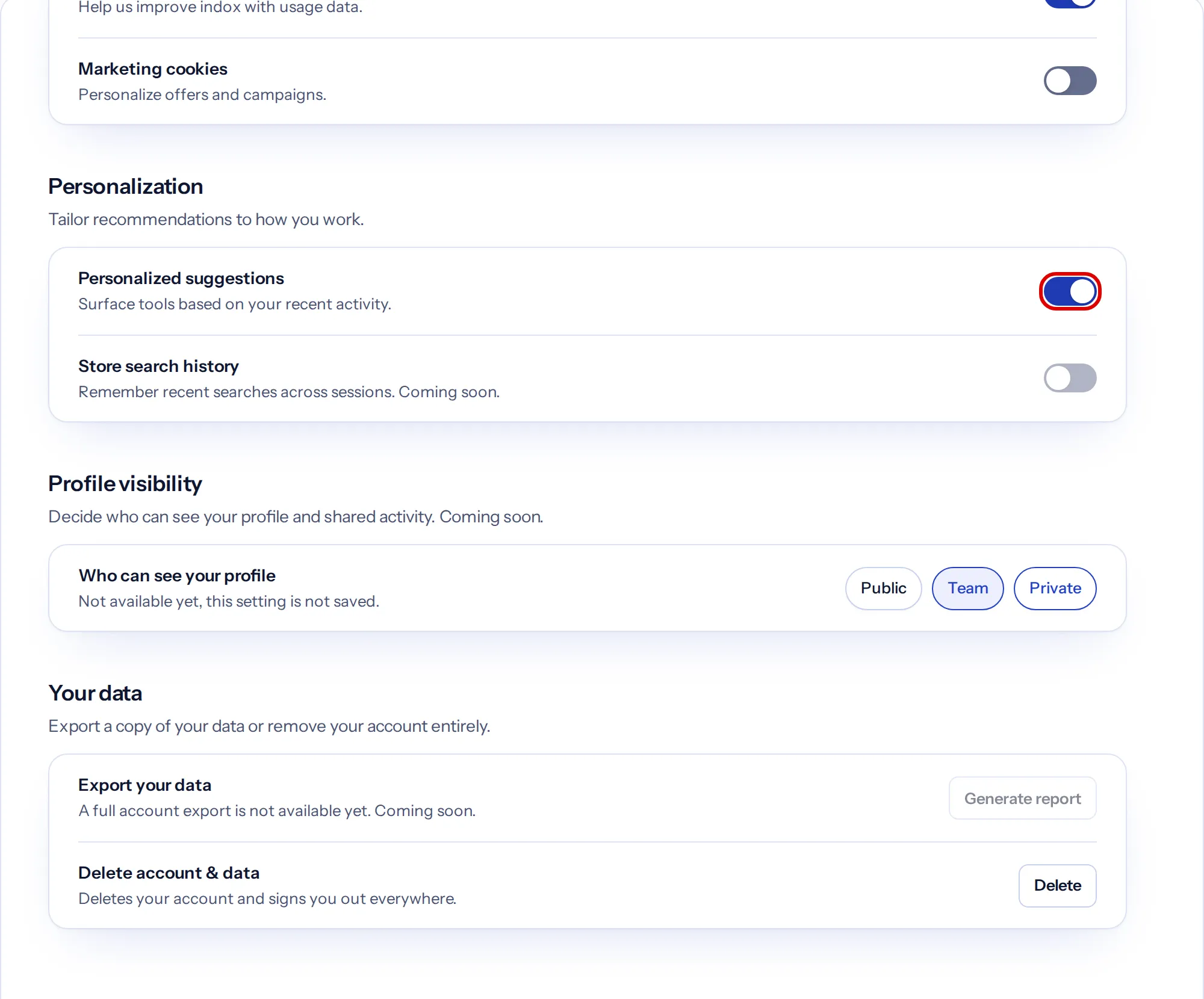
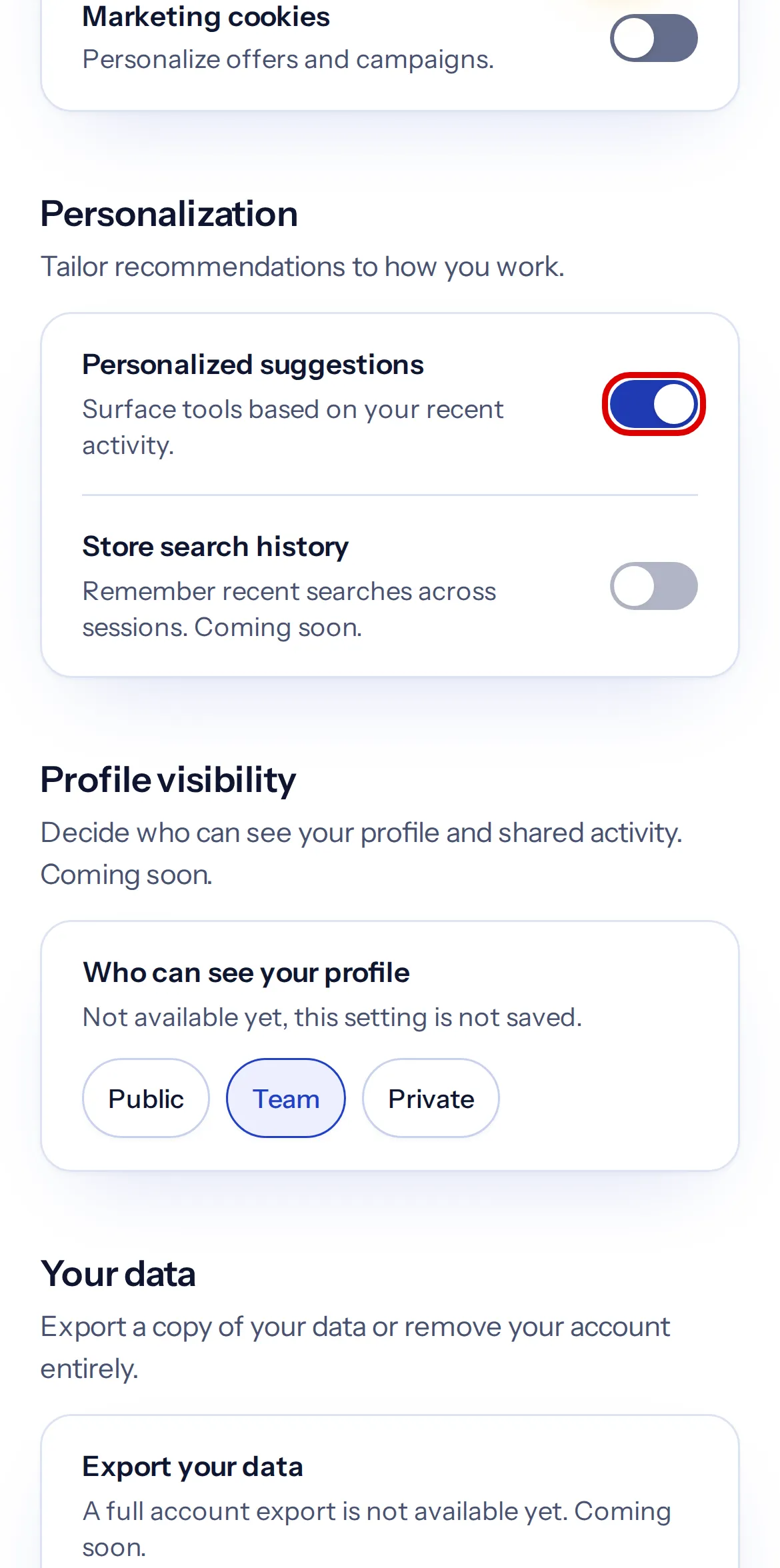
Under Personalization, find Personalized suggestions. Its note says: Surface tools based on your recent activity. Select its switch to turn it on. It turns blue, the same as the cookie switches.
Skip the items that are not ready
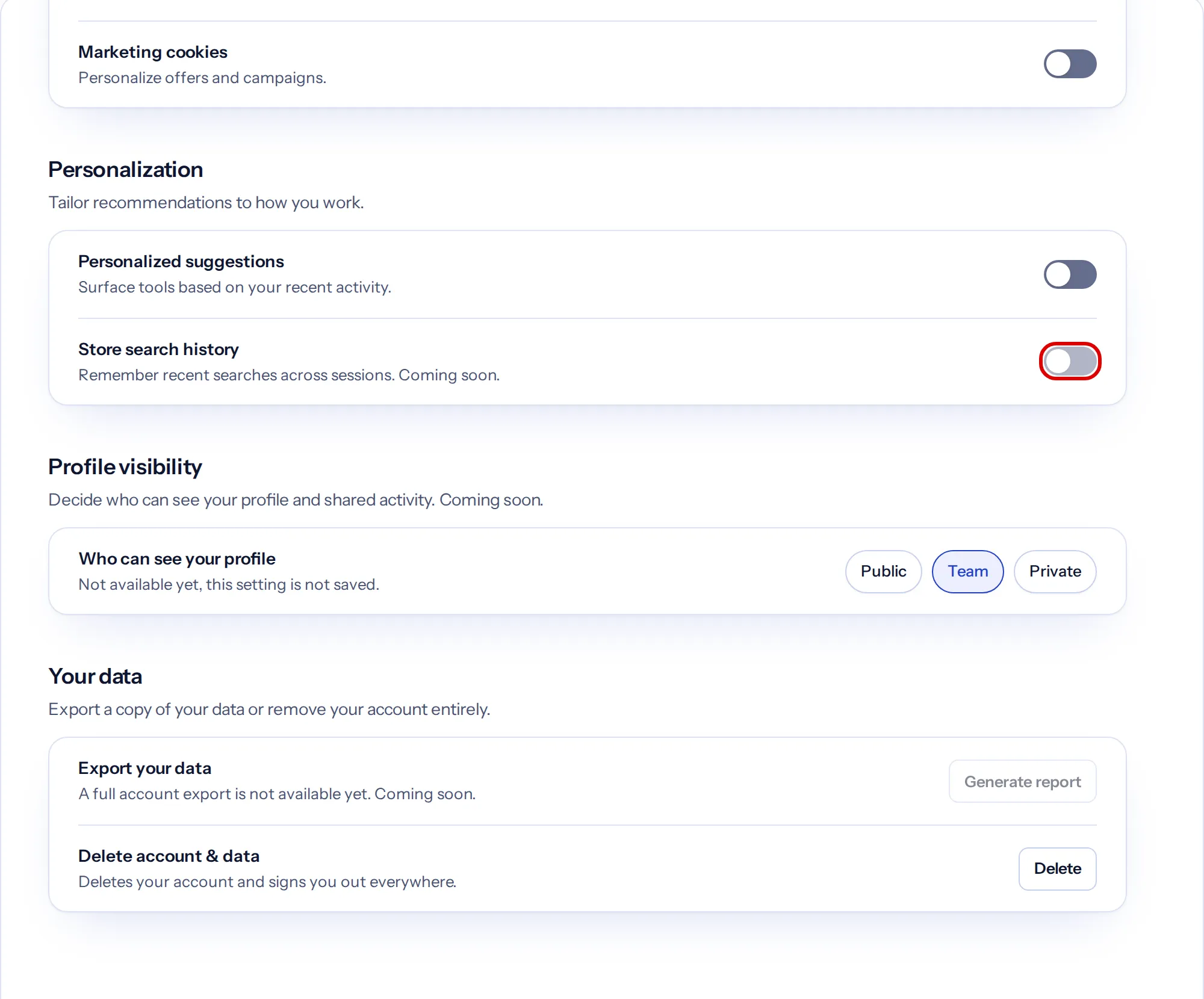
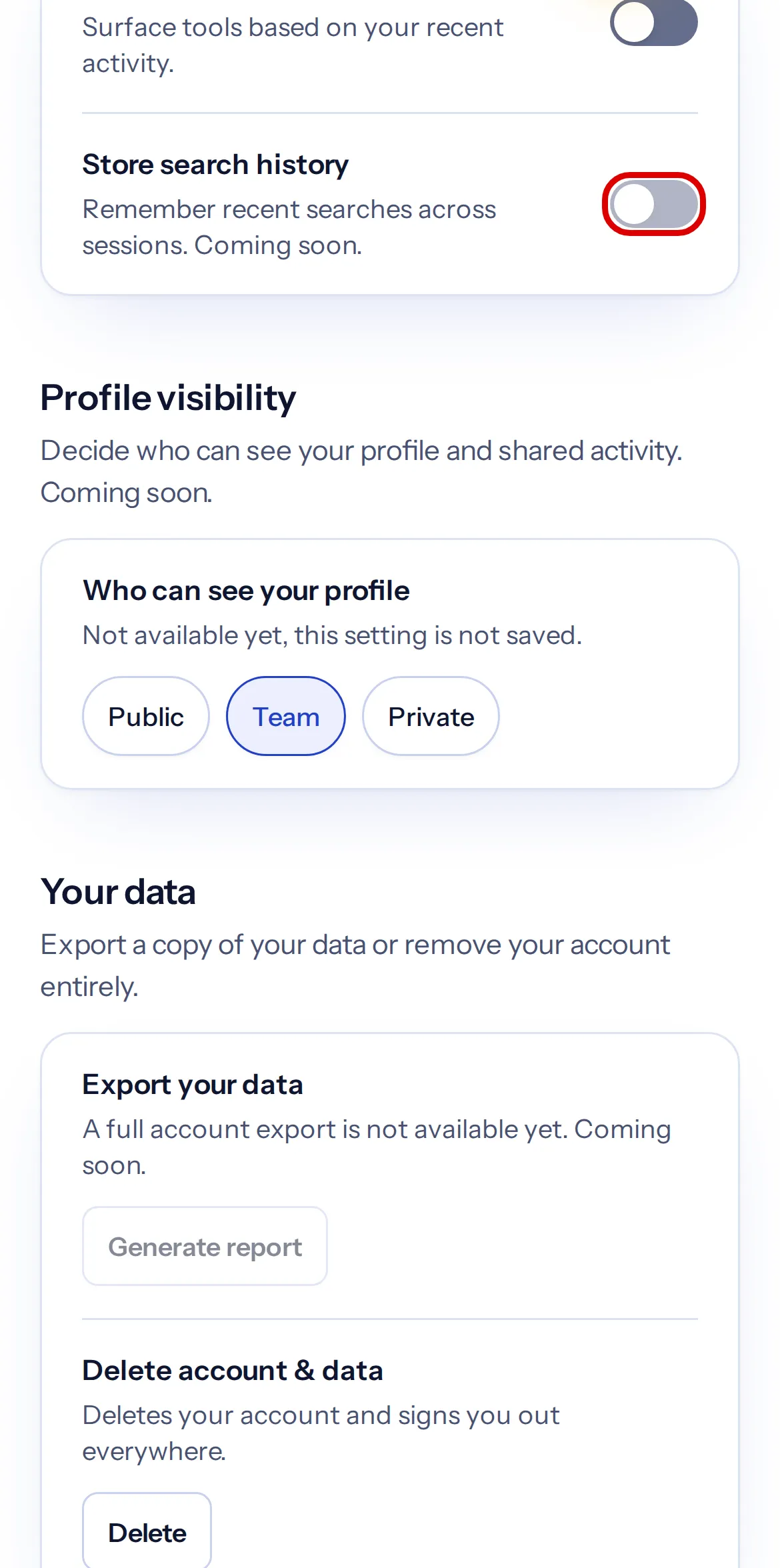
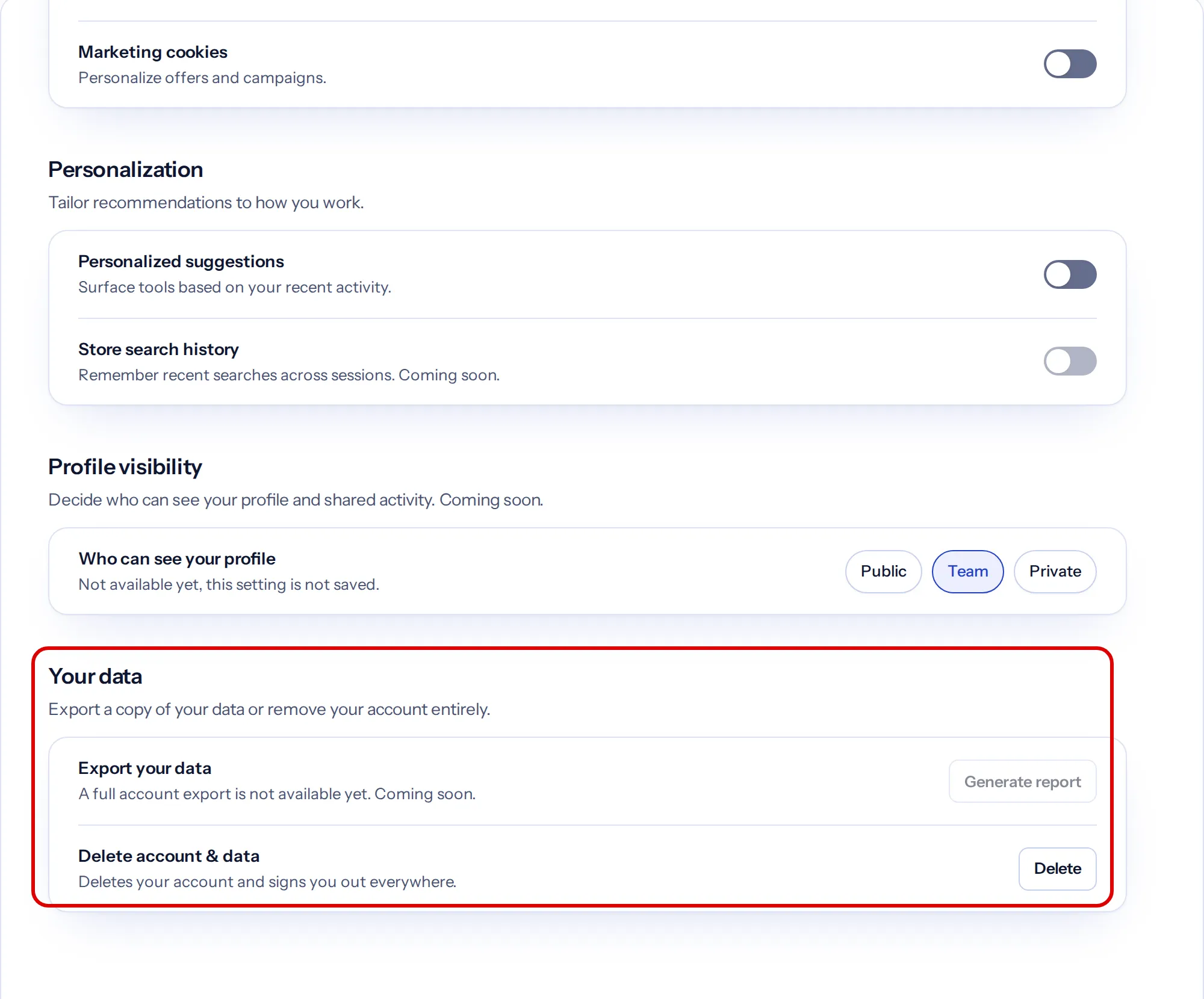
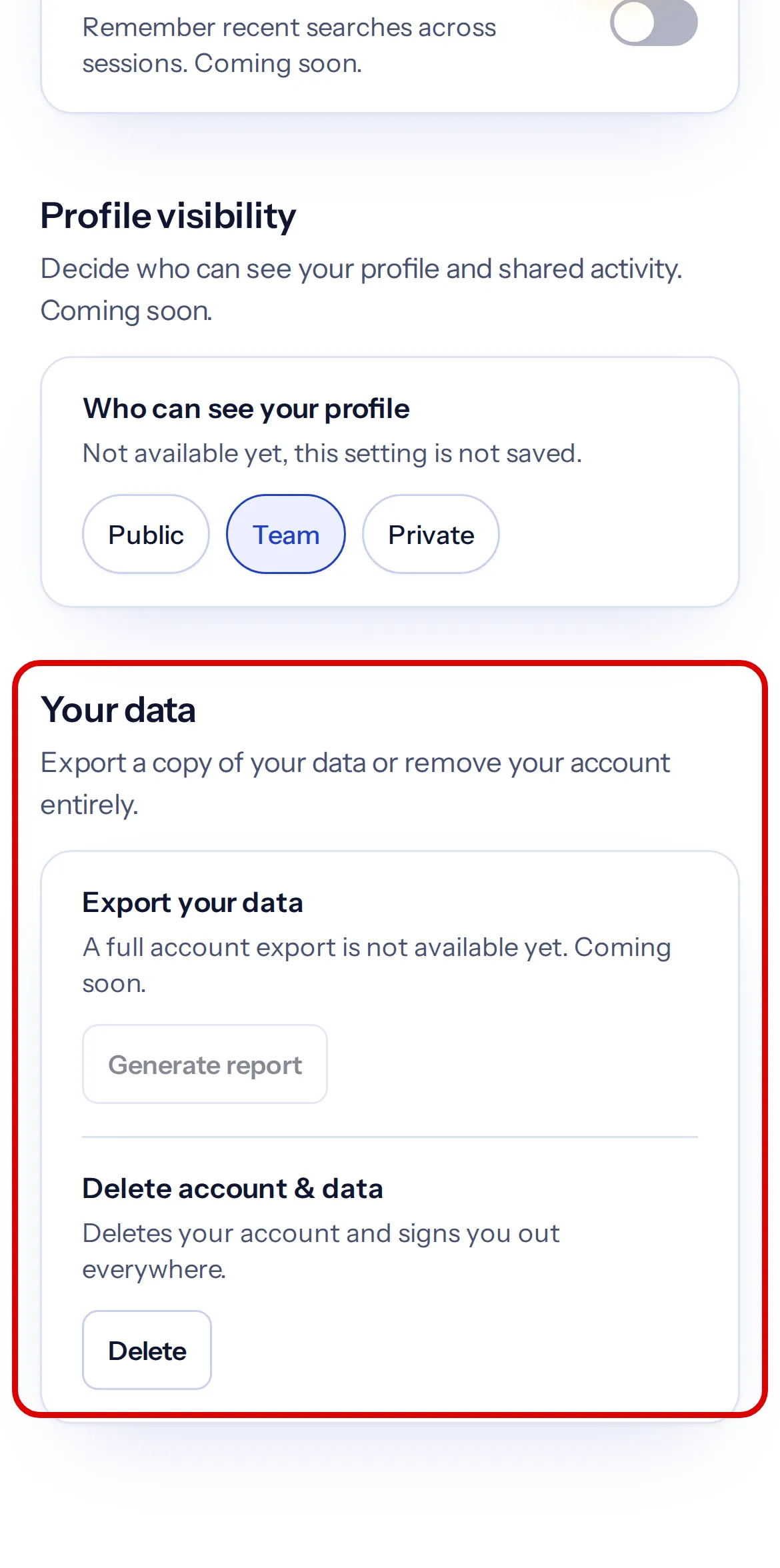
Store search history is grey and you cannot select it. Its note ends with Coming soon. Lower on the page, Profile visibility has three buttons, Public, Team and Private. Its note says: Not available yet, this setting is not saved. Leave these two alone.
Find the Your data card
At the bottom of the page is the Your data card. Its Delete account & data row says it deletes your account and signs you out everywhere. You do not need to press anything here.
Troubleshooting
| Problem | Cause | Fix |
|---|---|---|
| A switch looks off after you reload the page | The page can show a switch off again after a reload | Select the switch again if you still want it on, and check it before you leave the page |
| You cannot turn on Store search history | It is not ready yet. The note says Coming soon | Leave it off and look at this page again later |