Last updated
Add a stamp to a PDF
Before you start
- Have the PDF on your phone or computer. The upload box tells you how big a file can be.
- A stamp is a word or picture placed on a page to show its status or owner, such as DRAFT or your club logo.
- You don't need an account.
Open your PDF
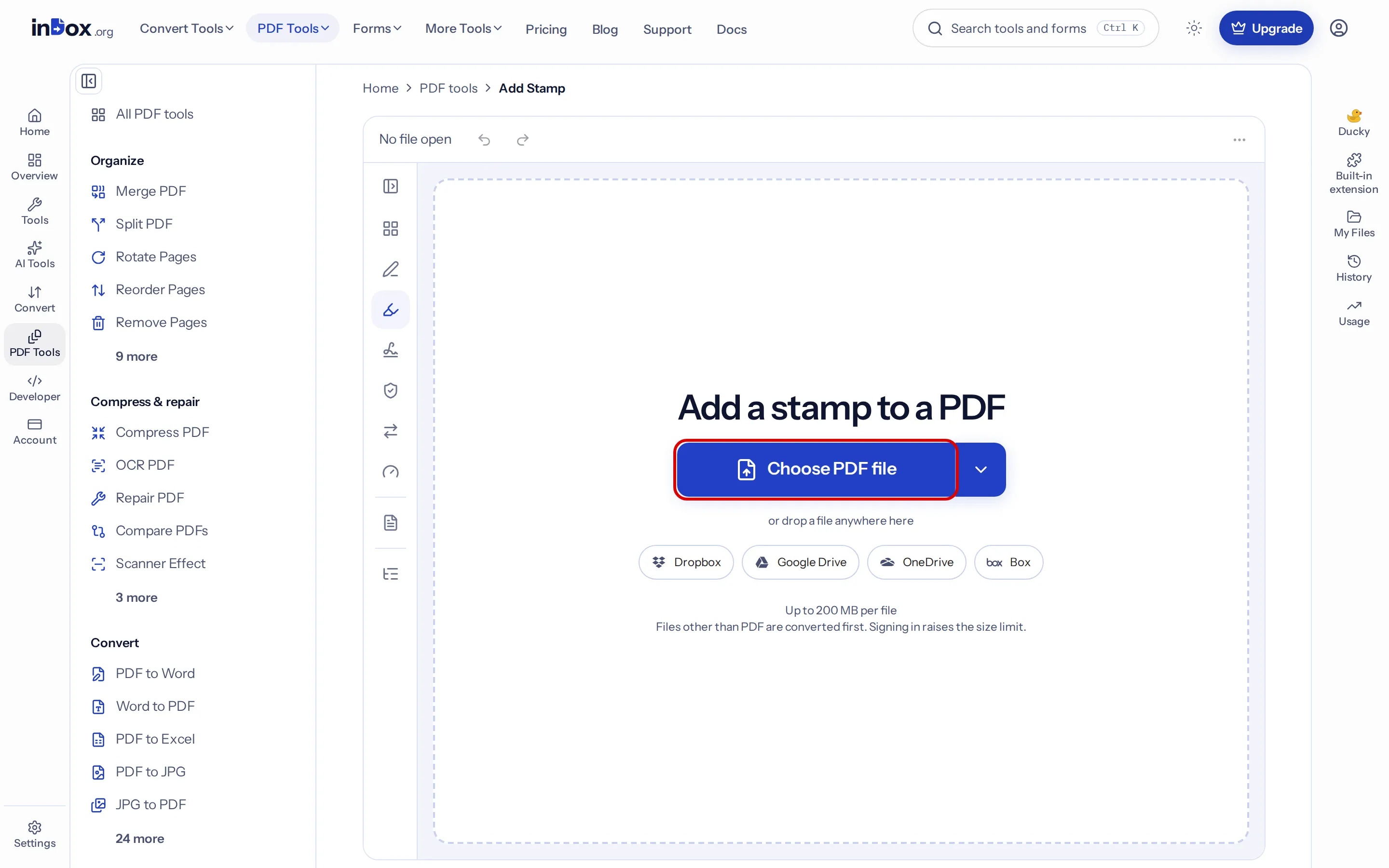
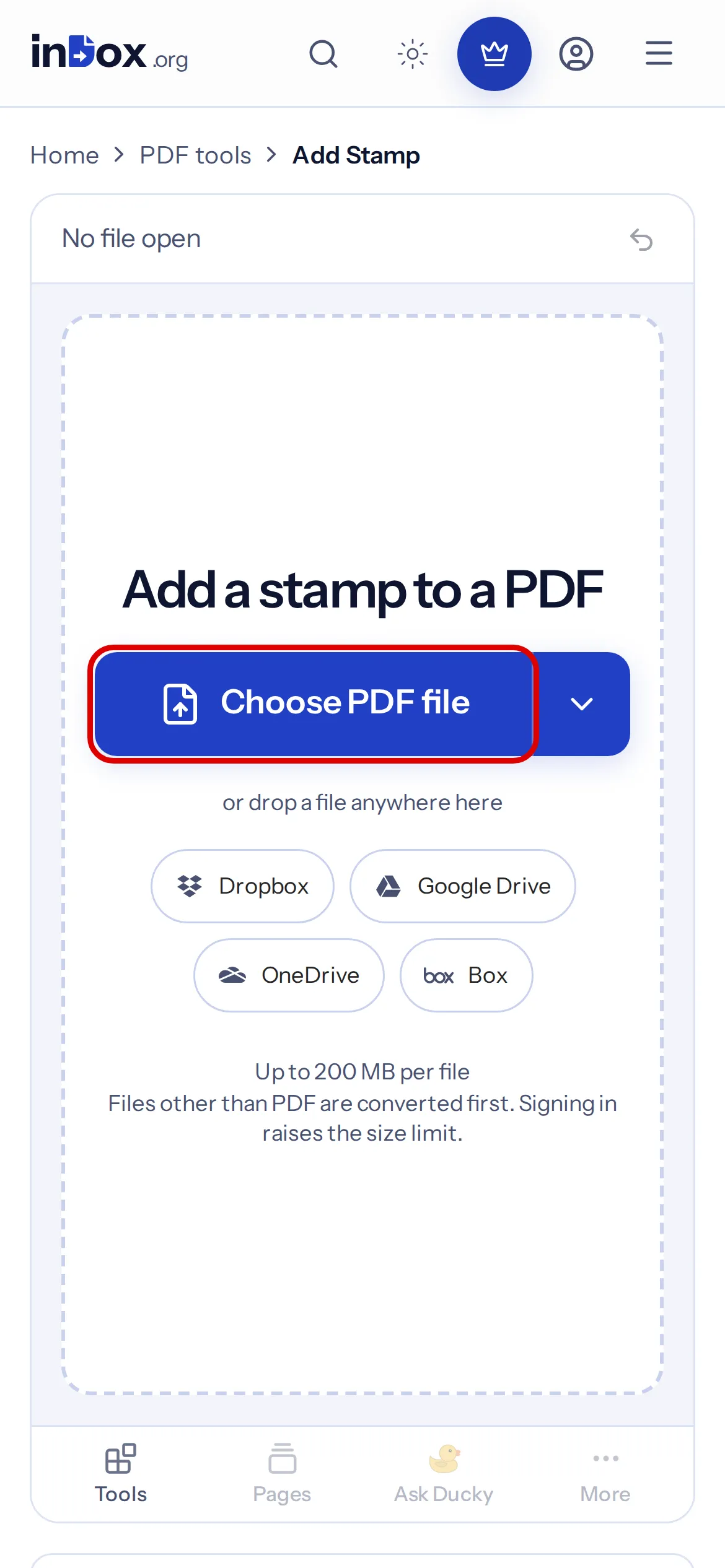
Go to the Add Stamp page. In the middle of the page, select the blue Choose PDF file button. A box opens so you can pick a file from your device. You can also drag a file onto the page. The file opens with a panel called Add Stamp. On a computer the panel is on the right. On a phone it slides up from the bottom.
Choose the words
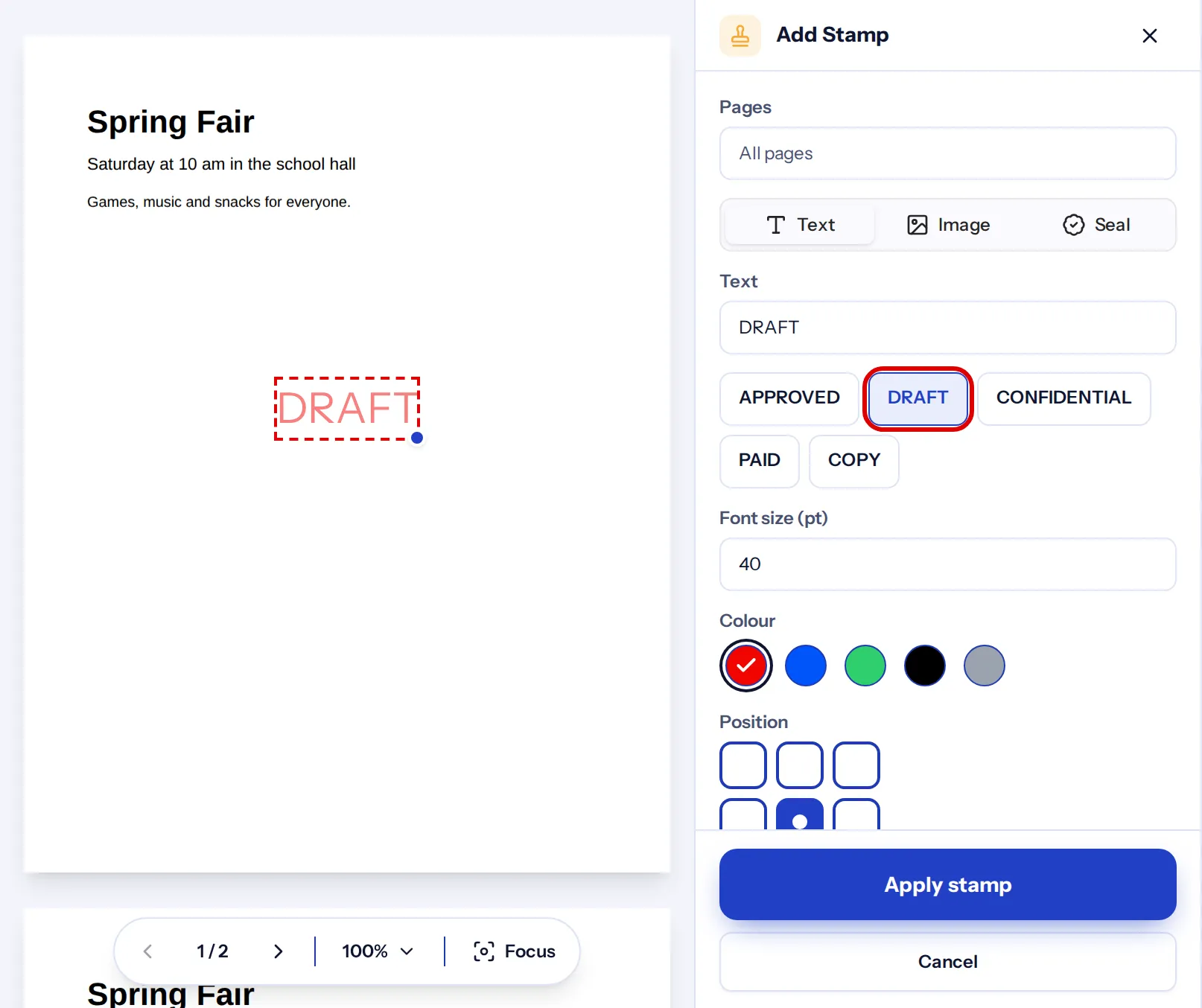
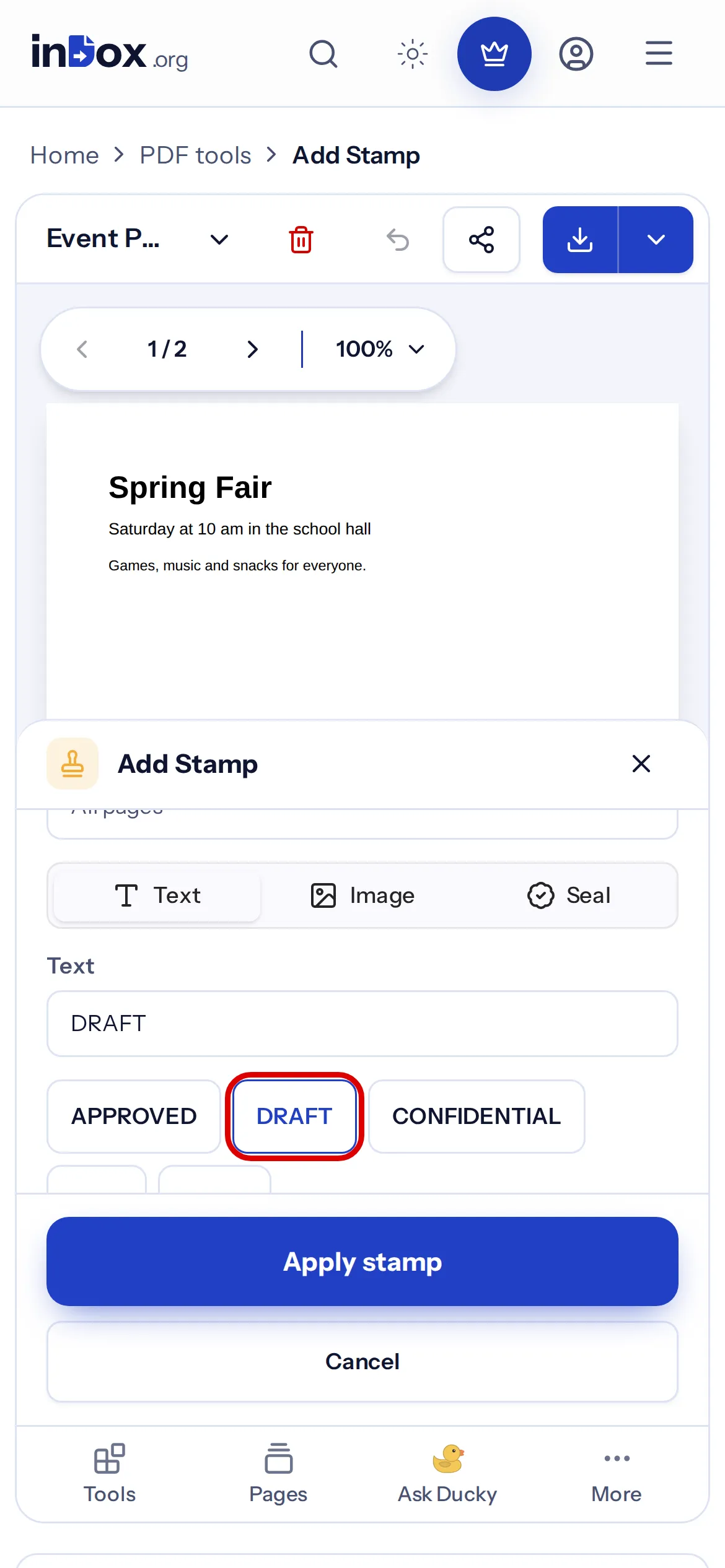
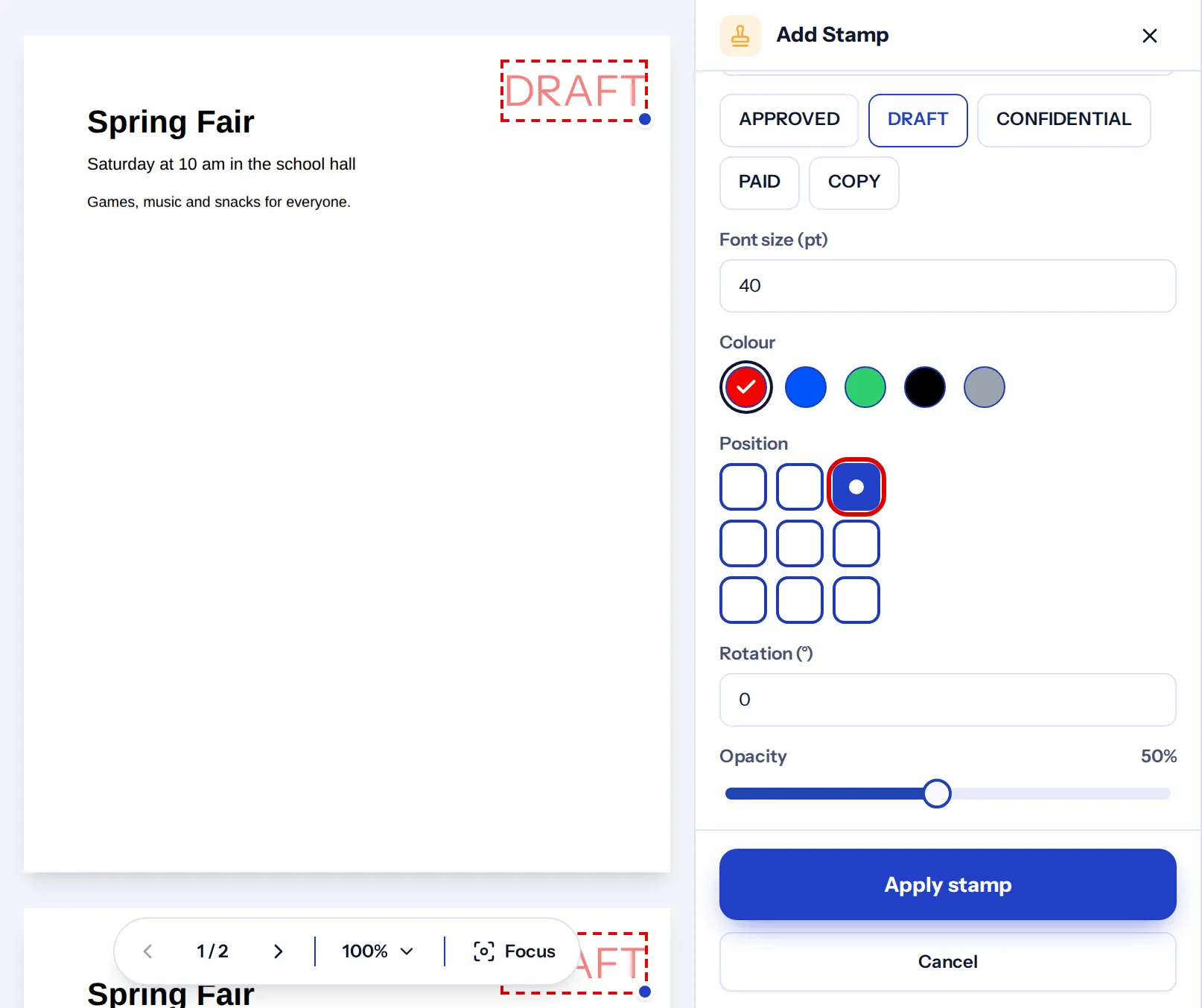
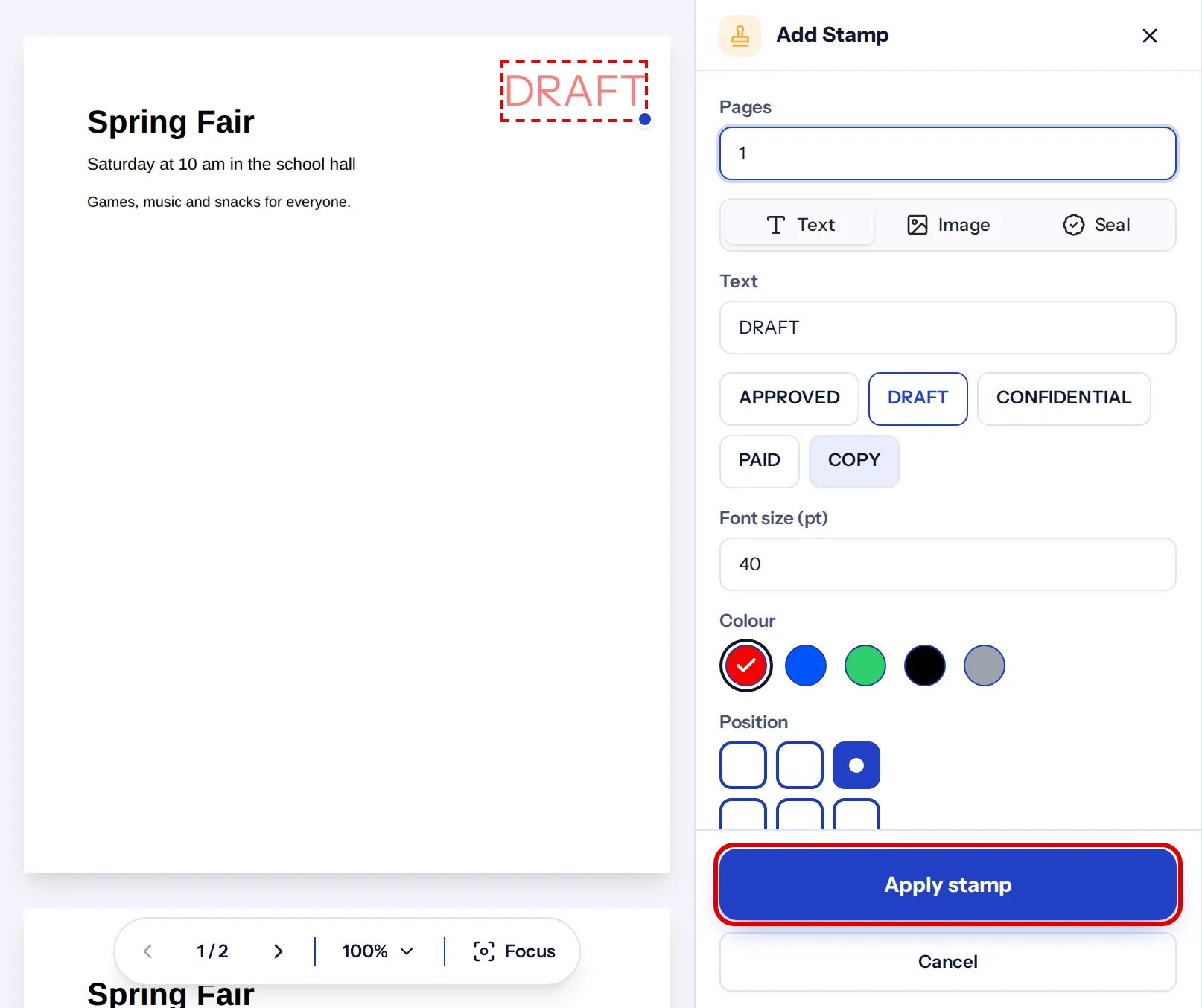
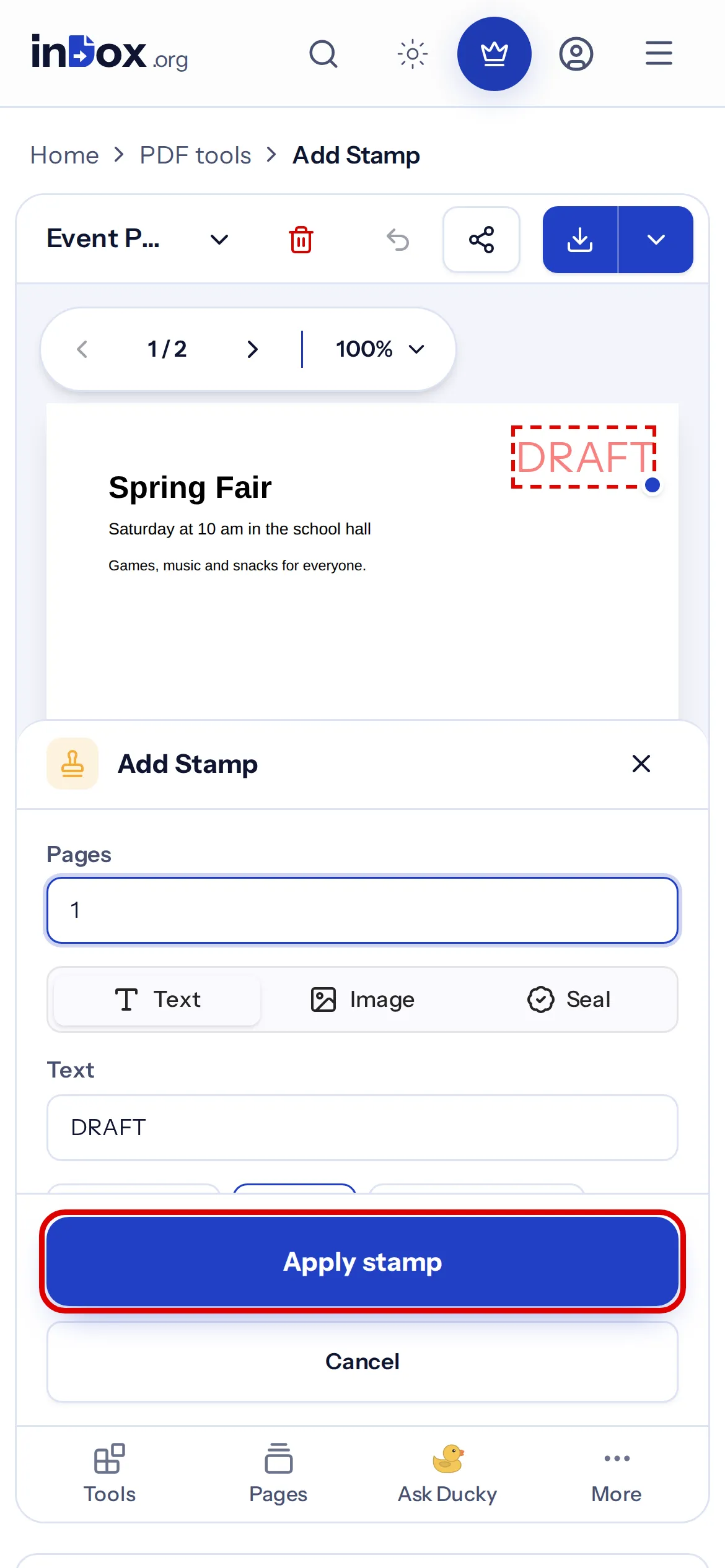
On the Text tab, select a ready-made word: APPROVED, DRAFT, CONFIDENTIAL, PAID or COPY. You can also type your own words in the Text box. A red dashed box on the page shows how the stamp will look. You can change Font size (pt) and Colour too.
Choose where it goes
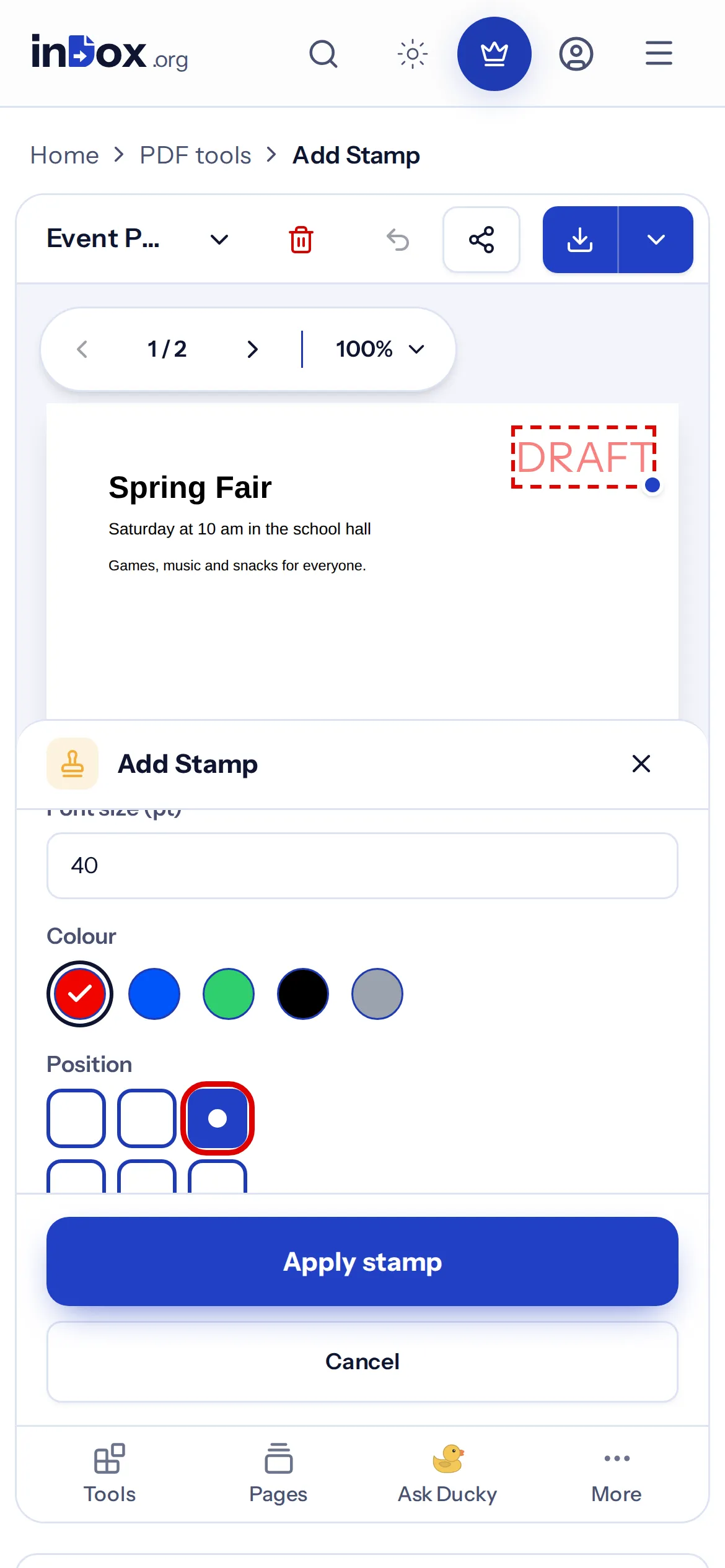
Scroll down the panel to Position. It shows nine squares, one for each spot on the page. Select a square, such as the top right one. The dashed box moves there. Below the squares, Rotation (°) turns the stamp and Opacity sets how see-through it is.
Choose the pages
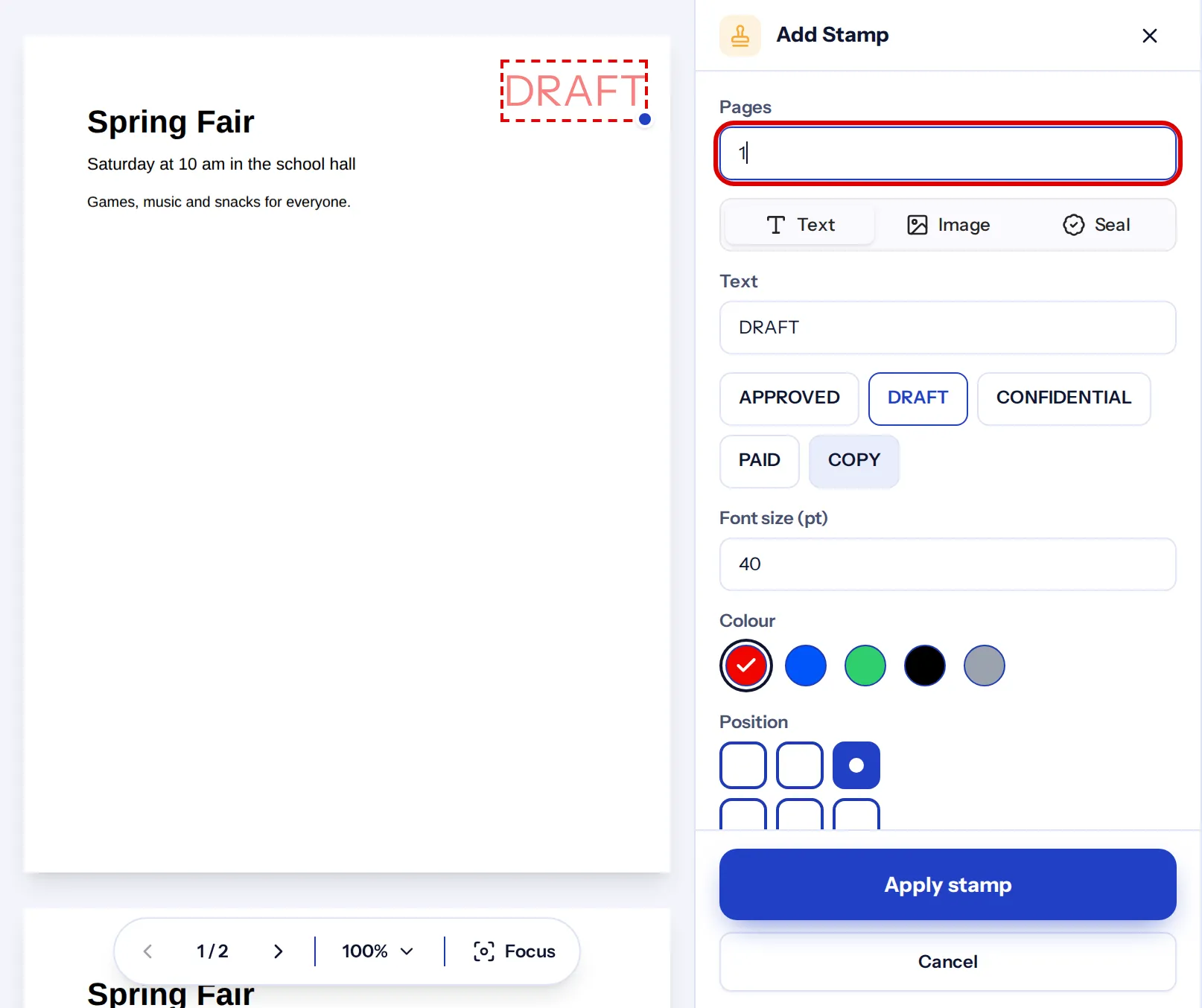
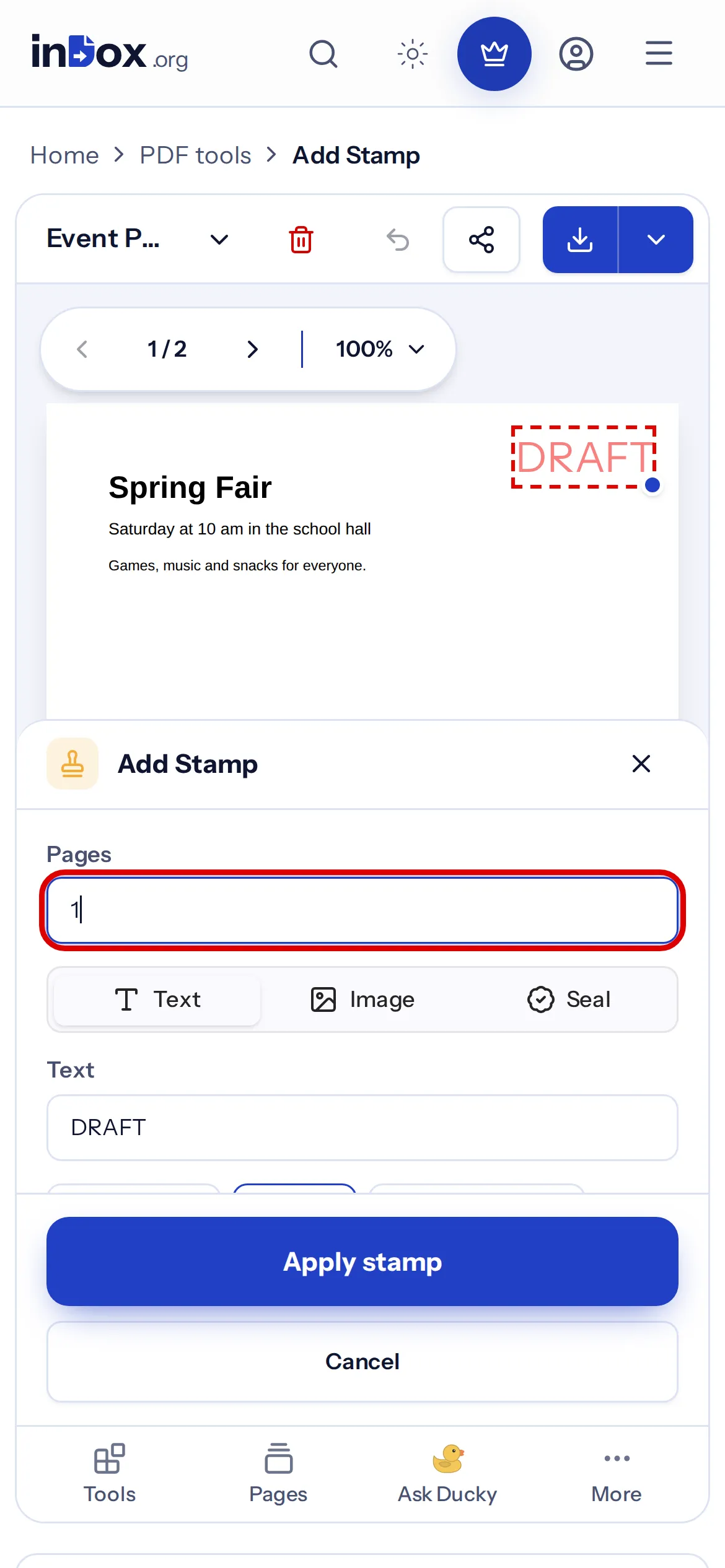
Scroll back to the top of the panel. The Pages box says All pages. To stamp only some pages, type a page number in it, such as 1. The dashed box then shows on that page only.
Apply the stamp
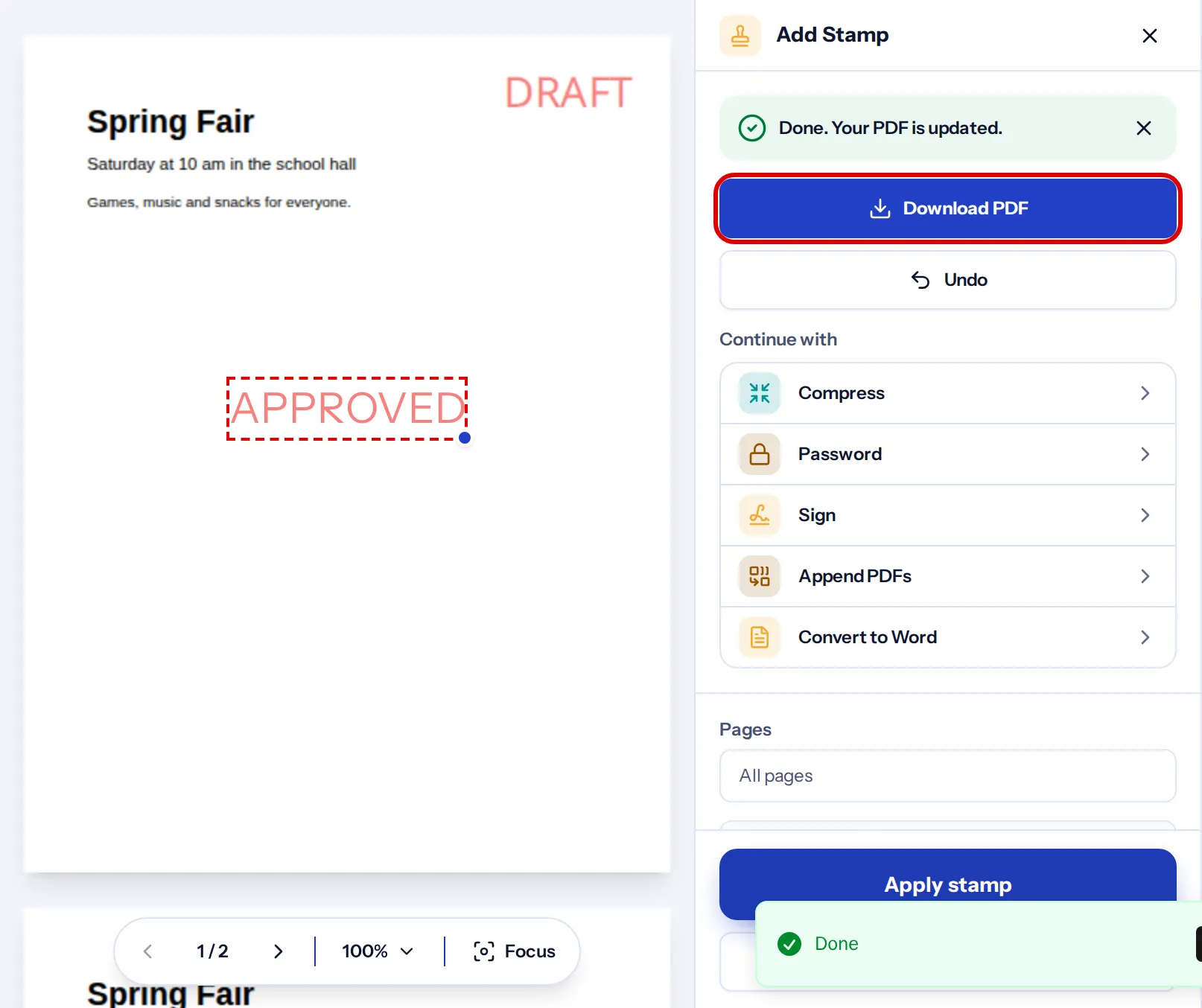
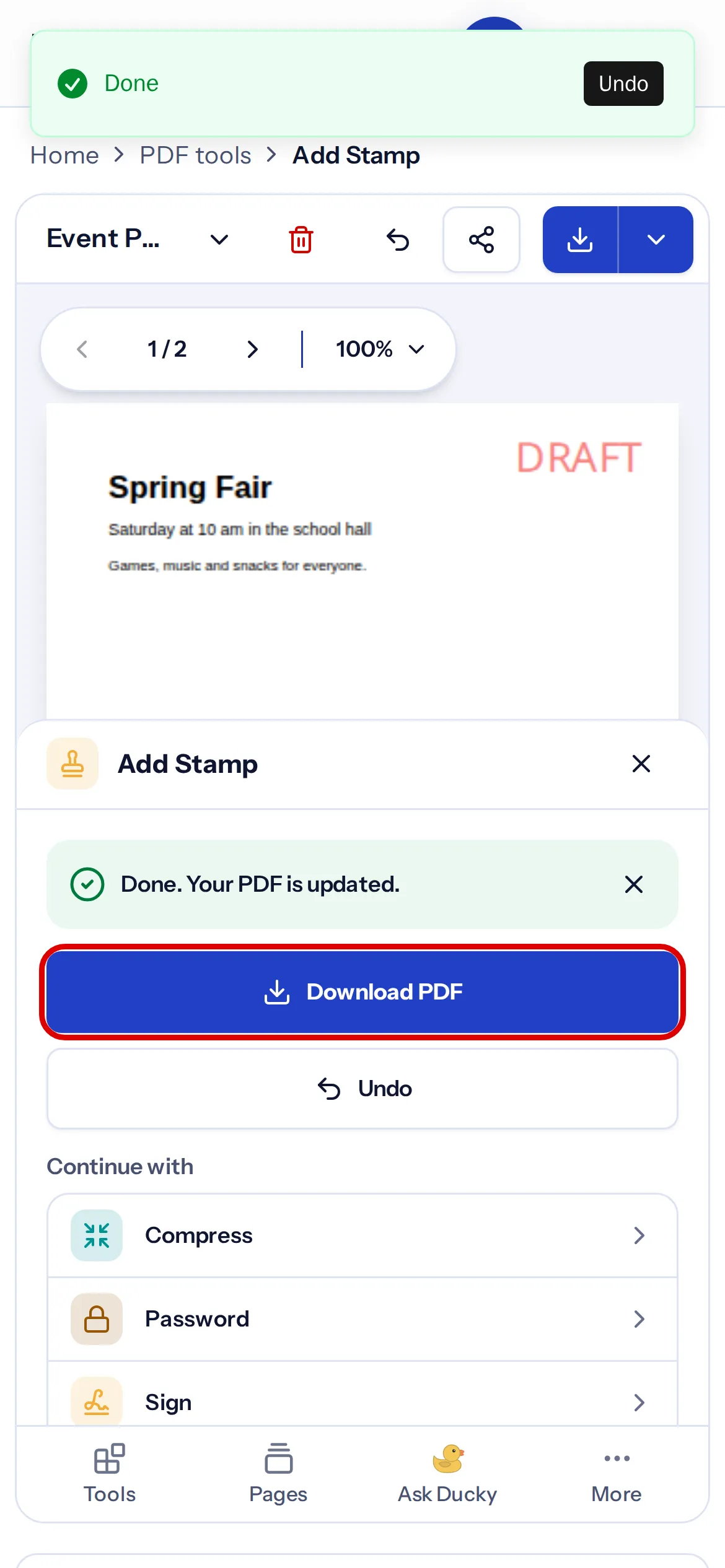
Select the blue Apply stamp button at the bottom of the panel. A small message says Done, and the stamp becomes part of the page. If it looks wrong, select Undo in the panel.
Download your PDF
Select the blue Download PDF button at the top of the panel. If you can't see it, scroll up in the panel. The stamped PDF downloads to your device. Its name ends in -edited.
Or stamp a logo
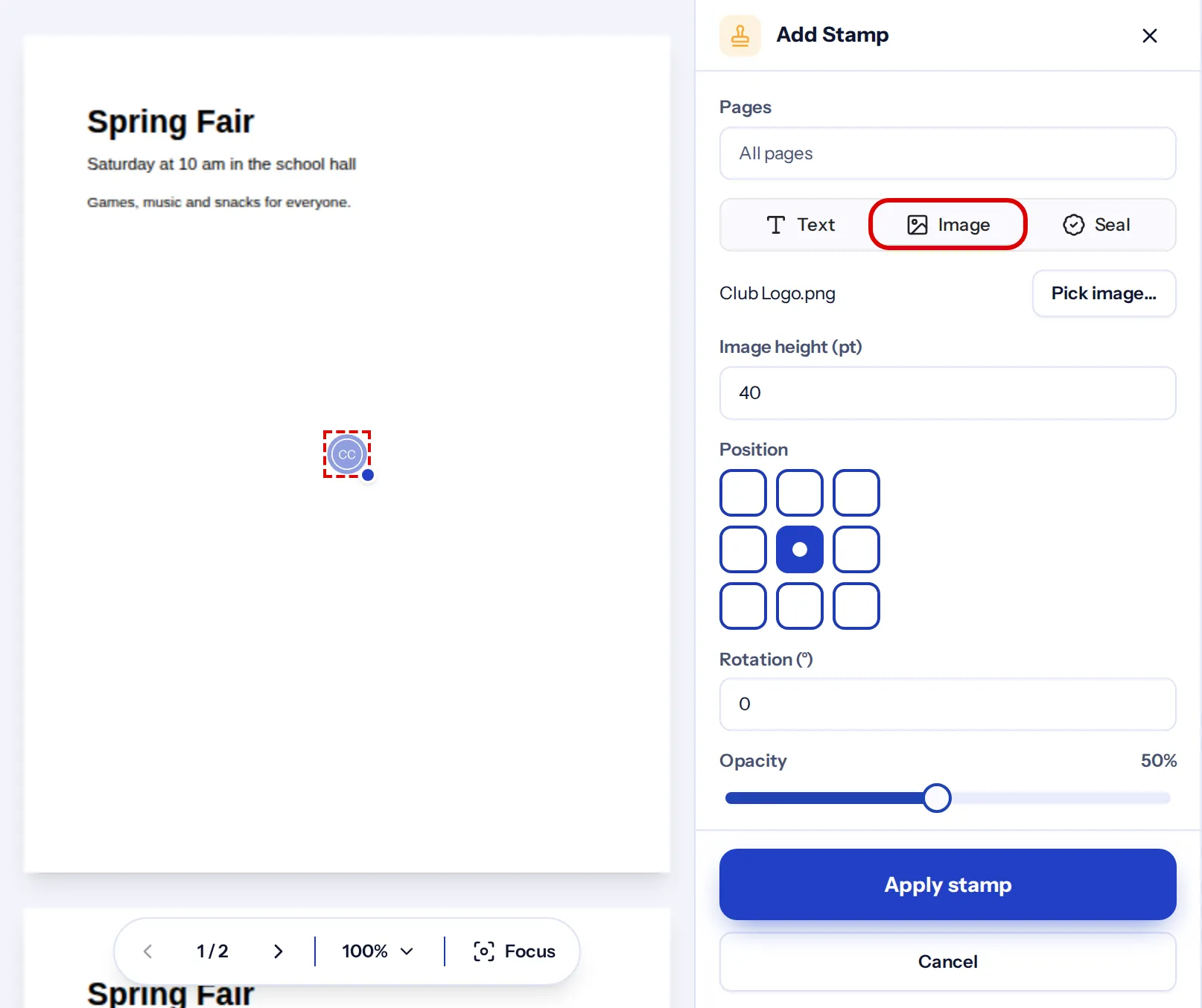
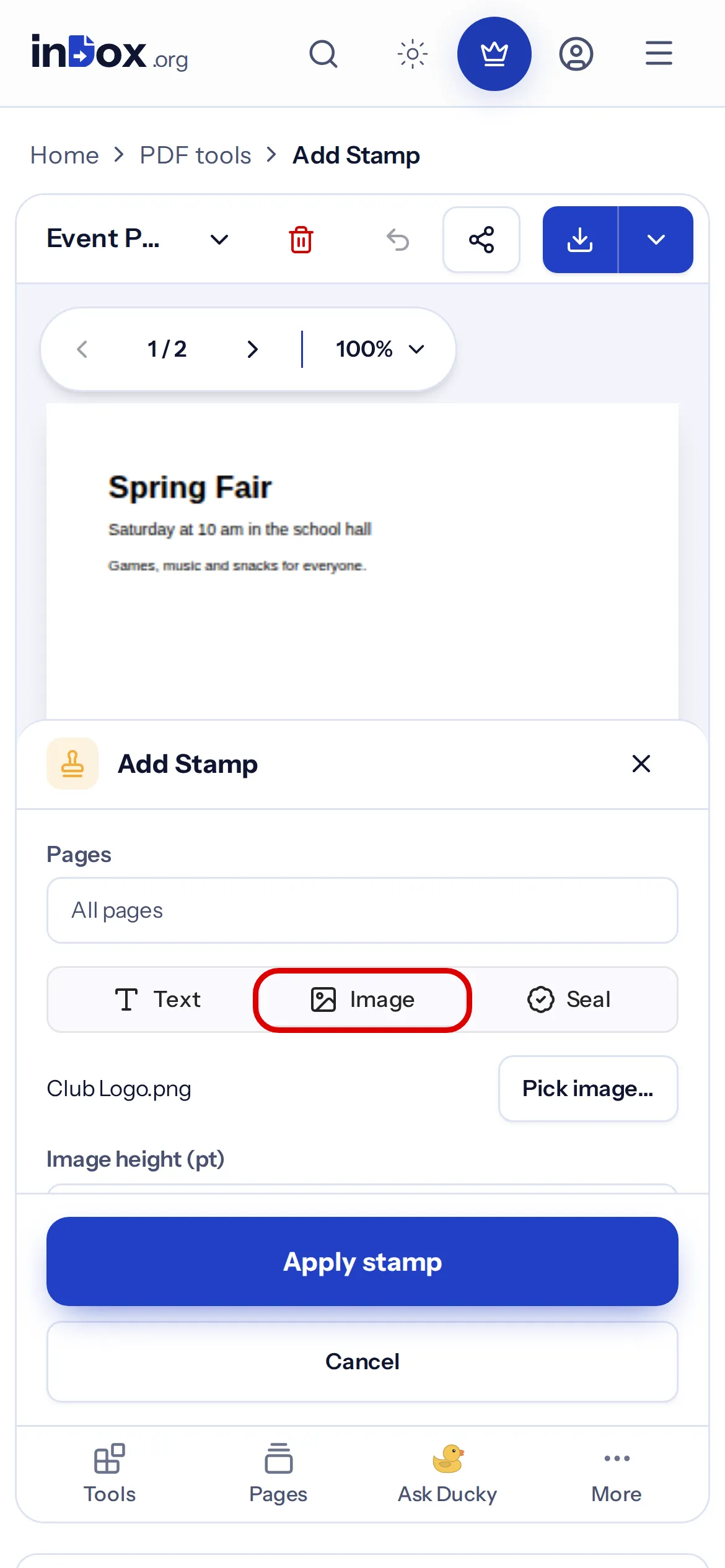
To stamp a picture instead, do this before you apply the stamp. Select the Image tab. Then select Pick image… and choose a PNG or JPEG file from your device. Set Image height (pt) and the position, then apply the stamp as before.
Troubleshooting
| Problem | Cause | Fix |
|---|---|---|
| The stamp lands in a different spot on some pages | The pages are not all the same size | Check every page of the result before you send the file |
| You want the stamp off again | The stamp is part of the page once you apply it | Select Undo in the panel straight after, or use the undo arrow at the top of the editor |
| The stamp shows on every page | The Pages box is empty | Type the page number you want in the Pages box |