Last updated
Share a result as a link
Before you start
- You need to be signed in. When you are signed out, the Share button does not show.
- Anyone who has the link can open and download the file without signing in. Only send it to people you trust.
- Each link stops working on the date shown next to Expires in the box.
Find the Share button
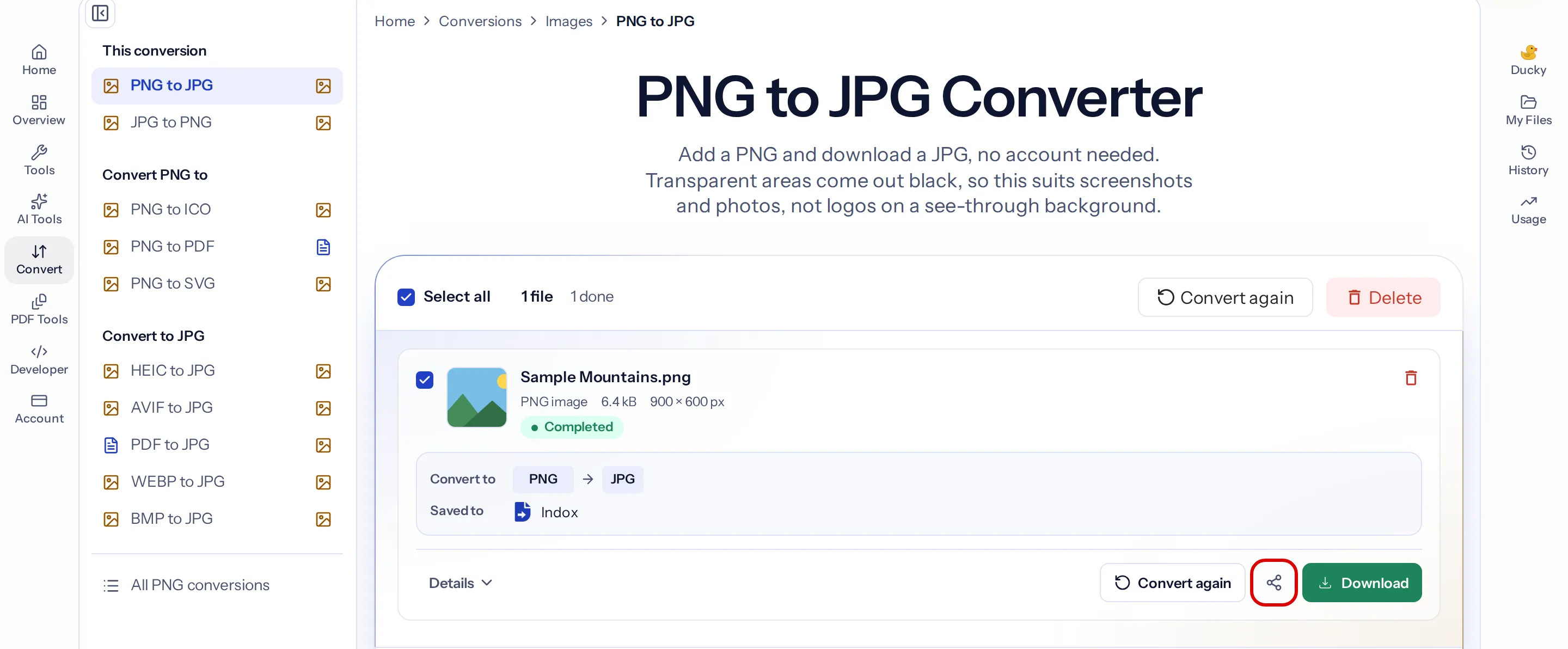
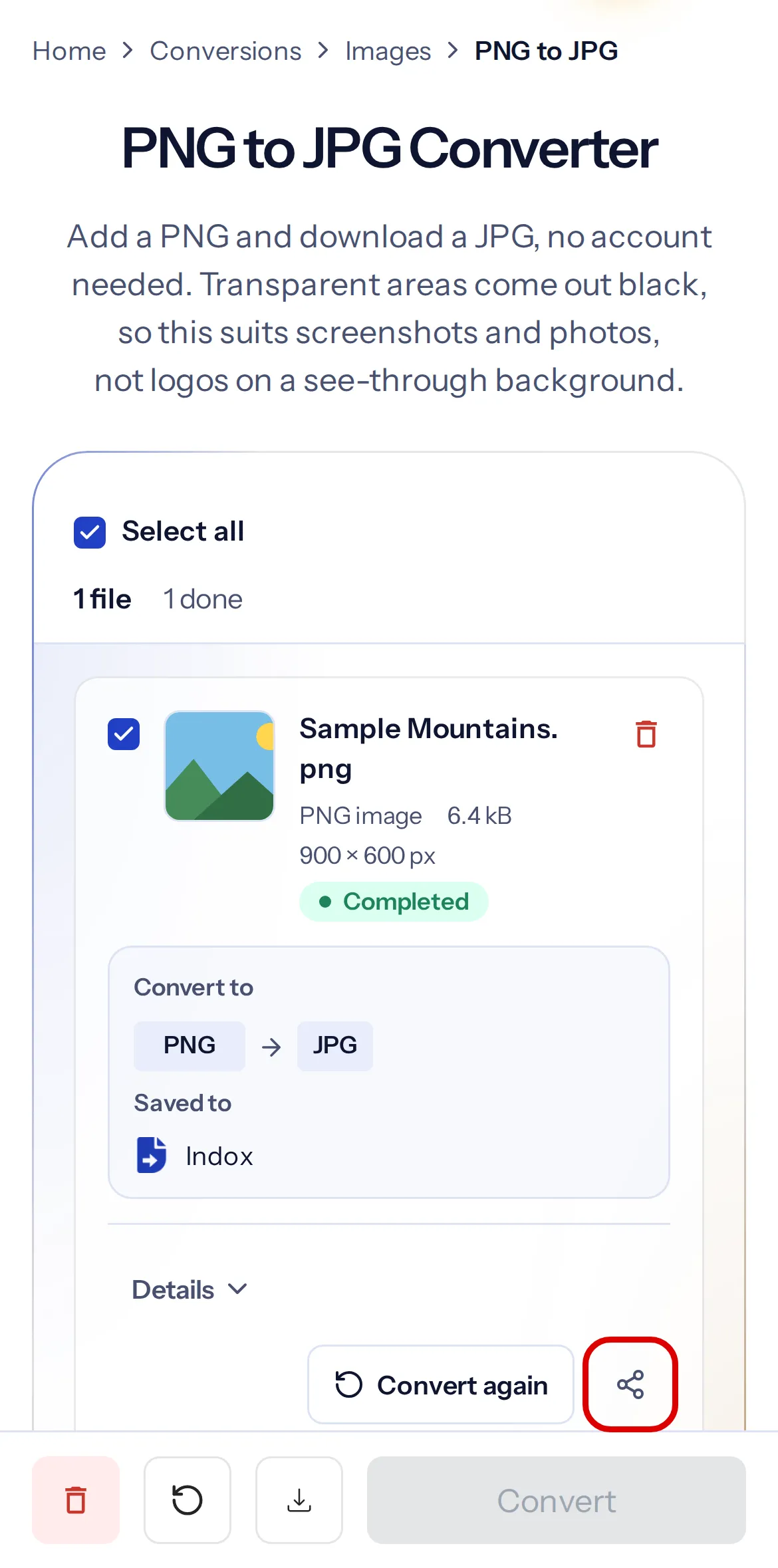
Finish a conversion first. When the status says Completed, look at the card with your file name. Next to the green Download button is a small button with an icon of three dots joined by lines. That is the Share button. On a phone it sits next to Convert again. Scroll down a little if you do not see it.
Open the share box
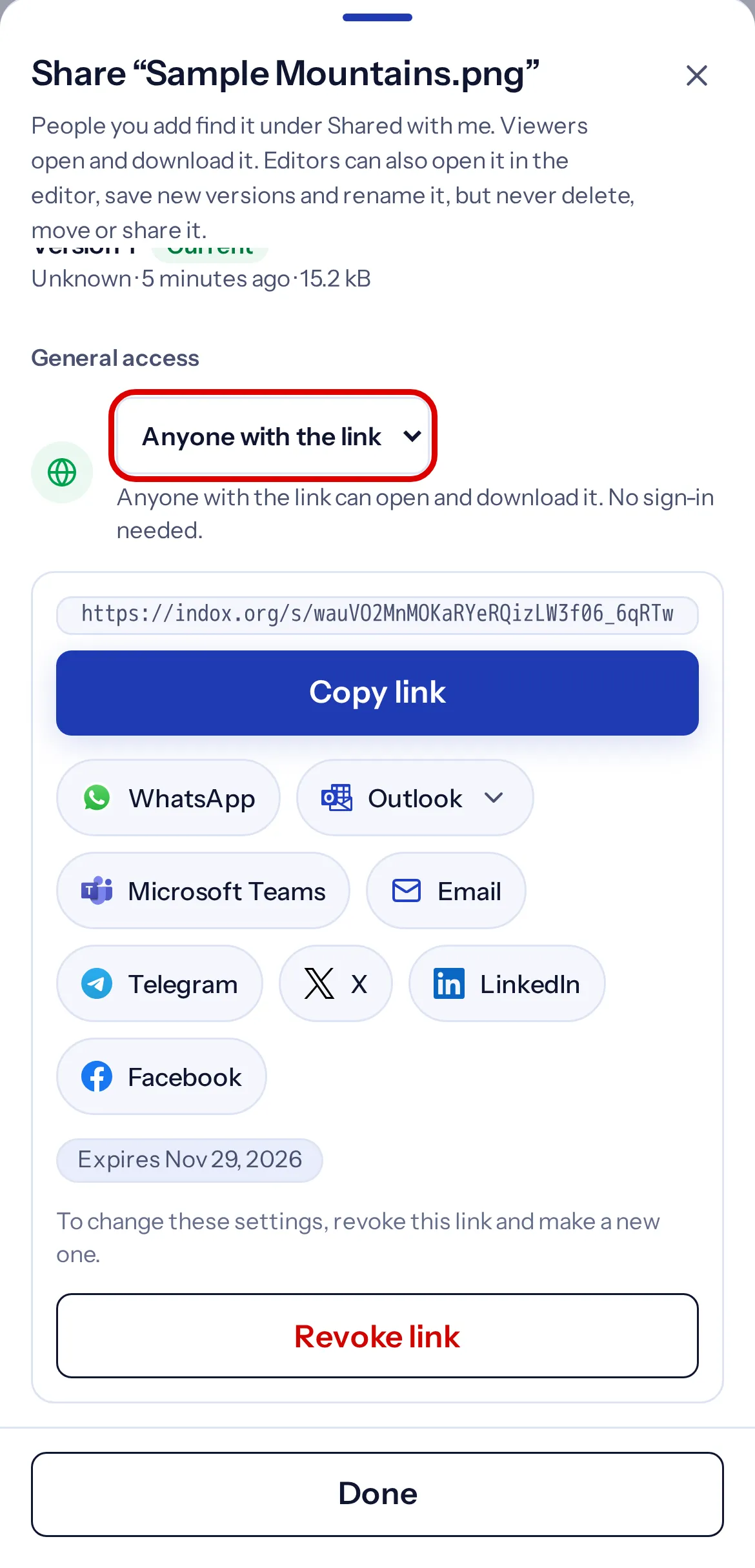
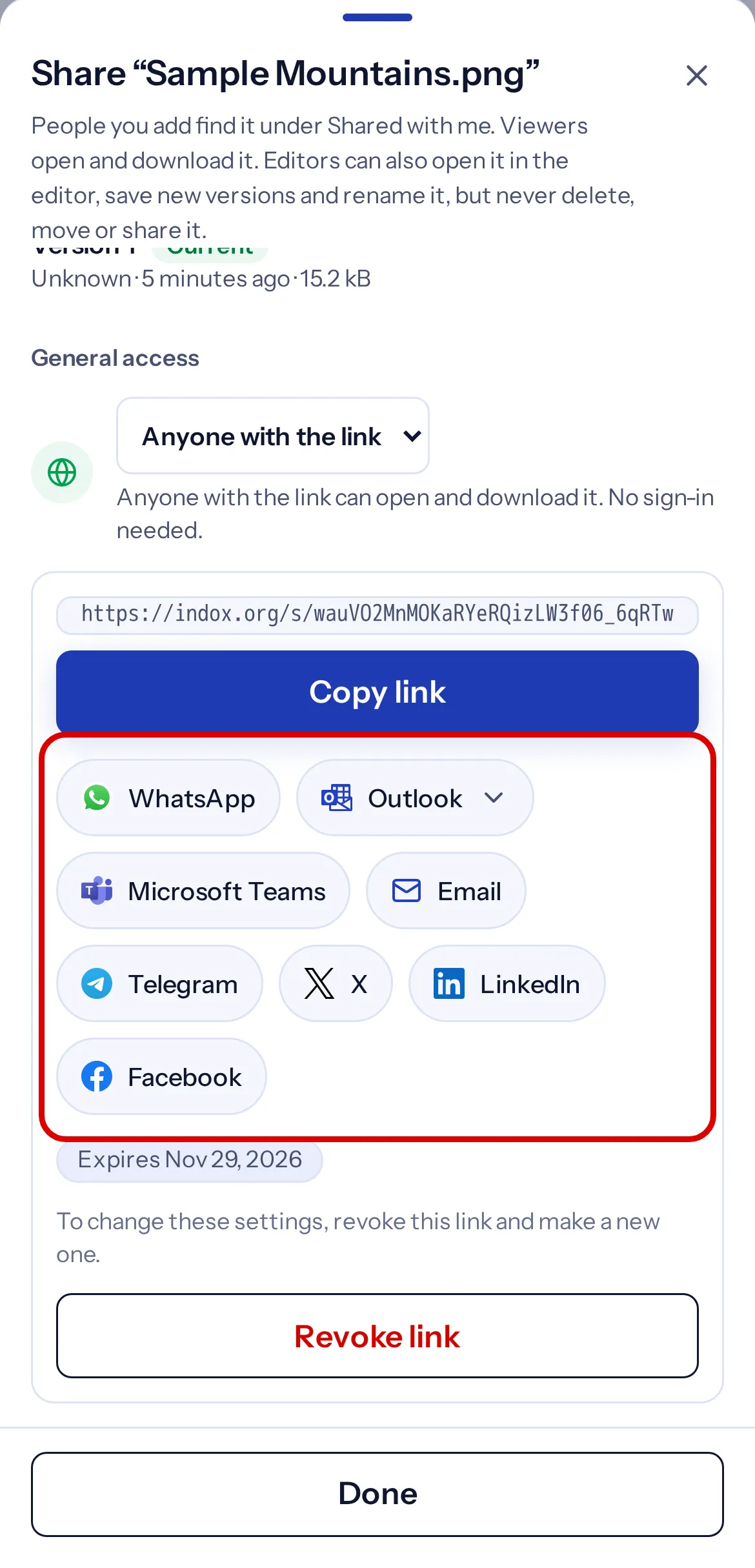
Select the Share button. indox saves a copy of your file in My files and makes the link for you. A box opens with your file name in the title. Scroll down inside the box to General access. It already says Anyone with the link. Under it you see the link and a date after Expires. Ignore the Add people by email field at the top. You only need the link.
Copy the link
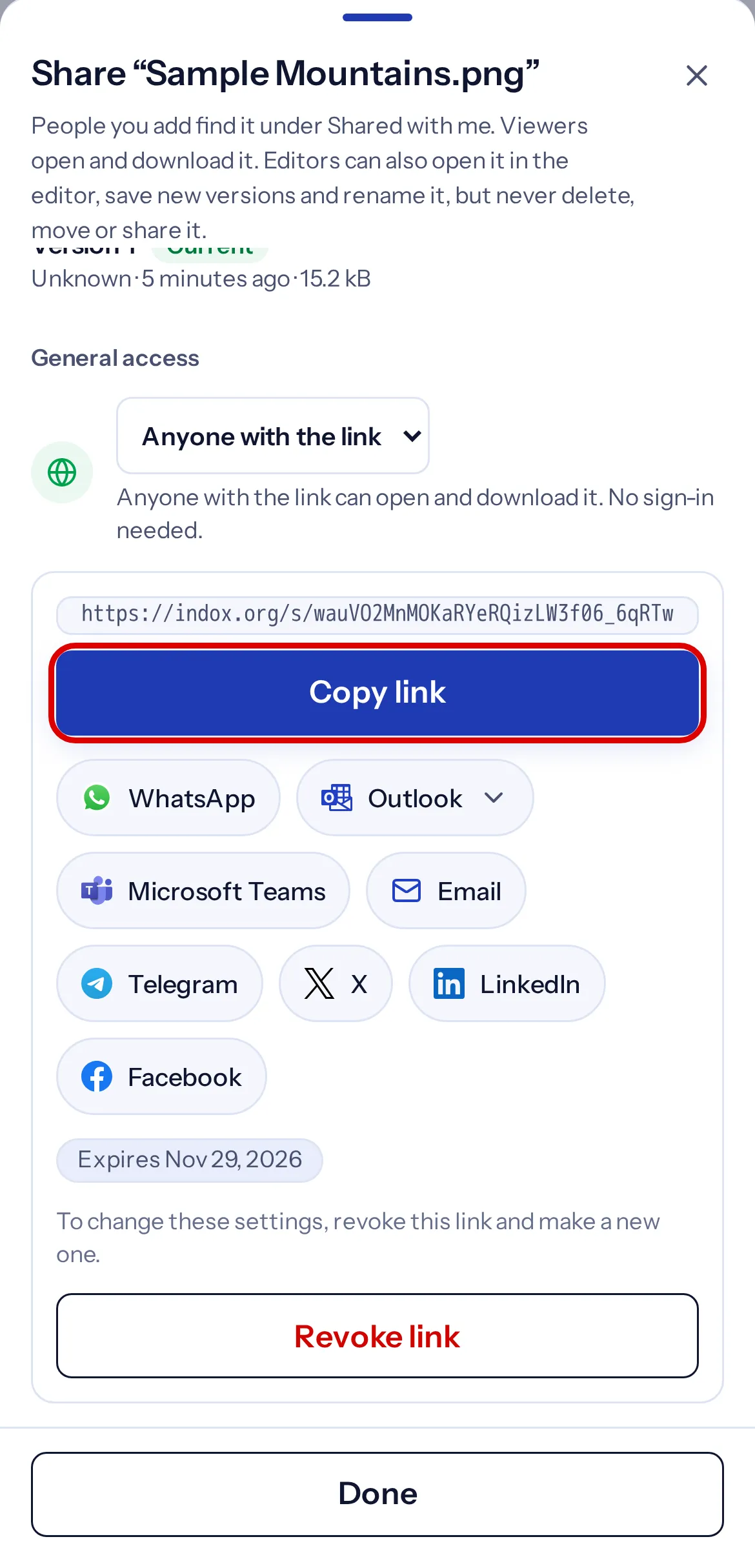
Select the blue Copy link button next to the link. The link is copied, so you can paste it into a message or an email.
Or send it with an app
Under the link is a set of buttons, such as WhatsApp, Gmail, Telegram and Email. Select one to send the link with that app.
Turn the link off
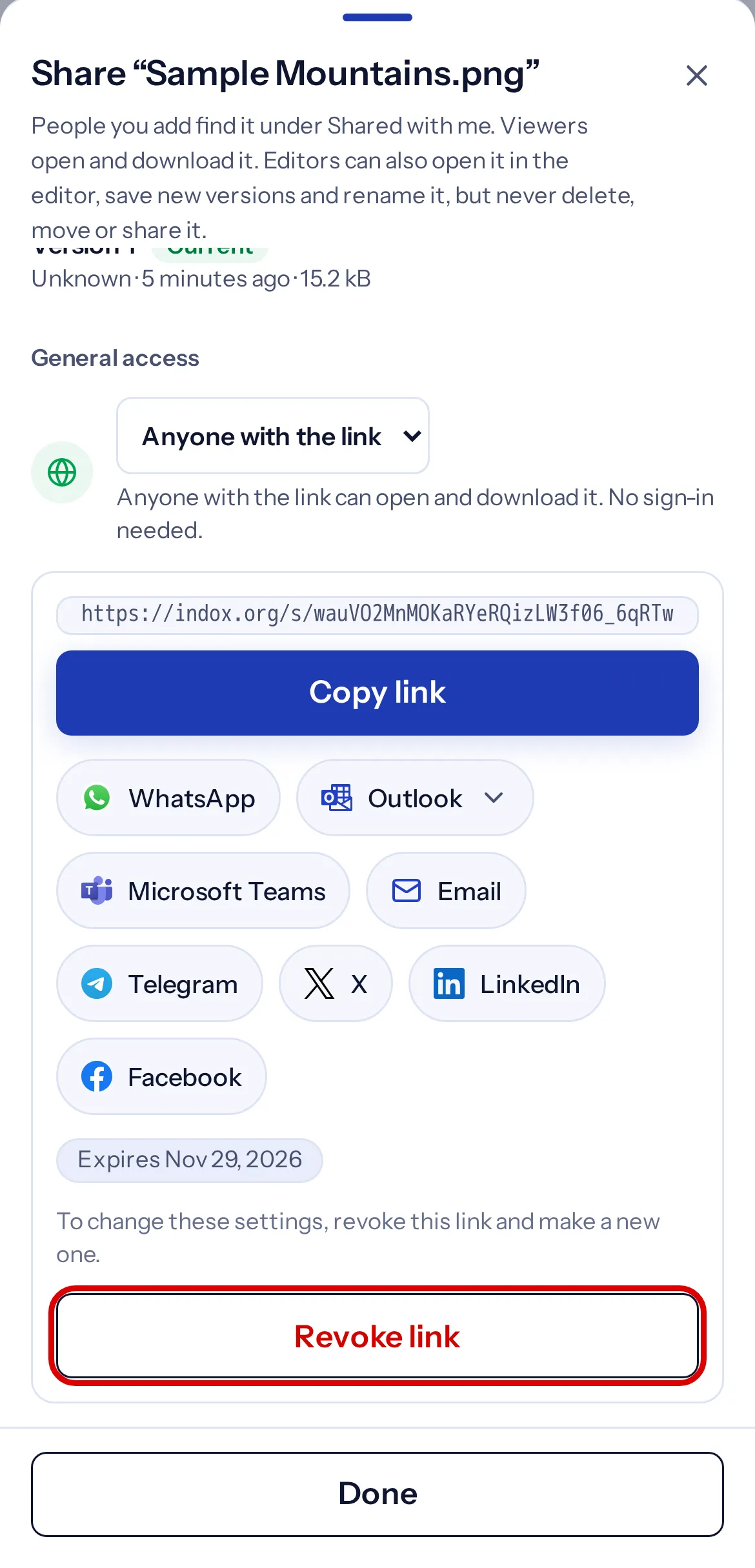
To stop people from using the link, select Revoke link. The box then says Restricted and Only you can open this. Select Done to close the box. The copy of your file stays in My files . Delete it there with the bin icon on its row when you no longer need it.
Troubleshooting
| Problem | Cause | Fix |
|---|---|---|
| I cannot see a Share button | You are signed out | Sign in, then convert your file again. The Share button shows next to Download |
| Something went wrong. Please try again. | indox could not make the link | Close the box, then select Share again |
| Link not found | The person you sent it to sees this when you turned the link off or its date has passed | Select Share again to make a new link and send that one |