Last updated
Choose the AI model for your AI tools
Before you start
- You need to be signed in. This page works the same on every plan.
- This setting is only for the AI tools, such as AI Extract. It does not change how files convert. The Conversion engine card lower on the same page does that.
- Each answer costs credits, and the price depends on the model. You pay per token. A token is a small piece of text, about one short word.
Open the AI model page
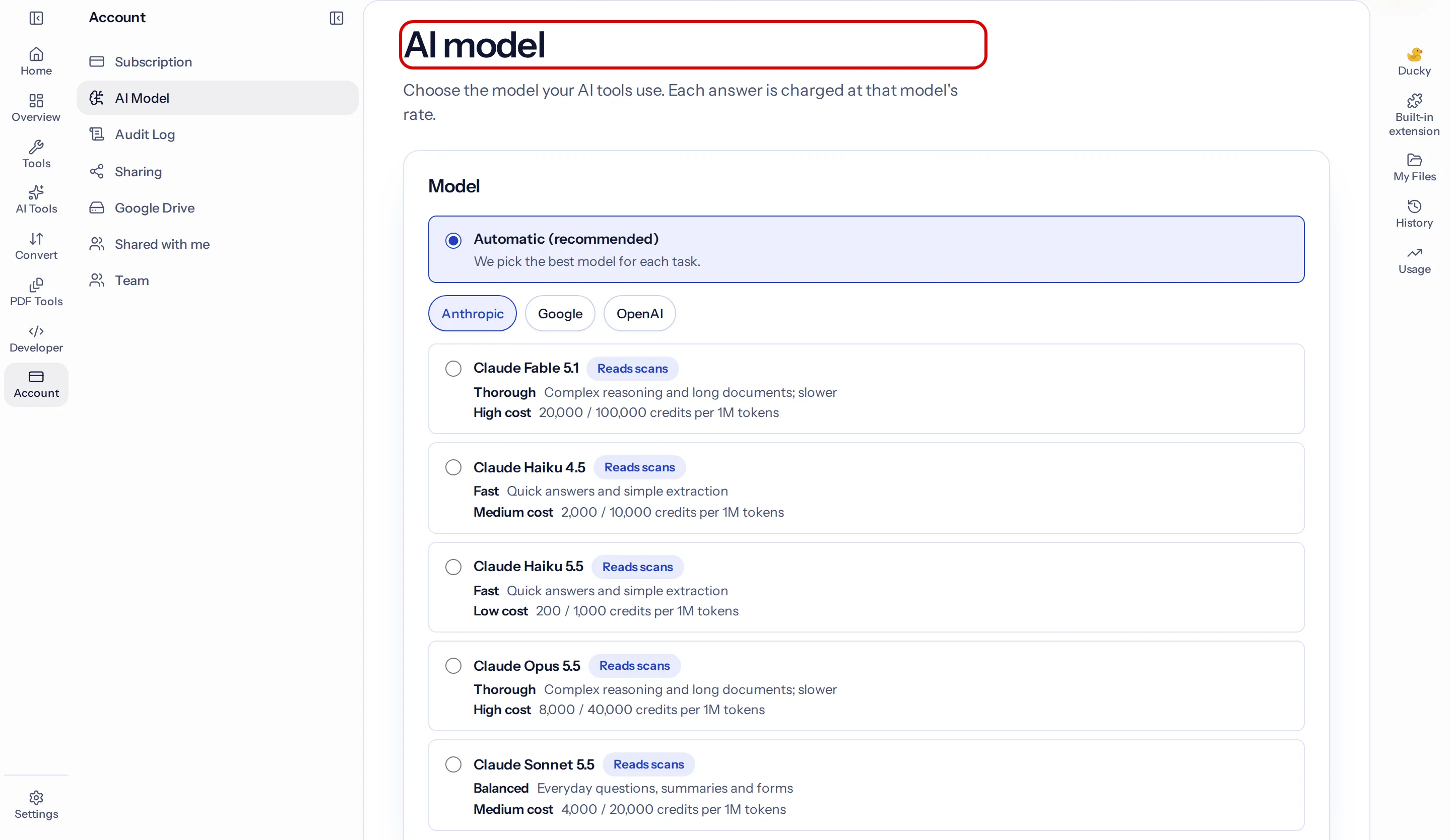
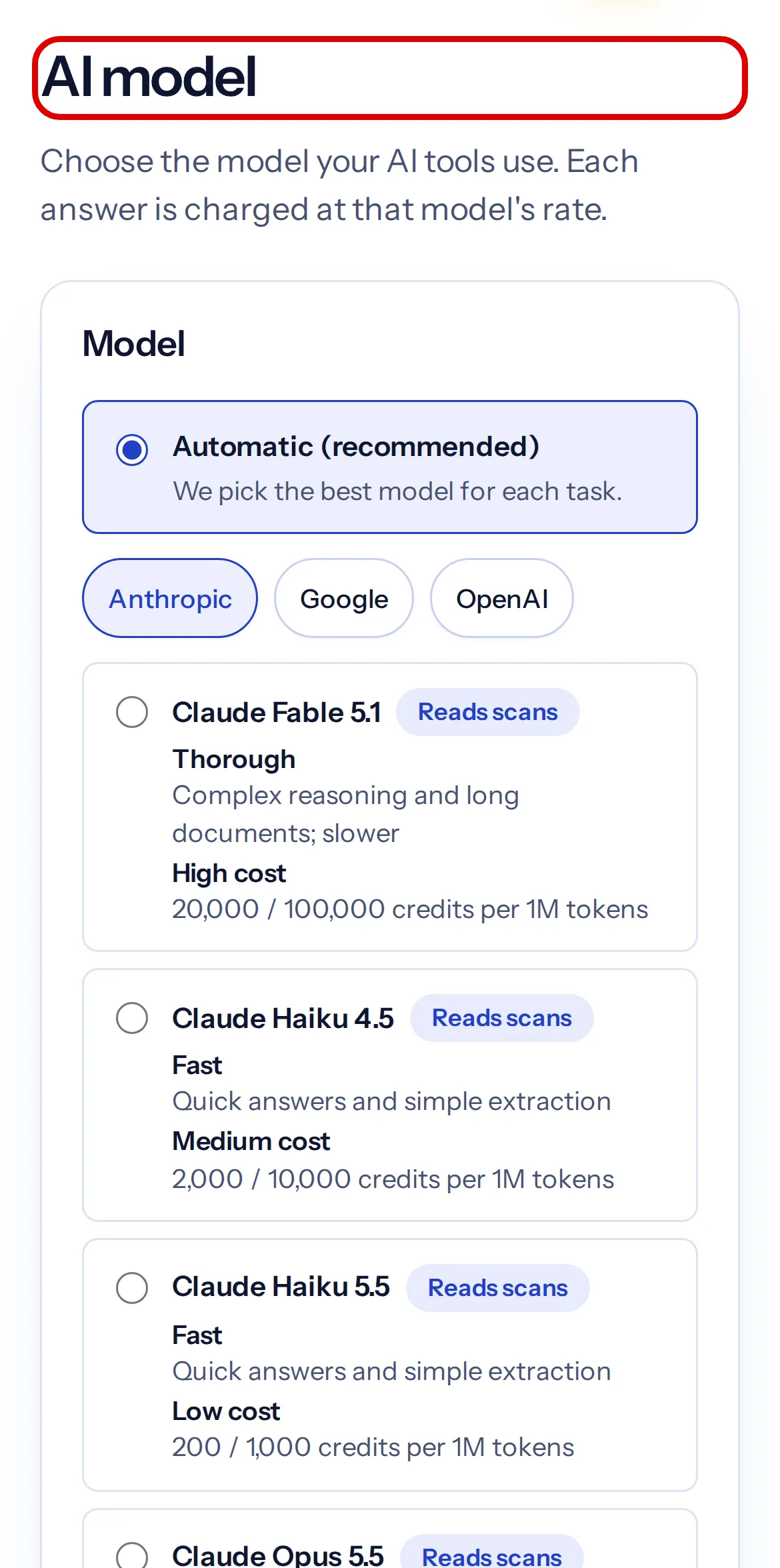
Go to the AI model page. On a computer, you can also select AI Model in the Account list on the left. The page title is AI model, and one card called Model holds the choices.
See what is picked now
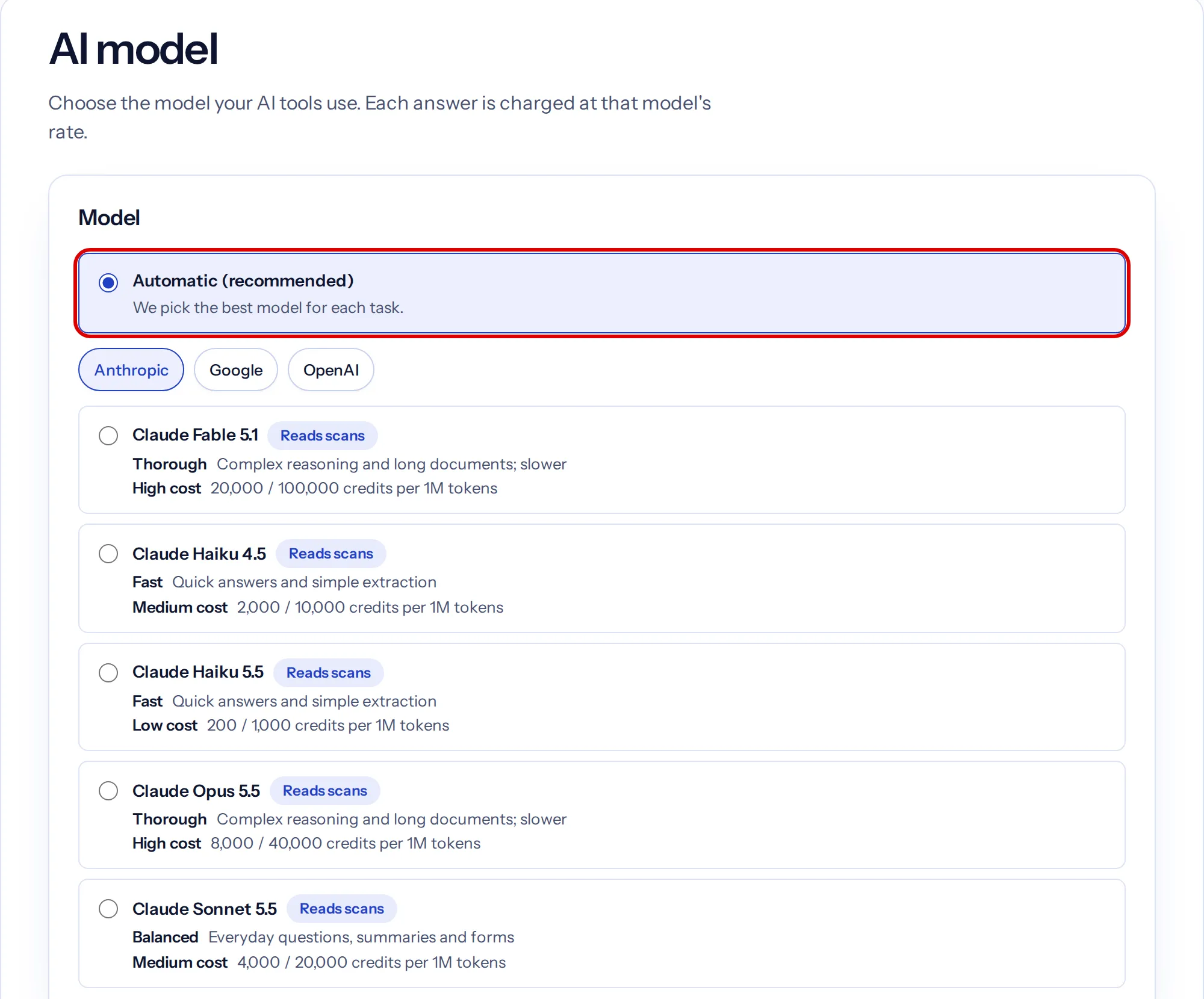
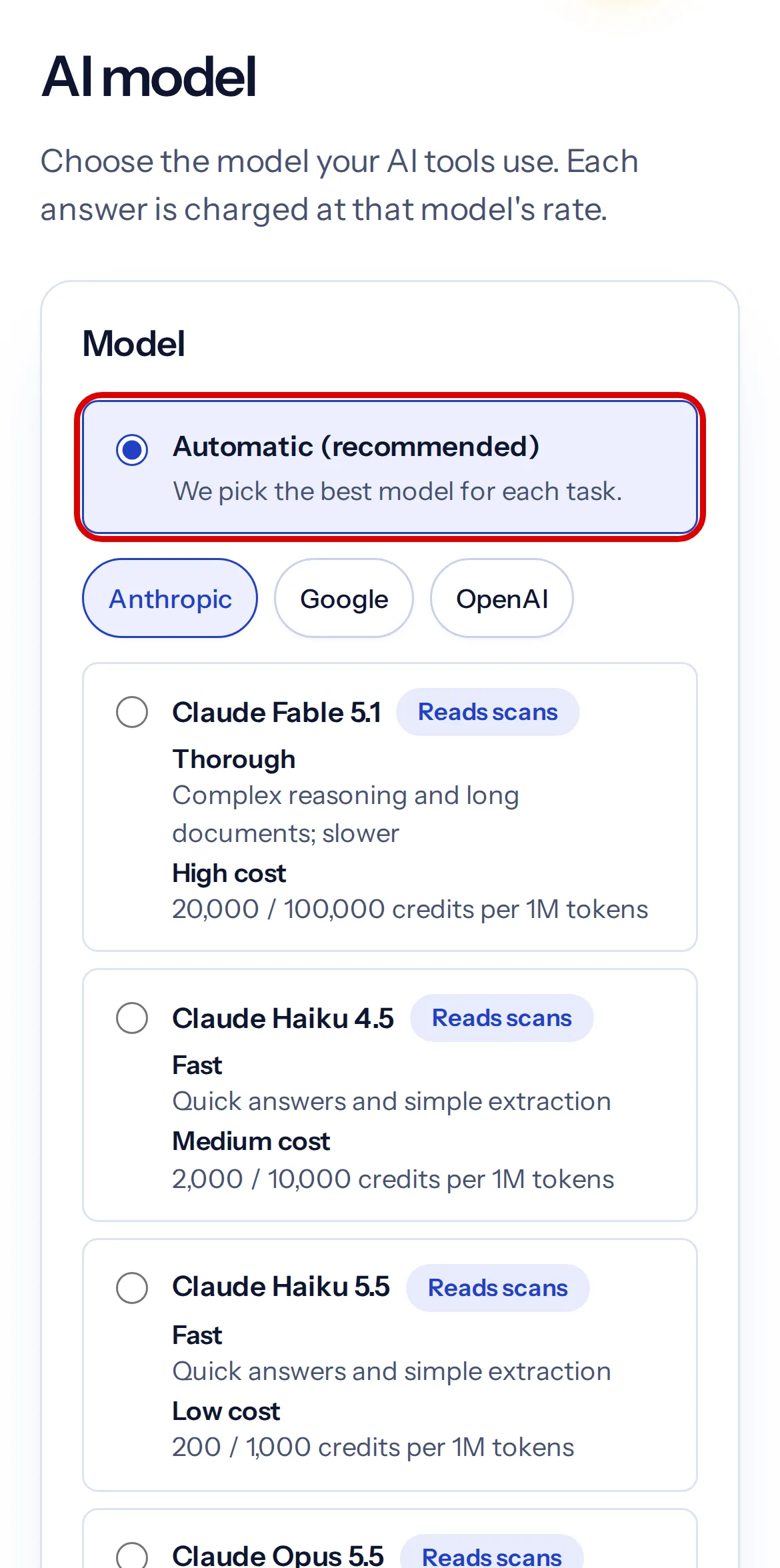
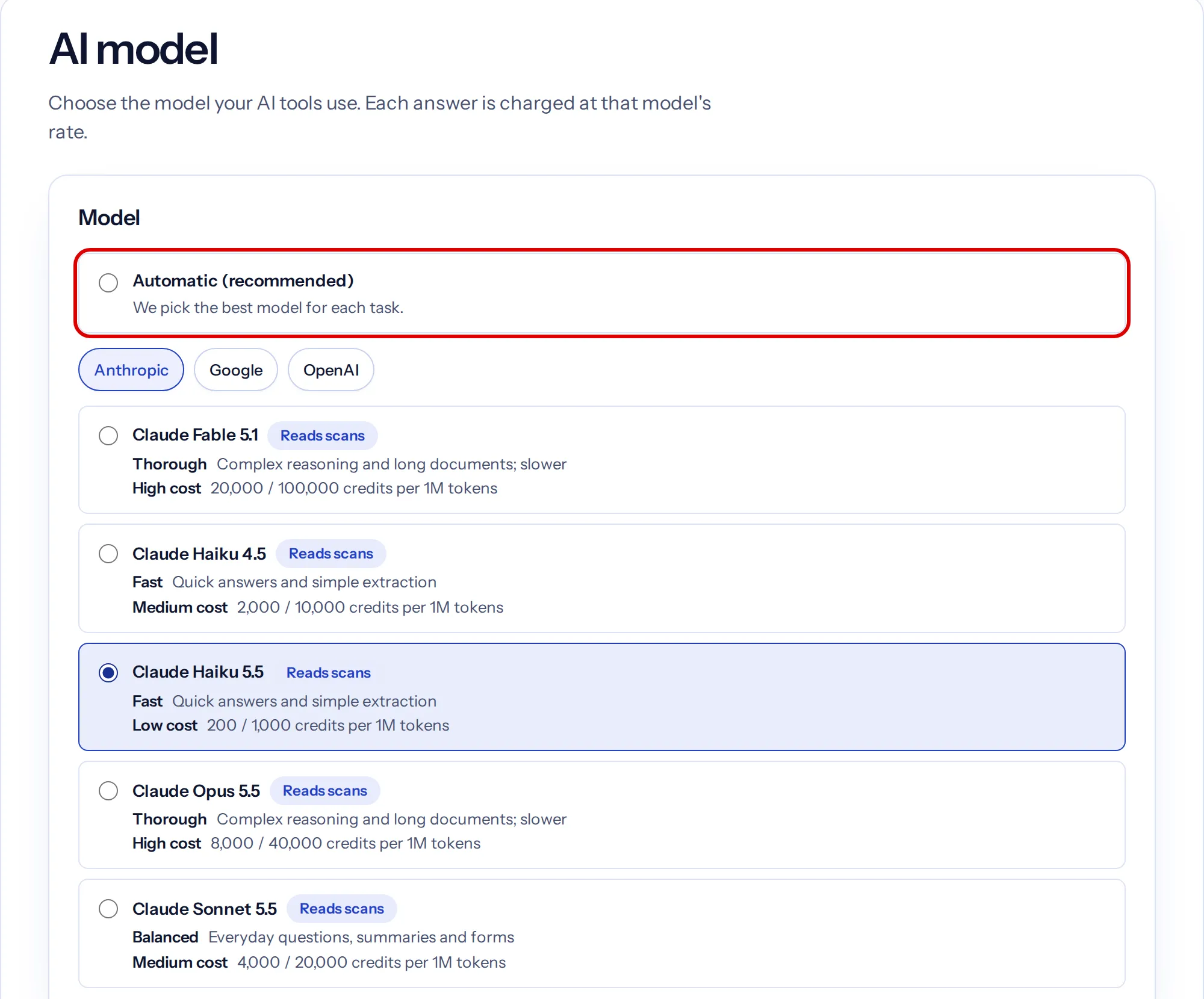
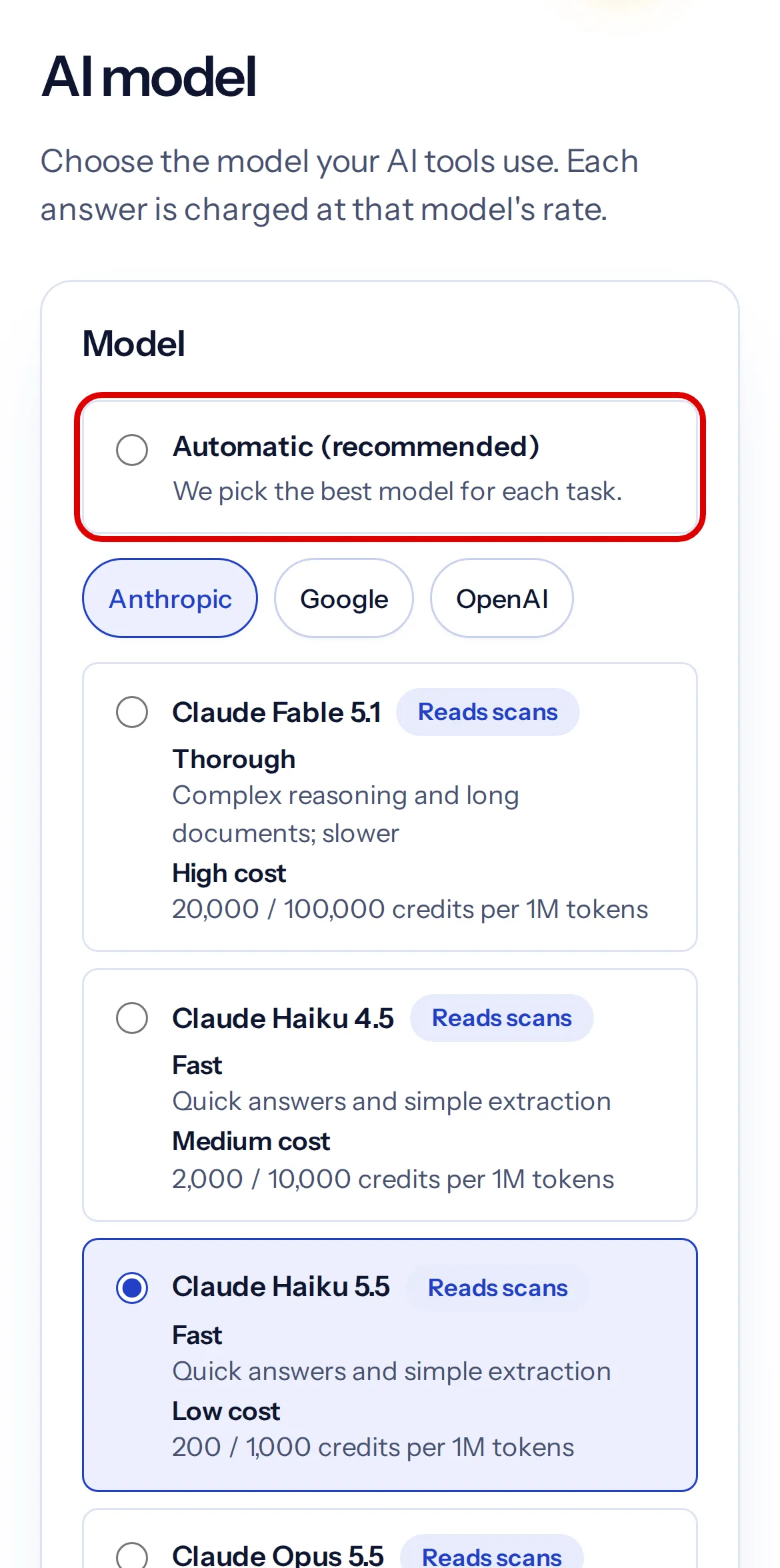
Look at the first option, Automatic (recommended). When it has a blue frame and a filled circle, indox picks the best model for each task for you. Most people can leave it like this.
Pick a company
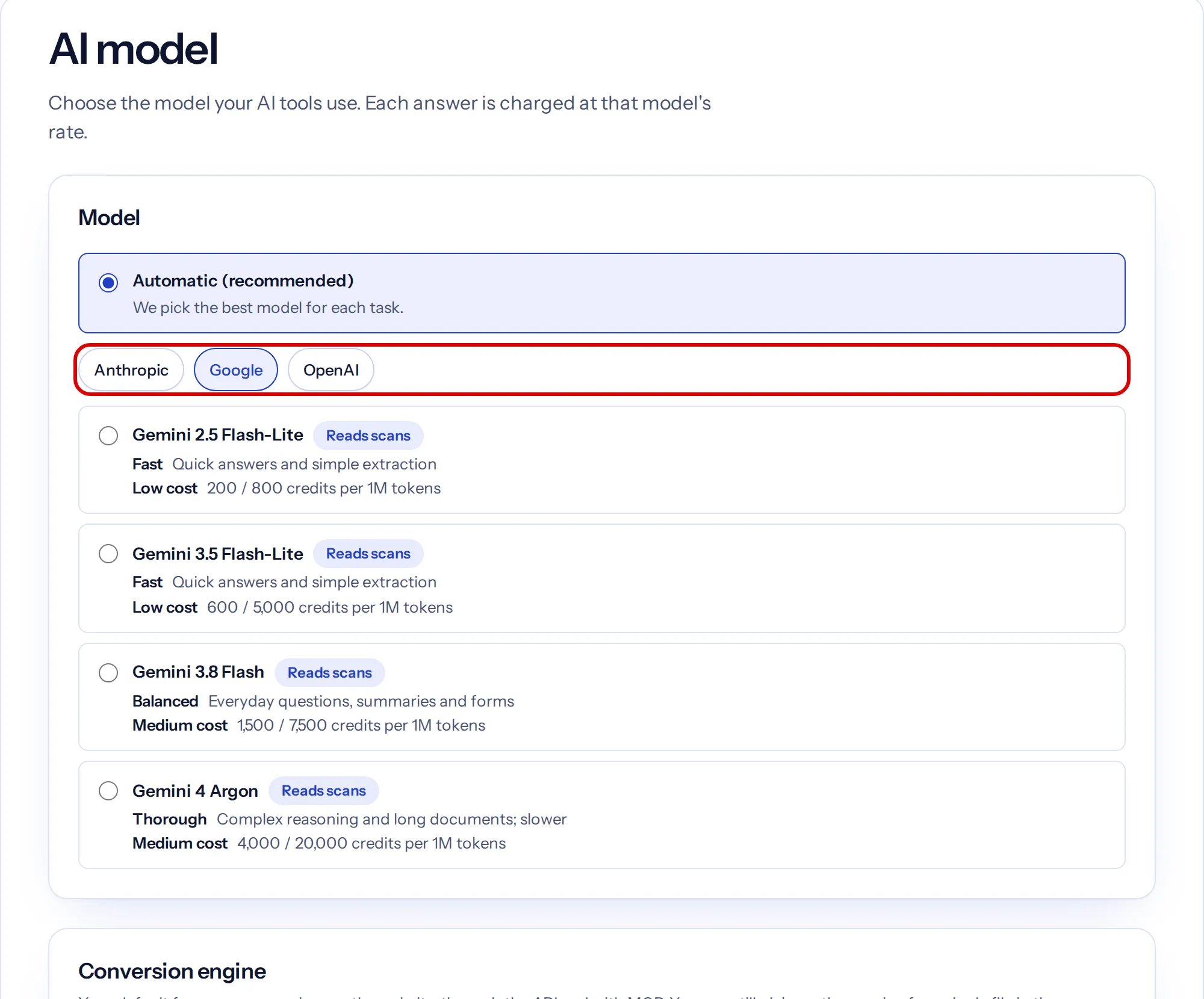
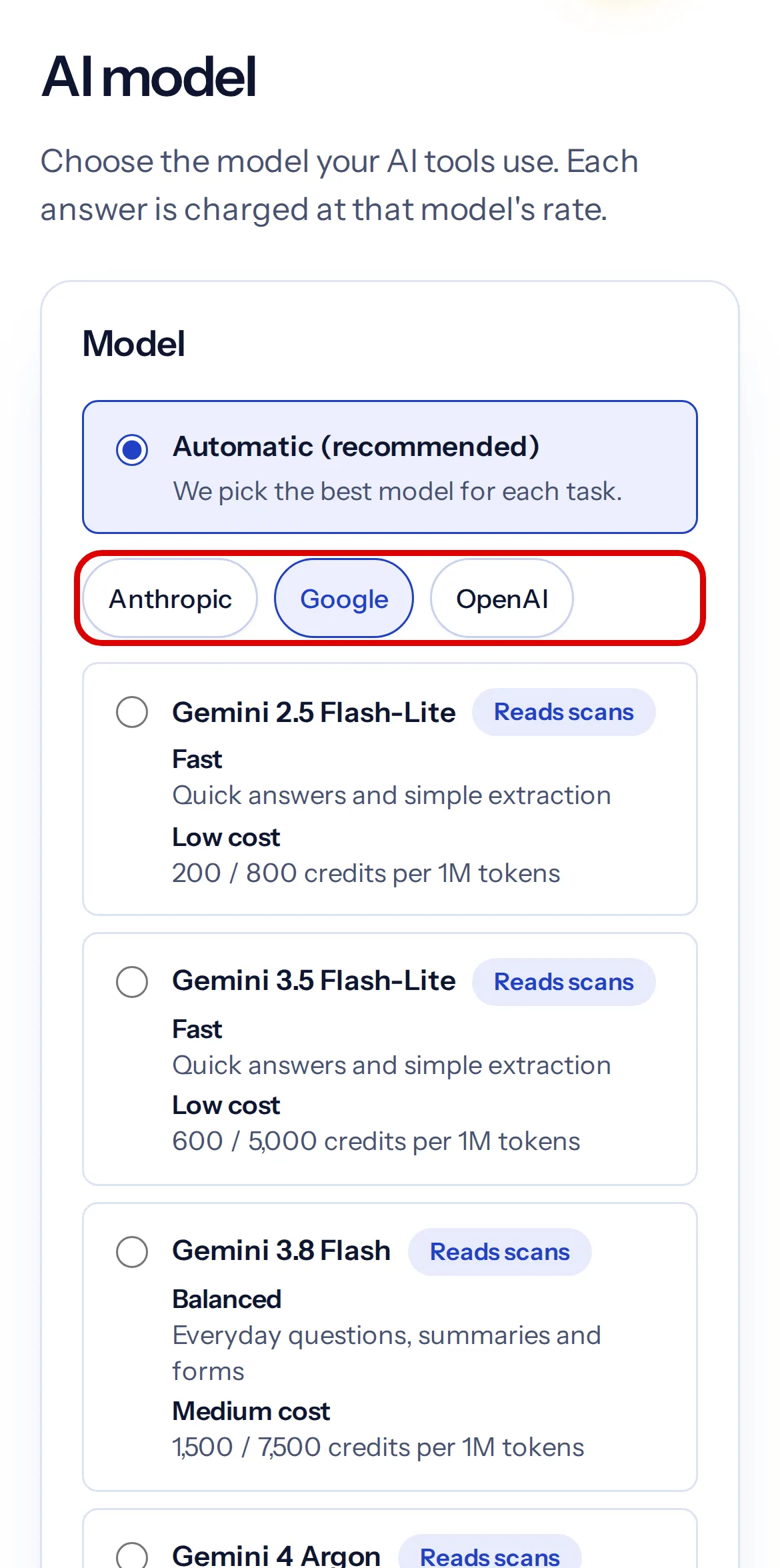
Under Automatic, a row of round buttons names the companies that make the models, such as Anthropic, Google and OpenAI. Select one. The list below it changes to that company's models.
Compare the models
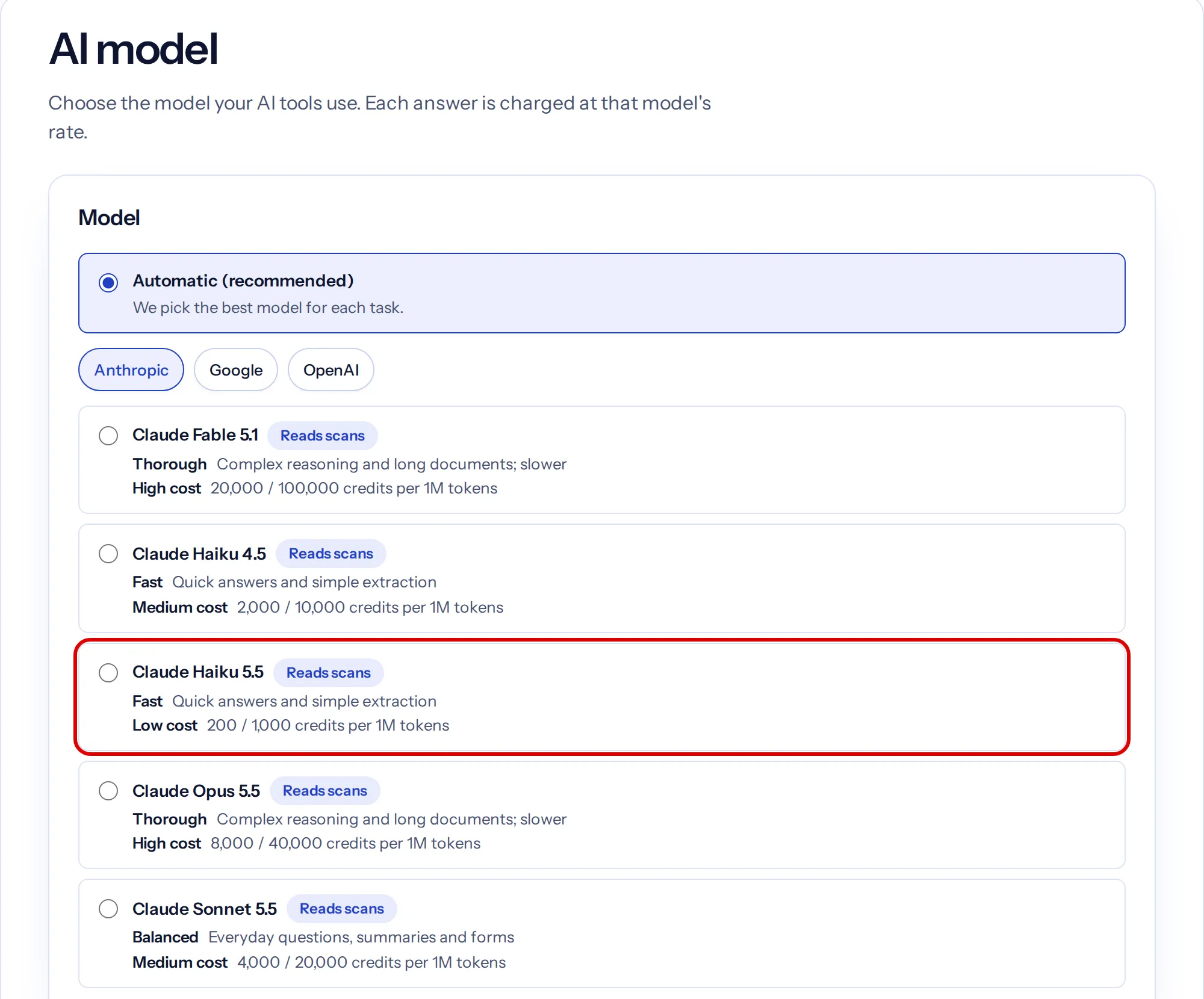
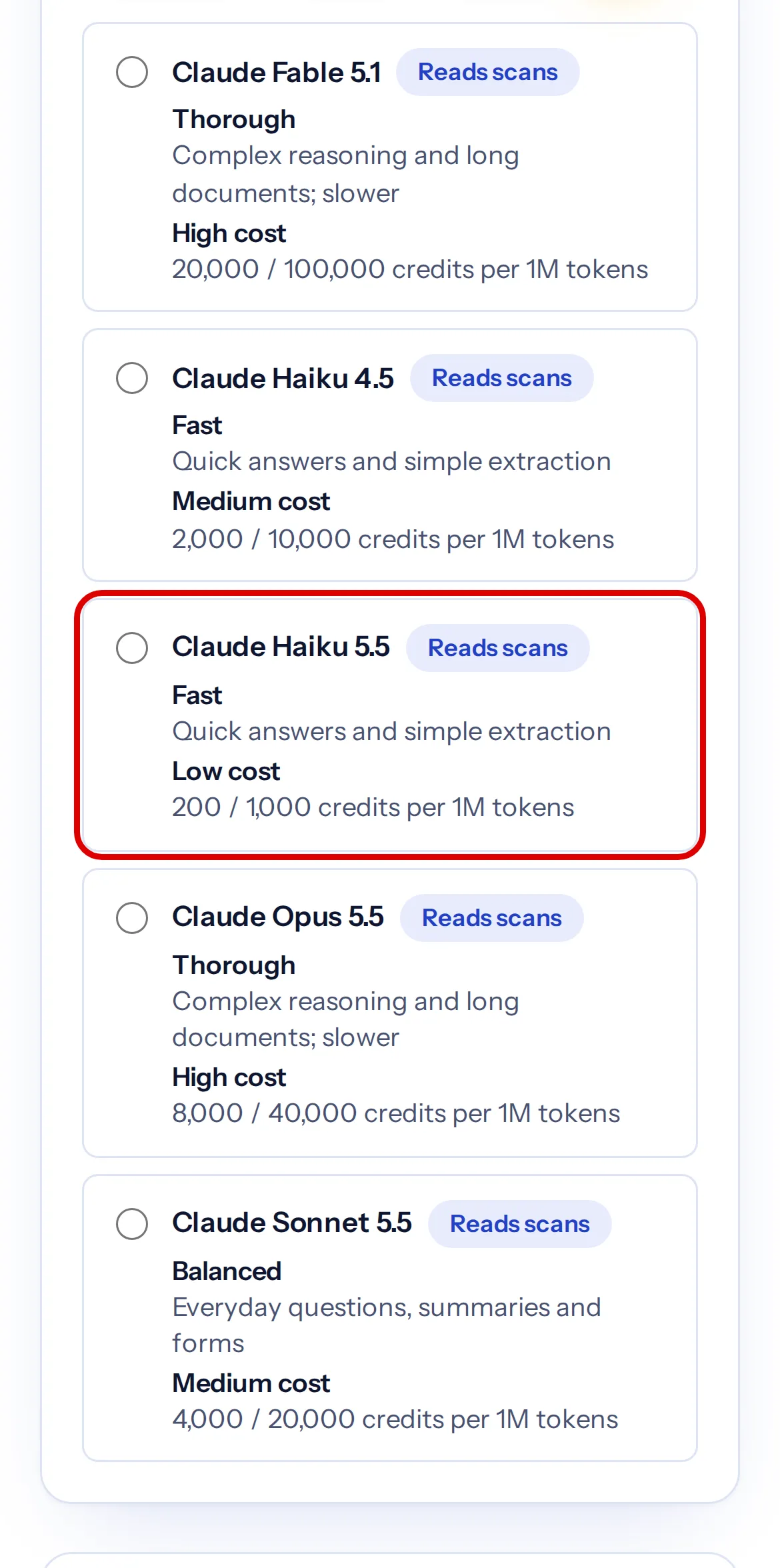
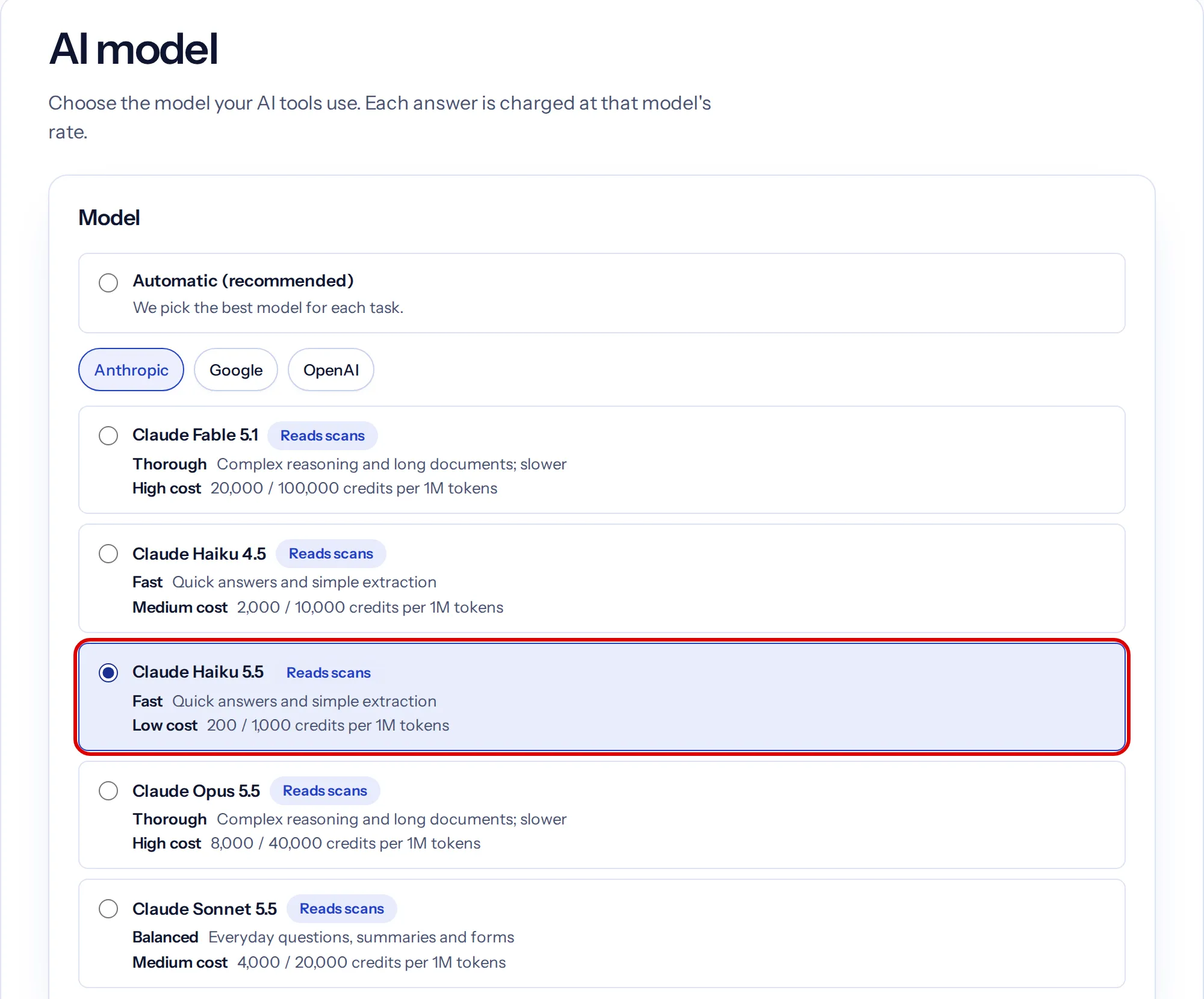
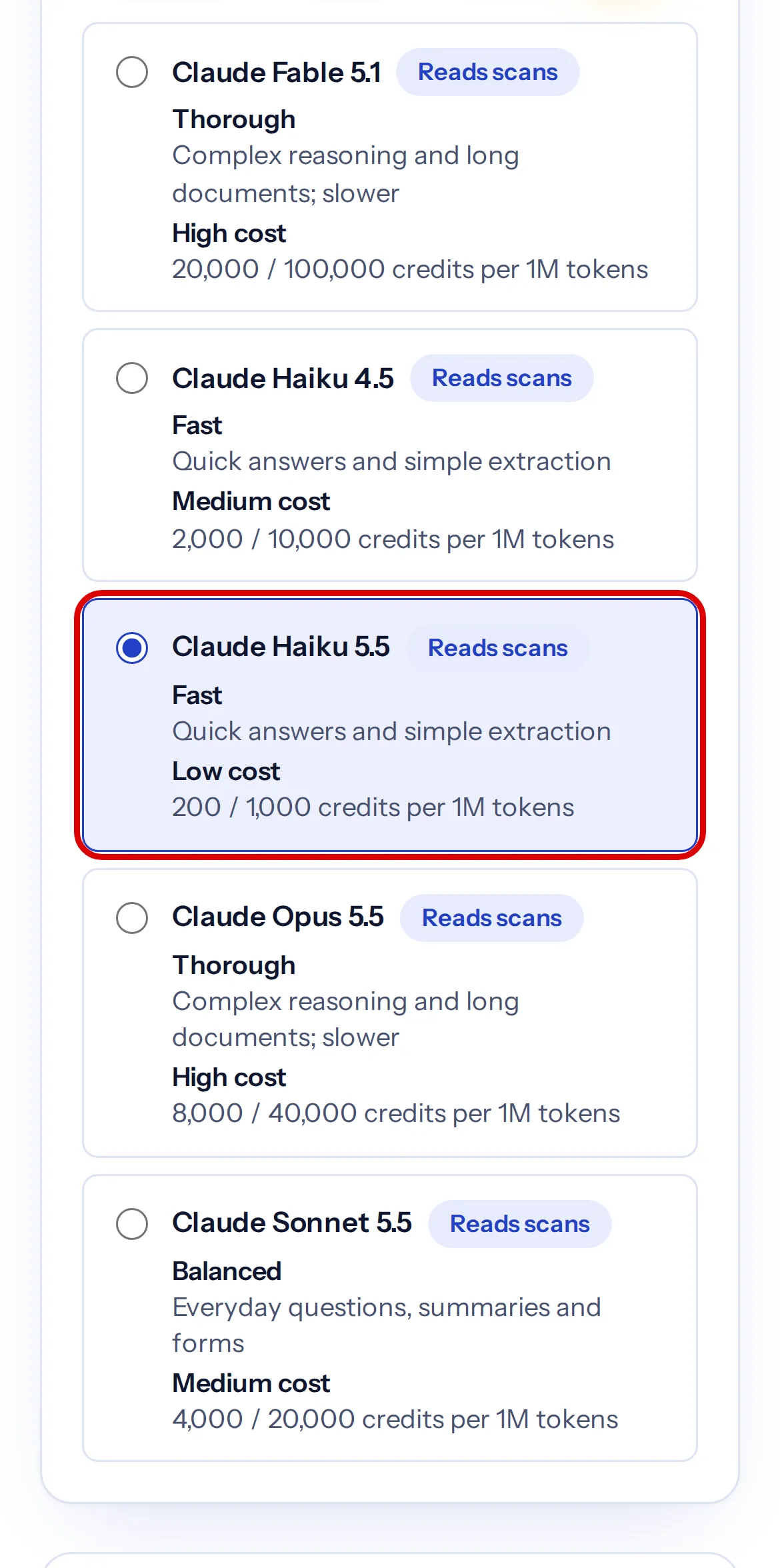
Each model has a card. A tag called Reads scans means it can read pictures and scanned pages. The next line says how fast it is: Fast, Balanced or Thorough. The last line says the cost: Low cost, Medium cost or High cost, and the credits per one million tokens. Pick Fast and Low cost for quick, cheap answers. Pick Thorough for long or hard documents.
Choose a model
Select the card of the model you want. Its circle fills and the card turns blue. There is no Save button, so the choice is saved the moment you select it. Your AI tools now use this model.
Go back to Automatic
To let indox choose again, select Automatic (recommended) at the top of the card. Its circle fills and the model card you picked goes back to plain white. This is saved at once too.
Troubleshooting
| Problem | Cause | Fix |
|---|---|---|
| Couldn't load the AI model options. | The list did not load | Reload the page. If the message stays, try again in a few minutes |
| You do not see a model you want | Each company shows only its own models | Select another company button above the list, such as Google or OpenAI |
| Answers cost more credits than you want | The model you picked has a high cost line | Pick a card that says Low cost, or select Automatic (recommended) |