Last updated
Compare two PDFs
Before you start
- Have the PDF on your phone or computer. The upload box tells you how big a file can be. You need two files: an older version and a newer one.
- To compare is to find what changed between two versions of a document. This tool compares the words only. It ignores pictures and layout.
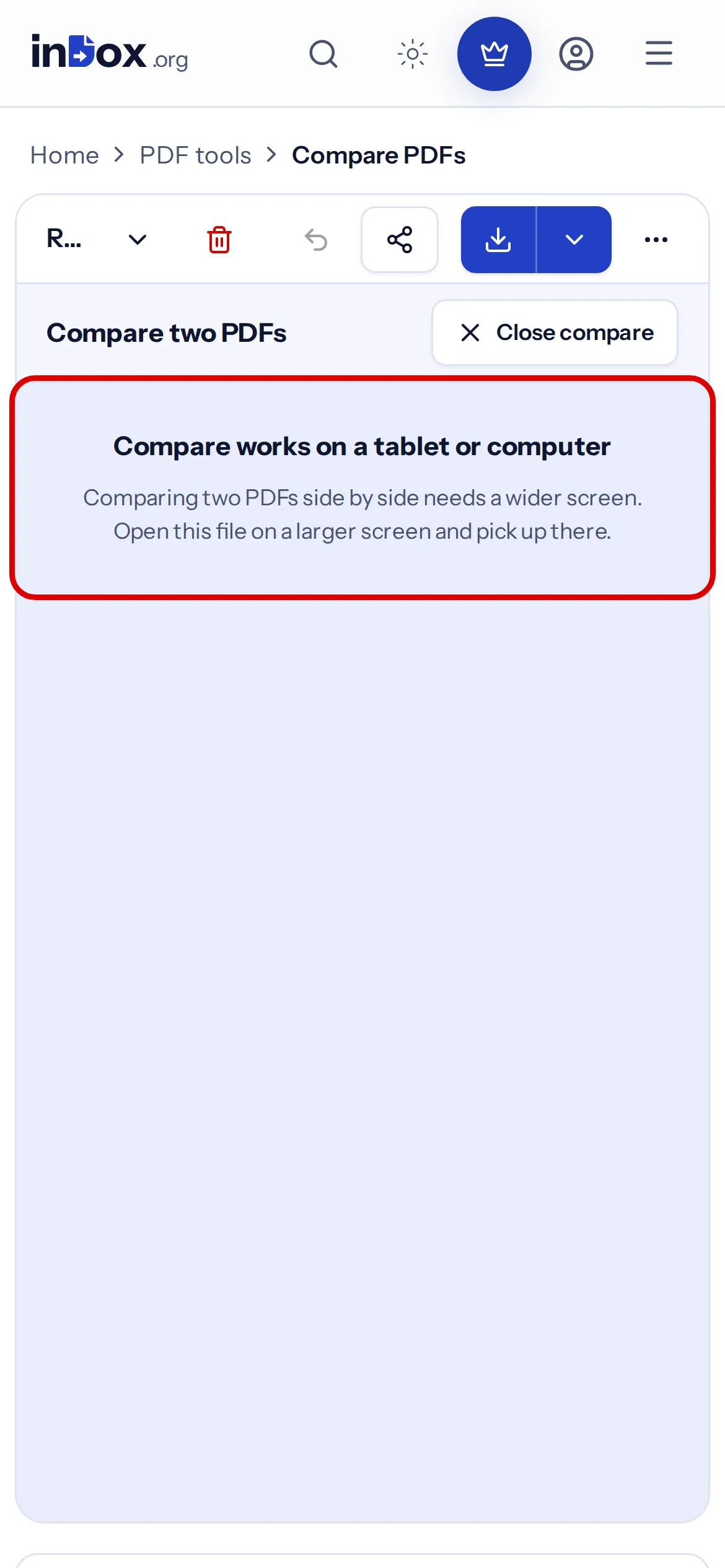
- Compare needs a tablet or a computer. A phone shows a message instead.
- You don't need an account.
Open the older PDF
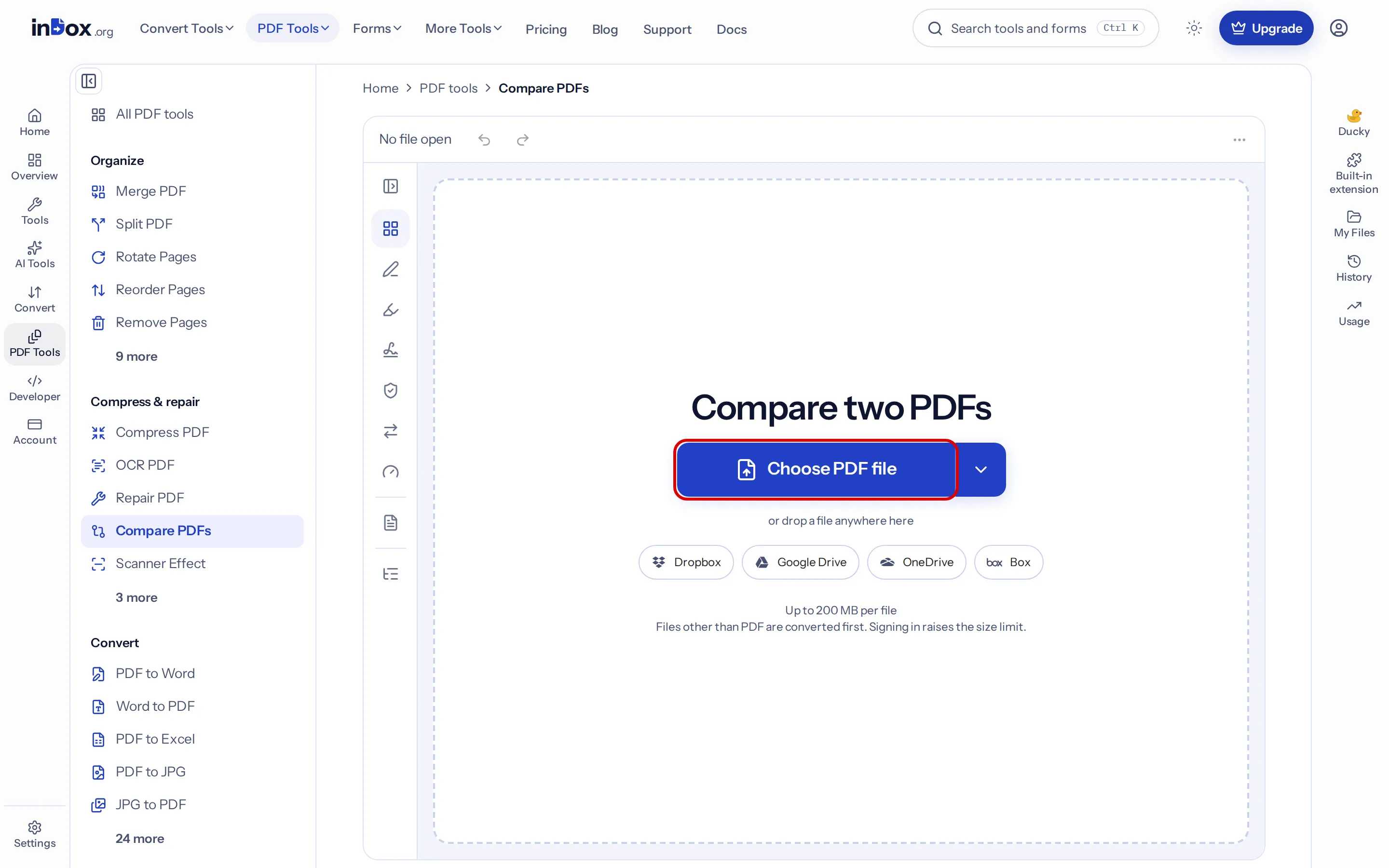
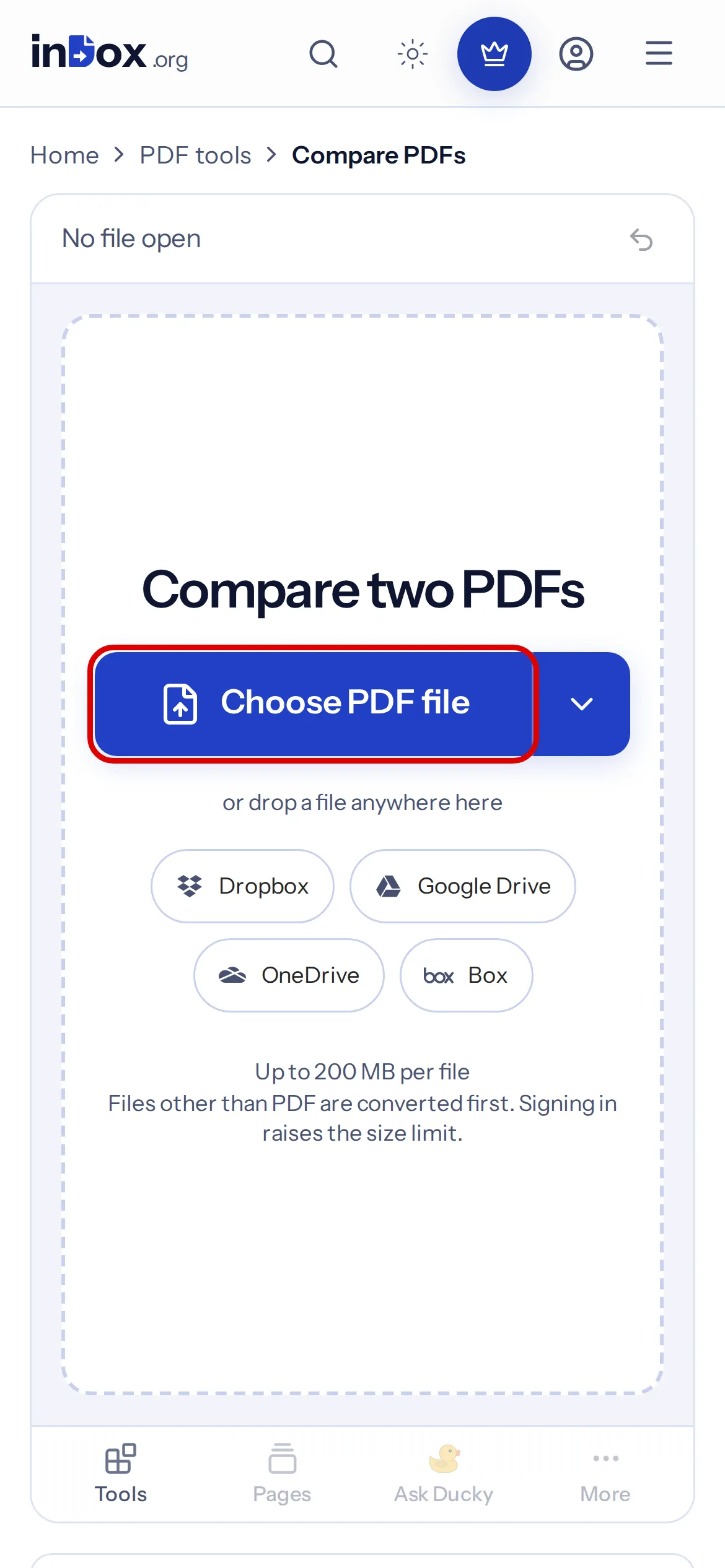
Go to the Compare PDFs page. In the middle of the page, select the blue Choose PDF file button. A box opens so you can pick a file from your device. You can also drag a file onto the page. The file you open first is called the Original. Pick the older version.
Choose the newer PDF
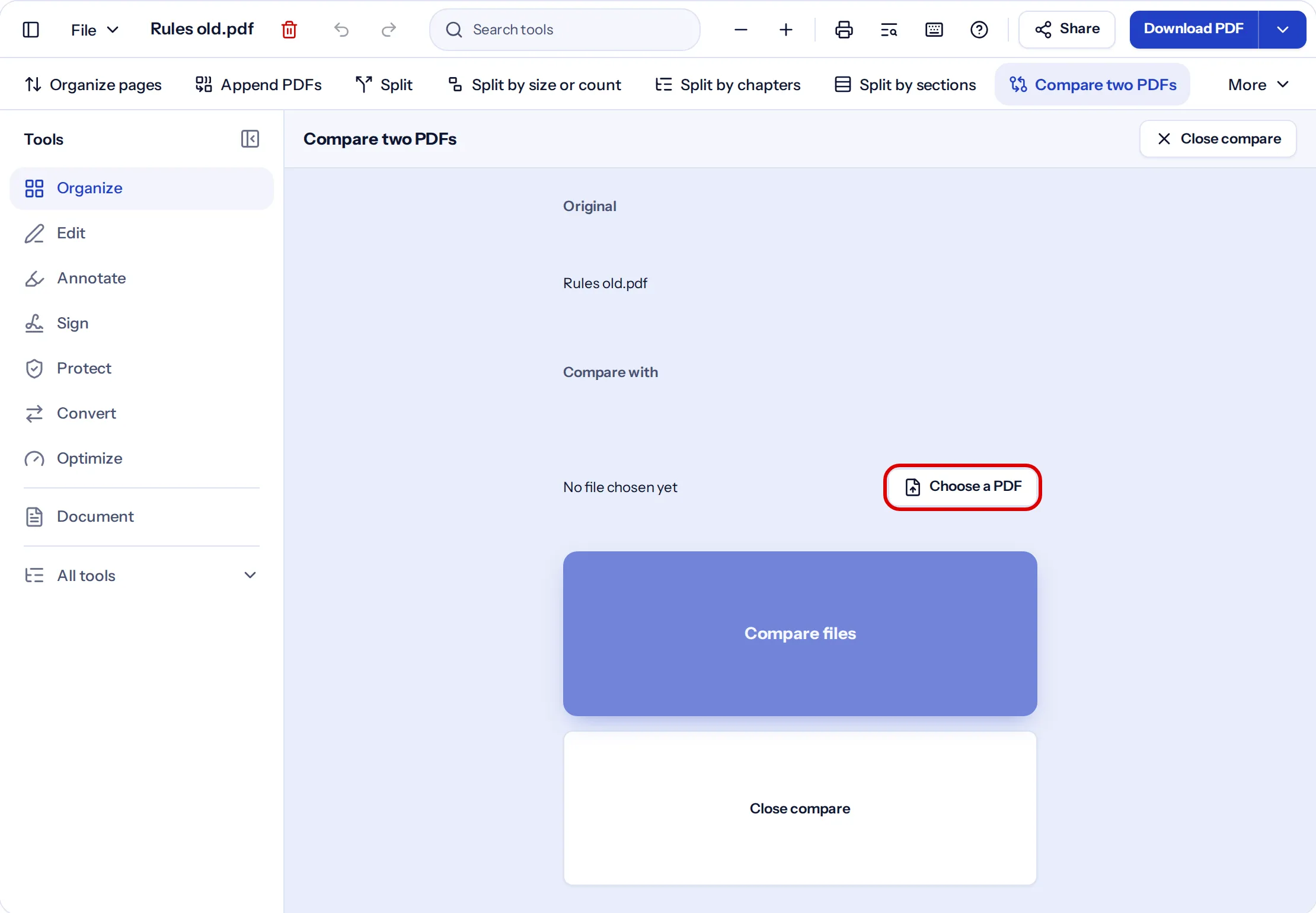
A screen called Compare two PDFs opens in the middle of the page. It shows Original with your file's name, then Compare with and the words No file chosen yet. Select the Choose a PDF button and pick the newer version. On a phone, a box says Compare works on a tablet or computer. Open the file on a bigger screen to go on.
Compare the files
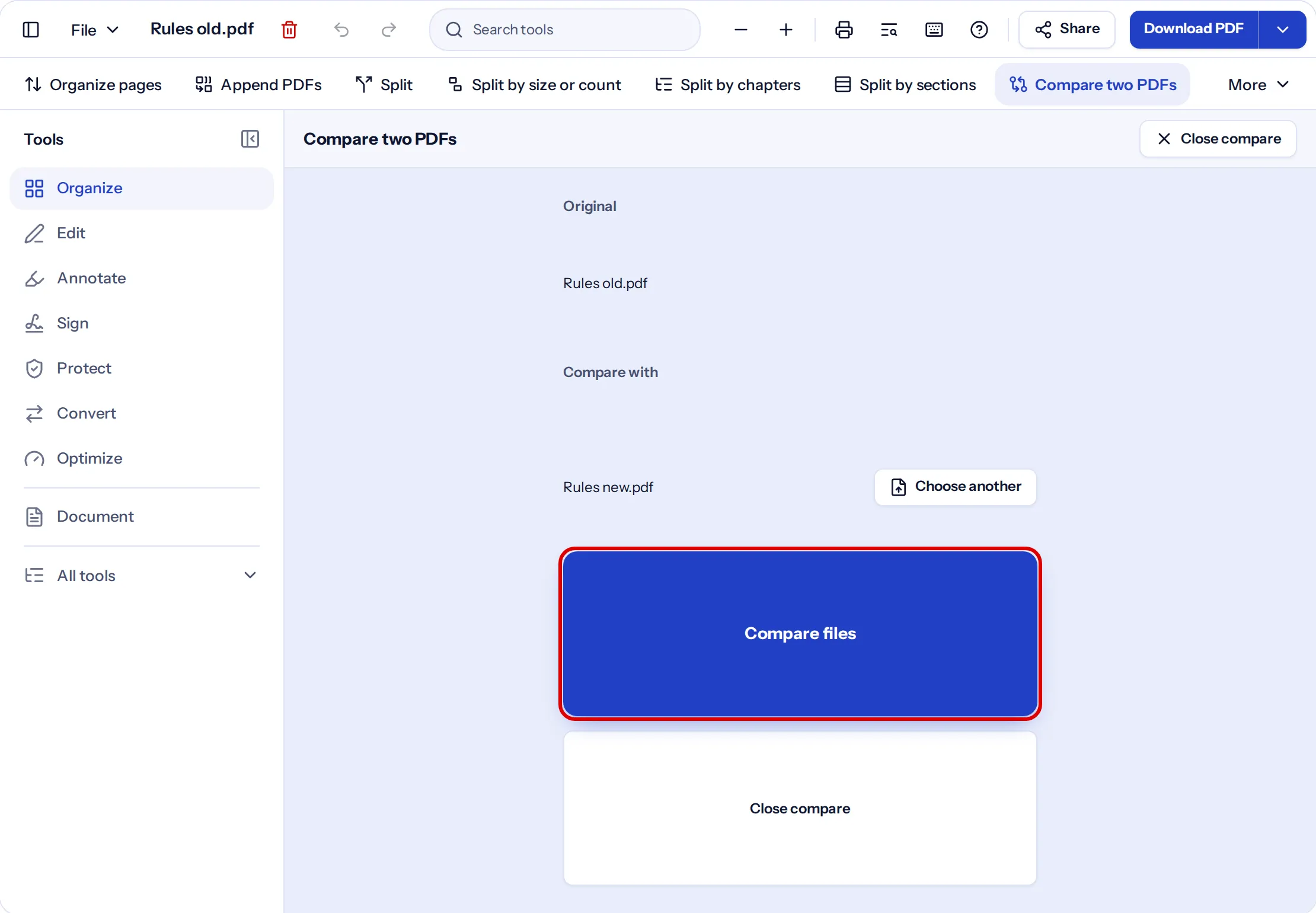
The name of your second file now shows next to Compare with, and the button changes to Choose another. Select the big blue Compare files button.
Read the changes
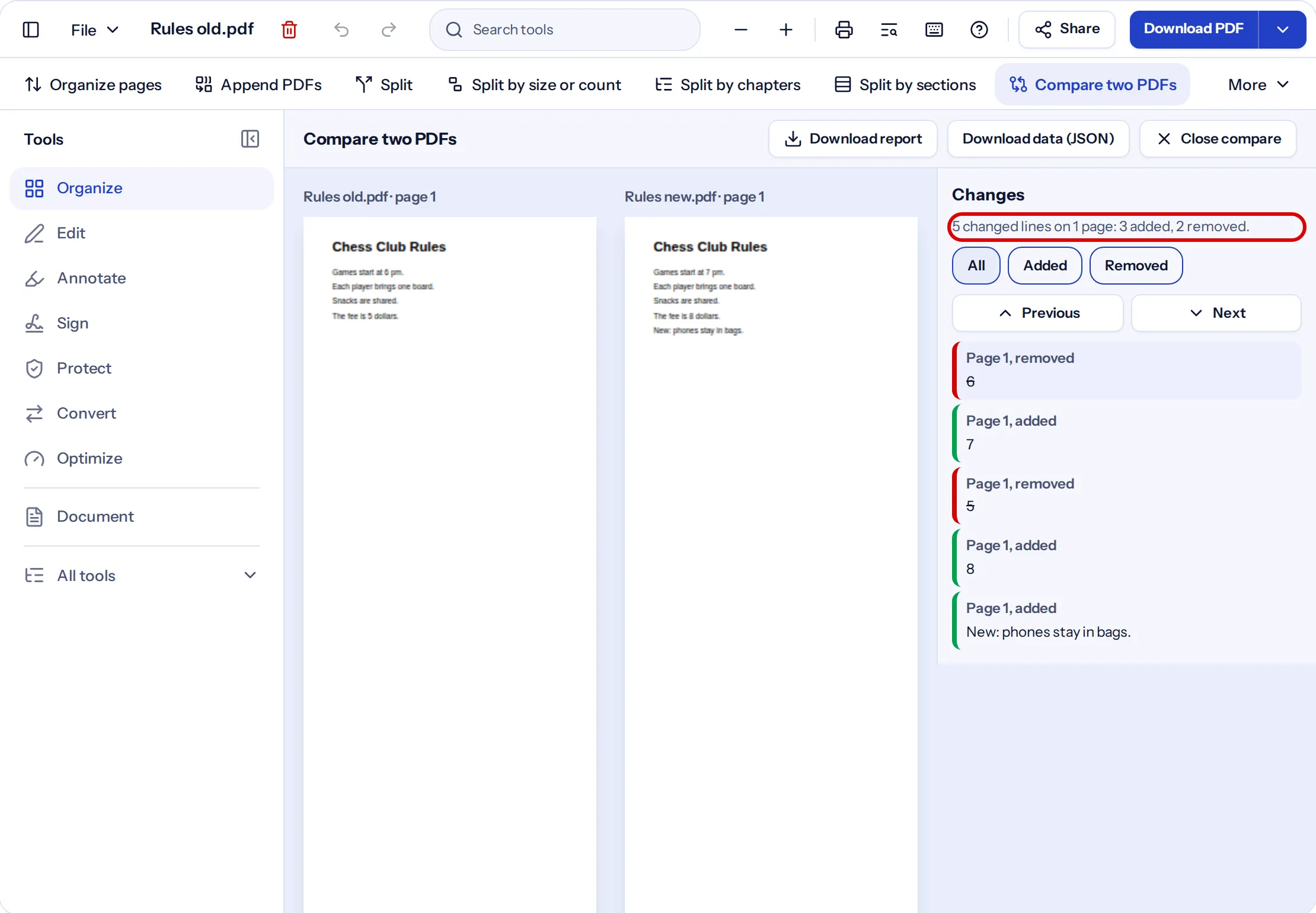
Two pages appear side by side, the Original on the left and the new file next to it. The Changes list starts with a summary, such as 5 changed lines on 1 page: 3 added, 2 removed. Each row shows the page, then added or removed, then the words. Green rows were added and red rows were removed. Select Added or Removed to see only one kind.
Step through the changes
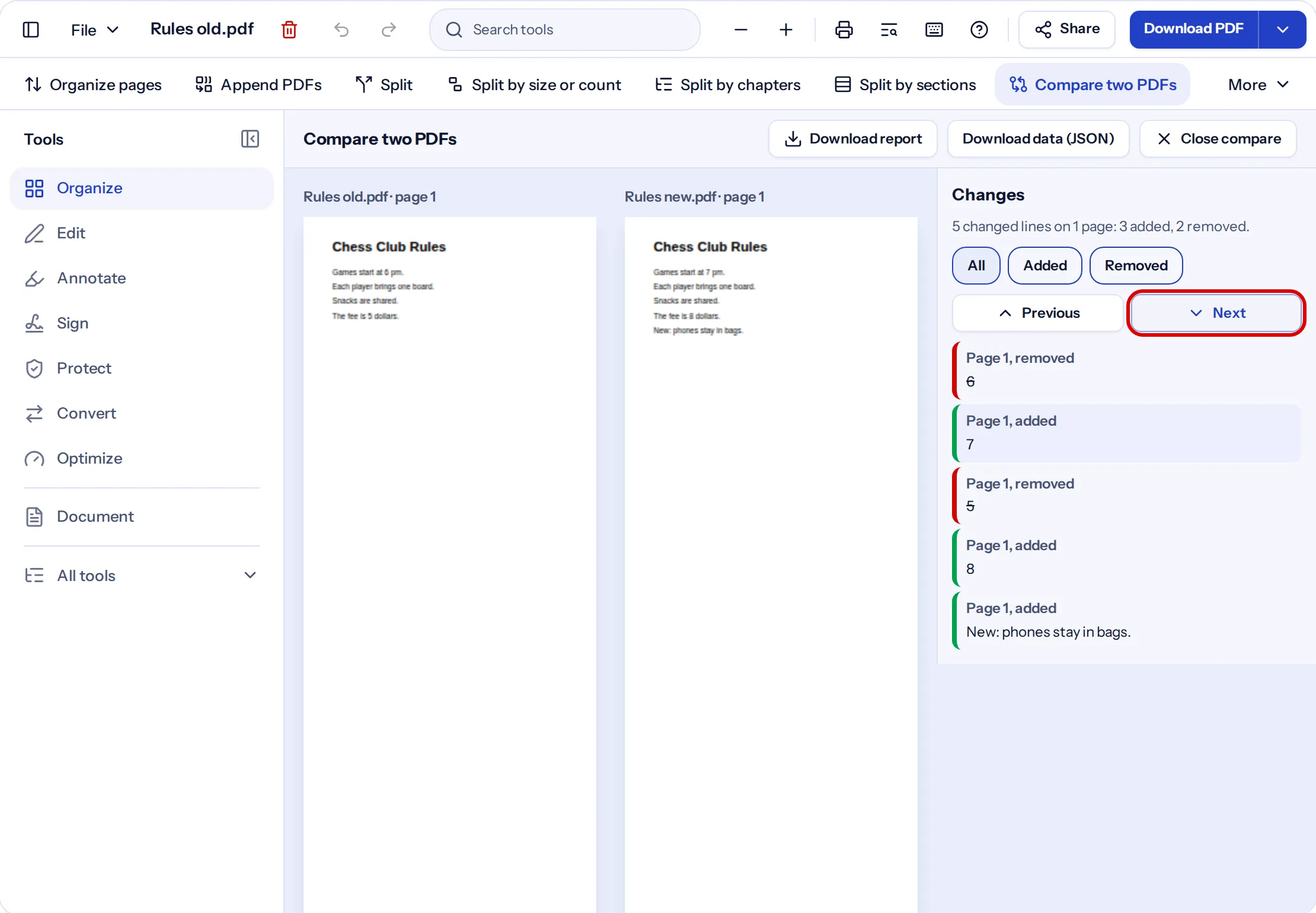
Select Next to go to the next change. The pages move to where it is. Previous goes back.
Download the report
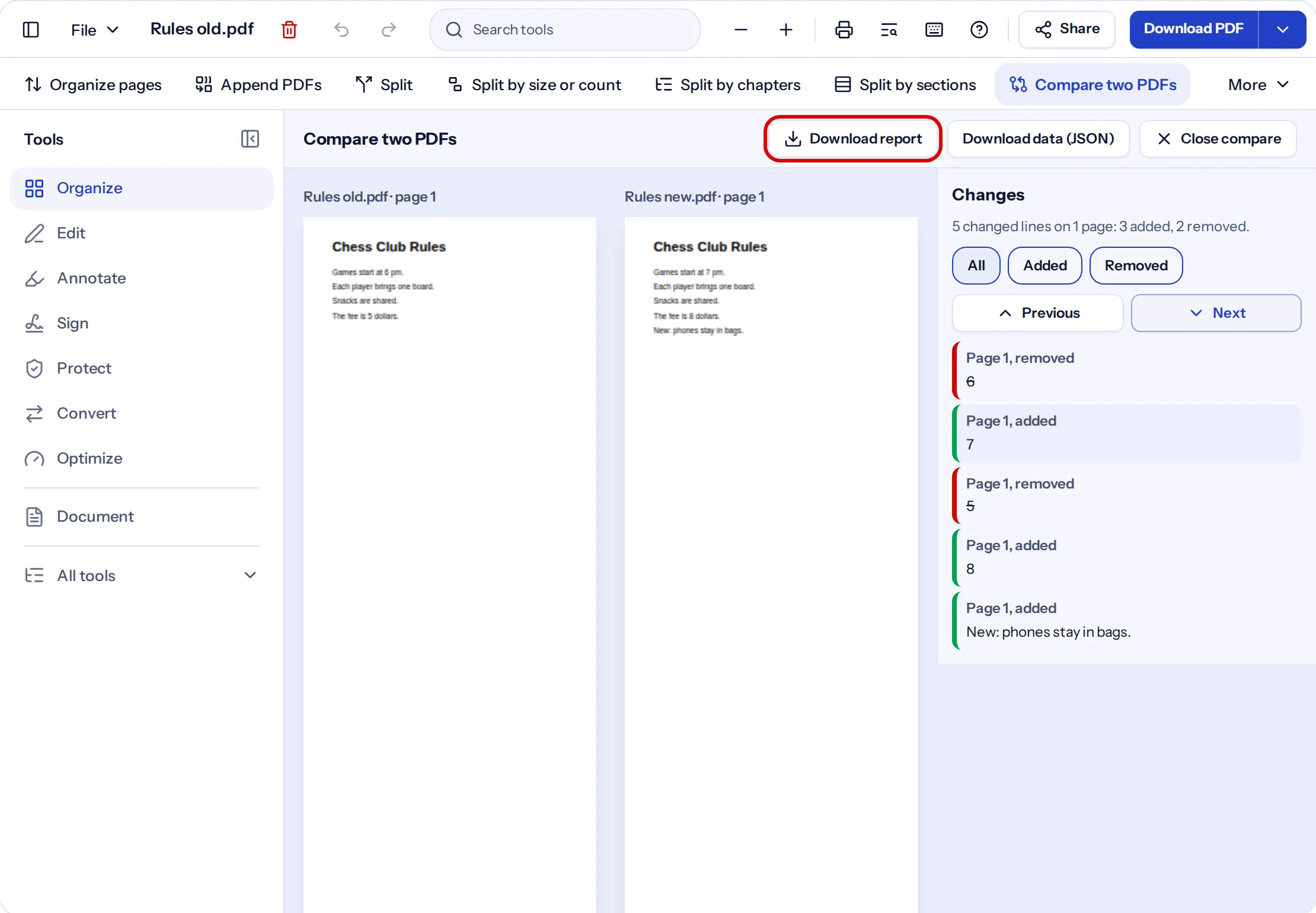
To keep the list, select Download report at the top of the screen. A report is saved on your device.
Troubleshooting
| Problem | Cause | Fix |
|---|---|---|
| The panel says No differences found between the two files. | The words in both files are the same | Check that you picked an older and a newer version |
| You can see a change but it is not in the list | Only words are compared, not pictures or layout | Look at the two pages side by side |
| A scanned page shows no words | A scan is a picture, so it has no words to compare | Make it searchable first with OCR PDF |
| A box says Compare works on a tablet or computer | Phones are too narrow to show two pages side by side | Open the file on a tablet or a computer |