Last updated
Find a government form, download it blank and fill it in
Before you start
- Know the name or number of the form, such as W-9 or 1040. It is printed at the top of the form.
- indox lists forms from U.S. agencies only, such as the IRS and USCIS.
- You don't need an account. If you are only practicing, use made-up answers.
Open the Forms page
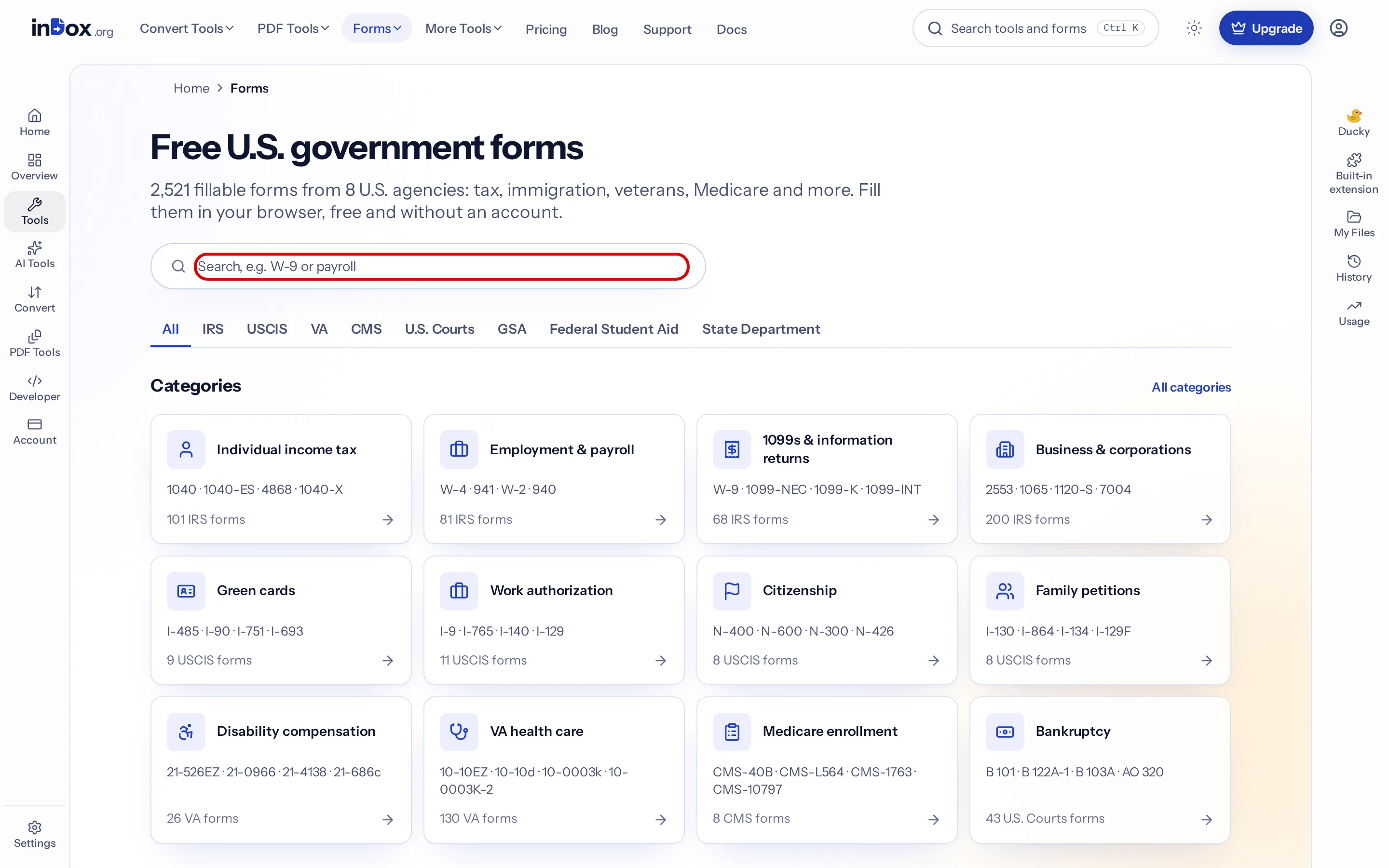
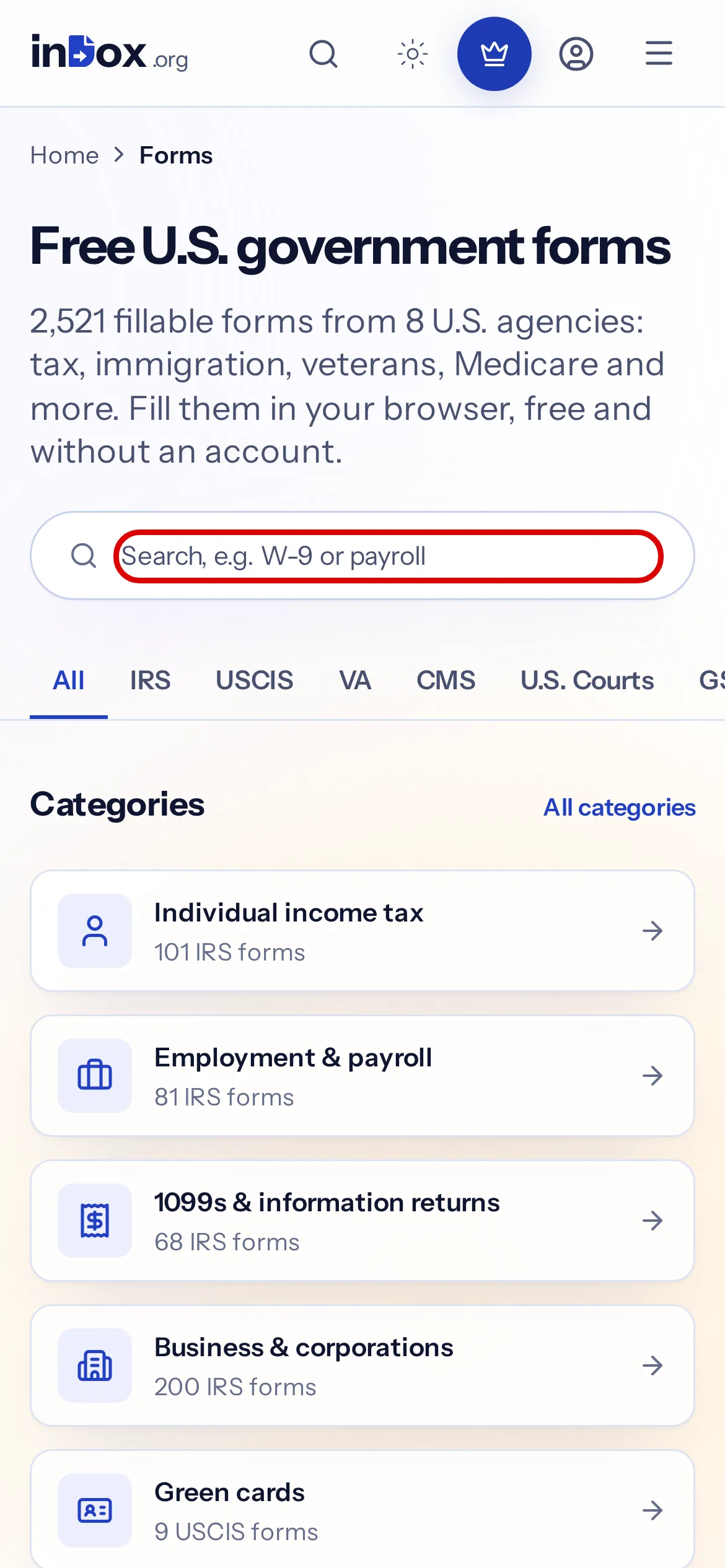
Go to the Forms page. At the top is a search box that says Search, e.g. W-9 or payroll. Under it are tabs for the agencies that issue forms, such as IRS and USCIS, and boxes for groups of forms. A form is a paper you fill in and send to a government office, such as a tax office.
Search for your form
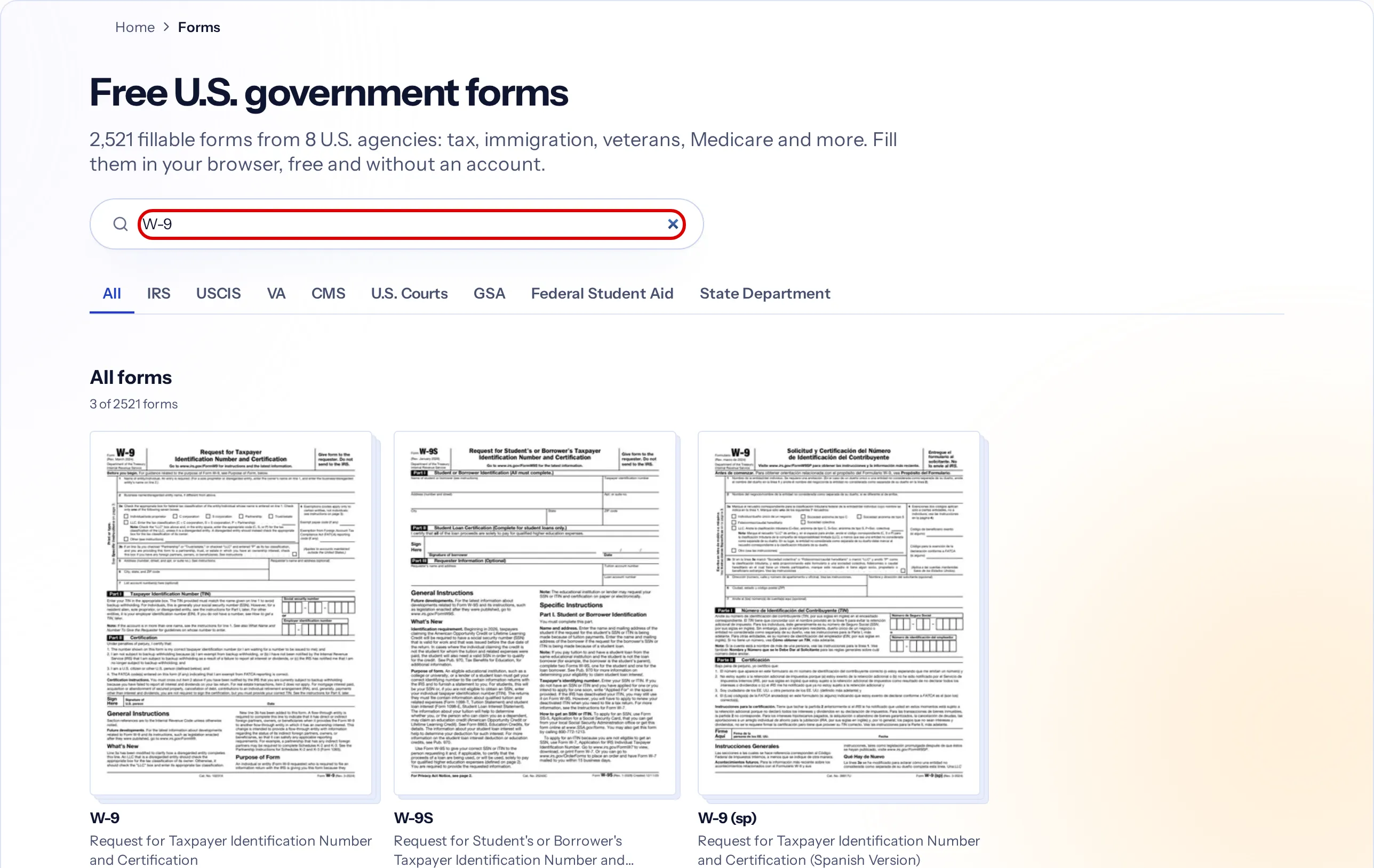
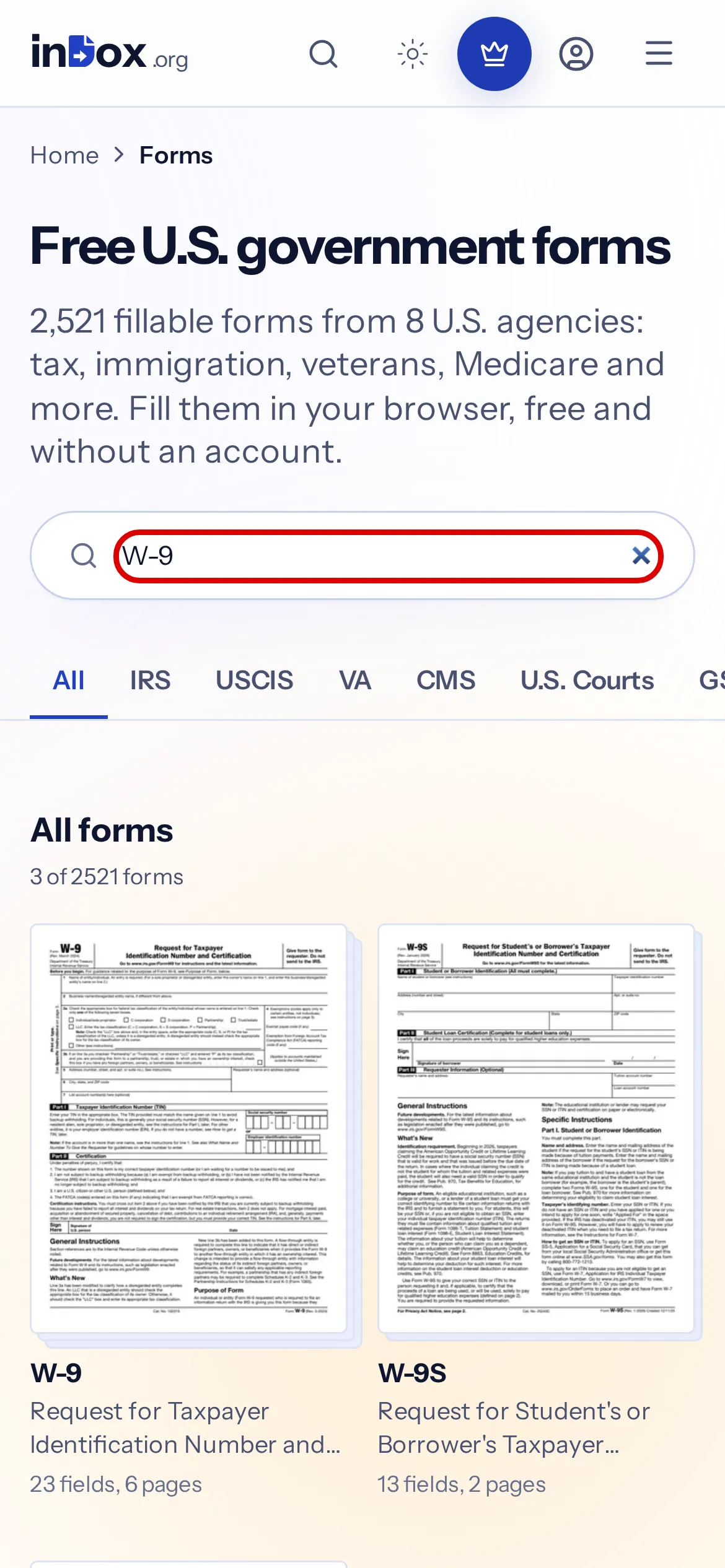
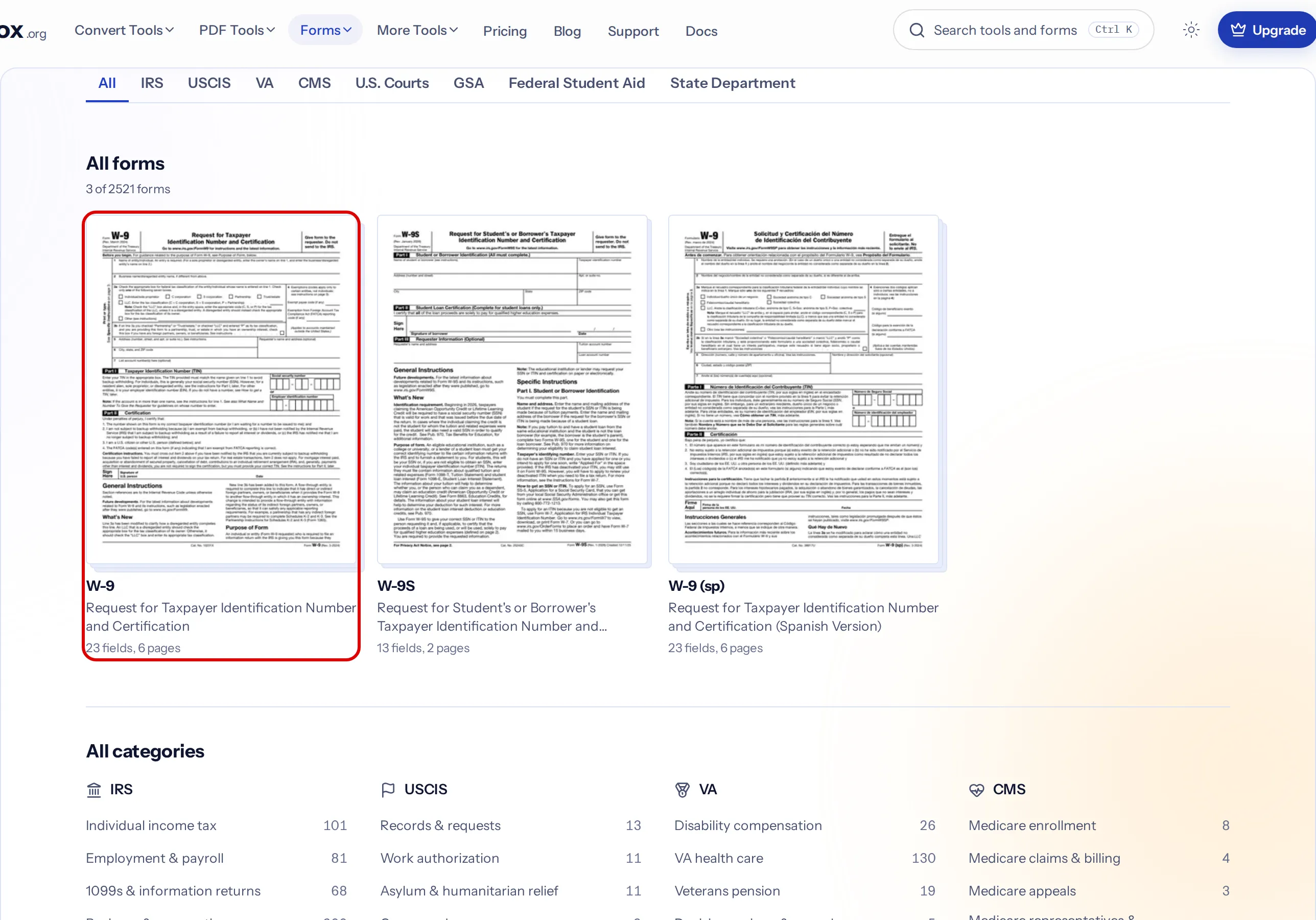
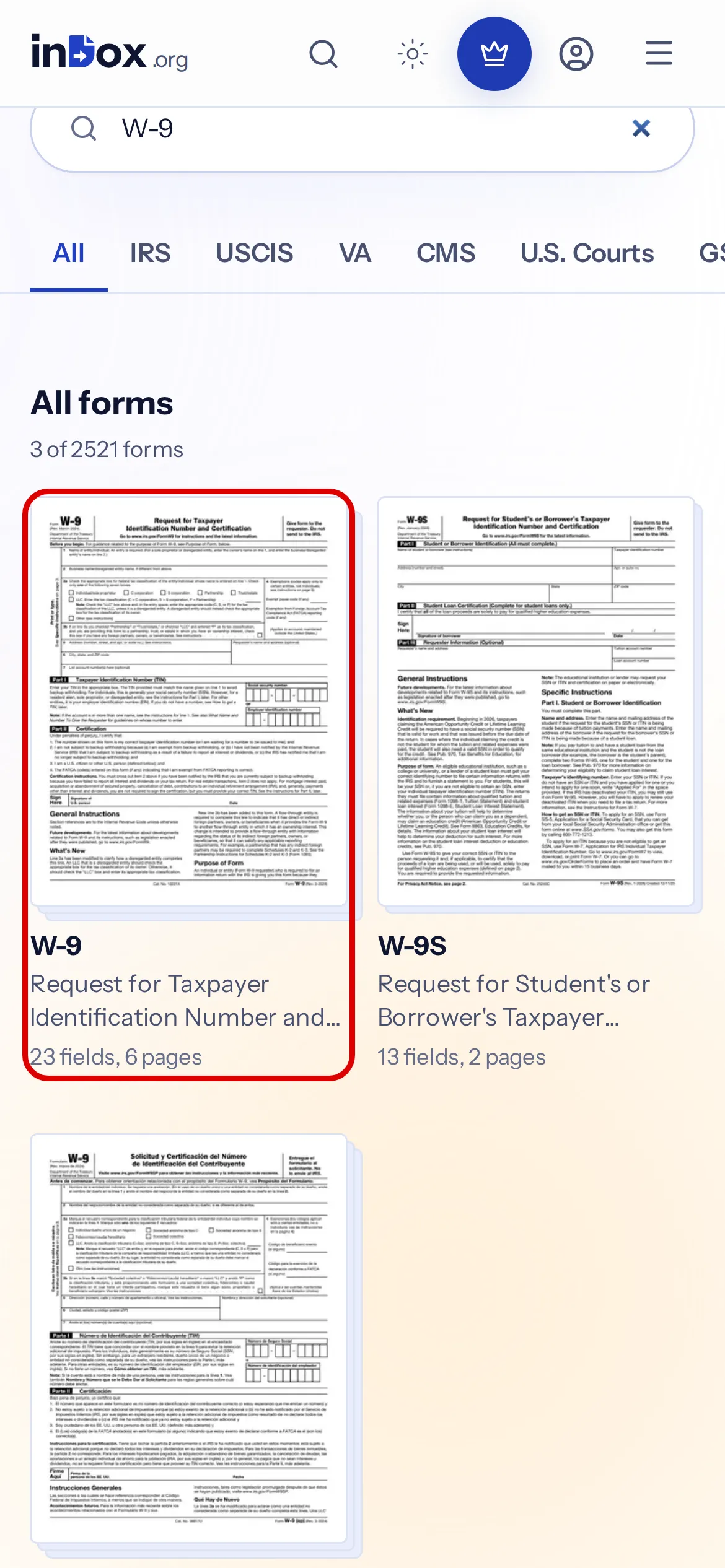
Select the search box and type the name or number printed on the form, such as W-9. The list shrinks while you type. Above the results it says how many forms match, such as 3 of 2521 forms.
Open the form
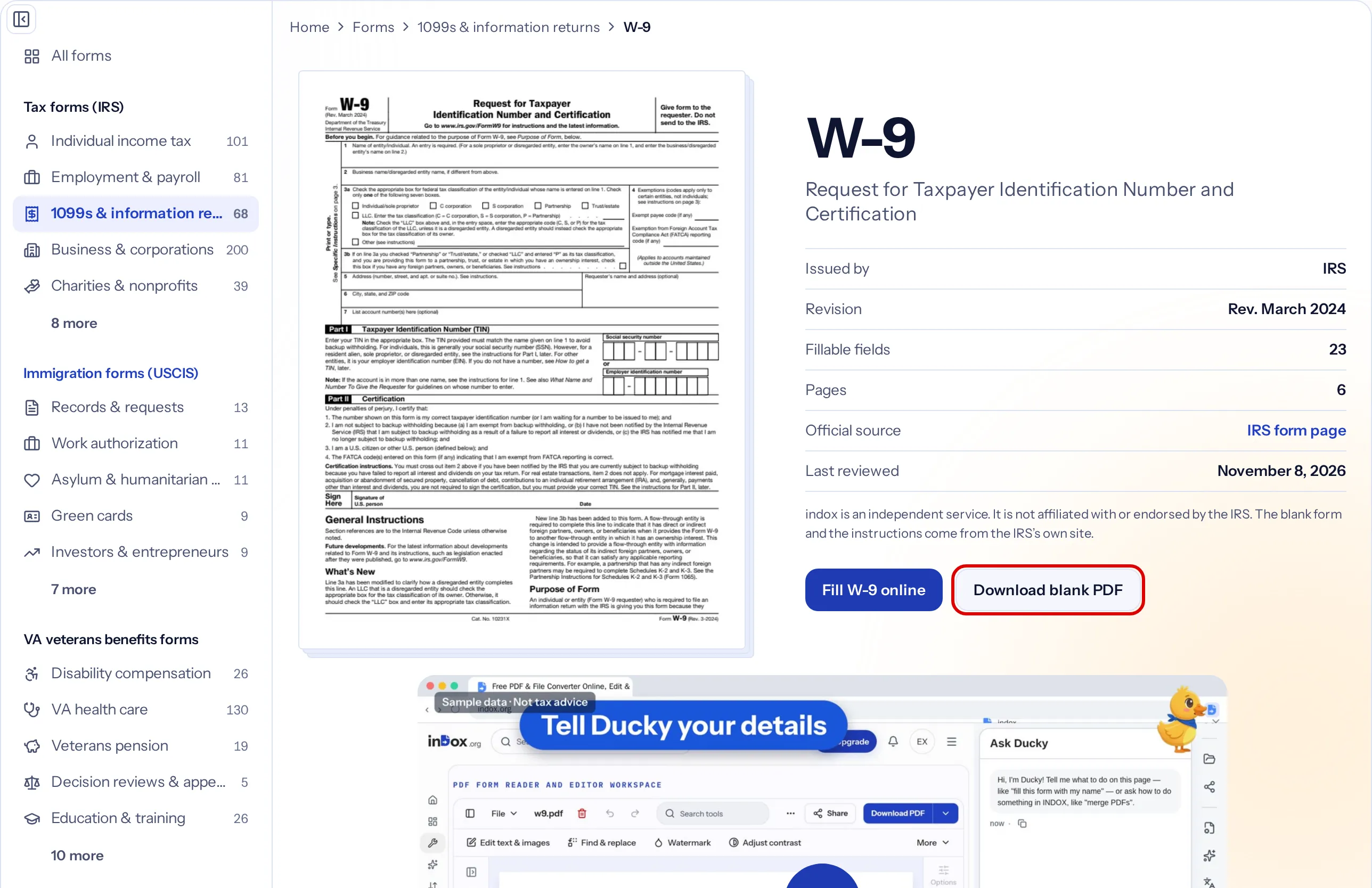
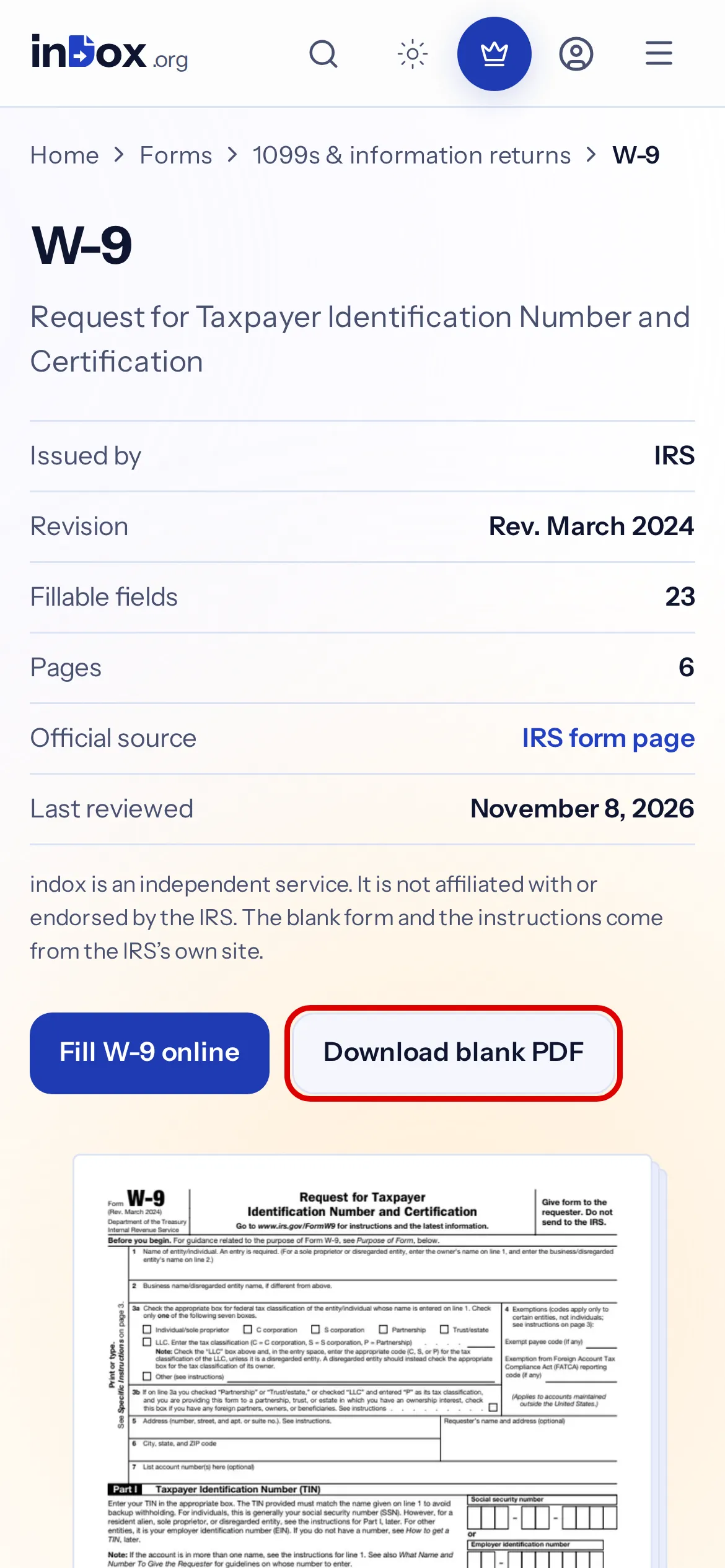
Select the form you want. The first result is W-9. The next ones, W-9S and W-9 (sp), are different forms, so check the name under each picture. The form's own page opens. It shows the form's name, who issues it, and how many pages and fillable fields it has. A field is a box you can type in.
Download the blank form
Select the Download blank PDF button next to the picture of the form. A PDF file of the empty form saves to your device. It is called w9.pdf. You can print it and fill it in by hand, or go on to the next step to type into it on screen.
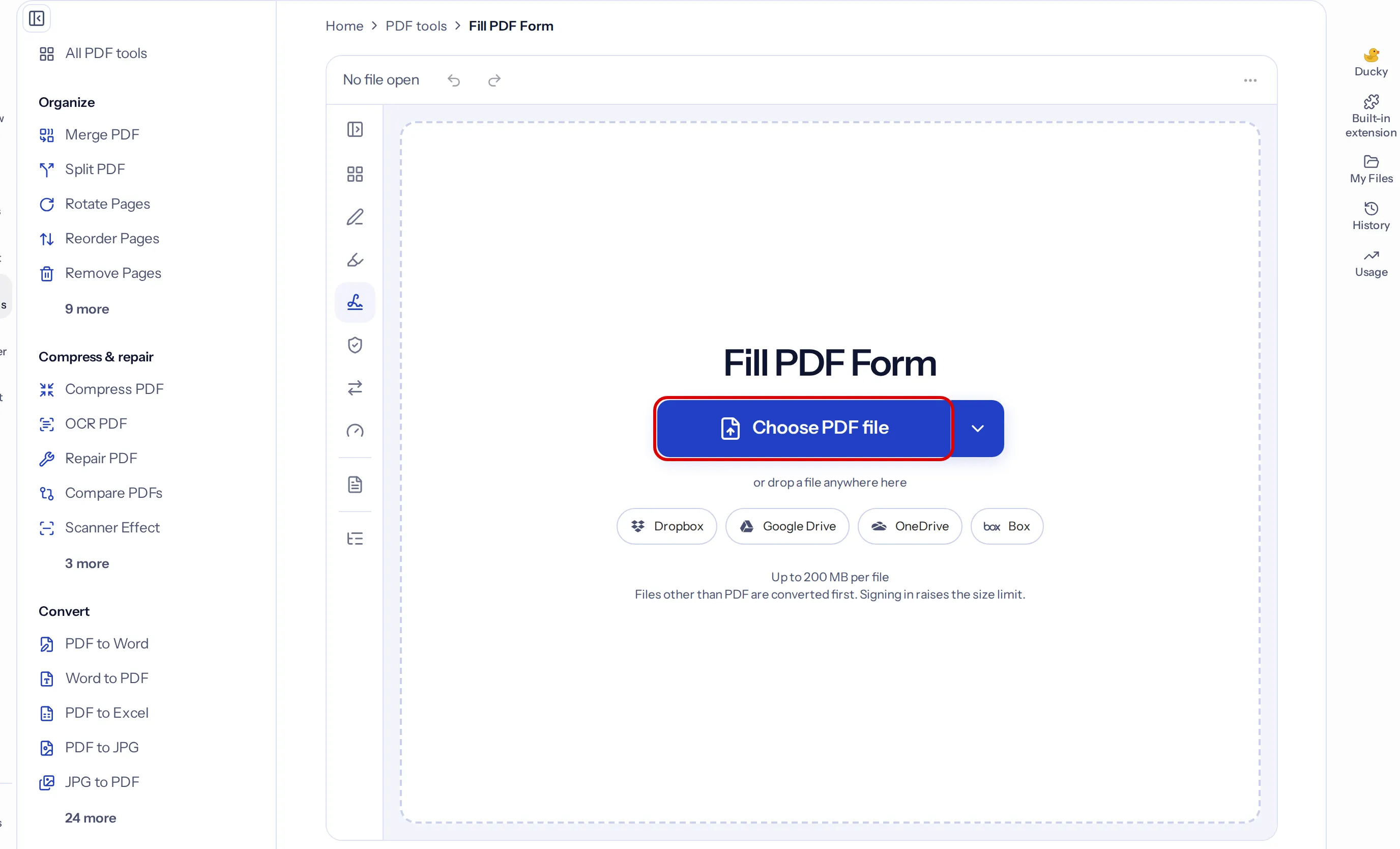
Open the Fill PDF Form page
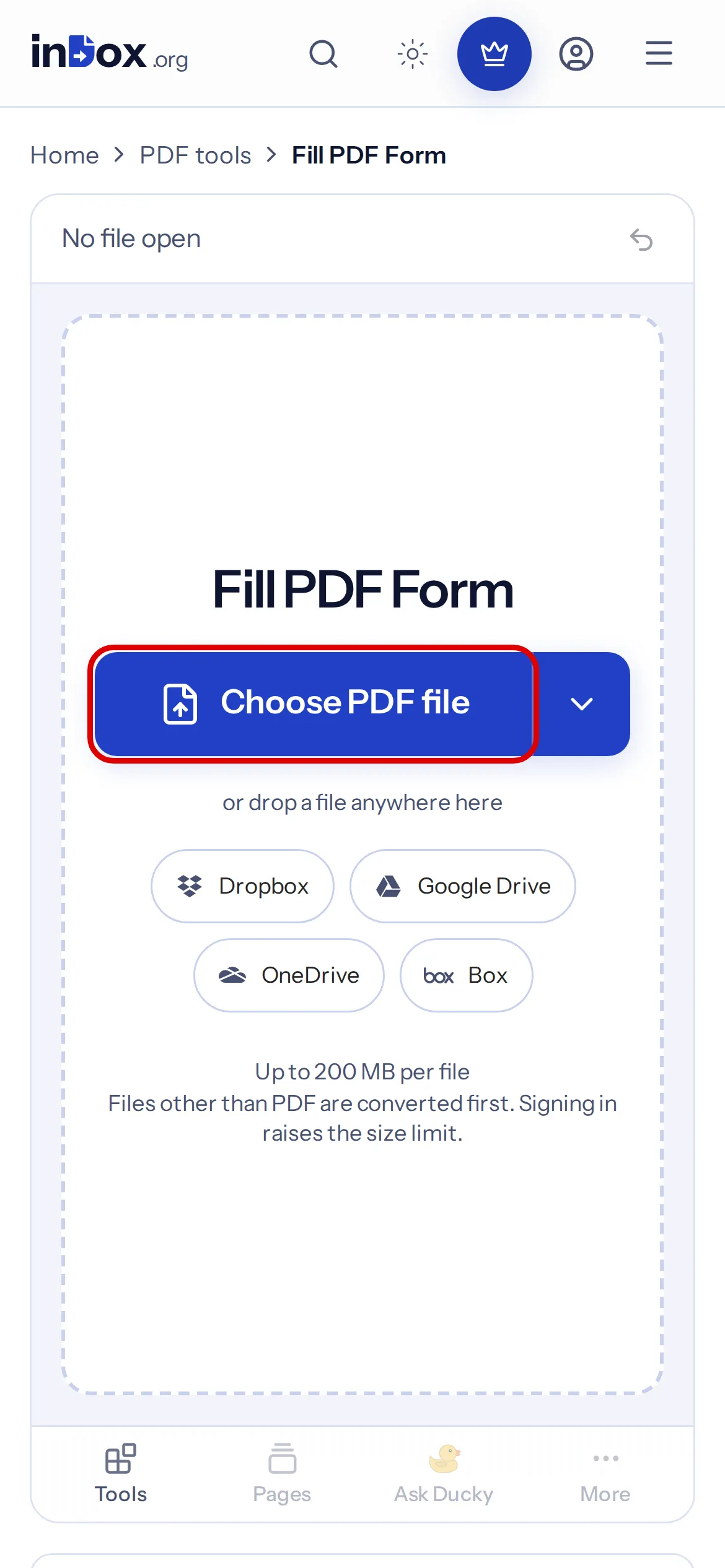
To type into the form, go to the Fill PDF Form page. In the middle of the page, select the blue Choose PDF file button. A box opens so you can pick a file from your device. Pick the blank form you just saved. You can also drag it onto the page.
Type your answers
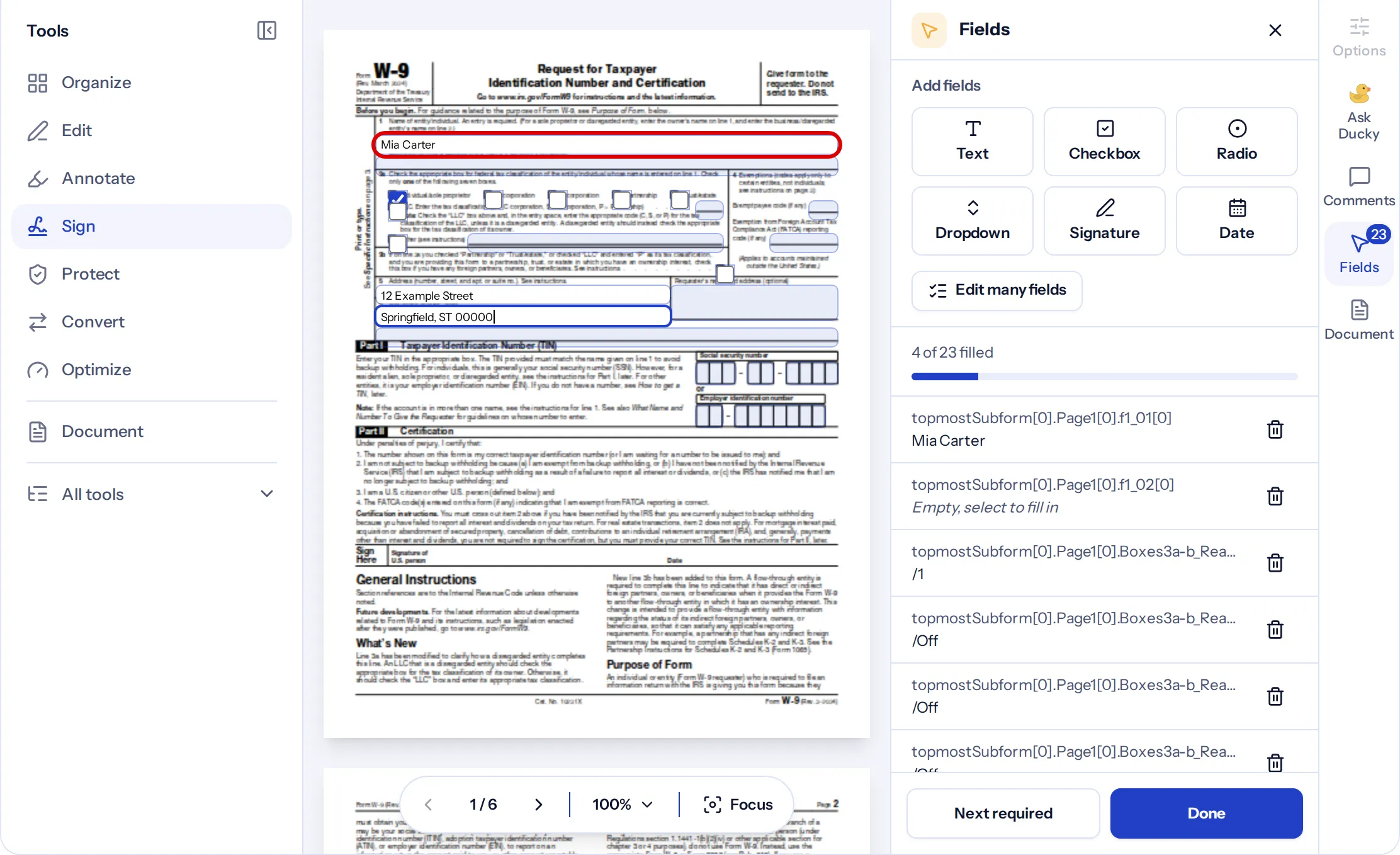
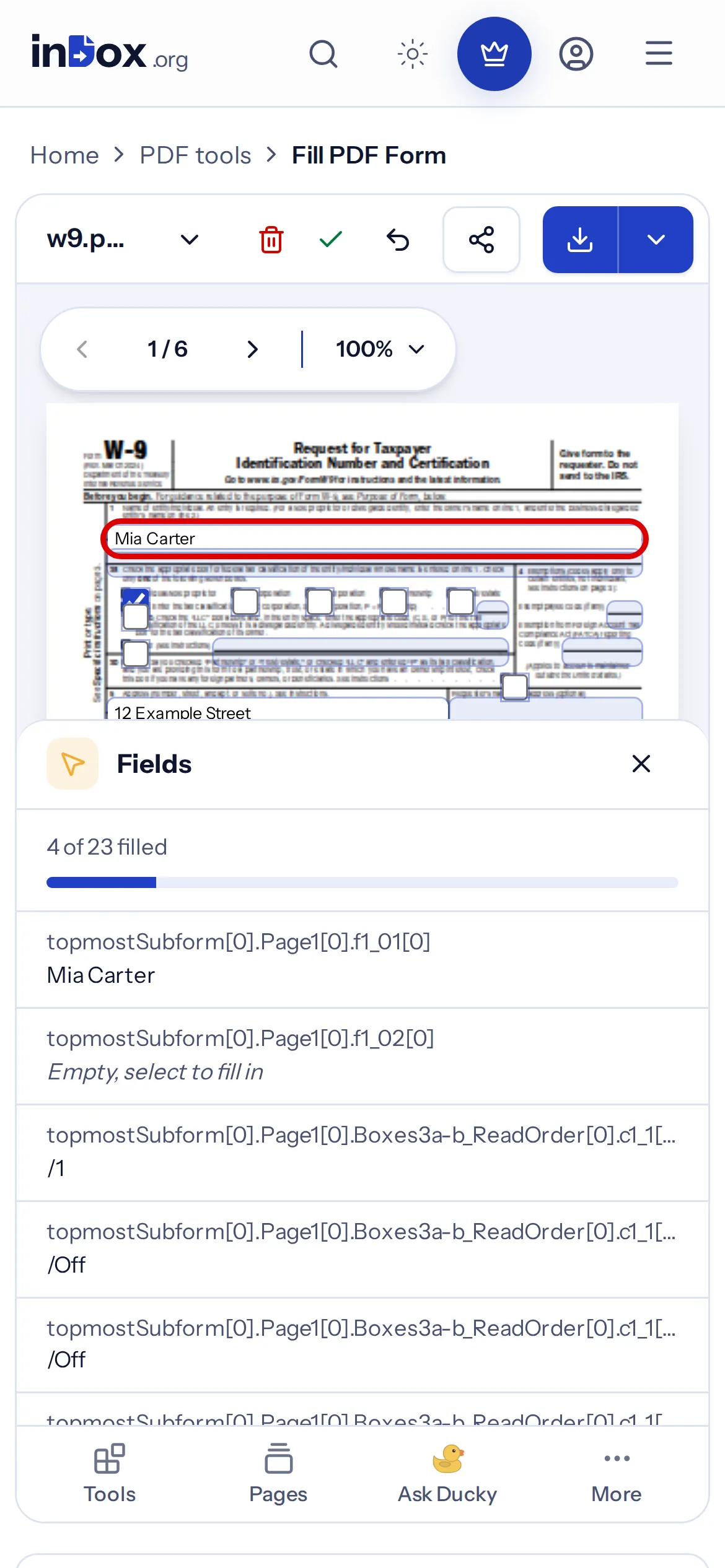
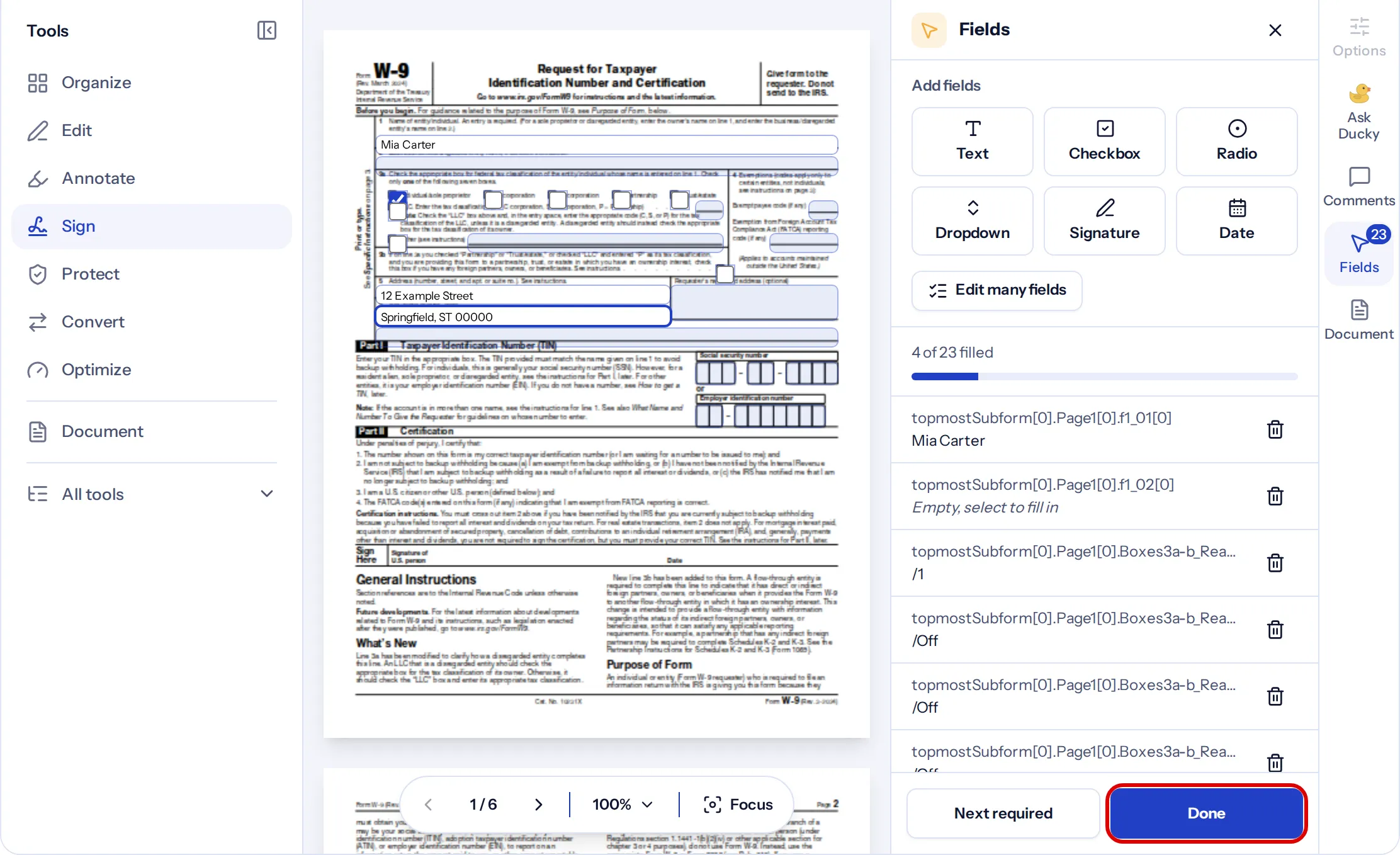
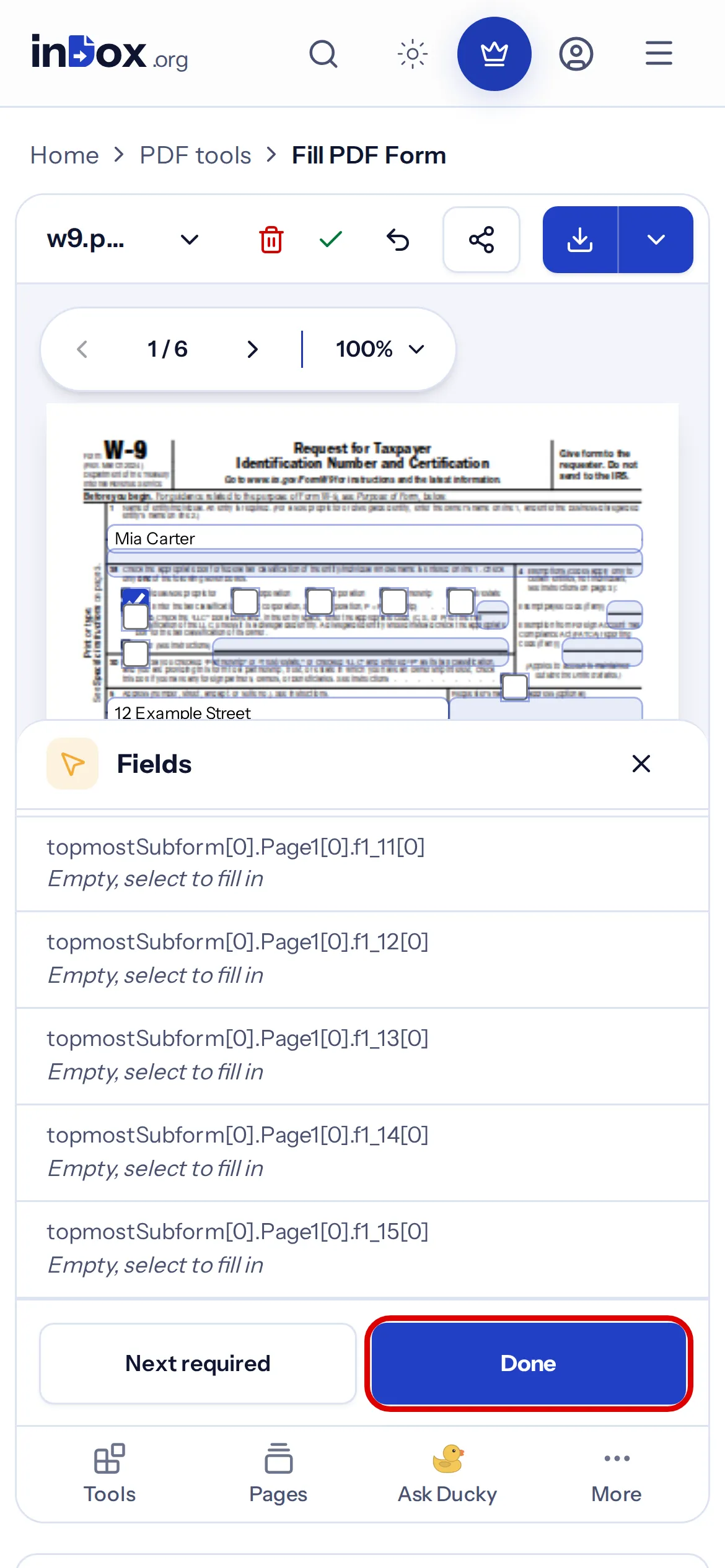
The form opens, and a panel called Fields shows how many boxes are filled, such as 4 of 23 filled. On a computer the panel is on the right. On a phone it is at the bottom of the screen. Select a box on the page and type. Select a checkbox to tick it. Use made-up answers while you practice. Never type a real Social Security number into a form unless you mean to send it.
Finish the form
Select the blue Done button at the bottom of the Fields panel. On a phone, scroll the list in the panel to reach it.
Download the filled form
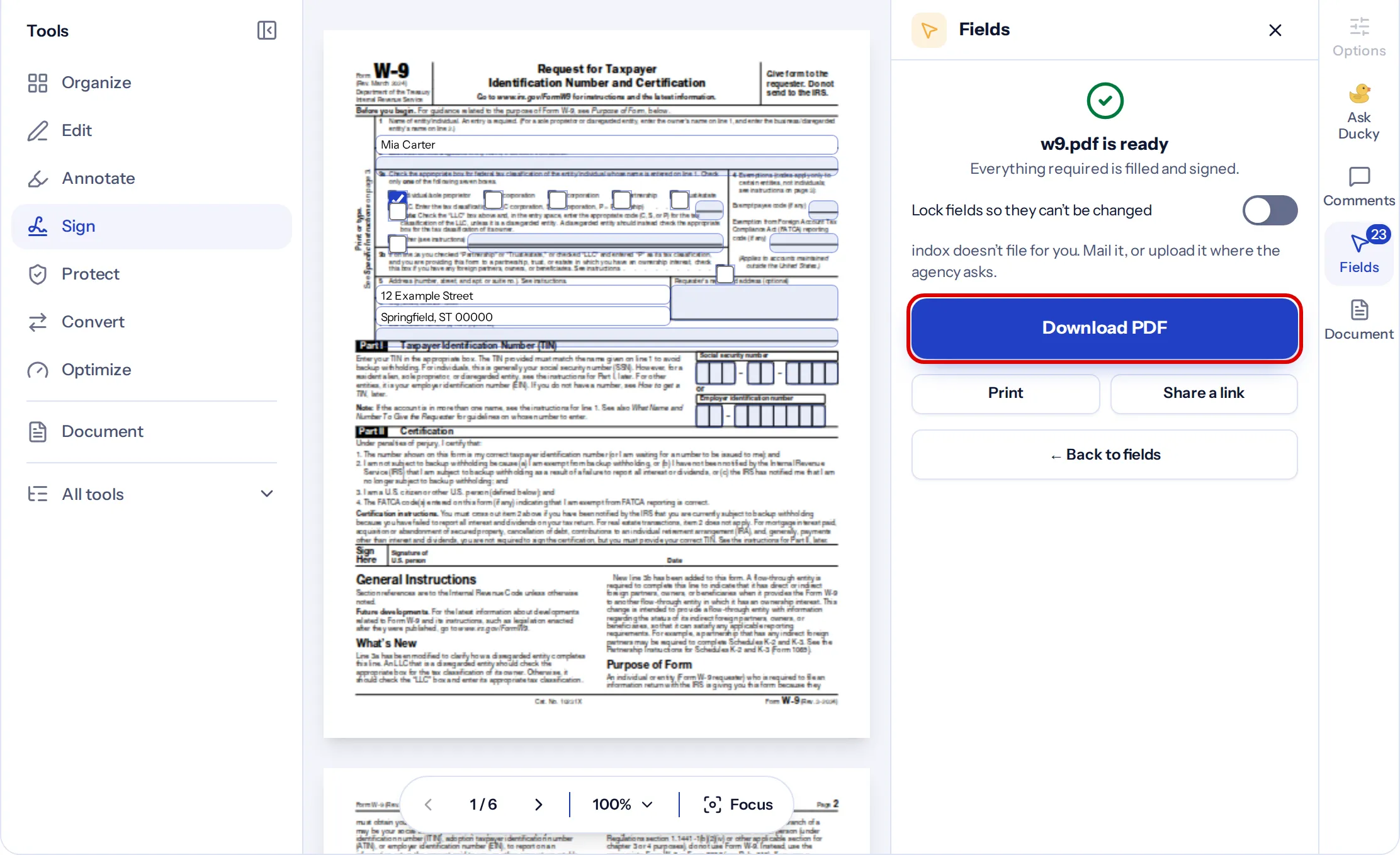
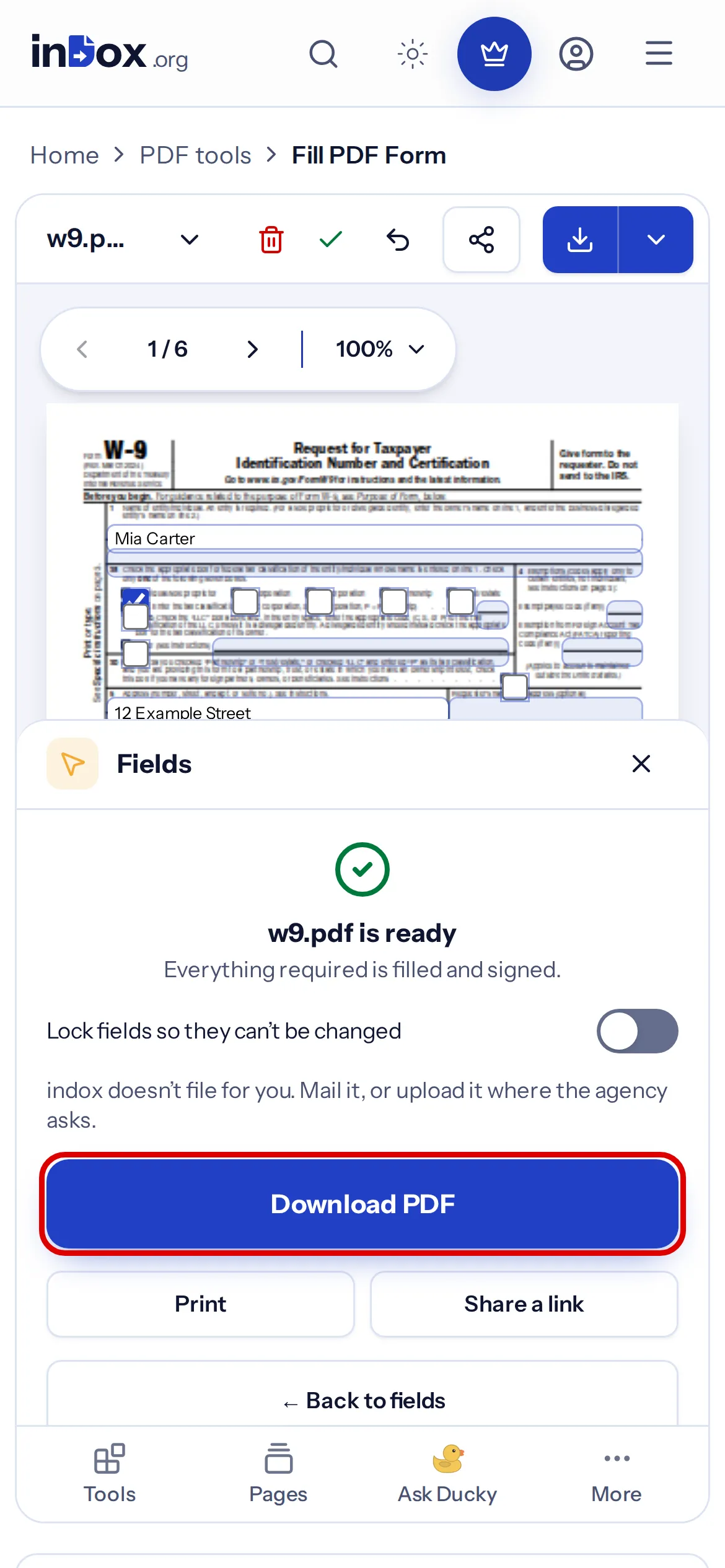
The panel now says w9.pdf is ready. Select the blue Download PDF button. The filled form saves to your device. indox doesn't send it for you. Print and mail it, or upload it where the office asks for it.
Troubleshooting
| Problem | Cause | Fix |
|---|---|---|
| The page says No form matches that | The words you typed are not in any form's name or number | Try the form number only, such as 1040 or W-9, or pick an agency tab or a group of forms instead |
| Several forms show up for one number | Some forms have close cousins, such as W-9S or a Spanish copy called W-9 (sp) | Read the name under each picture and pick the one that matches the paper you were given |
| A checkbox is hard to tick | Checkboxes on a small form are tiny, and some sit close together | Select the box again and check that the tick shows before you finish |
| The boxes in the Fields list have long code names | The form's maker gave each box a code name instead of a plain one | Select the box on the page itself and type there. The list shows your answer under its code |
| You can't send the form from indox | indox only fills in and saves the PDF | Print the saved PDF and mail it, or upload it on the website of the office that asked for it |