Last updated
Add a trusted timestamp to a PDF
Before you start
- Have the PDF on your phone or computer. The upload box tells you how big a file can be.
- A timestamp is a proof of time. A trusted timestamp server records the moment, and indox stores that proof inside your PDF. It shows this exact file existed then. It is not a signature, so it does not say who made the file.
- The page looks the same afterwards. The proof is stored inside the file.
- A file that is already signed will no longer be valid after a timestamp. Keep the signed original.
- You don't need an account.
Open your PDF
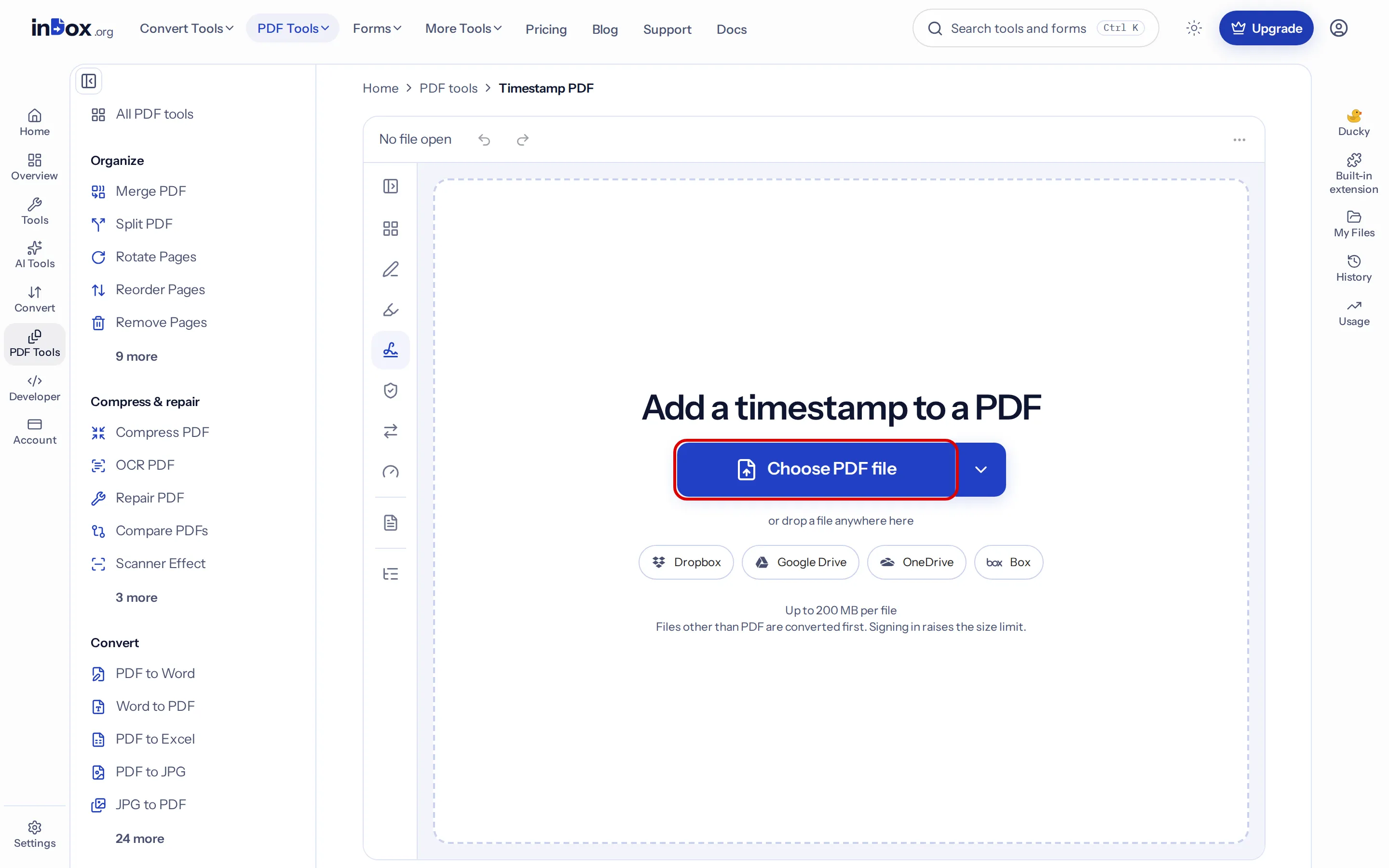
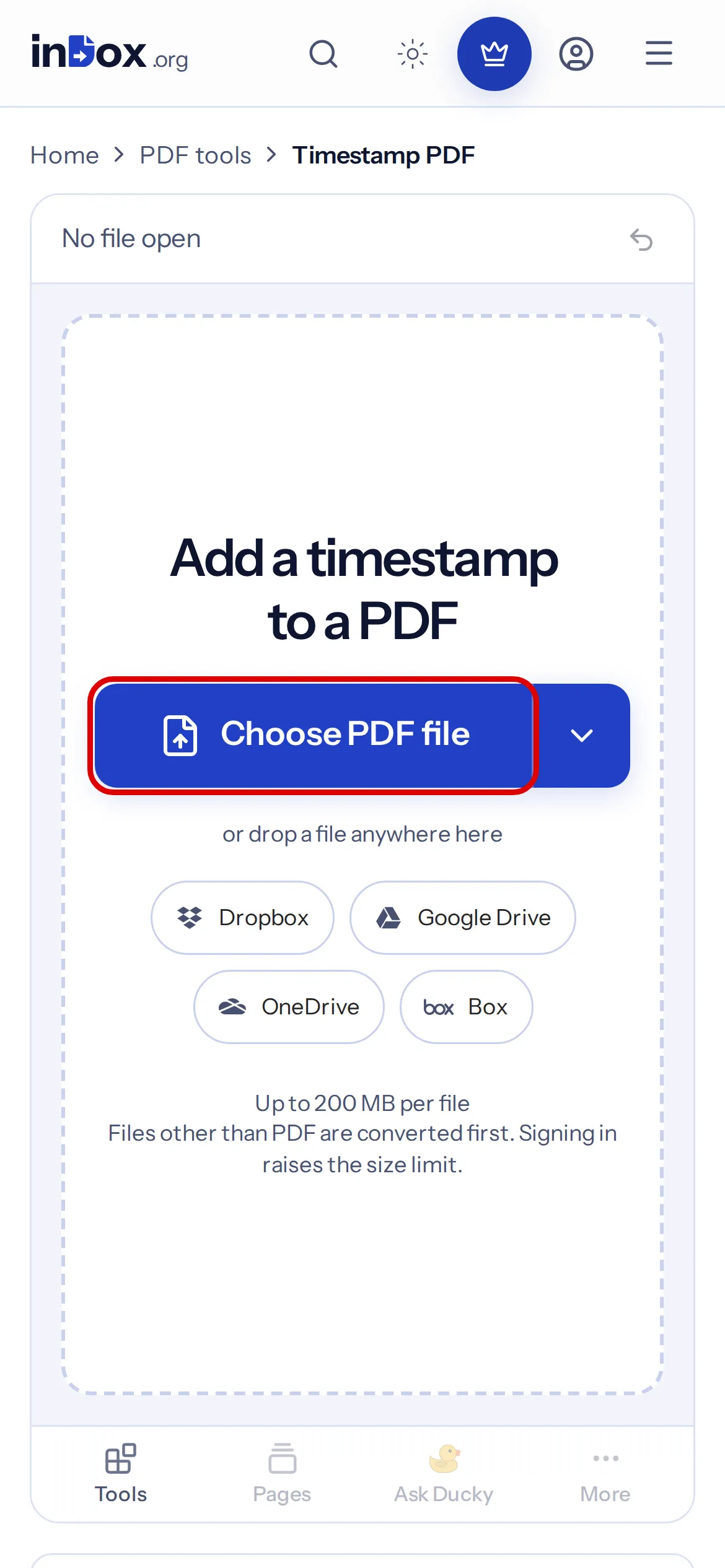
Go to the Timestamp PDF page. In the middle of the page, select the blue Choose PDF file button. A box opens so you can pick a file from your device. You can also drag a file onto the page. The file opens with a panel called Timestamp PDF. On a computer the panel is on the right. On a phone it slides up from the bottom.
Add the timestamp
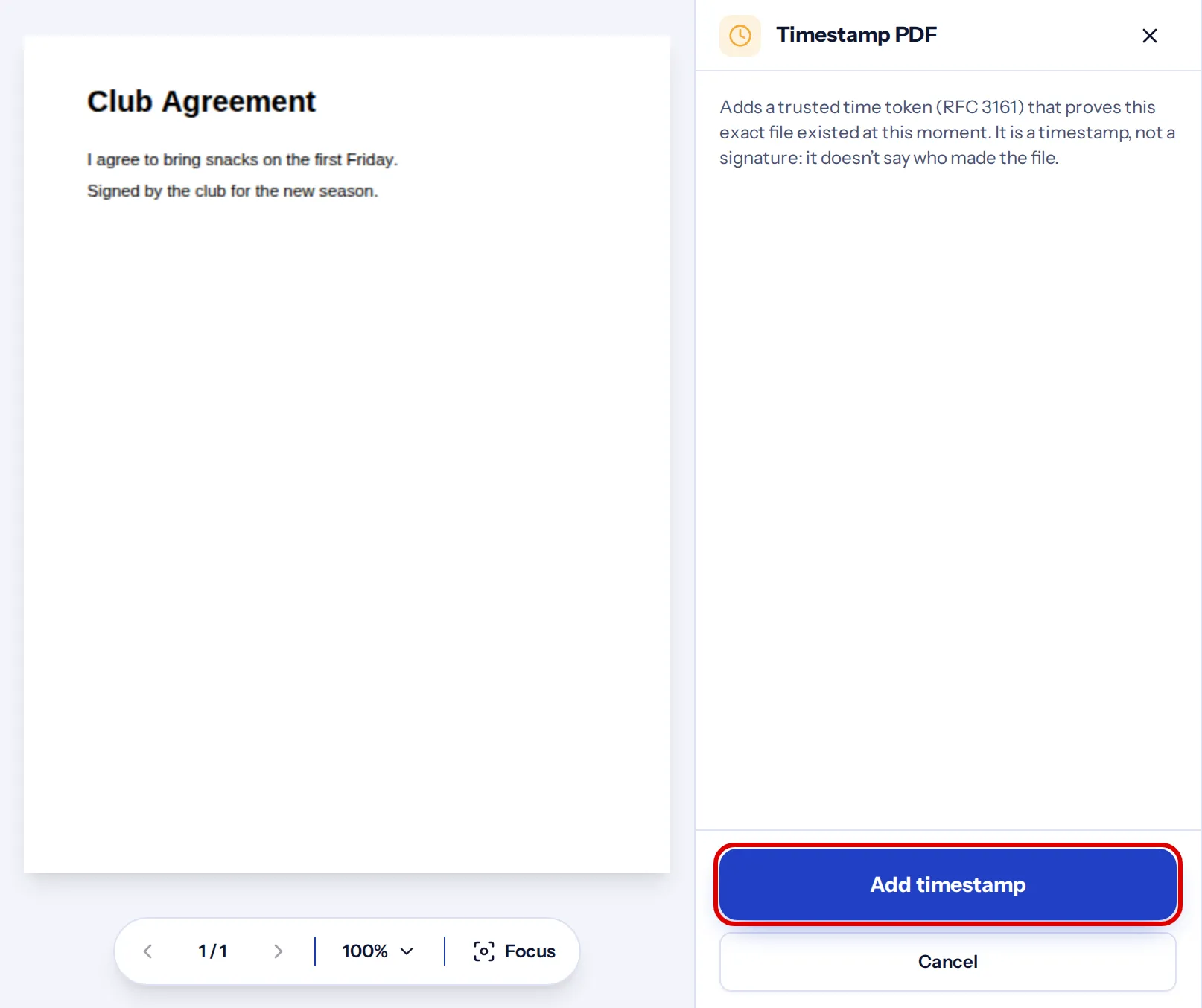
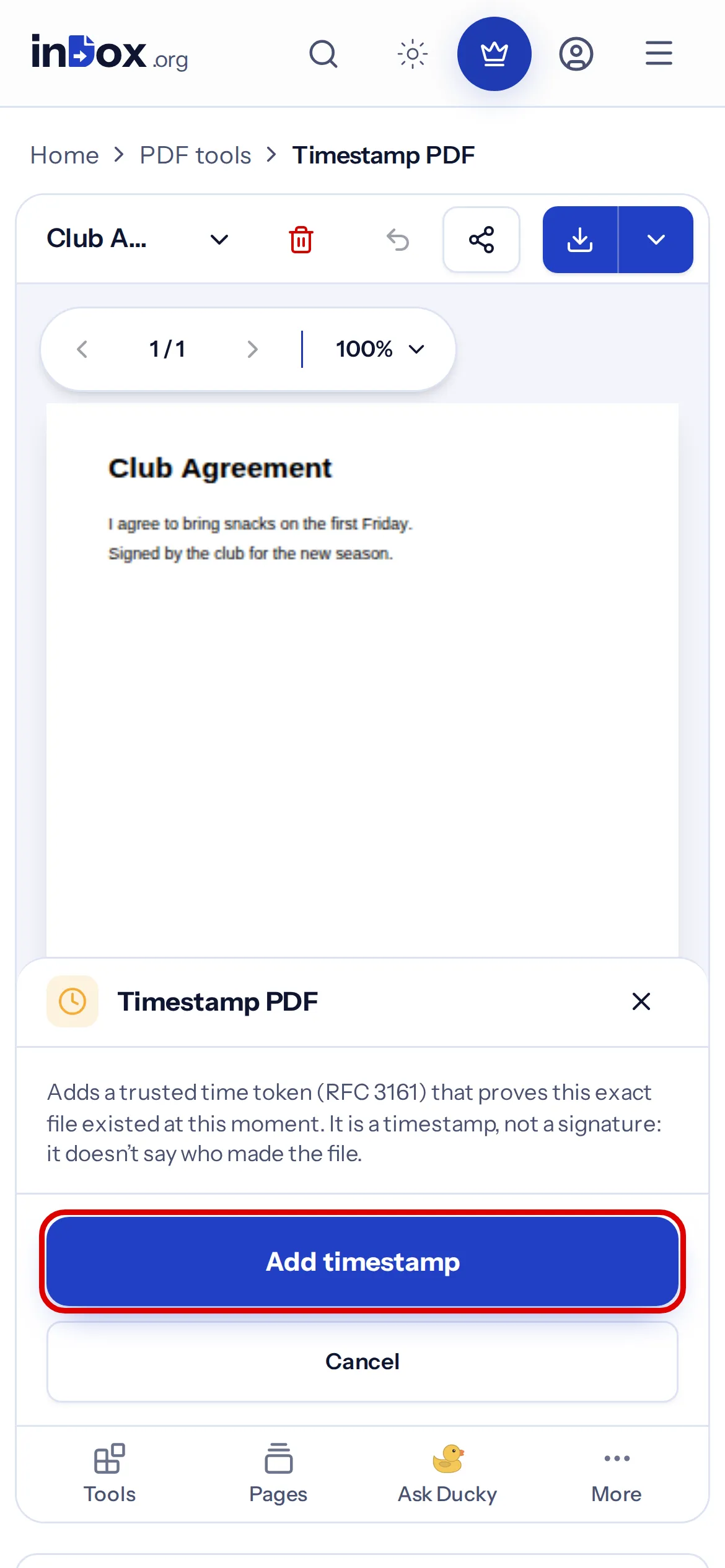
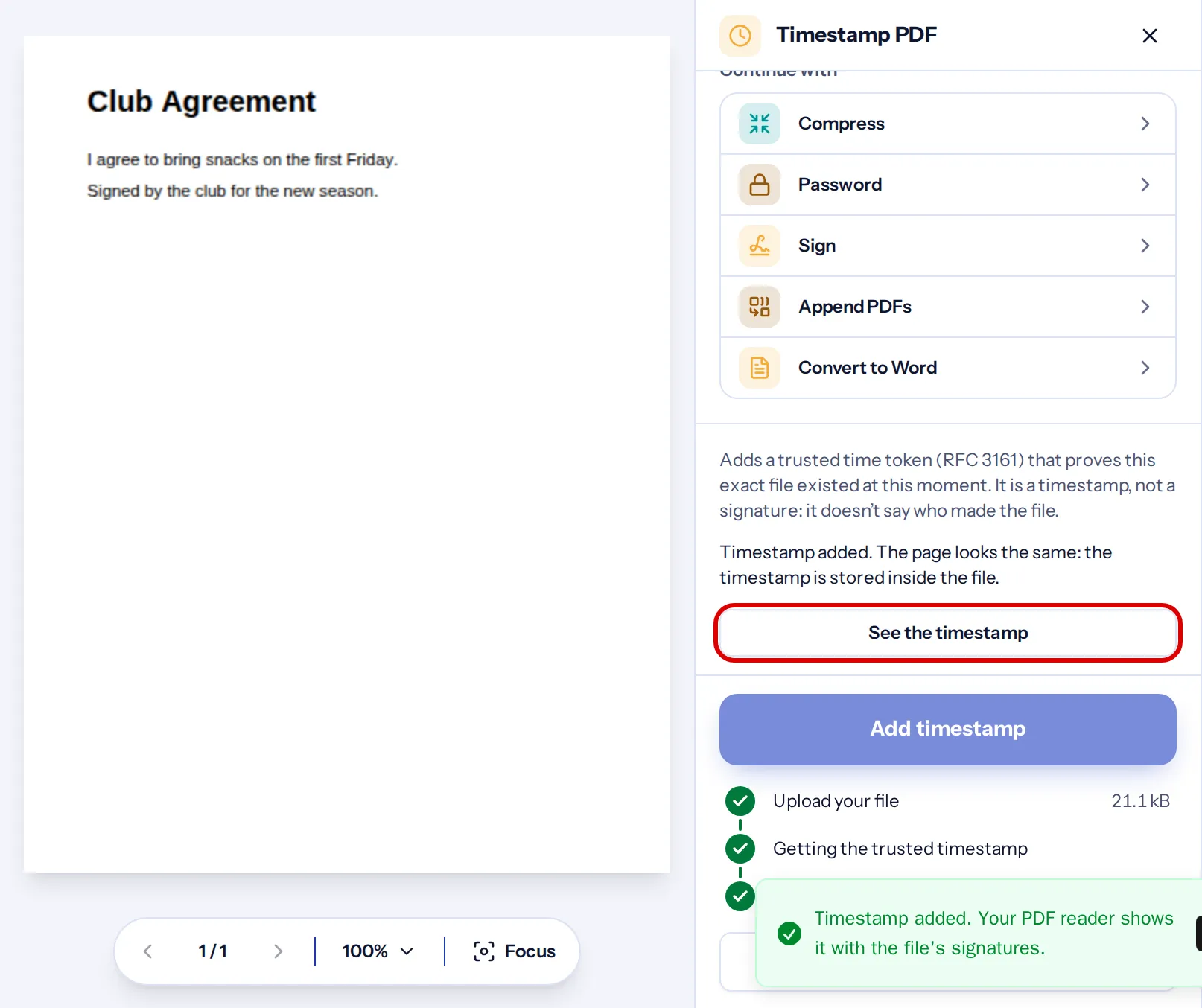
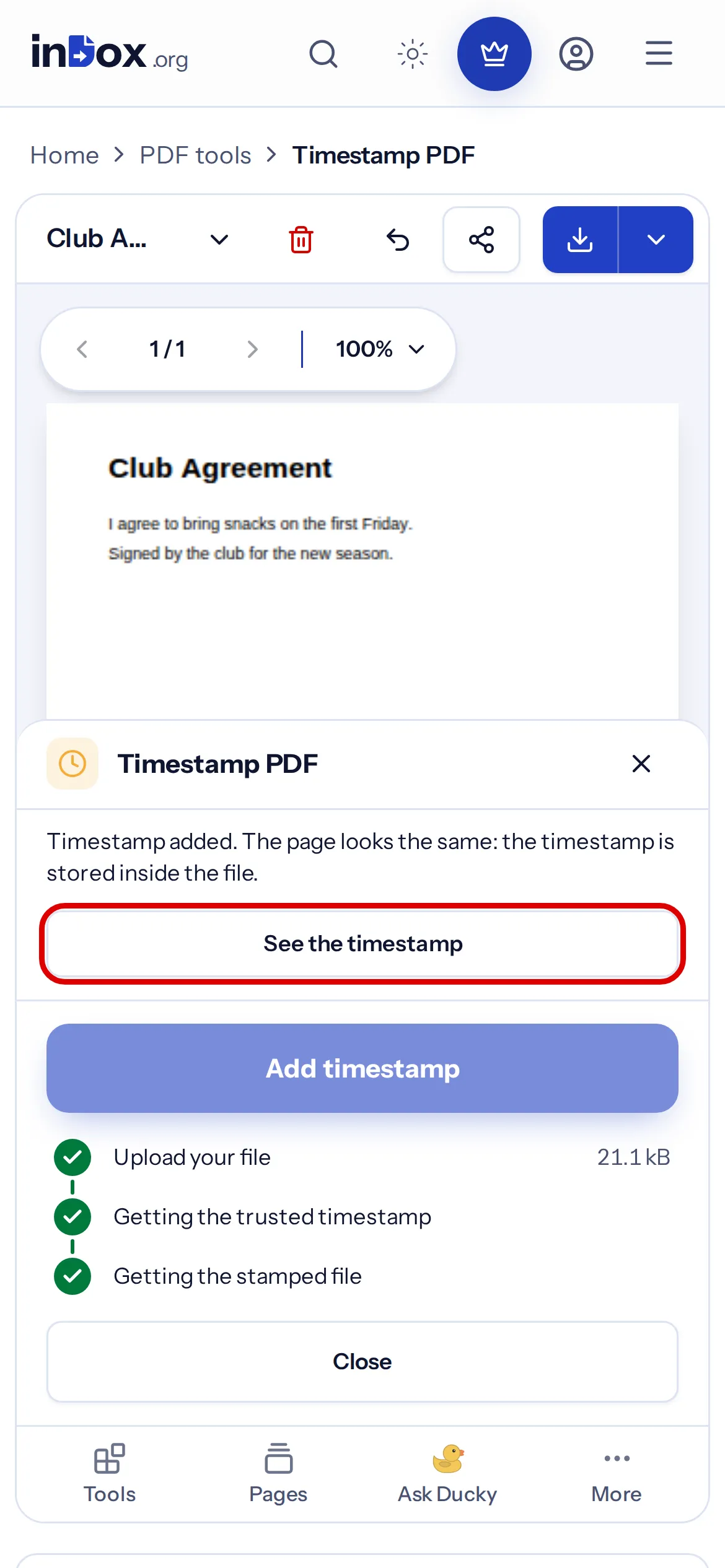
The panel has no options. Select the blue Add timestamp button at the bottom of the panel. Wait a few seconds. The panel shows two steps, Getting the trusted timestamp and Getting the stamped file.
Read the result
The panel says Done. Your PDF is updated. and Timestamp added. The page looks the same: the timestamp is stored inside the file. Select See the timestamp to check it.
Check the timestamp
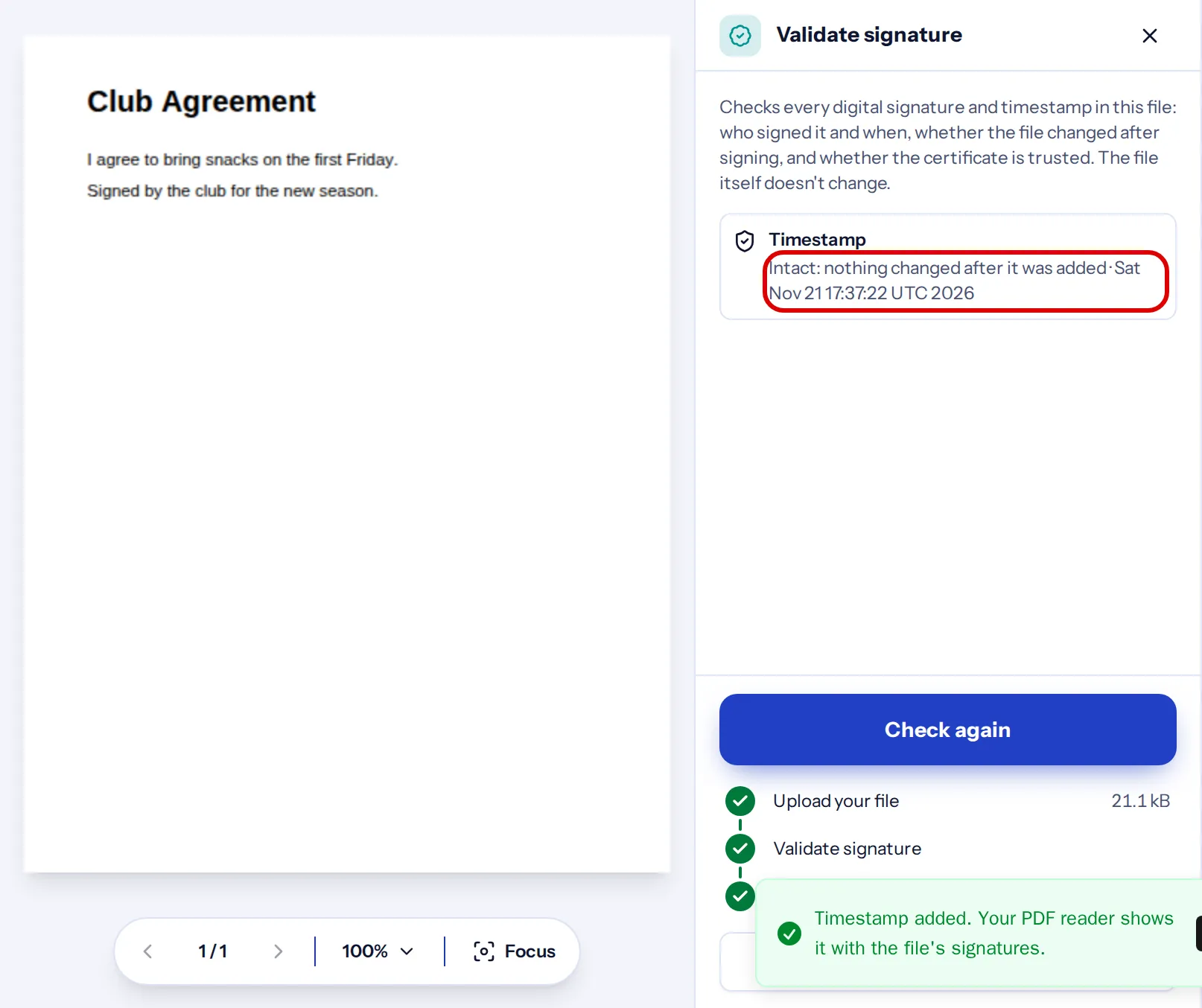
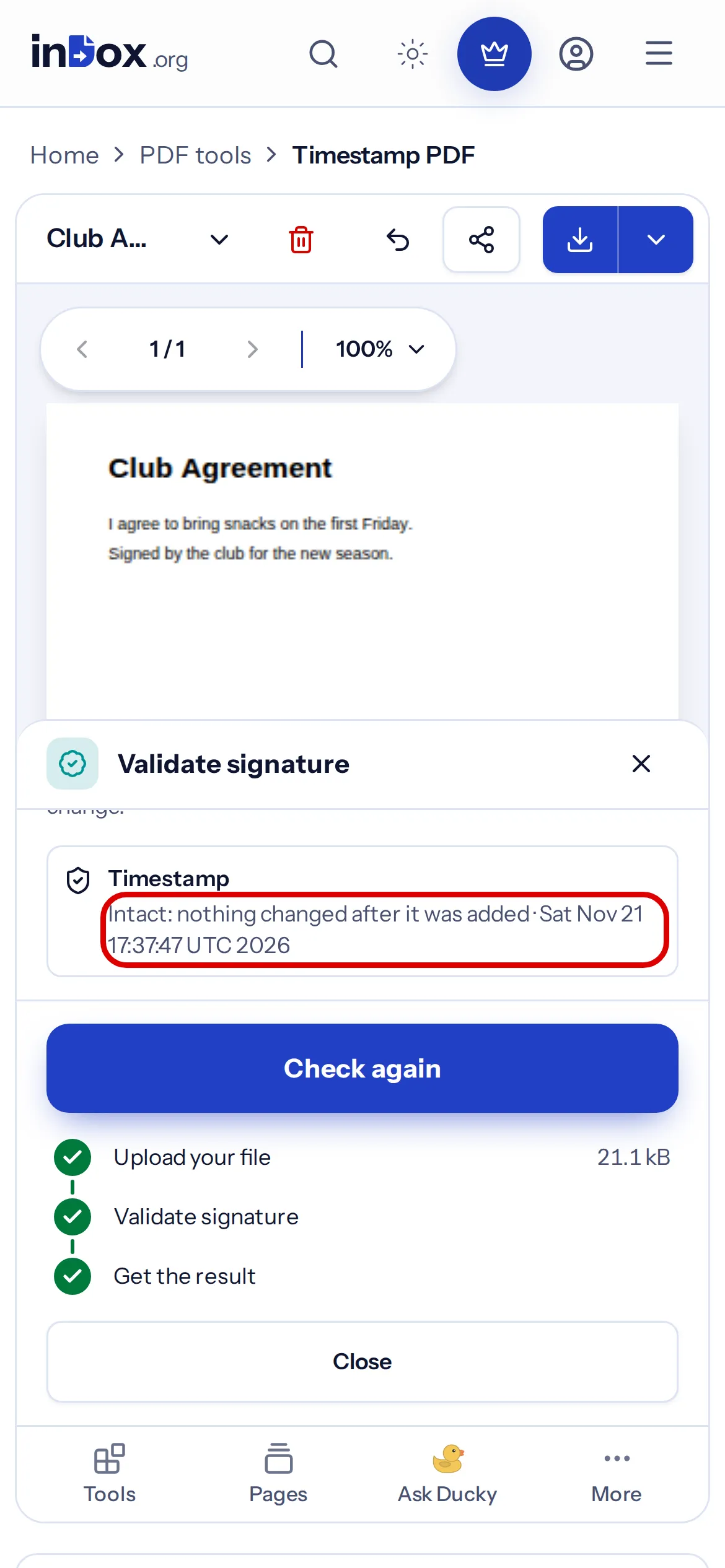
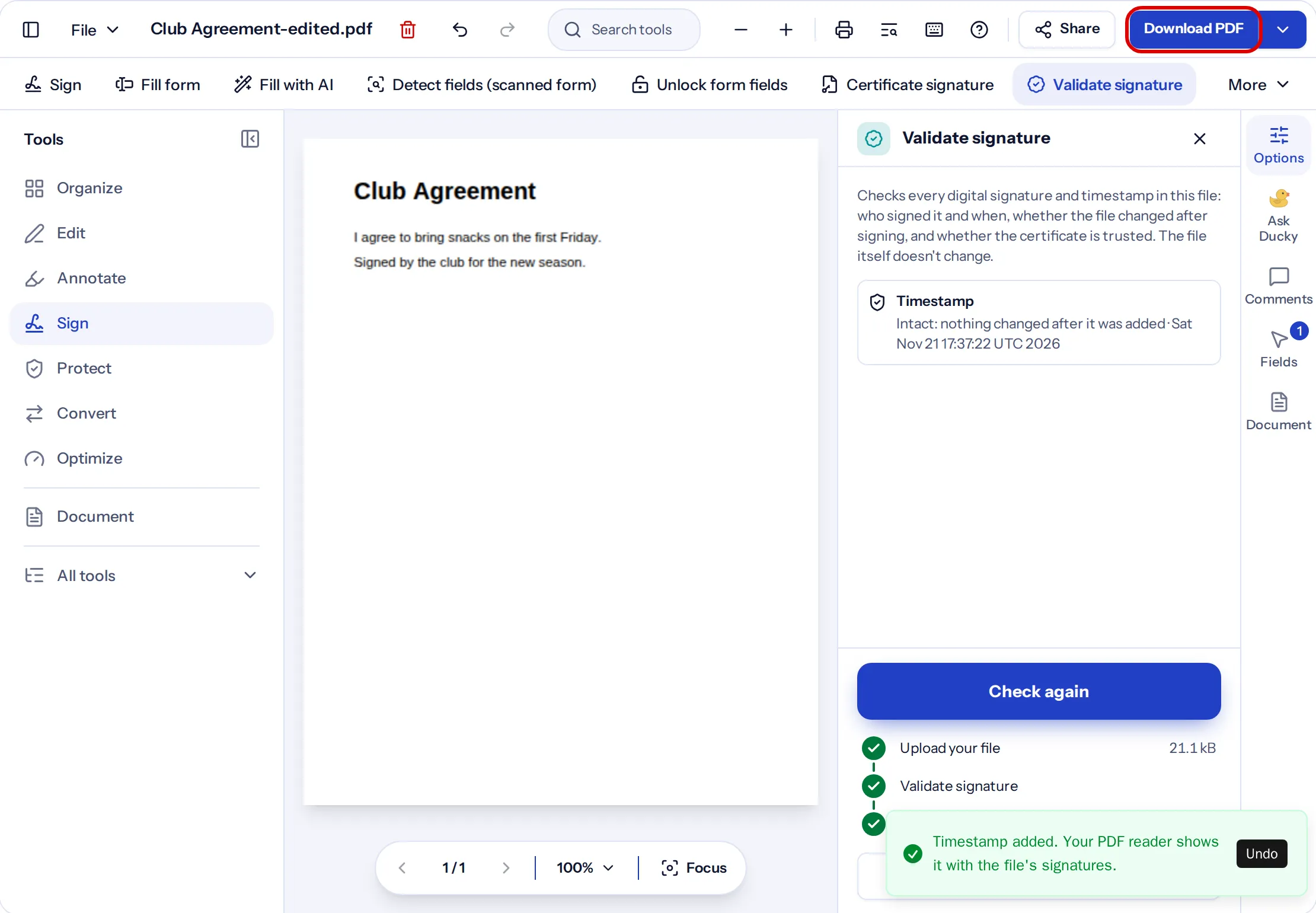
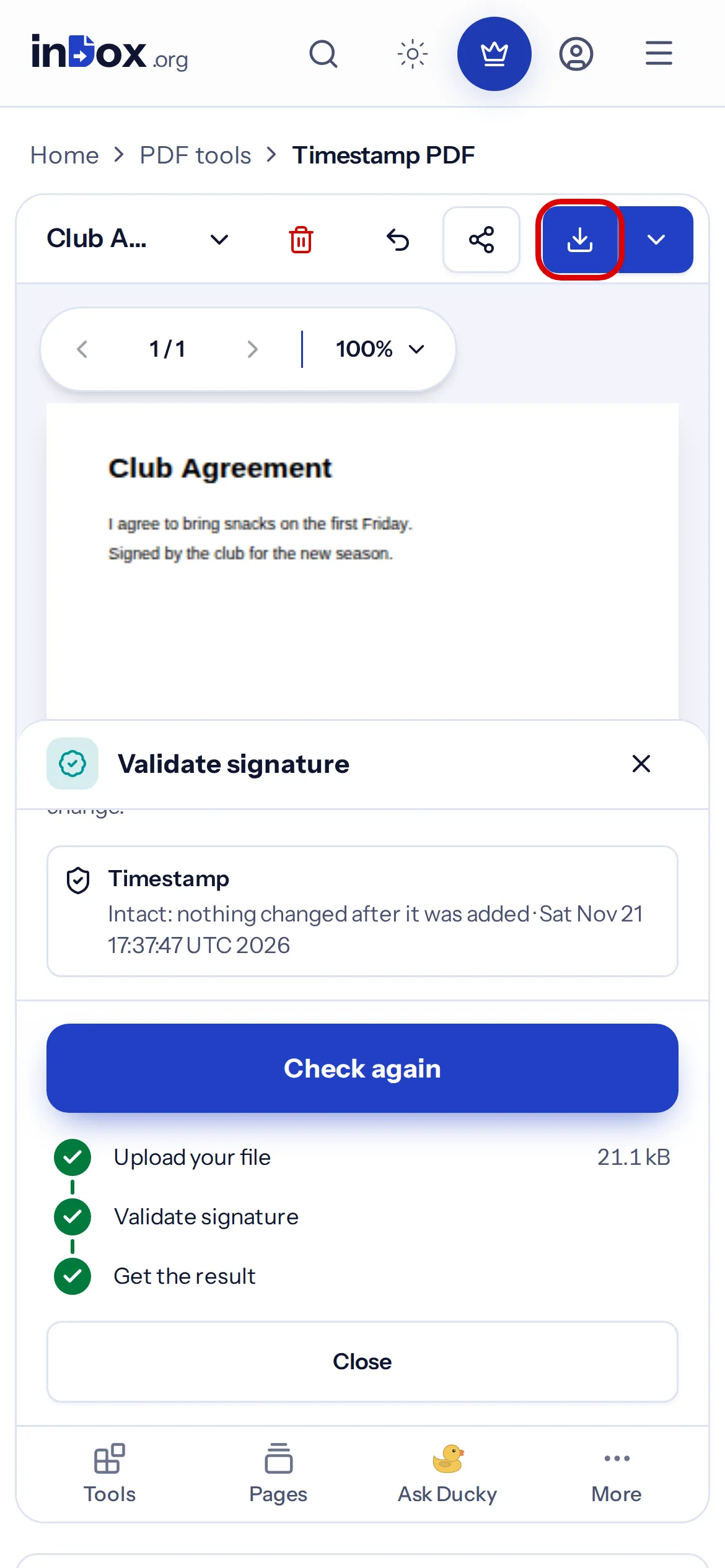
A panel called Validate signature opens. Under Timestamp, a line says Intact: nothing changed after it was added, with the date and time. Intact means the file is the same as when it was stamped.
Download your PDF
Select the blue Download PDF button. On a computer it is at the top right. On a phone it is the arrow in the bar above the page. The new file is saved on your device. Its name ends in -edited.
Troubleshooting
| Problem | Cause | Fix |
|---|---|---|
| The page looks the same | The timestamp is stored inside the file, not on the page | Select See the timestamp to check it |
| The panel says This file has 2 digital signatures. After the timestamp they will no longer be valid. | A timestamp changes the file, so an older signature stops being valid | Keep the signed original. Tick Add it anyway only if you accept that |
| You want a name on it as well | A timestamp does not say who made the file | Use Add a certificate signature , which can add a timestamp too |