Last updated
Fill in a PDF form
Before you start
- Have the form on your phone or computer. The upload box tells you how big a file can be.
- This guide is for forms that already have boxes you can type in. Those boxes are called fields.
- You don't need an account.
Open your form
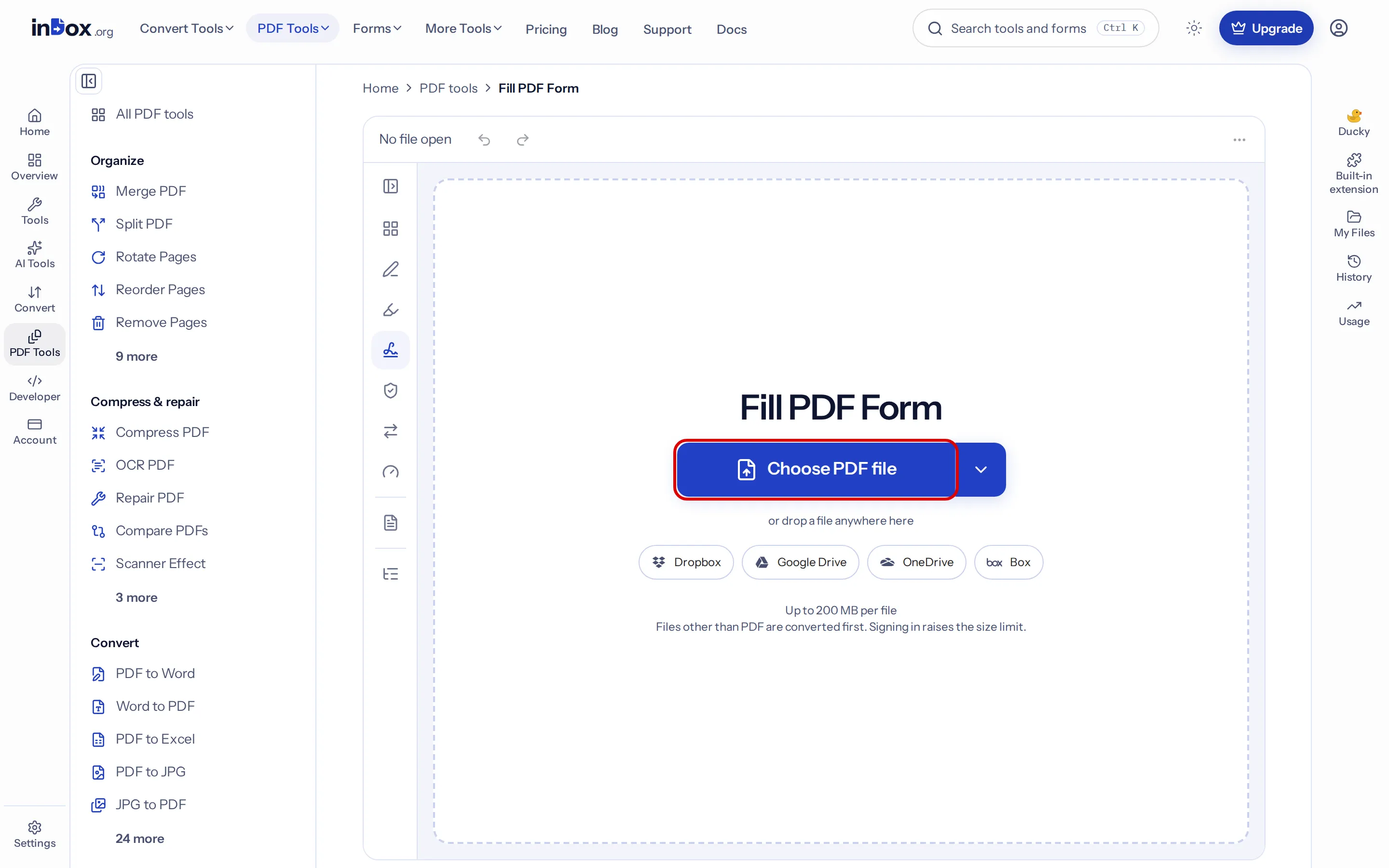
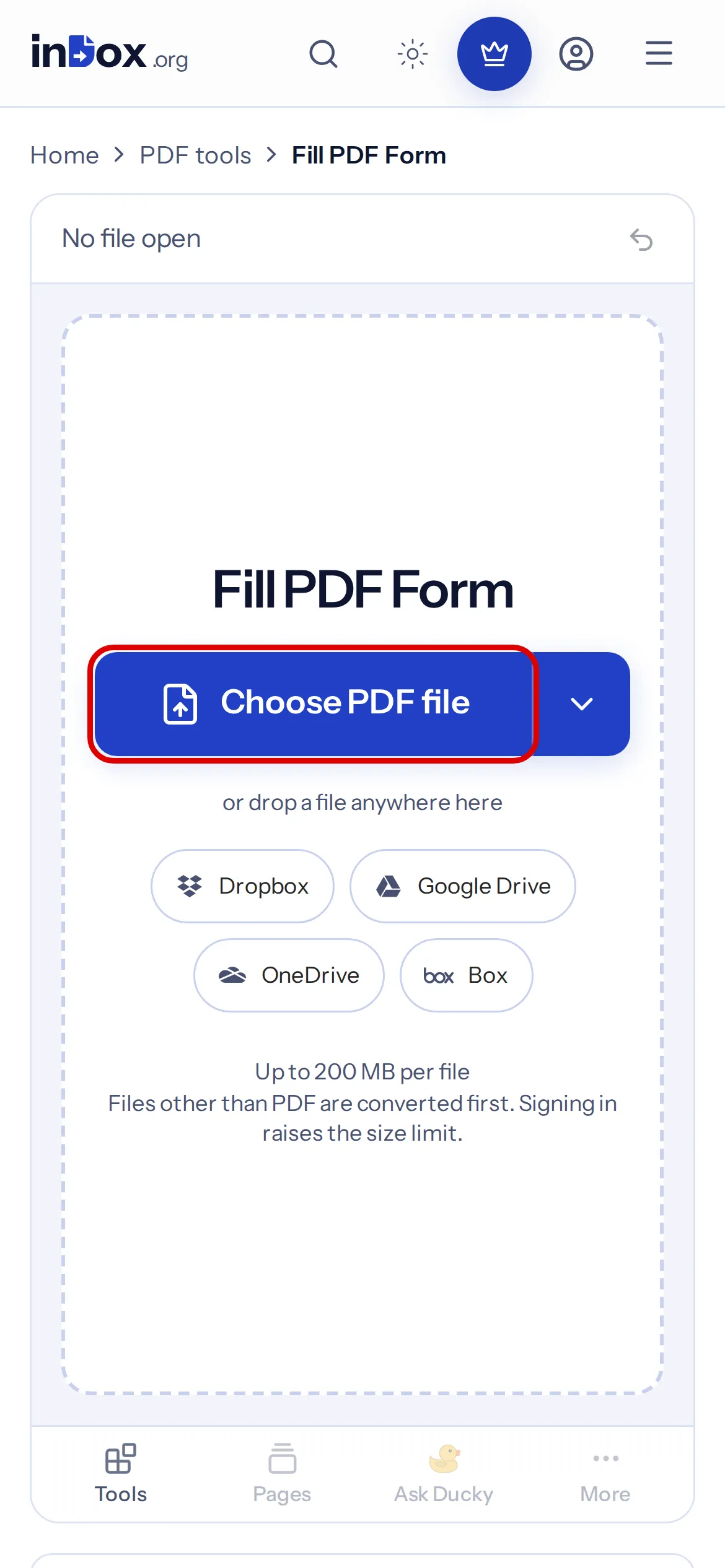
Go to the Fill PDF Form page. In the middle of the page, select the blue Choose PDF file button. A box opens so you can pick a file from your device. You can also drag a file onto the page. The form opens, and a panel called Fields shows how many boxes are filled, such as 0 of 4 filled. On a computer the panel is on the right. On a phone it slides up from the bottom.
Type your answers
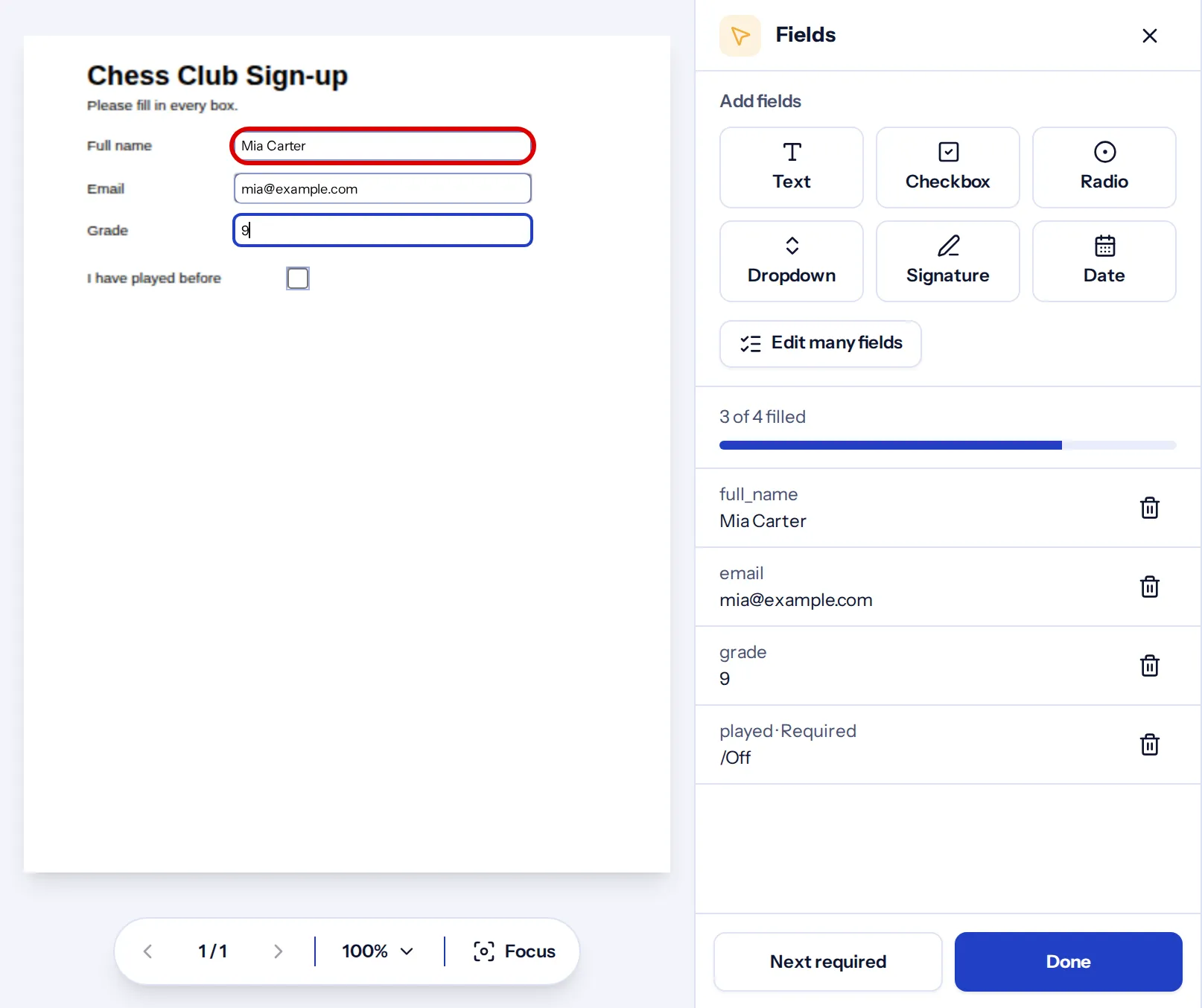
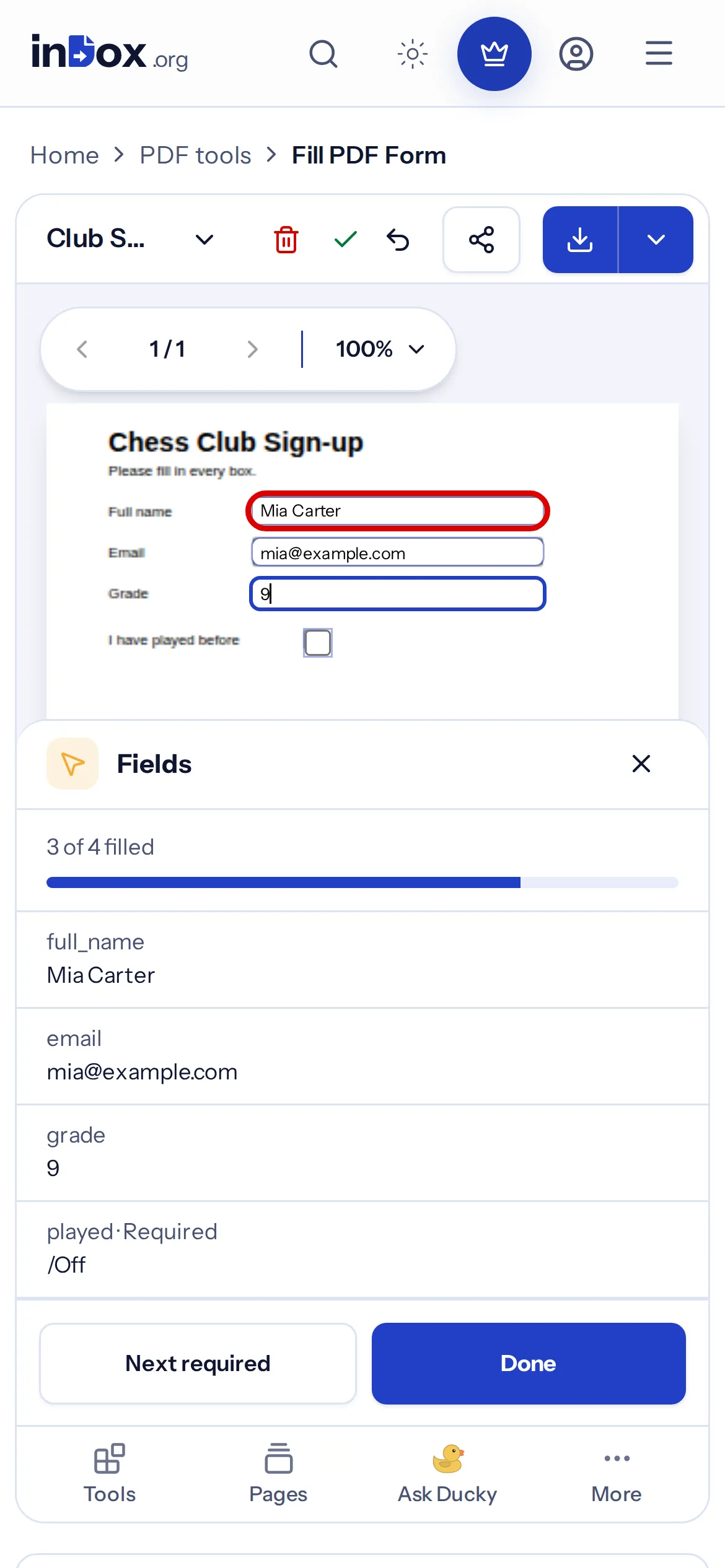
Select a box on the page and type your answer. Press the Tab key to jump to the next box. Each answer also shows in the Fields list, and the count goes up, such as 3 of 4 filled.
Tick the checkboxes
Select a checkbox to tick it. Radio buttons and dropdown lists work the same way: select the choice you want. A box marked Required in the list must be filled before you finish. Select Next required to jump to it.
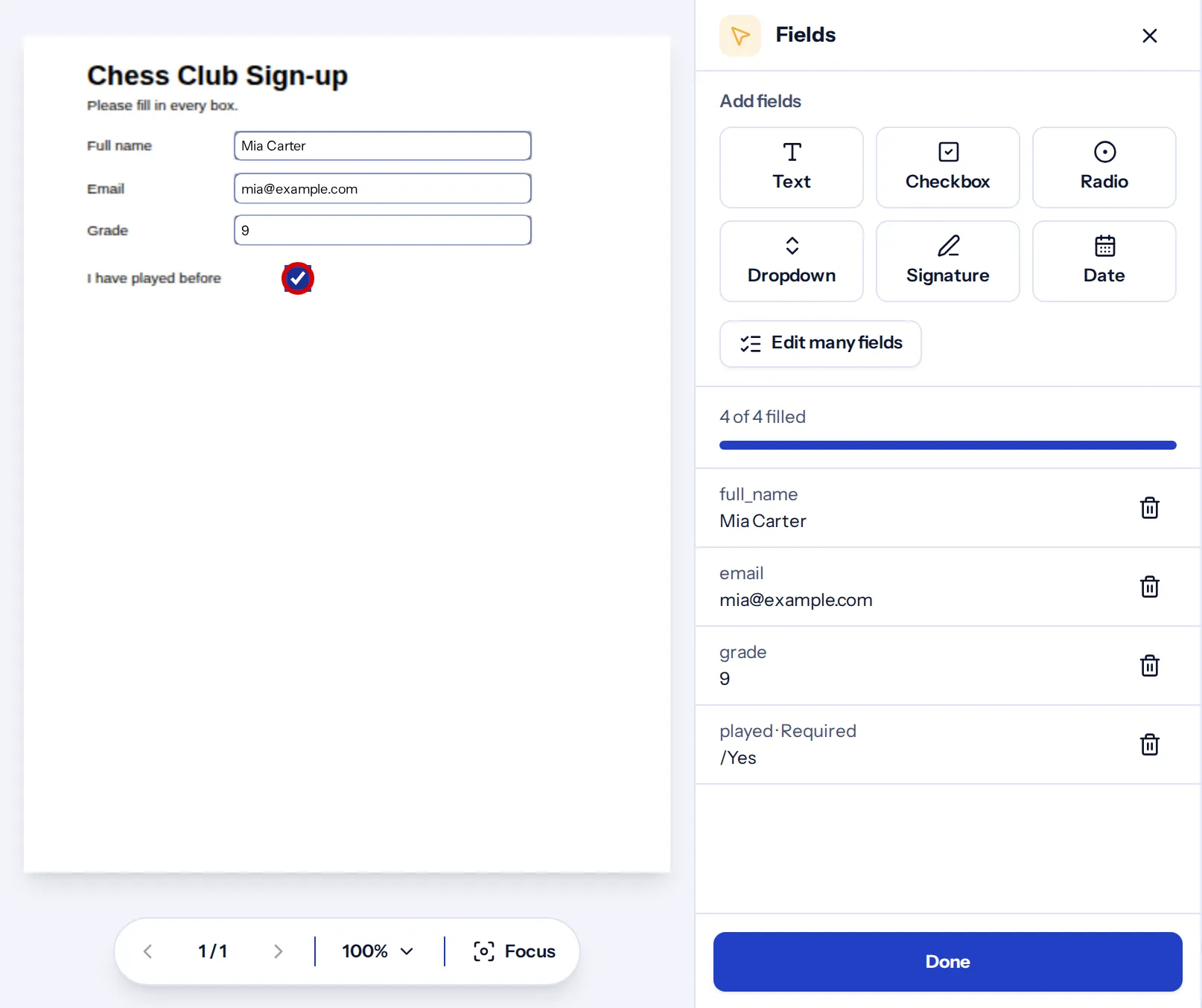
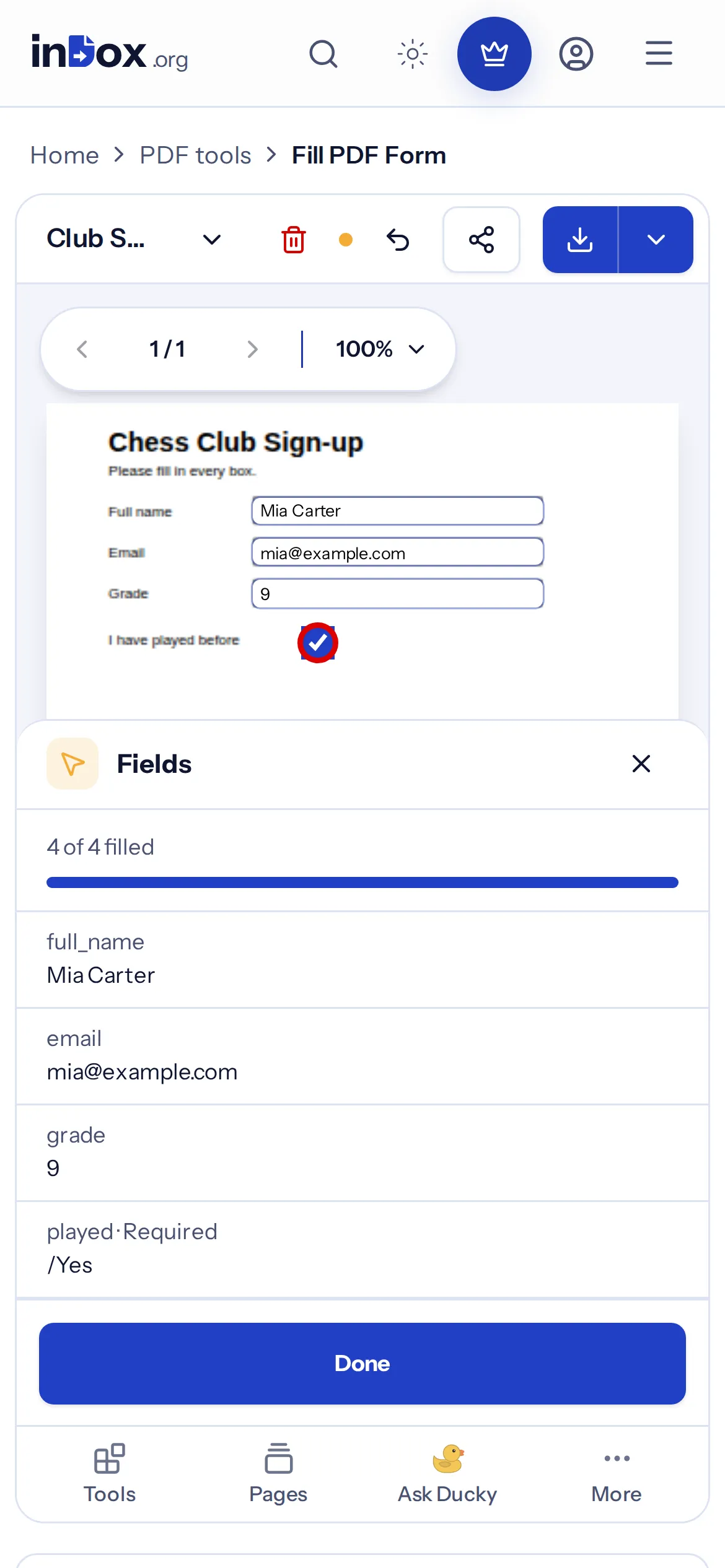
Finish the form
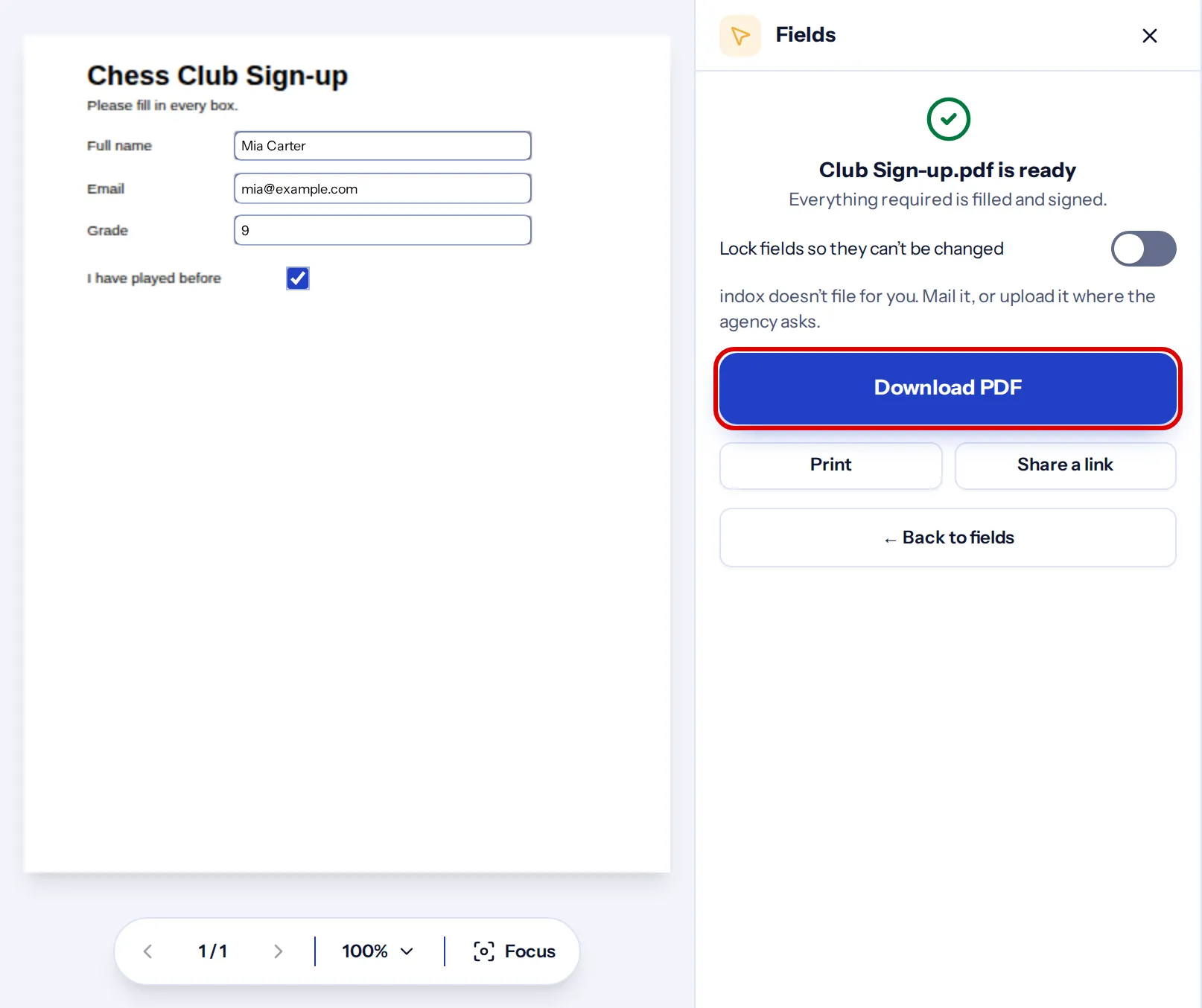
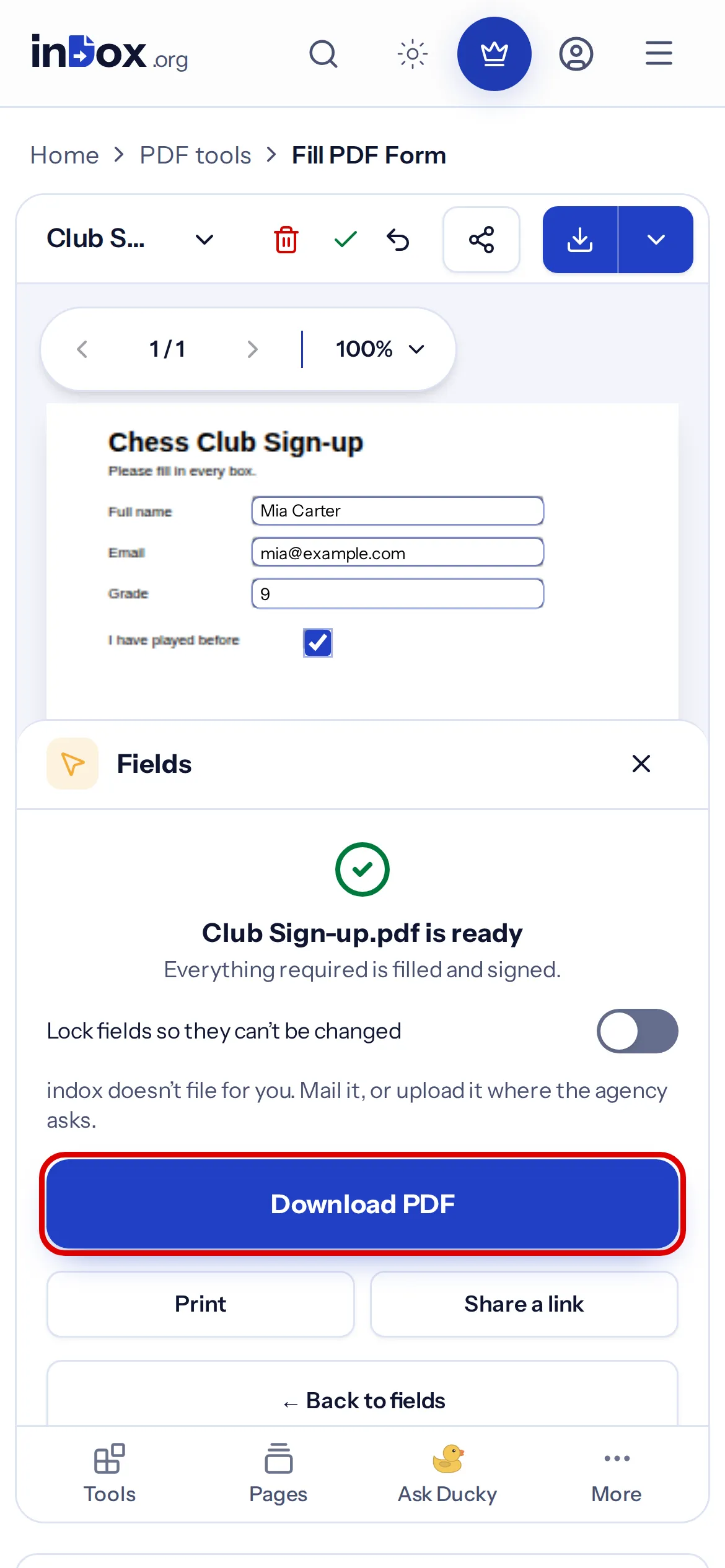
Select the blue Done button at the bottom of the Fields panel. The panel now says your file is ready and Everything required is filled and signed.
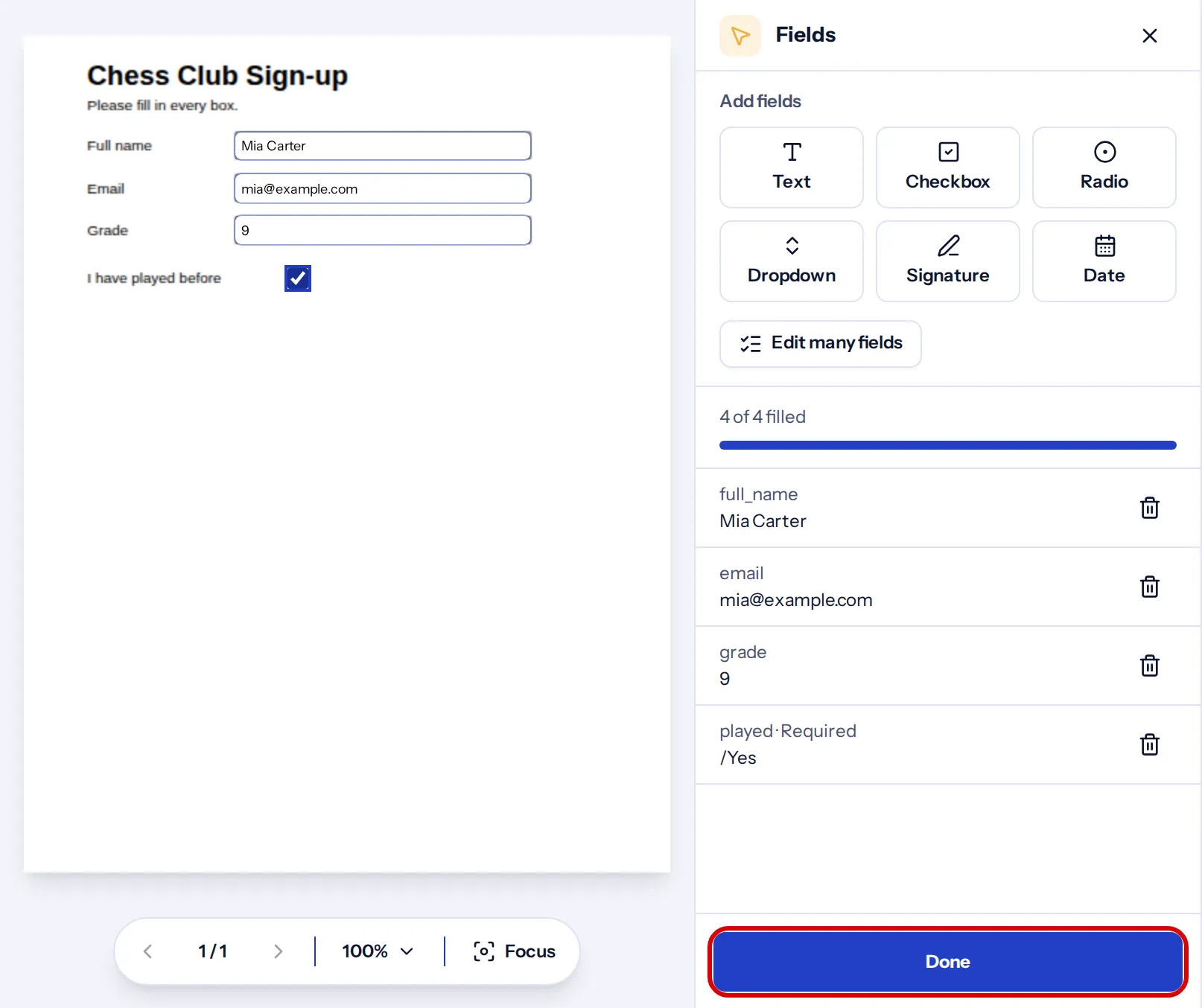
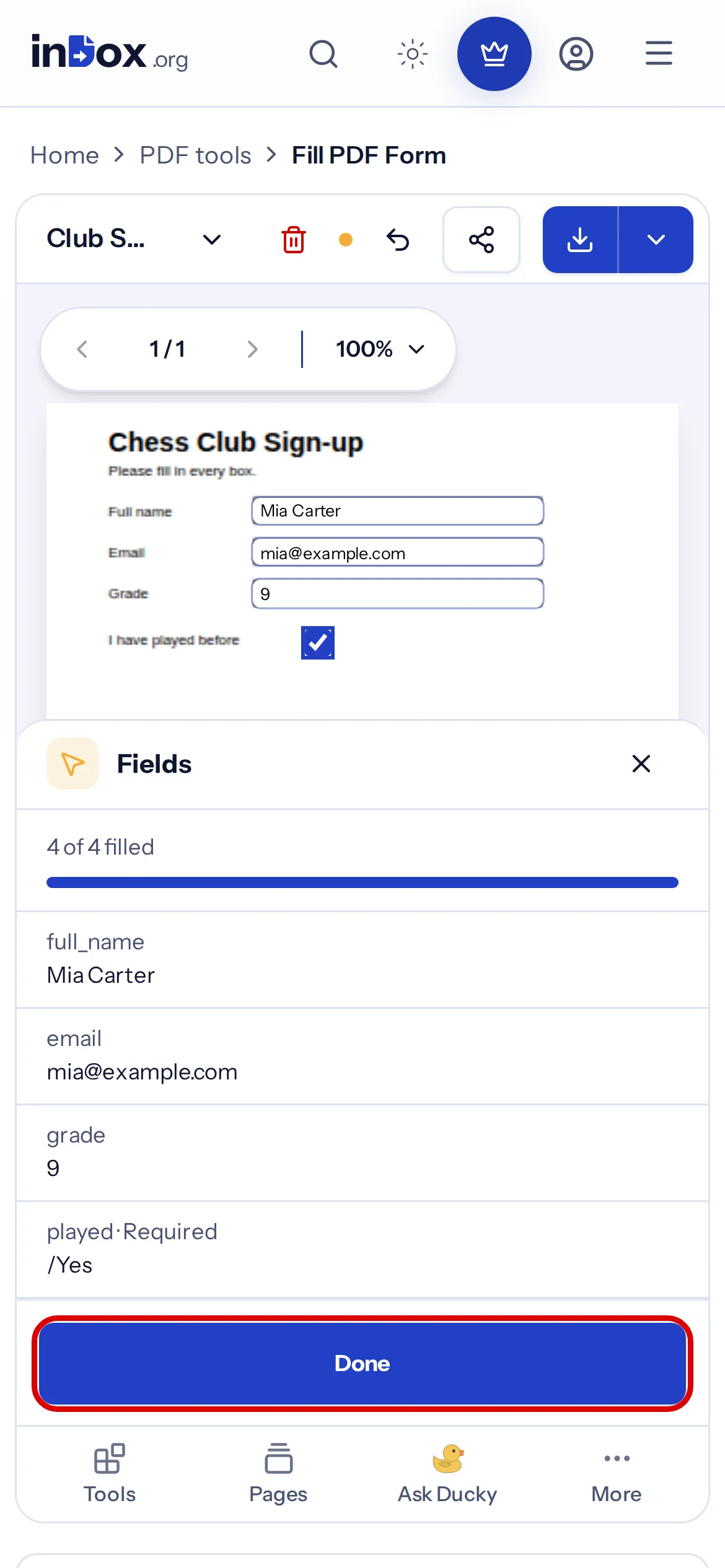
Download your form
Select the blue Download PDF button. The filled PDF downloads to your device. Its name ends in -edited. The switch Lock fields so they can't be changed is off at first. Turn it on if you want your answers fixed on the page. indox doesn't send the form for you, so mail it or upload it where it is asked for.
Troubleshooting
| Problem | Cause | Fix |
|---|---|---|
| A box is marked Required | The form needs an answer there | Fill it in, or select Next required to jump to it |
| You can't type in the form | The PDF has no boxes, like a scan | Use Detect fields (scanned form) at the top of the editor, or add boxes yourself with Add fields in the panel |
| You want to keep editing the answers later | Lock fields so they can't be changed is on | Leave that switch off before you download |