Last updated
Check your storage and buy more space
Goal: You know how much space you have left, and you have seen how to buy more.
Before you start
- You need to be signed in to indox.org.
- A gigabyte (GB) is a unit of file space. Photos and PDFs are usually a few megabytes (MB), and 1 GB is about 1,000 MB.
Open My files
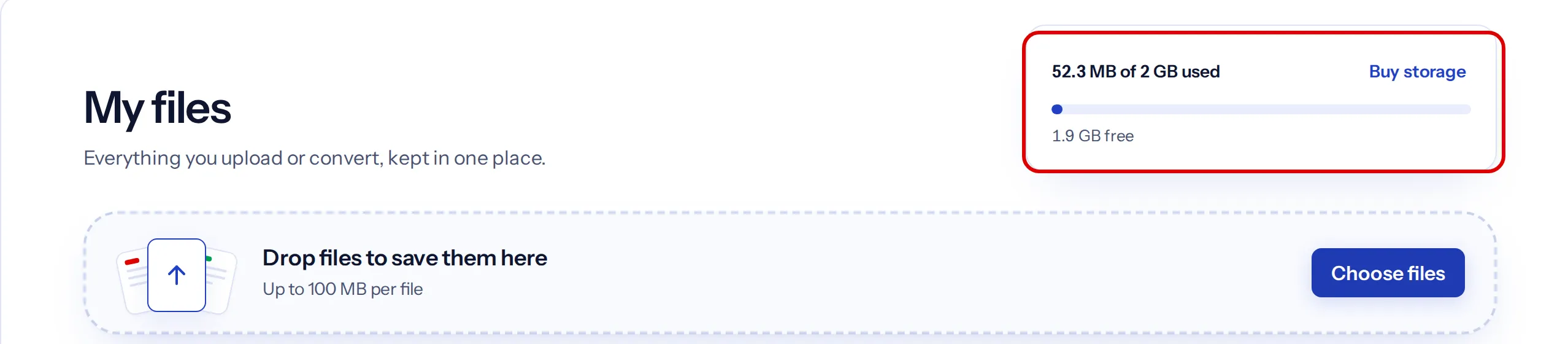
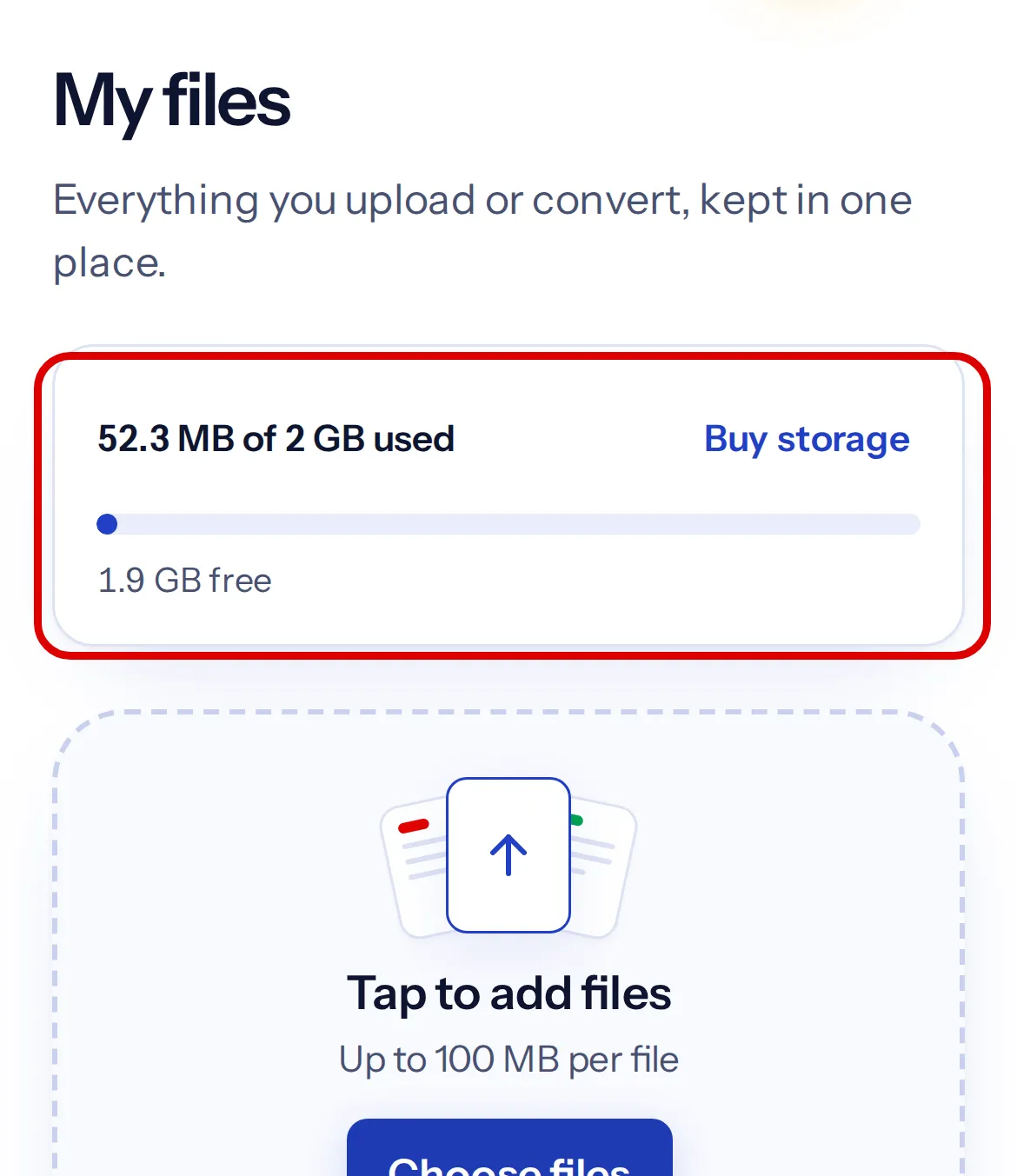
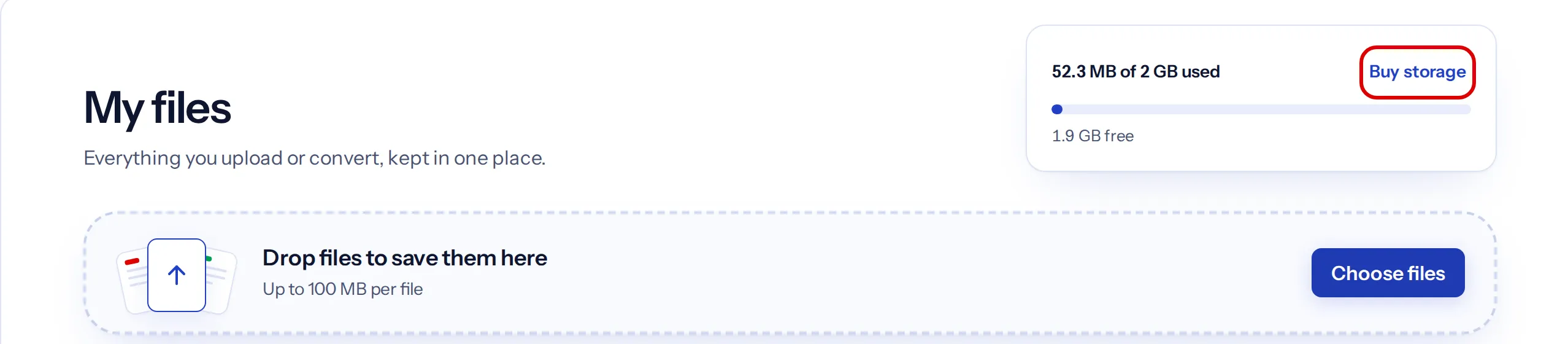
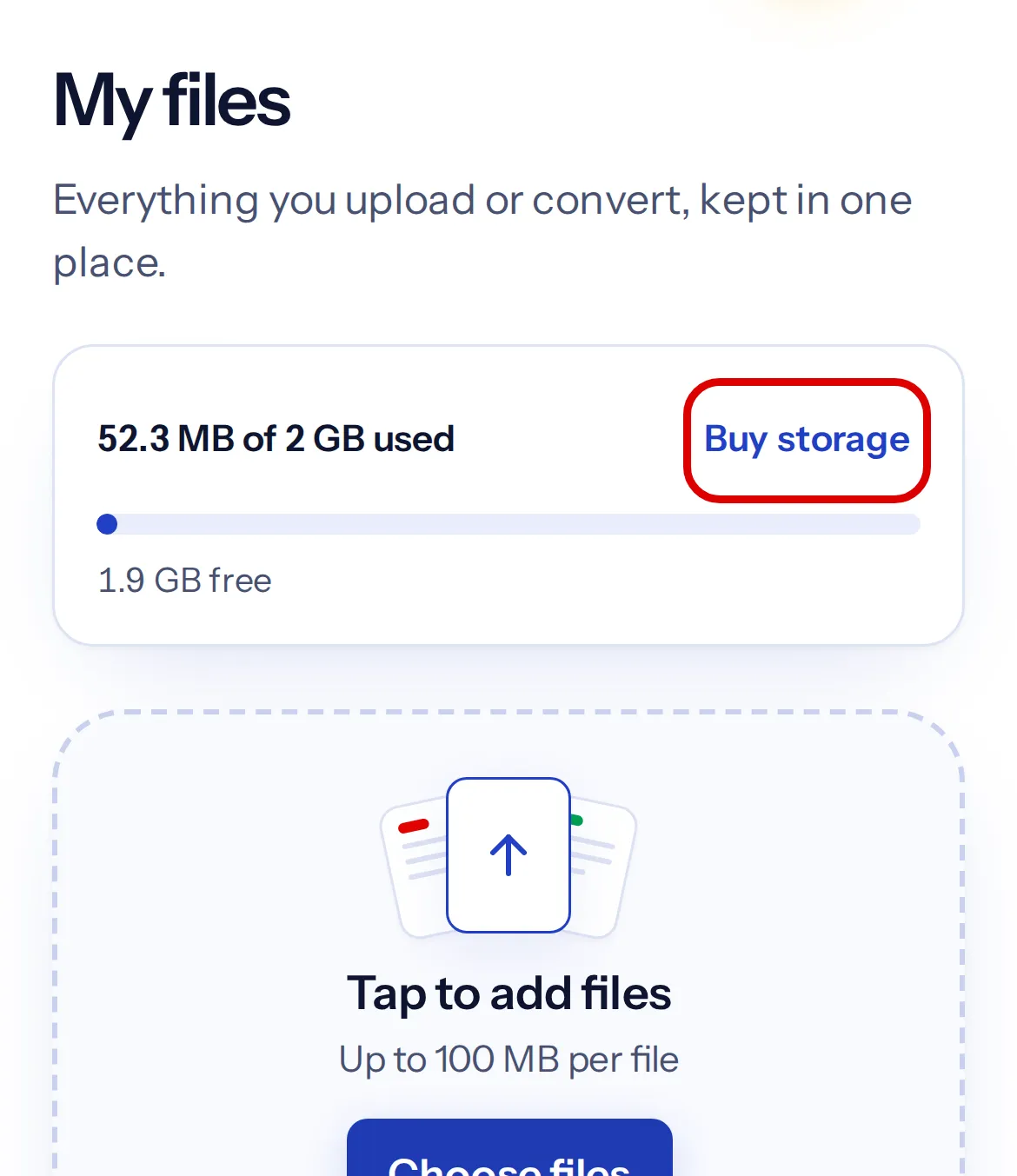
Go to the My files page. On a computer, you can also select My Files in the bar on the right. A box at the top shows how much space you use out of your total, for example 52.3 MB of 2 GB used. A bar fills as you use more, and a line under it says how much is free.
Compare with the Usage page
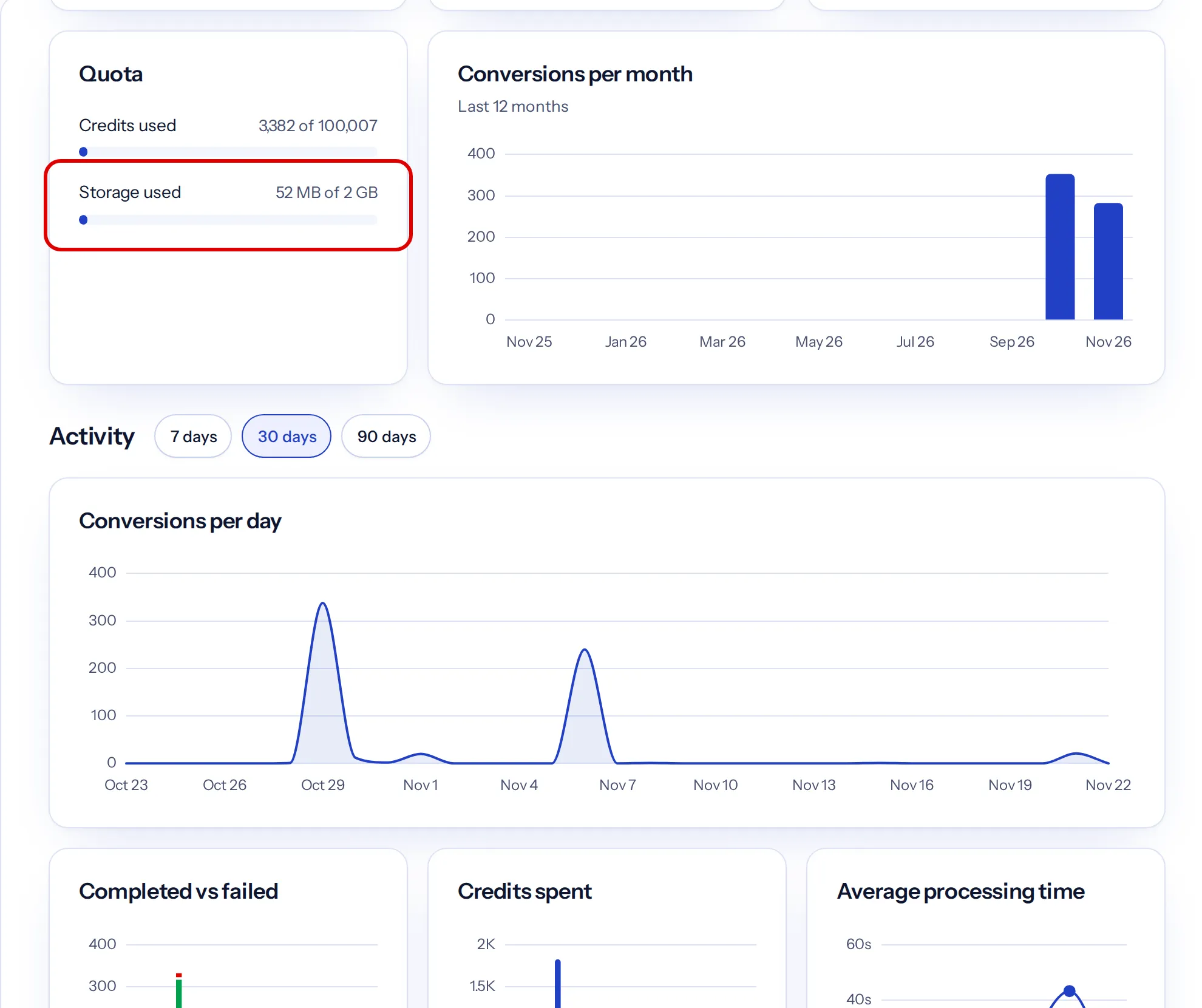
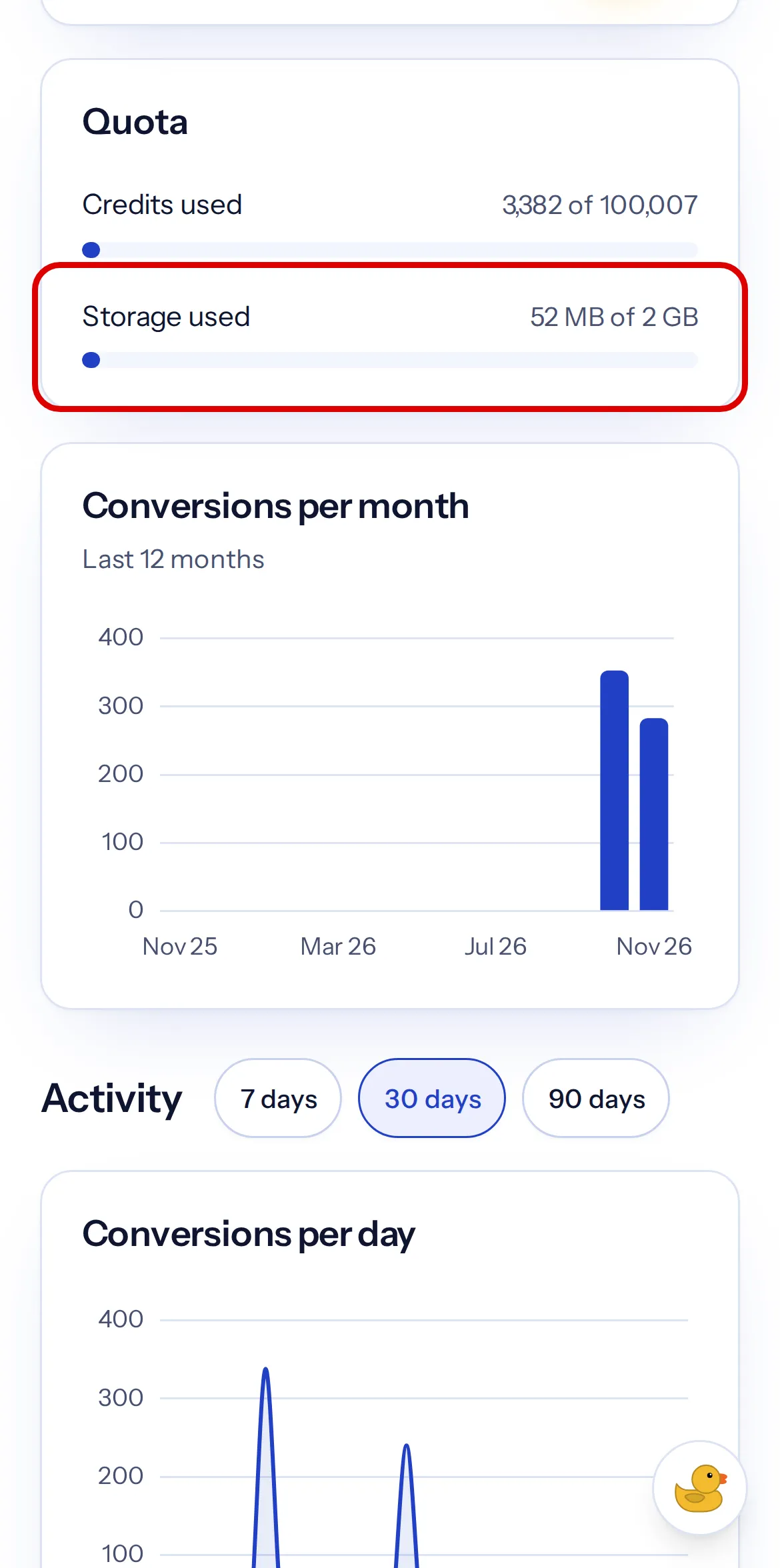
Open the Usage page and scroll to the Quota box. Storage used shows the same two numbers, used space and total space.
Select Buy storage
Go back to the My files page. In the storage box, select the blue Buy storage link.
Type how many gigabytes to add
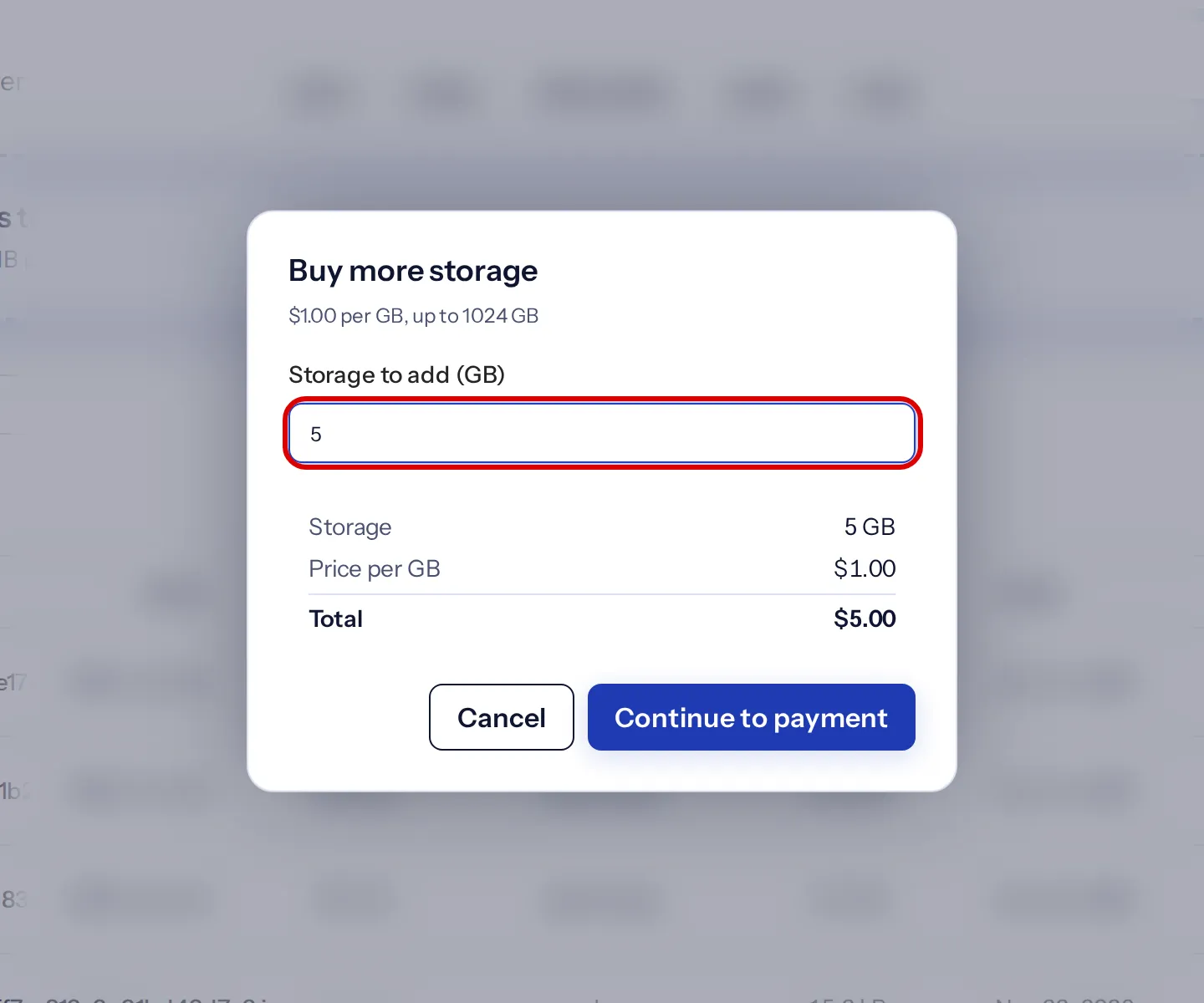
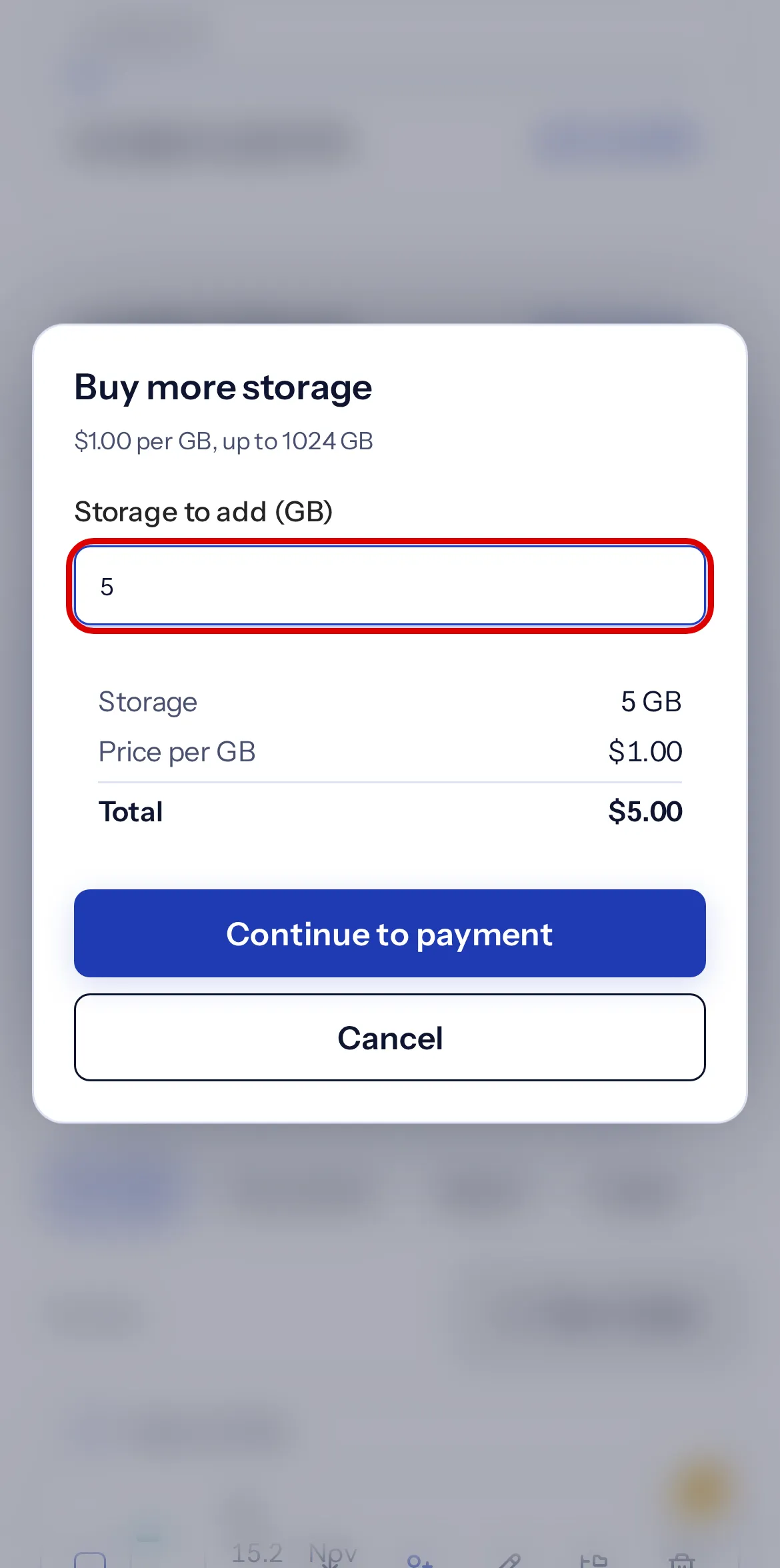
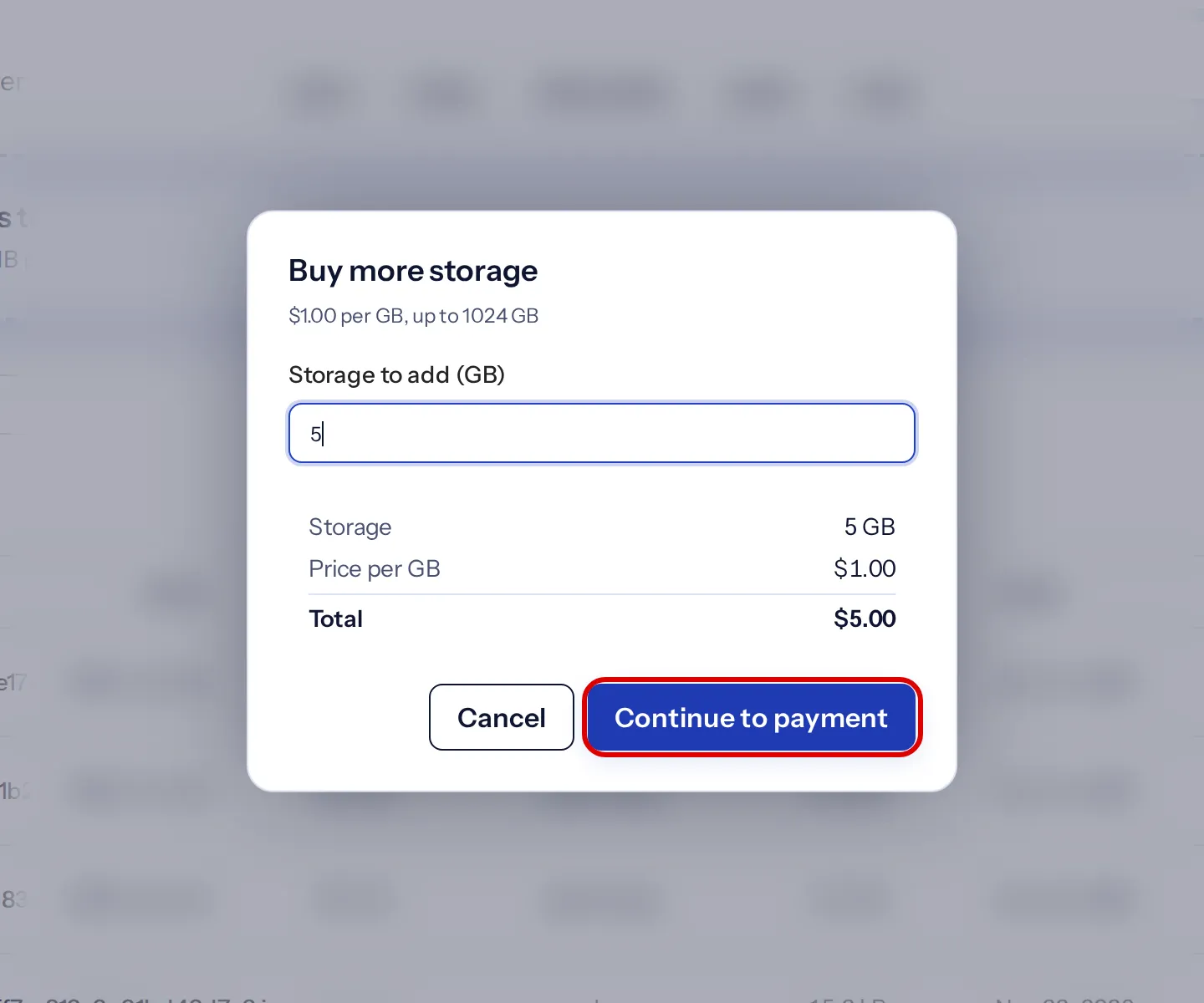
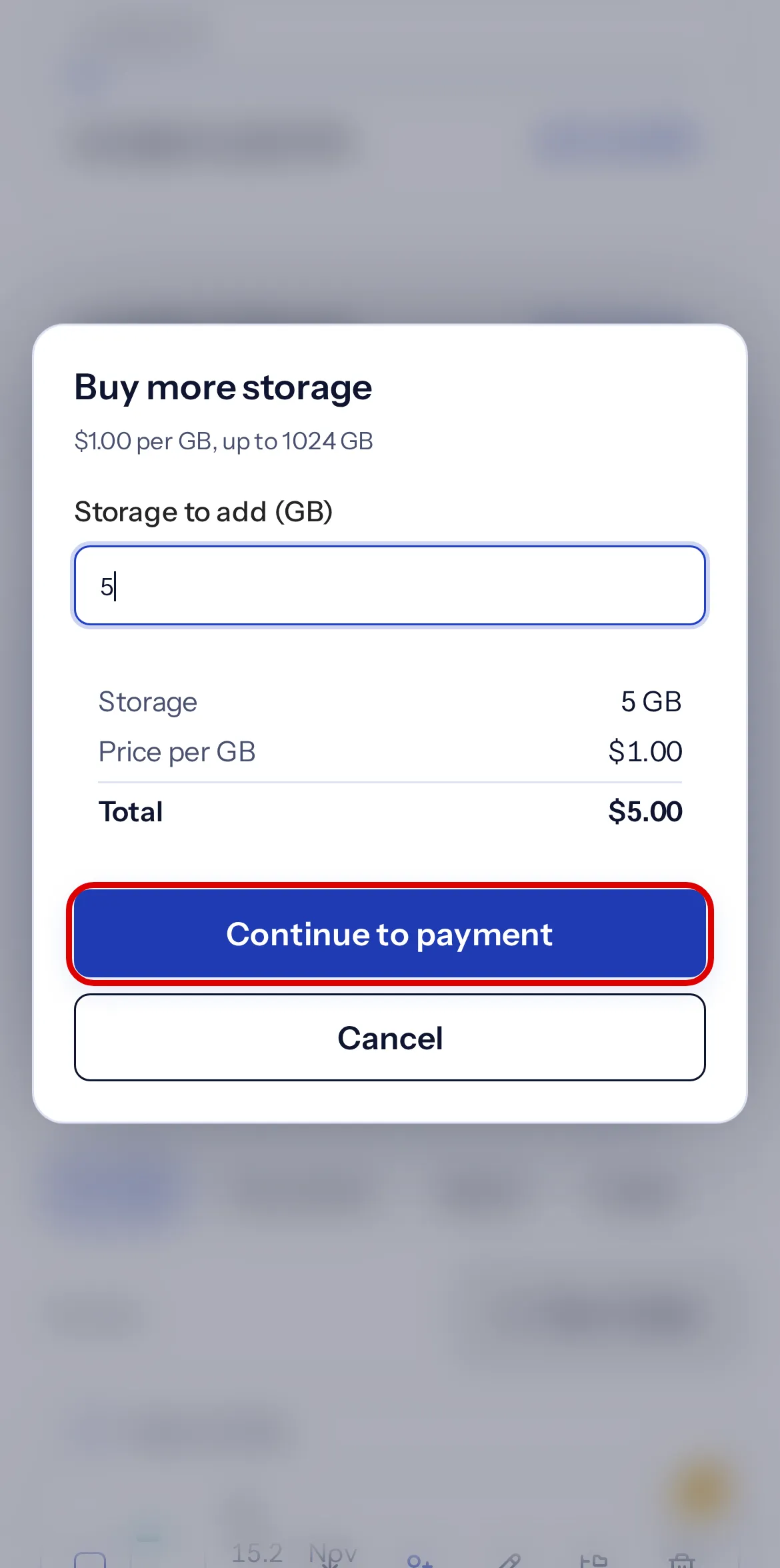
A box called Buy more storage opens. It shows the price for each GB. Type a number in Storage to add (GB). A short list shows the Storage you add, the Price per GB and the Total.
Go to payment, or cancel
Select Continue to payment to go on and pay. If you changed your mind, select Cancel.
Troubleshooting
| Problem | Cause | Fix |
|---|---|---|
| The Continue to payment button is grey | The number box is empty | Type how many GB you want |
| The Storage line says 1024 GB, but you typed more | You can add up to 1024 GB at a time | Type 1024 or less |
| A file will not upload | Each file can be up to 100 MB | Pick a smaller file, or make it smaller with Compress PDF |
| You want free space without buying more | Files you keep use space | In My files, select the files you no longer need and select Delete |