Last updated
Turn a PDF into one long page
Before you start
- A page break is the place where one page ends and the next one starts. This tool removes the breaks and joins all the pages into one long page you scroll through.
- Have the PDF on your phone or computer. The upload box tells you how big a file can be.
- You don't need an account.
Open your PDF
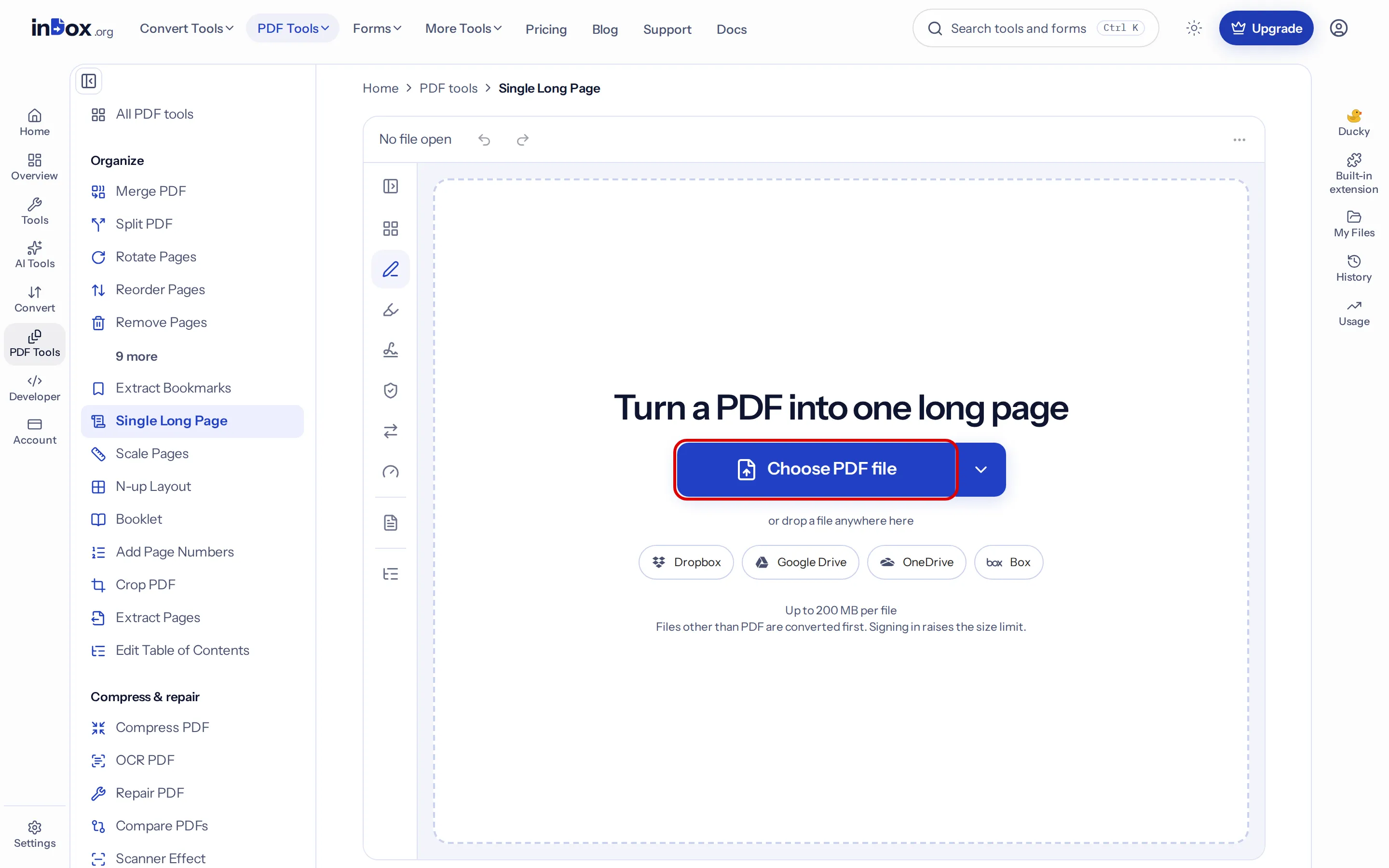
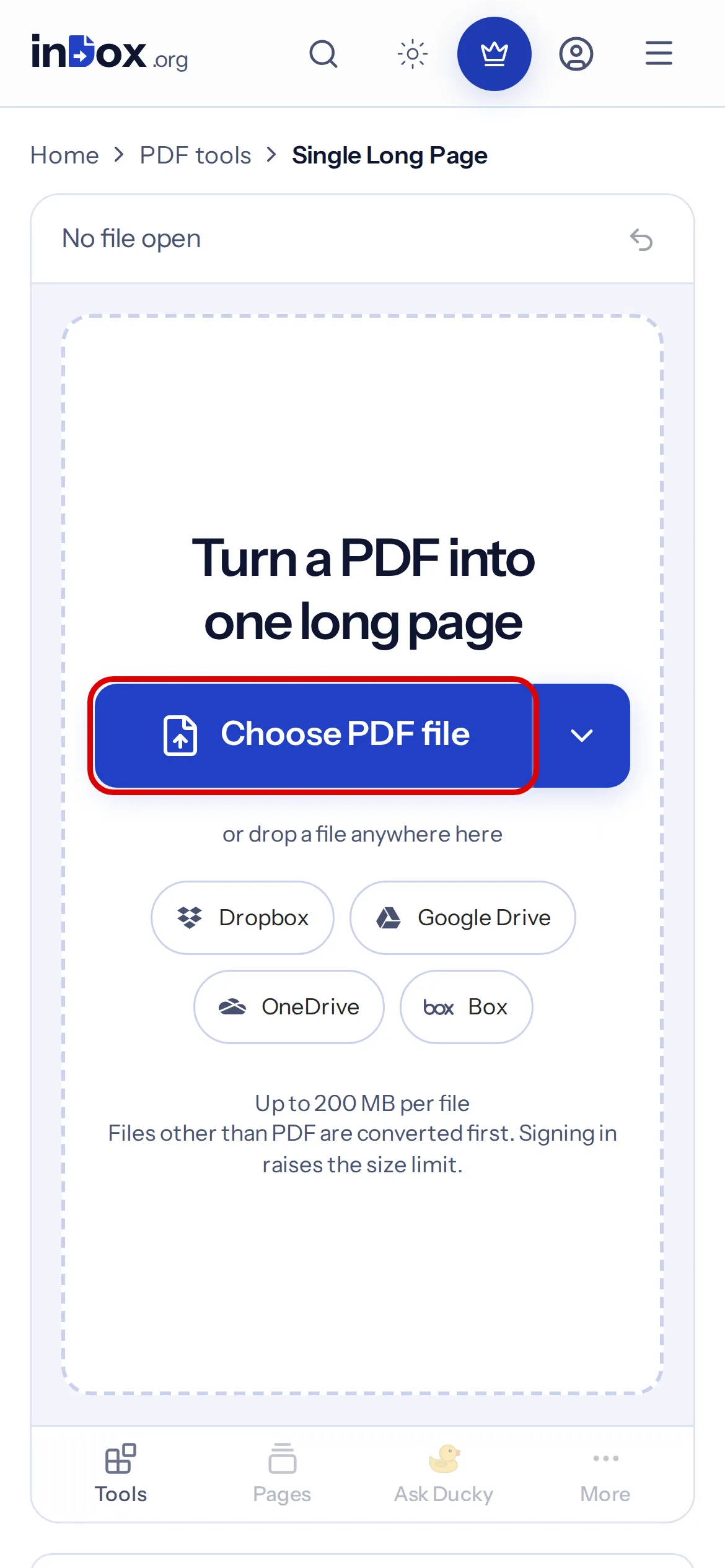
Go to the Turn a PDF into one long page page. In the middle of the page, select the blue Choose PDF file button. A box opens so you can pick a file from your device. You can also drag a file onto the page. When the file loads, you see its pages and a Single Long Page panel. On a computer the panel is on the right. On a phone it is at the bottom of the screen.
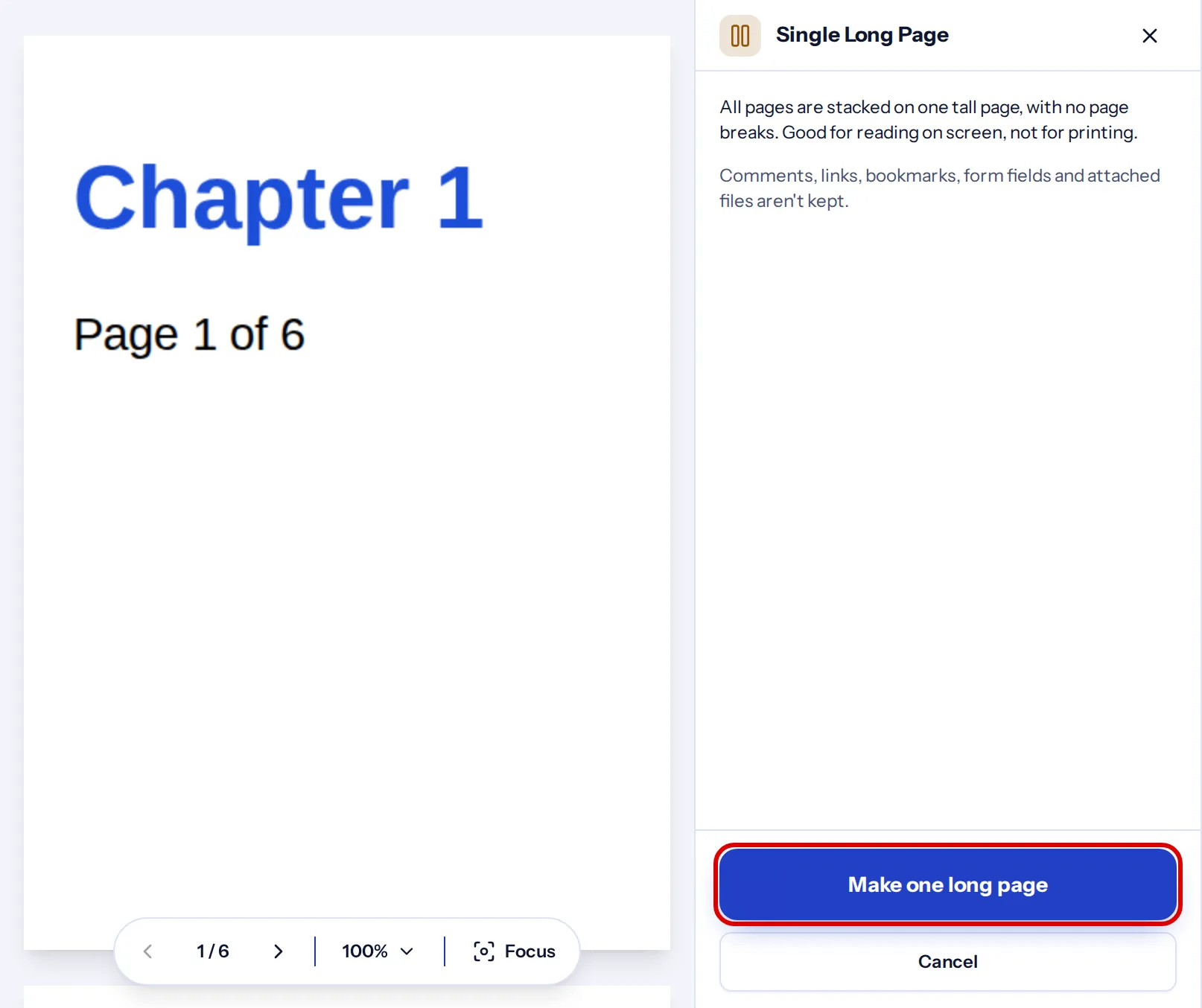
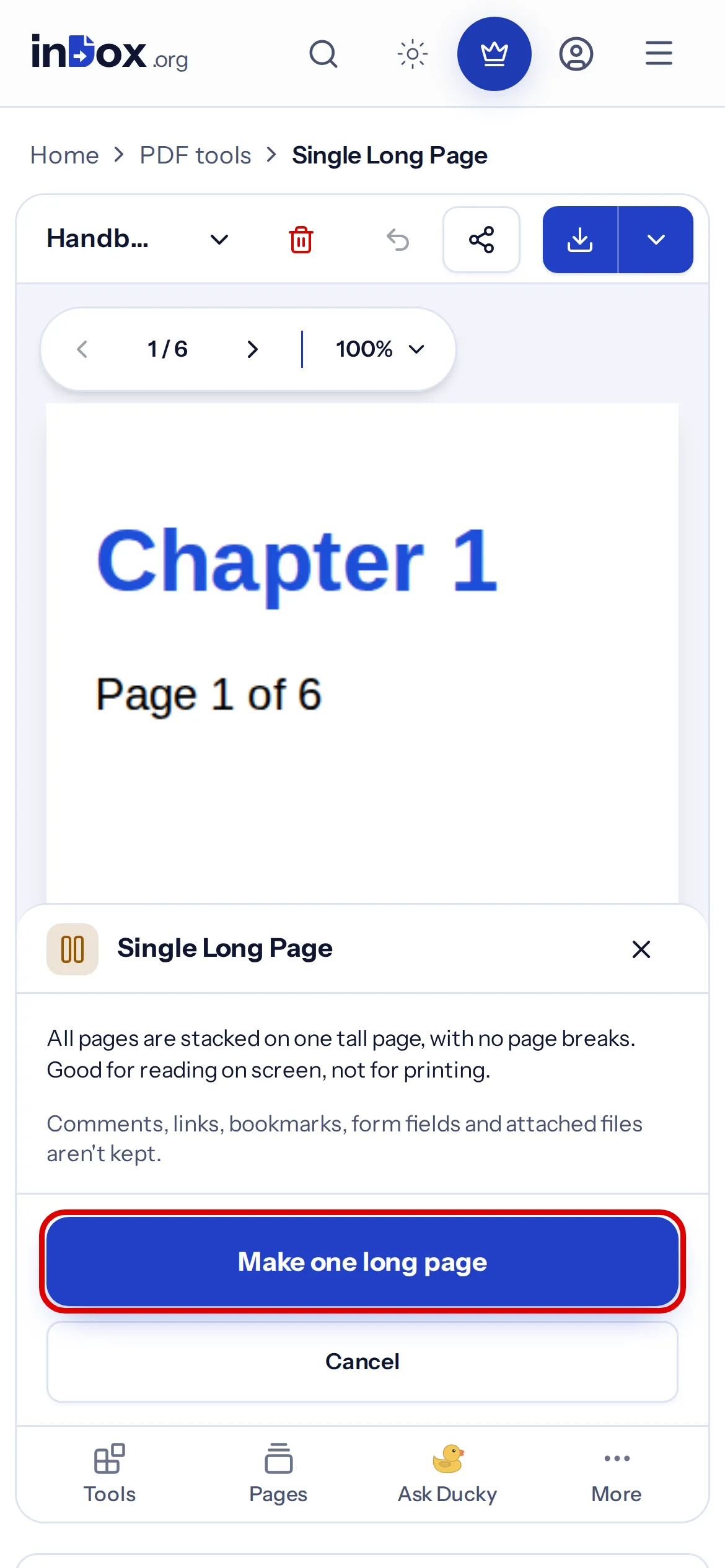
Make one long page
Read the note at the top of the Single Long Page panel. It says all pages are stacked on one tall page, with no page breaks. The panel has no settings to change. Select the blue Make one long page button at the bottom of the panel. Wait a moment while indox joins the pages.
Download your PDF
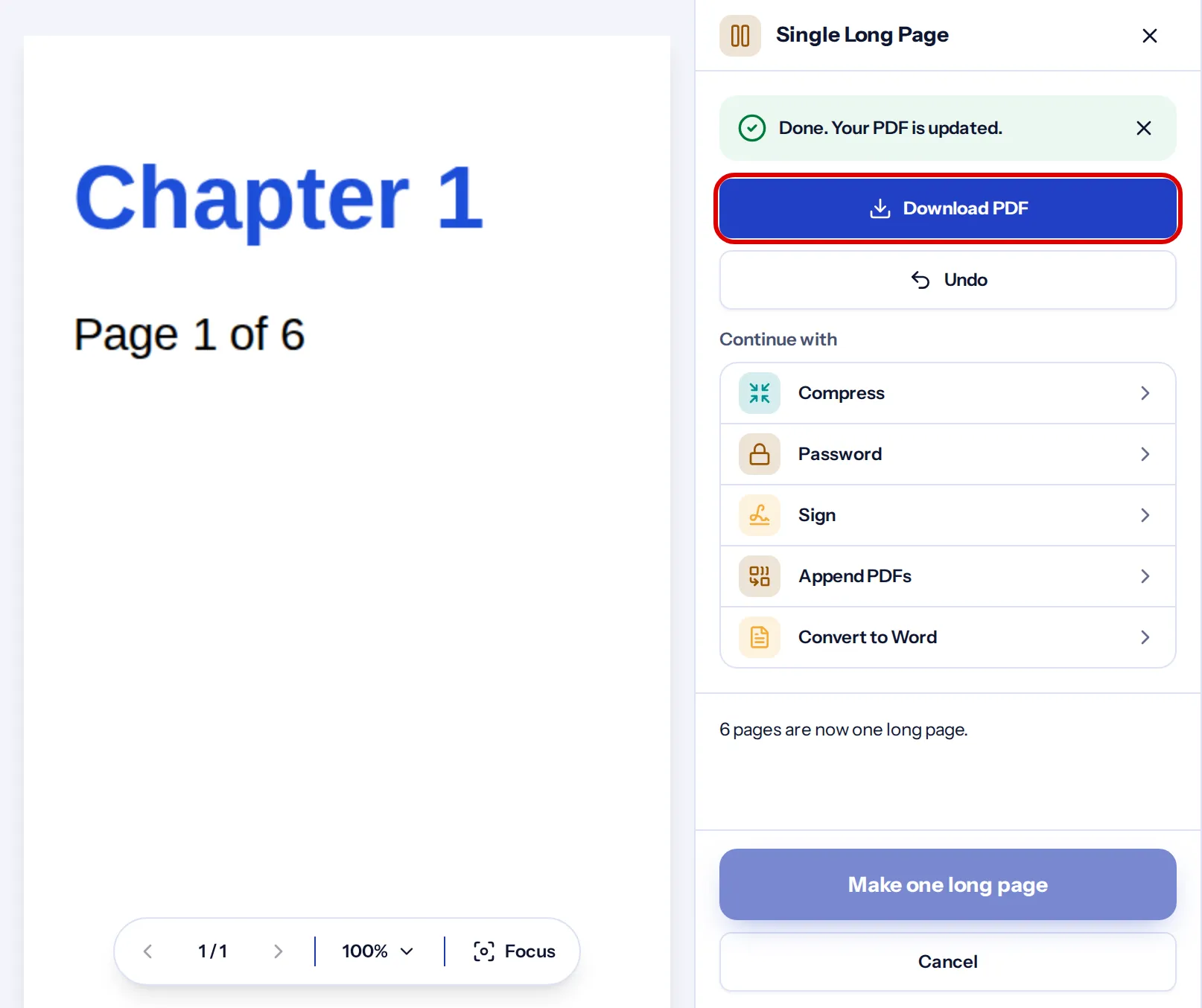
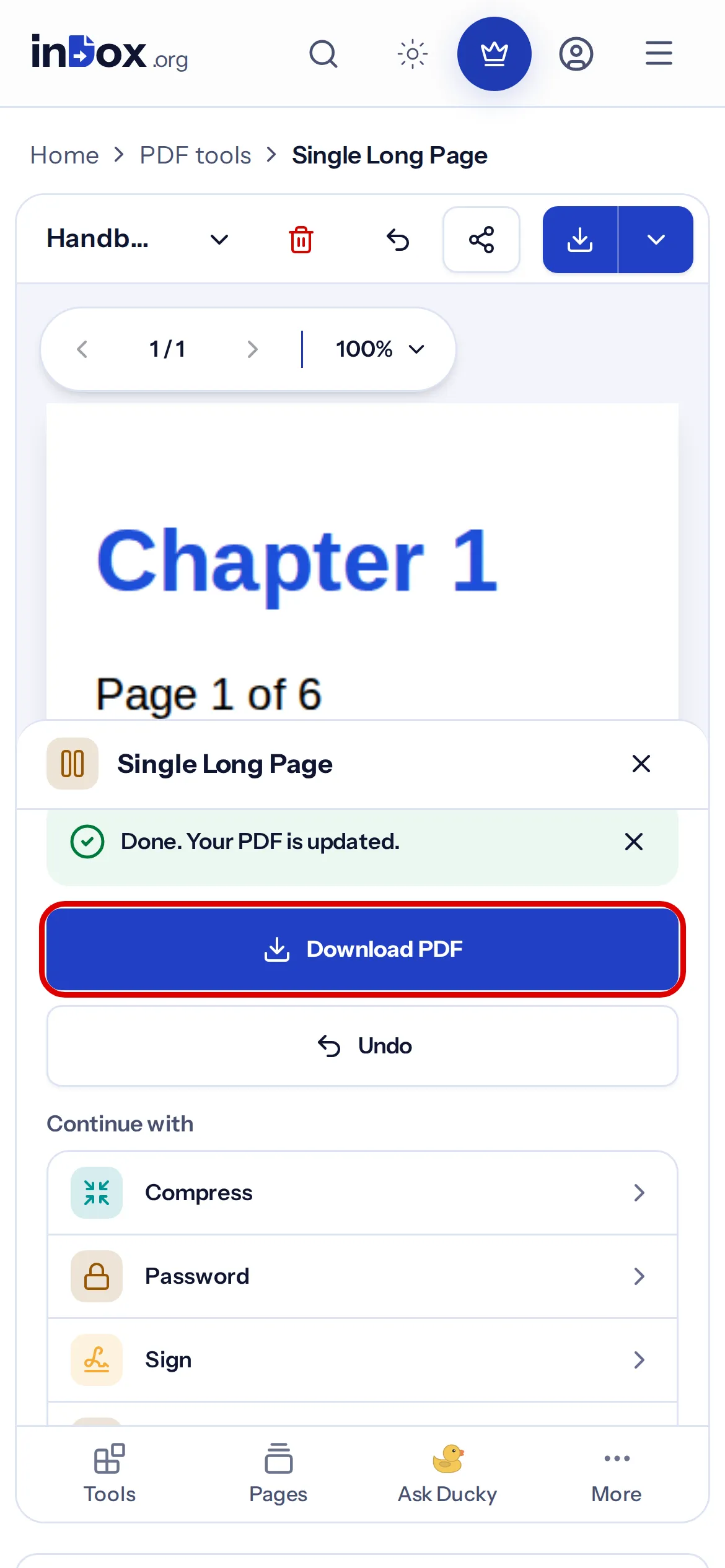
A green message says Done. Your PDF is updated. at the top of the panel. The page counter under the page now says 1 / 1, and a line lower in the panel says 6 pages are now one long page. if your file had 6 pages. Select Download PDF, just below the green message. The new file is saved on your device. Its name is your file's name with -edited added. Not happy with it? Select Undo to get your separate pages back.
Troubleshooting
| Problem | Cause | Fix |
|---|---|---|
| The long page prints badly | The pages are stacked with no page breaks, so the result is good for reading on screen but not for printing | Print from your first PDF, or use Print several pages per sheet or Make a booklet |
| Links, bookmarks or form fields are gone | The long page doesn't keep comments, links, bookmarks, form fields or attached files | Keep your first PDF if you need them |
| You want the separate pages back | The long page replaces the PDF on screen | Select Undo next to Download PDF. The page counter goes back to your page count |