Last updated
Make locked form fields editable
Before you start
- Have the PDF on your phone or computer. The upload box tells you how big a file can be.
- A form field is a box in a PDF form where you type, such as a name or an email. A locked field is read-only, so you can't type in it.
- This tool unlocks the fields. Answers already in them stay.
- A password or a permission limit is a different lock. For those, use Unlock PDF .
- You don't need an account.
Open your PDF form
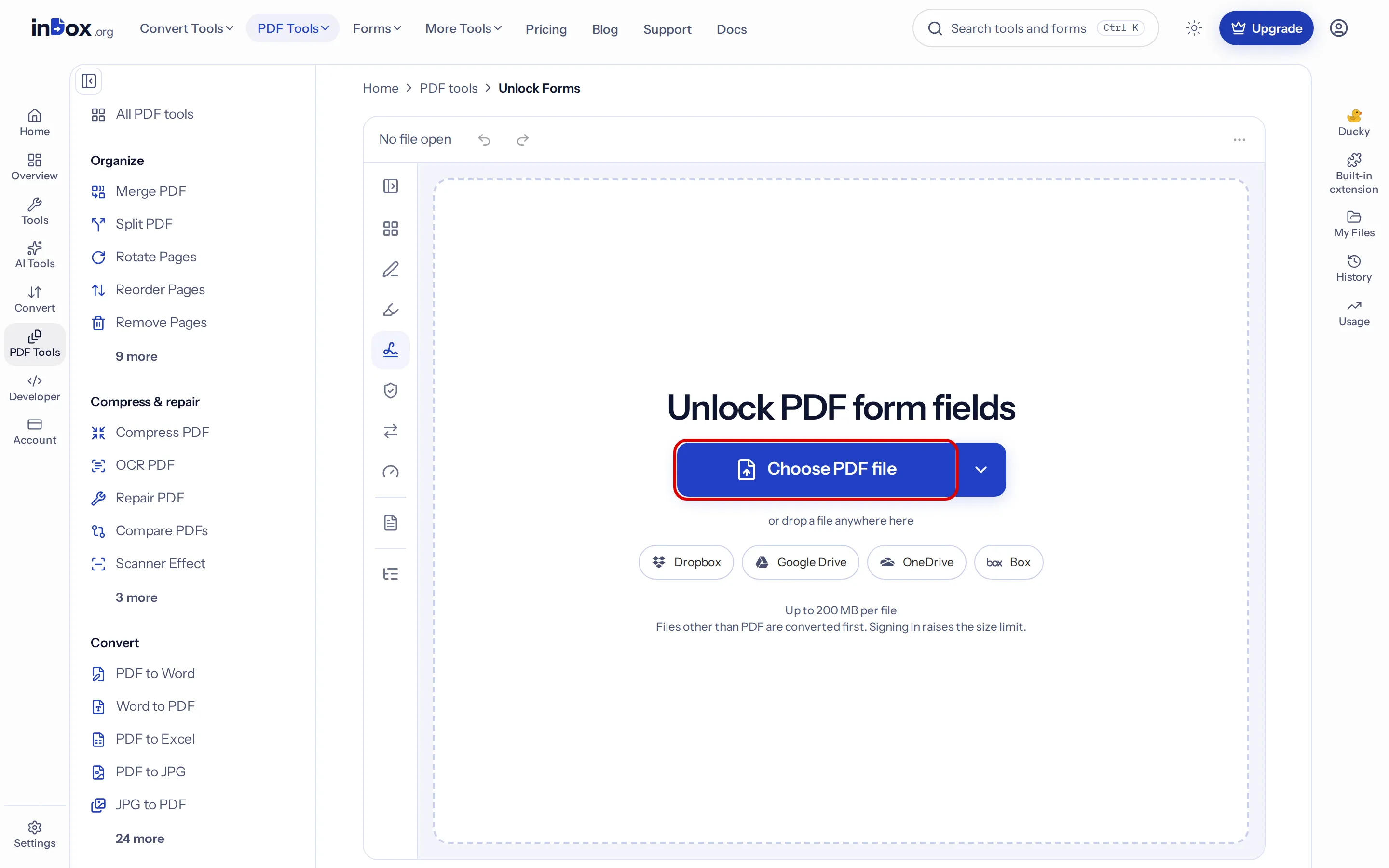
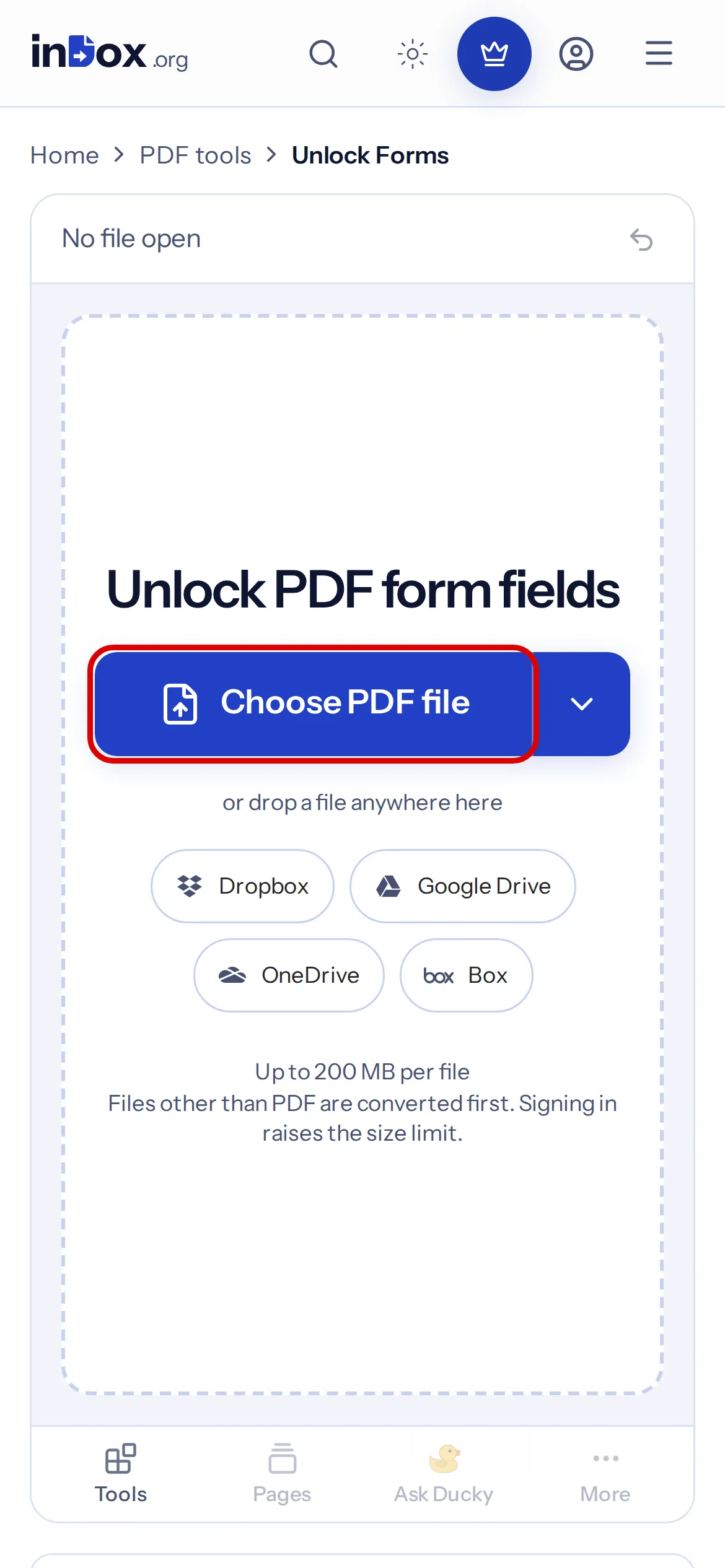
Go to the Unlock Forms page. In the middle of the page, select the blue Choose PDF file button. A box opens so you can pick a file from your device. You can also drag a file onto the page. The file opens with a panel called Unlock Forms. On a computer the panel is on the right. On a phone it slides up from the bottom.
See how many are locked
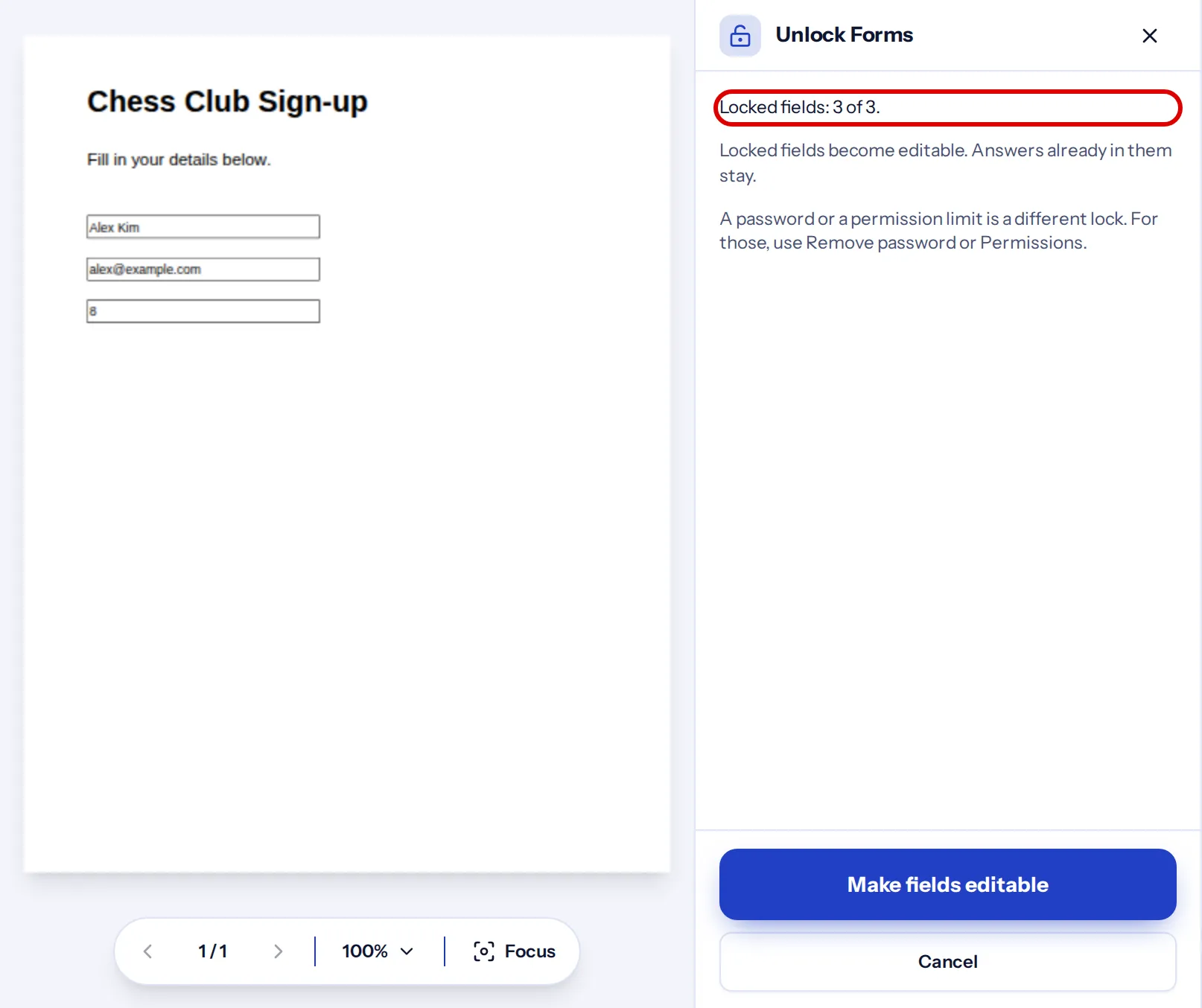
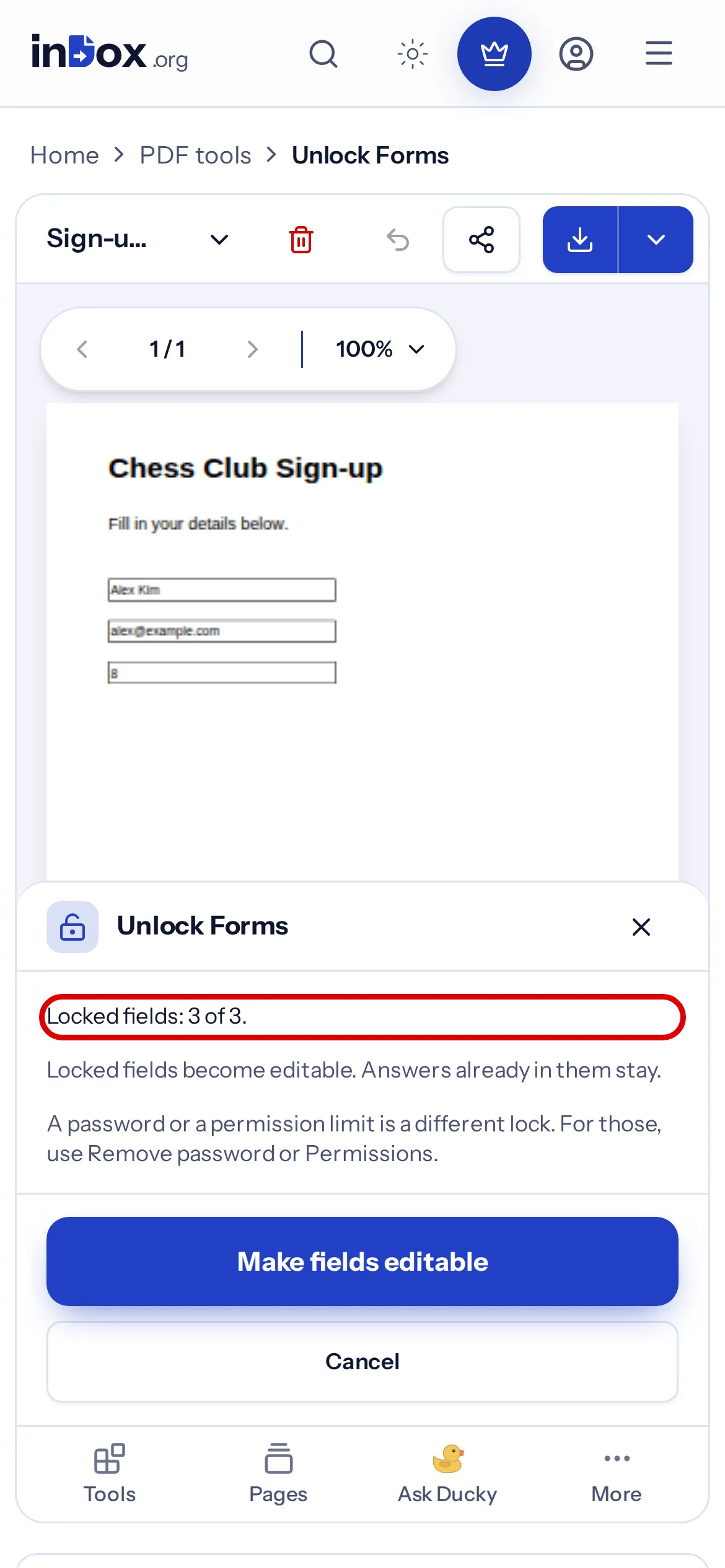
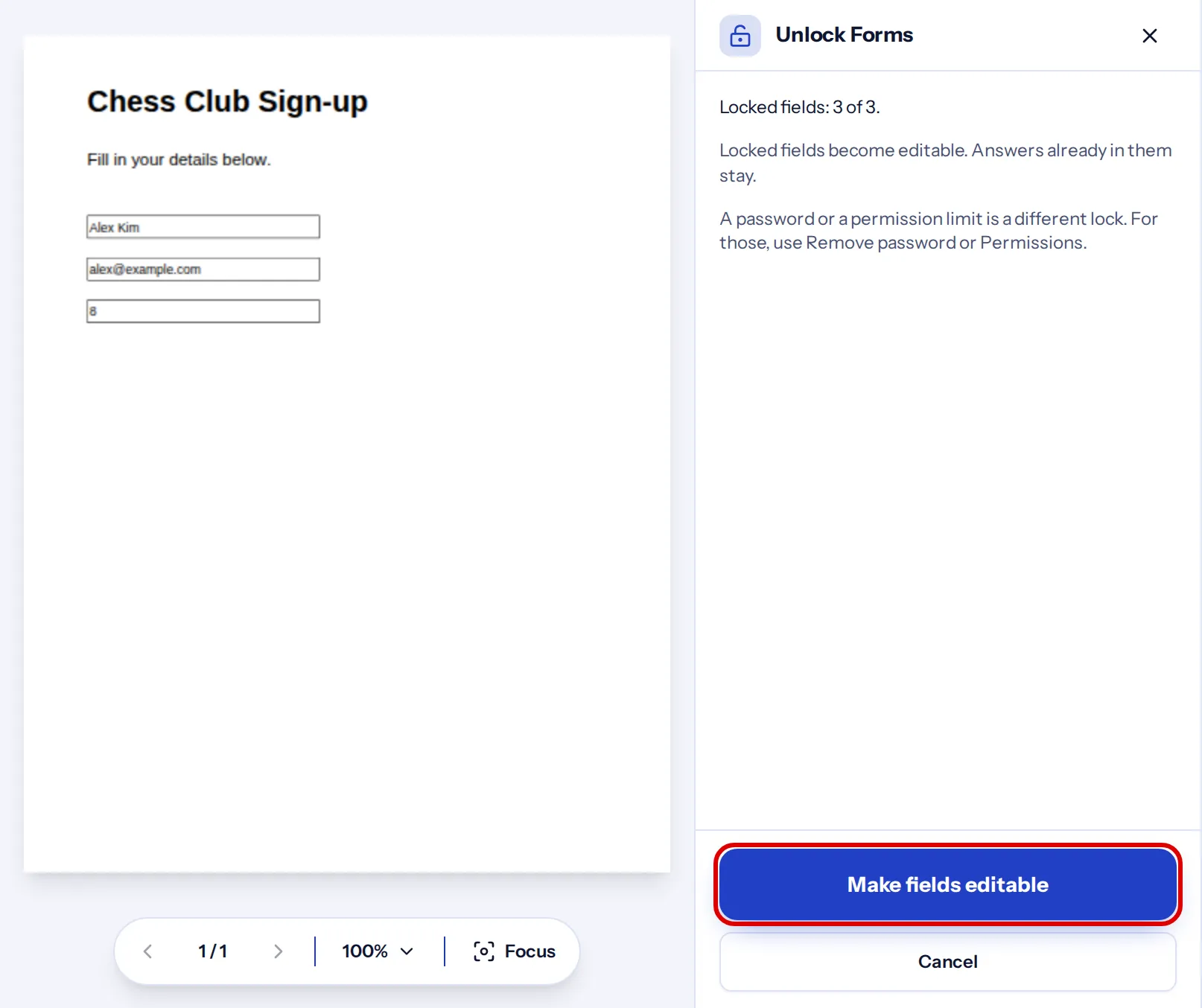
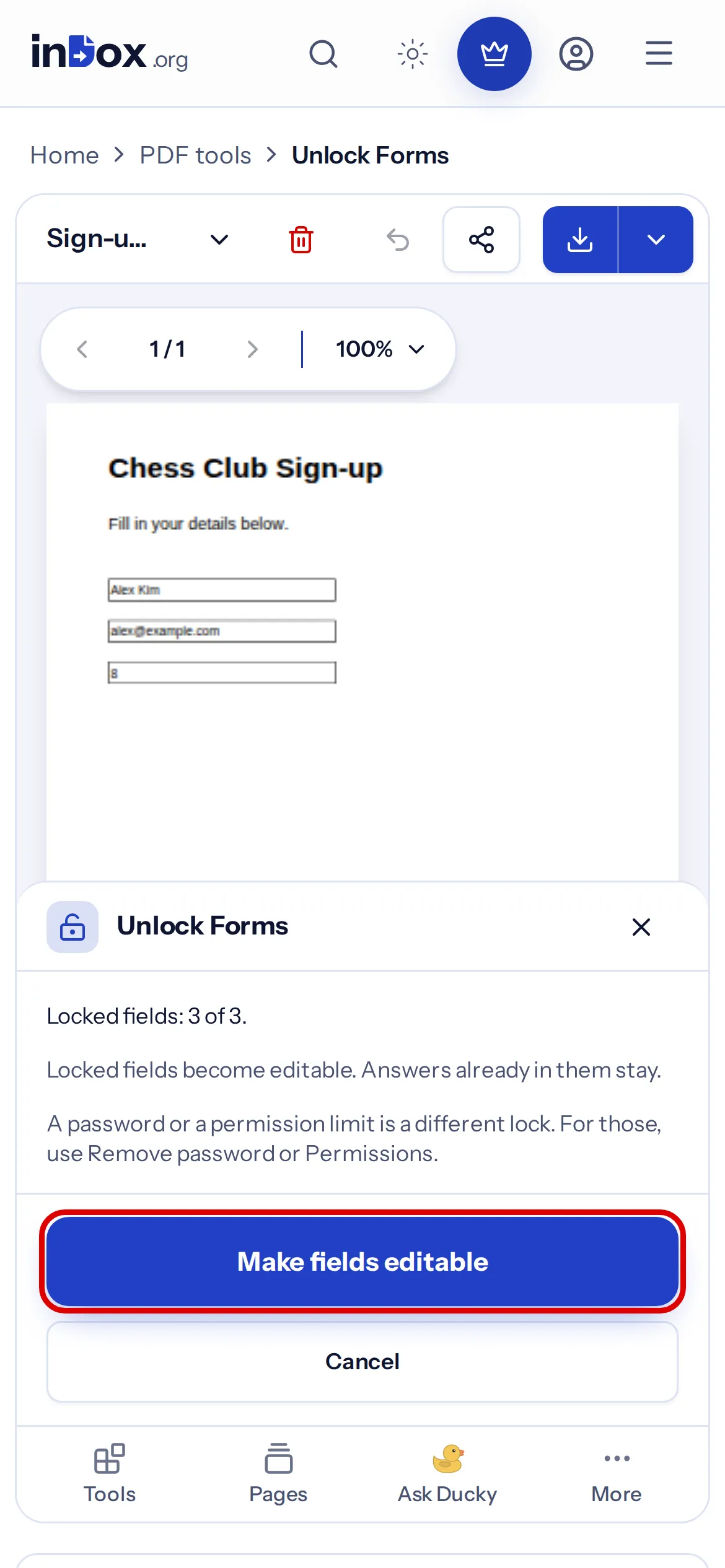
The panel counts the fields first. It says Locked fields: 3 of 3. That means all three boxes in this form are locked.
Unlock the fields
Select the blue Make fields editable button at the bottom of the panel. Wait a moment.
Read the result
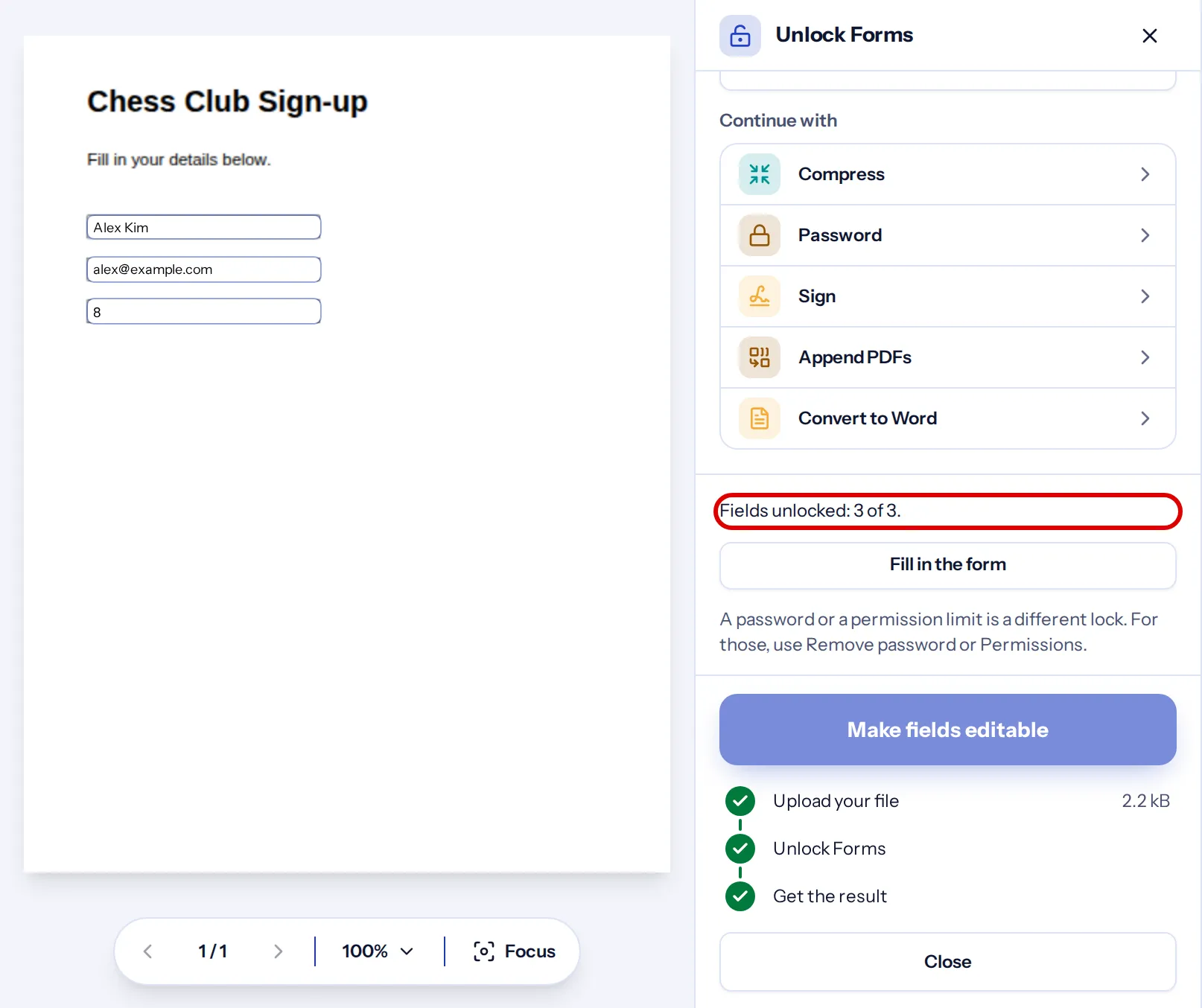
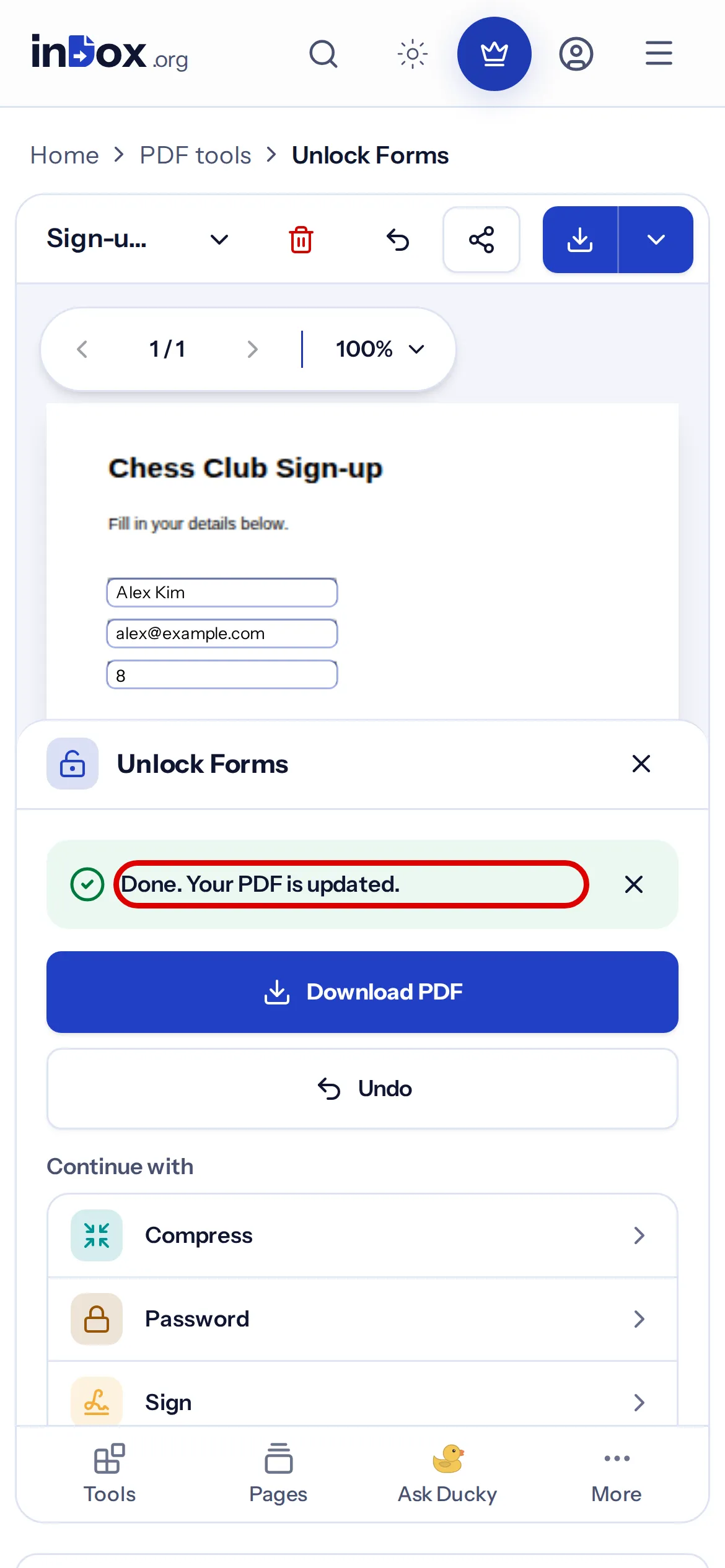
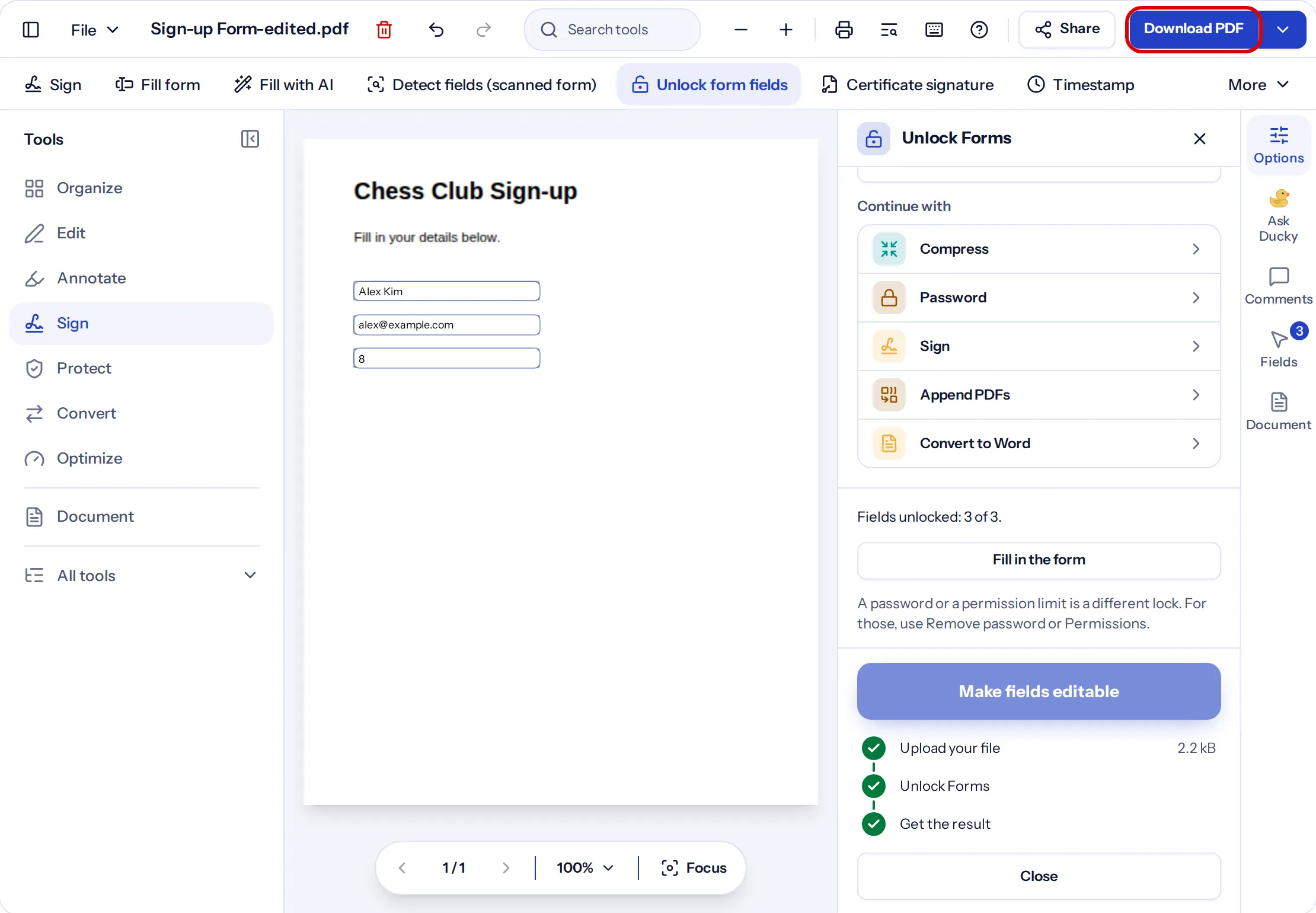
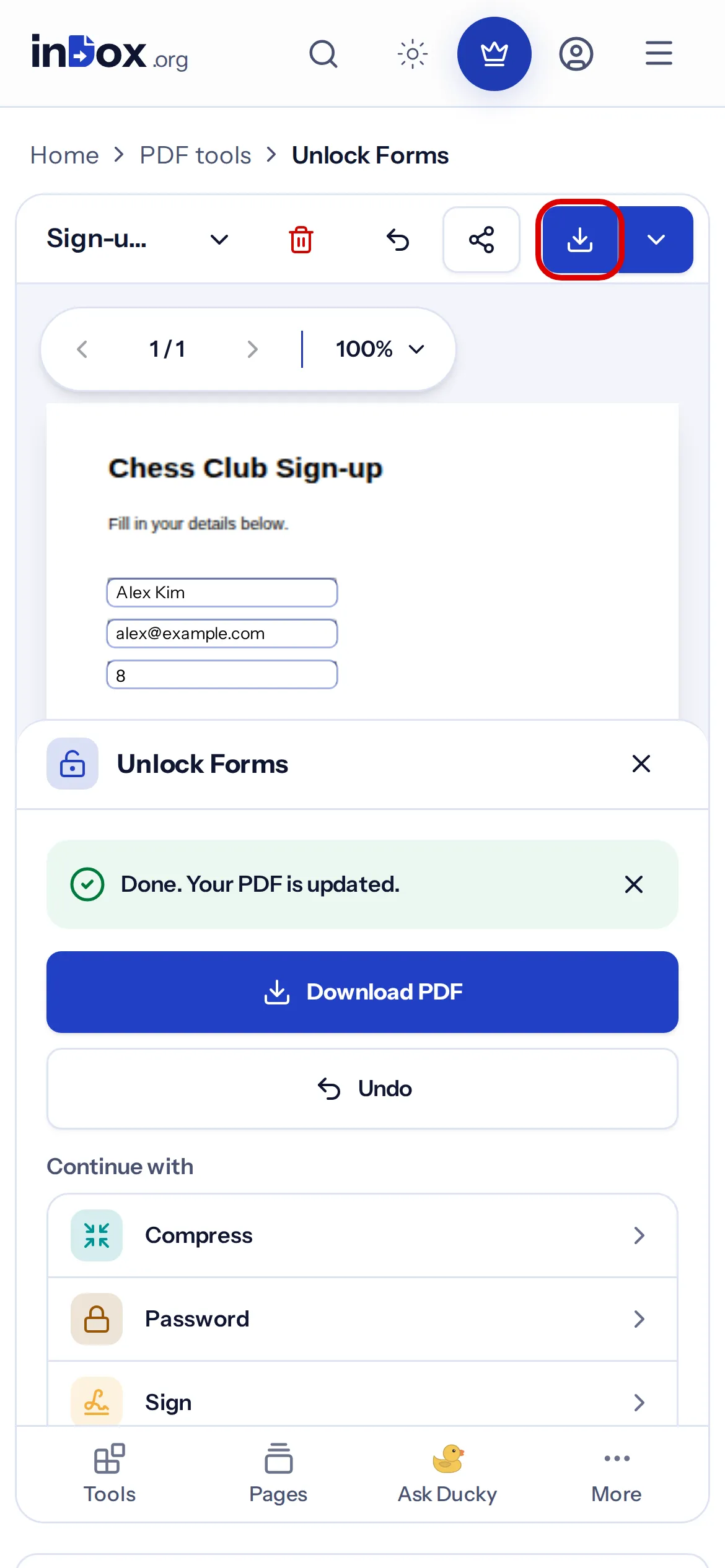
The panel says Done. Your PDF is updated. and Fields unlocked: 3 of 3. Below it is a Fill in the form button. Select it if you want to type in the boxes now.
Download your PDF
Select the blue Download PDF button. On a computer it is at the top right. On a phone it is the arrow in the bar above the page. The new file is saved on your device. Its name ends in -edited. Open it and type in the boxes.
Troubleshooting
| Problem | Cause | Fix |
|---|---|---|
| The panel says This file has no form fields, so there's nothing to unlock. | The PDF is not a form | Check that the file is the right one |
| The panel says the fields already take typing | No field in the form is locked | Nothing to do. You can type in the boxes now |
| The panel says Couldn't read this form's fields first. | The check did not work | You can still run it. Select Make fields editable |
| The panel says This form has 2 digital signatures. Unlocking fields breaks them. | Changing the fields changes the file, so the signatures stop being valid | Keep the signed original. Tick Unlock them anyway only if you accept that |
| You still can't type or print | A password or a permission limit is a different lock | Use Unlock PDF |