Last updated
How long indox keeps your files
Goal: You know how long a converted file stays in History and where to see the days left.
Before you start
- You need an indox account. Sign in first.
- Convert a file while signed in. It then shows in History.
- The pictures show a made-up sample file.
Open History
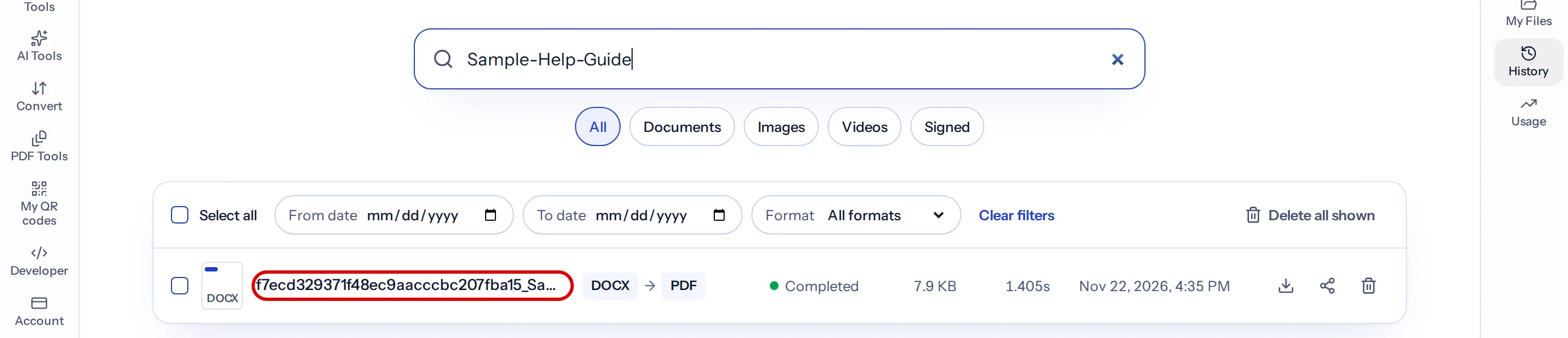
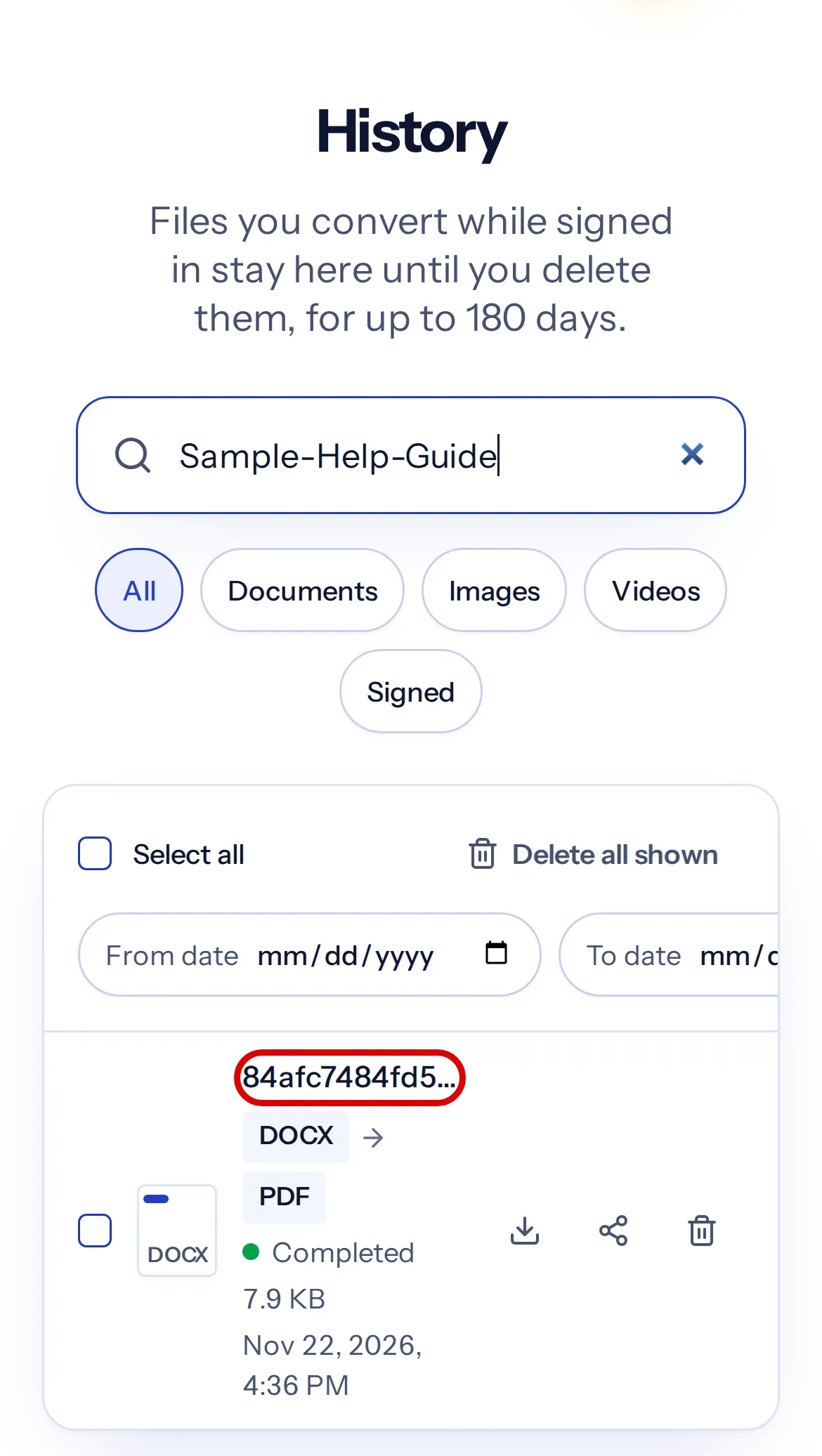
On a computer, select History in the bar at the right edge of the screen. On a phone, select your round picture at the top right and then History. Under the title the page says: Files you convert while signed in stay here until you delete them, for up to 180 days.

Open a conversion
If the list is long, type part of the file's name in Search by file name. Then select the file's name in its row. A page about that conversion opens.
Read the countdown
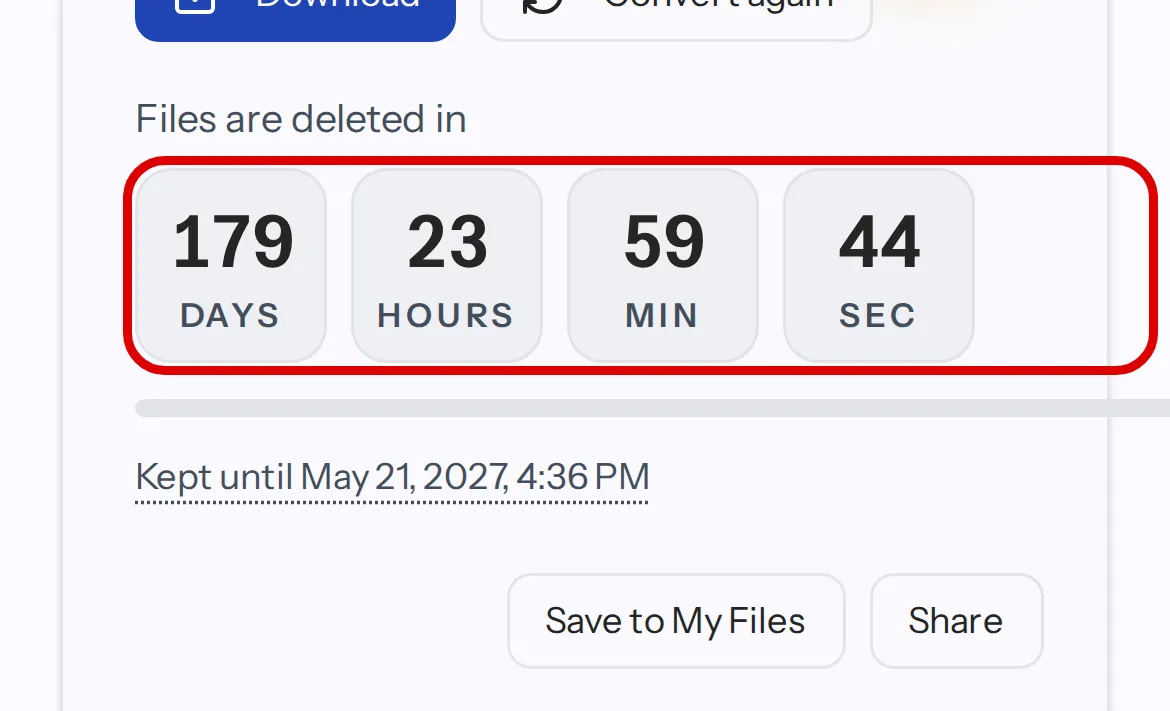
Find Files are deleted in. Four boxes show days, hours, minutes and seconds. The seconds change as you watch. Right after a conversion, the days box shows 179.

Check the end date
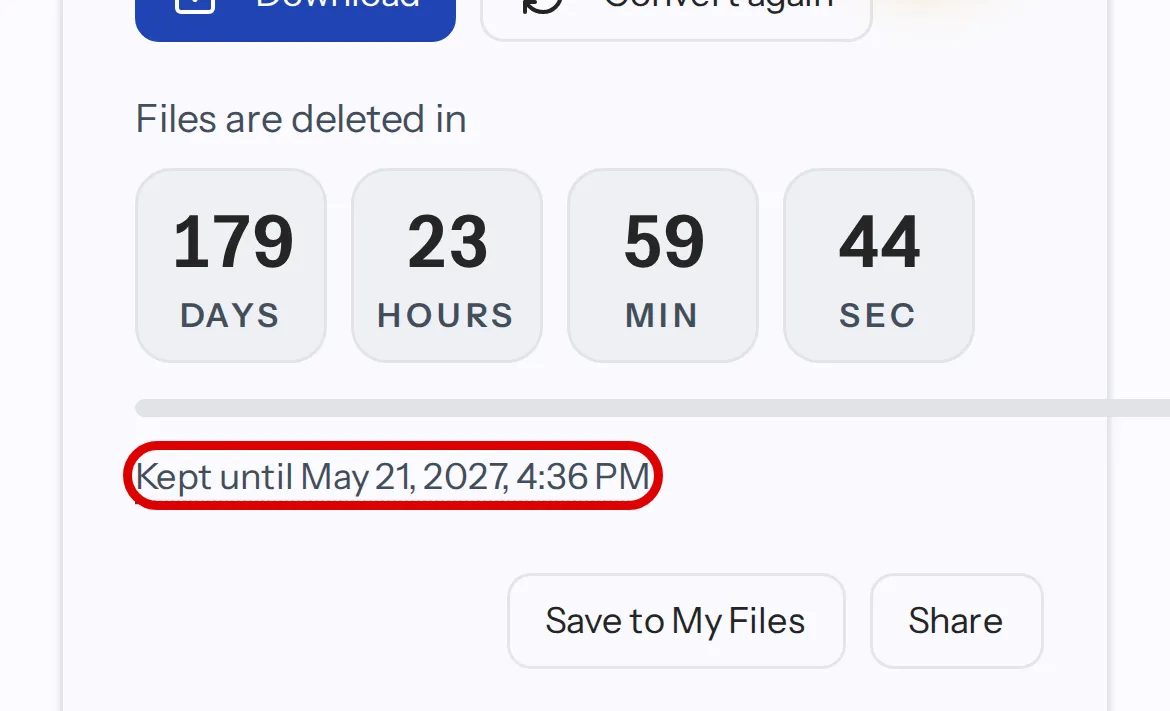
Under the boxes is a line such as Kept until May 21, 2027, with the time. That is the date the file is deleted. Below it are the buttons Save to My Files and Share.

Troubleshooting
| Problem | Cause | Fix |
|---|---|---|
| The list says No conversions match | The search, a tab or the dates leave nothing | Try another name, file type or date, or select Clear filters |
| The file name starts with a long code | indox puts a code in front of the name | Look for your own file name after the code |