Last updated
Upload, rename, download and delete files
Before you start
- You need an indox account. Sign in first.
- Each file can be up to 100 MB.
- The pictures show made-up sample files.
Open My files
Sign in to indox.org. On a computer, select My Files in the bar at the right edge of the screen. On a phone, select your round picture at the top right. A menu opens. Select My Files. A page called My files opens.

Choose your files
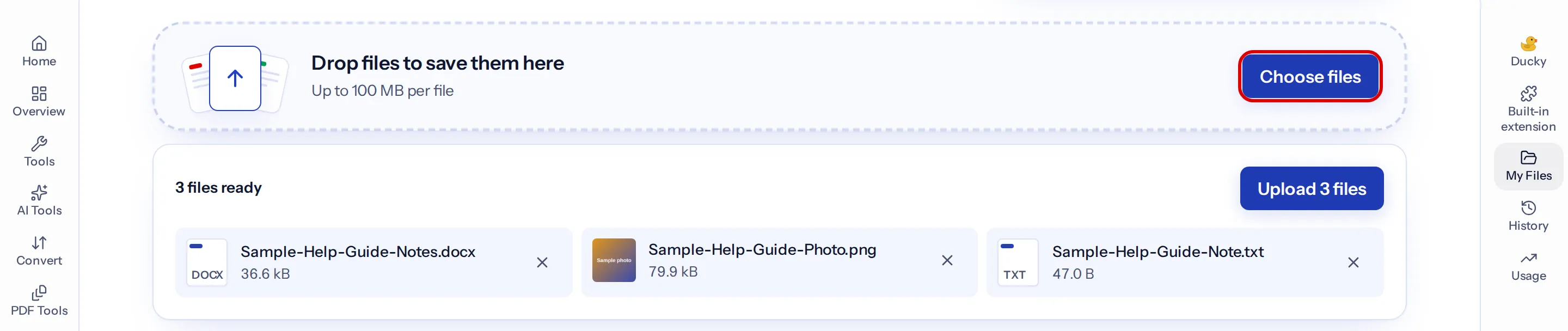
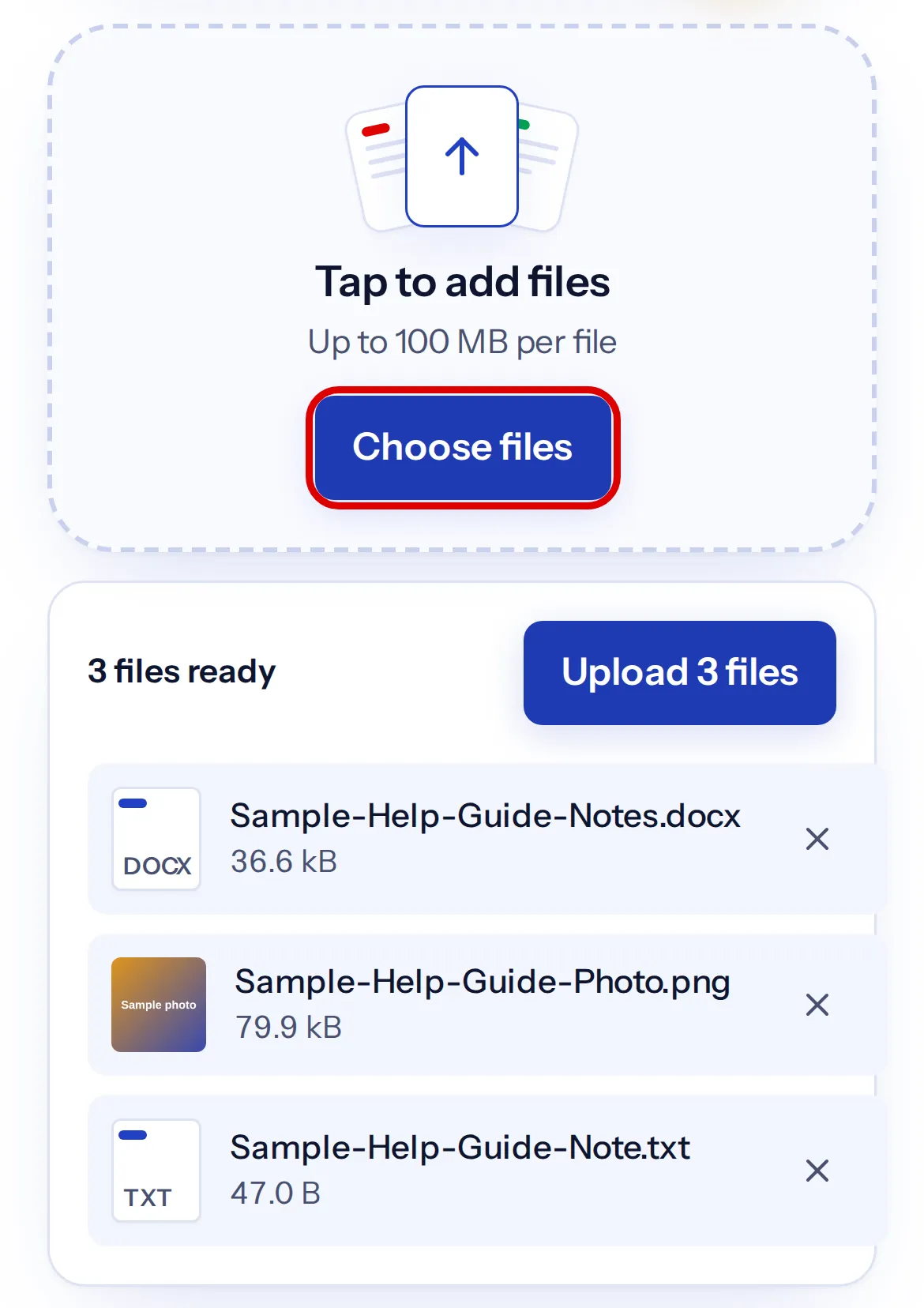
Find the box that says Drop files to save them here. On a phone it says Tap to add files. Select Choose files. A window opens so you can pick files from your device. You can pick more than one. You can also drag files into the box. The files you picked show in a box with a title such as 3 files ready. Select the X next to a file to take it off the list.
Upload them
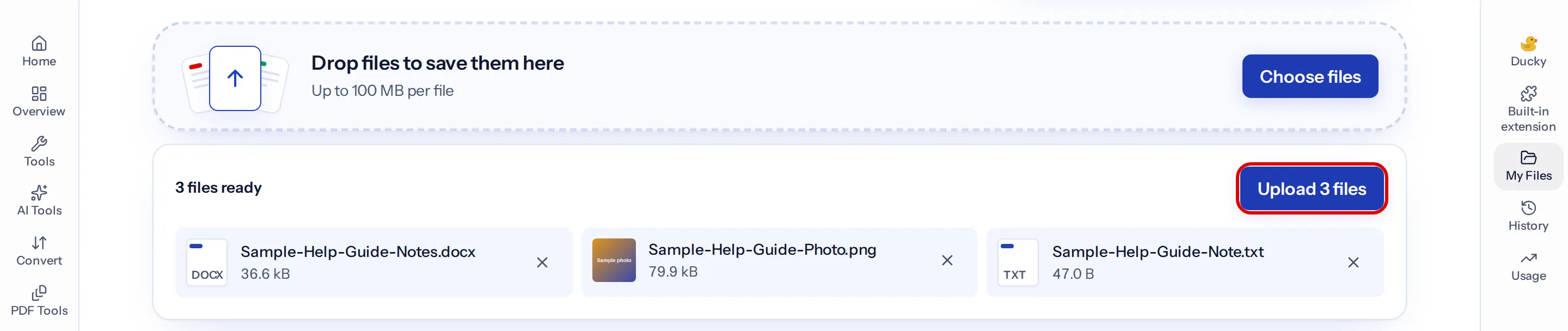
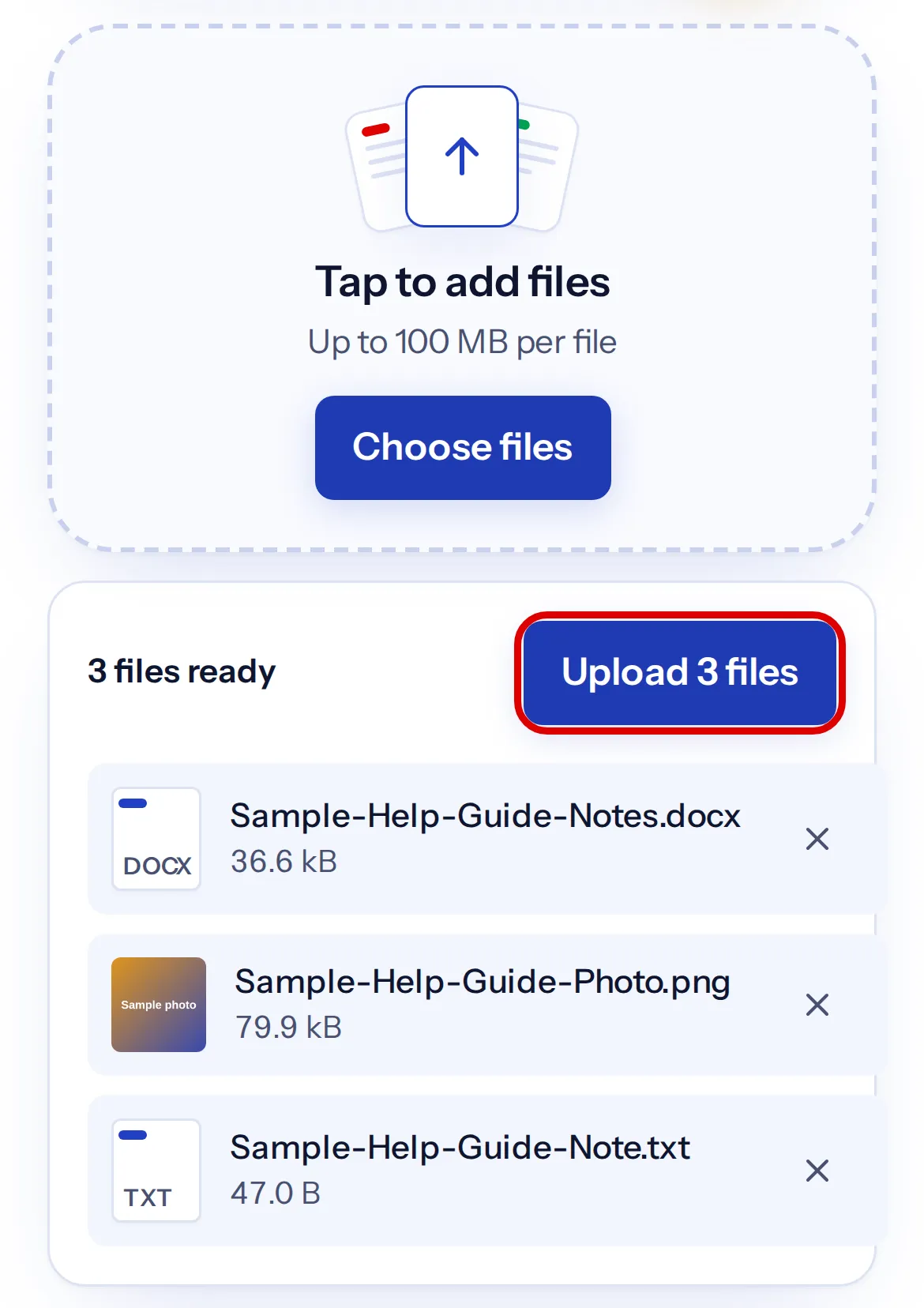
Select the blue button, for example Upload 3 files. The number matches how many files you picked. Your files then show in the list below, with their type, size and the date you added them.
Find a file
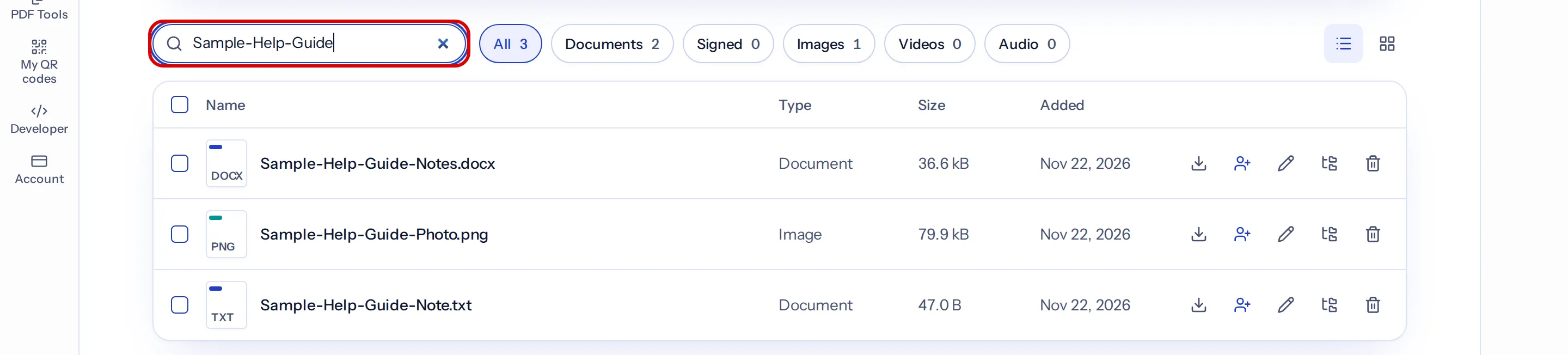
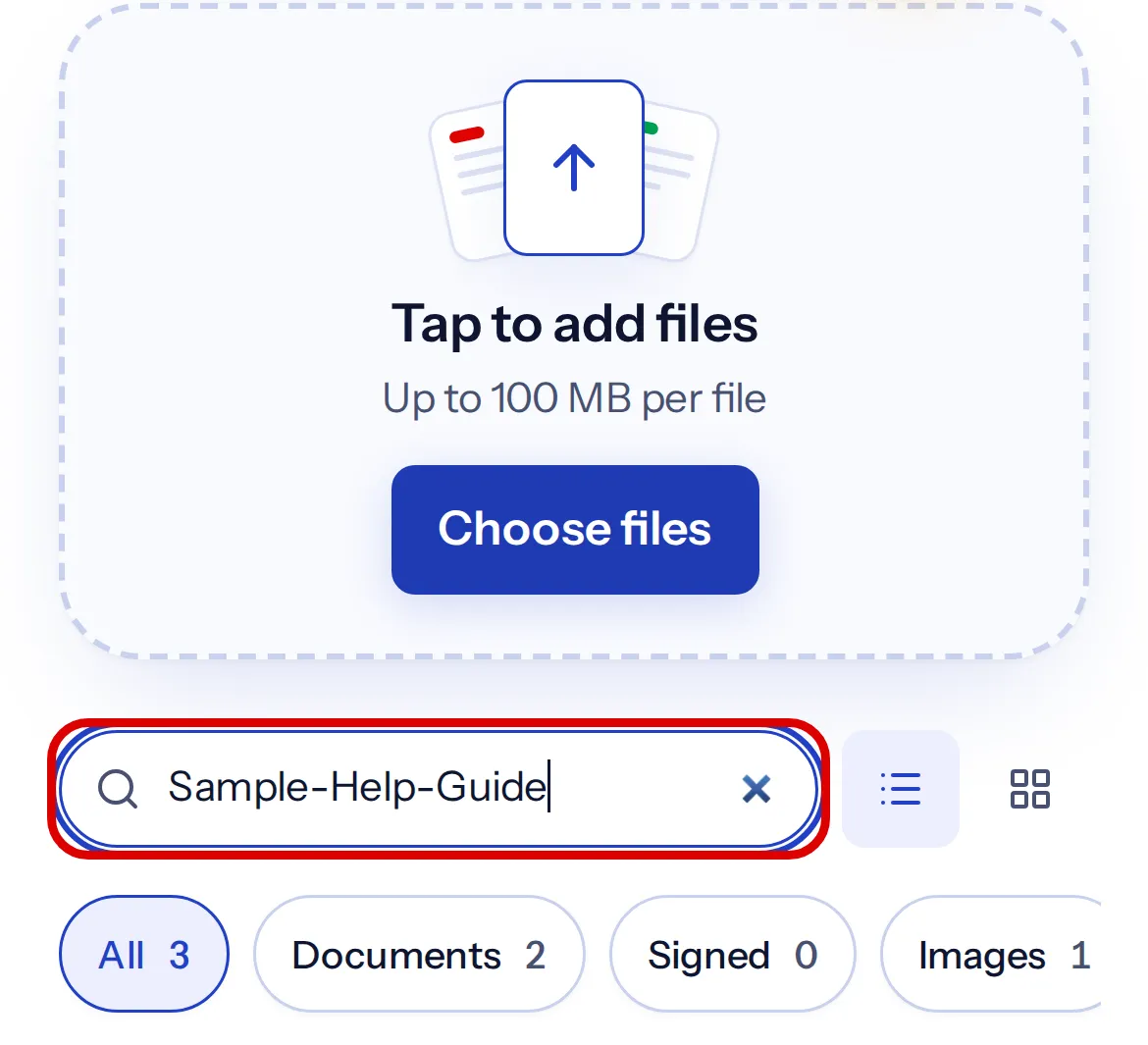
Type part of a name in the Search files box. The list shows only files that match. The tabs All, Documents, Signed, Images, Videos and Audio also narrow the list. Each tab shows how many files it holds.
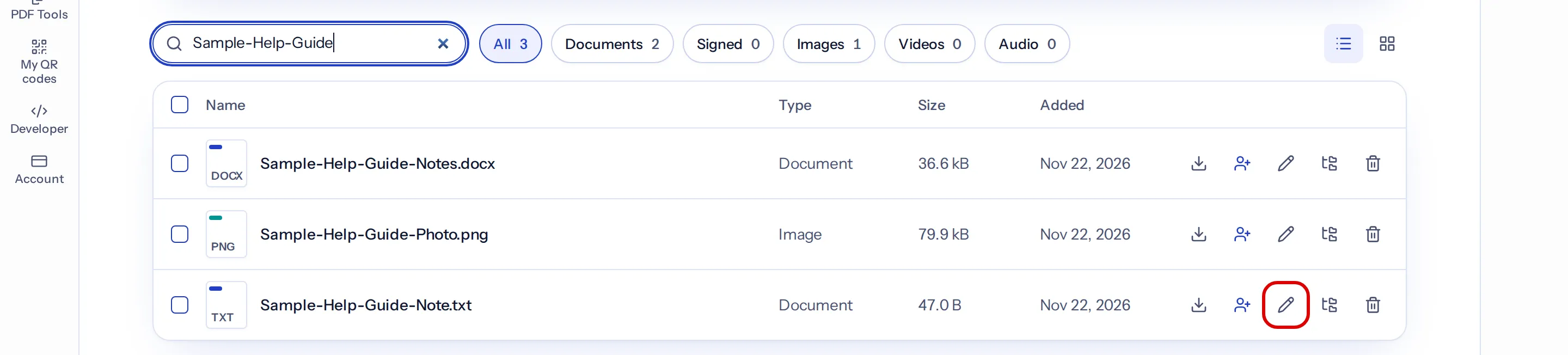
Select the pencil icon
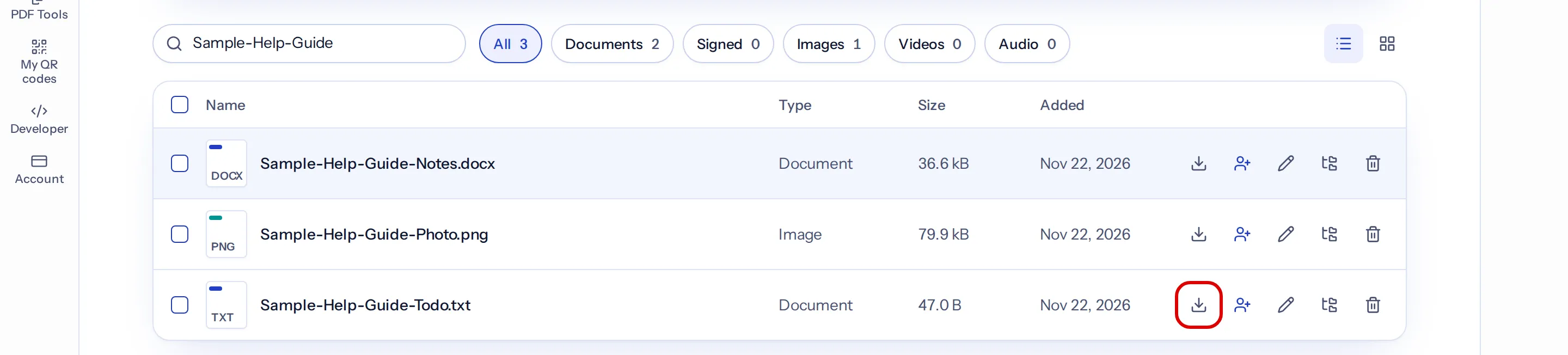
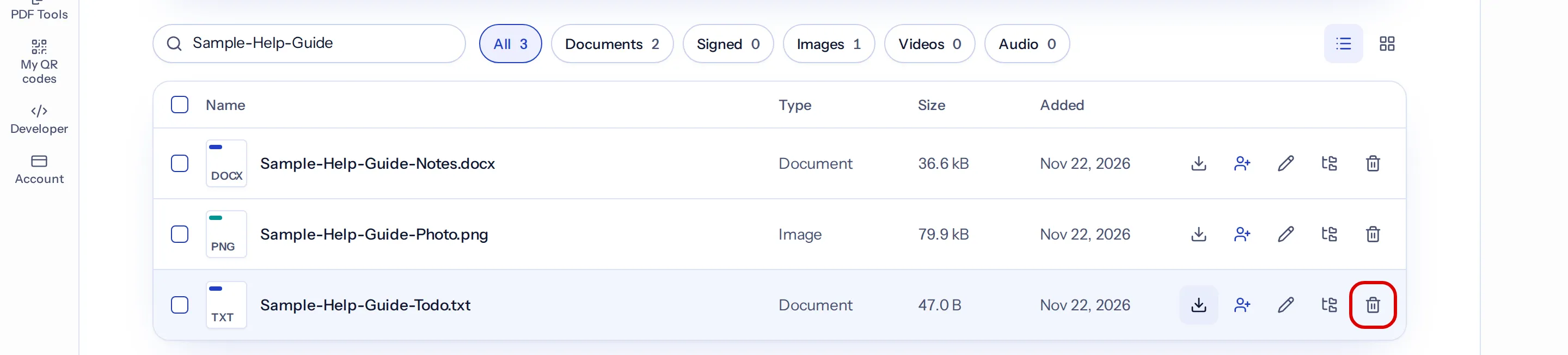
Every row has five icons at its right end. From the left they are Download file, Share, Rename file, Move to folder and Delete file. Select the pencil, Rename file.
Type the new name
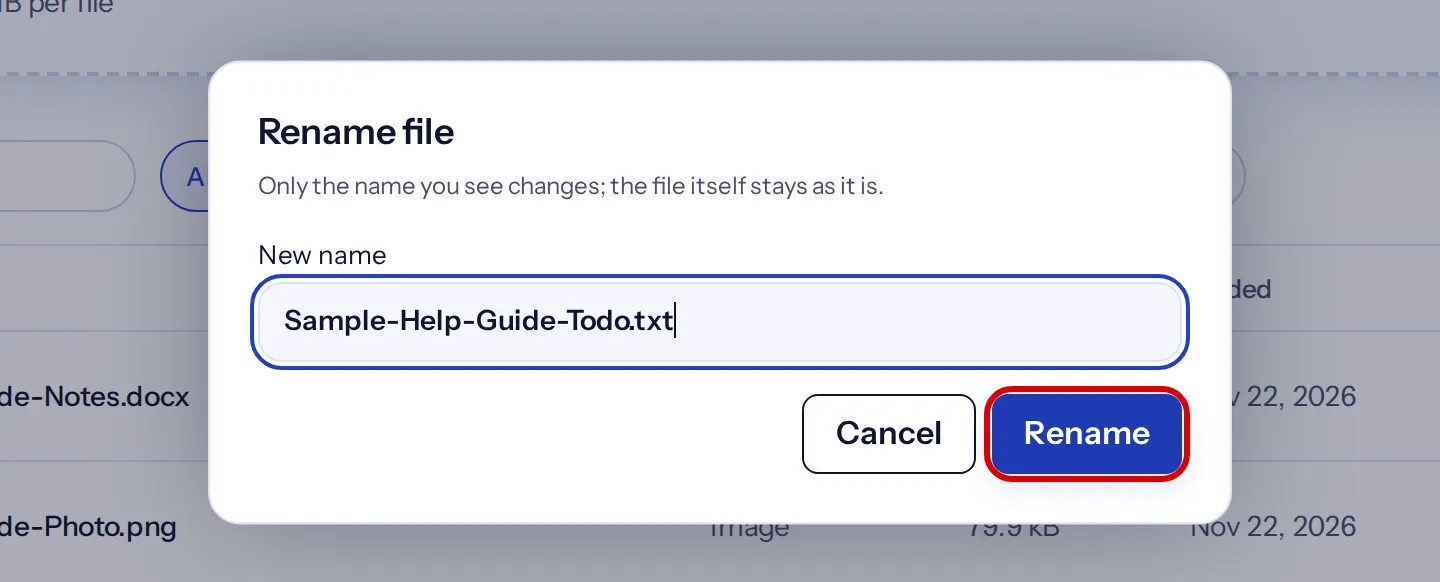
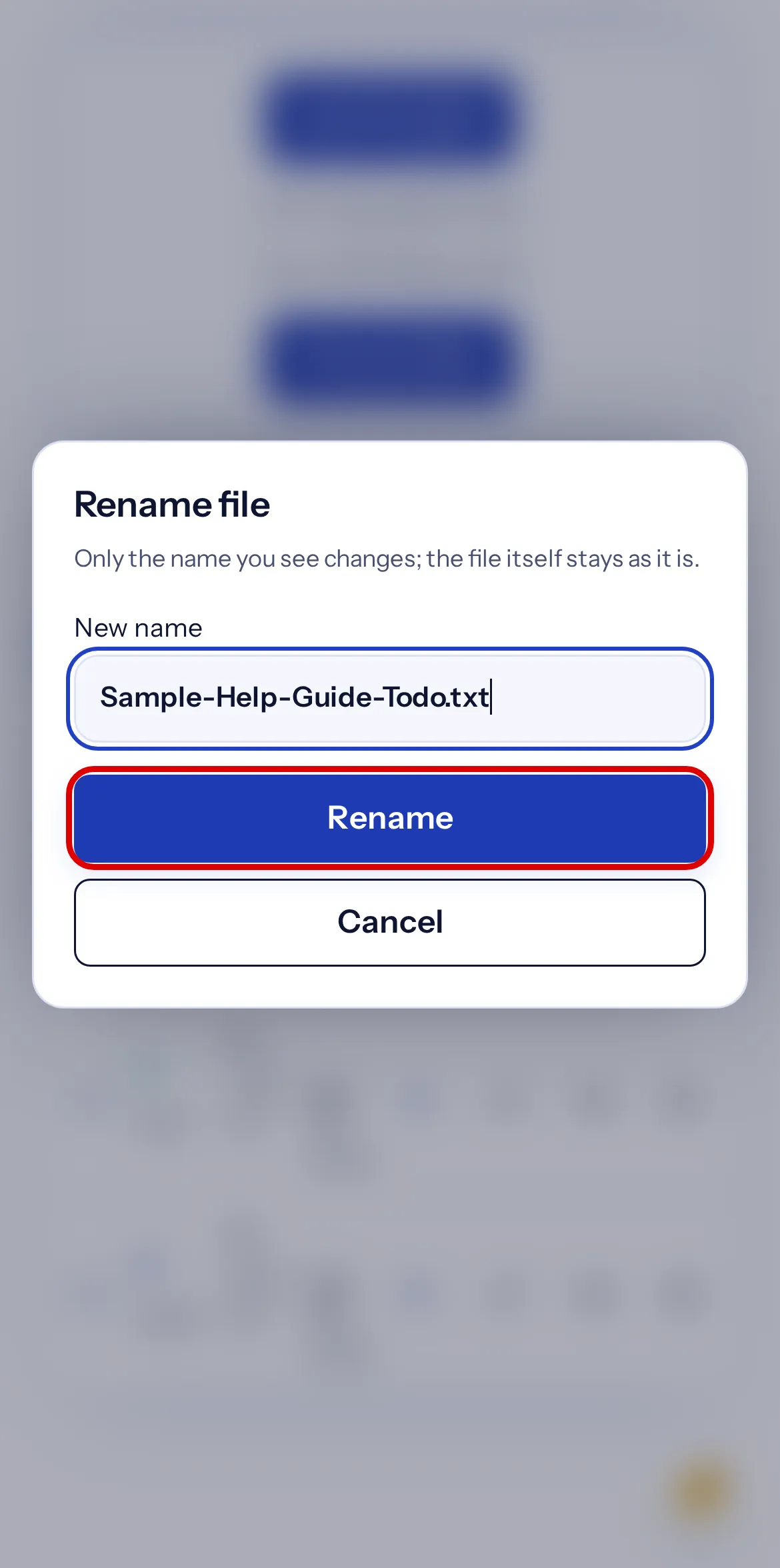
A box called Rename file opens. It says only the name you see changes, and the file itself stays as it is. The box selects the name but not the ending, such as .txt. Type the new name in New name, then select Rename.
Download a copy
Select the arrow-down icon, Download file. Your browser saves the file on your device. The saved file keeps its first name, with a code in front, even after you rename it in indox.
Delete a file
Check the name, then select the bin icon, Delete file. indox does not ask you to confirm. The file leaves the list at once.
Troubleshooting
| Problem | Cause | Fix |
|---|---|---|
| The file I downloaded has a different name | Rename changes only the name you see in indox | Rename the saved file on your device |