Last updated
Convert a file from a web link
Before you start
- Have a direct link to a public file. A direct link ends with the file name, like report.pdf.
- The file must be public. indox can't open a link that needs a login.
- You don't need an account.
Find the URL button
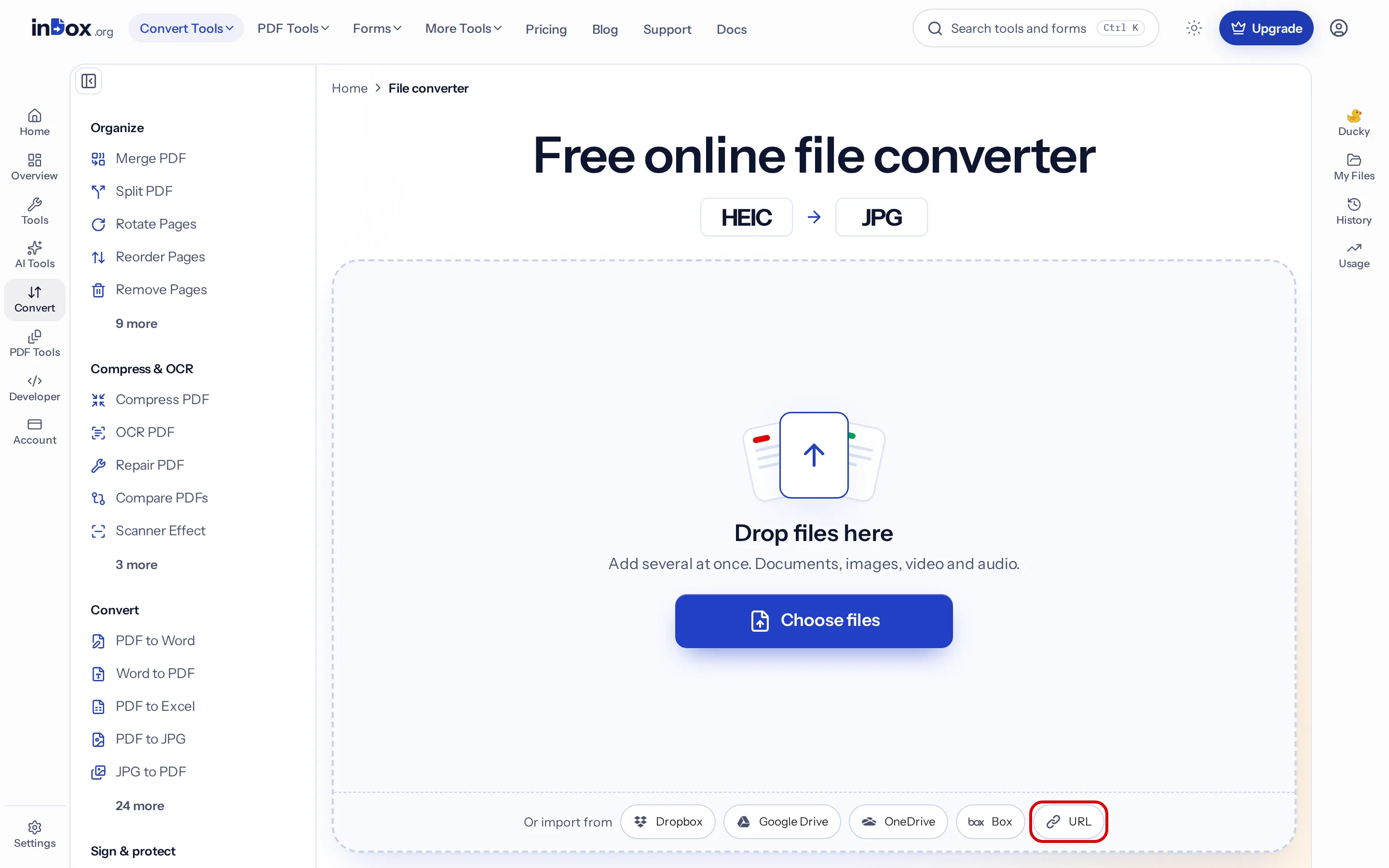
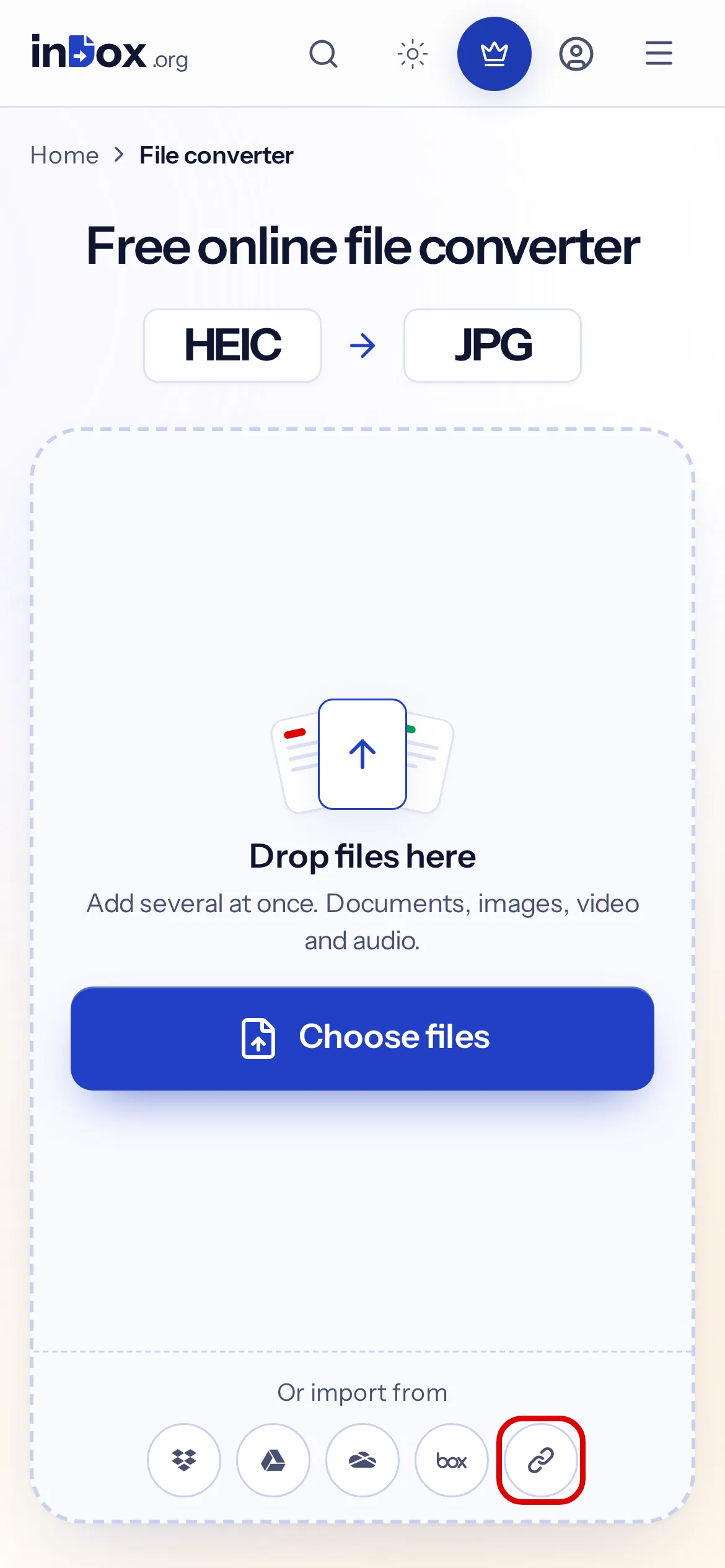
Go to the File converter . Under the dashed box is a row that says Or import from. The last button in that row is URL.
Open the link window
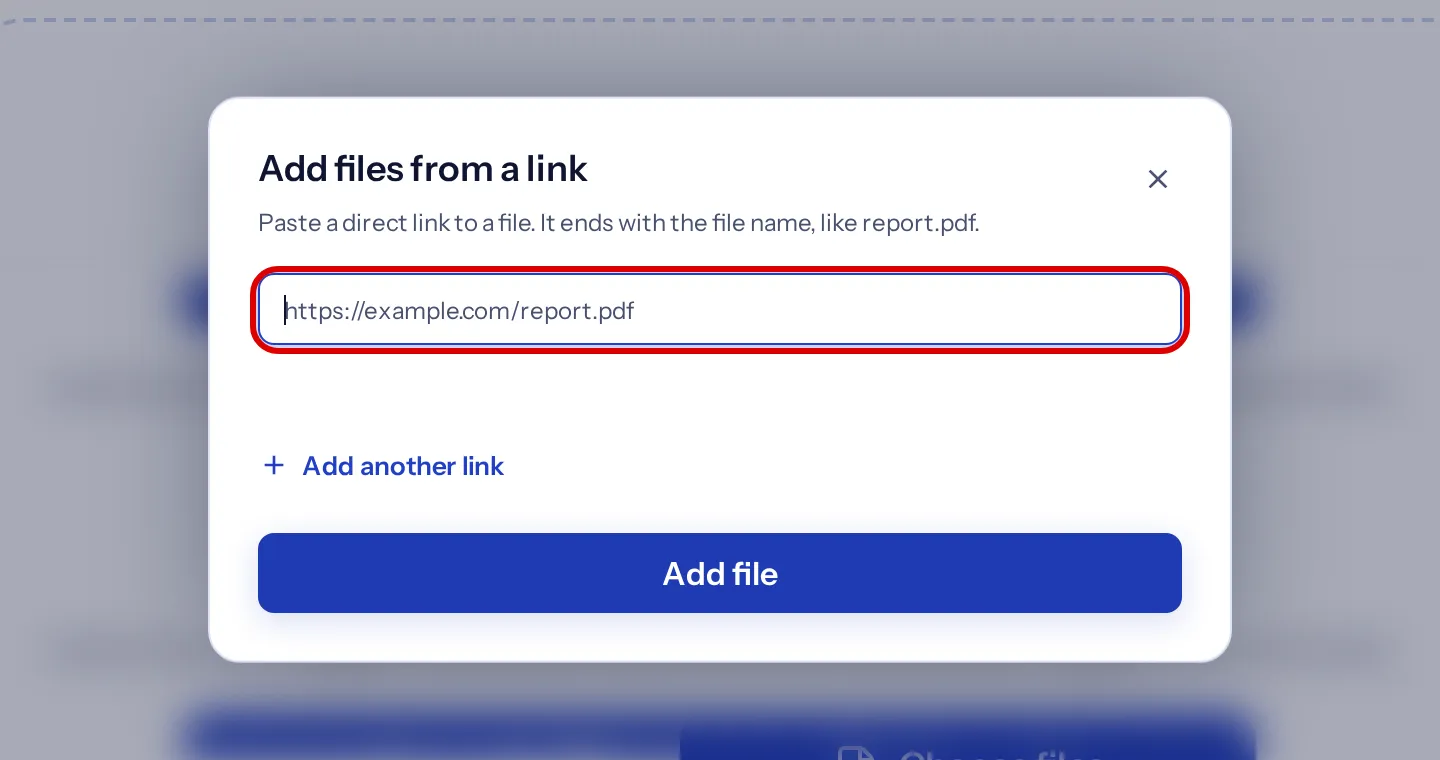
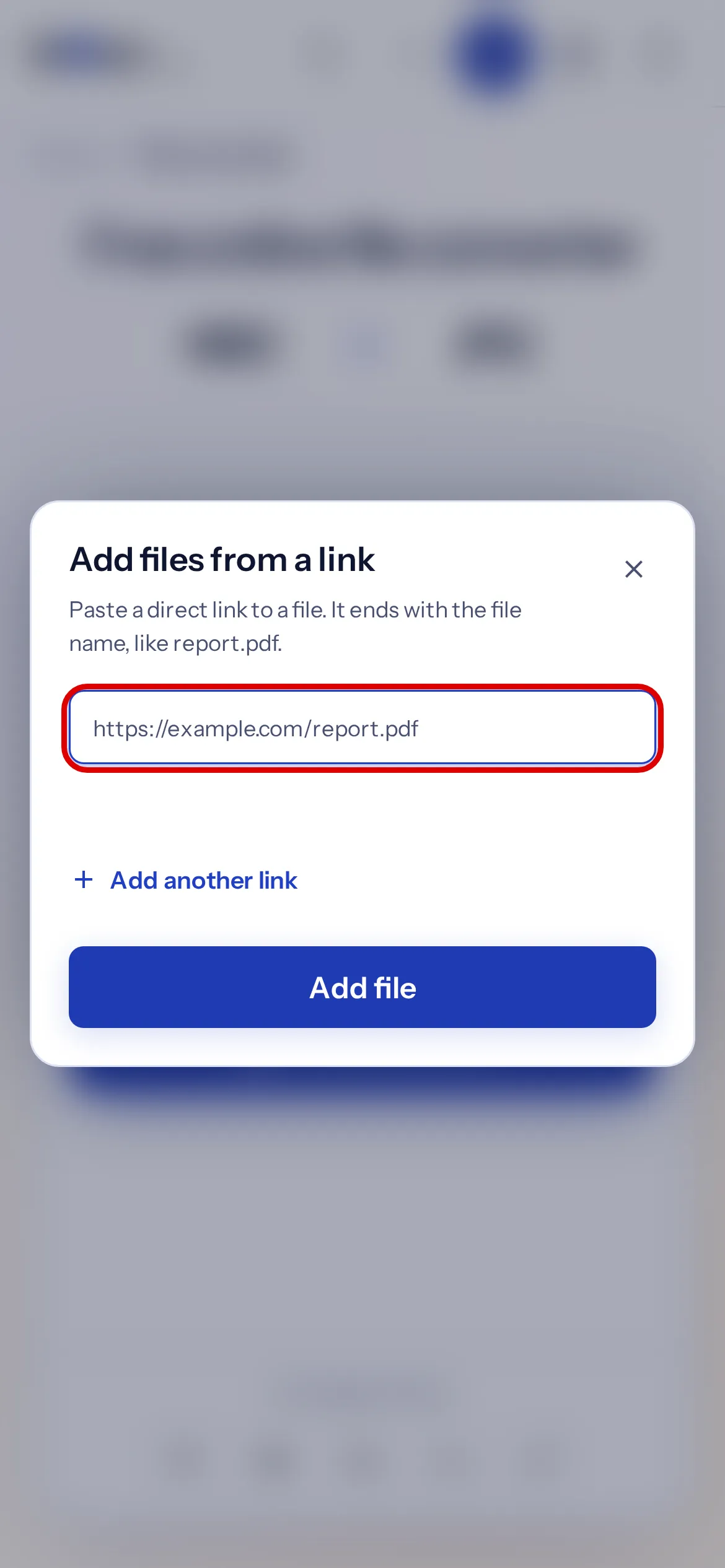
Select URL. A small window called Add files from a link opens. It has one box that shows a grey example, https://example.com/report.pdf. Select that box.
Add the file
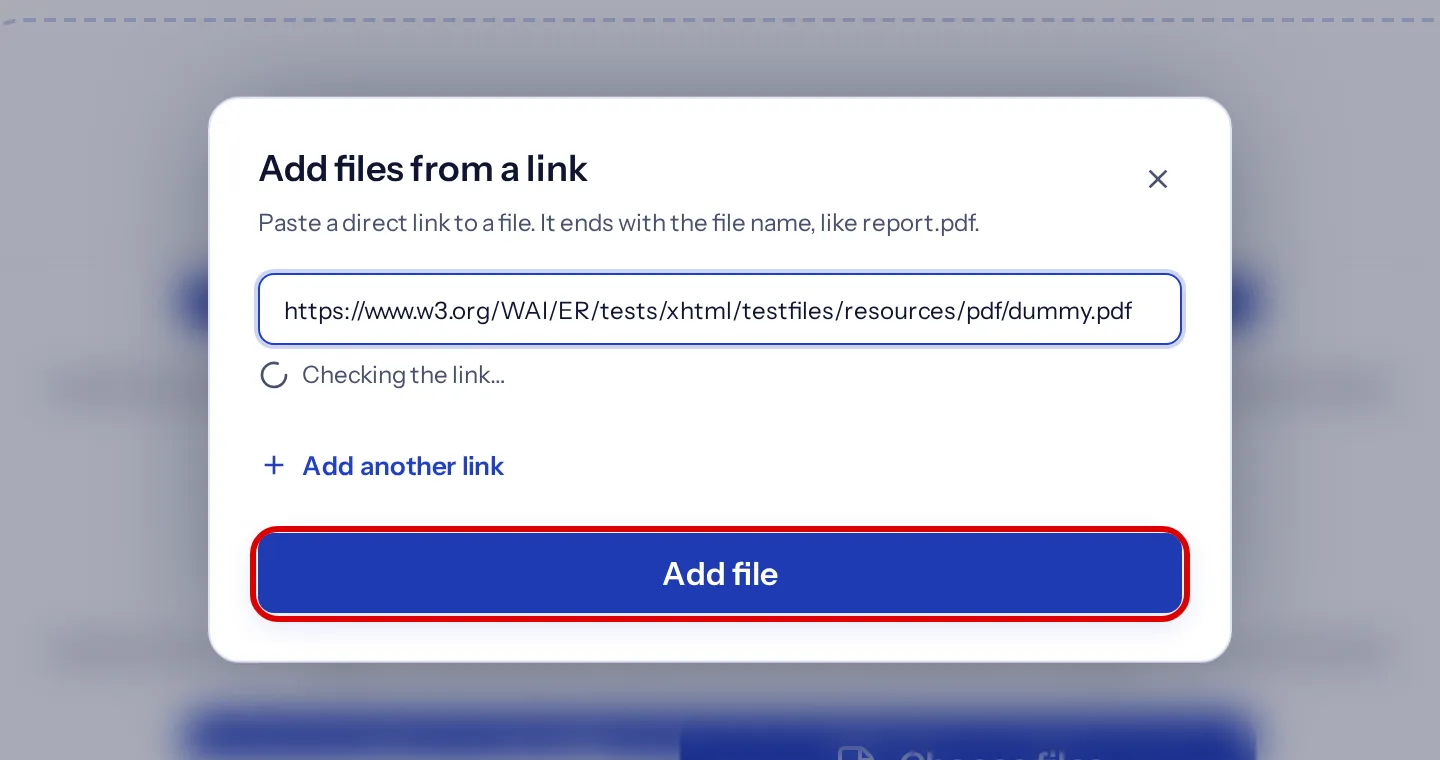
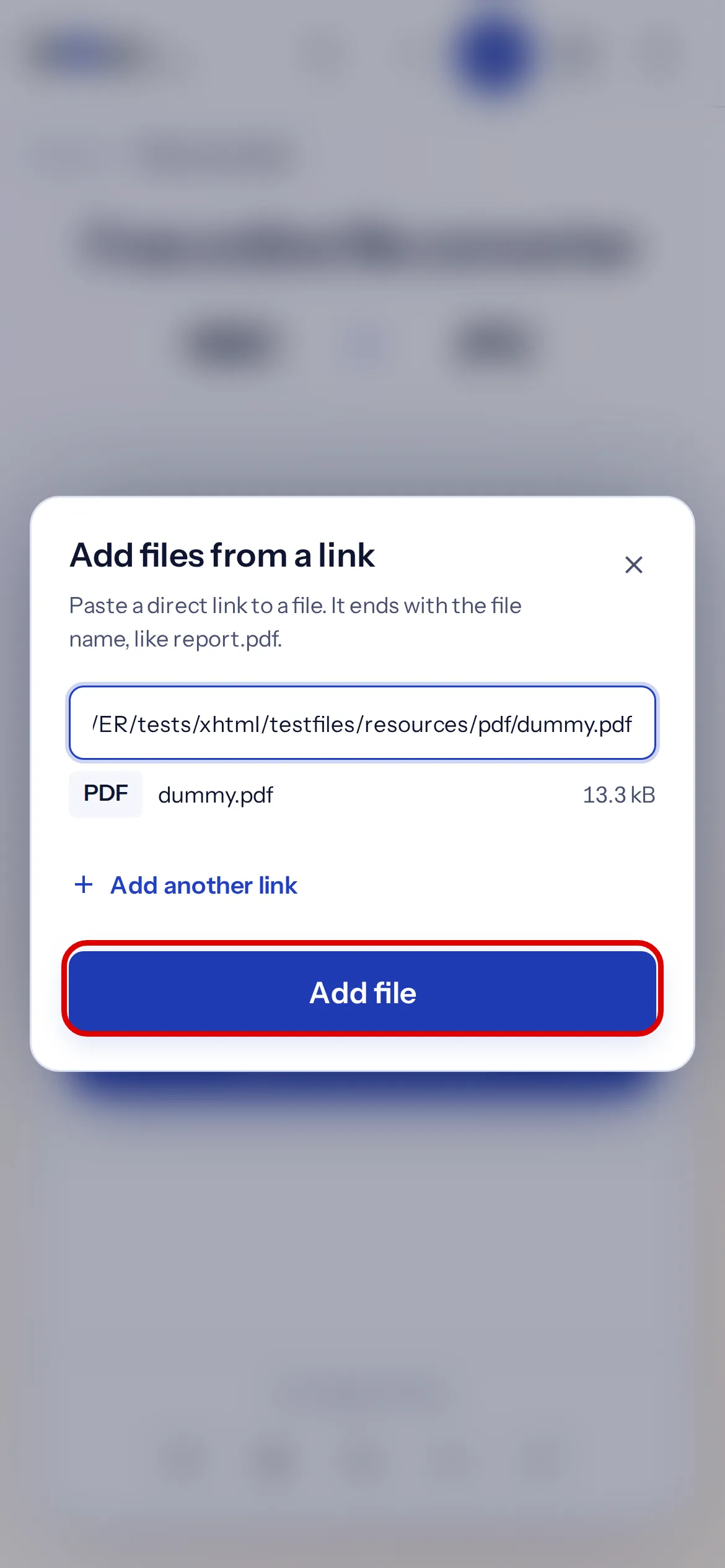
Paste your link into the box. Then select the blue Add file button. indox checks the link first.
Check your file card
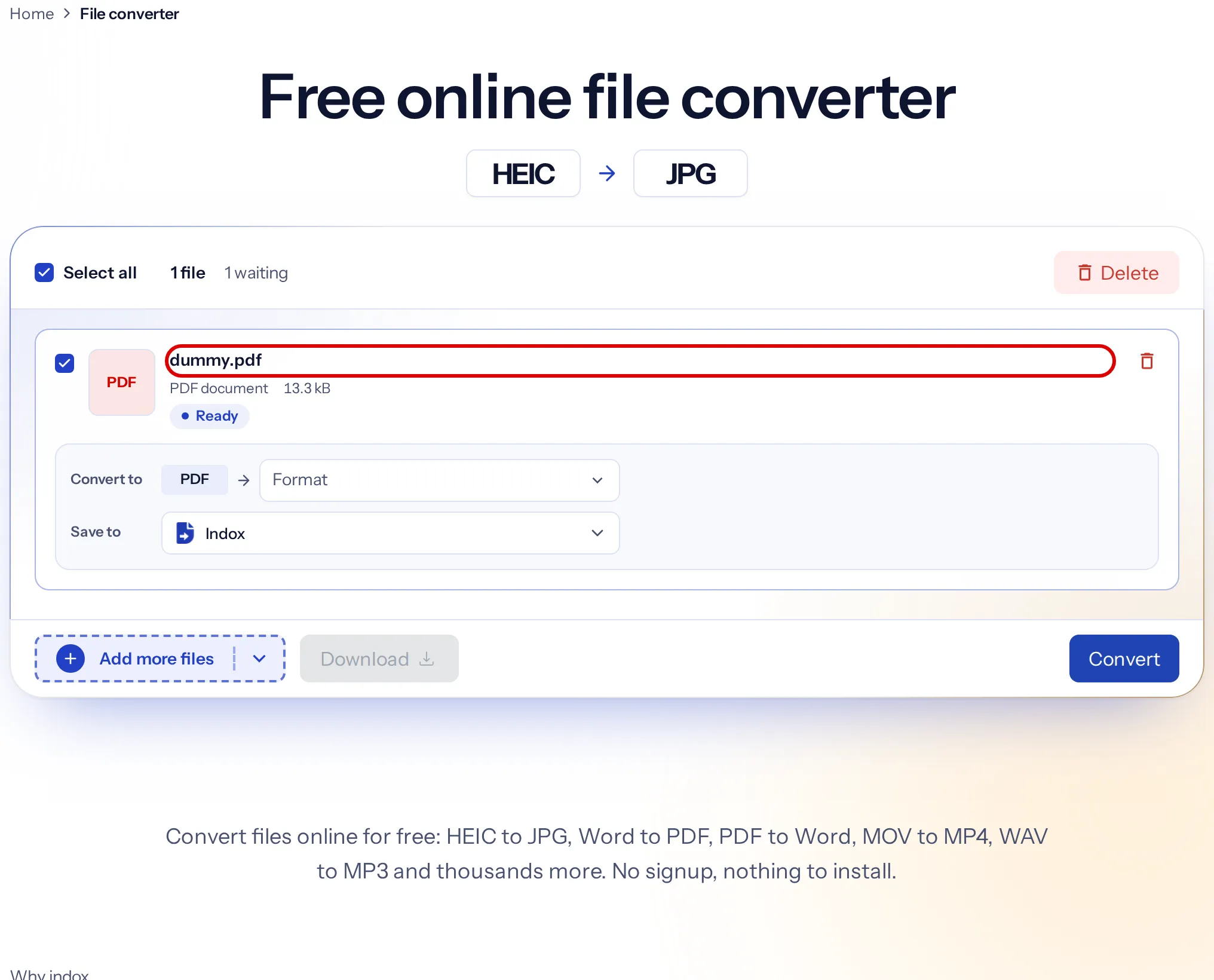
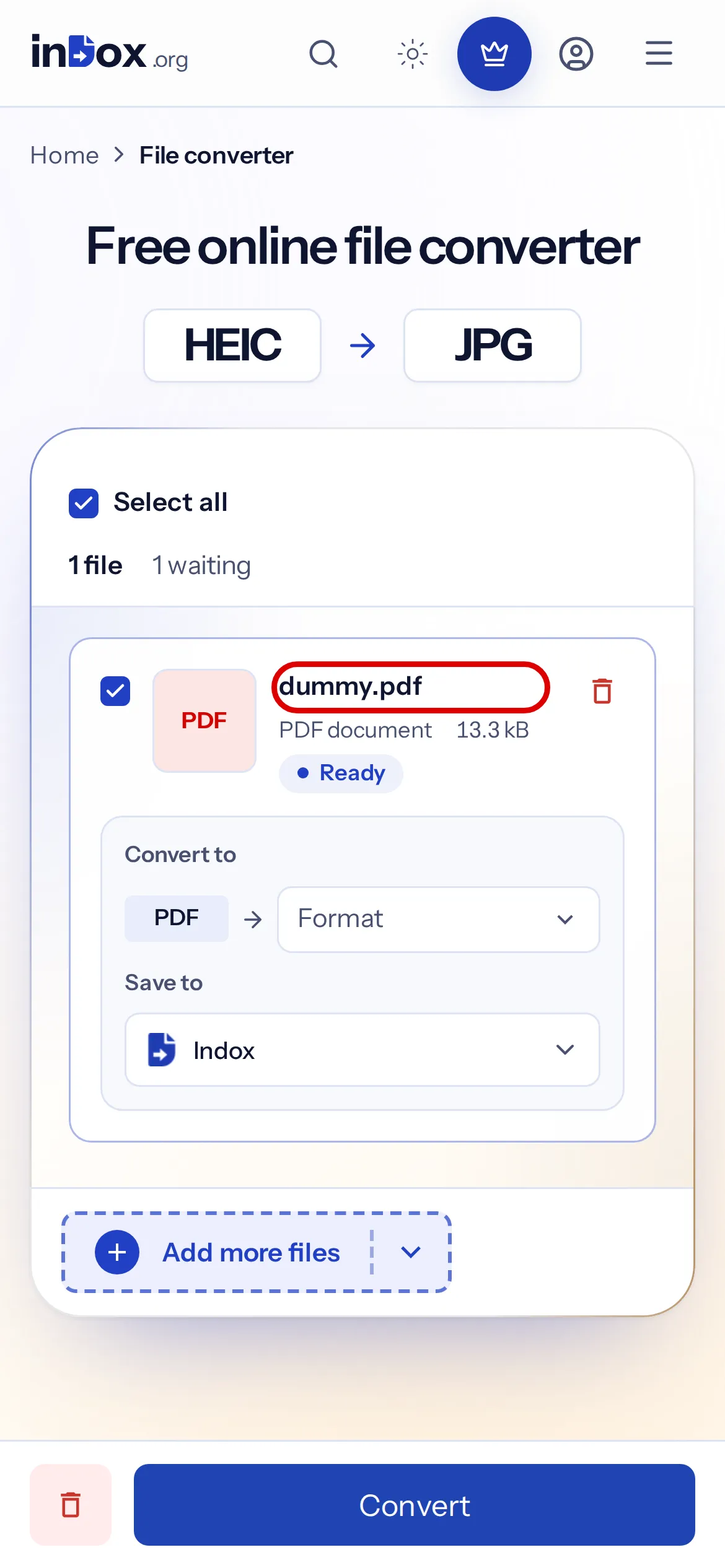
The window closes. Your file shows in a card with its name, its size and the status Ready.
Choose the format
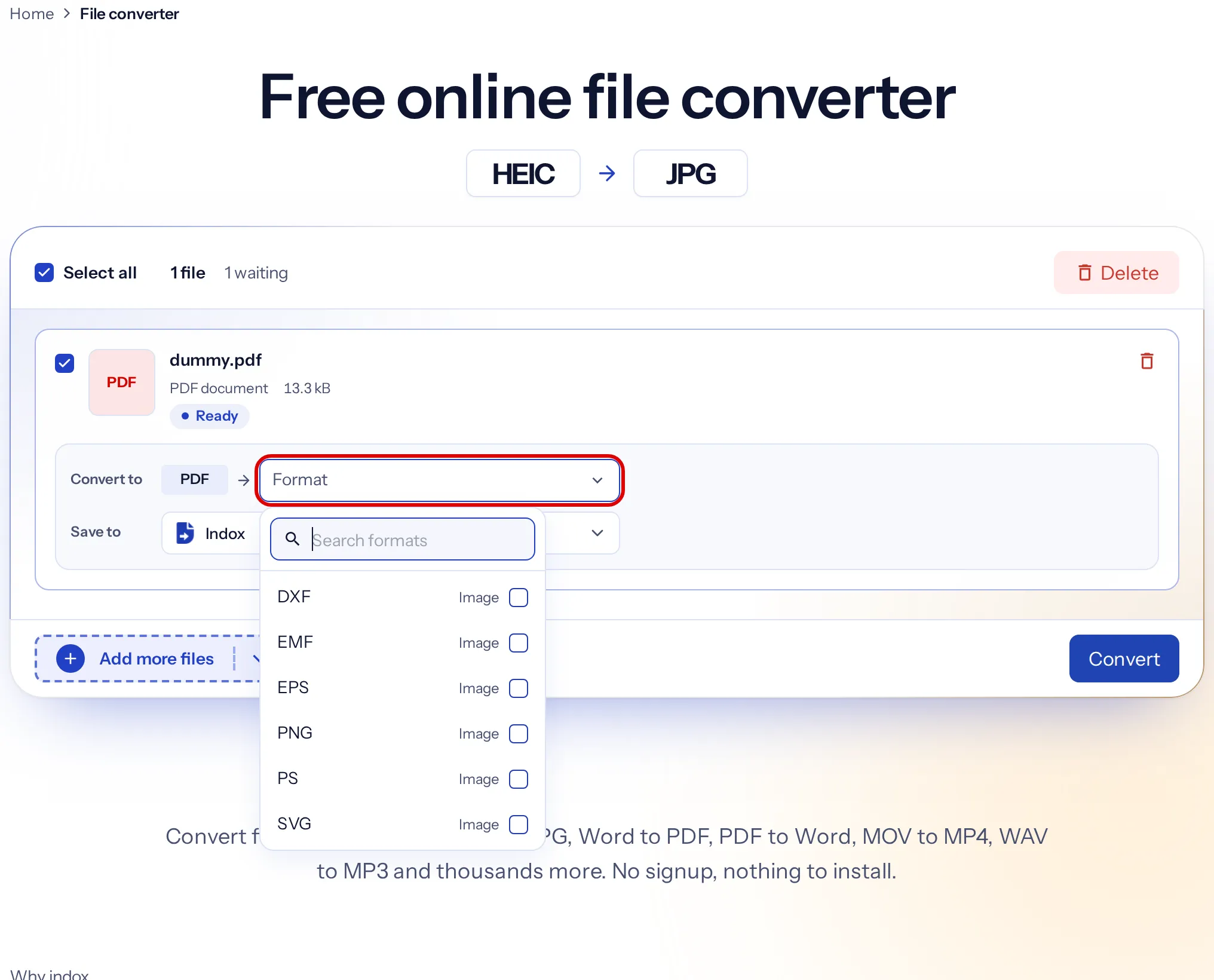
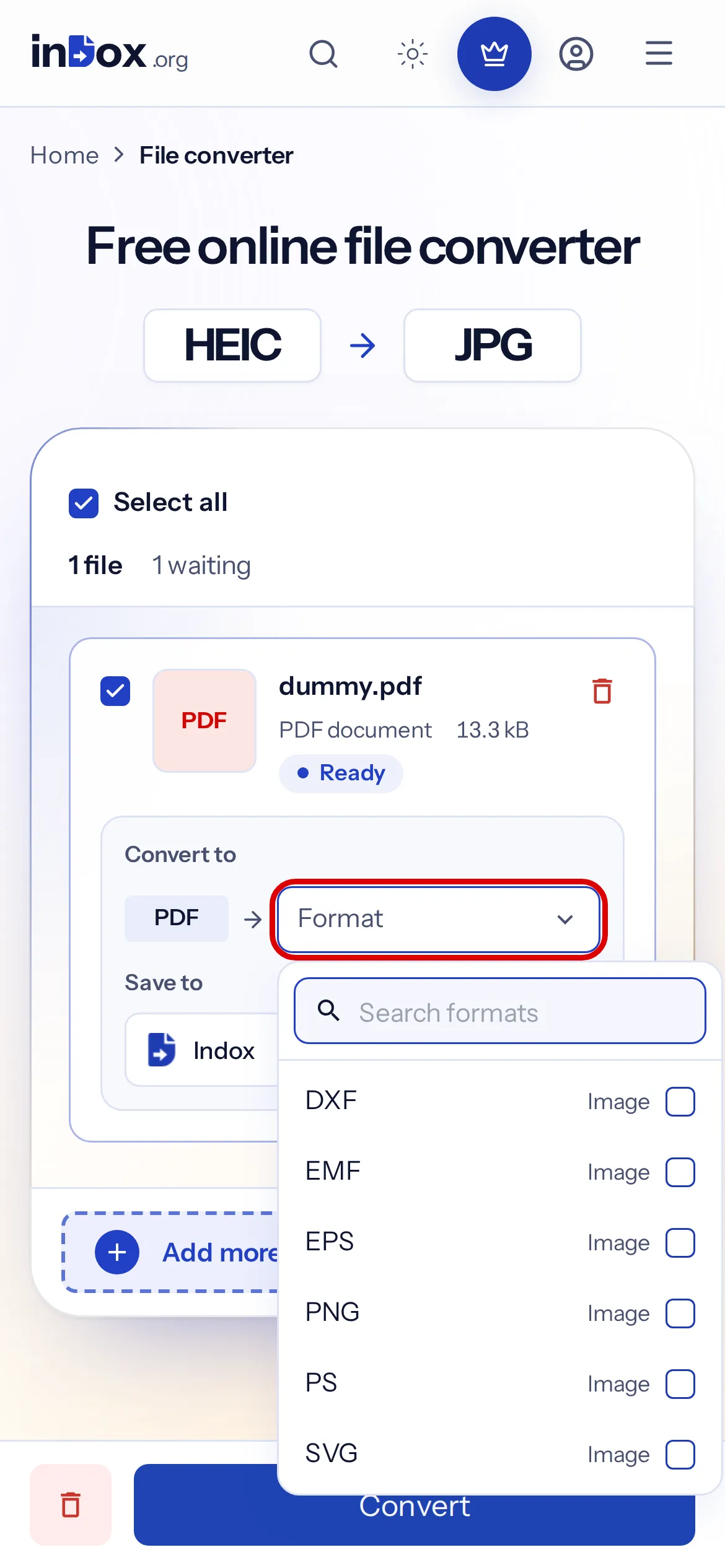
In the row Convert to, select the Format box. A list opens with a Search formats field. Tick the format you need, such as JPG.
Convert the file
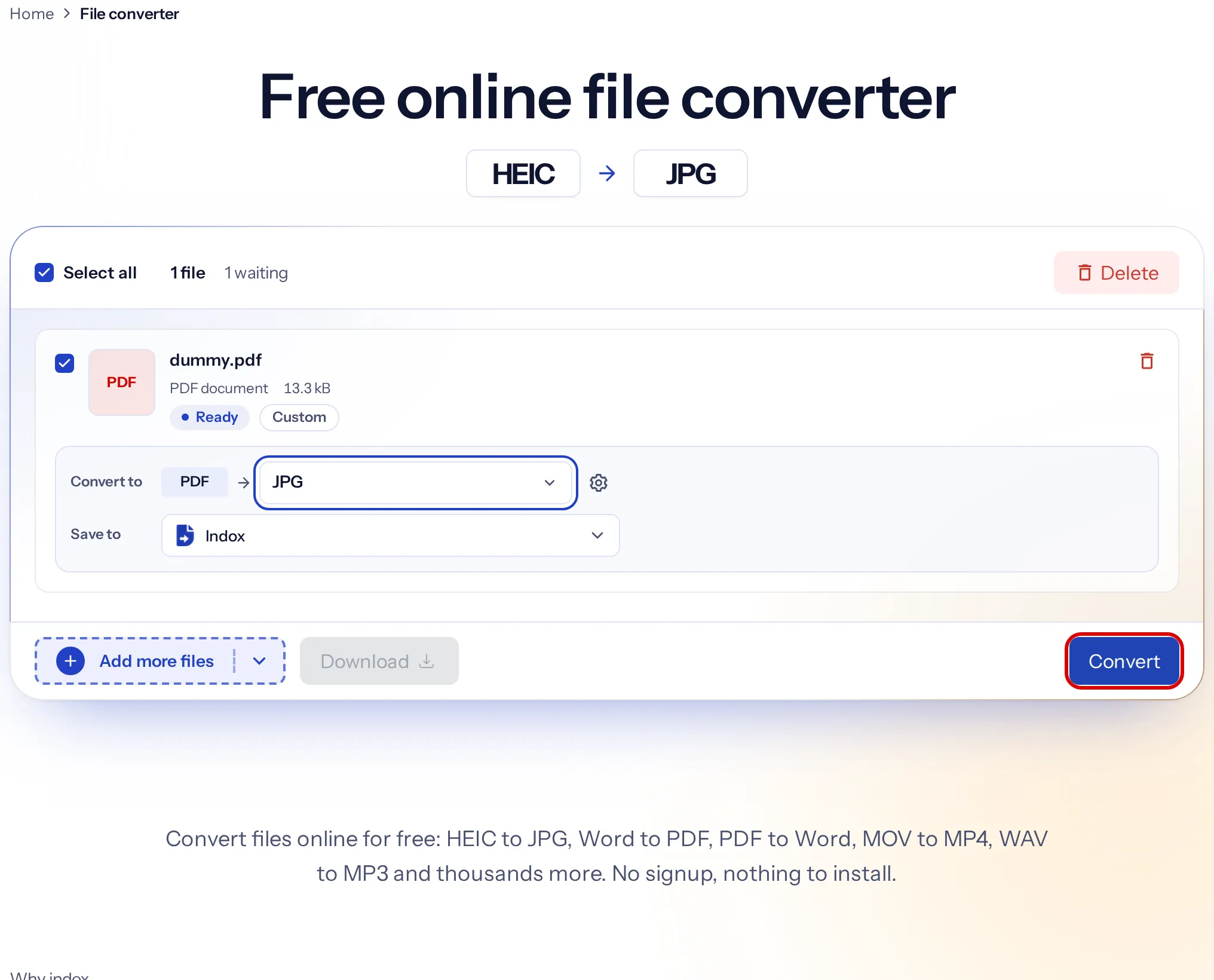
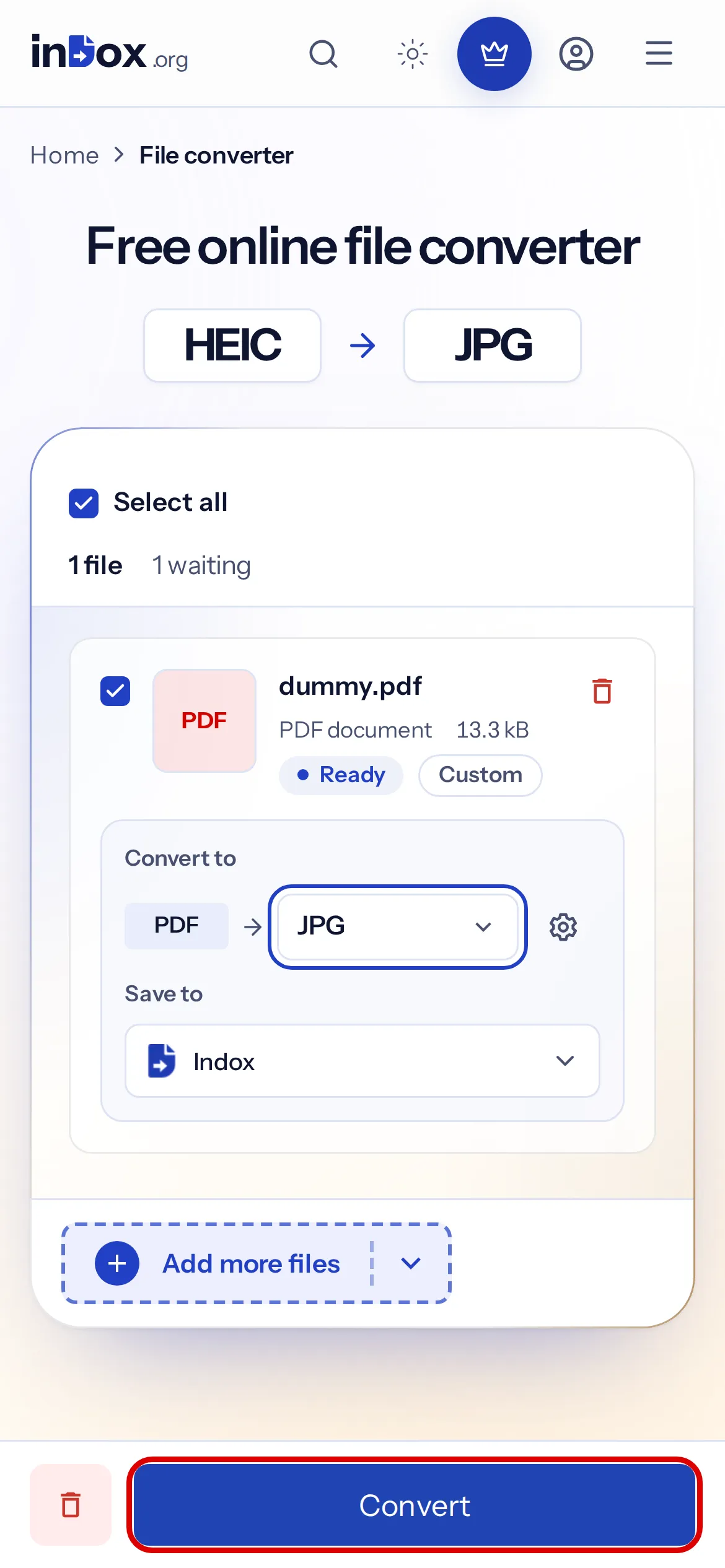
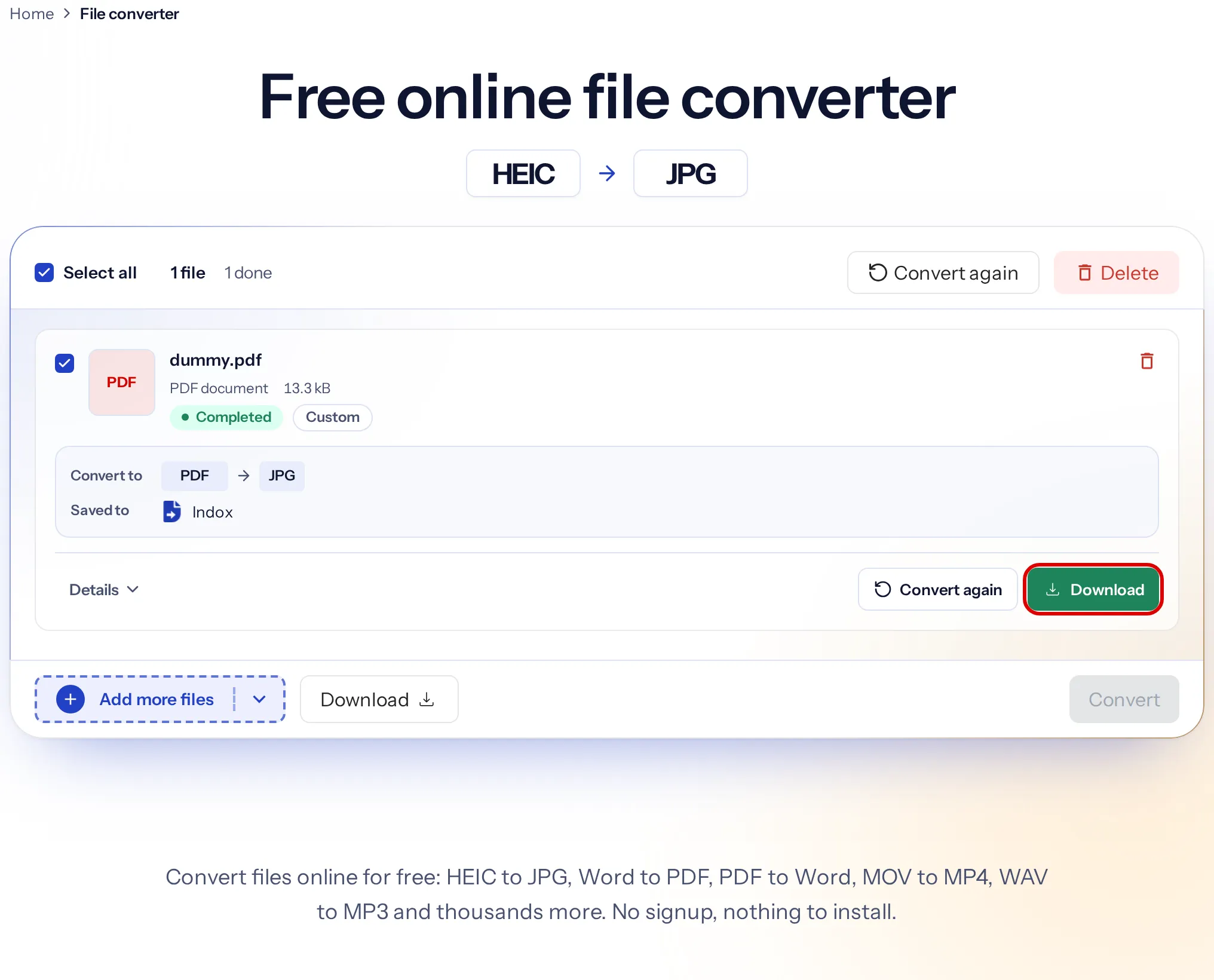
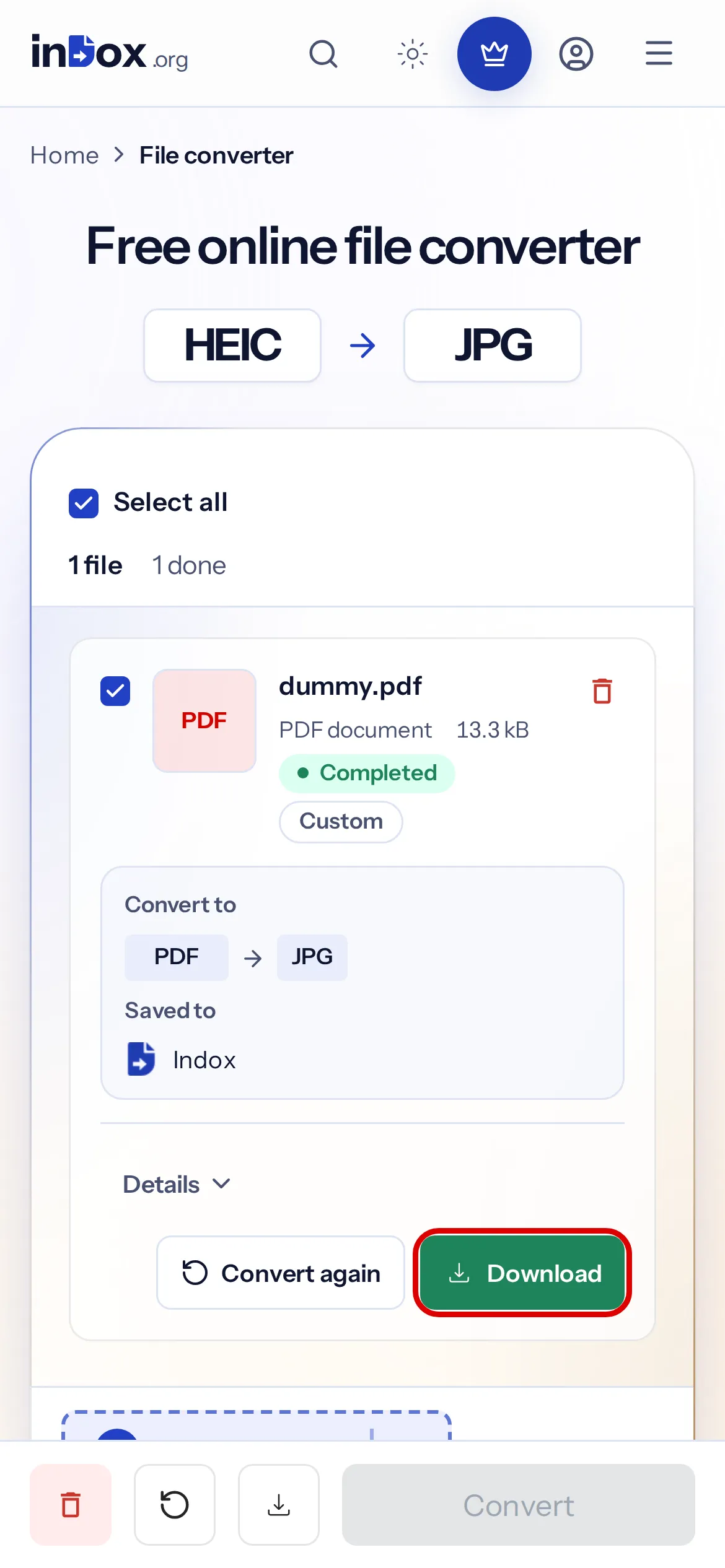
Select the blue Convert button. On a computer it is at the bottom right of the panel. On a phone it is at the bottom of the screen. The status changes from Ready to Completed.
Download the result
When the status says Completed, select the green Download button in the card. Your device saves the new file.
Troubleshooting
| Problem | Cause | Fix |
|---|---|---|
| You see Enter a full link, like https://example.com/report.pdf. | The text is not a full web address | Copy the whole link from the address bar of the page that holds the file |
| You see The link answered with error 404 | The file is not at that address any more | Check the link. Open it in a new tab to see if the file shows |
| You see We couldn't open this link | indox could not reach the address | Check that the link is right and that the file is public, then try again |
| Download is greyed out | The file isn't ready yet | Wait until the status shows Completed |