Last updated
Choose a plan and upgrade
Before you start
- Credits are what indox spends when you convert a file or use an AI tool. A document conversion costs 7 credits.
- You can look at the plans without an account. To pay, you need to sign in and have a card.
Open the Pricing page
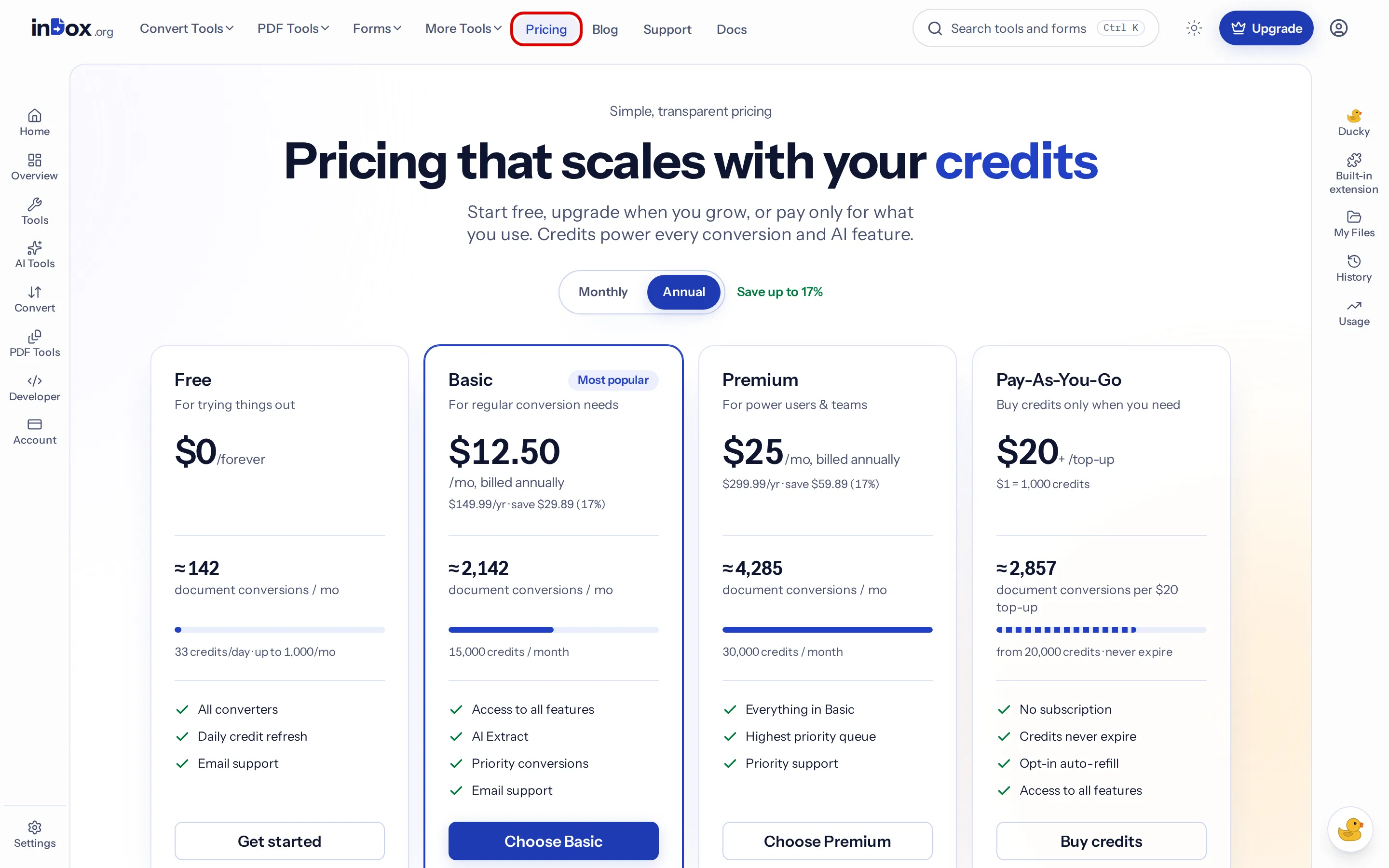
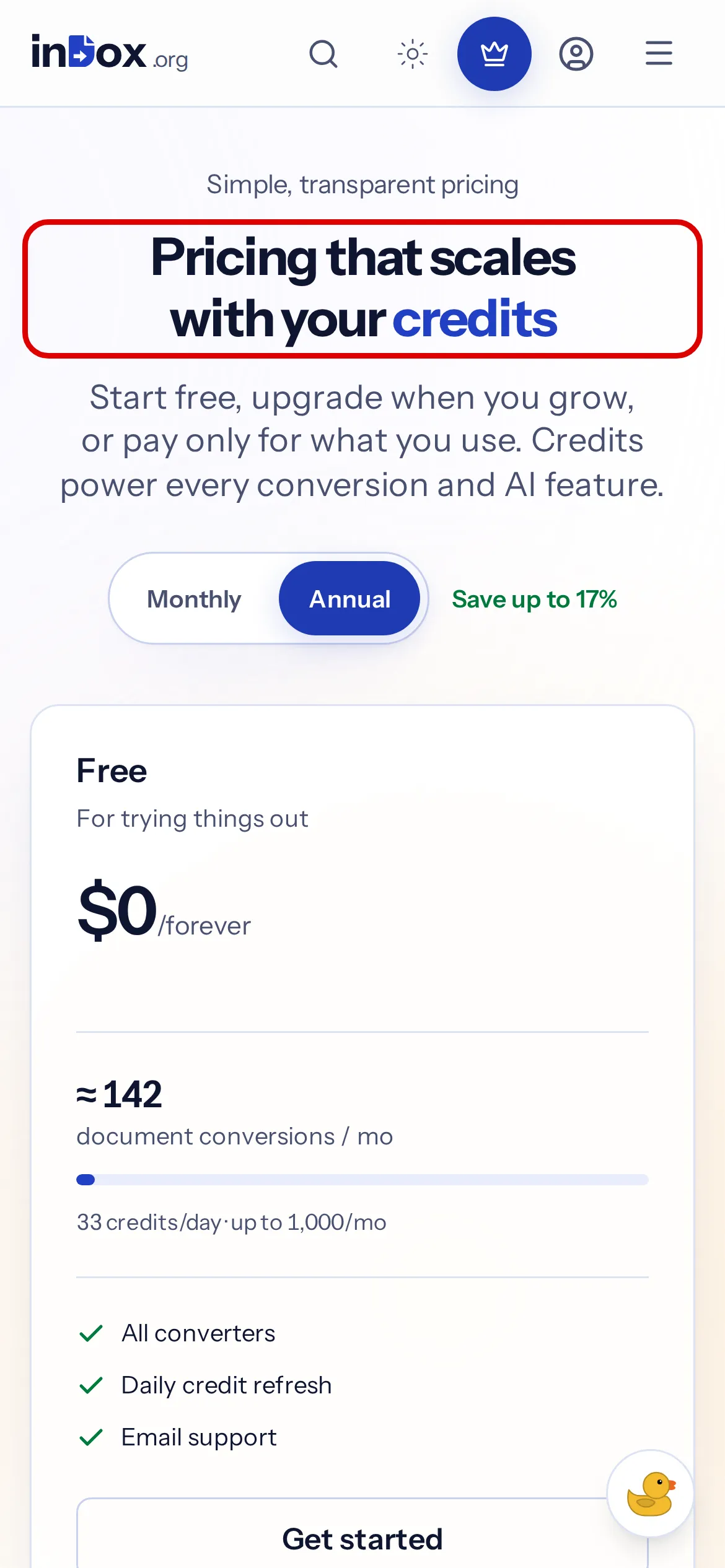
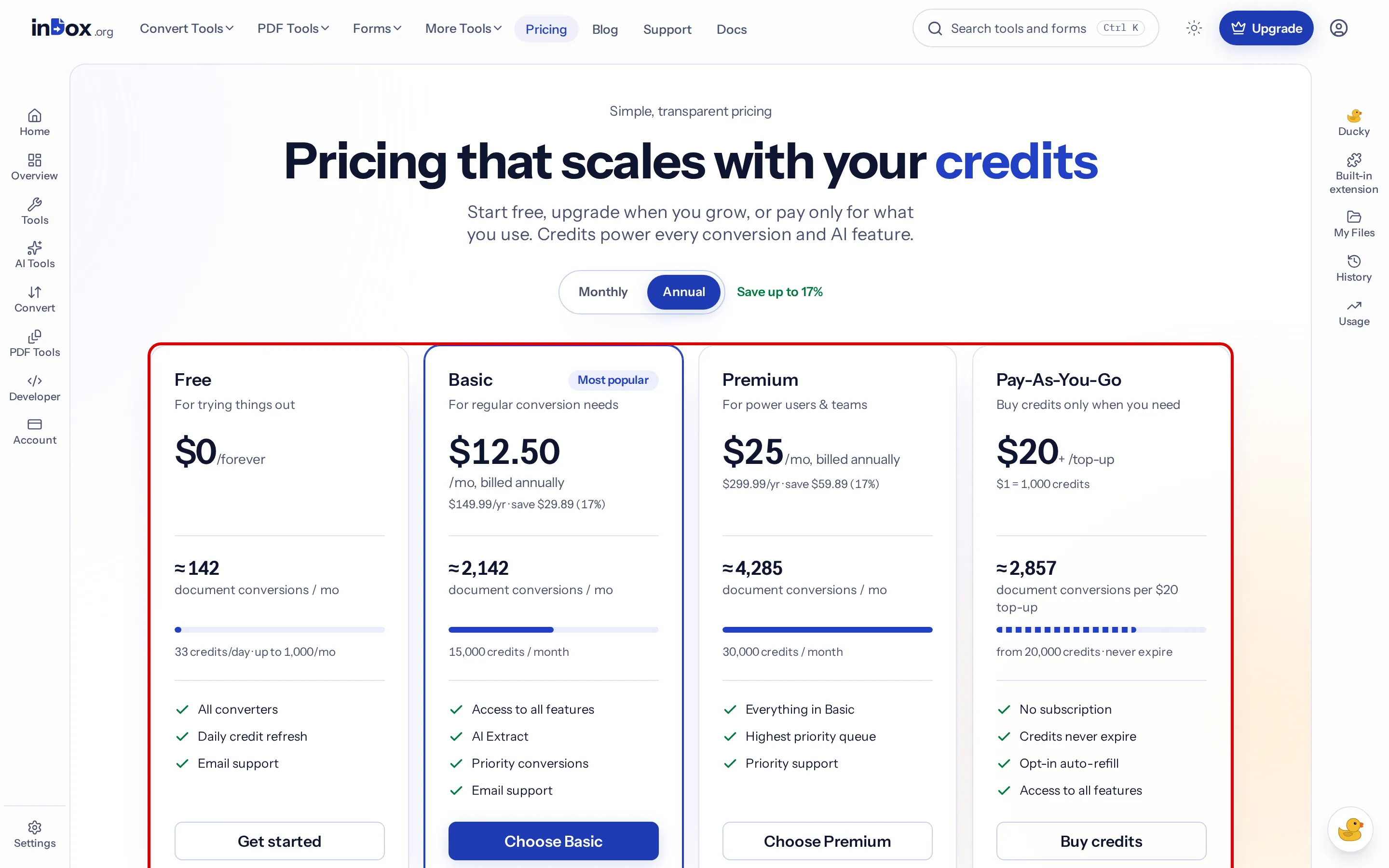
Go to the Pricing page. On a computer, you can also select Pricing in the menu at the top of any page. The title is Pricing that scales with your credits.
Pick Annual or Monthly
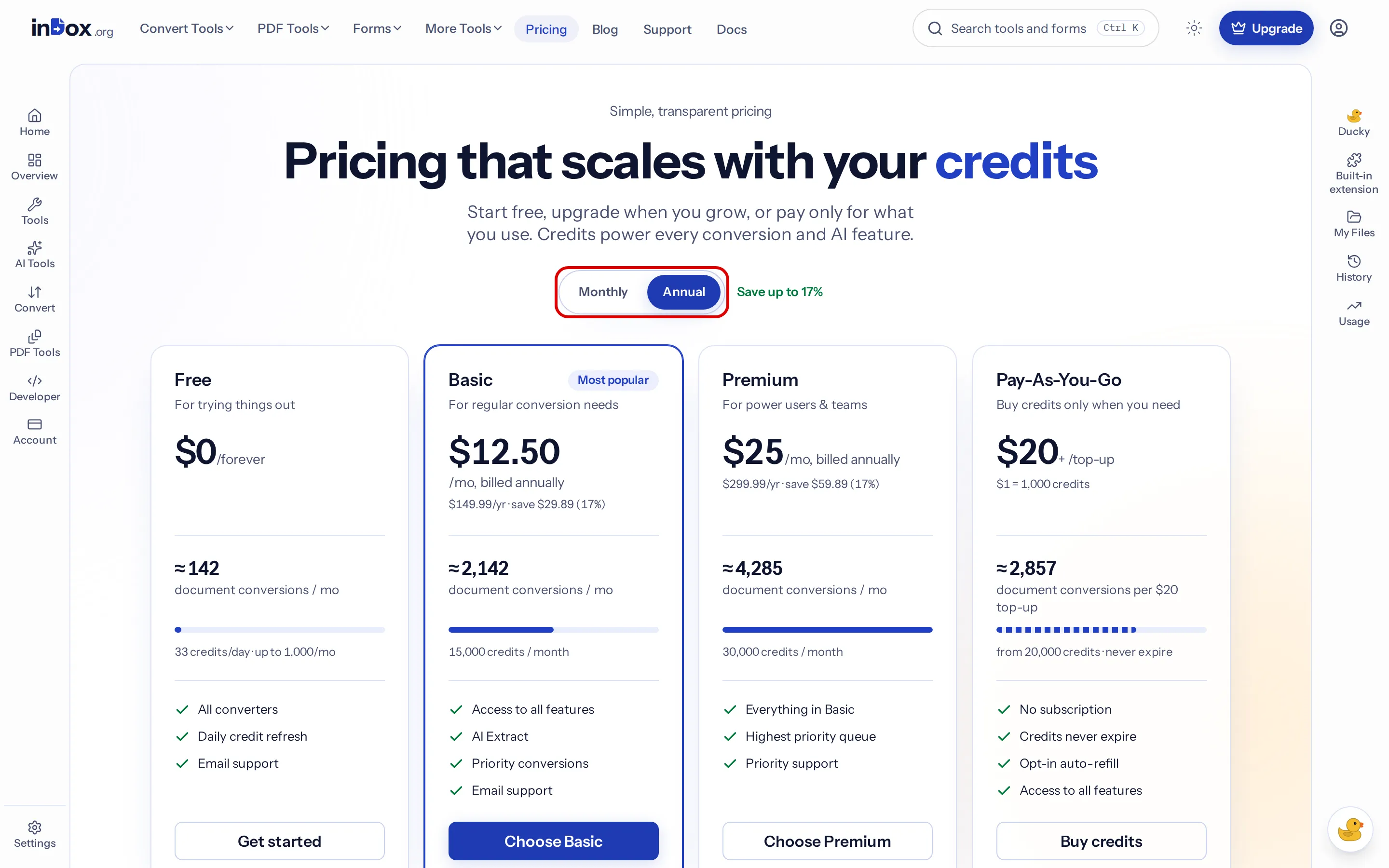
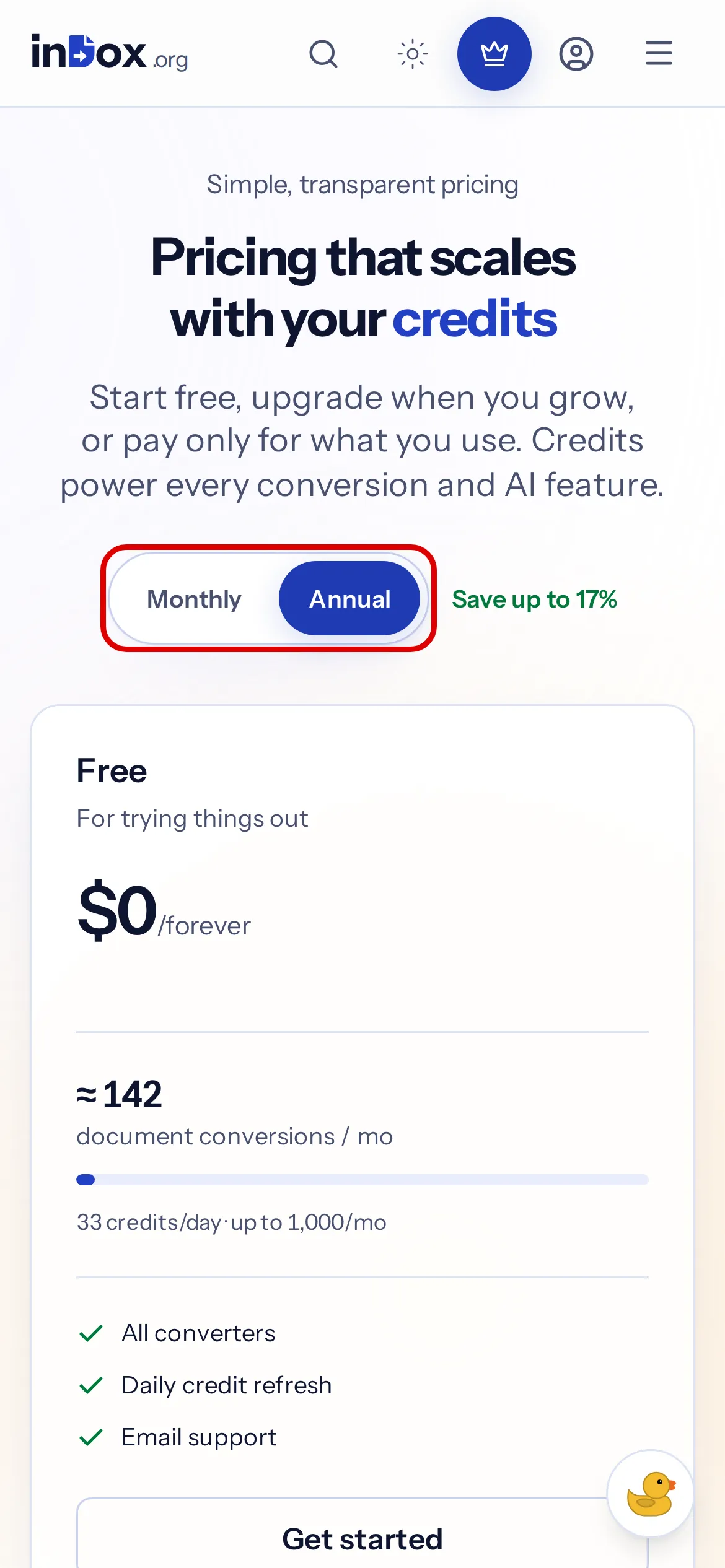
Under the title are two buttons, Monthly and Annual. Annual is picked first. It has a lower price for each month, and the label Save up to 17% sits beside it. Select Monthly to pay month by month. The prices on the cards change when you switch.
Compare the four plans
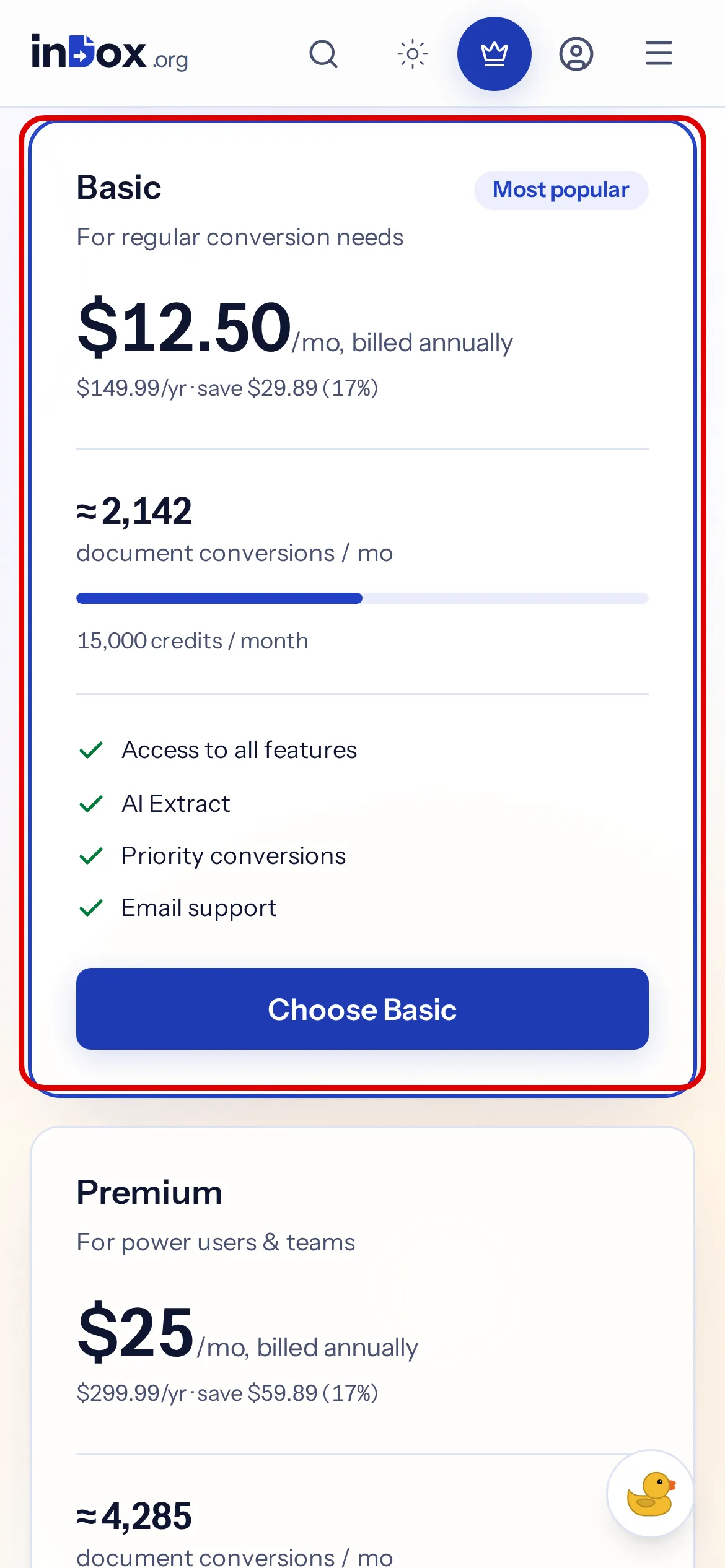
Below the buttons are four cards: Free, Basic, Premium and Pay-As-You-Go. Each card shows its price and how many credits you get. Free gives you new credits every day. Basic and Premium give you credits every month. With Pay-As-You-Go you buy credits when you need them, and they never expire. On a phone, the cards sit one under the other, so scroll down to see them all.
Select the button on your plan
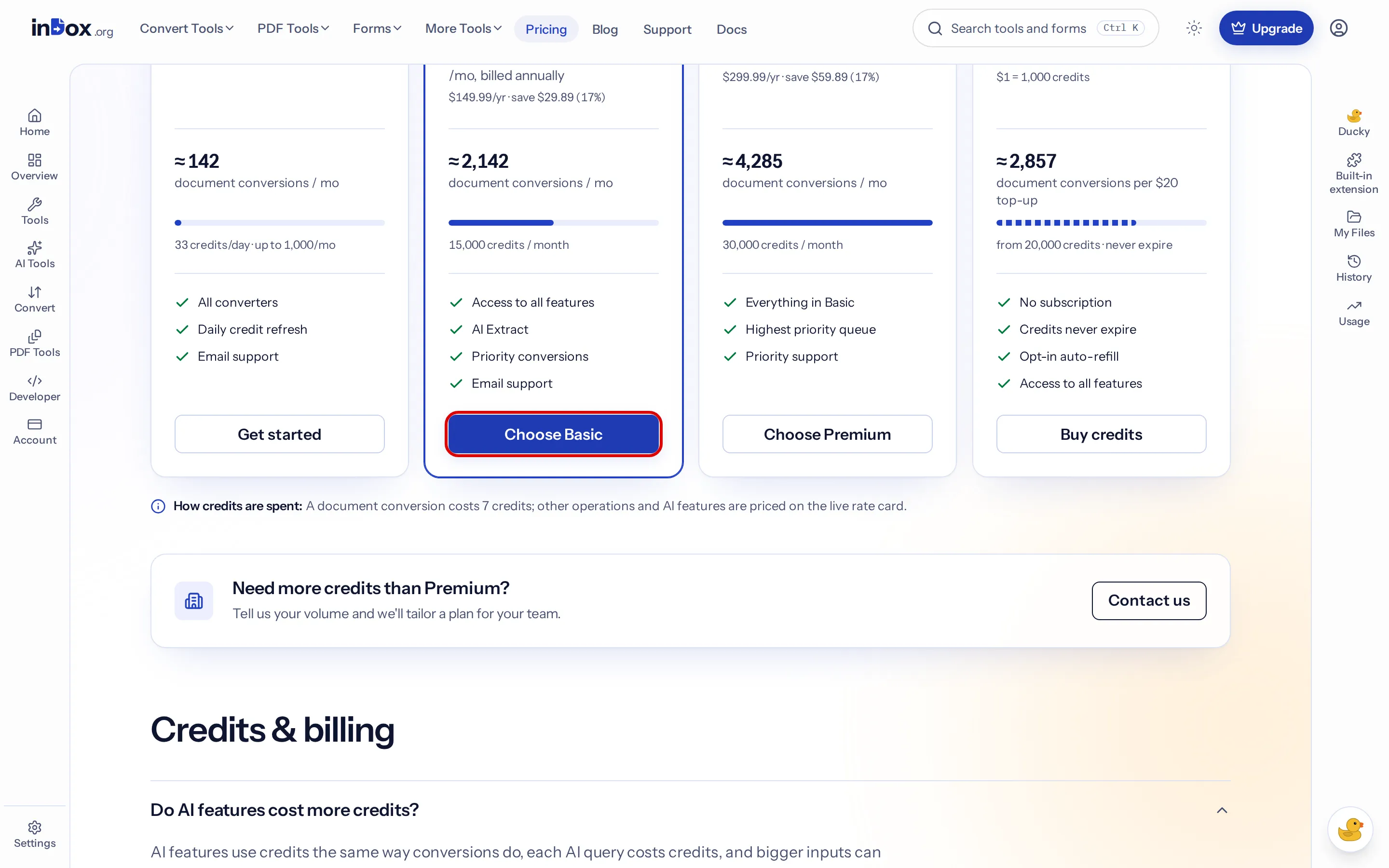
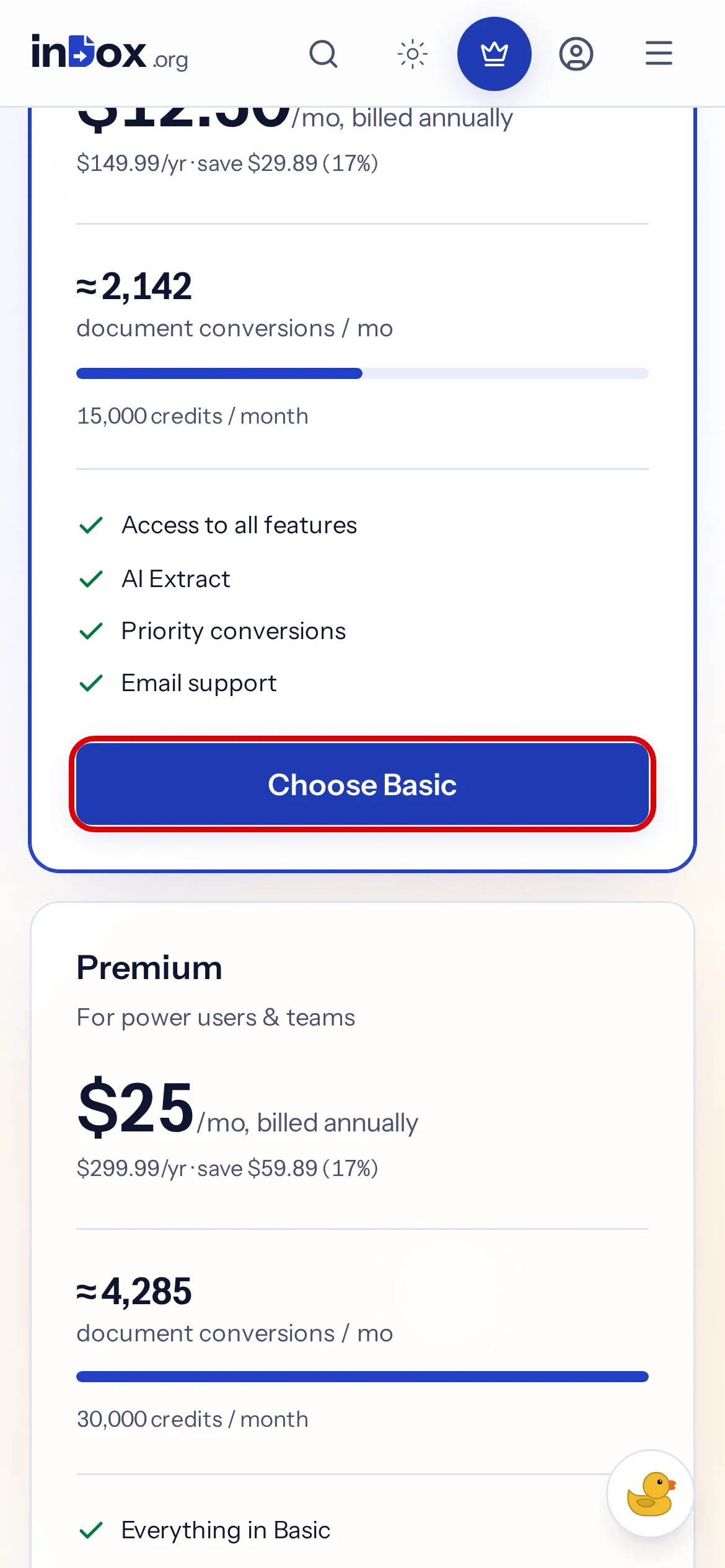
At the bottom of each card is a button: Get started on Free, Choose Basic, Choose Premium, and Buy credits on Pay-As-You-Go. Select the one for the plan you want.
Sign in if a window opens
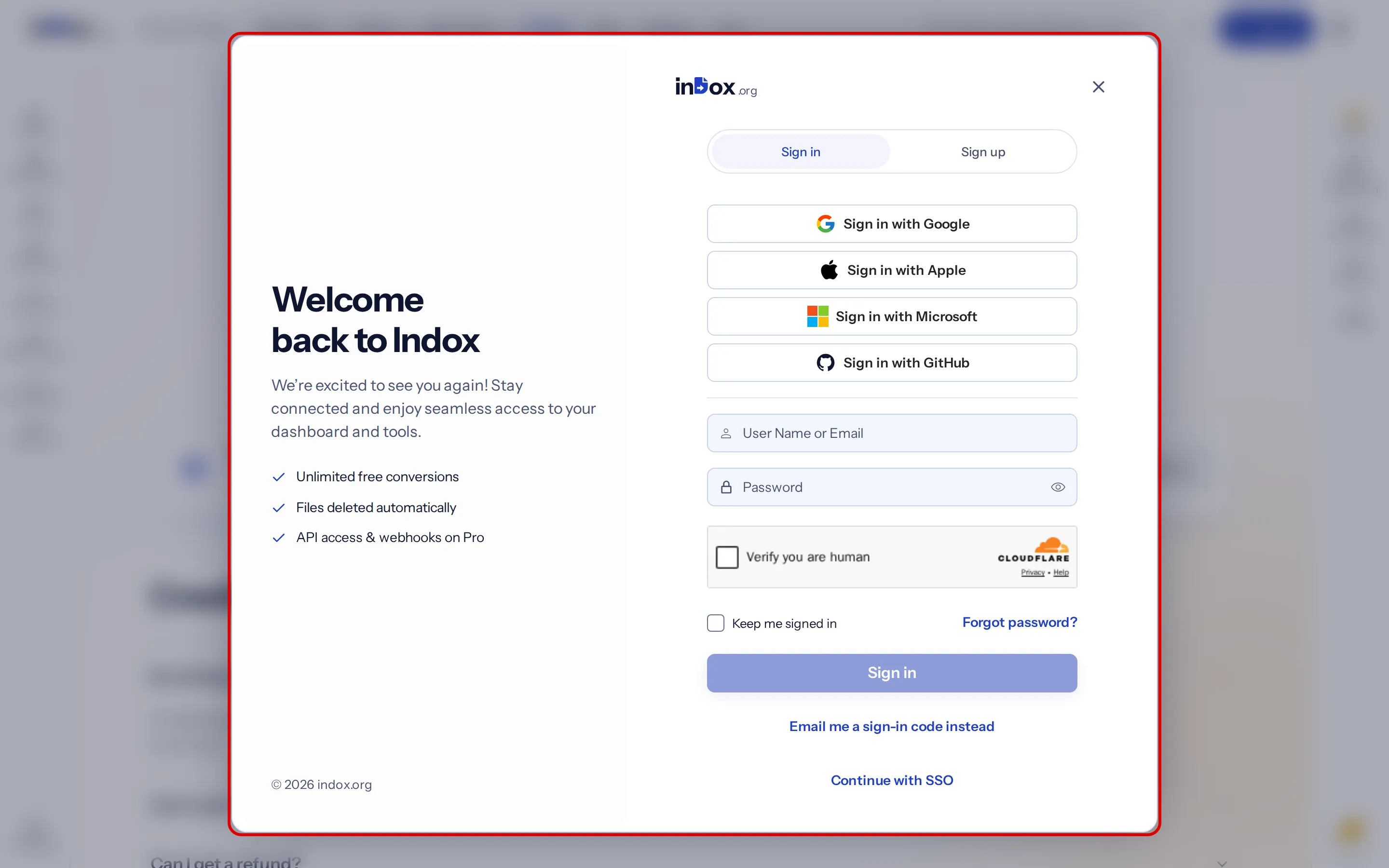
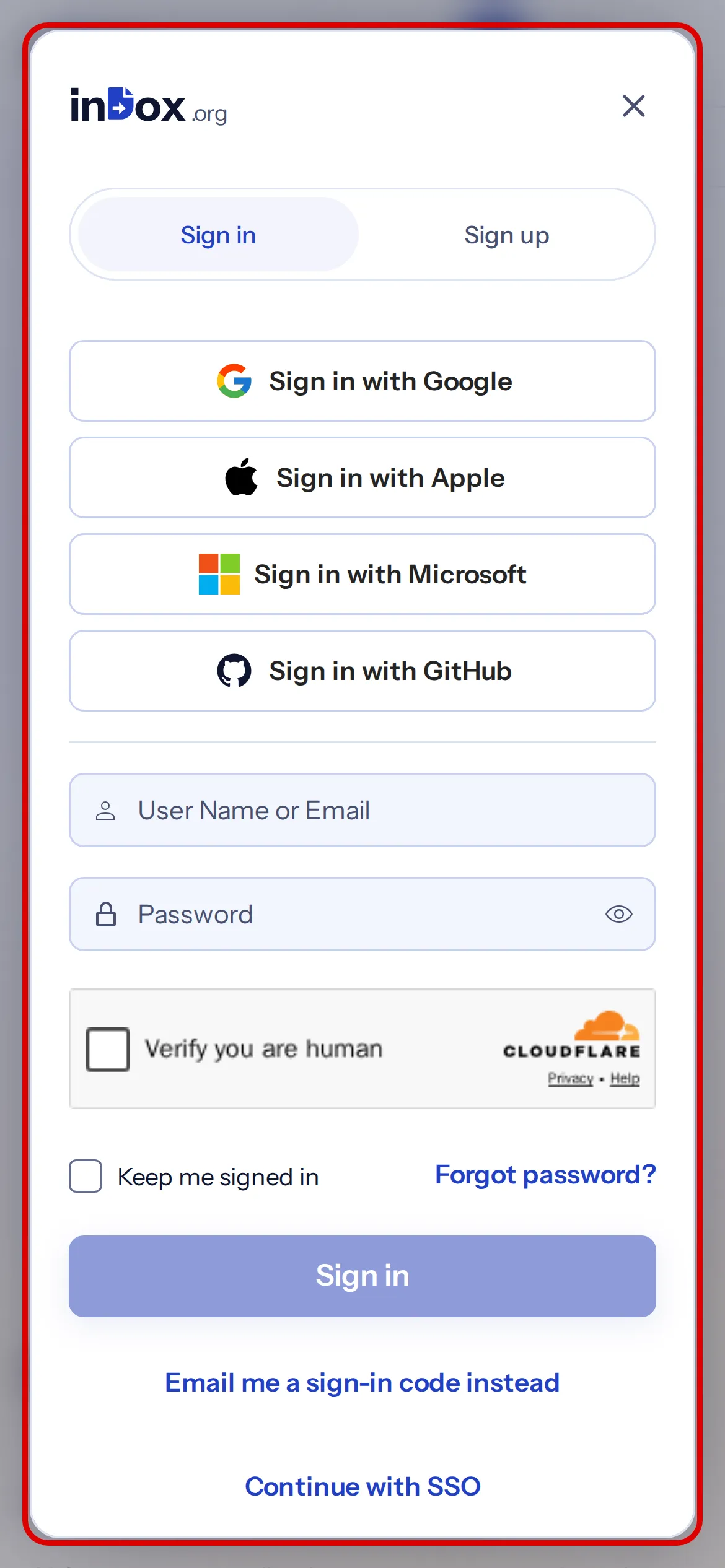
If you are not signed in, a sign-in window opens. Sign in, or select Sign up at the top of the window to make an account. Then choose your plan again.
Check the order, then go to checkout
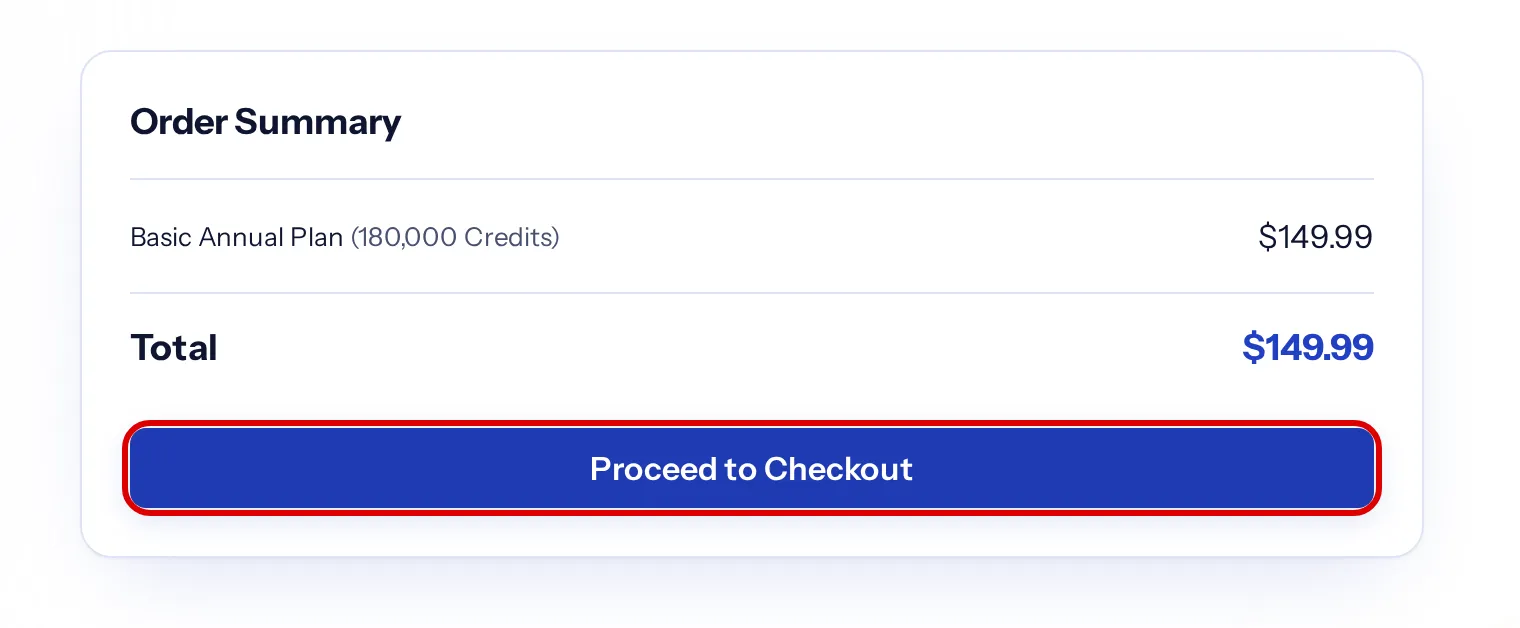
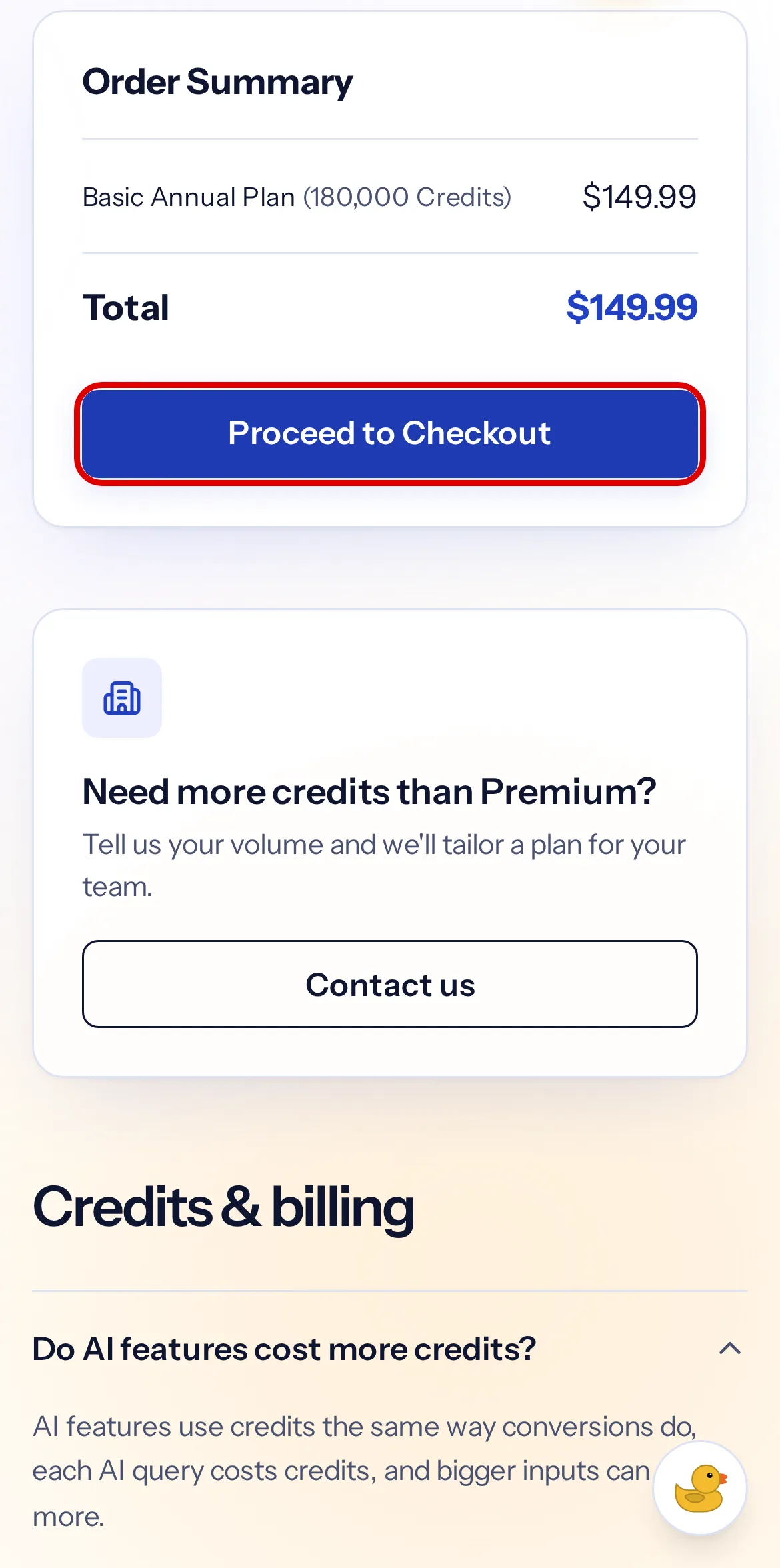
When you are signed in, an Order Summary box shows the plan, its price and the Total. Nothing is charged yet. Select Proceed to Checkout to go on and pay. If you change your mind, just leave the page.
Troubleshooting
| Problem | Cause | Fix |
|---|---|---|
| The button says Your current plan | That is the plan you already have | Open the Subscription page to see your plan |
| A sign-in window opens when you choose a plan | You are not signed in | Sign in, then choose the plan again |
| The prices on the cards changed | You switched between Monthly and Annual | Select Annual or Monthly again to see the other prices |
| You need more credits than Premium gives | Premium has a set number of credits each month | Select Contact us in the box under the cards and tell indox how many you need |
| You only need a few credits now and then | A monthly plan may be more than you use | Select Buy credits under Pay-As-You-Go and top up only what you need |