Last updated
Remove a PDF password
Before you start
- Have the locked PDF on your phone or computer. The upload box tells you how big a file can be.
- You need to know the password. This tool does not guess, crack or recover passwords.
- A password-protected PDF asks for a password when it opens. The copy you save here does not.
- Do this only with files you own or have permission to change.
- You don't need an account.
Open your PDF
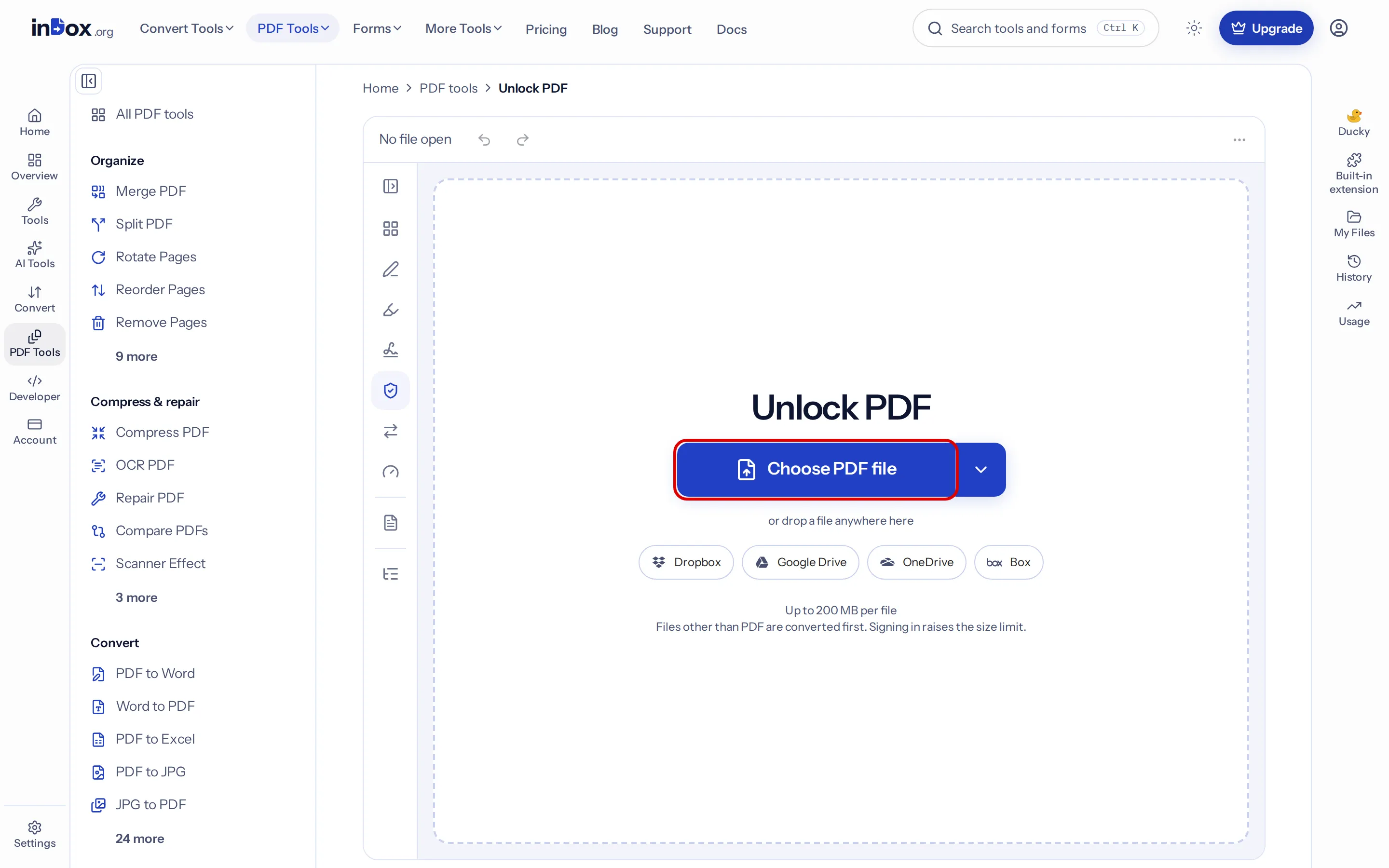
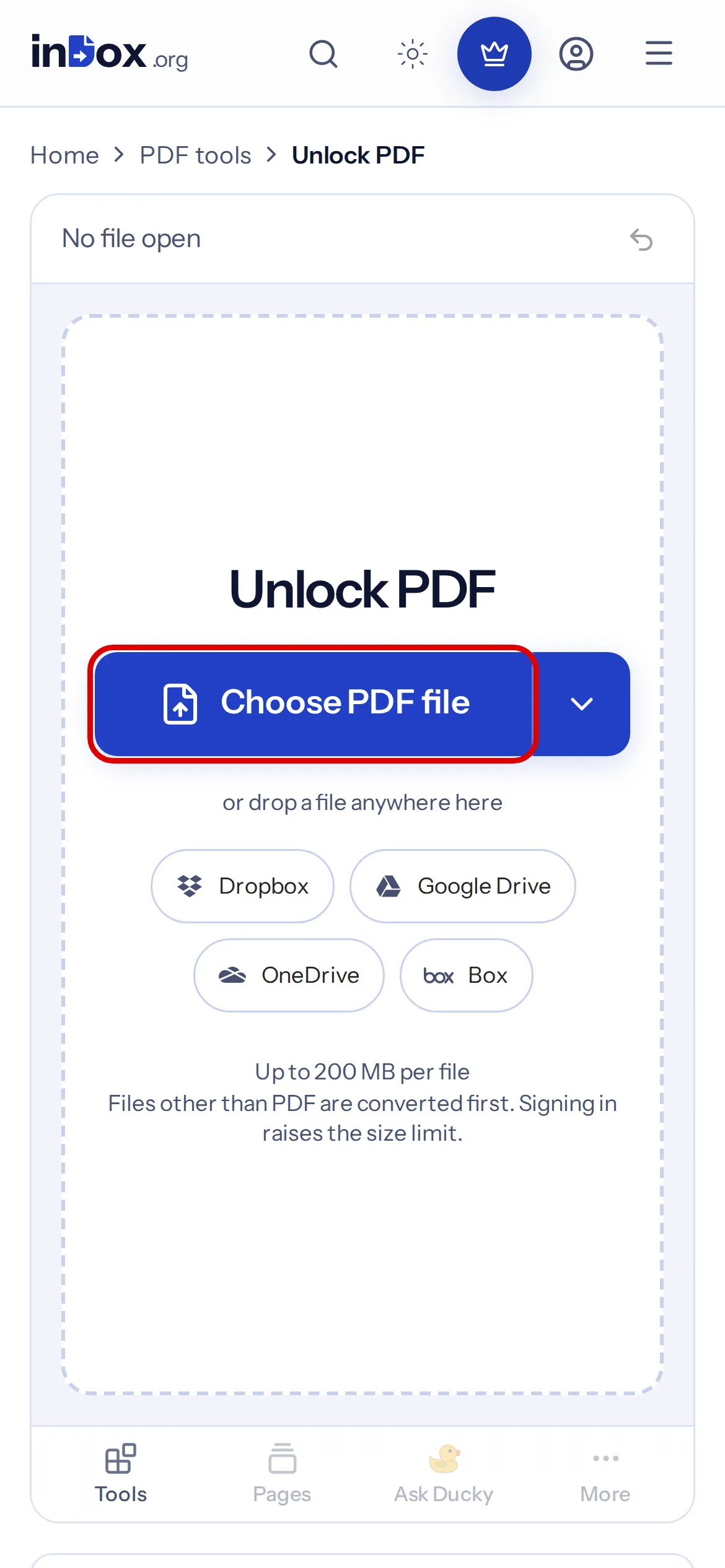
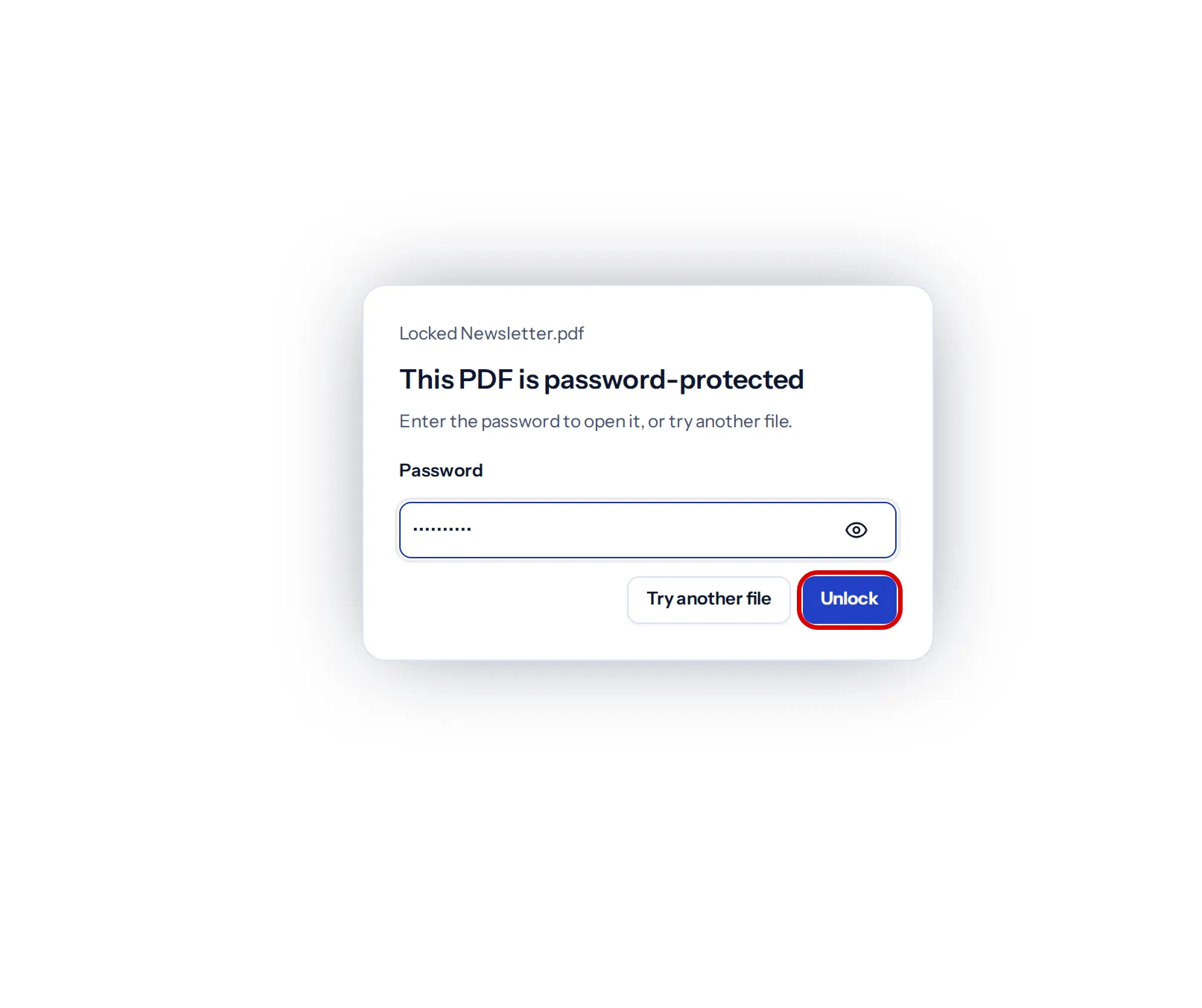
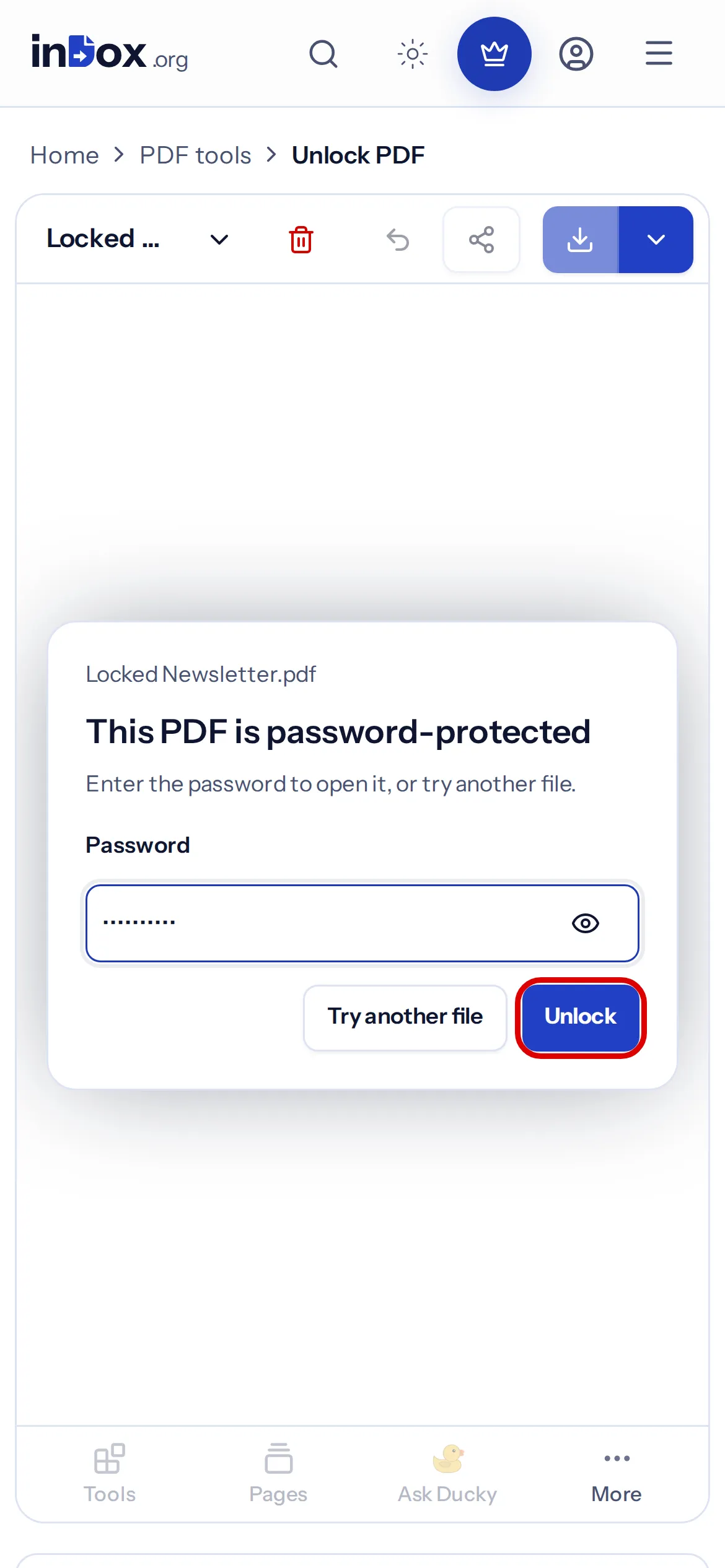
Go to the Unlock PDF page. In the middle of the page, select the blue Choose PDF file button. A box opens so you can pick a file from your device. You can also drag a file onto the page. A box opens in the middle of the page. It says This PDF is password-protected.
Type the password
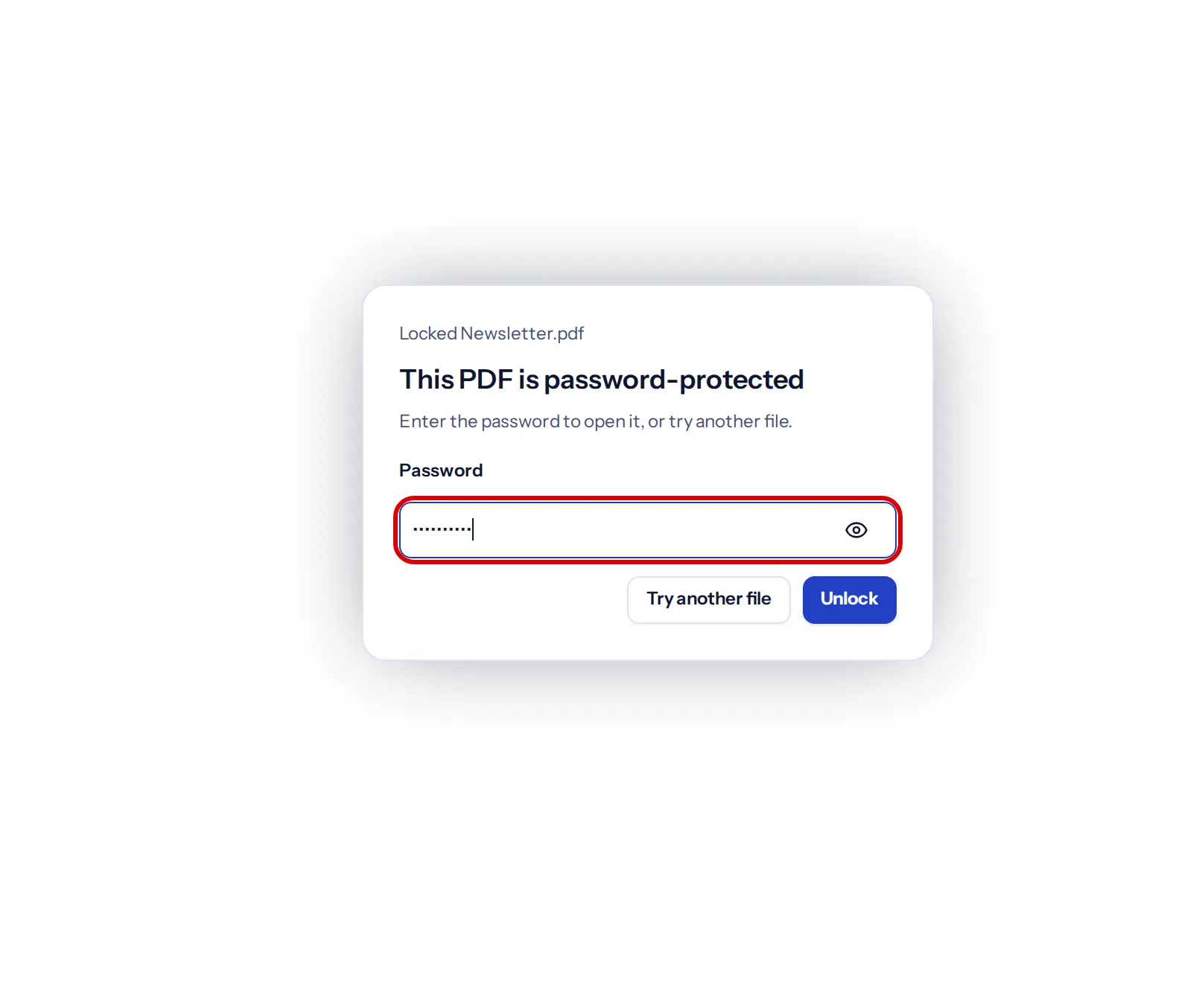
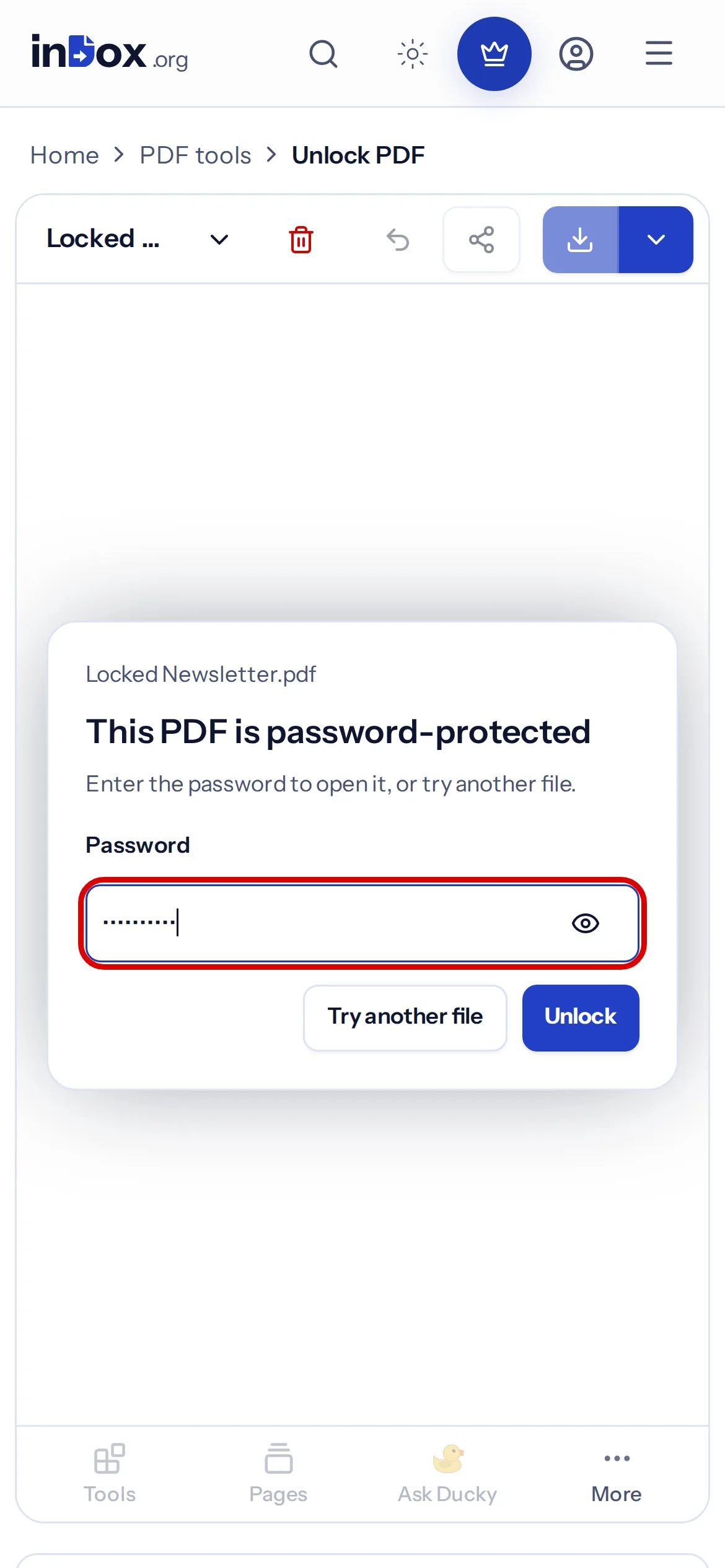
In the Password box, type the password the file has now, such as Sample-123. The letters show as dots. The small eye shows what you typed.
Unlock the file
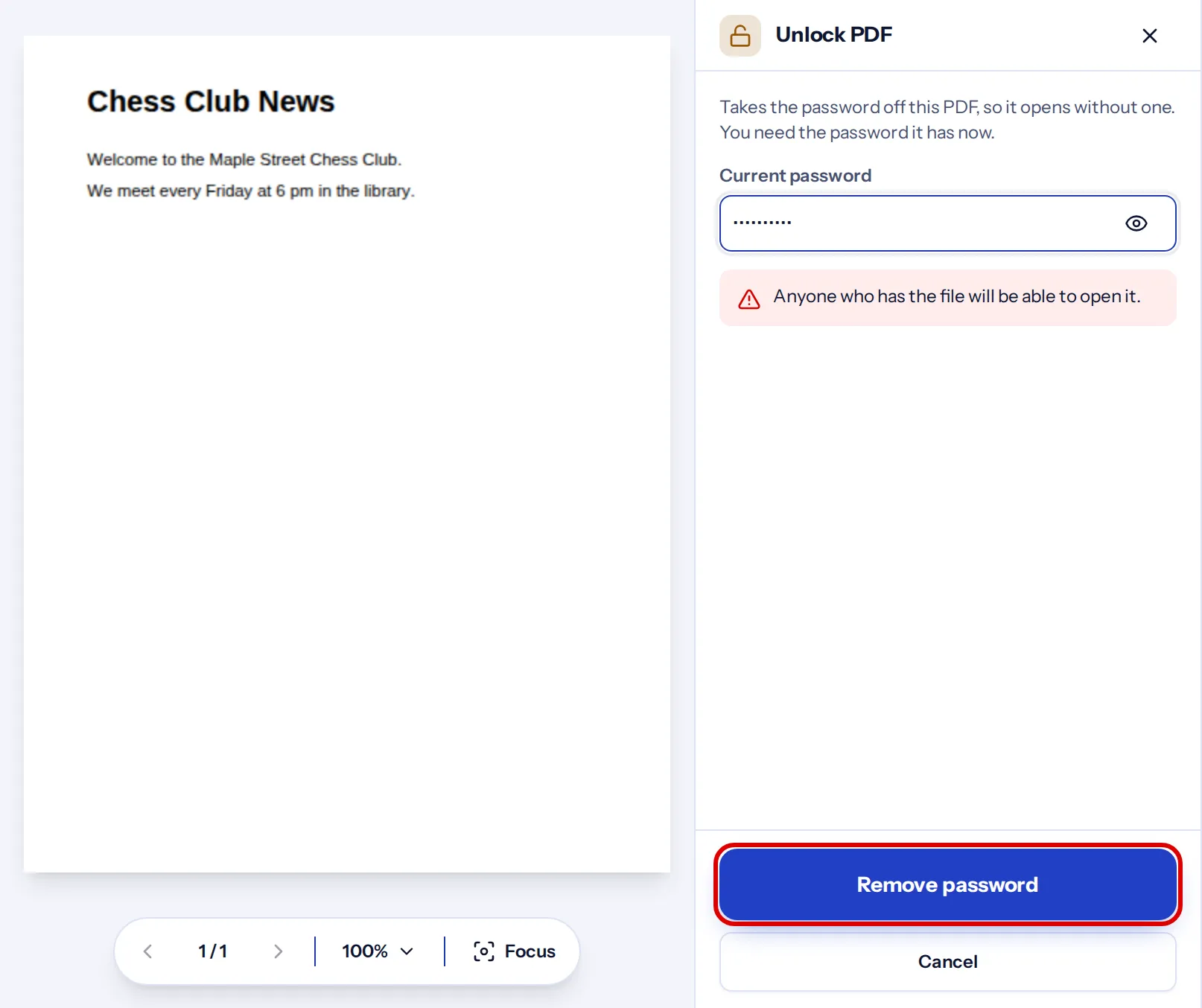
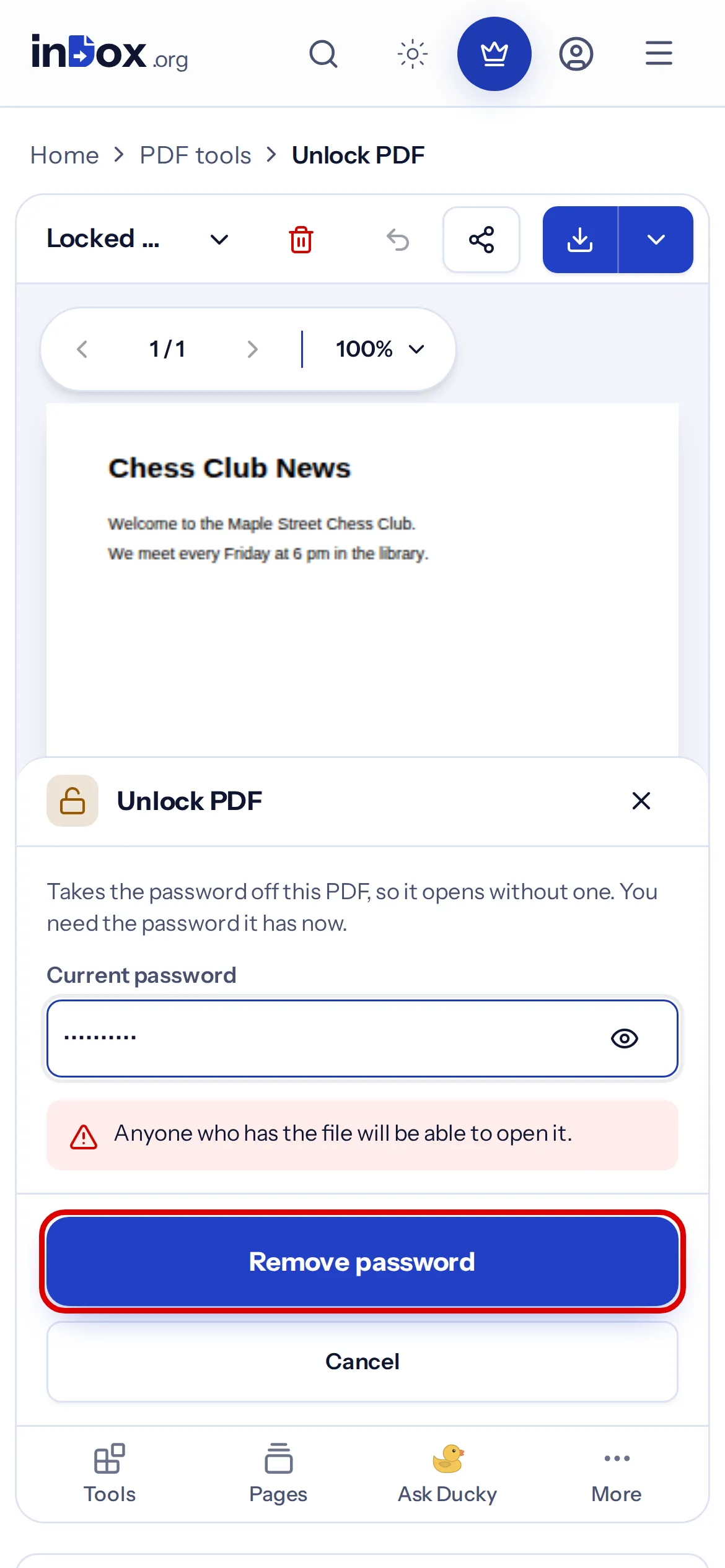
Select the blue Unlock button. The box closes and the file opens. If the password is wrong, a red line says That password didn't work. Try again. A panel called Unlock PDF opens. On a computer it is on the right. On a phone it slides up from the bottom. Its Current password box is already filled in.
Remove the password
Select the blue Remove password button at the bottom of the panel. A pink note warns you: Anyone who has the file will be able to open it. Wait a moment.
Download your PDF
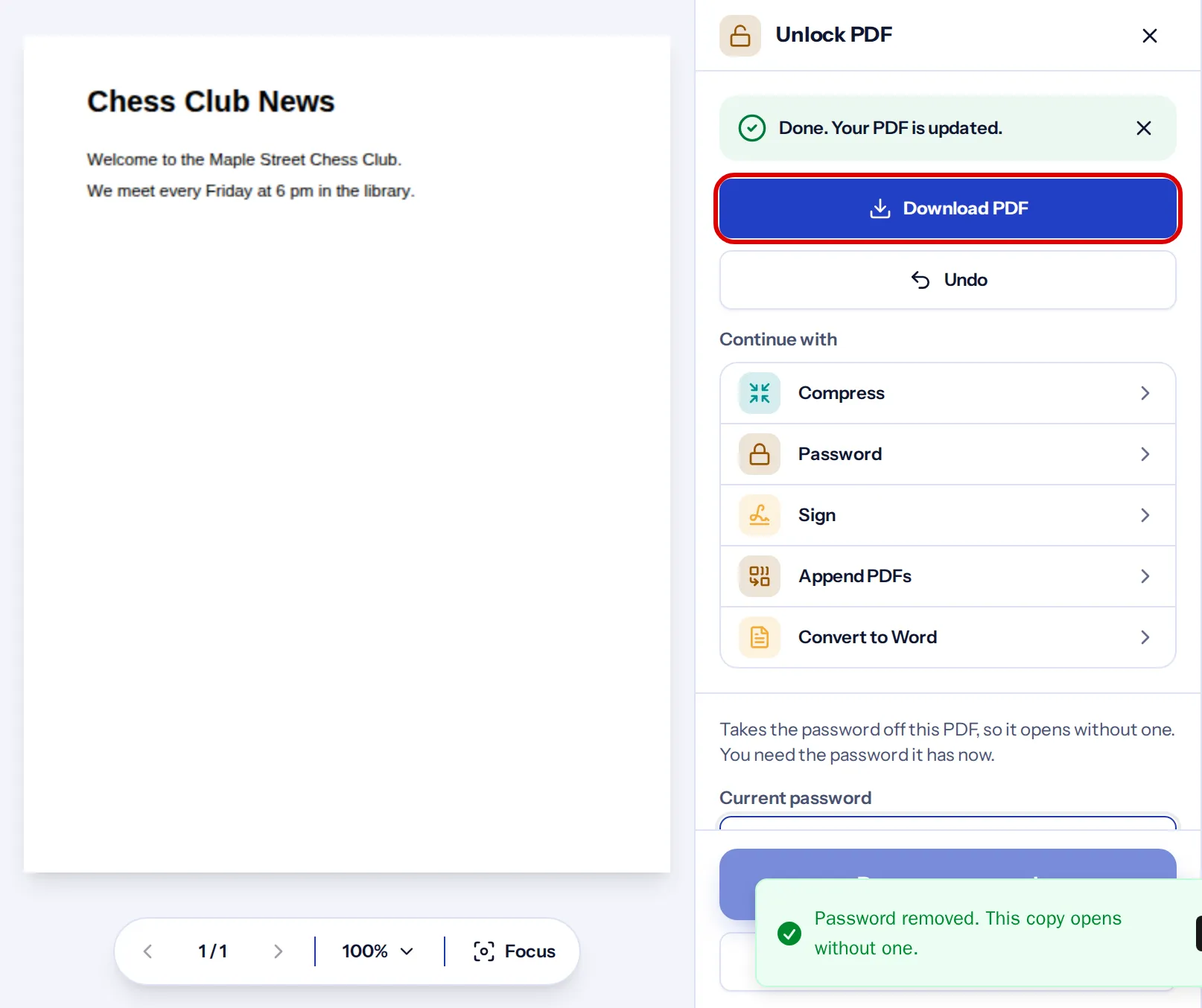
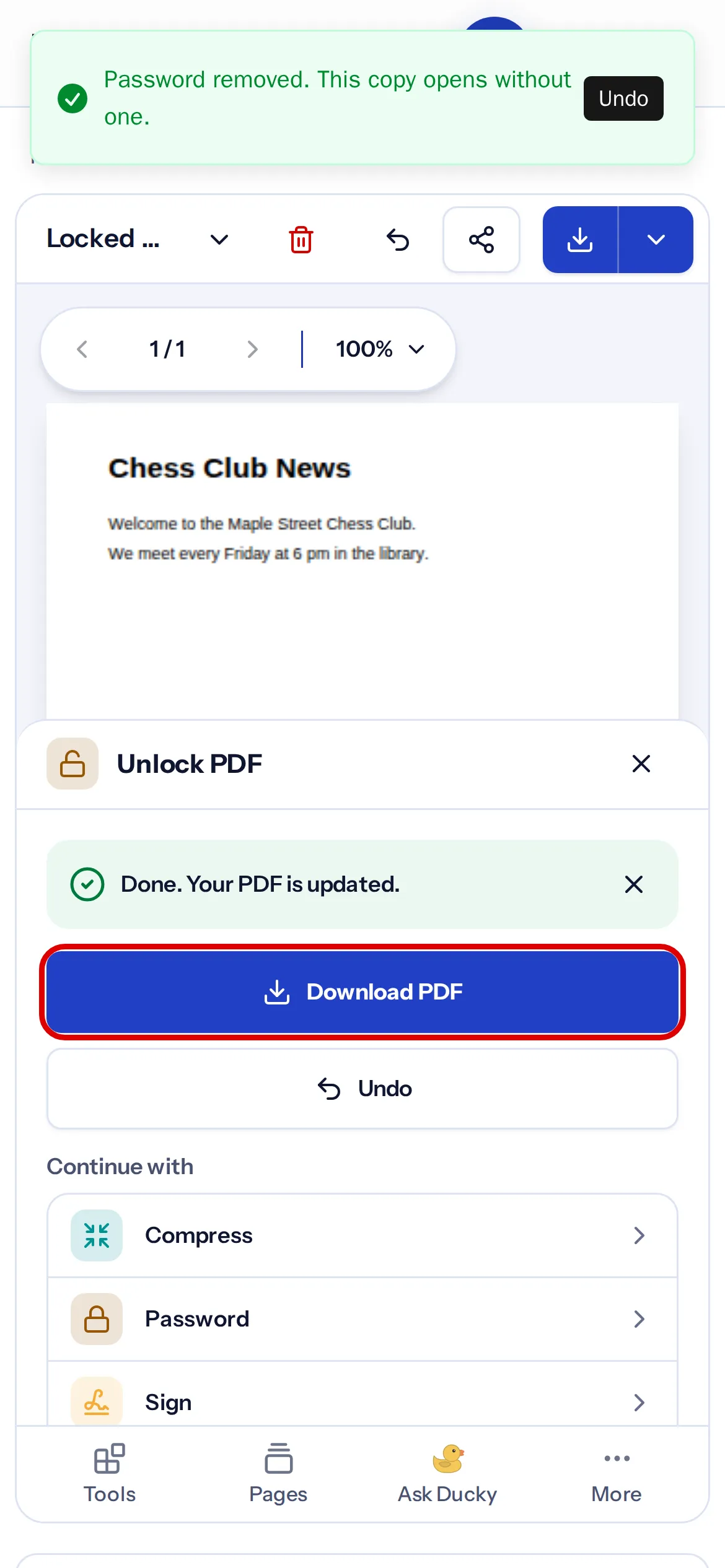
The panel says Done. Your PDF is updated. A small message says Password removed. This copy opens without one. Select the blue Download PDF button. The unlocked file is saved on your device. Its name ends in -unlocked.
Troubleshooting
| Problem | Cause | Fix |
|---|---|---|
| A red line says That password didn't work. Try again. | The password was typed wrong | Type it again. Check the capital letters. Or select Try another file |
| You forgot the password | indox can't guess or recover a password | Ask the person who made the file, or use an older copy that has no password |
| The file opens but you can't print or copy | Some PDFs open without asking but still block printing, copying or editing | Leave the password box empty. The button then reads Remove restrictions |
| You want the password back | The new copy has no password | Use Password protect a PDF on the new copy |