How can we help?
CTRL K
Convert files
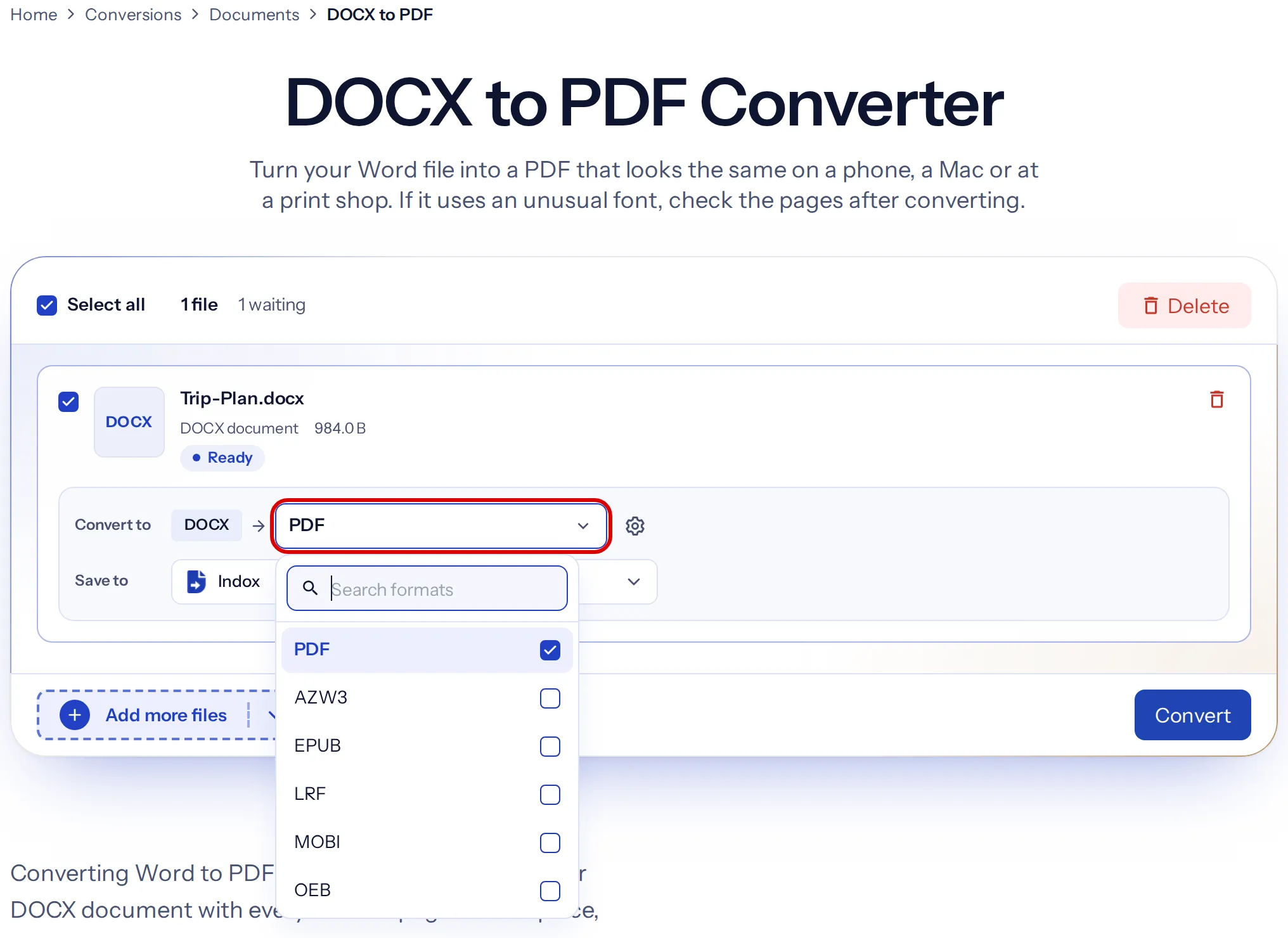 Convert PDF and Office documentsConvert a PDF, Word, Excel or PowerPoint file to another format on indox.org and download the result. You don't need an account.
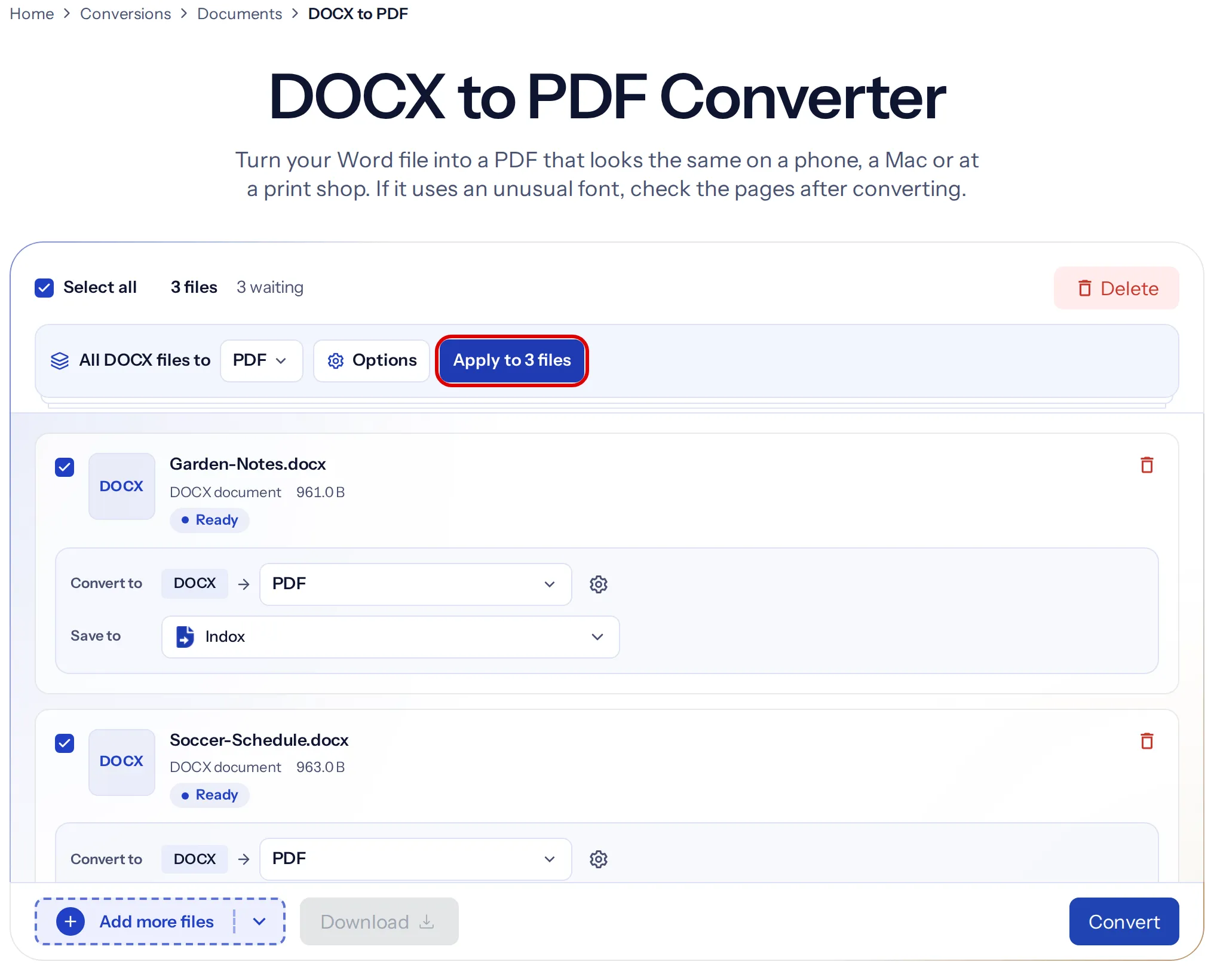 Convert multiple files at onceConvert several files in one go on indox.org and download them together as one ZIP file. You don't need an account.
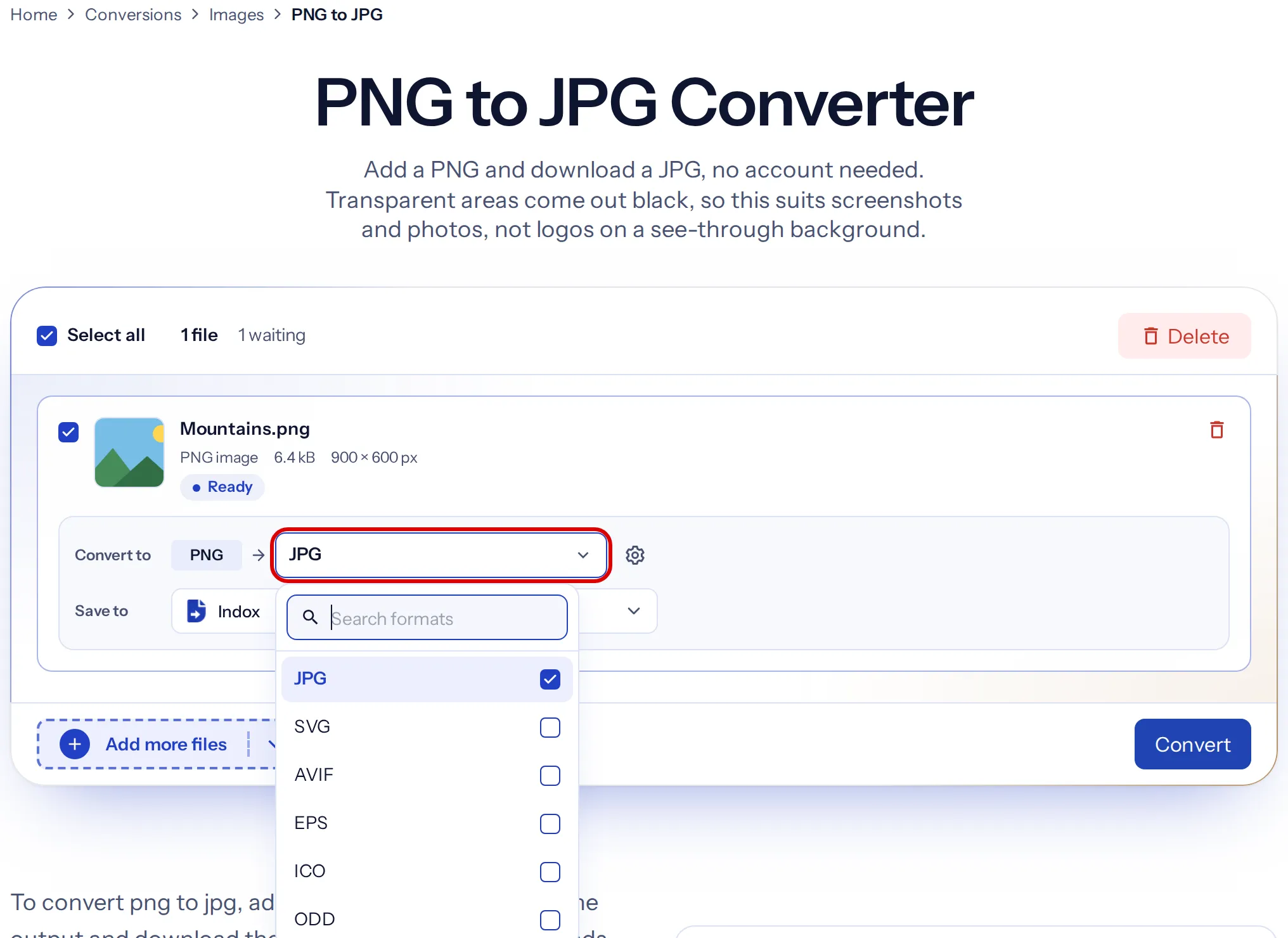 Convert an image to another formatConvert a PNG, JPG or other image to the format you need on indox.org and download it. You don't need an account.
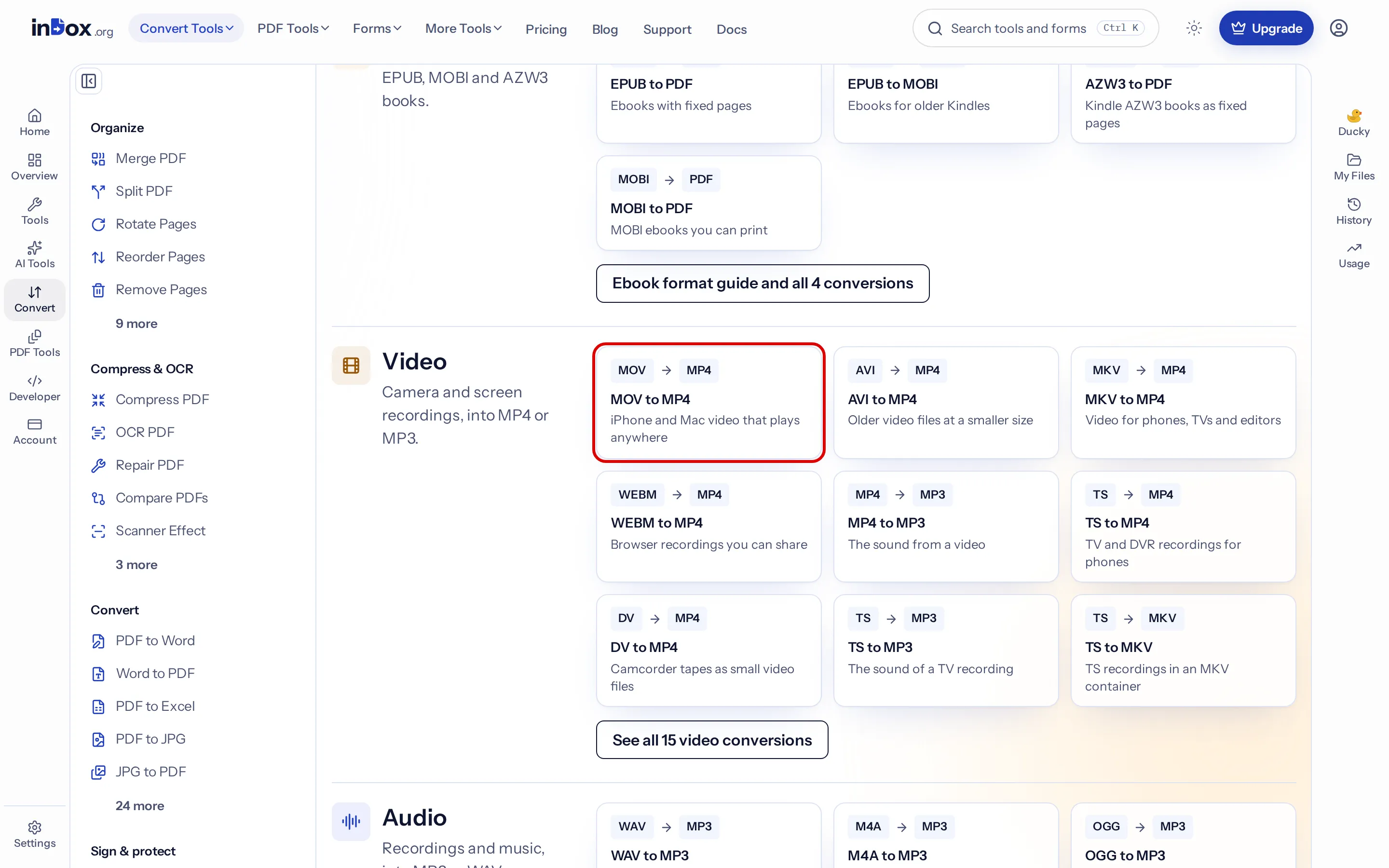 Convert a video to another formatConvert a MOV or other video to MP4, WEBM or an audio format on indox.org and download it. You don't need an account.
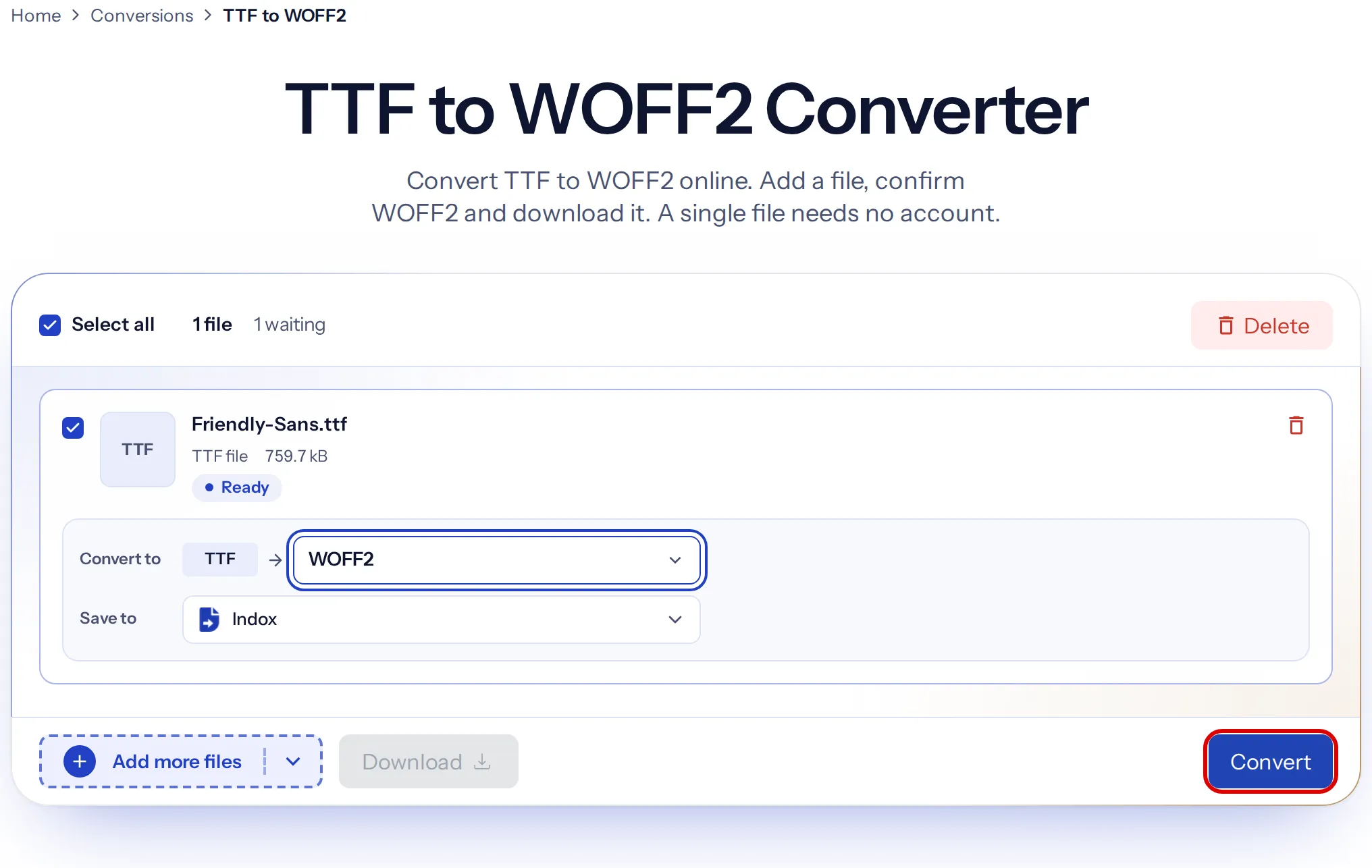 Convert a font fileConvert a TTF font to WOFF2, OTF or another font format on indox.org and download it. You don't need an account.
 Convert a file in the browser extensionConvert a file from the INDOX side panel in your browser and download the result without leaving the page you are on. You need an INDOX account.
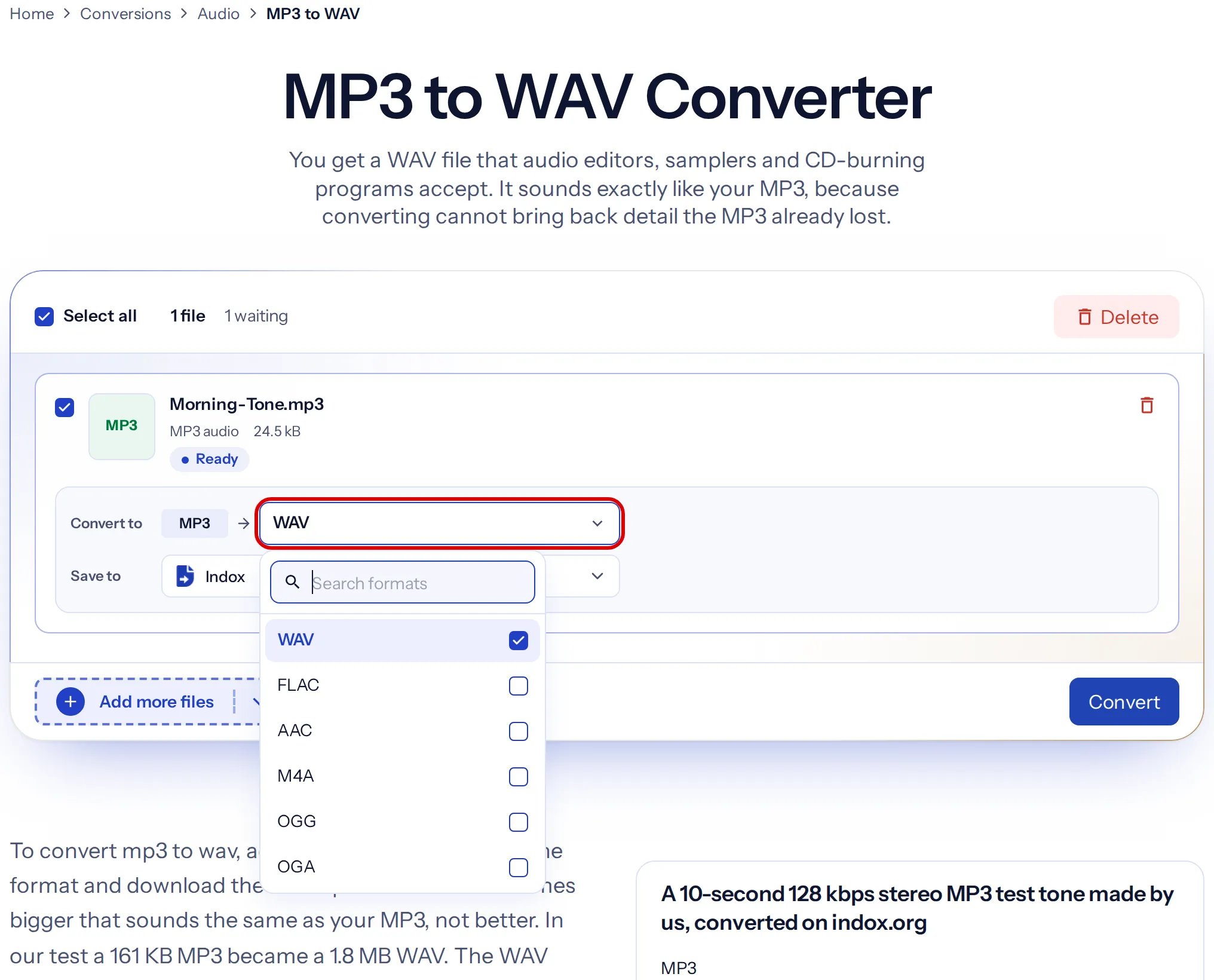 Convert an audio fileConvert an MP3 to WAV or another audio format on indox.org and download it. You don't need an account.
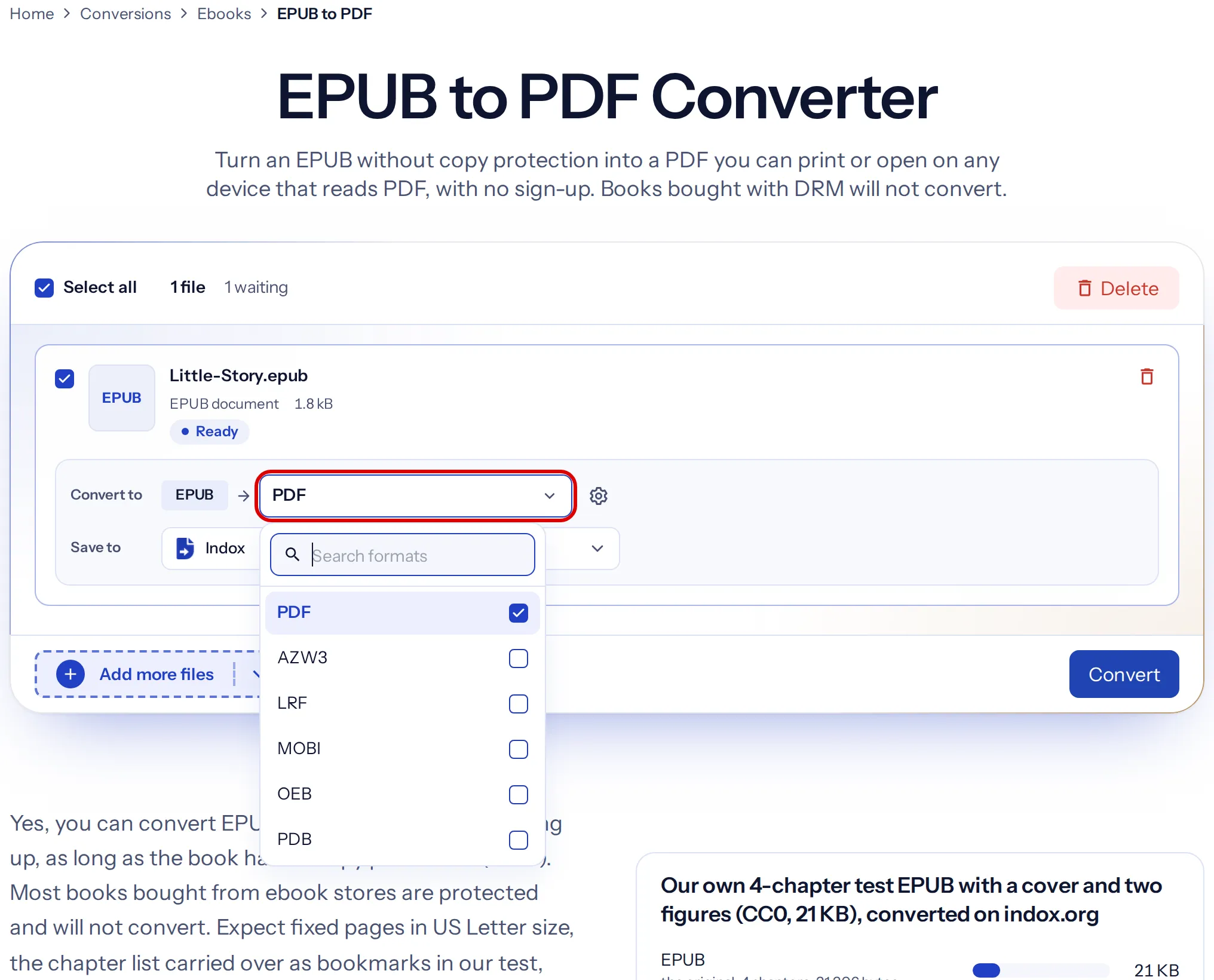 Convert an ebookConvert an EPUB ebook to PDF or another book format on indox.org and download it. You don't need an account.
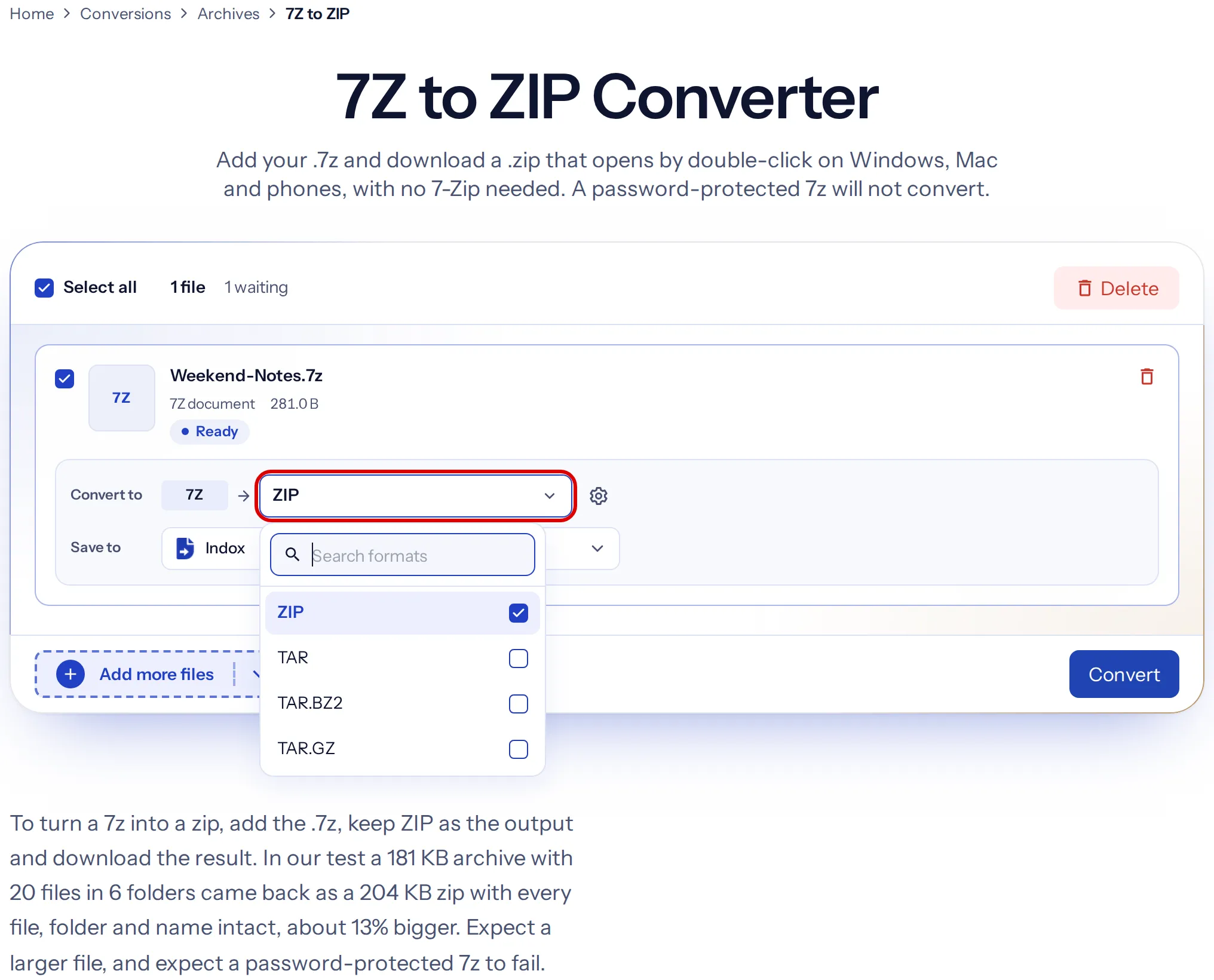 Convert an archiveConvert a 7Z, RAR or other archive to ZIP on indox.org and download it. You don't need an account.
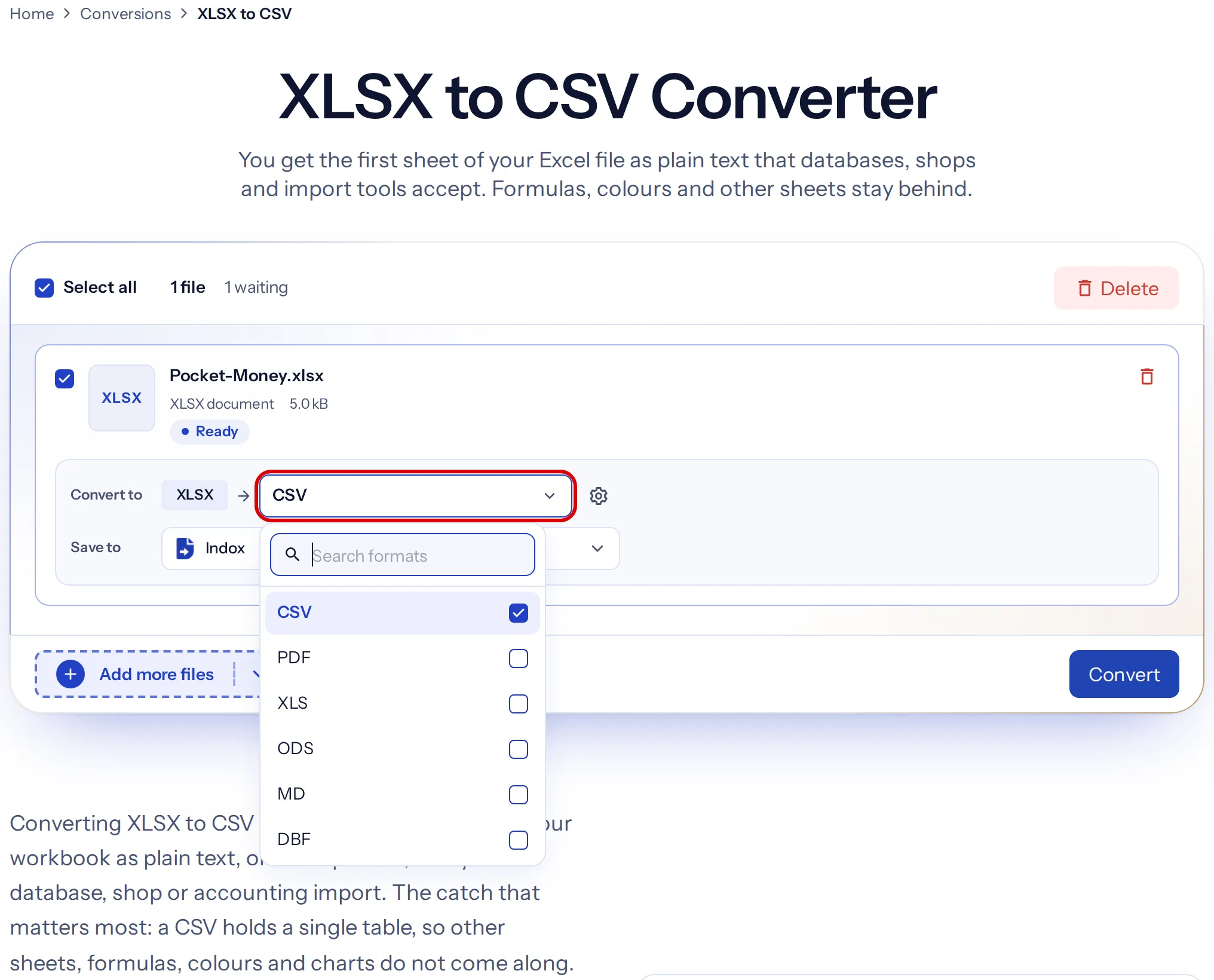 Convert a spreadsheet or data fileConvert an Excel XLSX file to CSV or another format on indox.org and download it. You don't need an account.
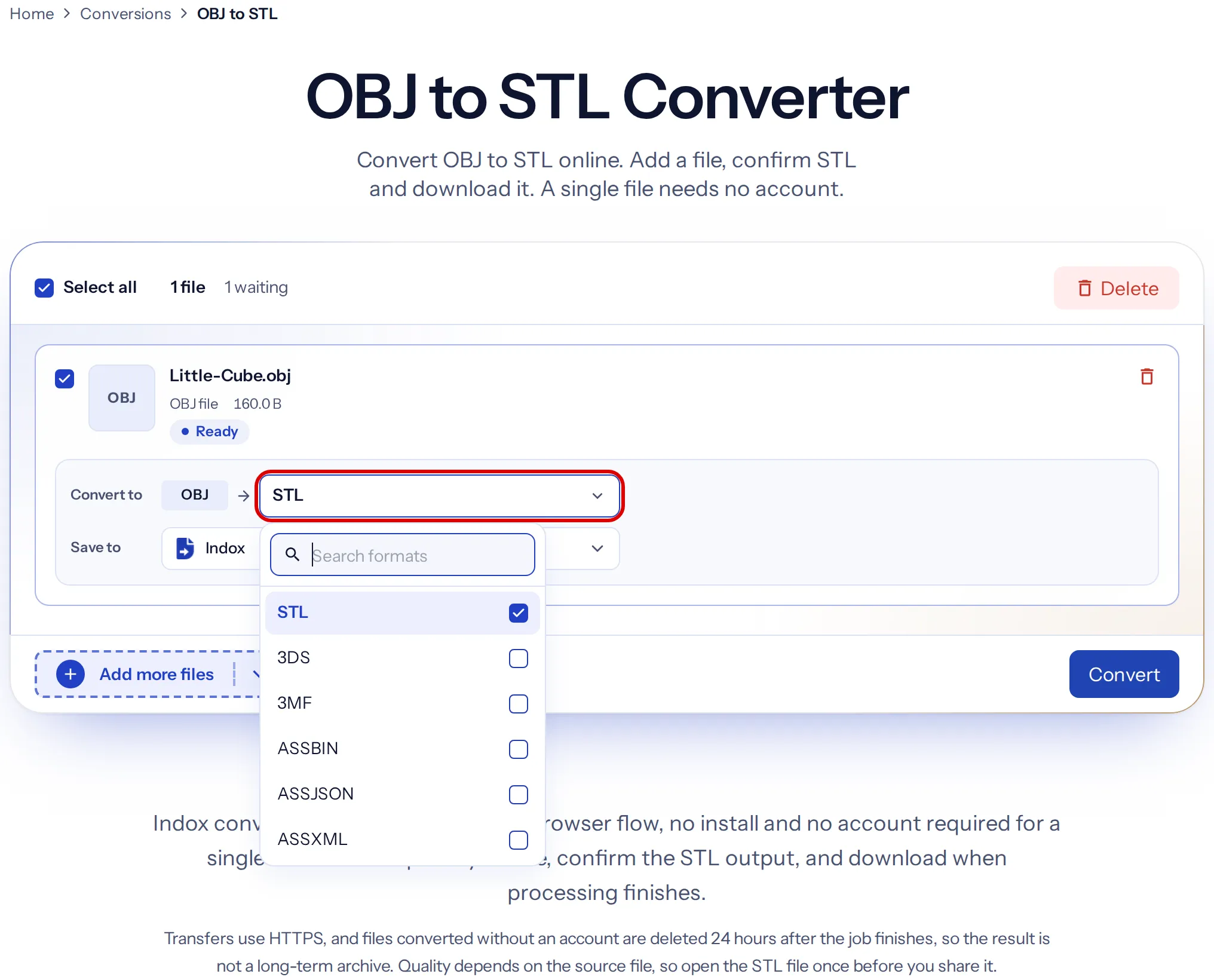 Convert a 3D model fileConvert an OBJ 3D model to STL or another 3D format on indox.org and download it. You don't need an account.
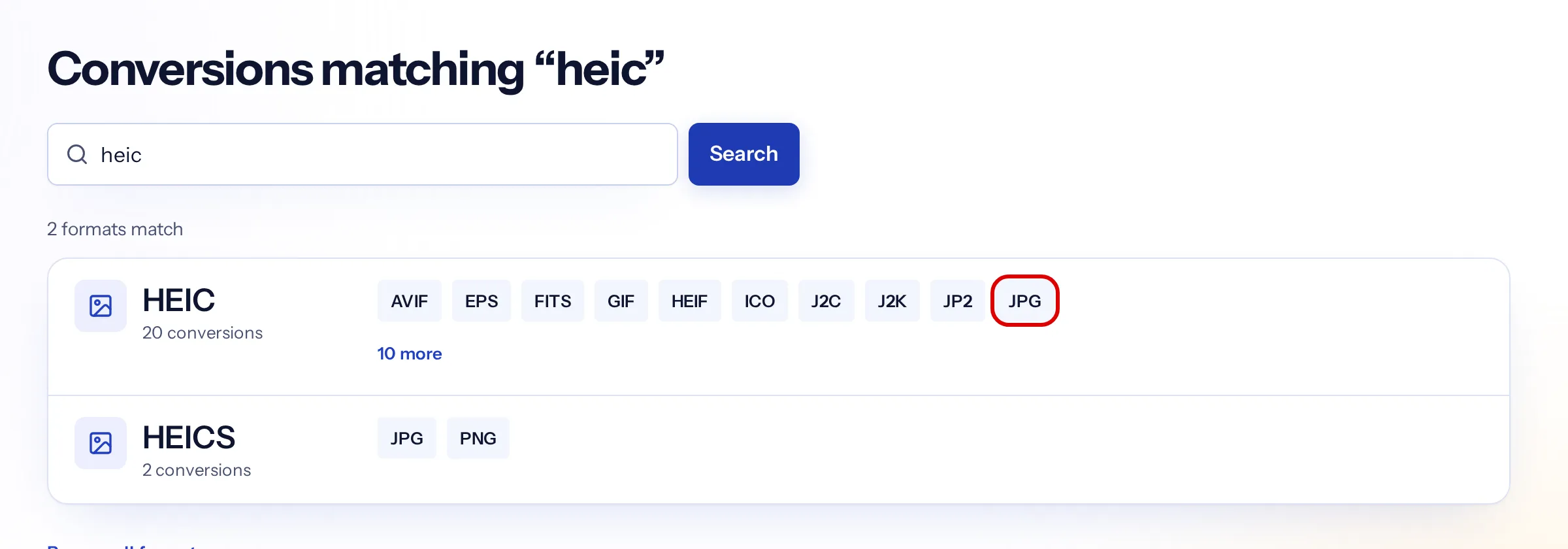 Find the converter for your file formatSearch indox.org for the format you have and pick the conversion you need. You don't need an account.
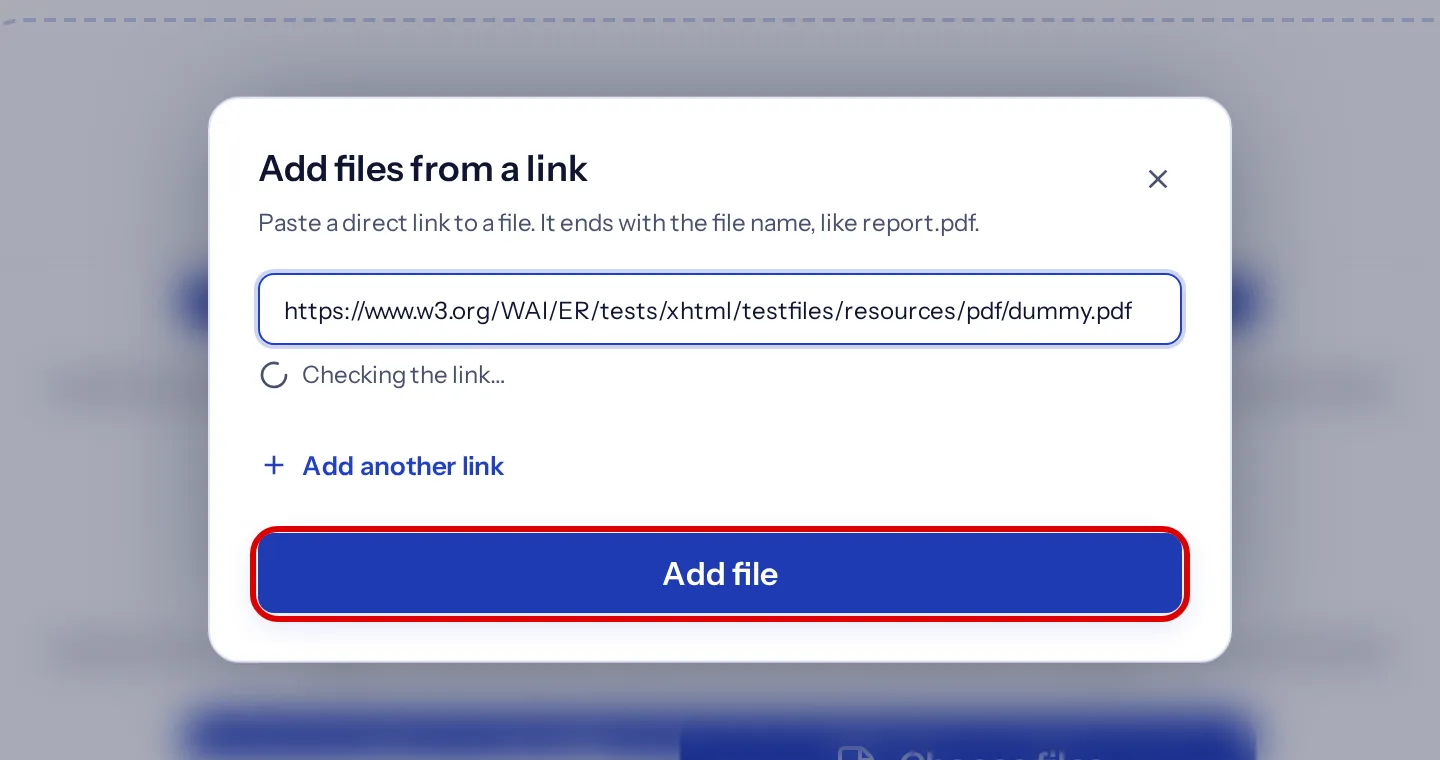 Convert a file from a web linkAdd a file to the indox.org converter from a web link instead of your device, convert it and download it. You don't need an account.
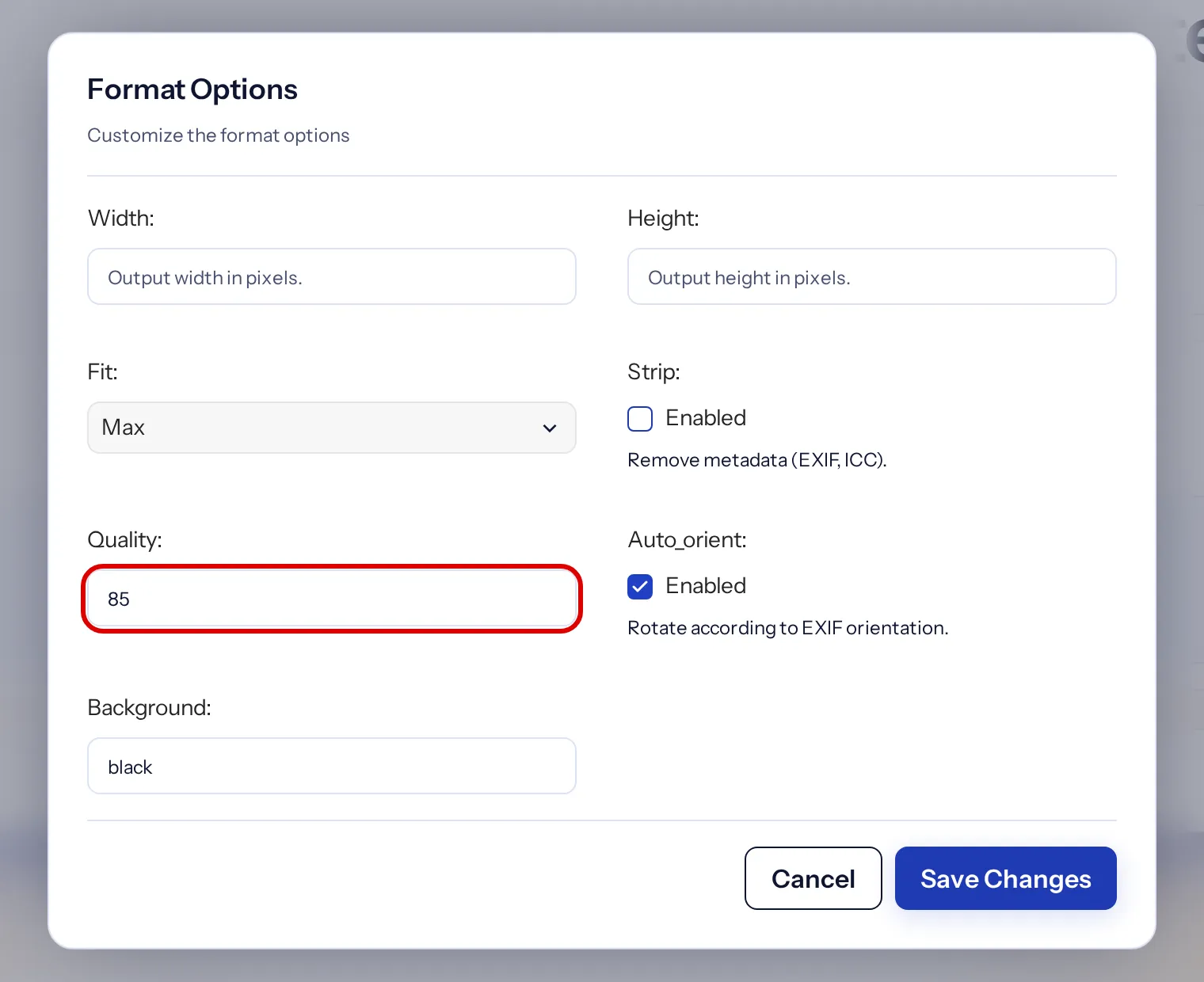 Change conversion optionsChange the settings of a conversion on indox.org, such as picture quality, then convert the file again. You don't need an account.
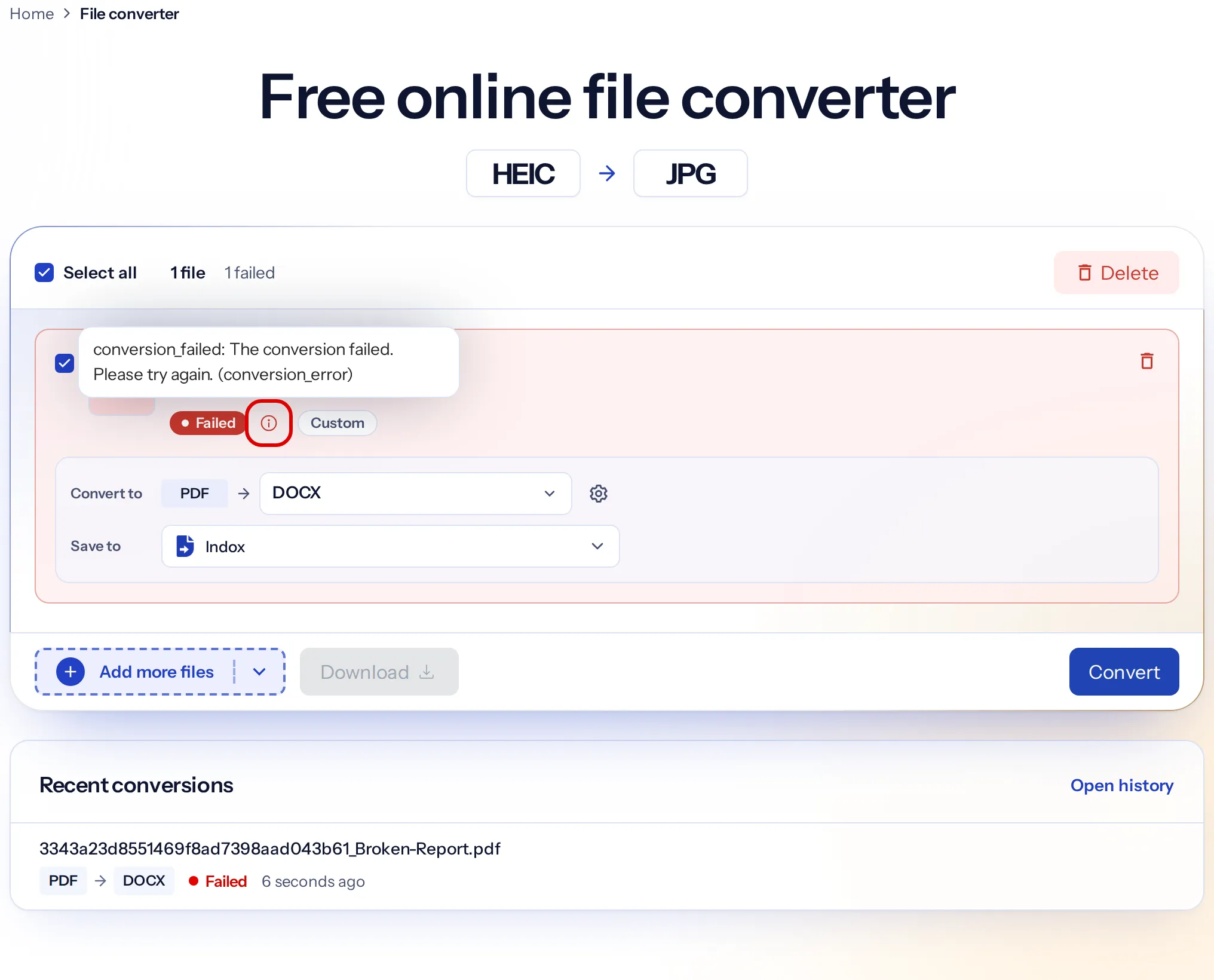 Fix a failed conversionSee why a file did not convert on indox.org, try again, or remove it and start fresh. You don't need an account.
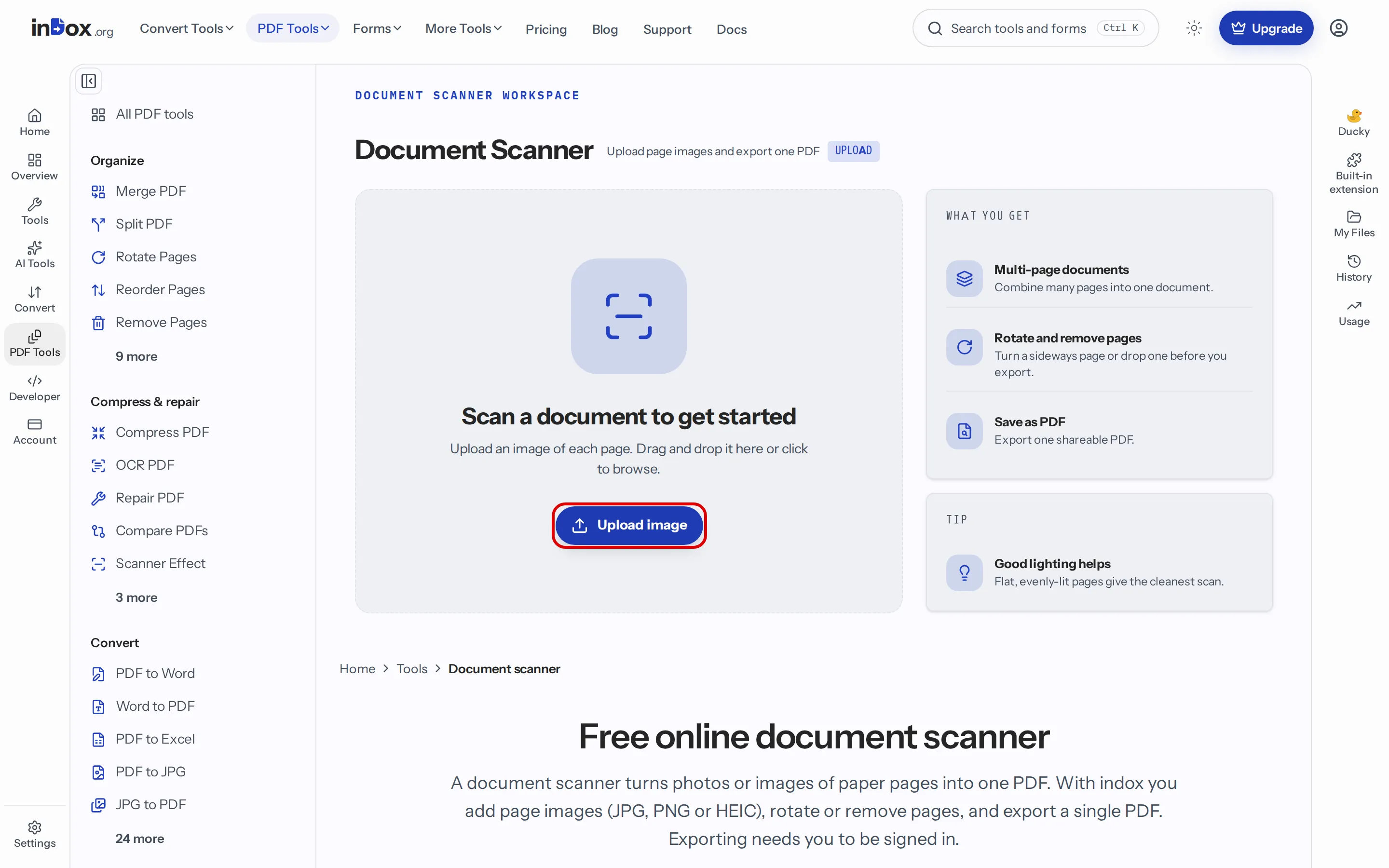 Scan paper pages to a PDFTurn photos of paper pages into one PDF in your browser. Add the pictures, turn or remove pages, sign in and export, on indox.org.
Edit & sign PDFs
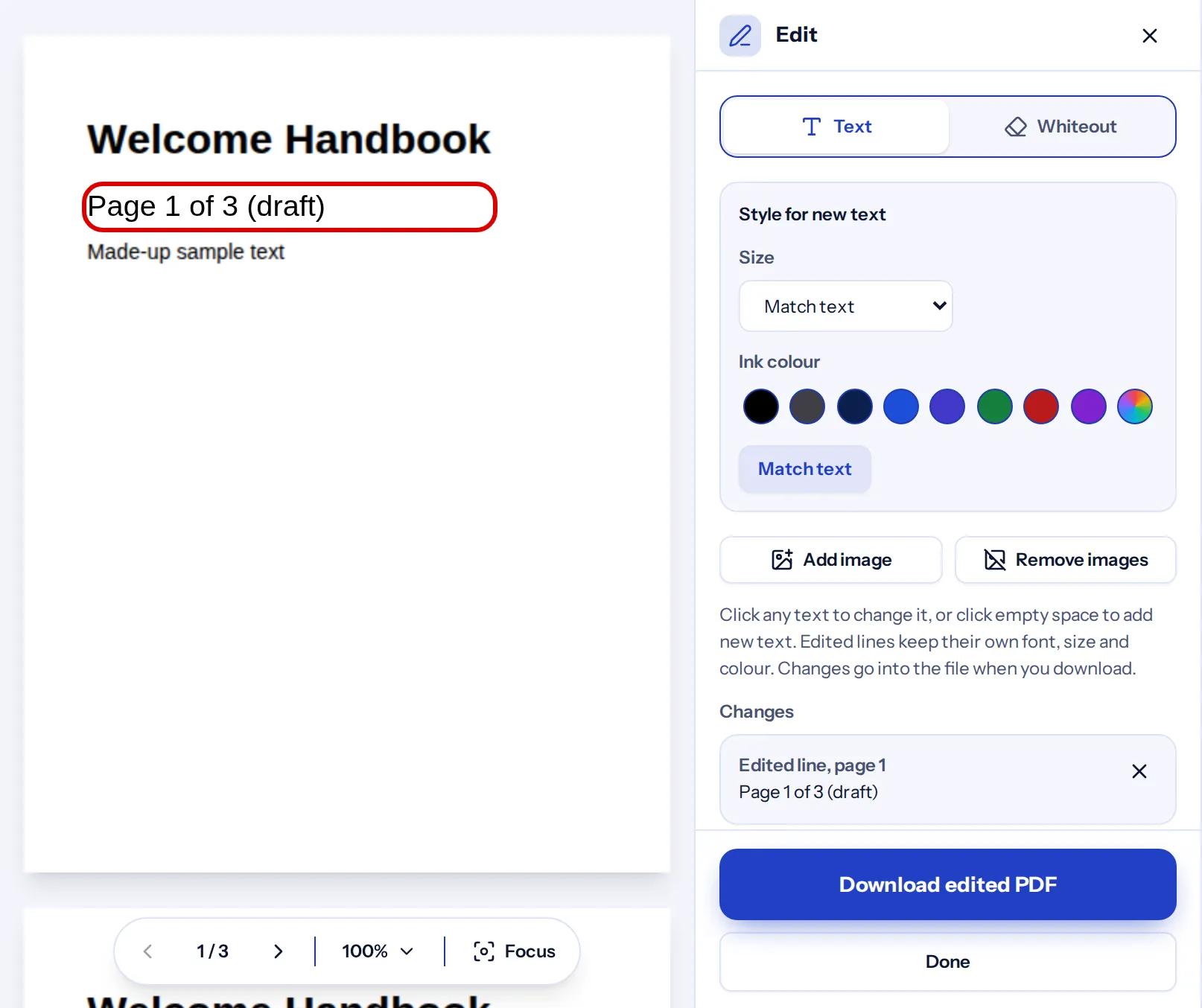 Edit a PDF onlineChange the text in a PDF, add new text and download the edited file on indox.org. You don't need an account.
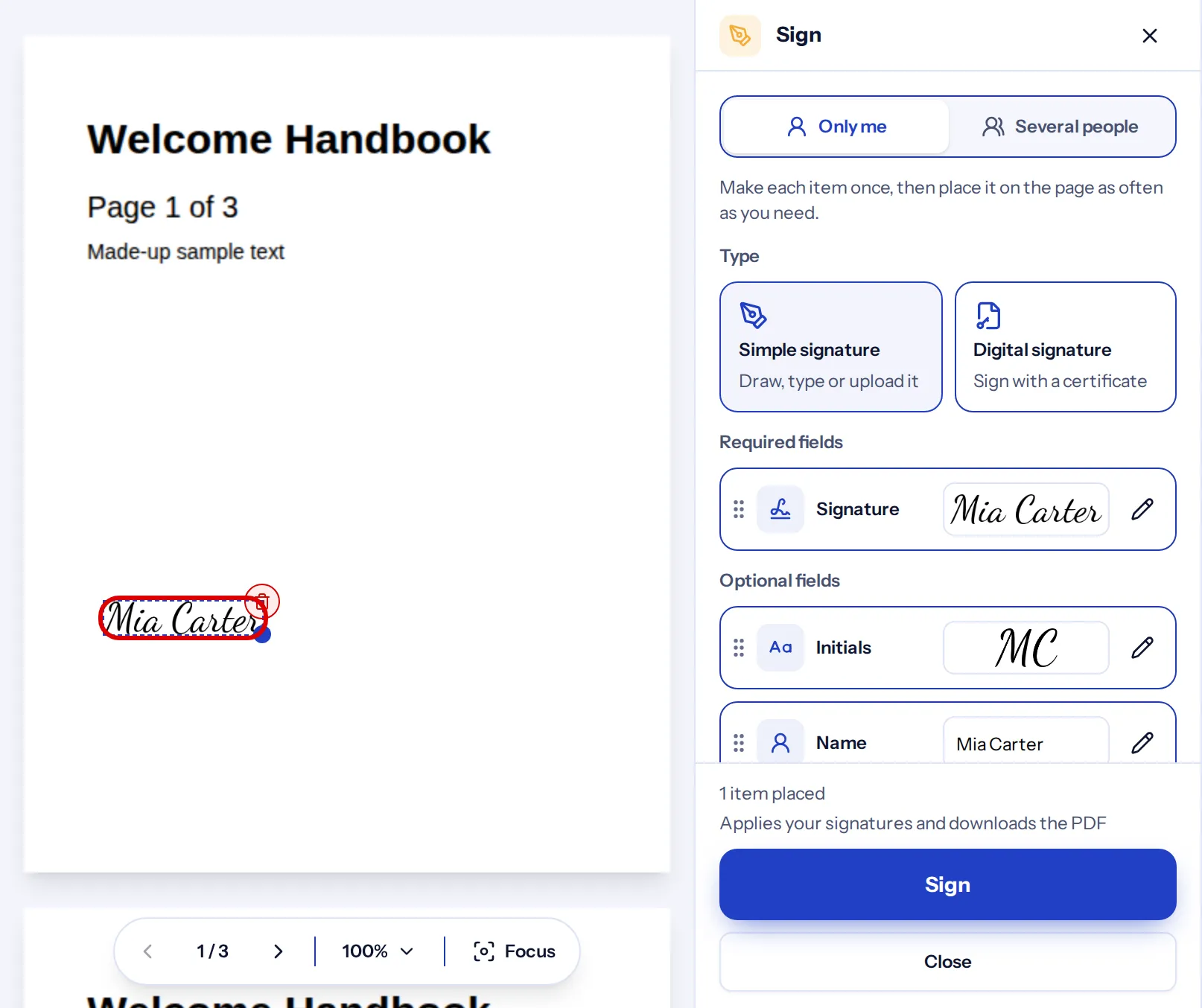 Sign a PDFType, draw or upload your signature, place it on a PDF and download the signed file on indox.org. You don't need an account.
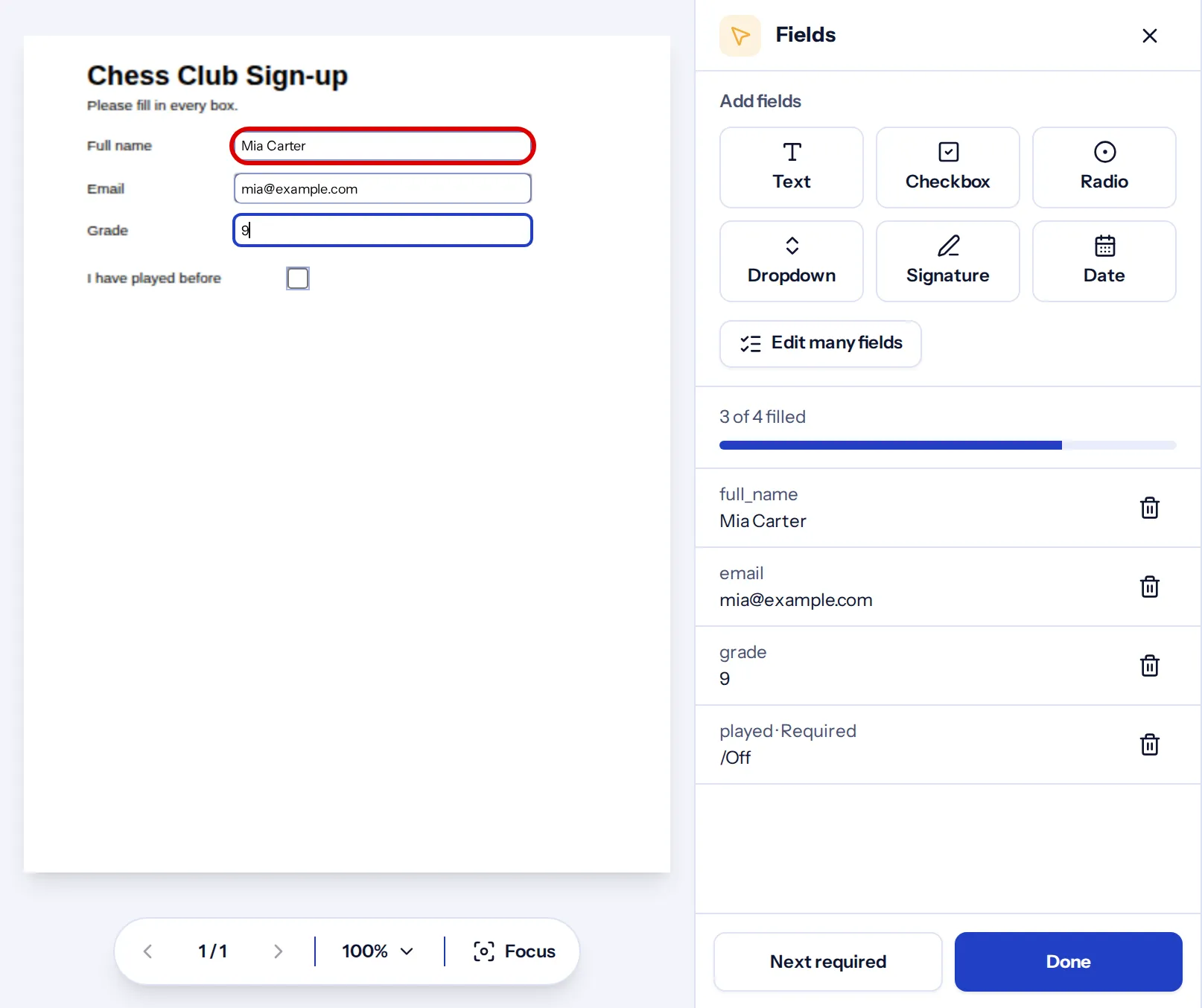 Fill in a PDF formFill in a PDF form online: type into its boxes, tick the checkboxes and download the filled file from indox.org. You don't need an account or Adobe.
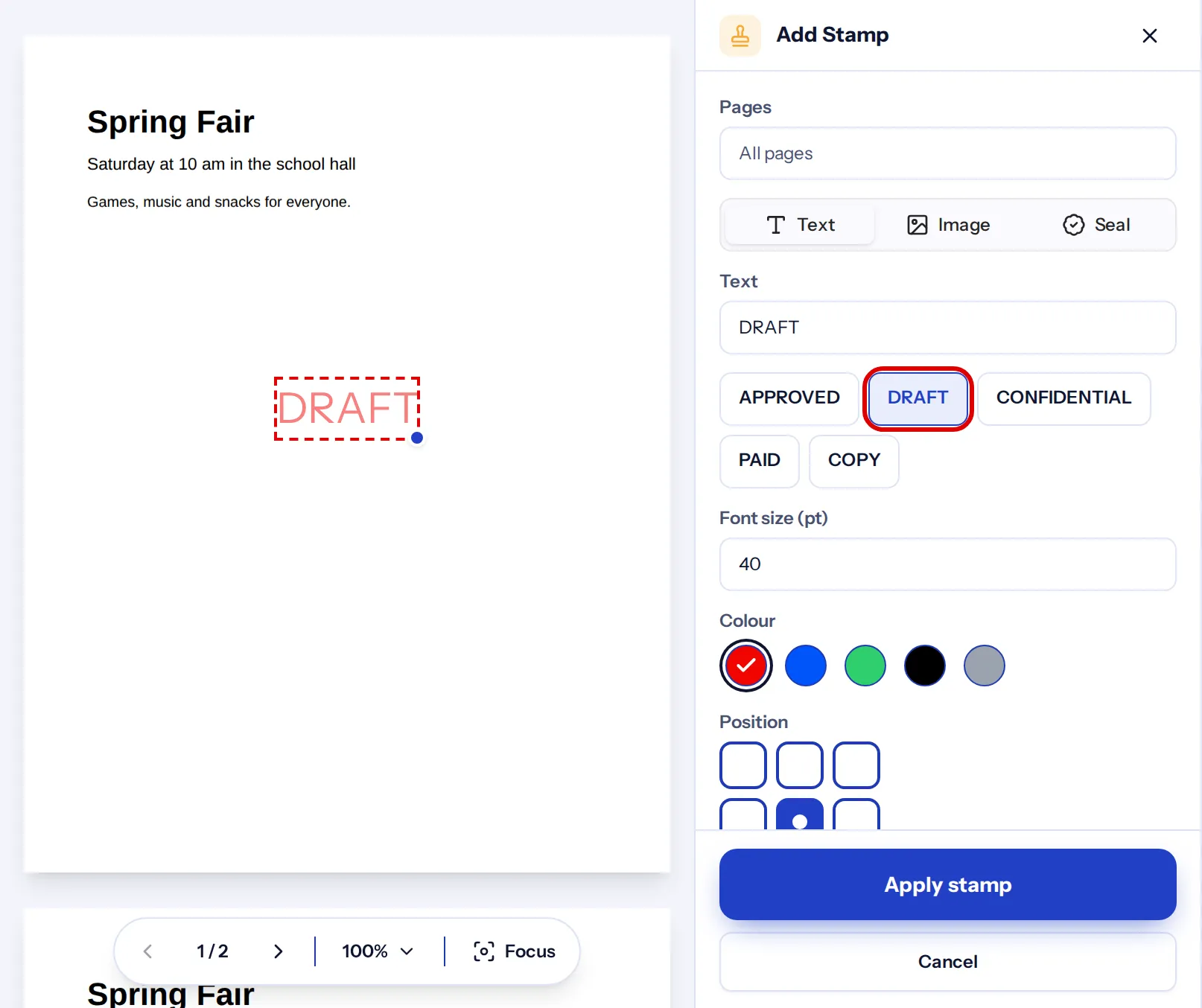 Add a stamp to a PDFAdd a stamp such as DRAFT or APPROVED, or your own logo, to a PDF online. Pick where it goes and which pages, then download the file from indox.org.
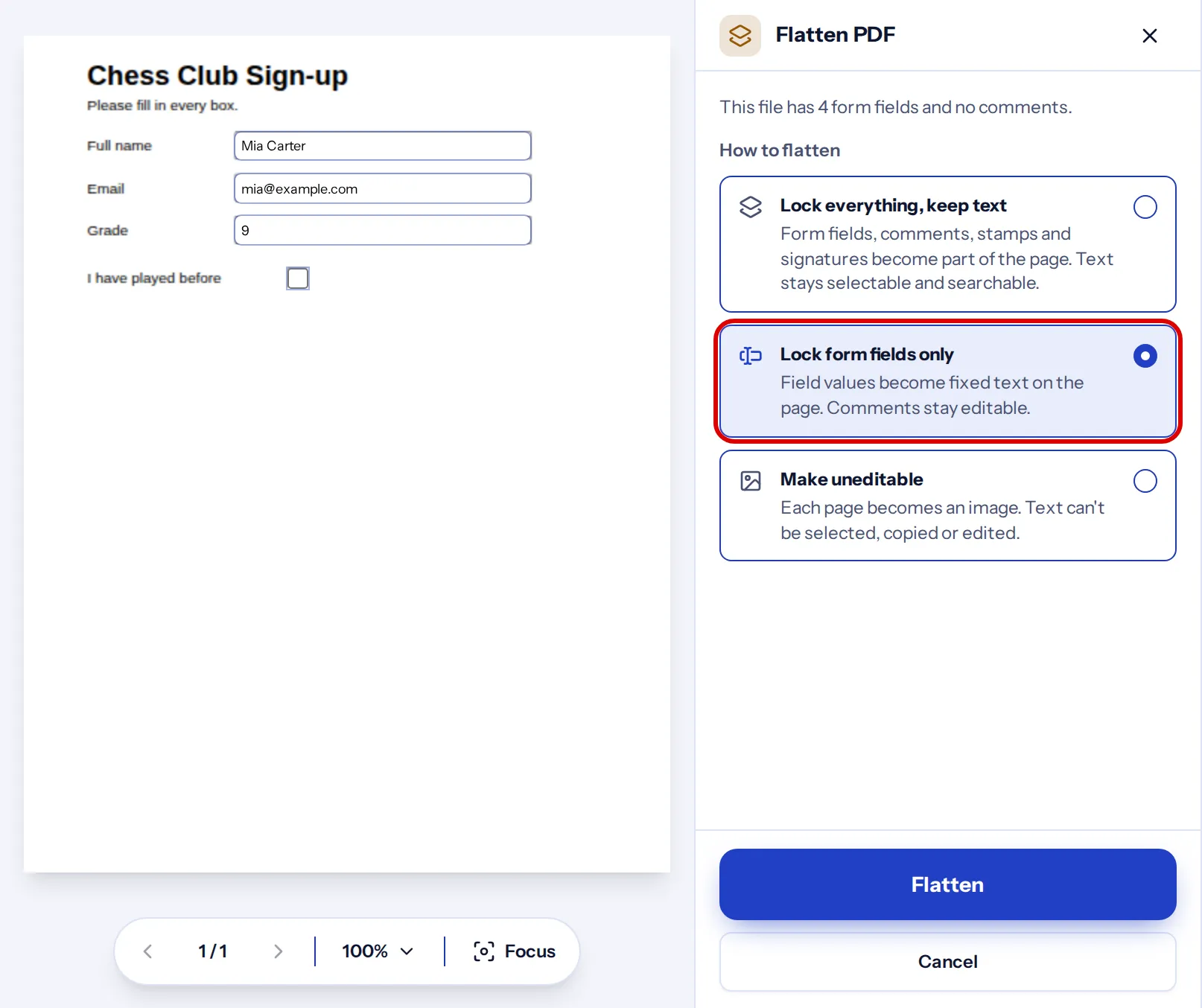 Flatten a PDFFlatten a PDF online: turn form boxes into plain page content so nobody can type over the answers, then download the file from indox.org. No account needed.
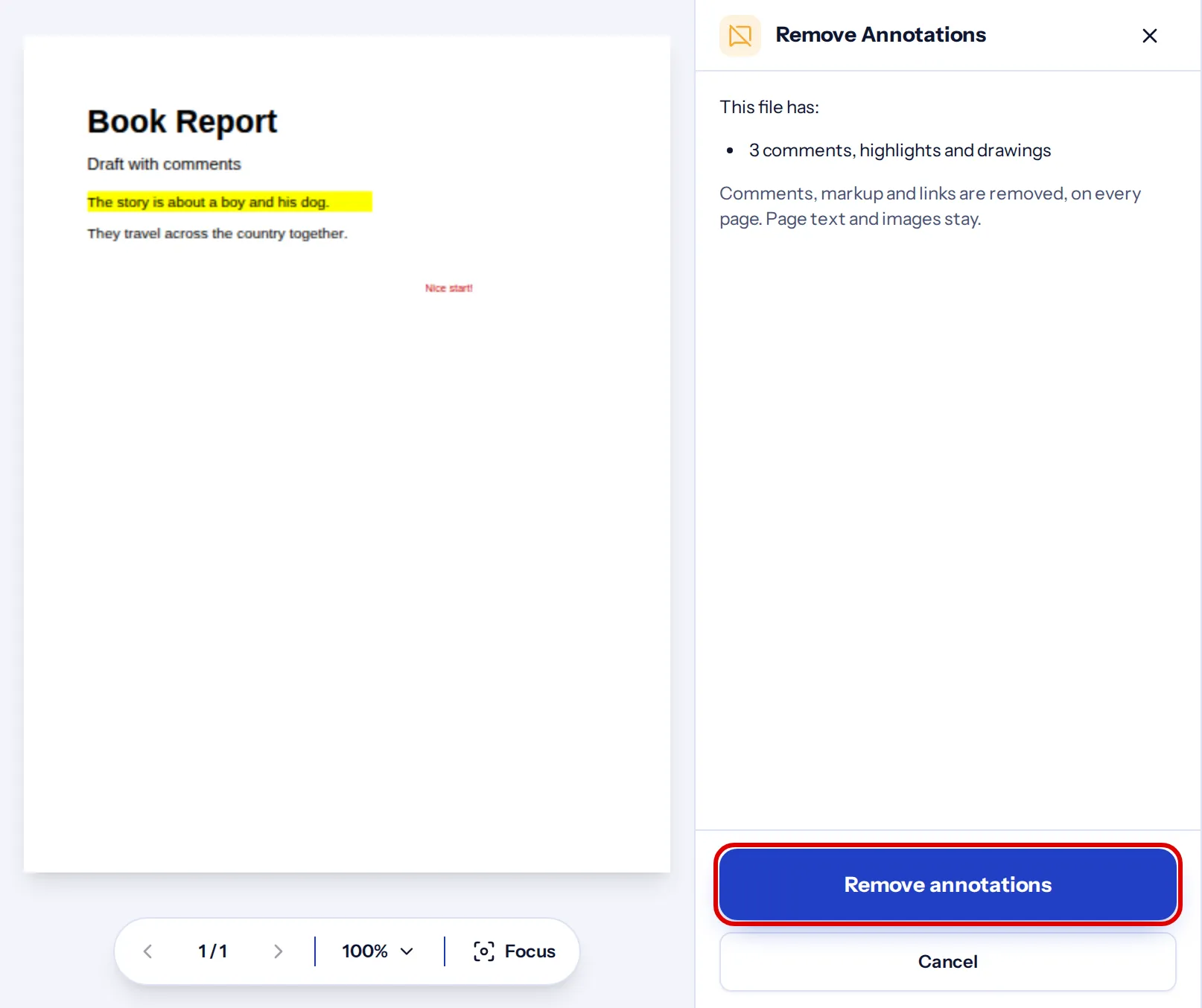 Remove comments from a PDFRemove comments, highlights, drawings and links from a PDF online to get a clean copy, then download it from indox.org. You don't need an account.
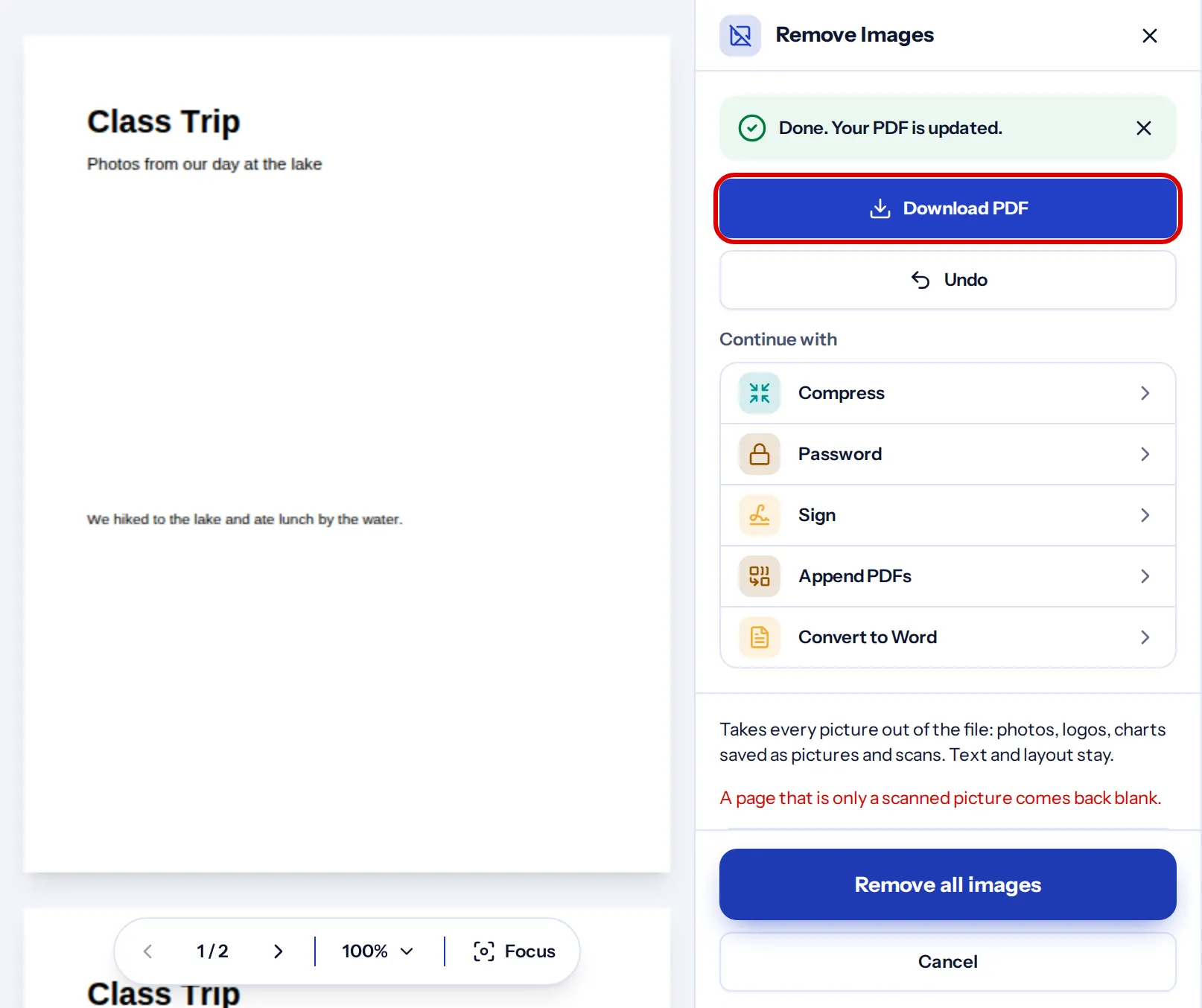 Remove images from a PDFRemove every image from a PDF online and keep the text and layout. Download the lighter copy from indox.org. No account needed.
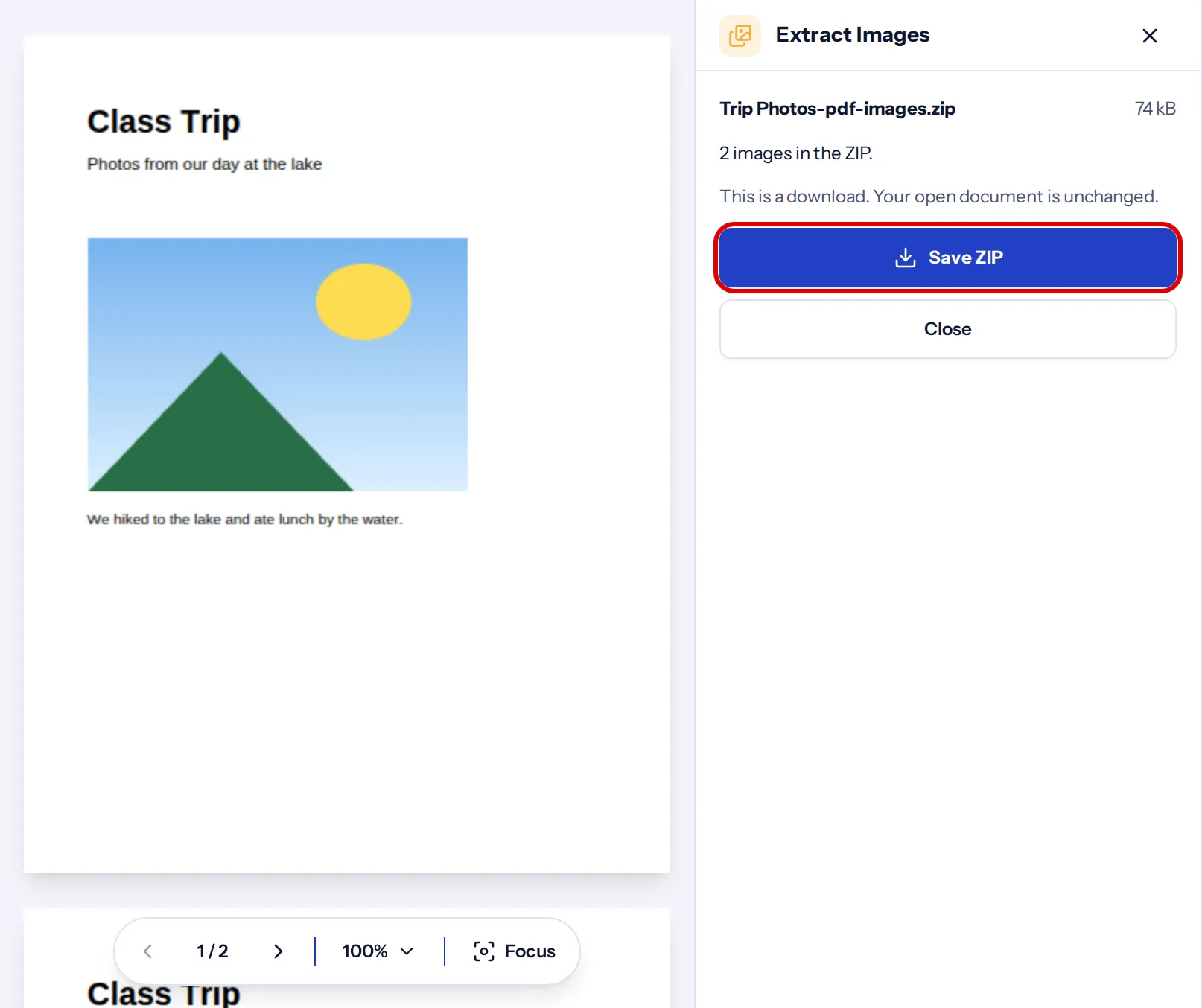 Extract images from a PDFSave the pictures stored in a PDF as PNG, JPEG or GIF files in one ZIP, from all pages or the ones you pick. Free on indox.org. No account needed.
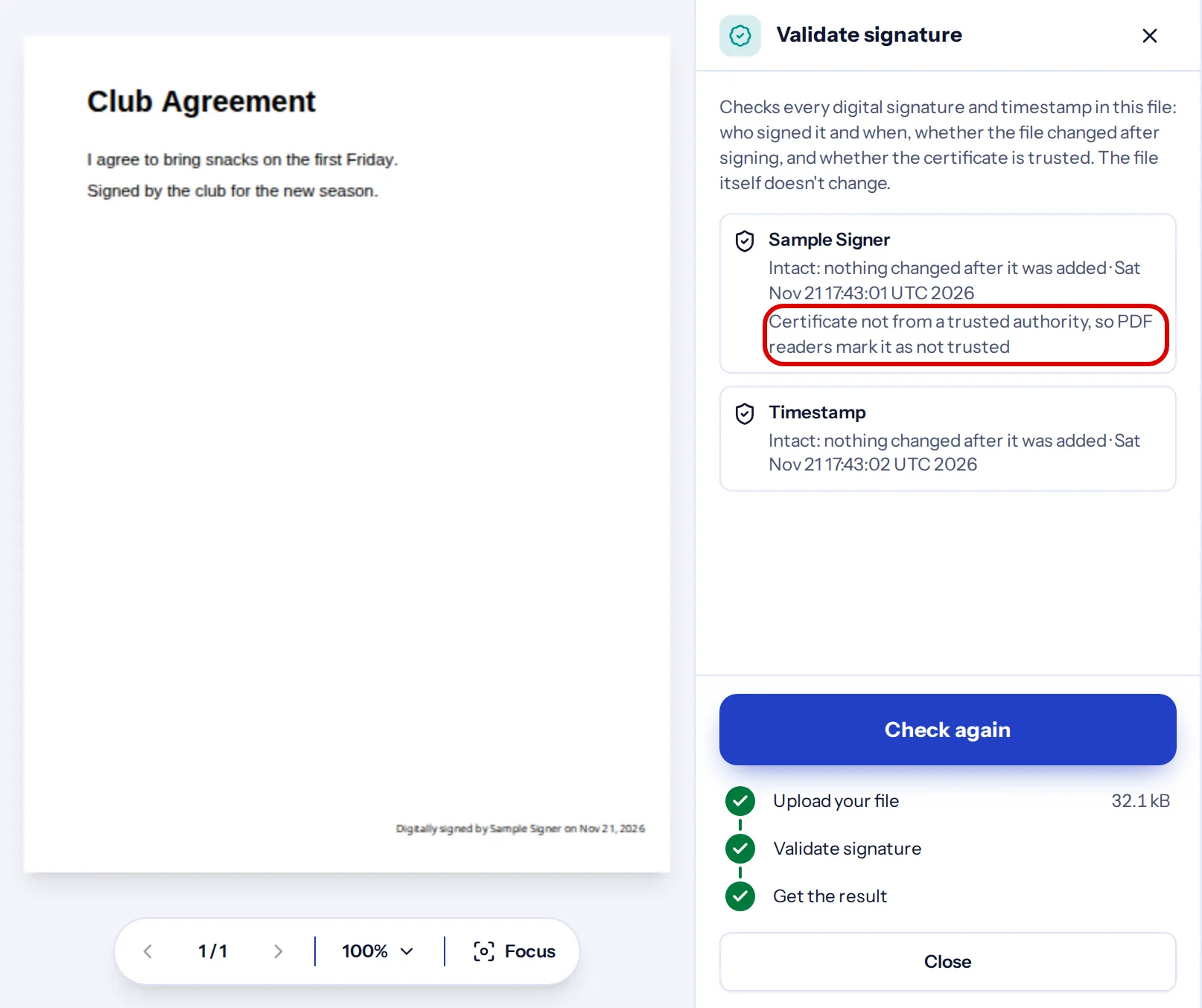 Add a certificate signature to a PDFSign a PDF with a digital certificate so any later change to the file shows up. Add a trusted timestamp too. Free on indox.org. No account needed.
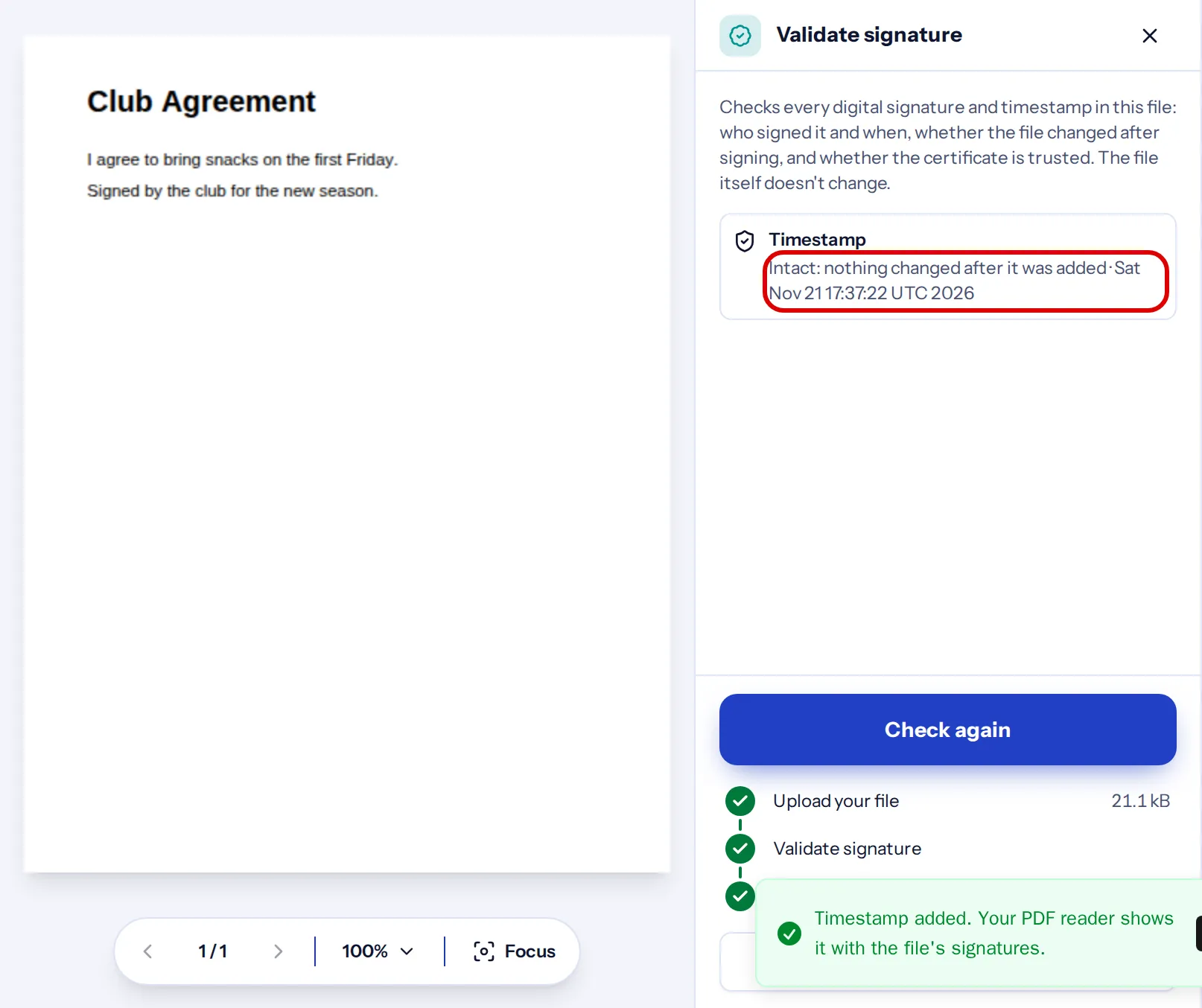 Add a trusted timestamp to a PDFStamp a PDF with a trusted time proof that shows the exact file existed at this moment. Download it from indox.org. No account needed.
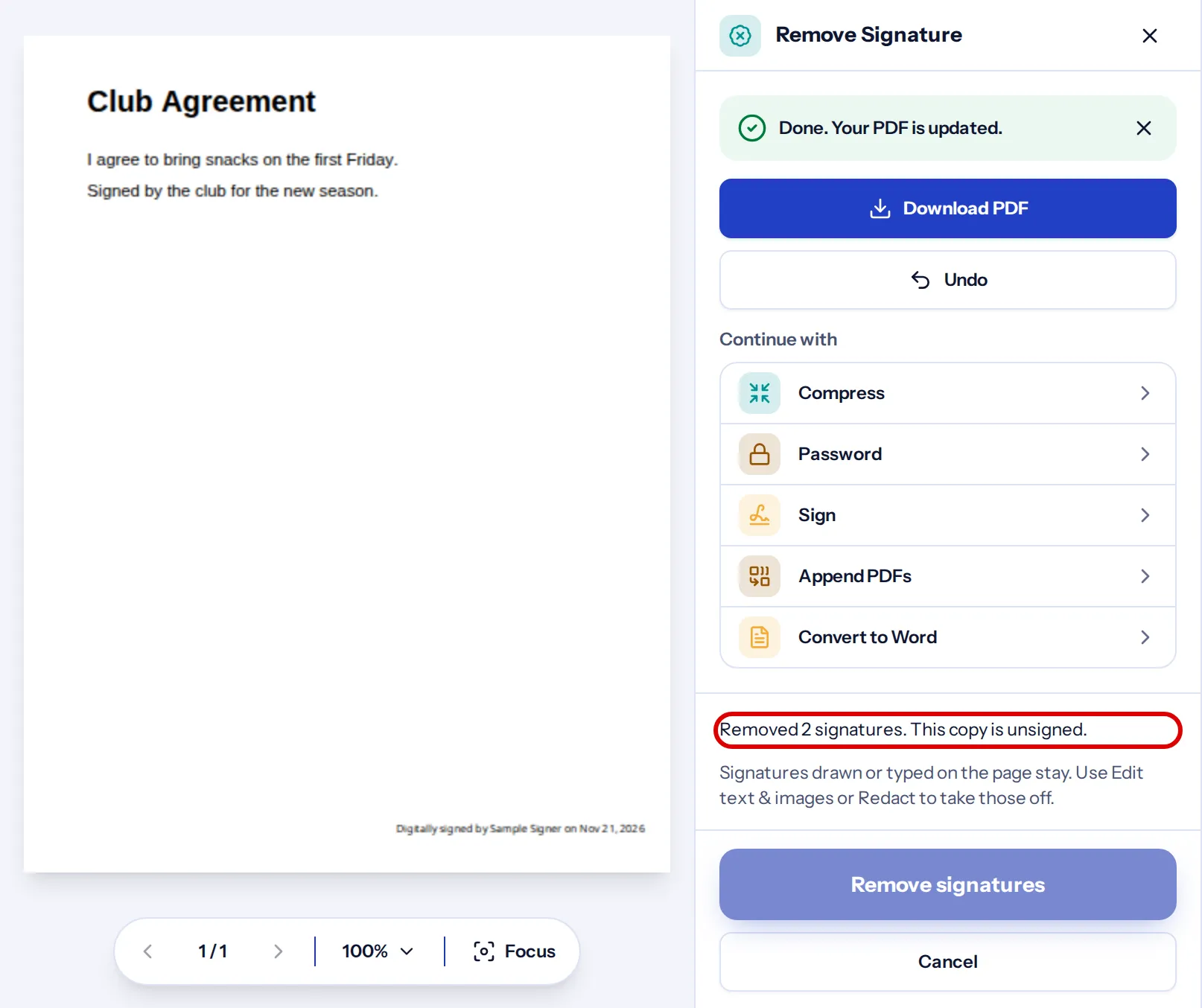 Remove a certificate signature from a PDFTake the digital signatures off a signed PDF to get an unsigned copy you can edit. Download it from indox.org. No account needed.
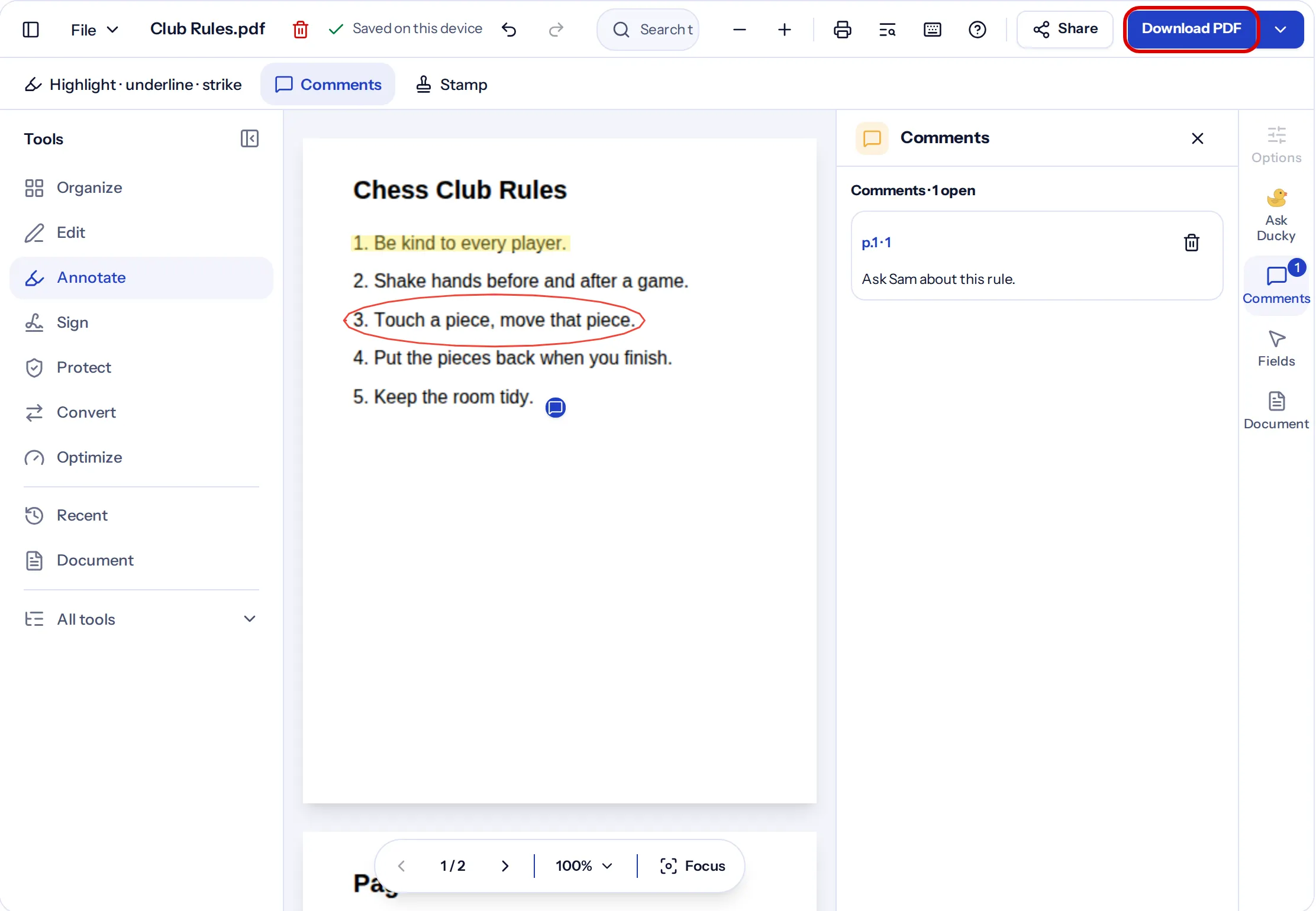 Highlight, comment and draw on a PDFMark up a PDF in your browser. Highlight words, draw on the page and pin a comment, then download the PDF from indox.org. No account needed.
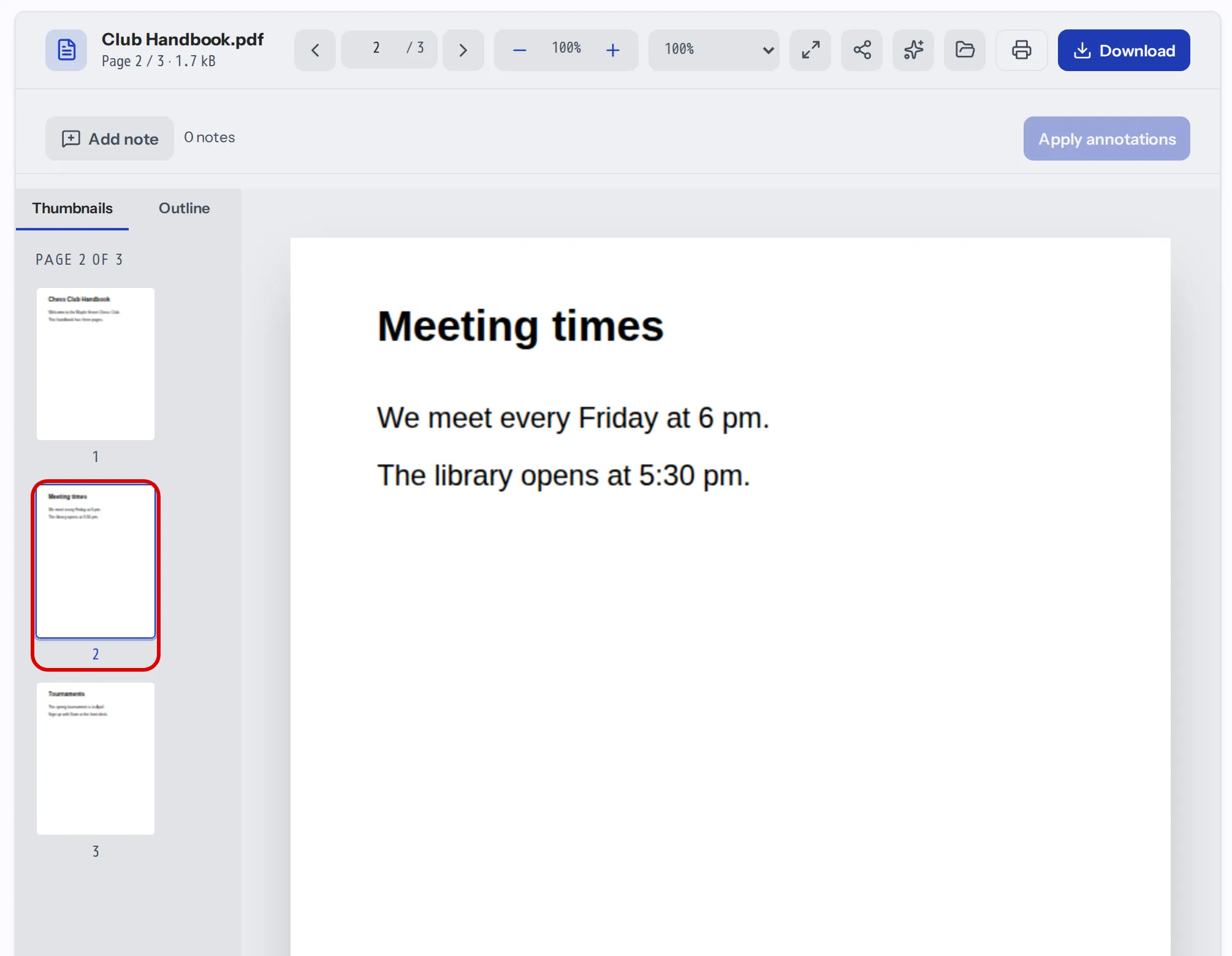 Read a PDF in your browserOpen a PDF in the indox viewer, jump between pages, zoom in and download it. Nothing is uploaded to read it. No account needed.
Download & manage files
 Edit a presentation onlineAdd a text box to a slide, change the font, size and colour, and undo mistakes in the indox Slides editor. You don't need an account.
 Add shapes, symbols and emoji to slidesInsert a shape, a symbol or an emoji on a slide in the indox Slides editor, then change its colours, size and position. You don't need an account.
 Save and download a presentationKeep your indox Slides draft in your account and download it as a .pptx file. Here is what works without an account and what needs one.
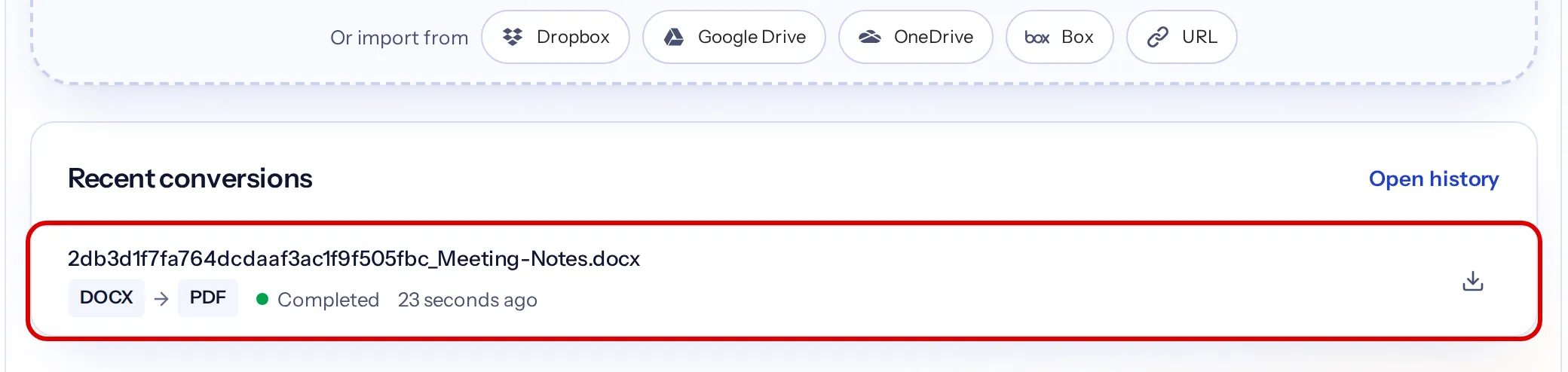 Find a past conversionFind a past conversion on indox.org and download it again, from the Recent conversions box or from the History page when you are signed in.
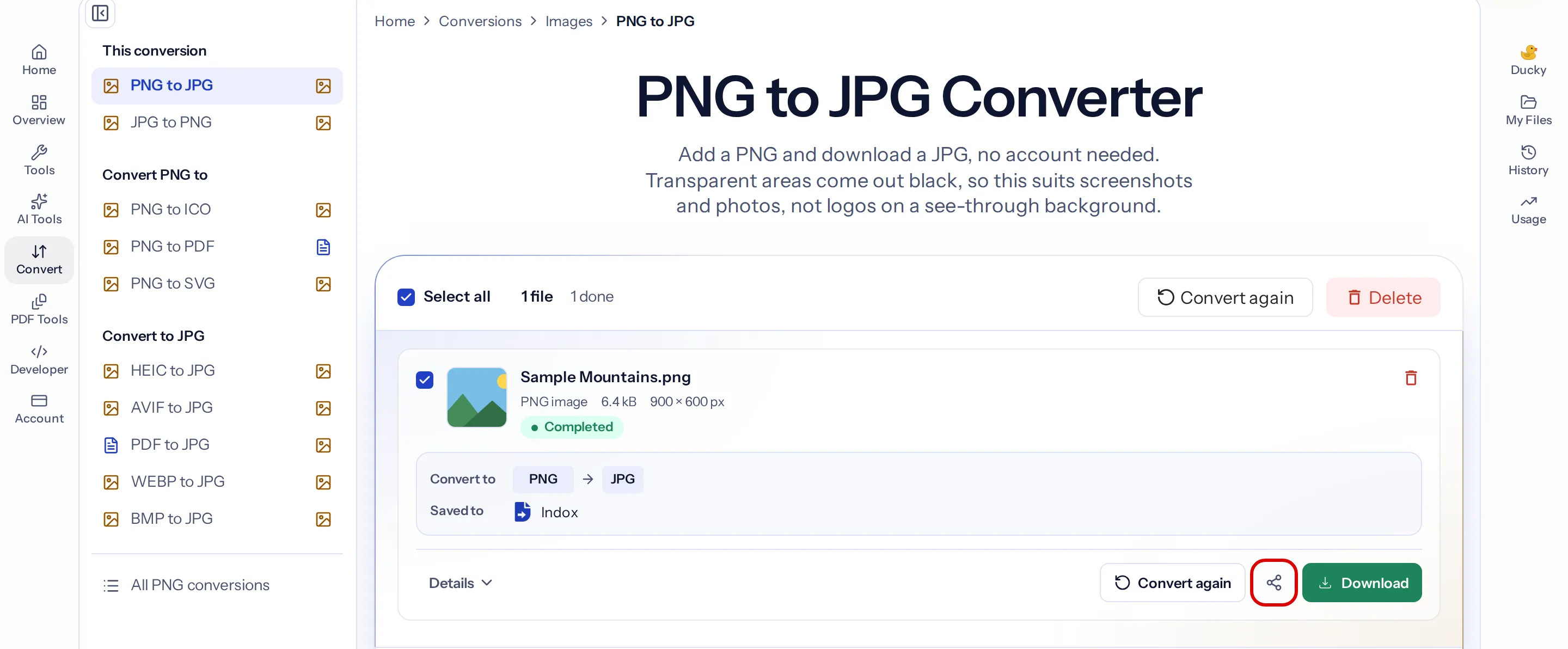
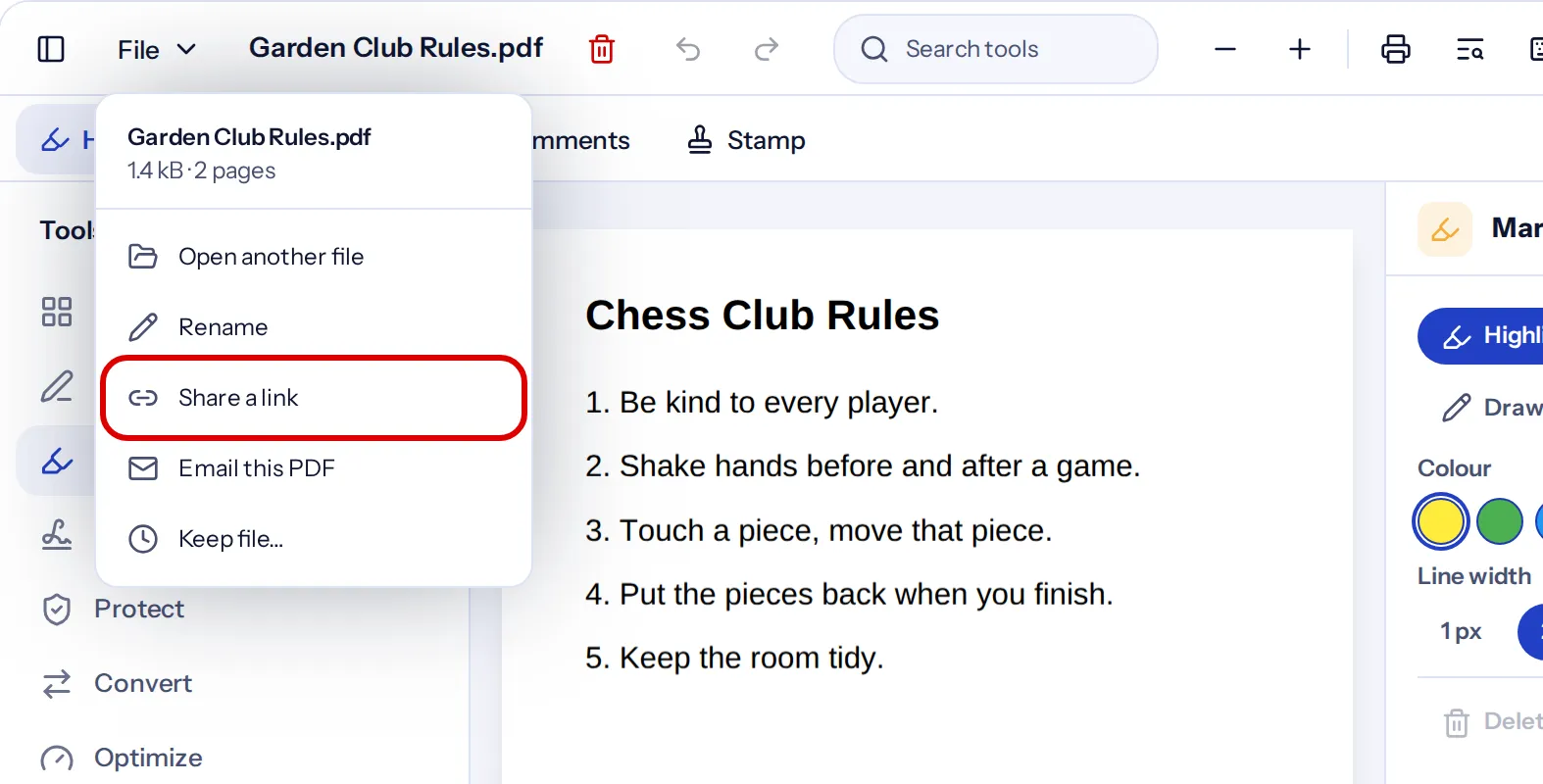 Email a PDF or share a link from the editorSend a PDF from the indox editor. Make a link anyone can open, email the file to yourself, and turn the link off when you are done.
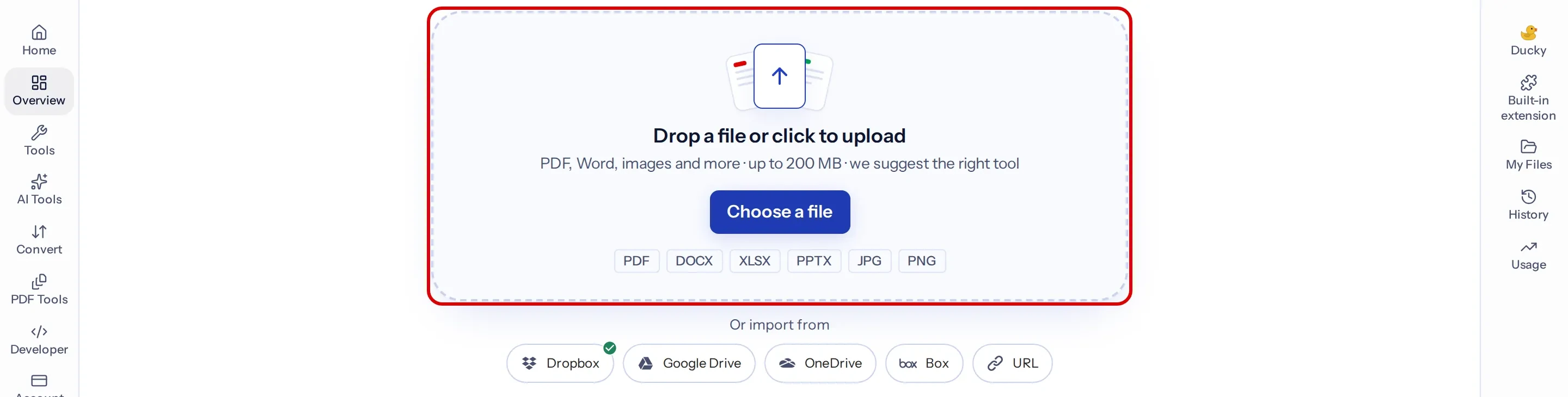 Find your way around the Overview dashboardSee what each part of the Overview page in indox.org does: upload box, Get started list, your numbers, the daily chart and your recent conversions.
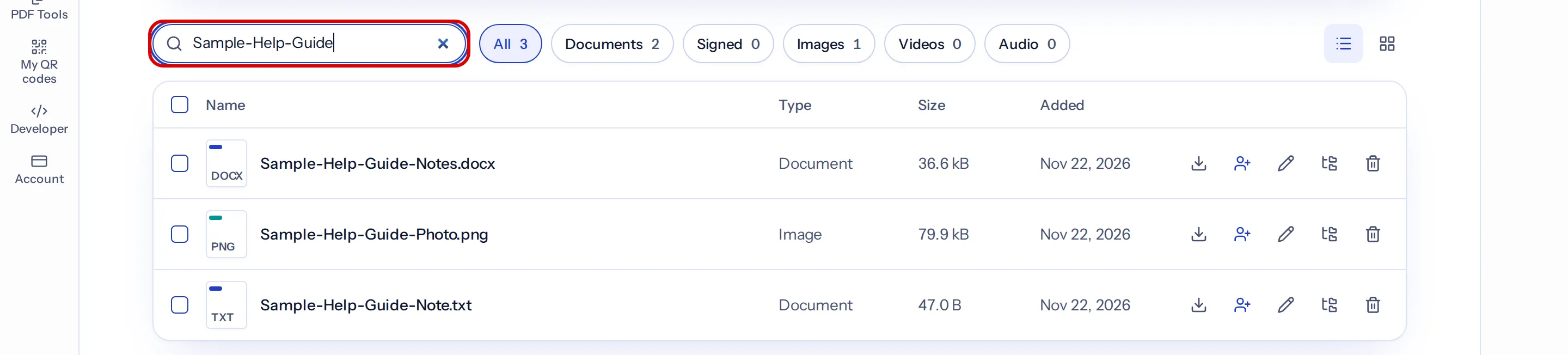 Upload, rename, download and delete filesAdd files to My files on indox.org, find them with search, rename them, download a copy and delete them.
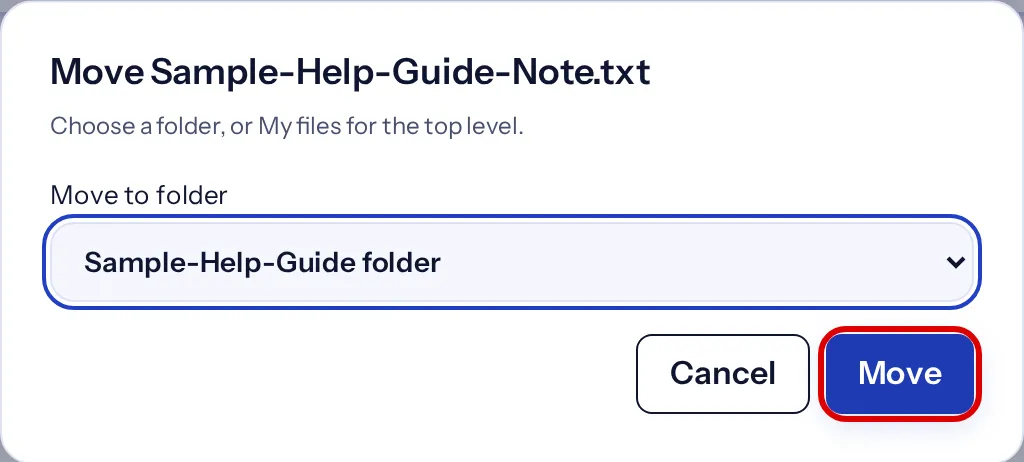 Organize files into foldersMake a folder in My files on indox.org, move files into it, open it and delete it.
 How long indox keeps your filesSee how long a converted file stays in your History on indox.org and where to find the countdown.
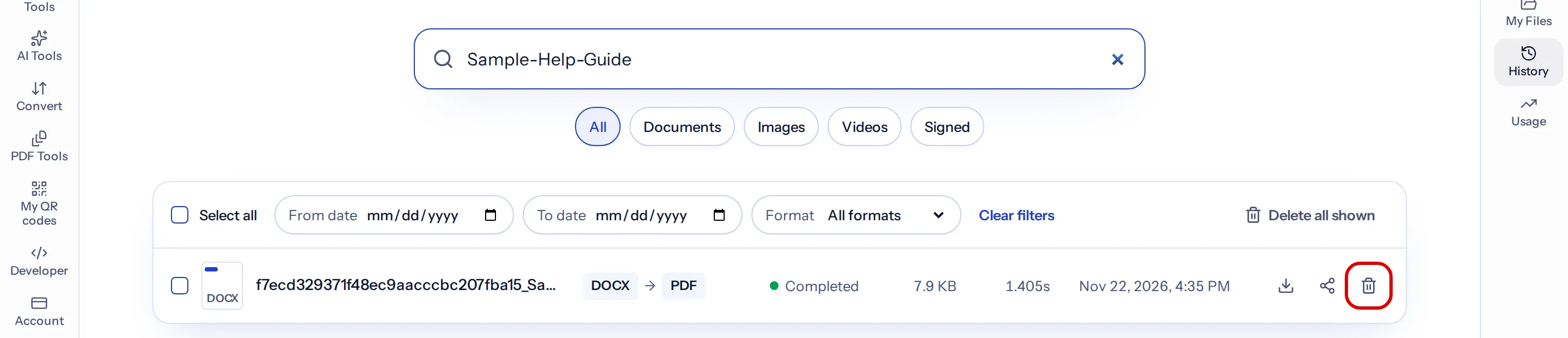 Delete conversions from your historyRemove a conversion from your History on indox.org with the bin icon, and see what happens next.
Create & write
- Make a QR codeMake a QR code for a link, Wi-Fi, contact card and more, style it, and download it as PNG, SVG, JPG, PDF or EPS on indox.org. You don't need an account.
- Make a dynamic QR codeMake a dynamic QR code that opens a page you can edit after printing, pause or delete it, and see how often it is scanned, on indox.org. You need an account.
- Edit a Markdown document onlineWrite Markdown with a live preview in the indox Markdown editor, format it from the toolbar, add images, import a .md file and export it. You can start without an account.
- Let Ducky edit your documentAsk Ducky to improve, fix, shorten or translate text in the indox Markdown editor, then accept or reject each change. You get 5 free Ducky answers a day.
Organize PDFs
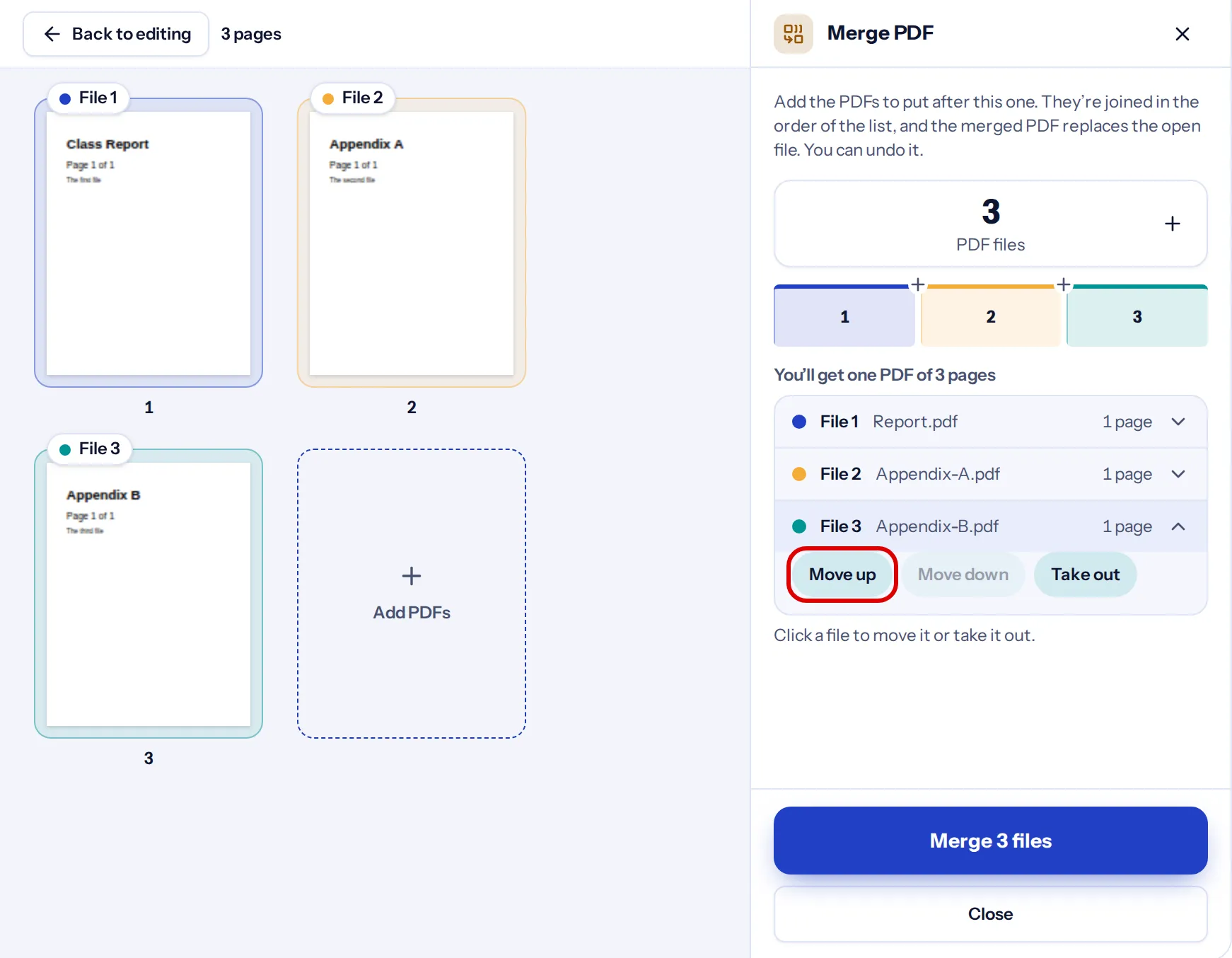 Merge PDF files into onePut several PDFs into one file in the order you choose, check the pages and download the merged PDF on indox.org. You don't need an account.
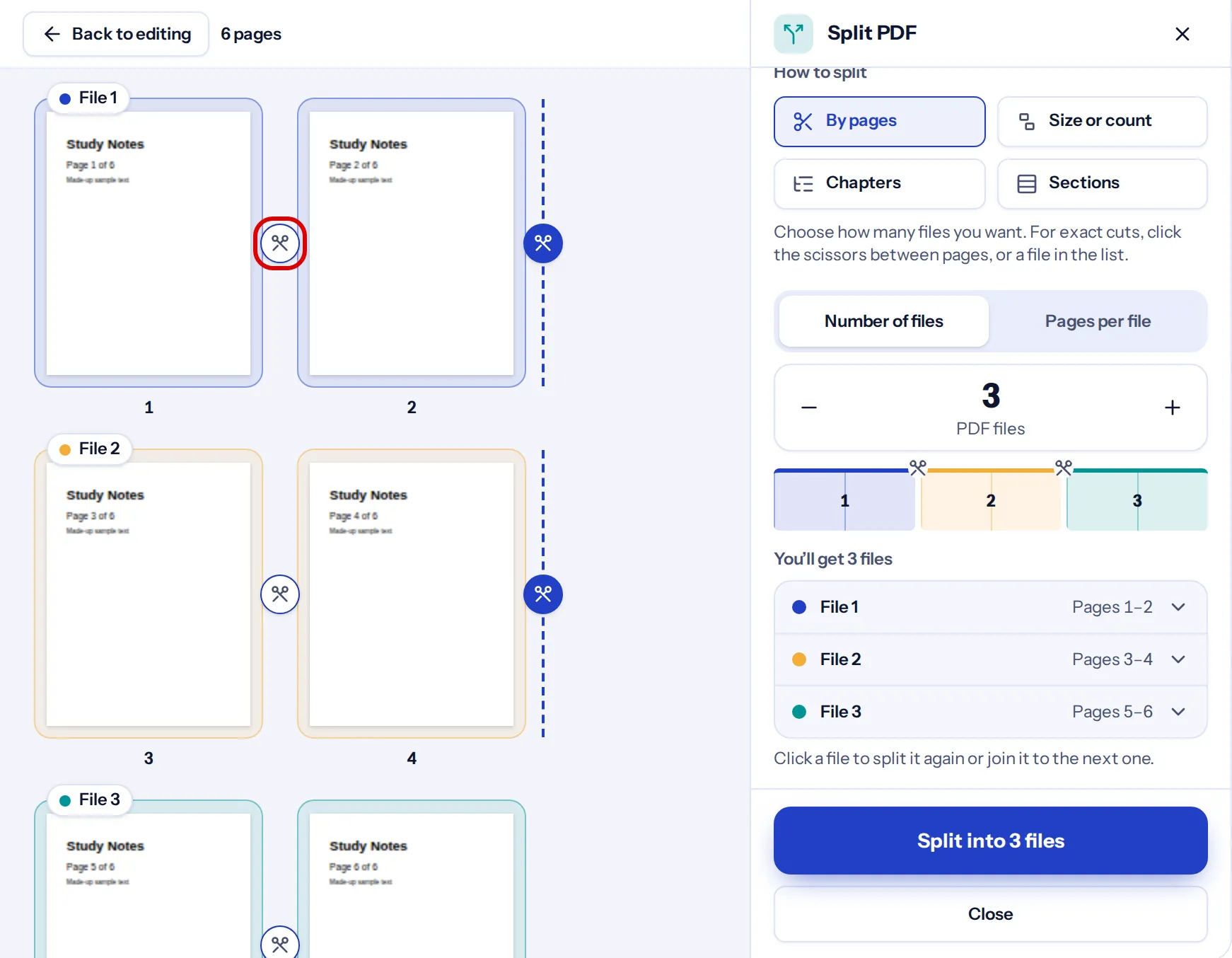 Split a PDF into separate filesCut a PDF into several files, either by the number of files you want or at the pages you choose, and download them in one ZIP on indox.org. You don't need an account.
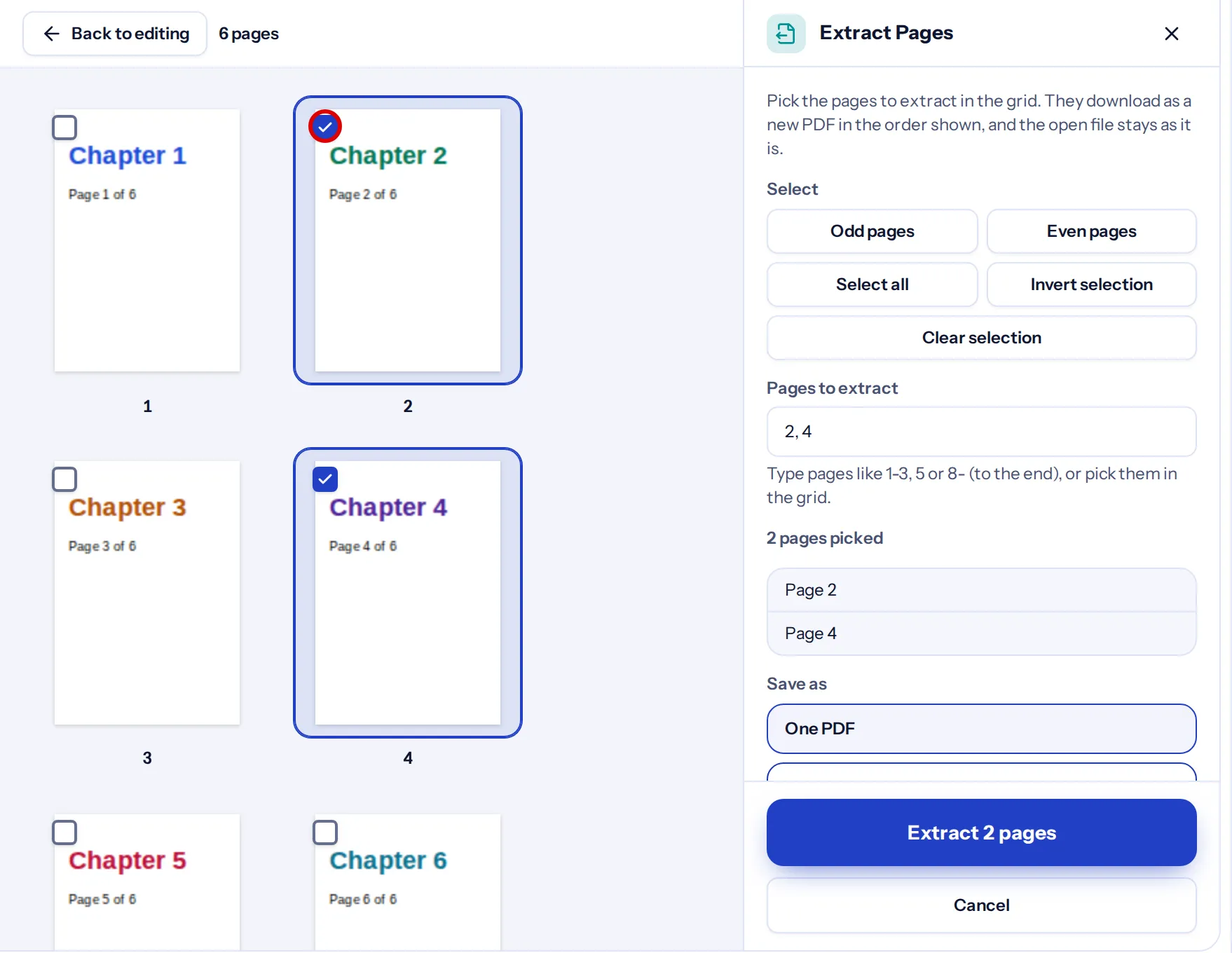 Extract pages from a PDFExtract pages from a PDF online: pick the pages you want and save them as a new, shorter PDF, or as one PDF per page in a ZIP, on indox.org. No account needed.
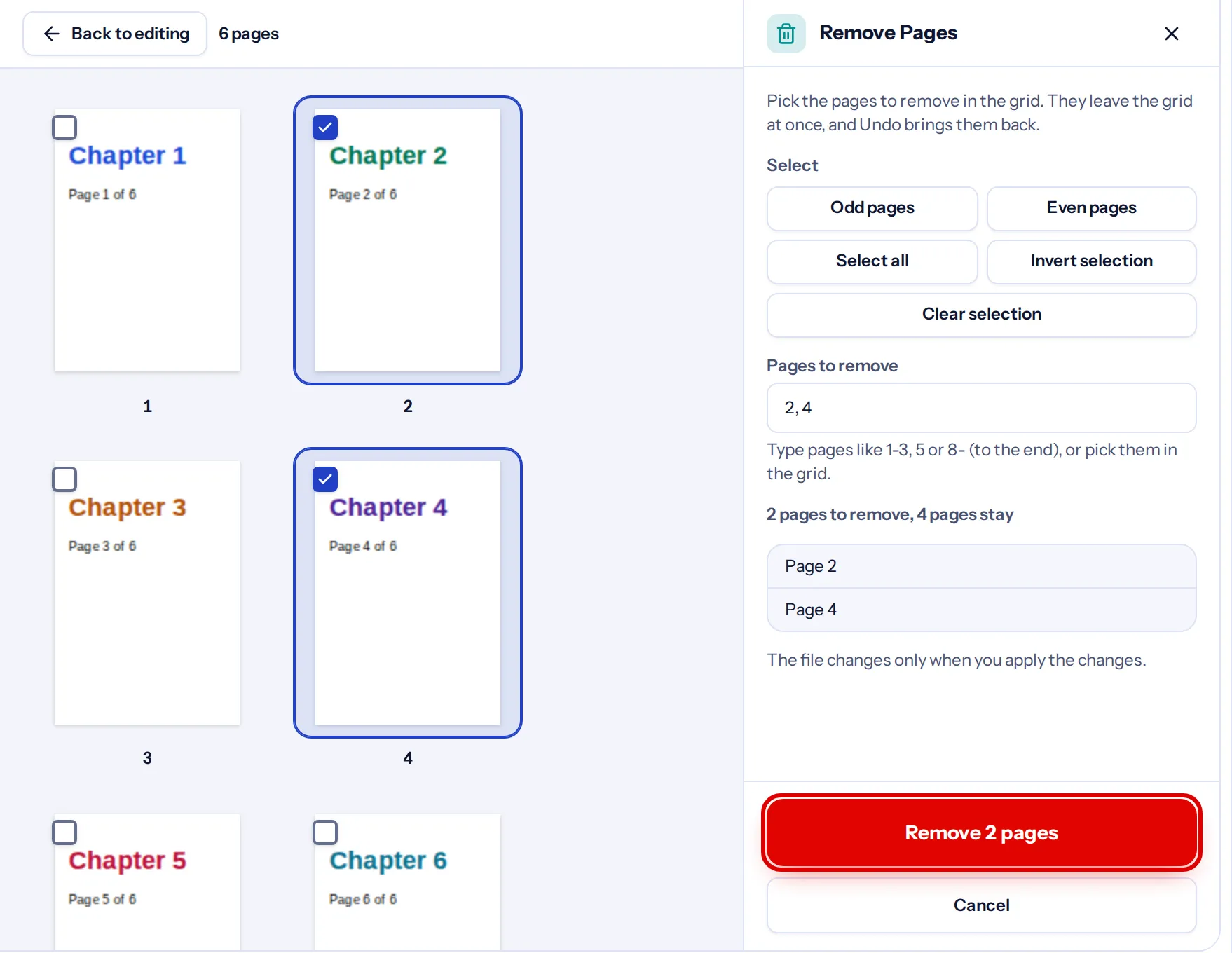 Delete pages from a PDFDelete pages from a PDF online: pick the pages you don't want, remove them and download the shorter PDF from indox.org. No account needed.
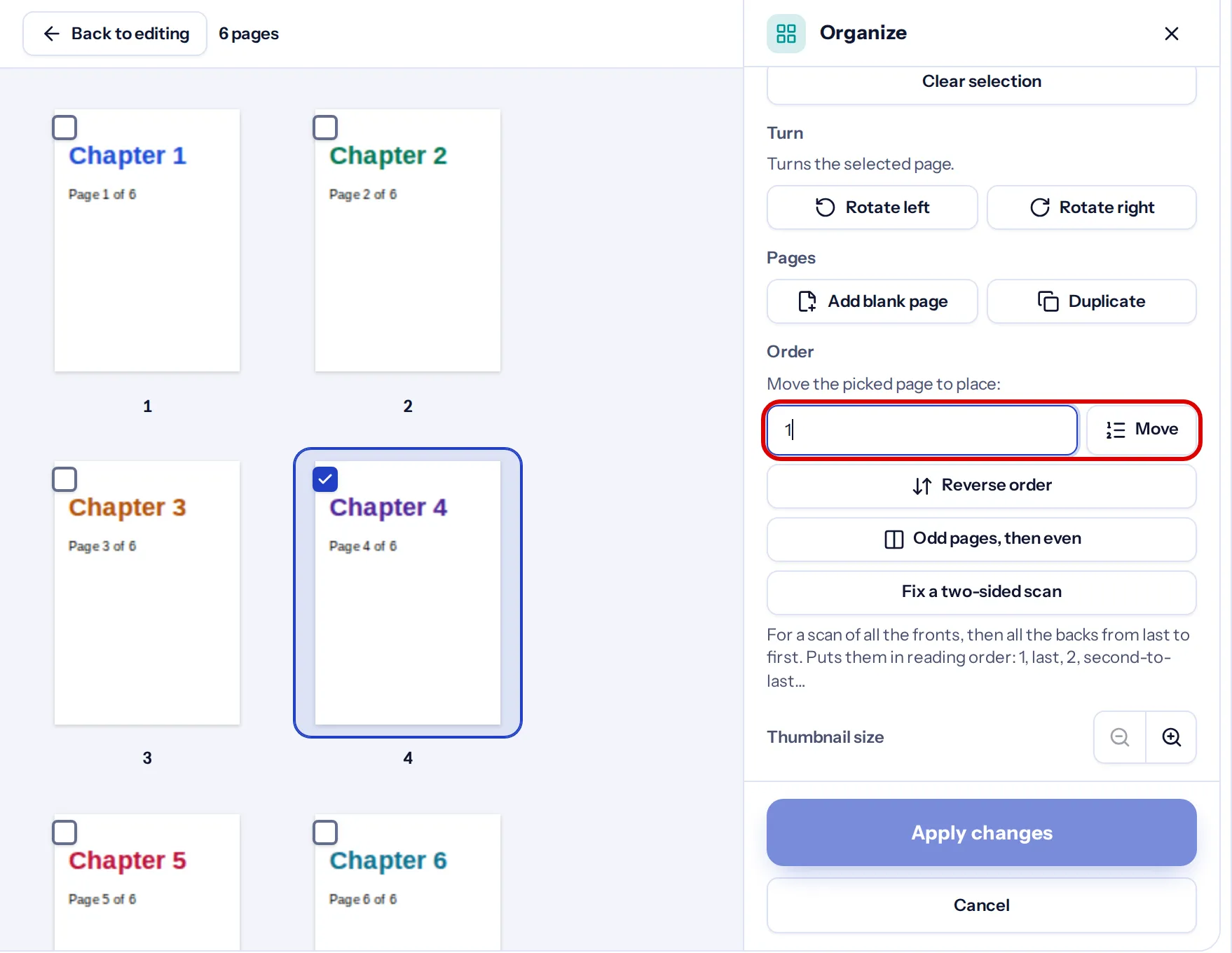 Reorder PDF pagesReorder PDF pages online: move a page to a new place, or flip the whole file, and download the PDF in the new order from indox.org. No account needed.
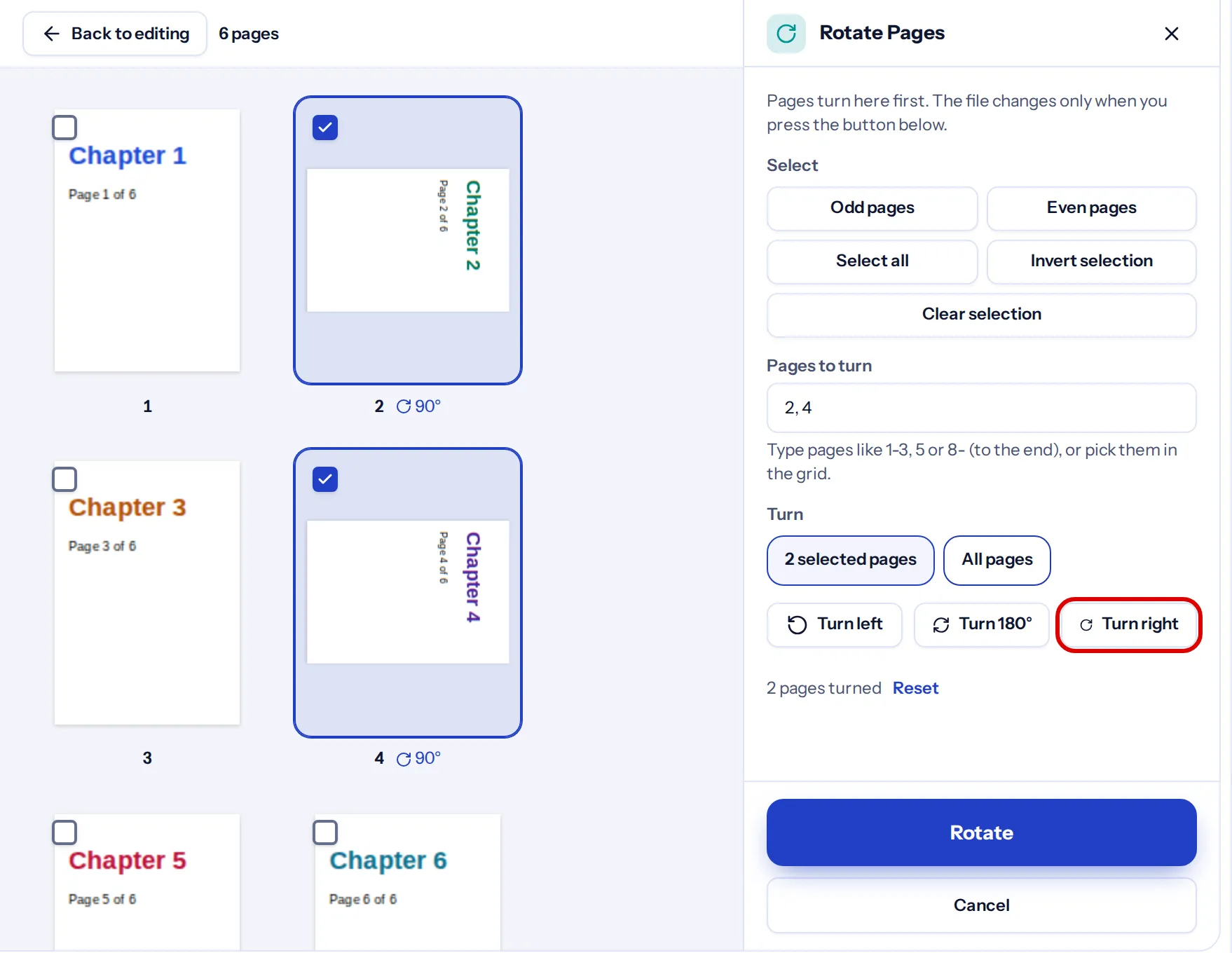 Rotate PDF pagesRotate PDF pages online: turn sideways or upside-down pages the right way up, one page, some pages or all of them, and download the fixed PDF from indox.org. No account needed.
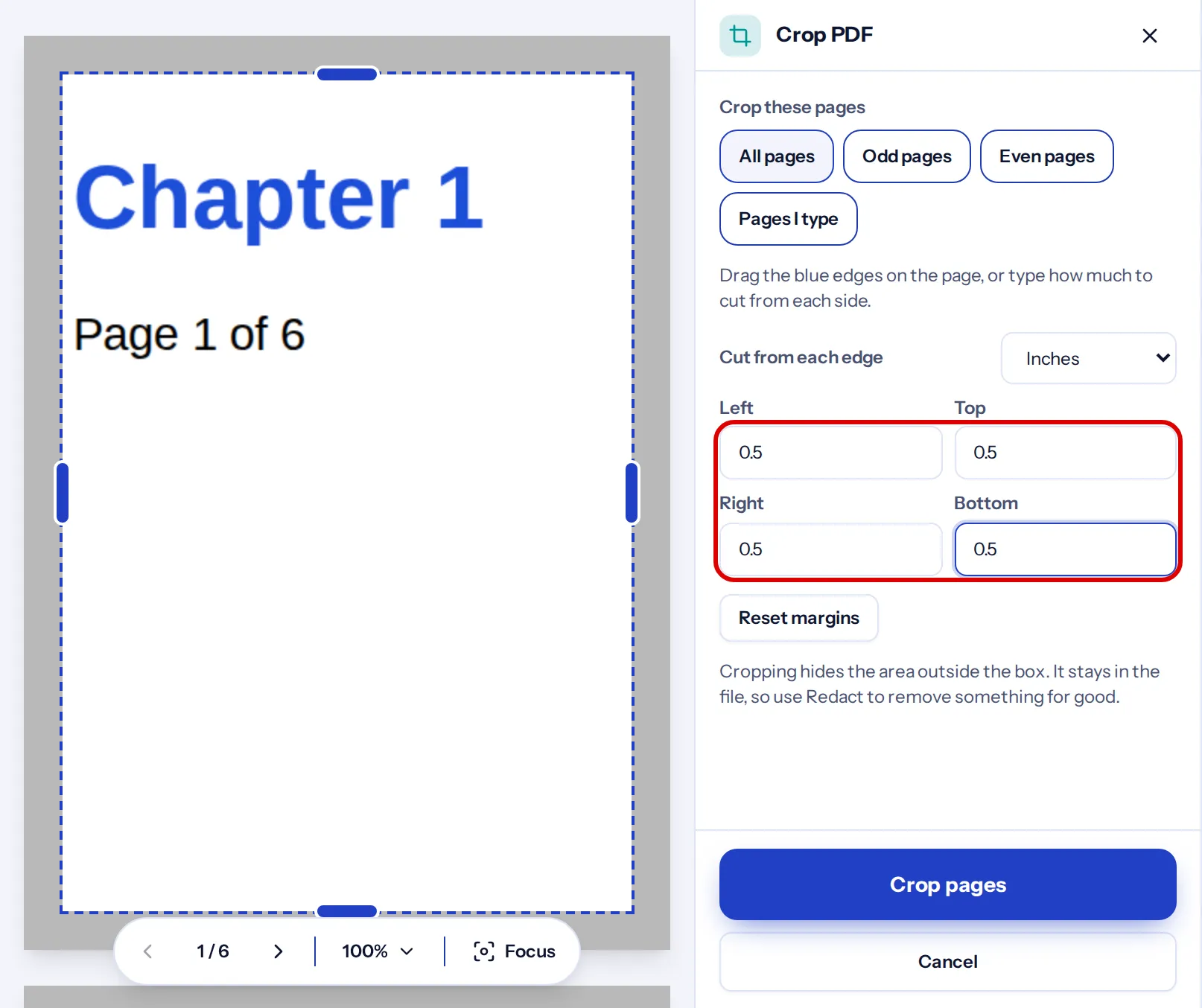 Crop a PDFCrop a PDF online: cut the empty edges off its pages by typing how much to remove from each side, then download the new file from indox.org. No account needed.
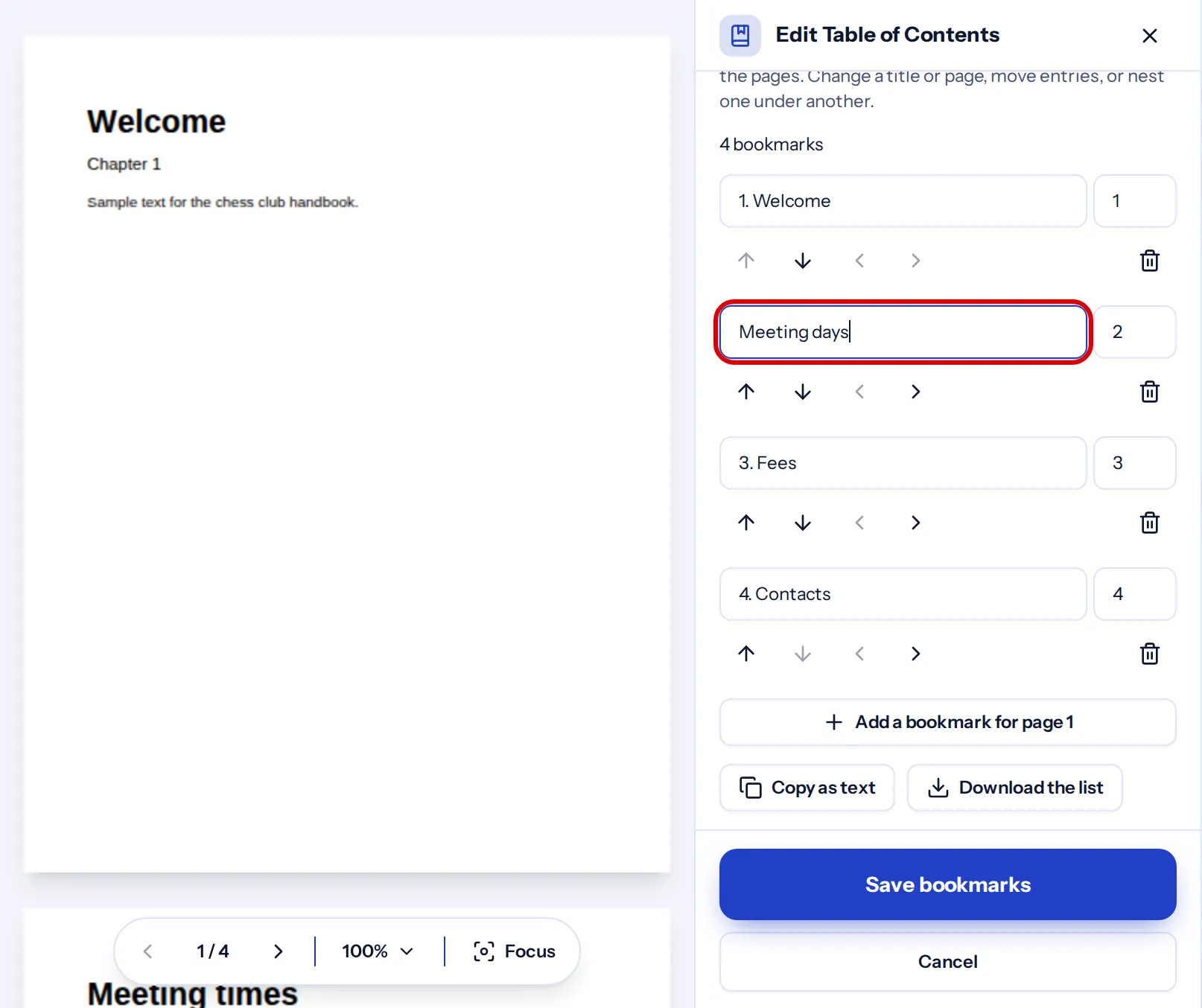 Edit the bookmarks in a PDFChange, add or copy the bookmarks in a PDF online: edit titles and page numbers, save the new PDF or copy the list as text from indox.org. No account needed.
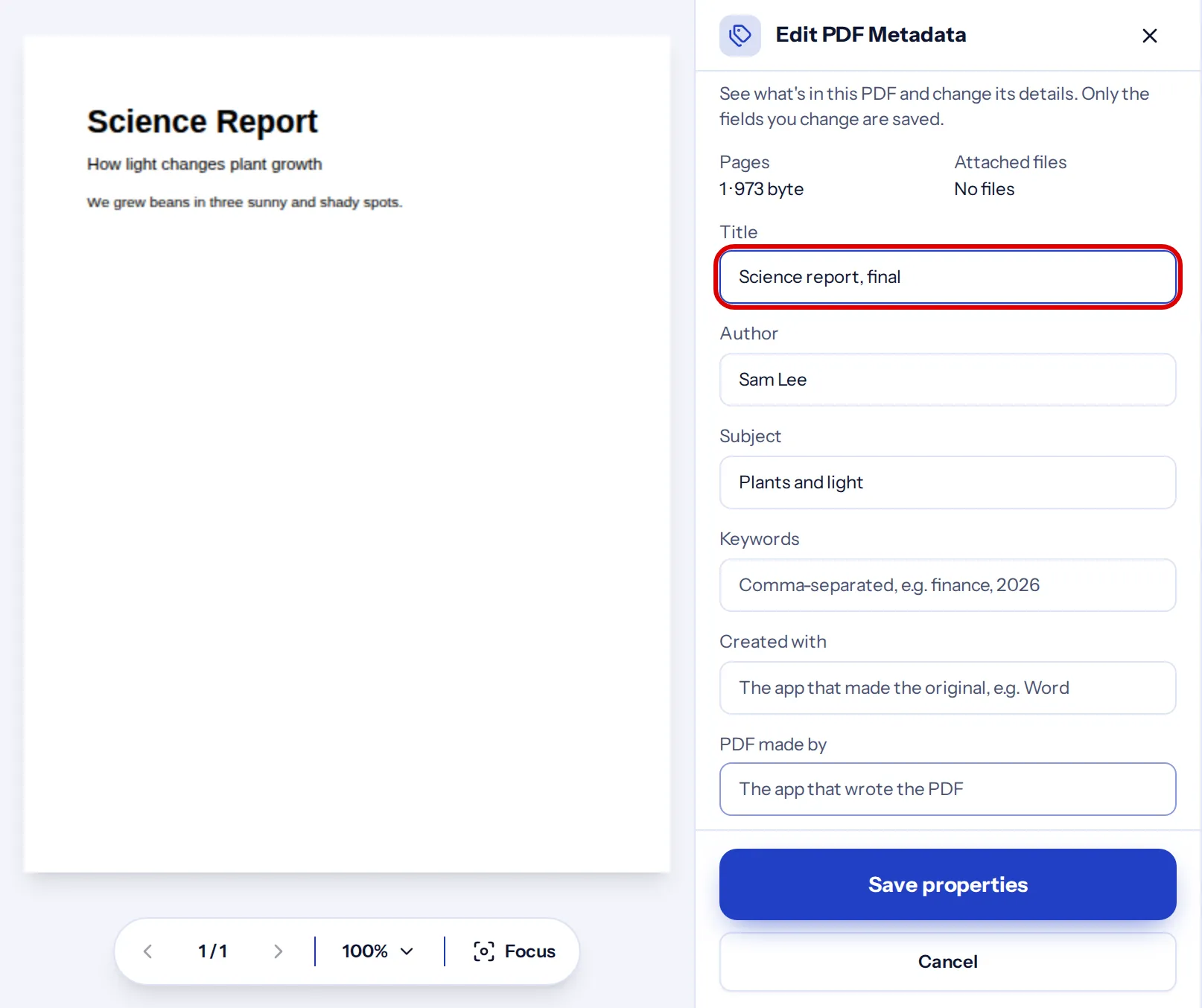 View or edit PDF propertiesSee what is inside a PDF and change its title, author and other details online. Check for scripts, then download the file from indox.org. No account needed.
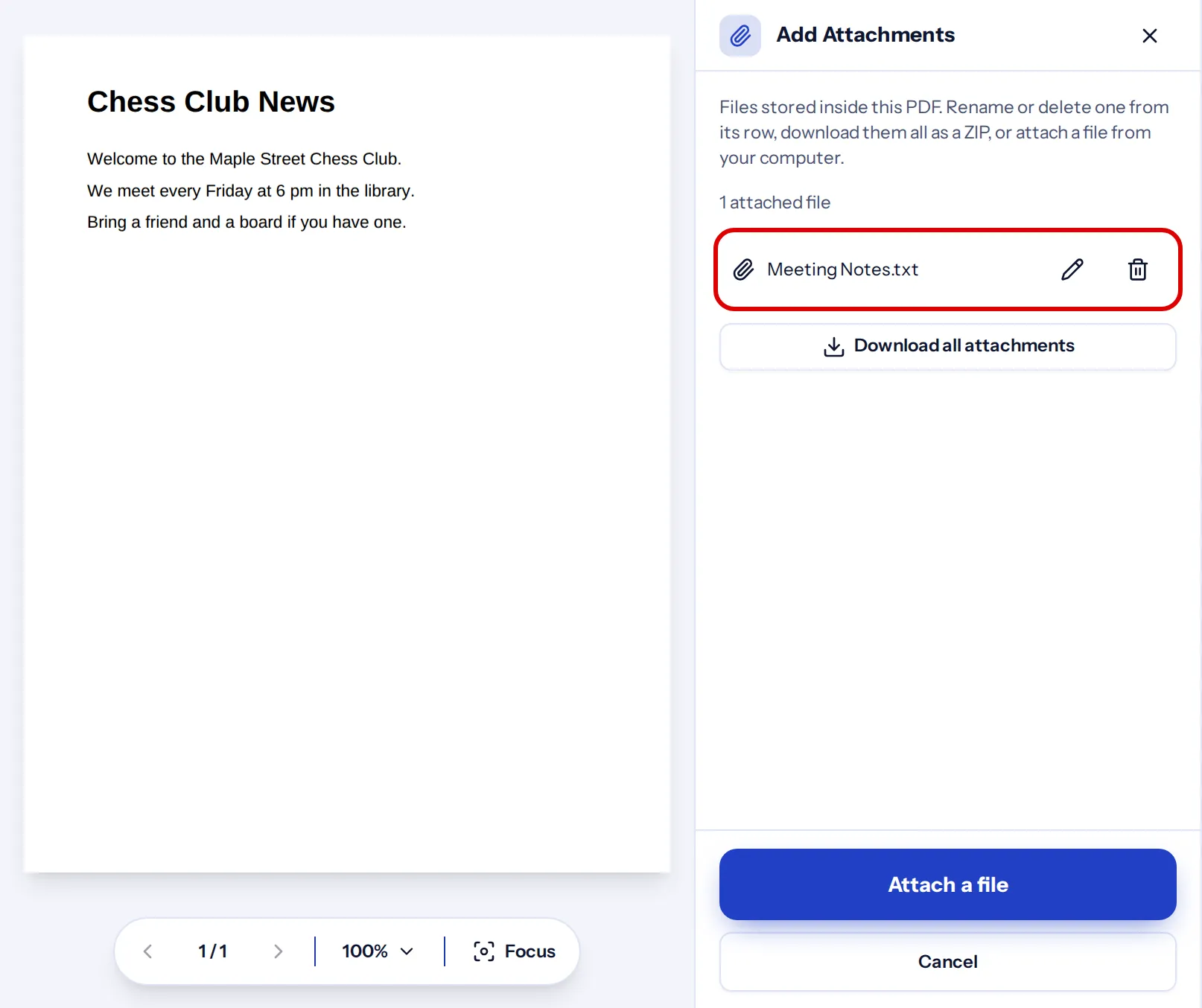 Add, list or extract PDF attachmentsSee the files stored inside a PDF, attach a new file, or save every attachment as a ZIP. Free on indox.org. No account needed.
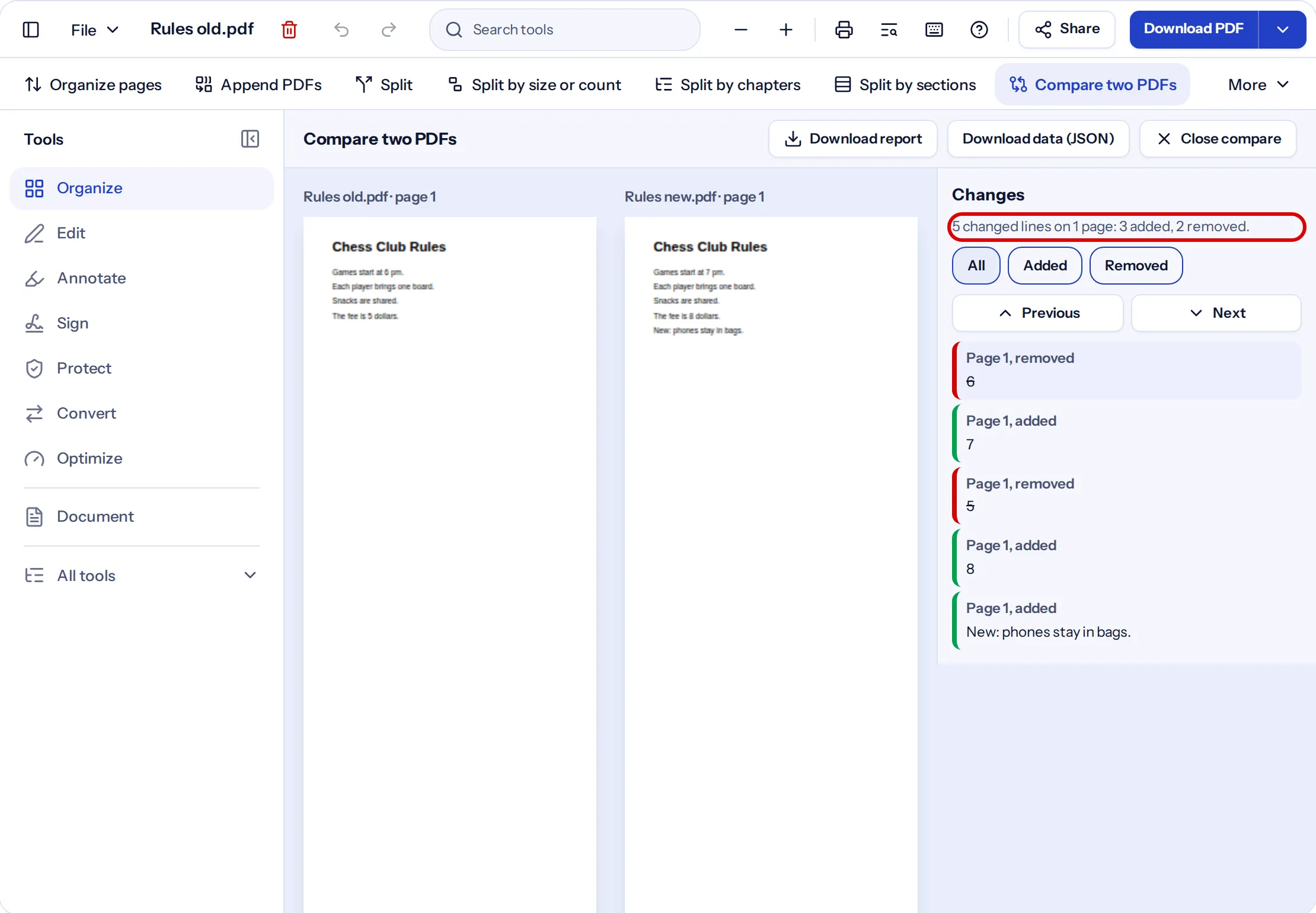 Compare two PDFsSee what changed between two versions of a PDF. indox lists the words that were added or removed, page by page. Free on indox.org. No account needed.
Page layout & printing
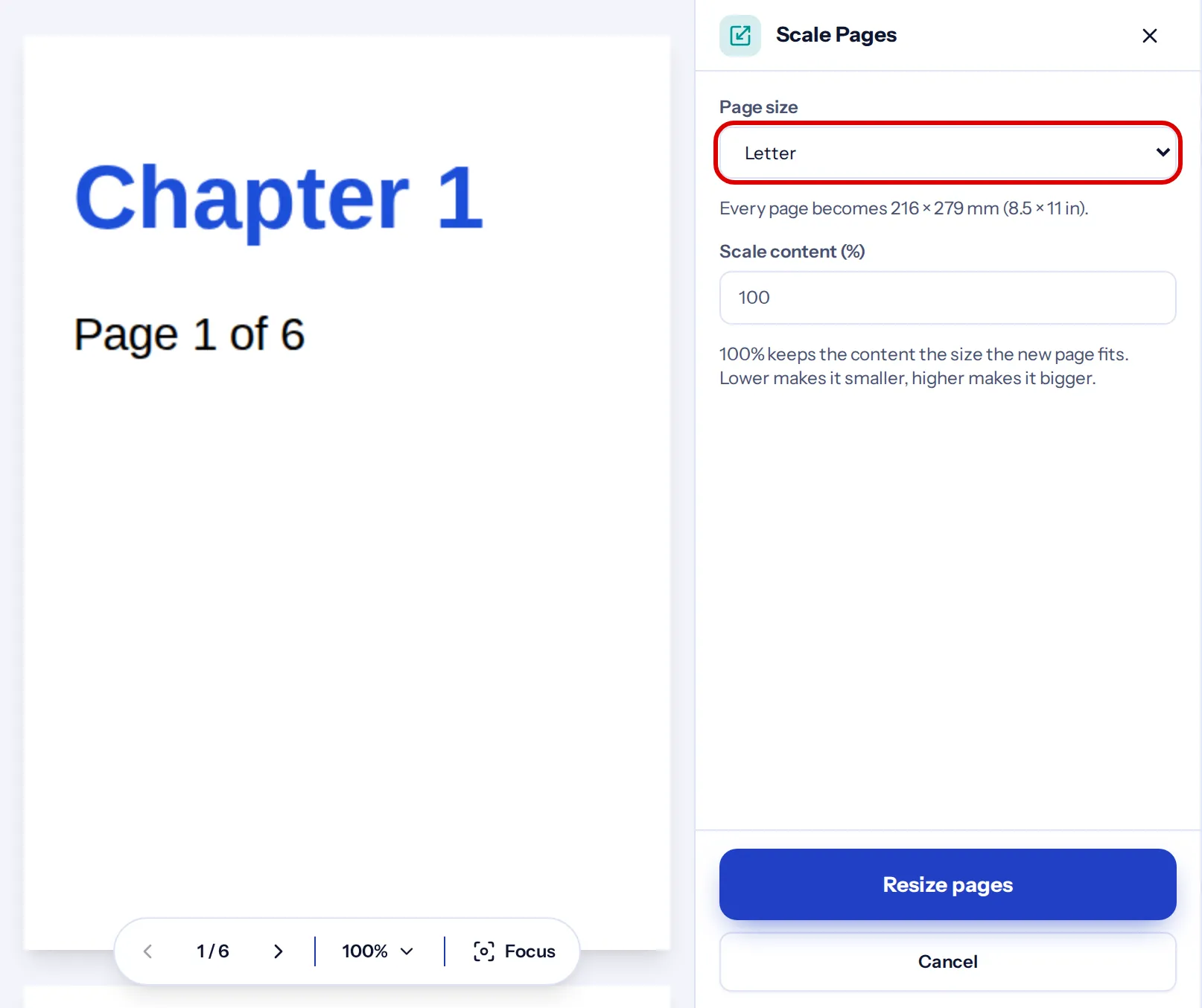 Resize PDF pages to a paper sizeChange every page of a PDF to a paper size such as Letter, A4 or A3, and download the resized PDF from indox.org. You don't need an account.
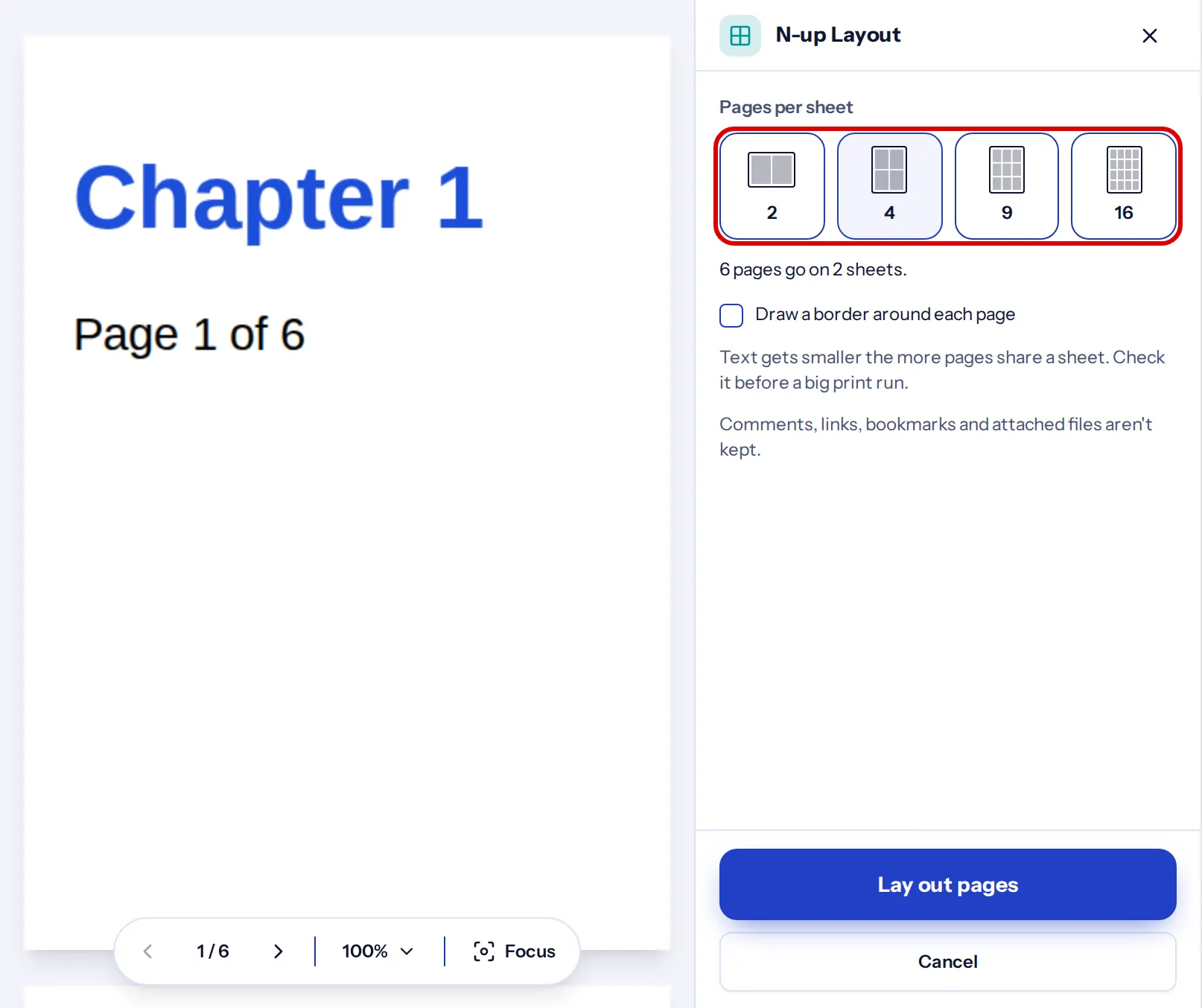 Print several pages per sheetPut 2, 4, 9 or 16 pages of a PDF on each sheet, so you print fewer sheets, and download the new PDF from indox.org. You don't need an account.
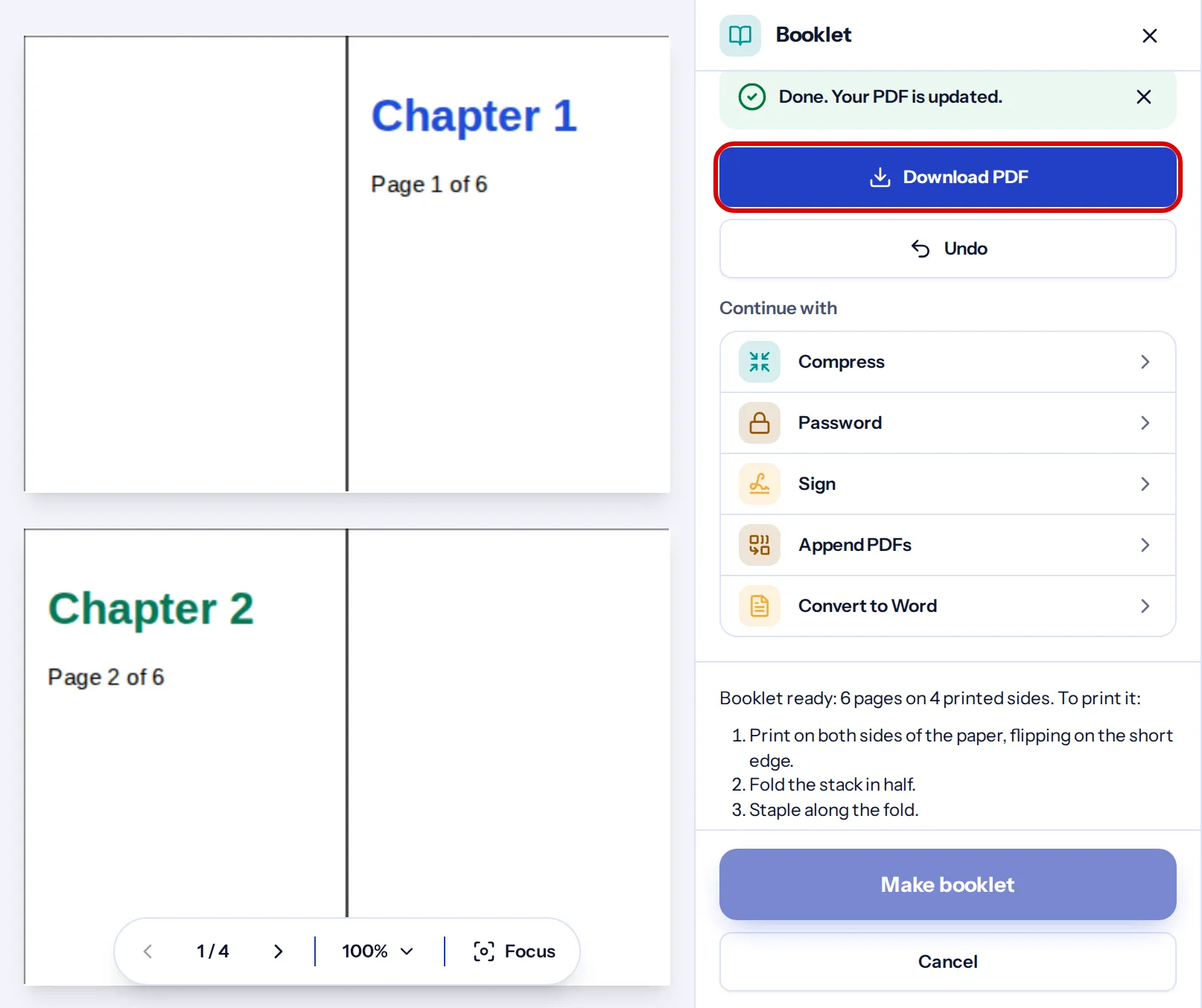 Make a PDF bookletRearrange the pages of a PDF in print order, two to a side, so you can print on both sides, fold the stack in half and have a booklet. You don't need an account.
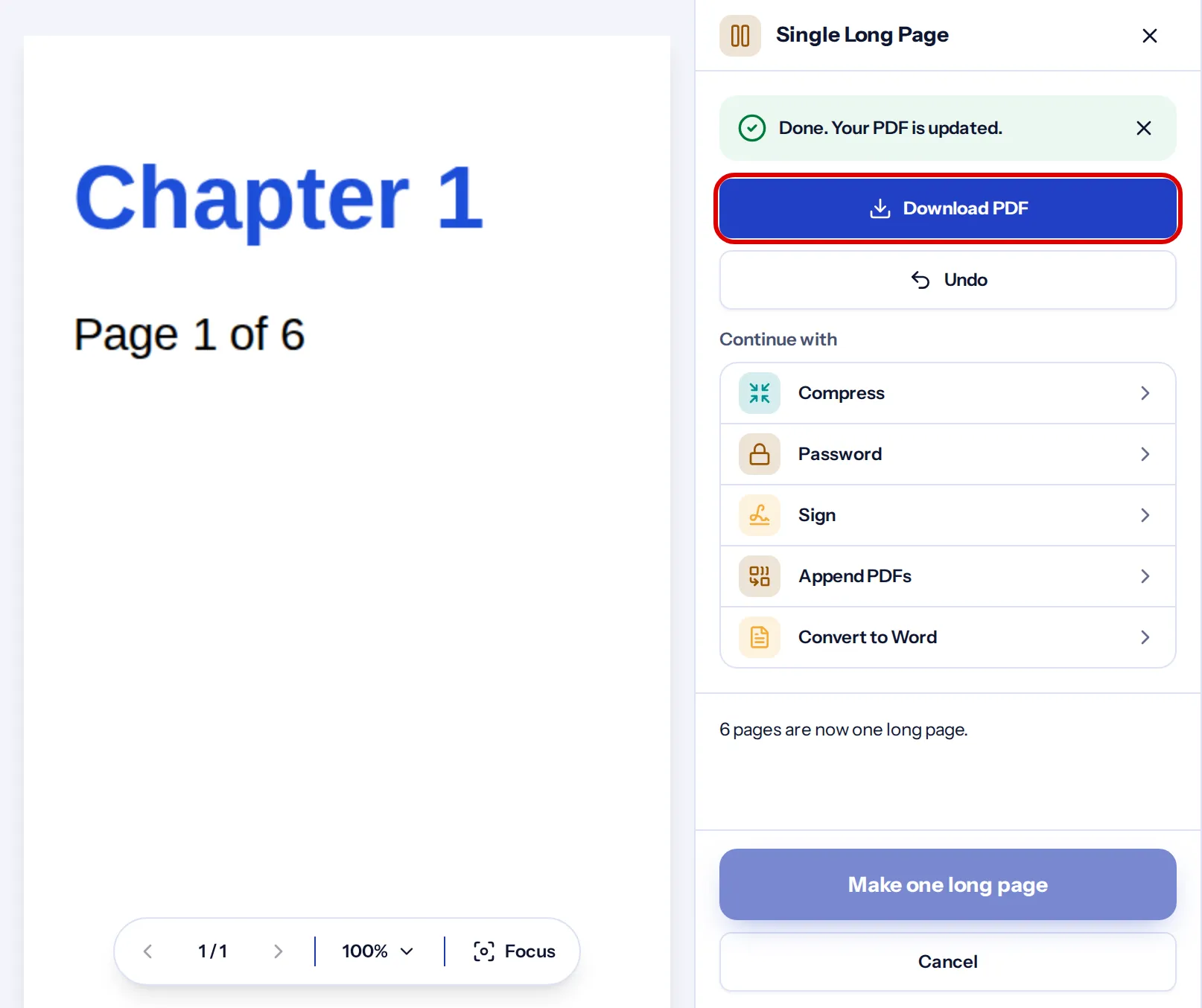 Turn a PDF into one long pageStack every page of a PDF on one tall page with no page breaks, which suits reading on screen, and download it from indox.org. You don't need an account.
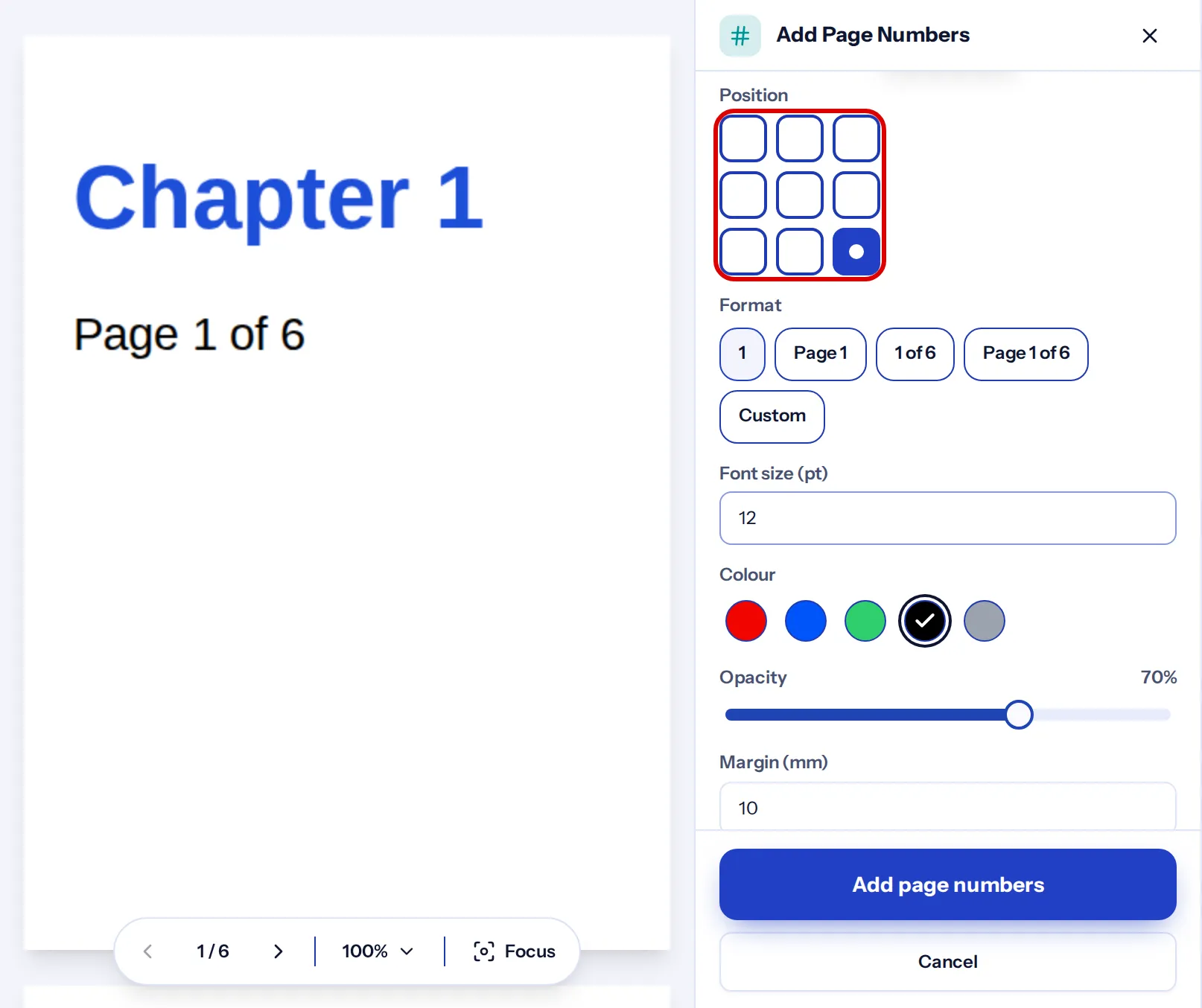 Add page numbers to a PDFAdd page numbers to a PDF online: pick where each number goes, how it looks, and download the numbered file from indox.org. No account needed.
Compress, repair & improve
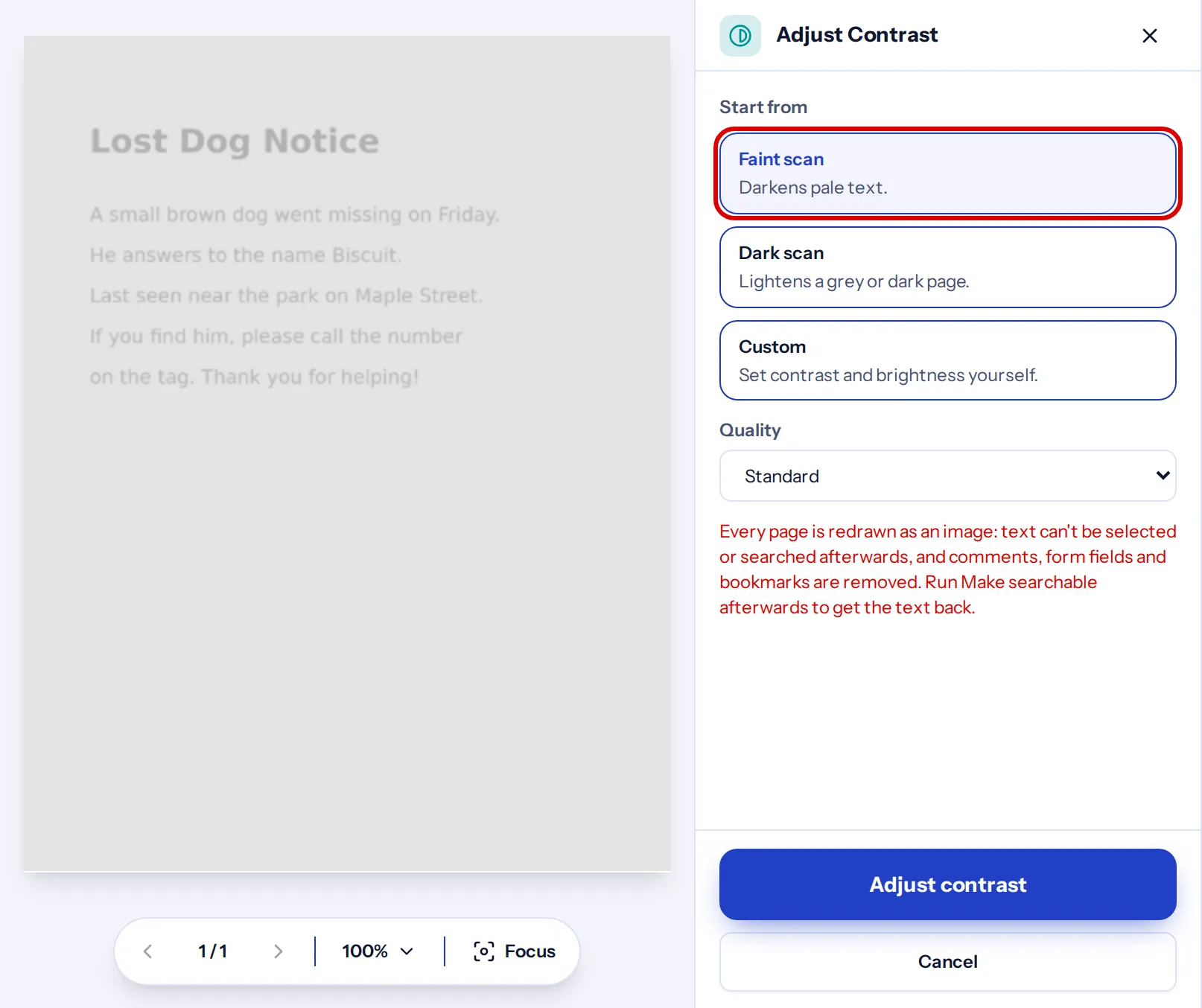 Make a faint scan readableMake a pale or dark scanned PDF easier to read online: darken faint text or lighten a dark page, then download it from indox.org. No account needed.
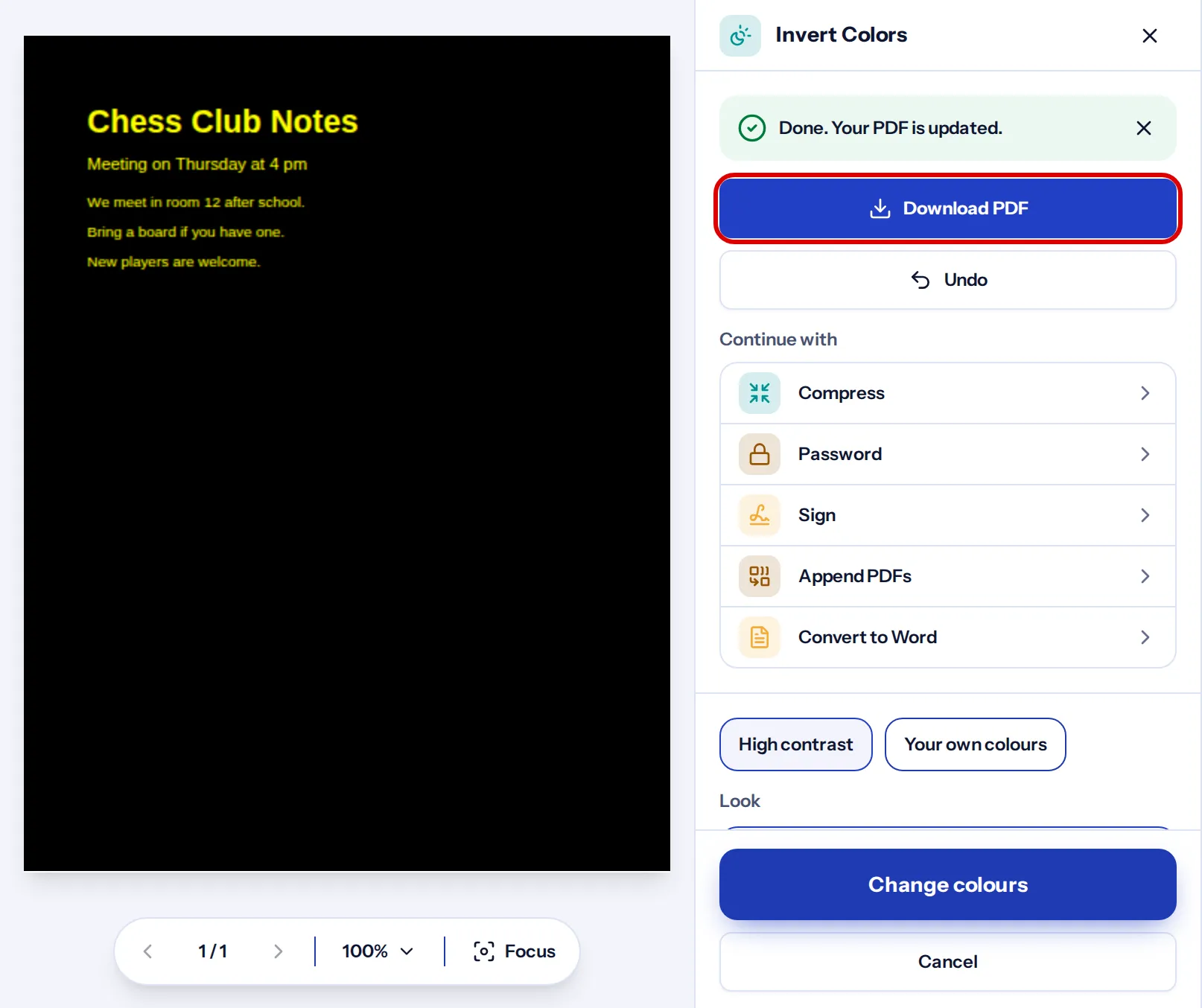 Invert or replace PDF coloursChange the colours of a PDF online: pick a high-contrast look such as yellow text on black, or choose your own page and text colours. Free on indox.org.
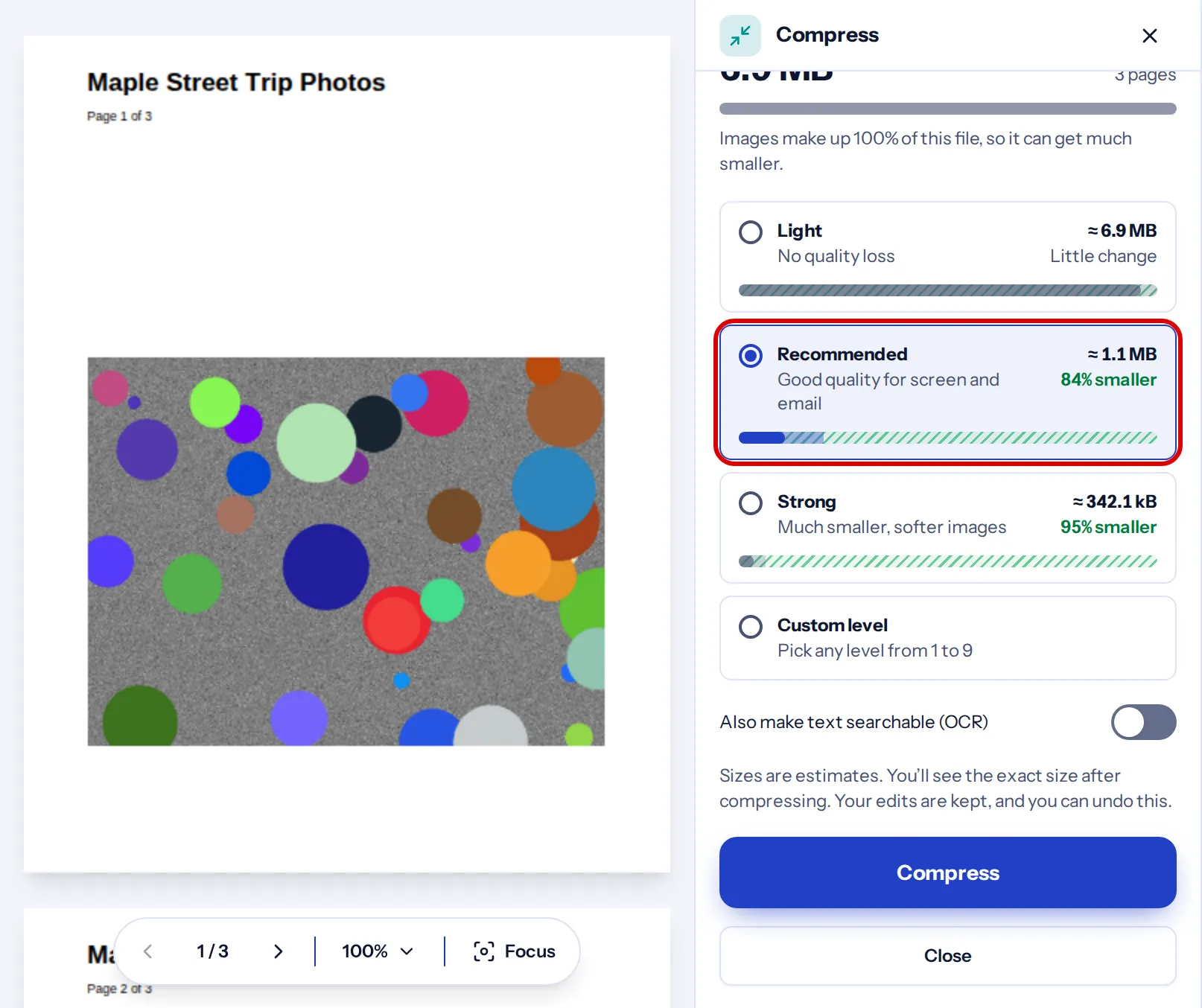 Compress a PDF to make it smallerMake a PDF smaller so it fits in an email or an upload form. Pick Light, Recommended or Strong, then download it from indox.org. No account needed.
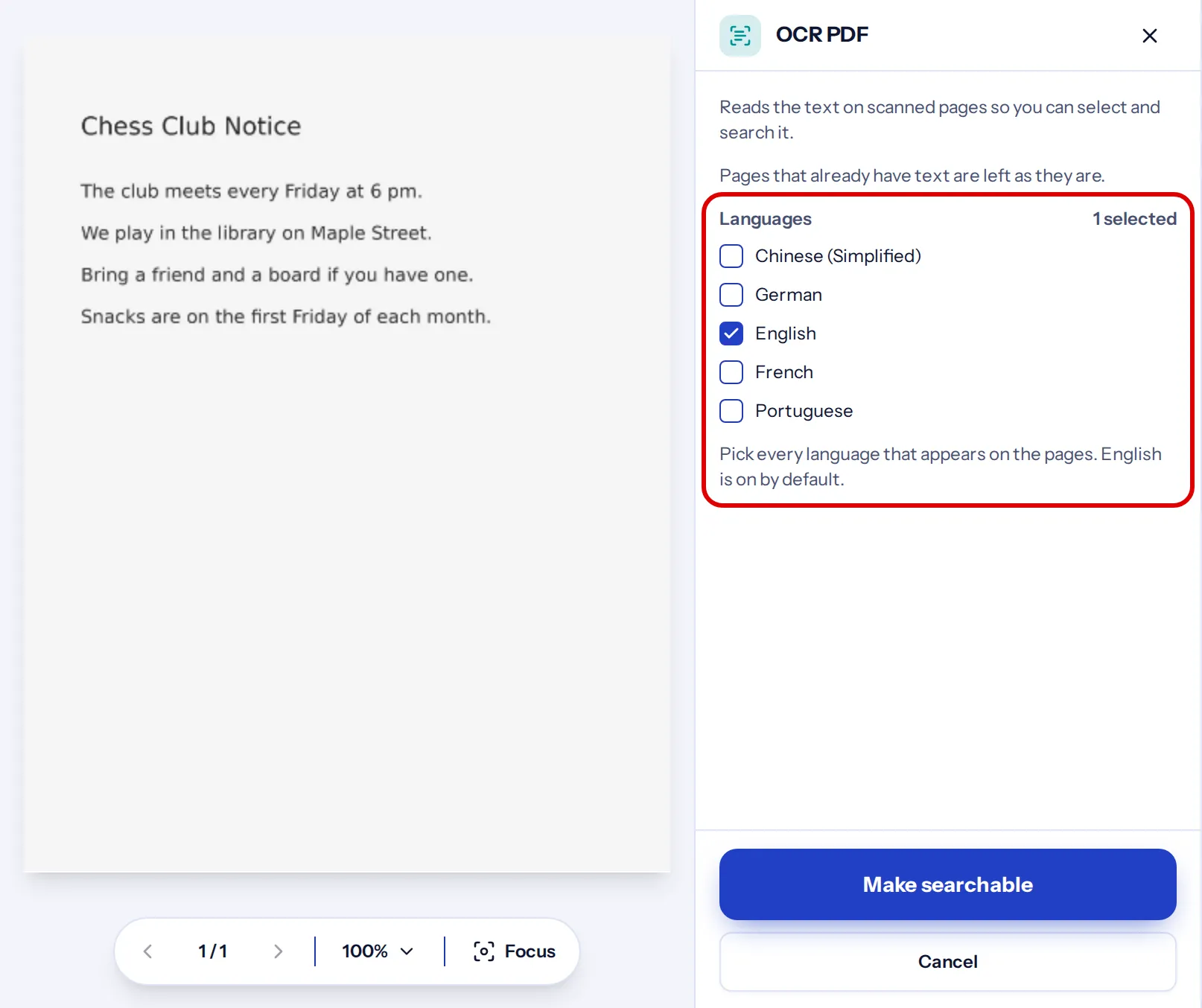 Make a scanned PDF searchable with OCRTurn a scanned PDF into one where you can select, search and copy the words. Pick the languages and download it from indox.org. No account needed.
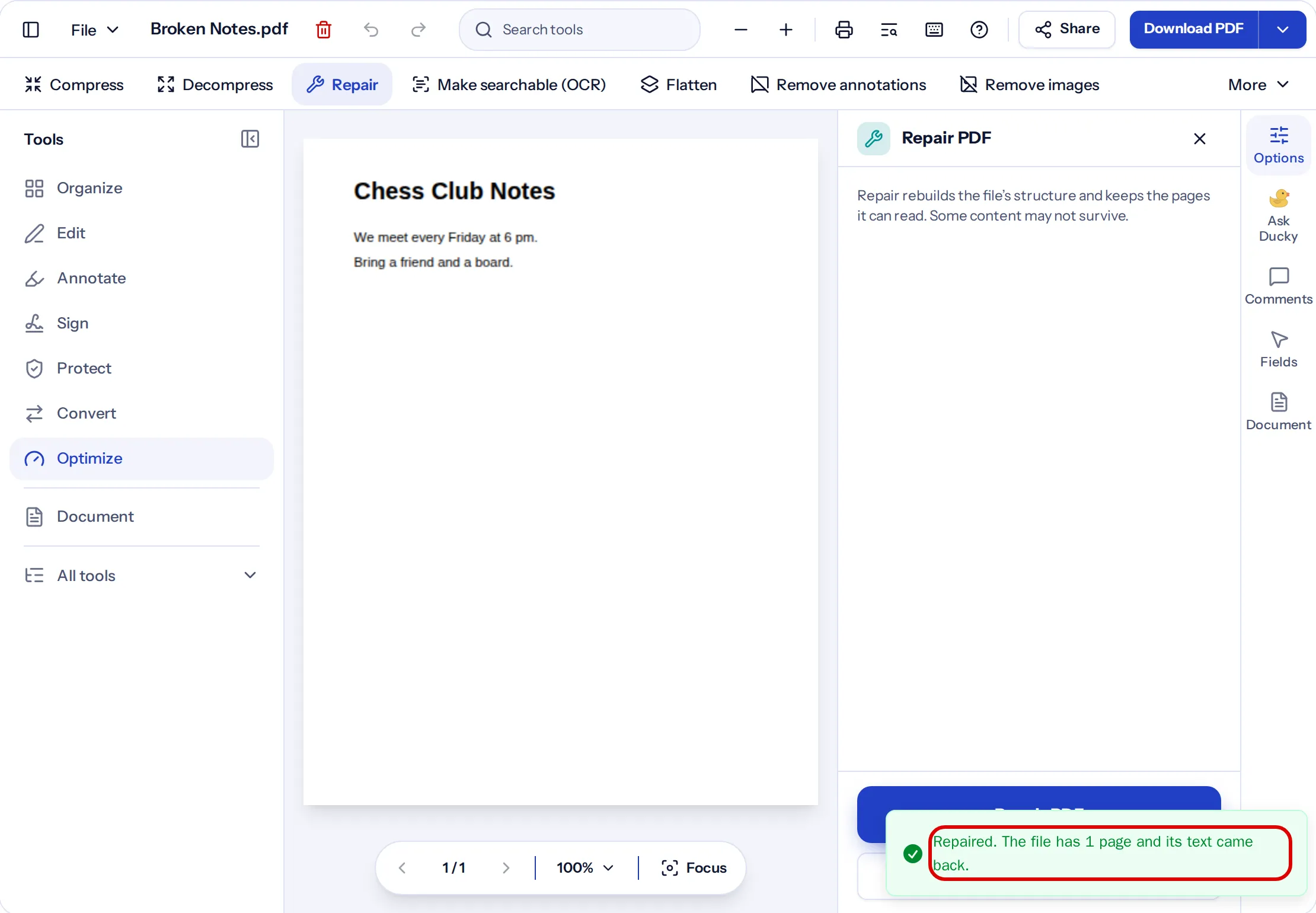 Repair a damaged PDFTry to fix a PDF that won't open. indox rebuilds it as a new copy and keeps the pages it can read. Download it from indox.org. No account needed.
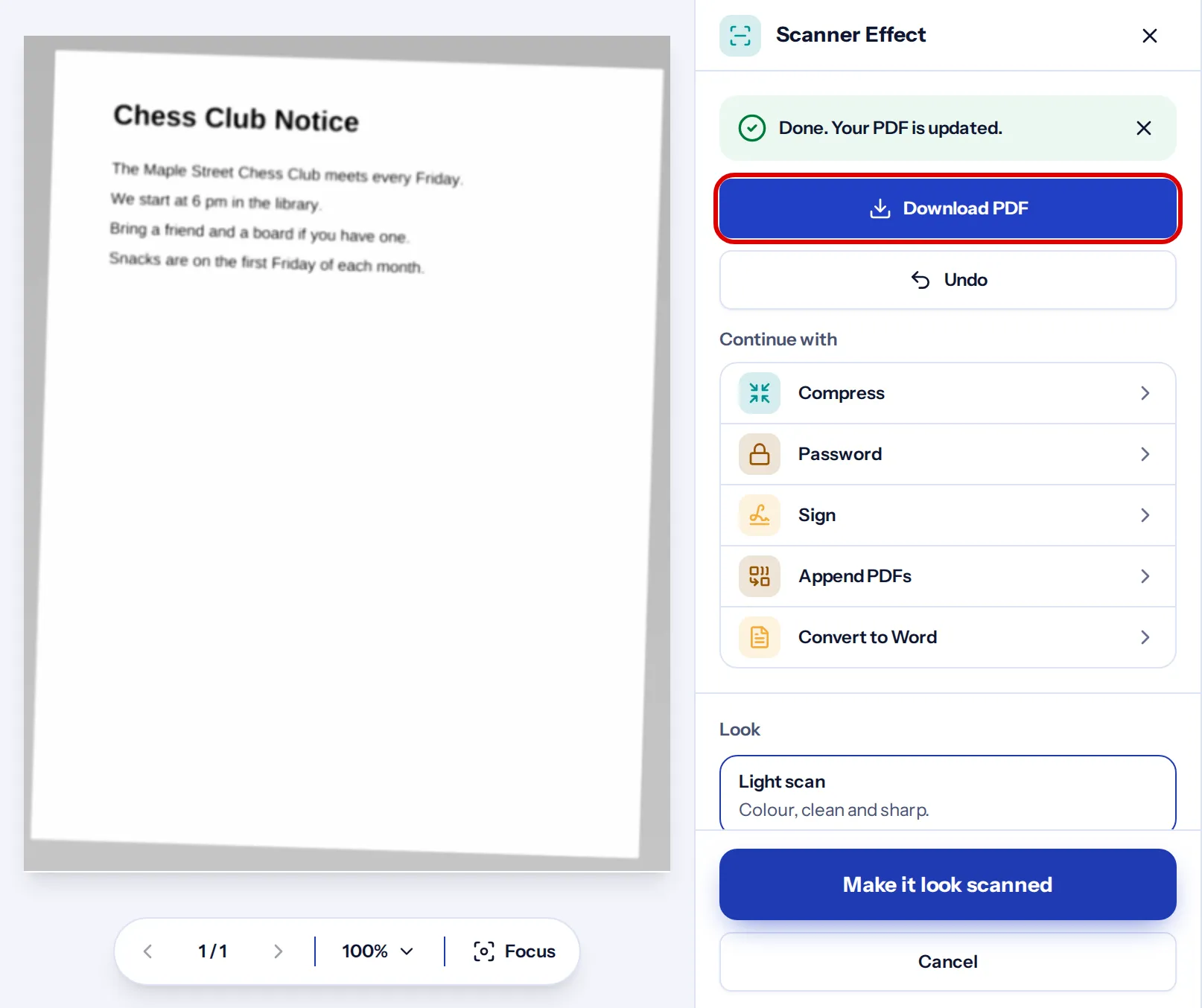 Make a PDF look scannedMake a clean PDF look like a paper page that went through a scanner. Pick a look, set a tilt and download it from indox.org. No account needed.
Protect & secure PDFs
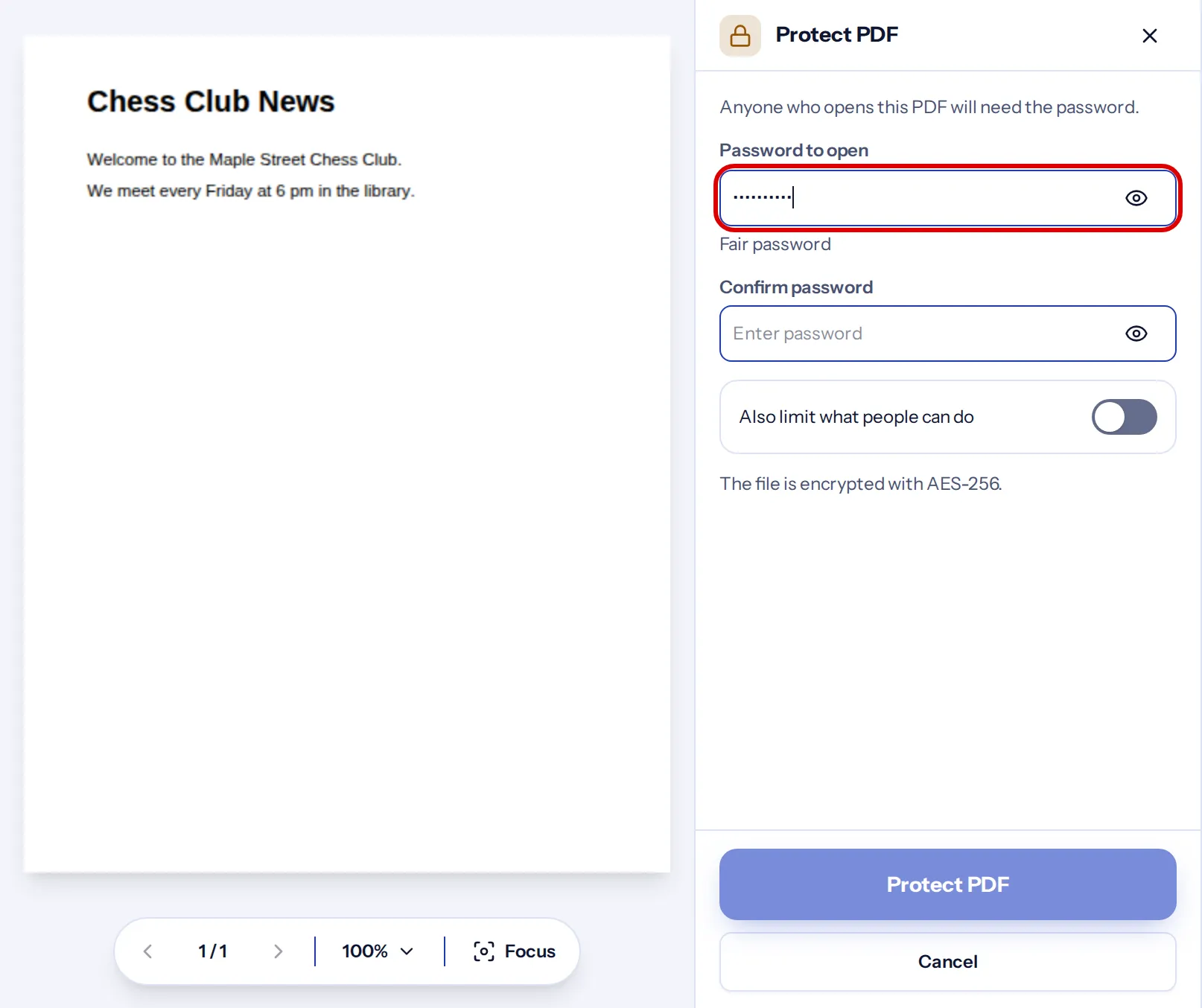 Password-protect a PDFPut a password on a PDF online so only people who know it can open the file. Download the protected copy from indox.org. No account needed.
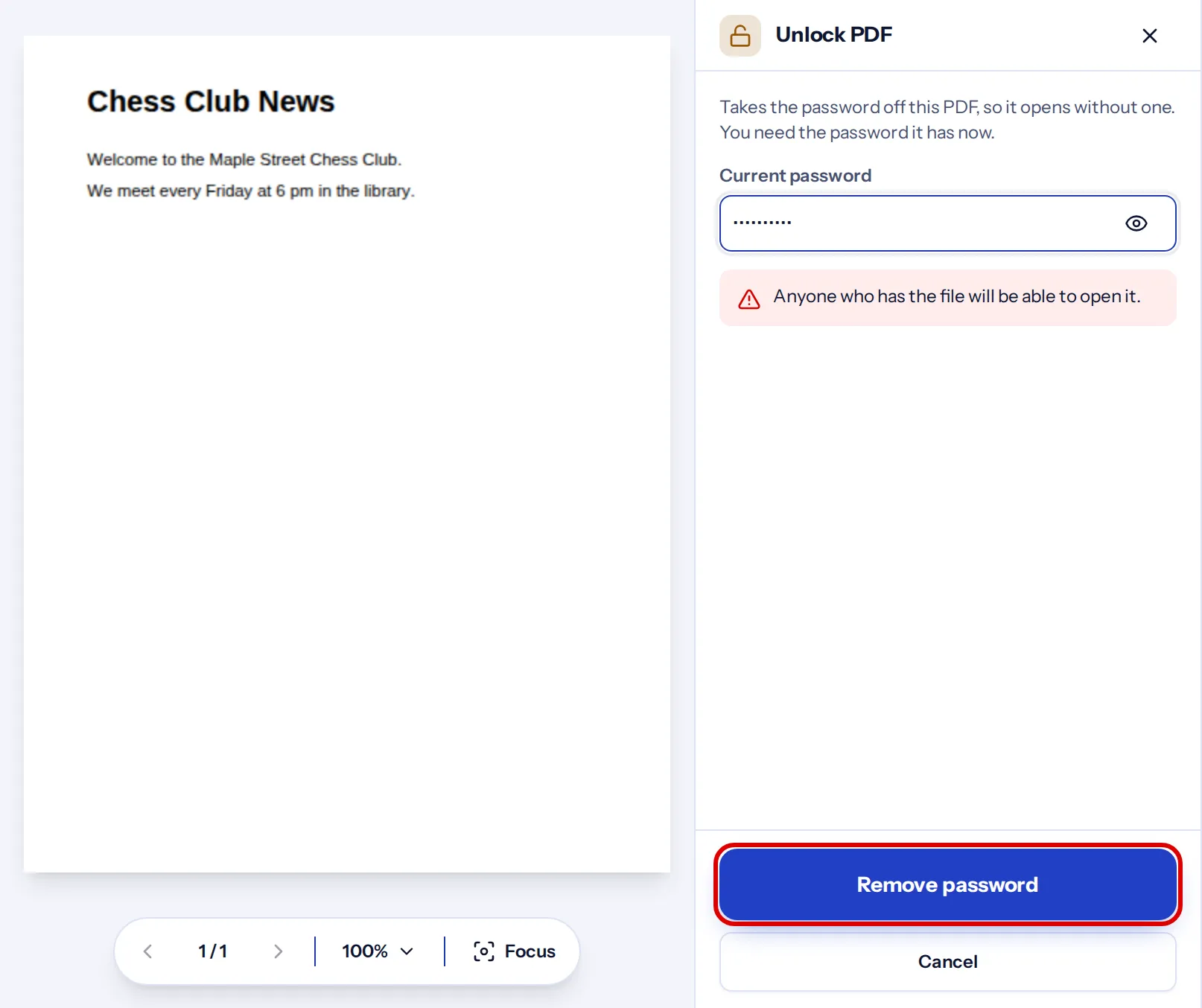 Remove a PDF passwordTake the password off a PDF you can open, so it opens without one. Download the unlocked copy from indox.org. No account needed.
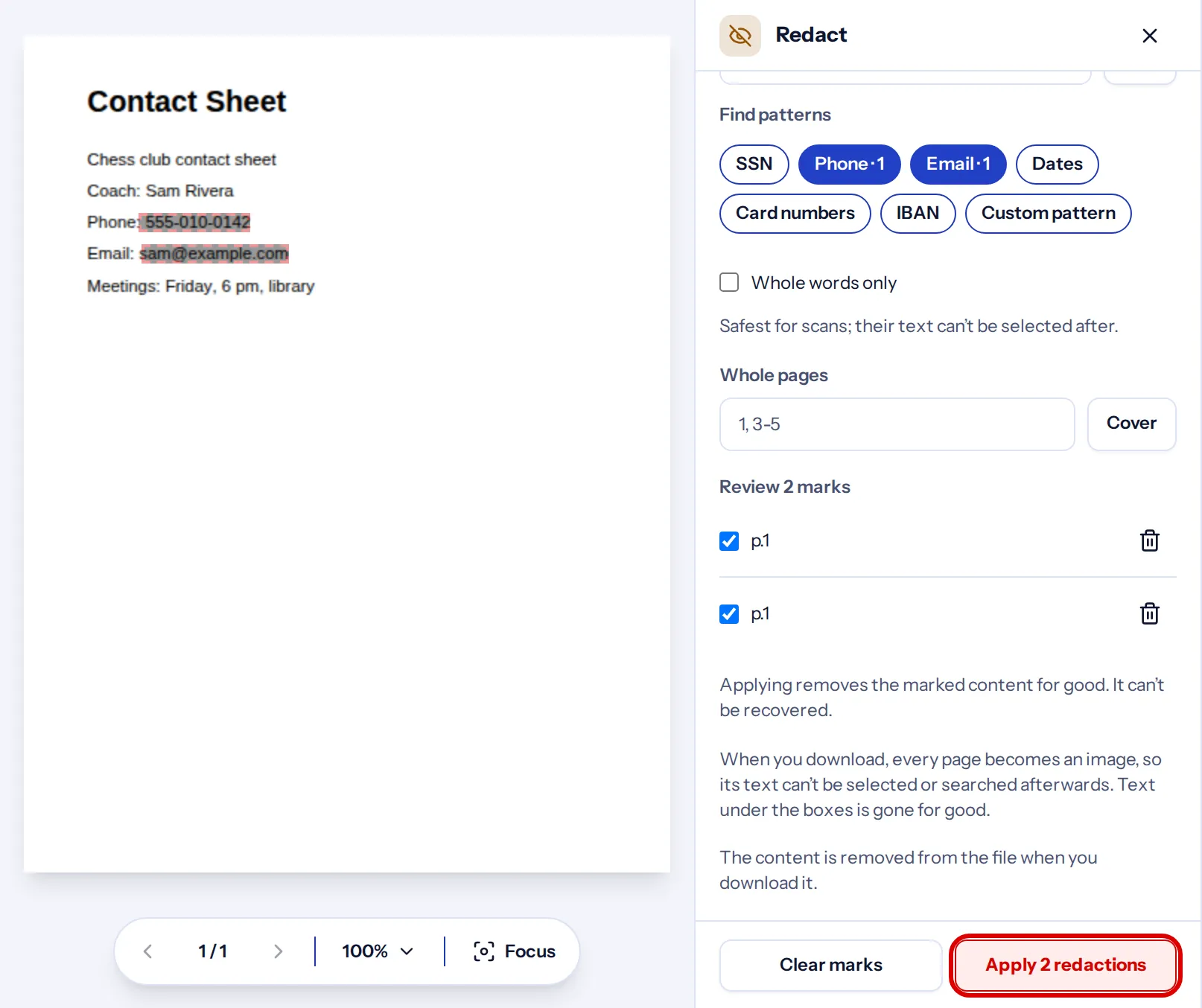 Black out sensitive information in a PDFFind phone numbers, emails and other private details in a PDF and cover them with black boxes for good. Free on indox.org. No account needed.
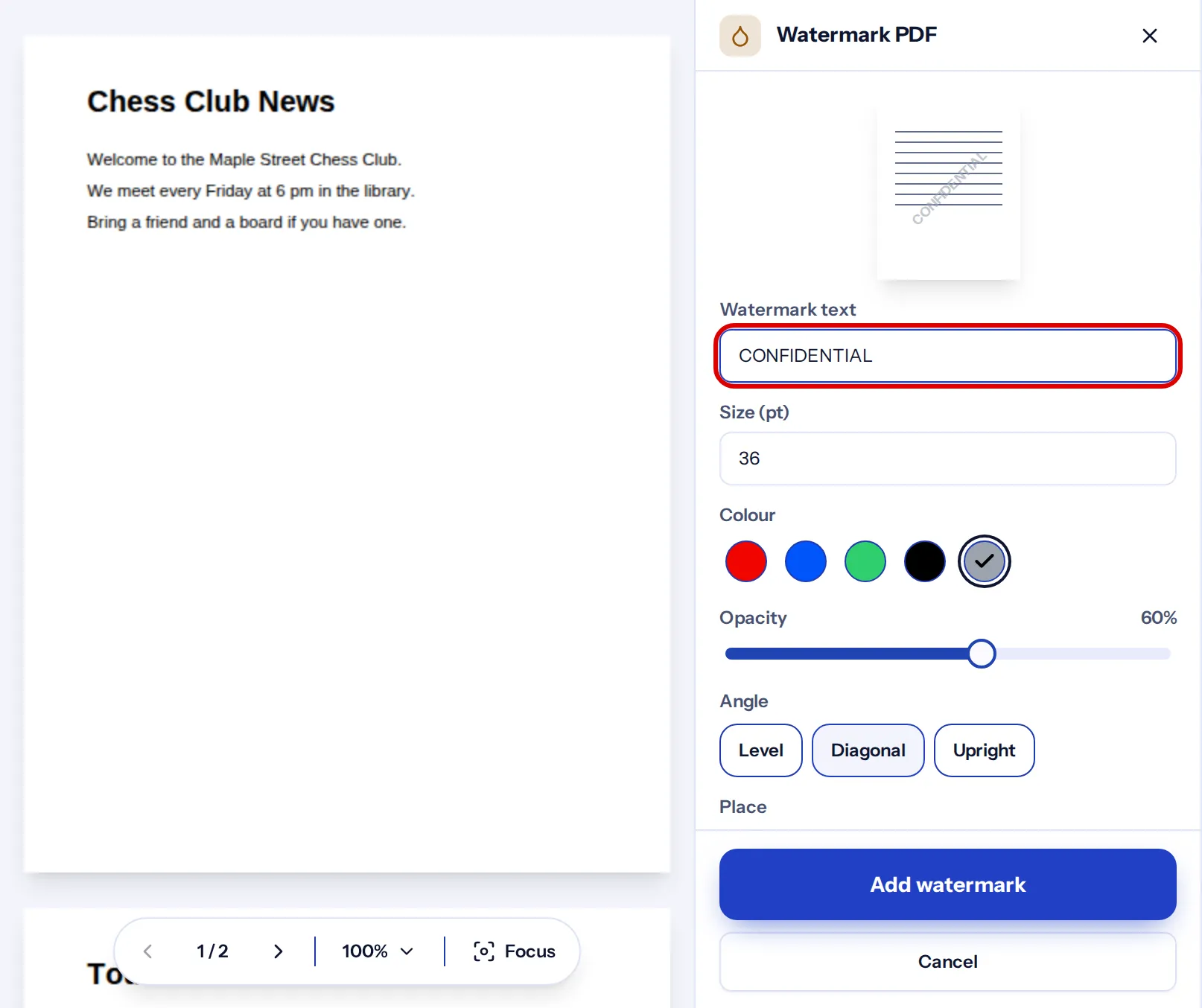 Add a text watermark to a PDFStamp a word such as DRAFT or CONFIDENTIAL across every page of a PDF. Pick colour, angle and place, then download it from indox.org. No account needed.
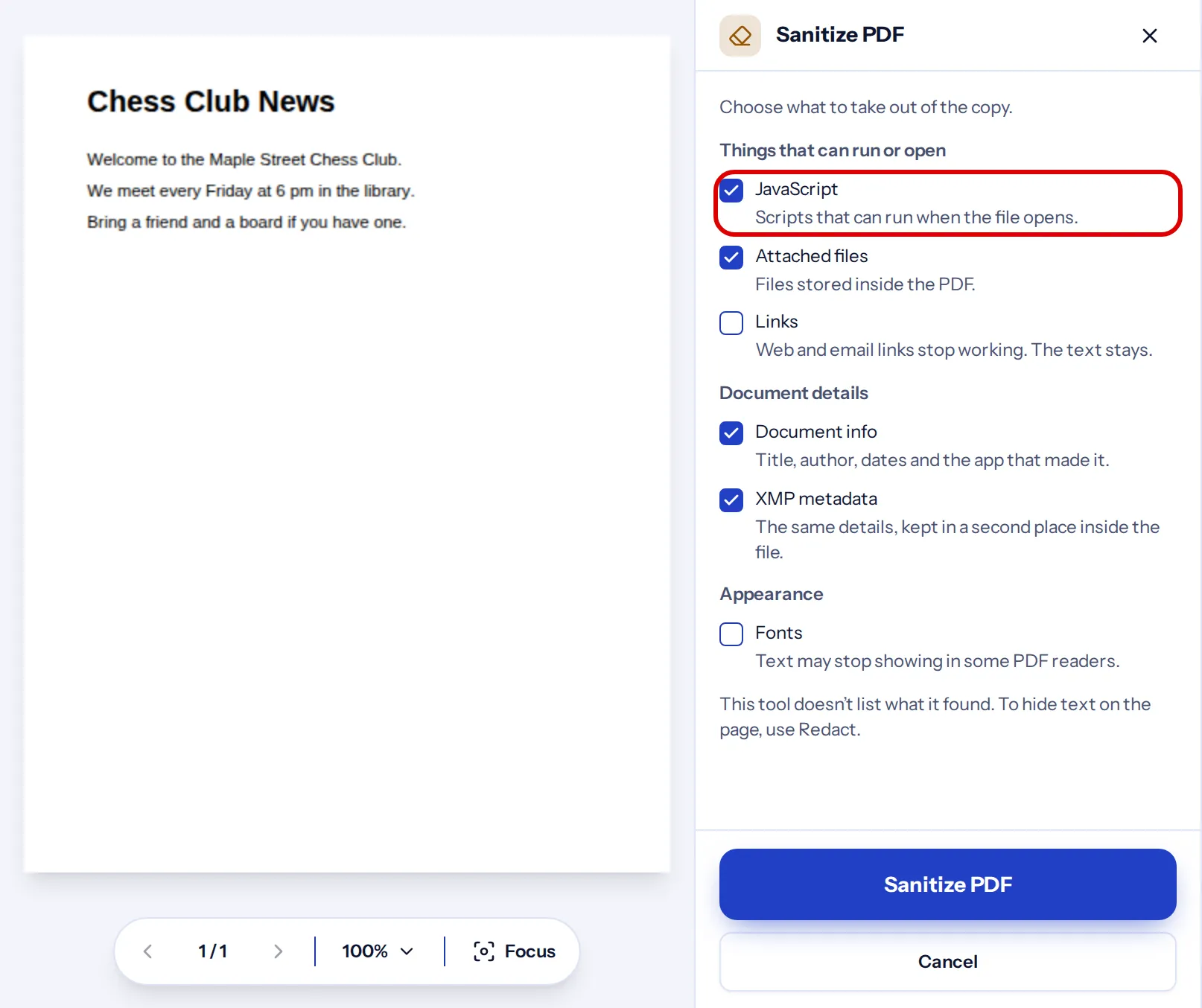 Remove hidden data from a PDFTake scripts, attached files and details such as the author out of a PDF before you share it. Download the clean copy from indox.org. No account needed.
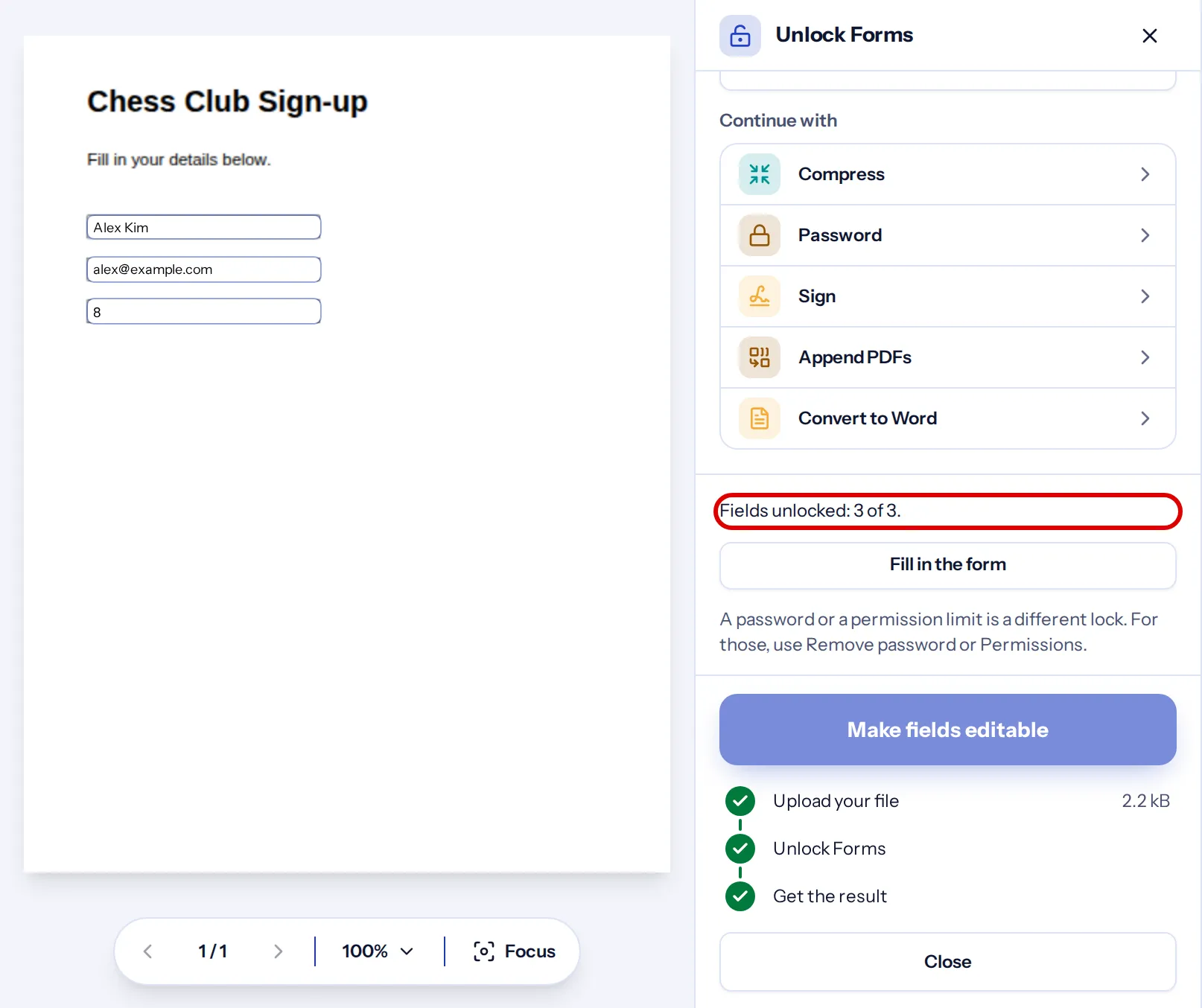 Make locked form fields editableUnlock the read-only boxes in a PDF form so you can type in them again. Answers already in the boxes stay. Free on indox.org. No account needed.
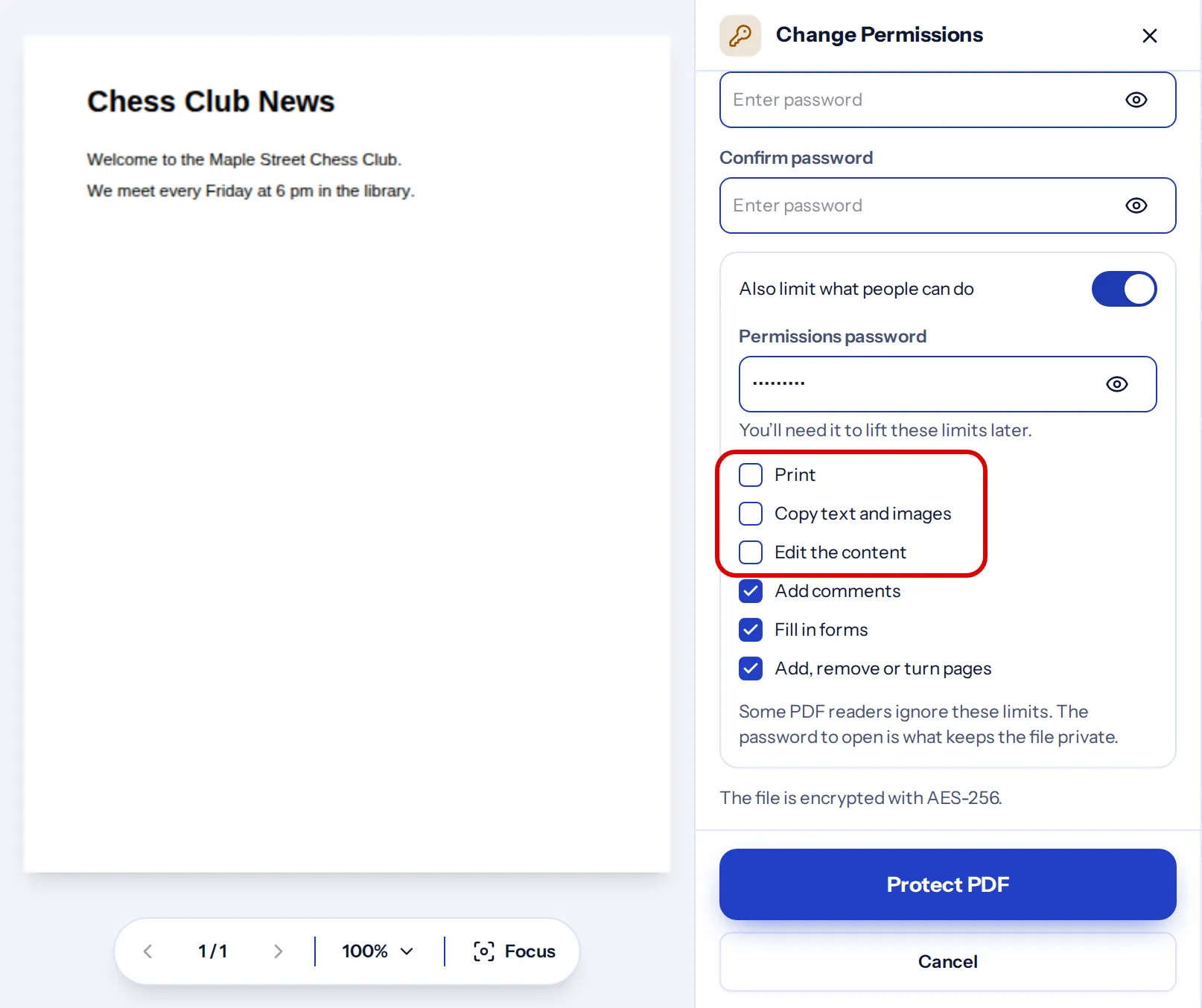 Control print, copy and edit permissions in a PDFStop people from printing, copying or editing a PDF by setting permissions with a password. Download the new copy from indox.org. No account needed.
Forms & e-signatures
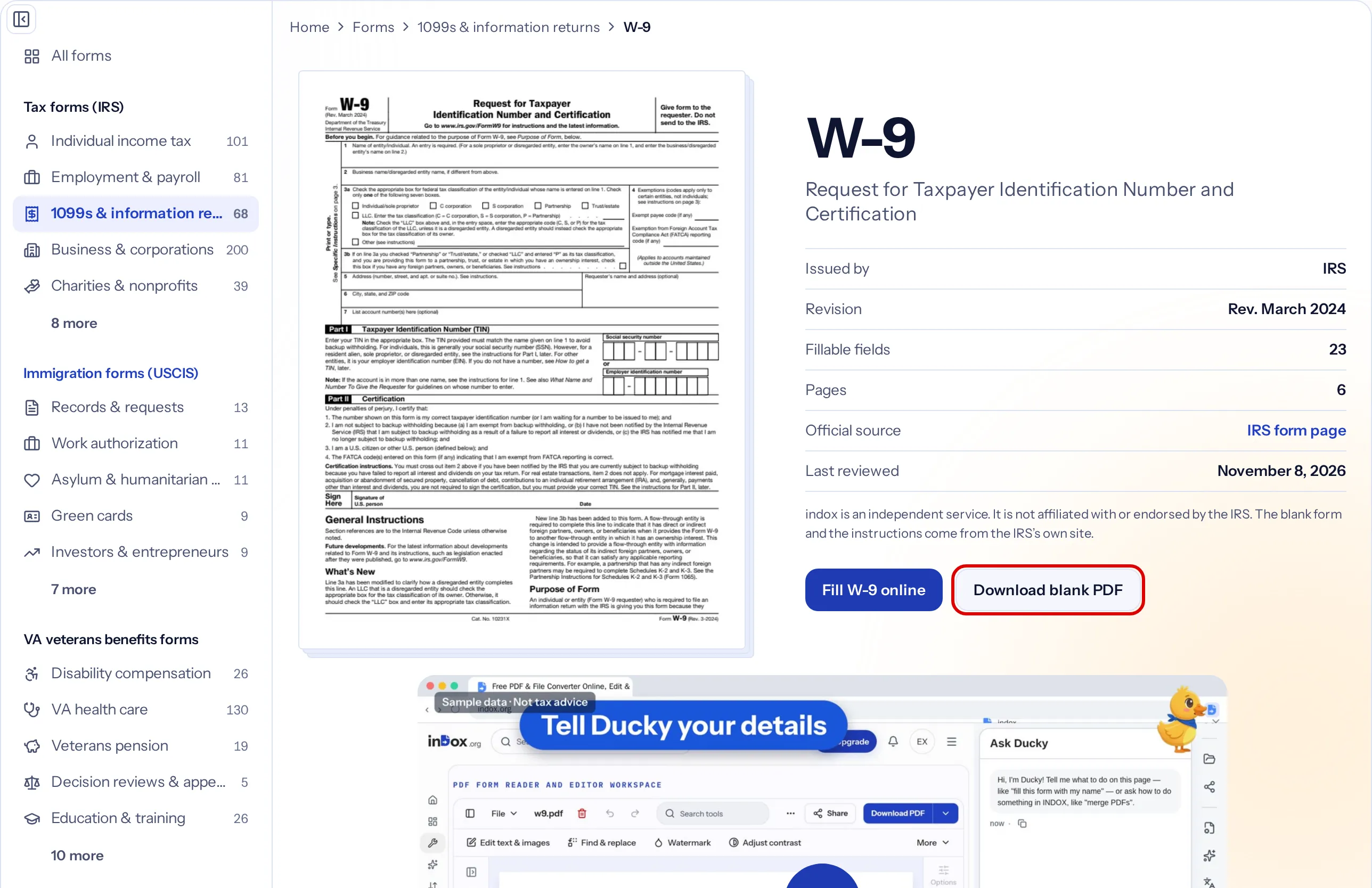 Find a government form, download it blank and fill it inFind a U.S. government form such as the W-9 on indox.org, download it blank, then type your answers into it and download the filled PDF. You don't need an account.
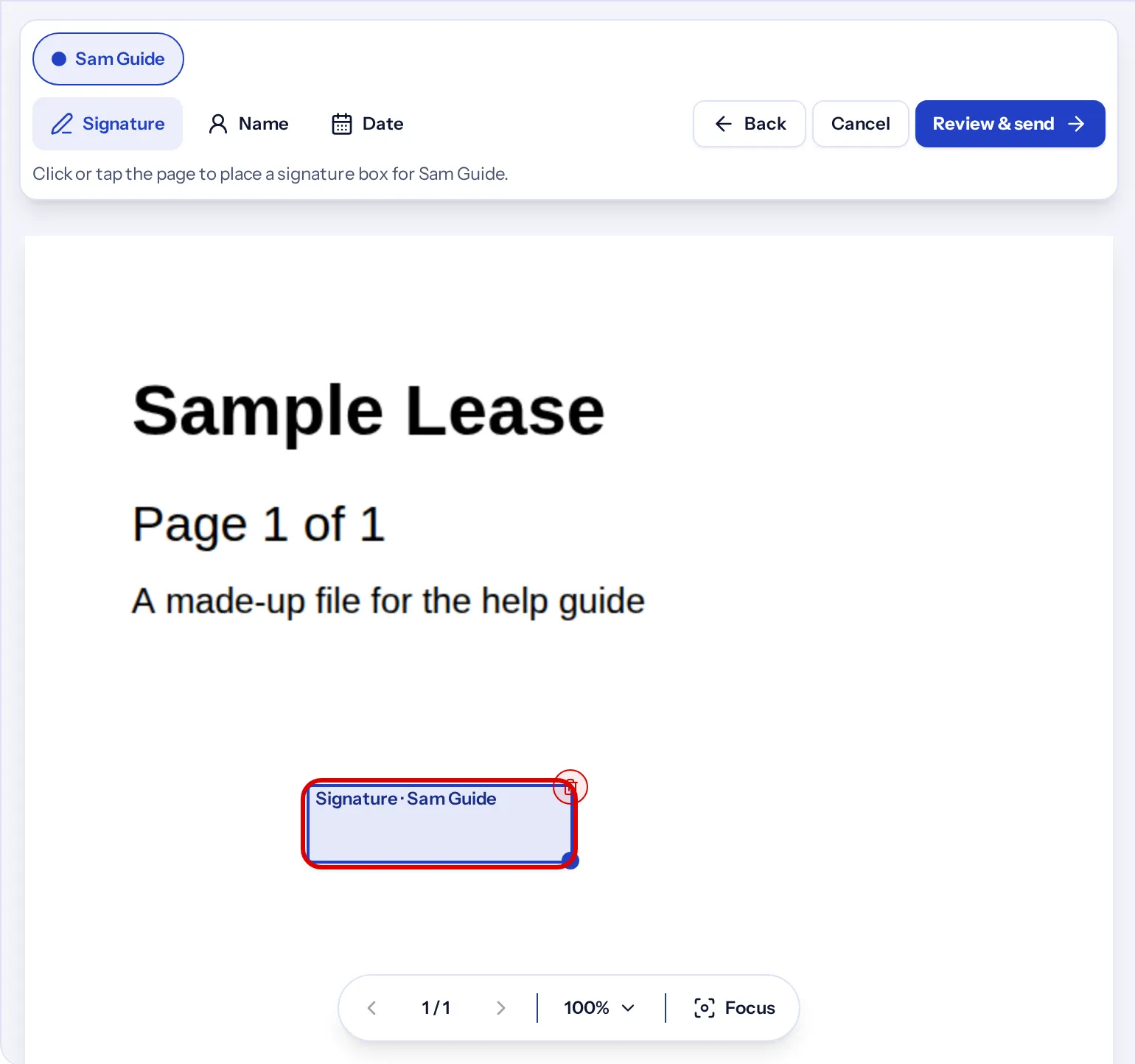 Ask other people to sign a PDFSend a PDF to other people by email, mark where each person signs, and send it from the Sign PDF page.
 Track and resend your signature requestsSee who has signed the PDFs you sent, send an invitation again, and read the history of each request.
LaTeX & AI tools
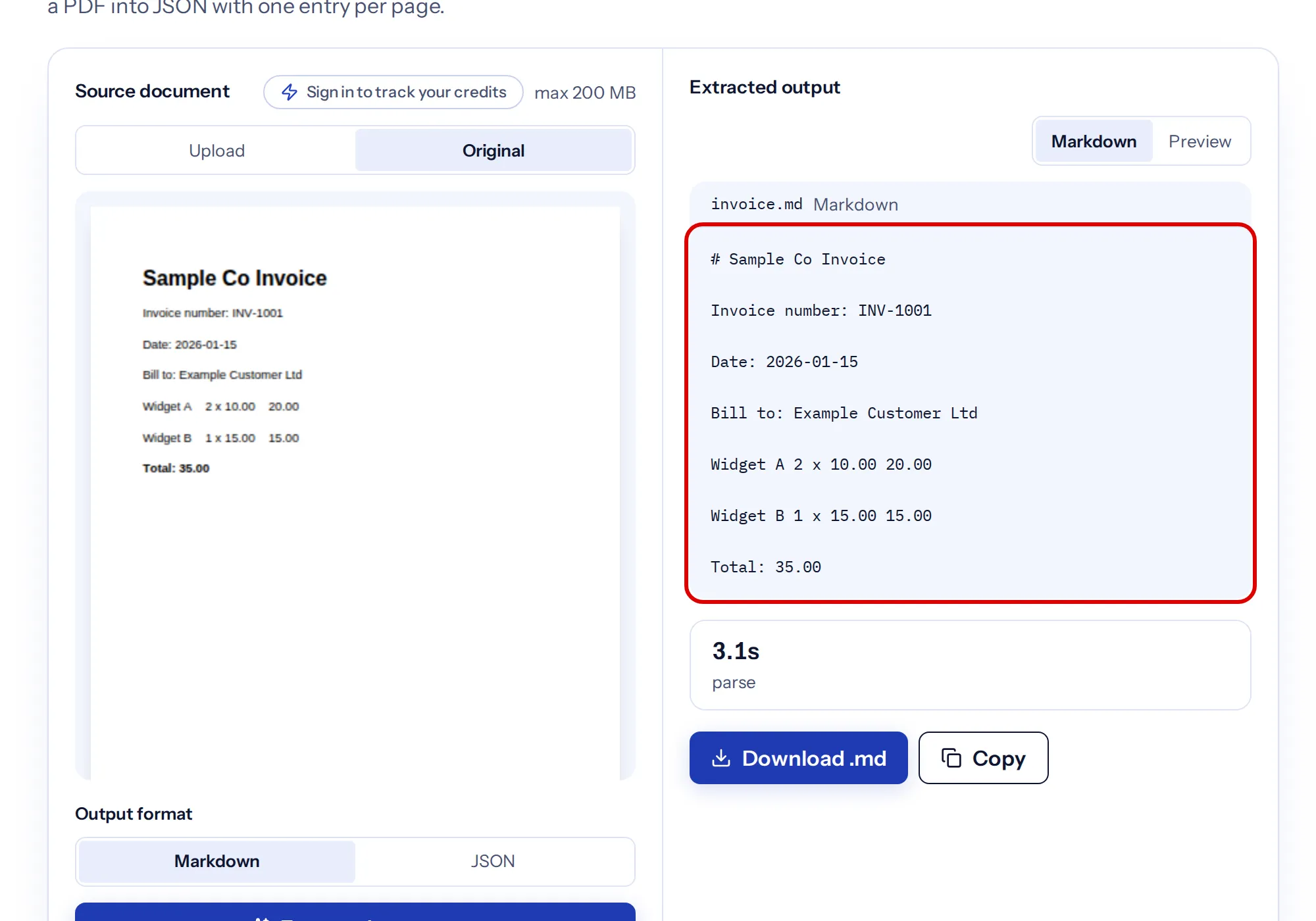 Turn a document into Markdown or JSON with AI ExtractTurn a PDF, Word, PowerPoint, Excel or HTML file into Markdown text on indox.org, then download or copy it. You don't need an account.
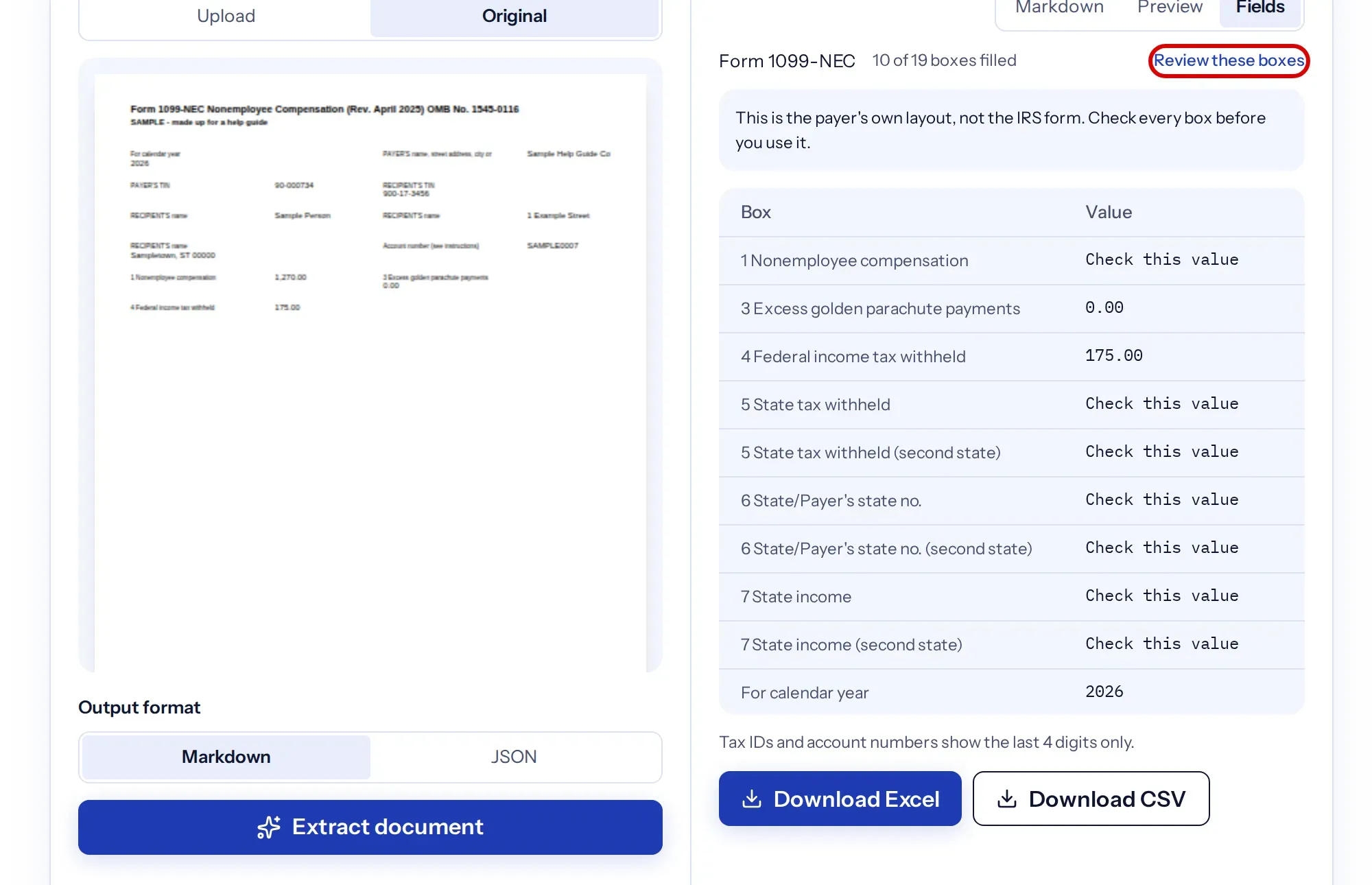 Check tax form boxes and export to Excel or CSVRead a US tax form with AI Extract, fix any box it got wrong, and download the boxes as an Excel or CSV file. You need to be signed in.
Get help
Browser extension
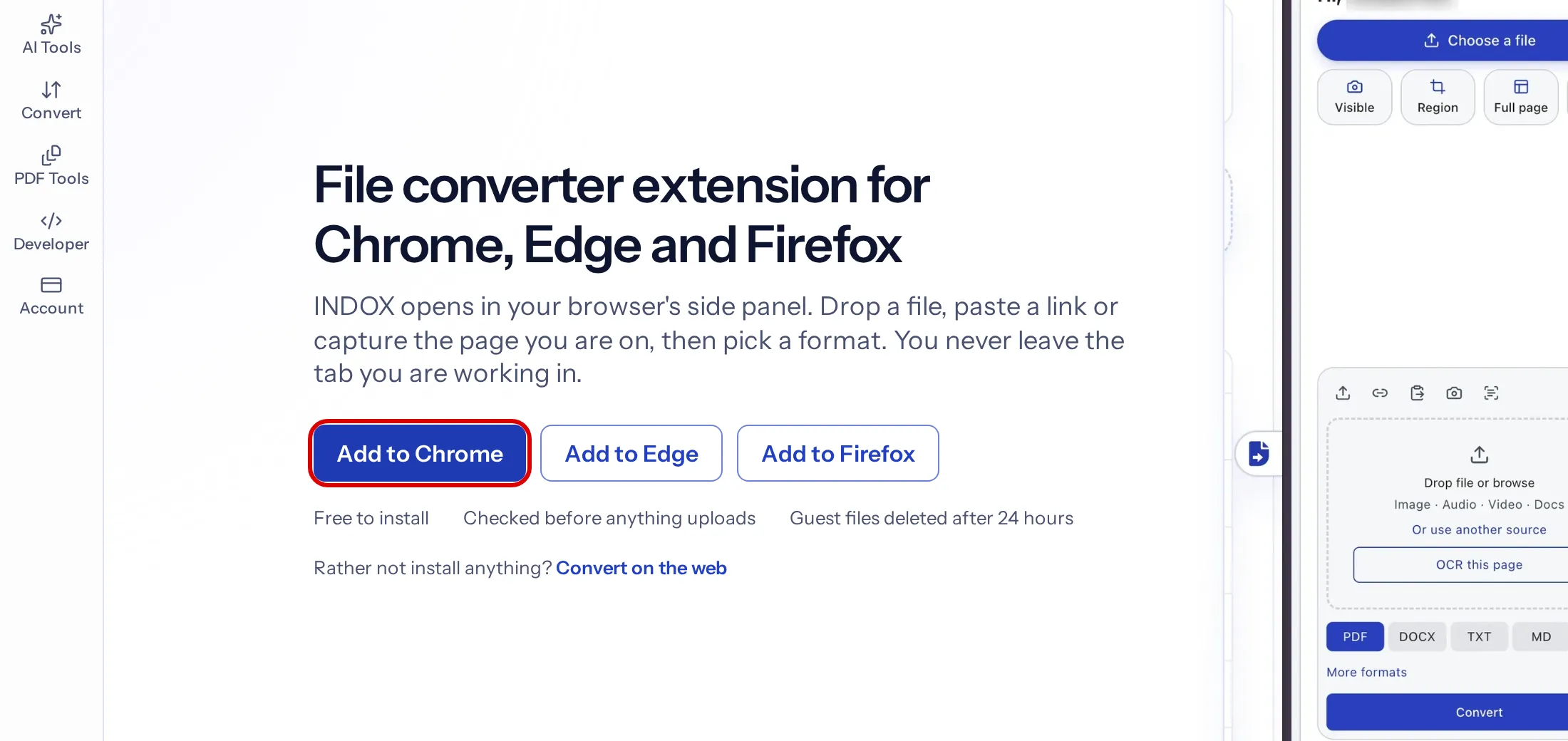 Install the browser extension and pin itAdd the indox extension to Chrome, Edge or Firefox from the Browser extensions page, then pin its icon so it is always in your toolbar.
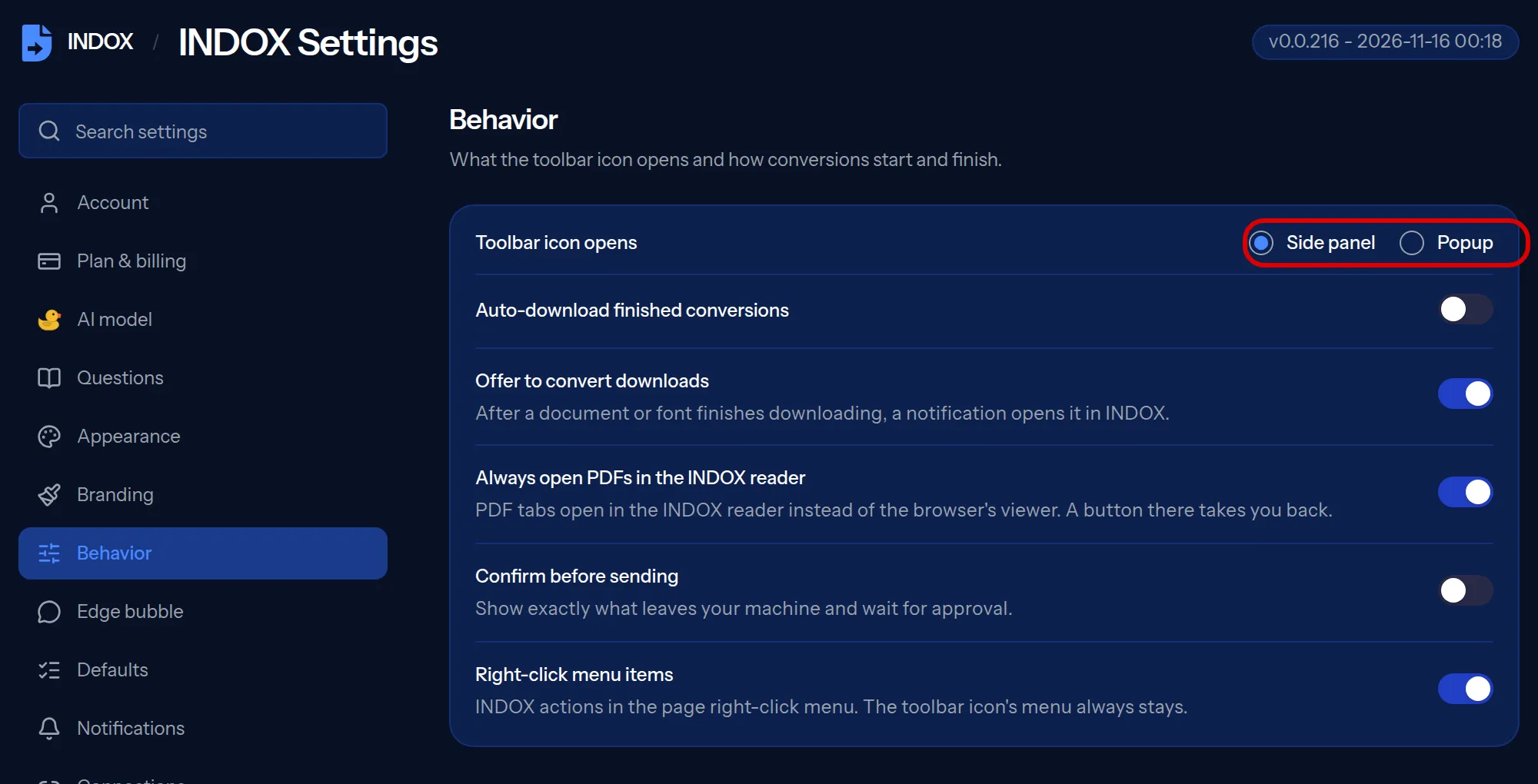 Open the INDOX side panelOpen the INDOX side panel in Chrome from the button on a web page, the toolbar icon or a keyboard shortcut, and choose what the toolbar icon opens.
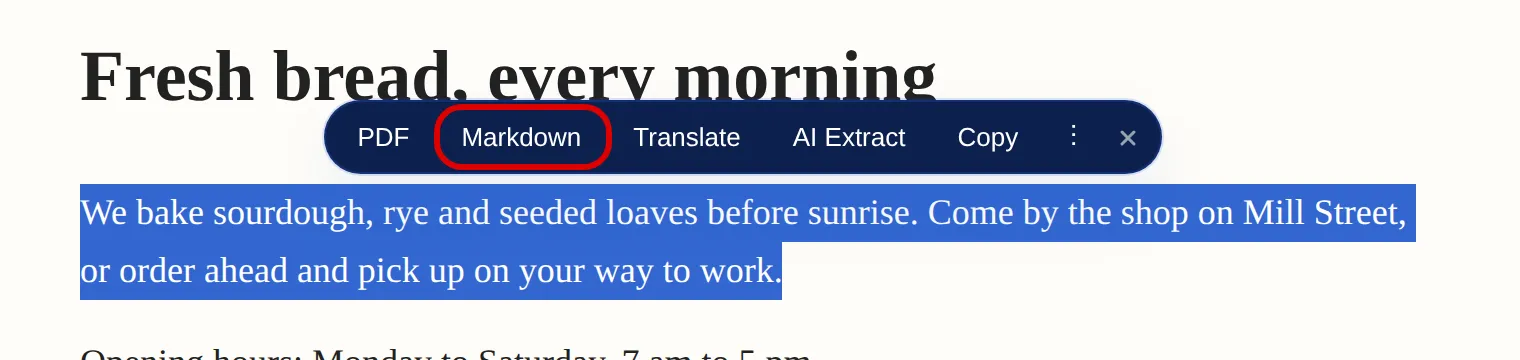 Save selected text as MarkdownSelect text on a web page and save it as a Markdown file with the INDOX selection toolbar or the right-click menu. No account needed.
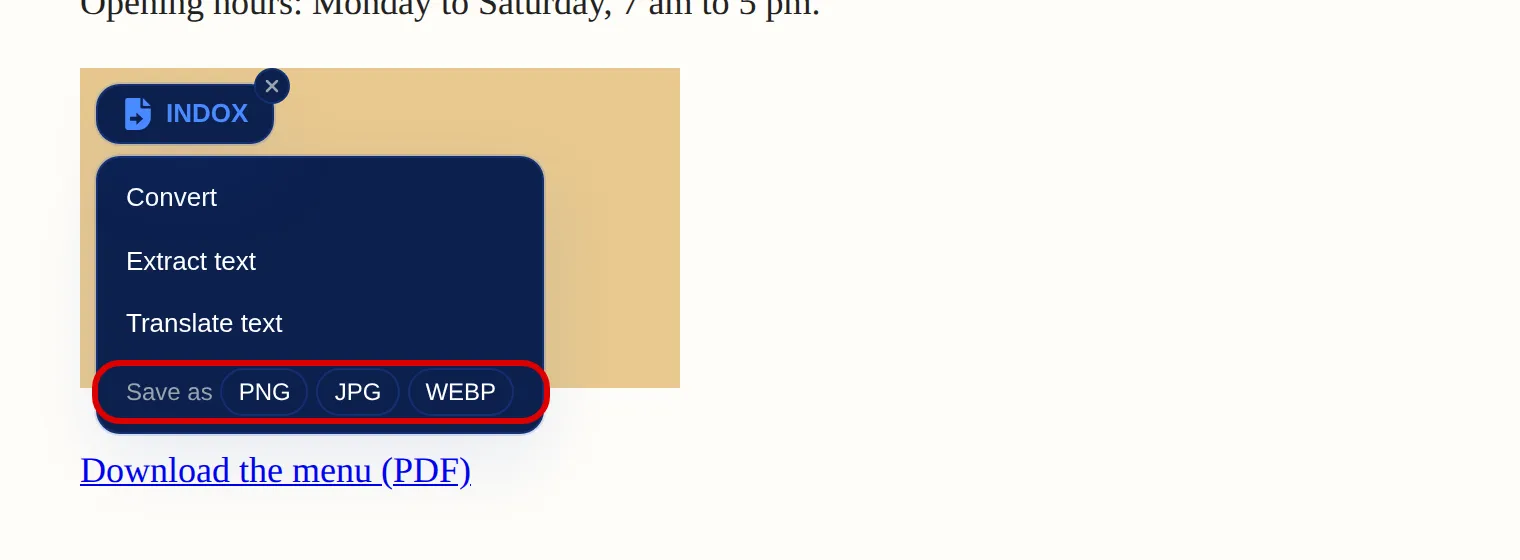 Save an image as PNG, JPG or WebPUse the INDOX button on a picture, or the right-click menu, to save any picture from a web page as a PNG, JPG or WebP file. No account needed.
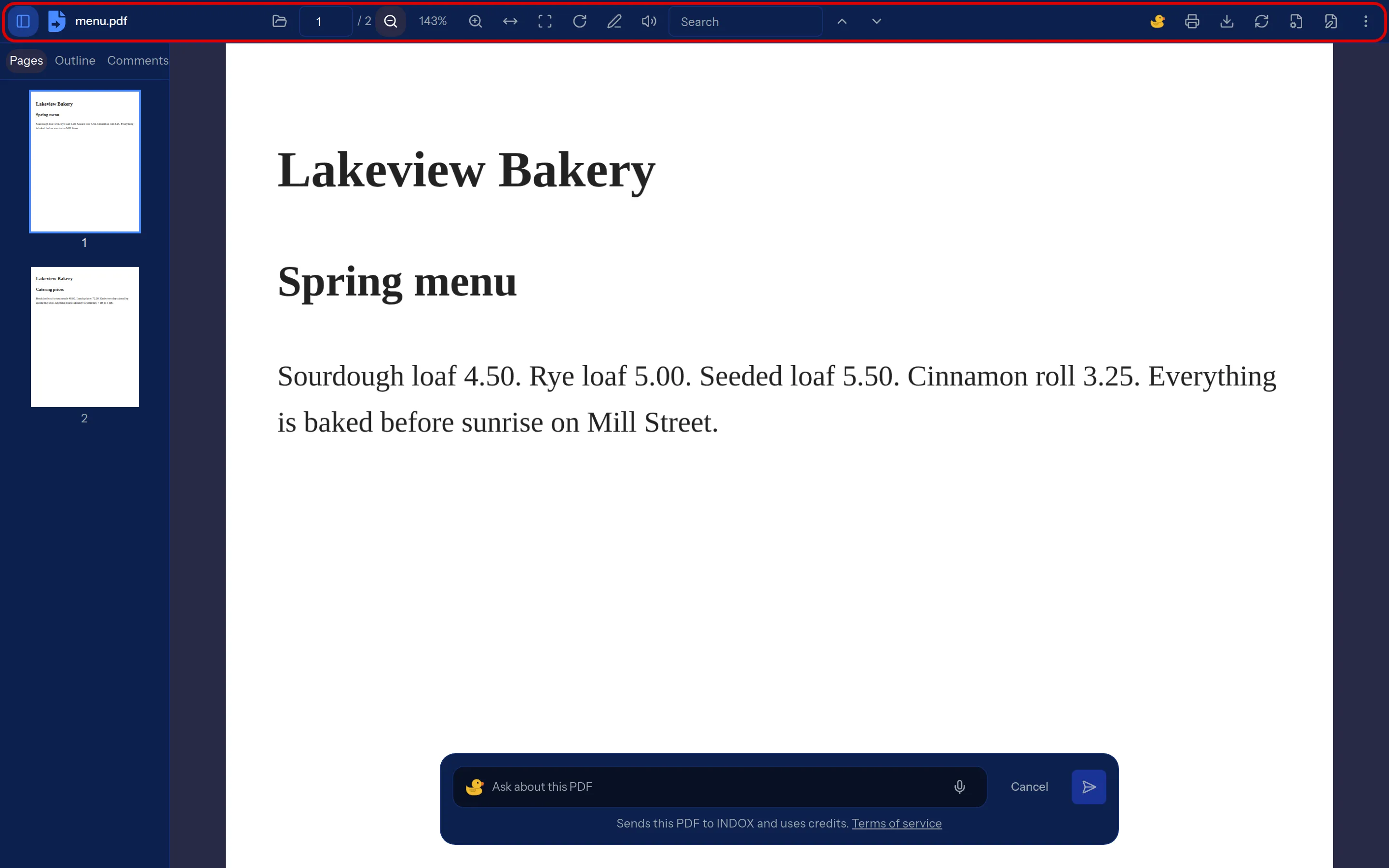 Open PDFs in the INDOX reader or turn it offWith the INDOX extension, PDFs open in the INDOX reader instead of Chrome's viewer. Search a PDF, go back to Chrome's viewer, or turn the reader off.
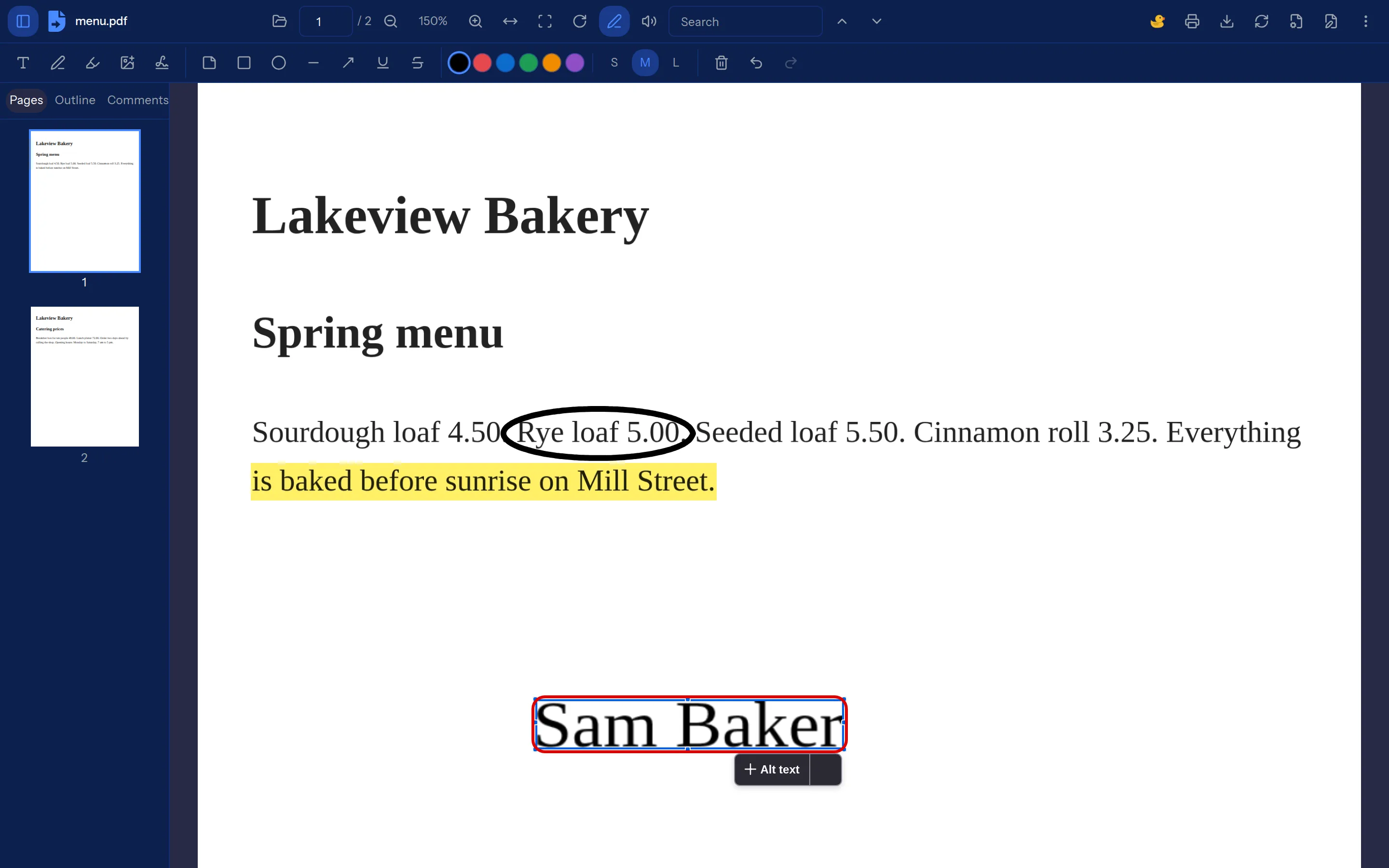 Draw, highlight and sign a PDF in the INDOX readerDraw, highlight and add a signature to a PDF in the INDOX reader from the browser extension, then download a copy with your marks. No account needed.
 Show, move or hide the INDOX button on web pagesChoose which side of a web page the INDOX button sits on, move it up or down, make it smaller, and turn the selection toolbar and image button on or off.
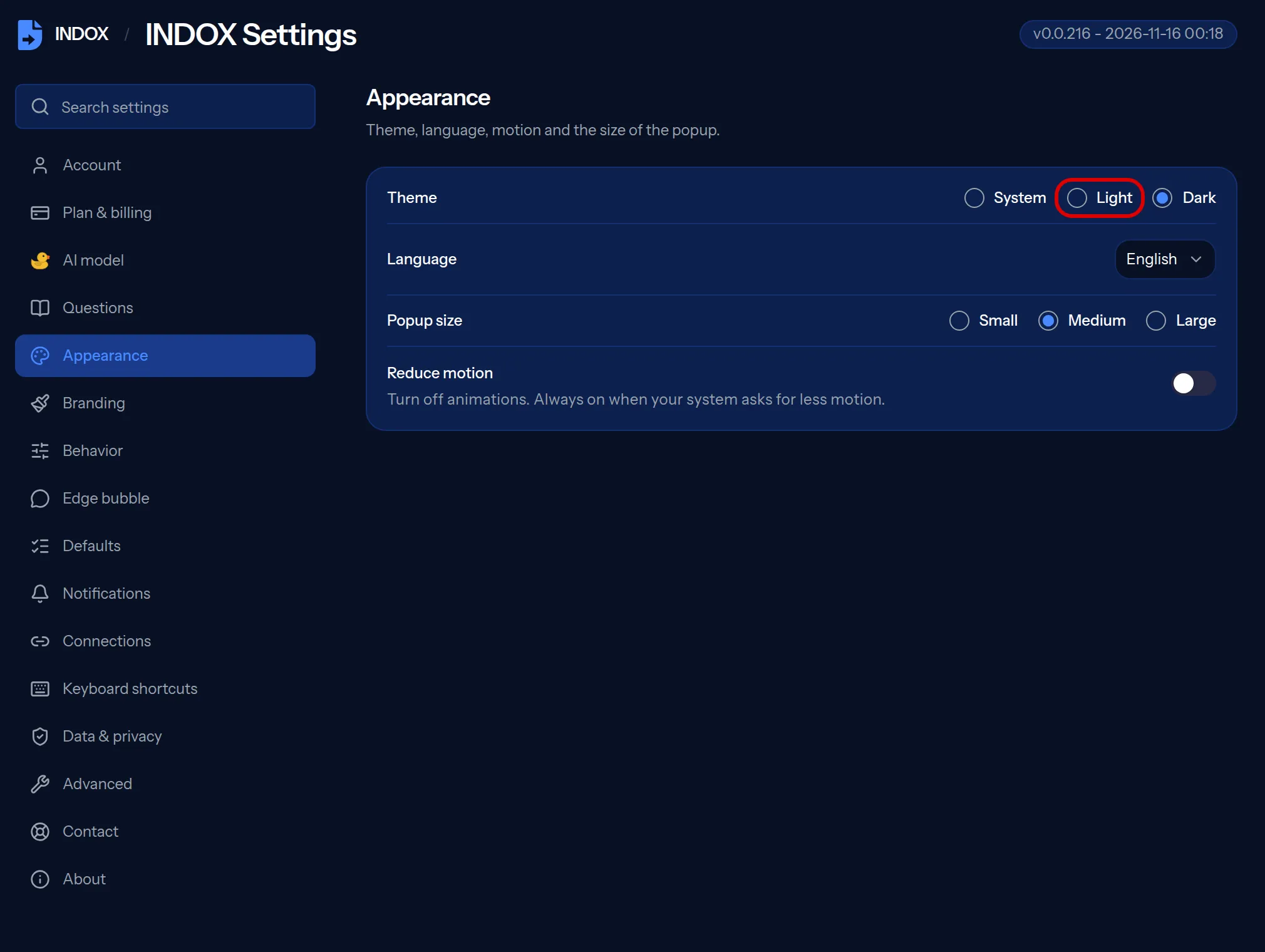 Change the INDOX extension's settingsOpen INDOX Settings, search for a setting, change the theme and notifications, see what each section holds and put every setting back to its starting value.
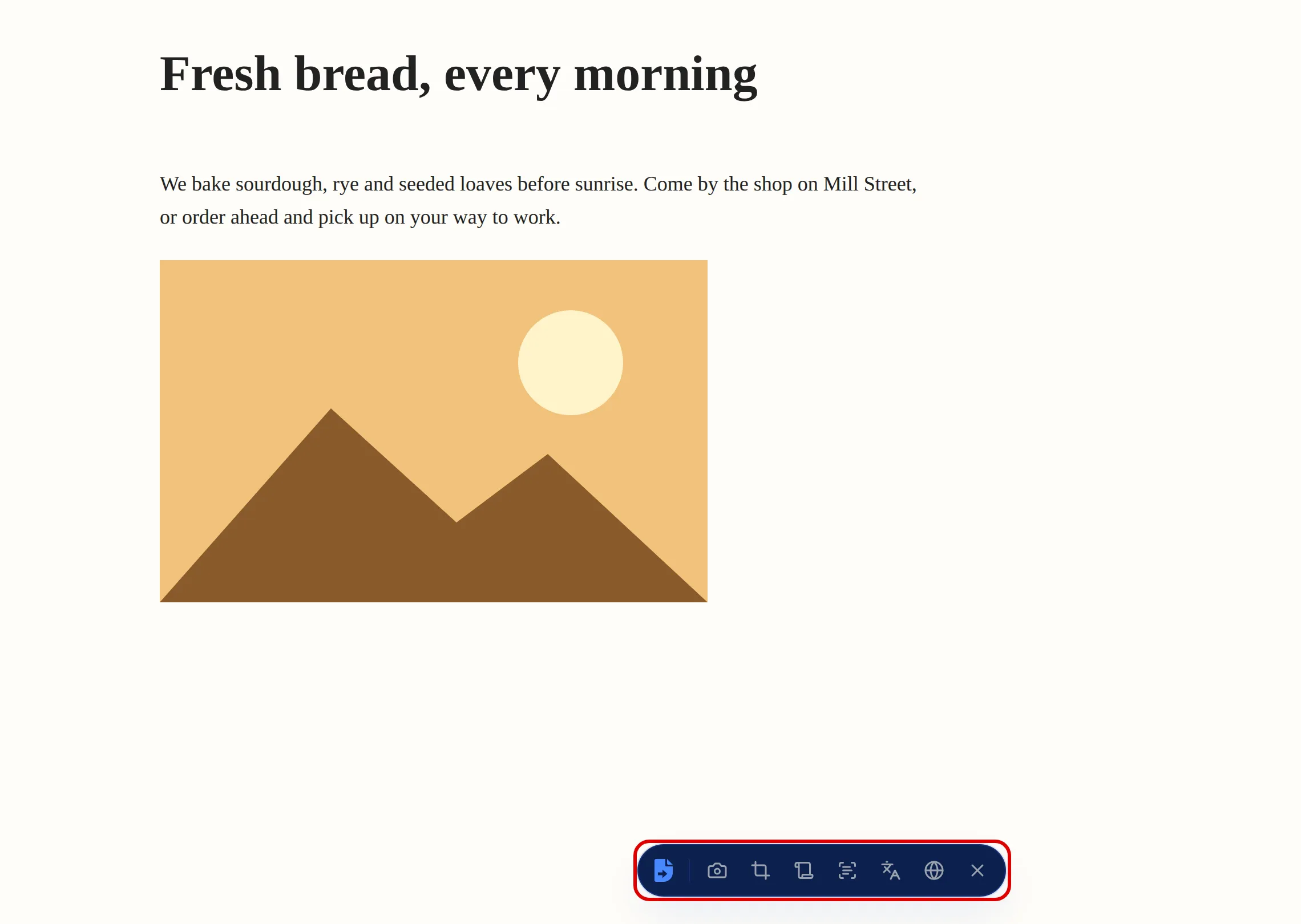 Use INDOX keyboard shortcuts and address-bar commandsSee which keys the INDOX extension uses, show the capture toolbar with a shortcut, change a key in Chrome, and type indox in the address bar to open INDOX pages.
 Control privacy and site accessClear what the INDOX extension keeps on your computer, choose what it asks before sending, and set which websites Chrome lets it read.
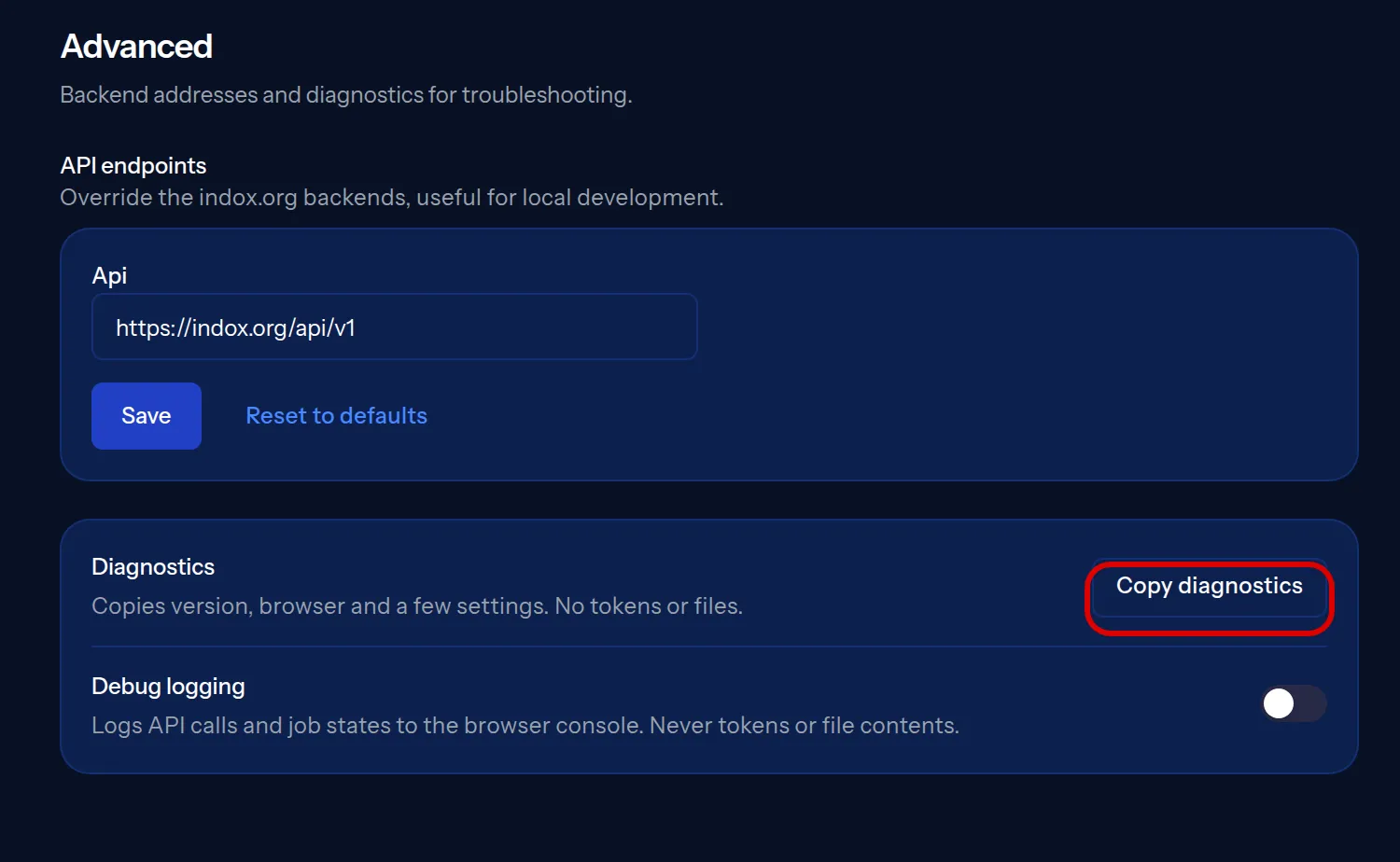 Fix problems with the INDOX extensionCheck the extension's version, turn it off and on, copy its diagnostics, switch on debug logging and contact the INDOX team when it still misbehaves.
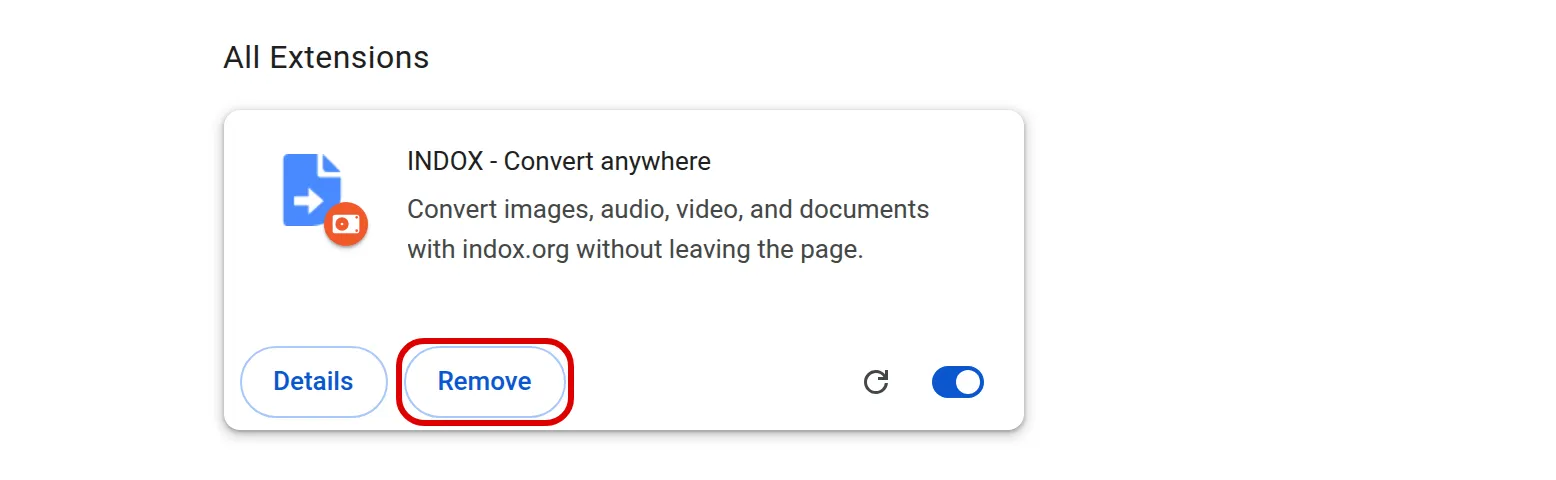 Uninstall the extensionRemove the INDOX extension from Chrome with the right-click menu or the extensions page, after saving your settings if you want them back.
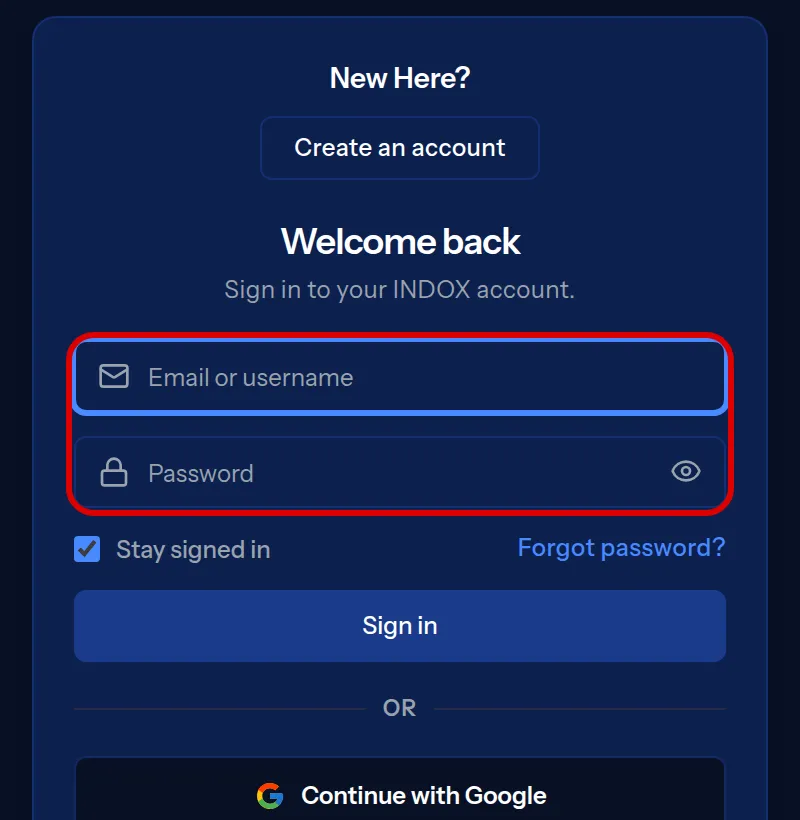 Sign in to the INDOX extensionSign in to your INDOX account in the Chrome extension side panel with your email or username and password, or with Google, Apple, Microsoft, GitHub or SSO.
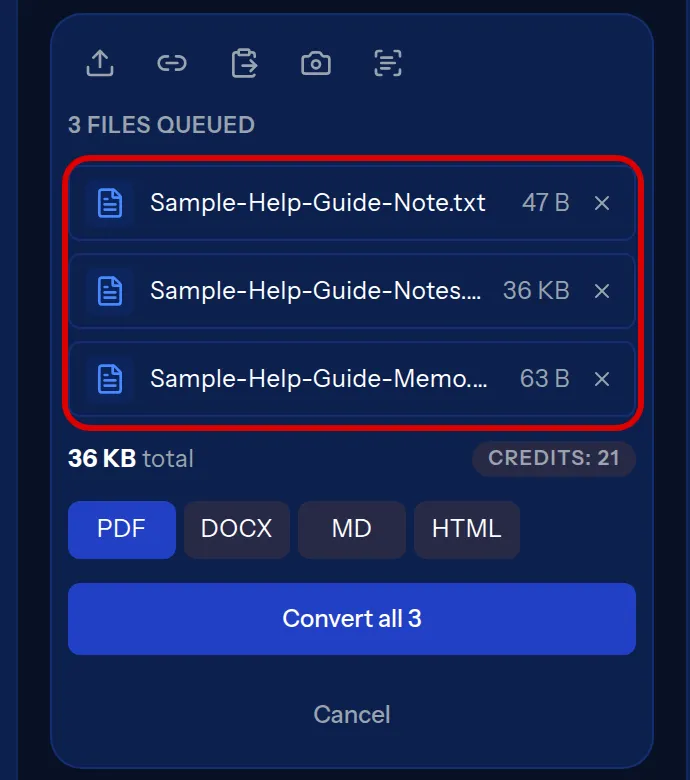 Convert several files at once in the INDOX extensionAdd two or more files to the INDOX extension side panel, pick one format, and convert them all in a single batch.
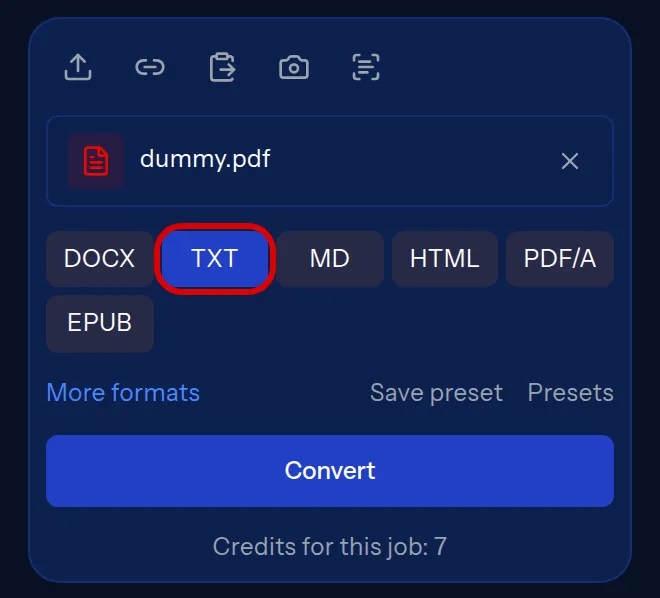 Convert a web link or a web page in the INDOX extensionTurn a file on the web, or the page you are reading, into another format from the INDOX side panel without downloading it first.
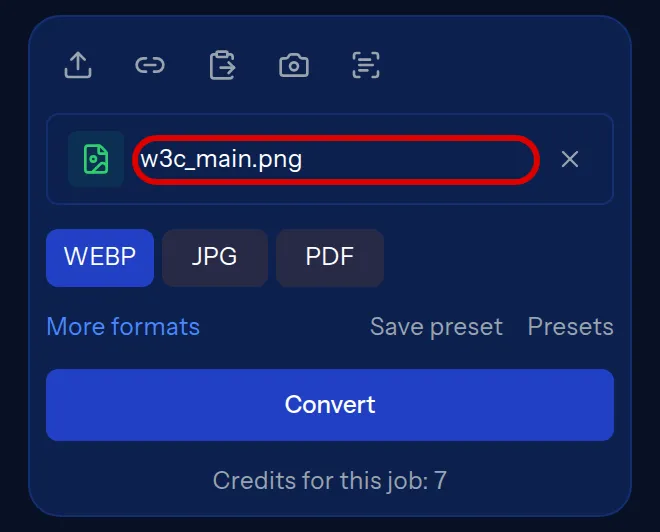 Convert from the right-click menu in the INDOX extensionRight-click a picture, a video, an audio file or a link to a document and send it straight to the INDOX side panel.
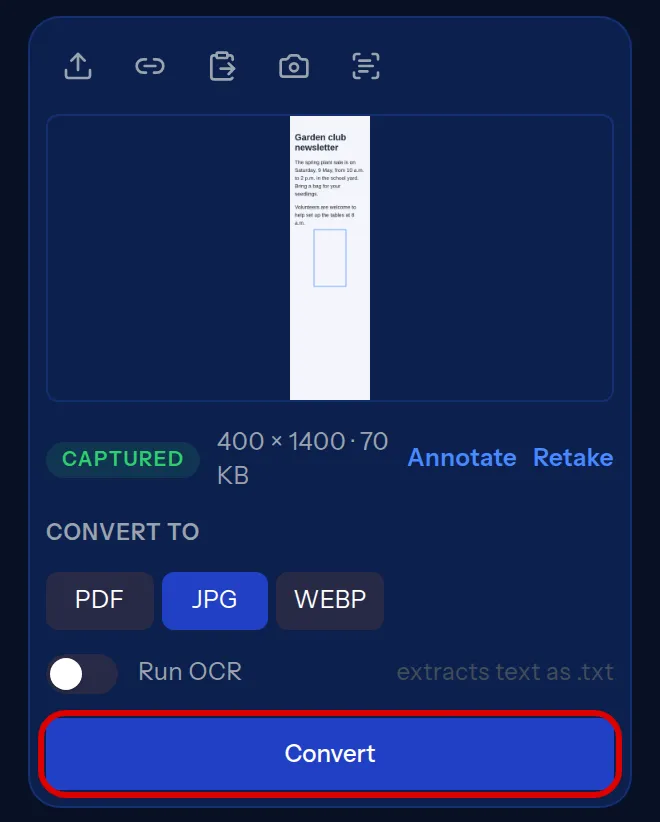 Take a screenshot with the INDOX extensionCapture what you see, a box you draw, or a whole page, mark it up in the side panel, and save it as a PDF, JPG or WEBP file.
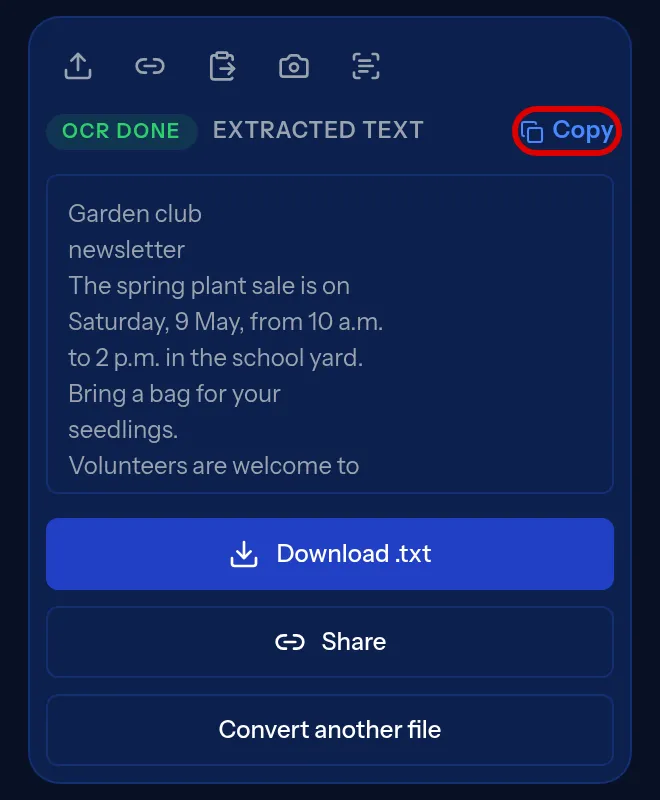 Extract text from a web page with OCR in the INDOX extensionRead the words in a picture of a web page and copy them, or save them in a text file, from the INDOX side panel.
Settings & privacy
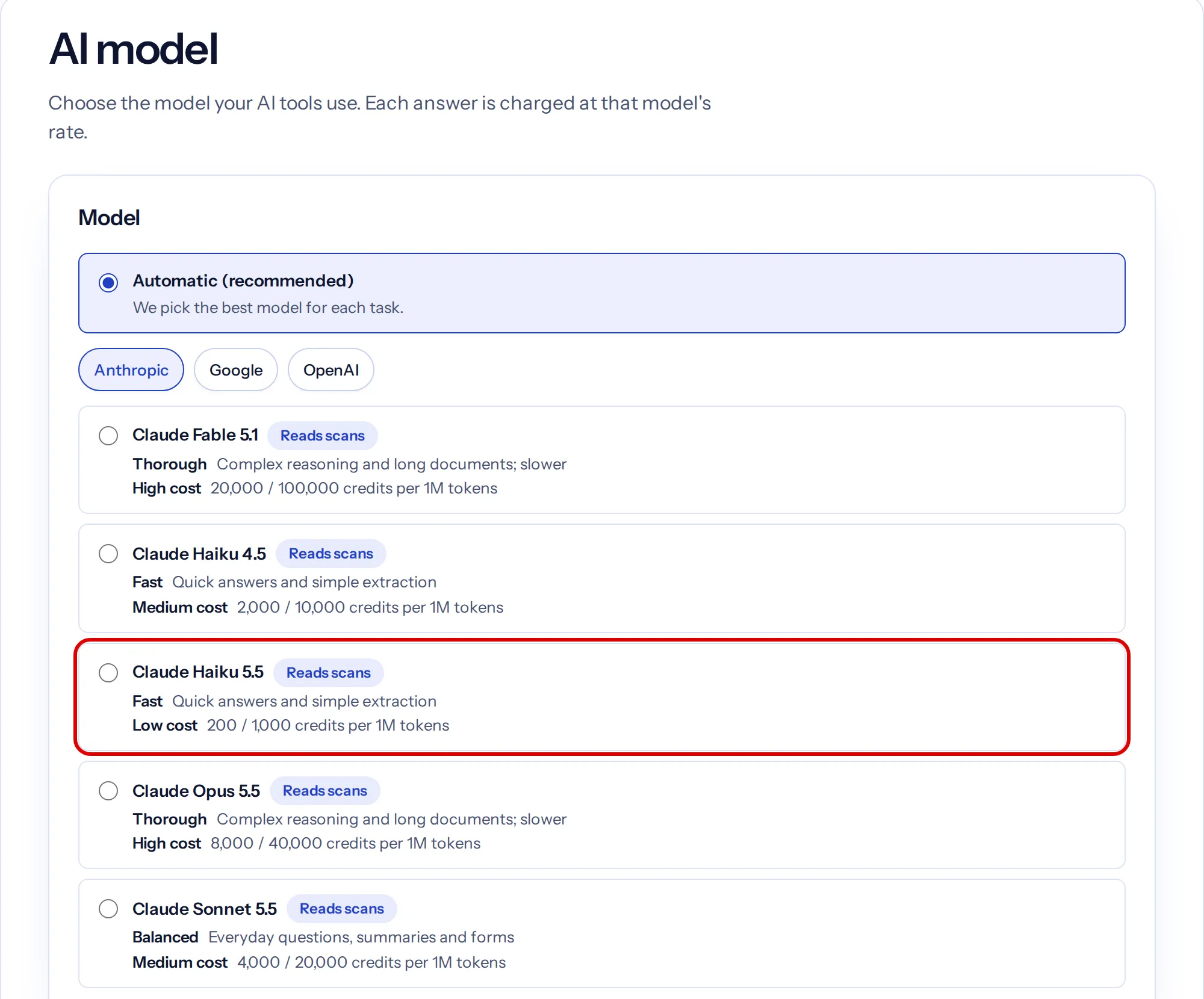 Choose the AI model for your AI toolsPick which AI model answers when you use the AI tools on indox.org. Compare speed and cost, choose one, and go back to Automatic.
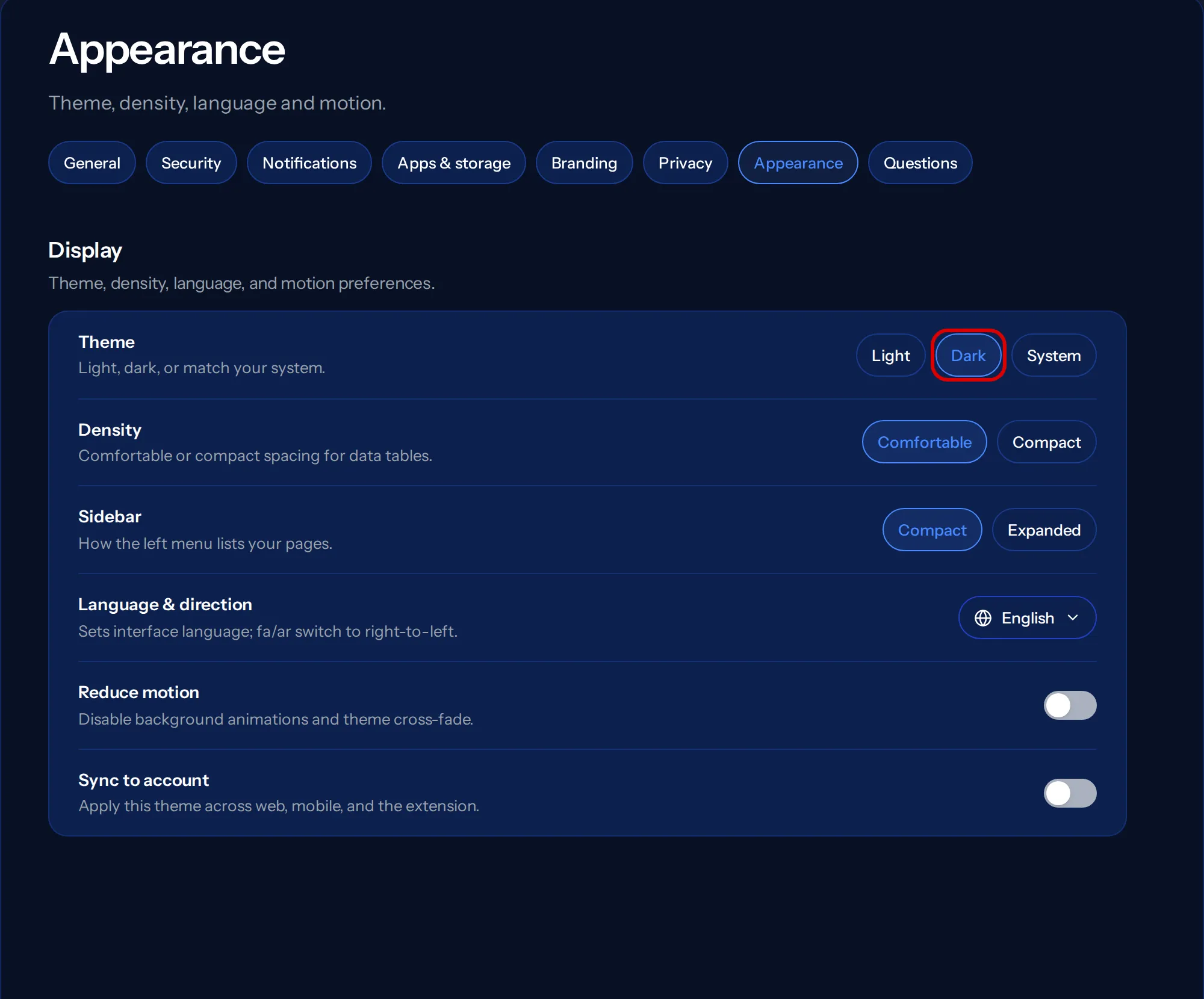 Change the theme, density and languageMake indox light or dark, change the spacing, and pick another language. Each choice takes one click, and you can change it back.
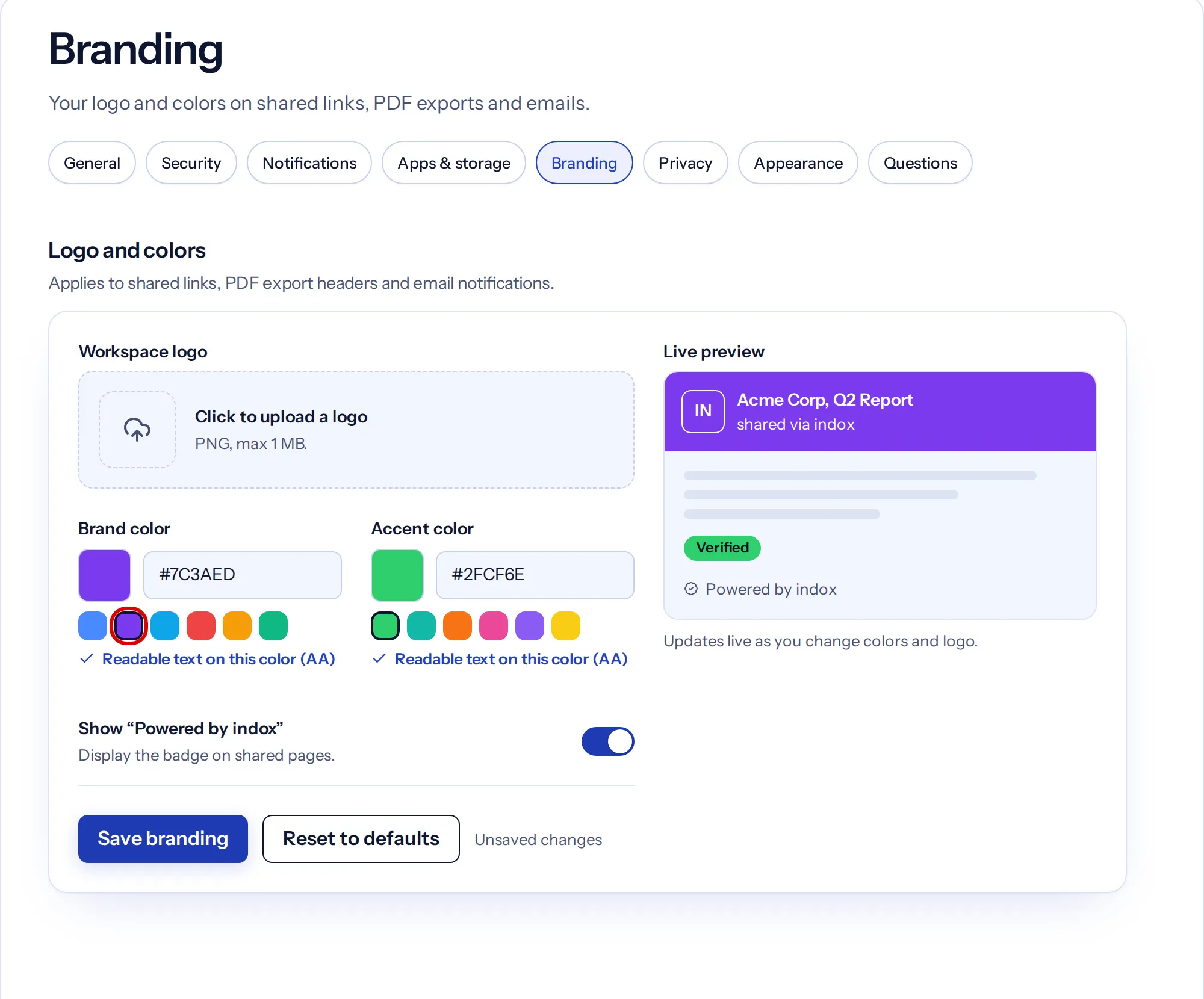 Add your colors and logo to shared filesChoose the brand color, accent color and logo for shared links, PDF export headers and emails from indox.org. See the result live, then save it.
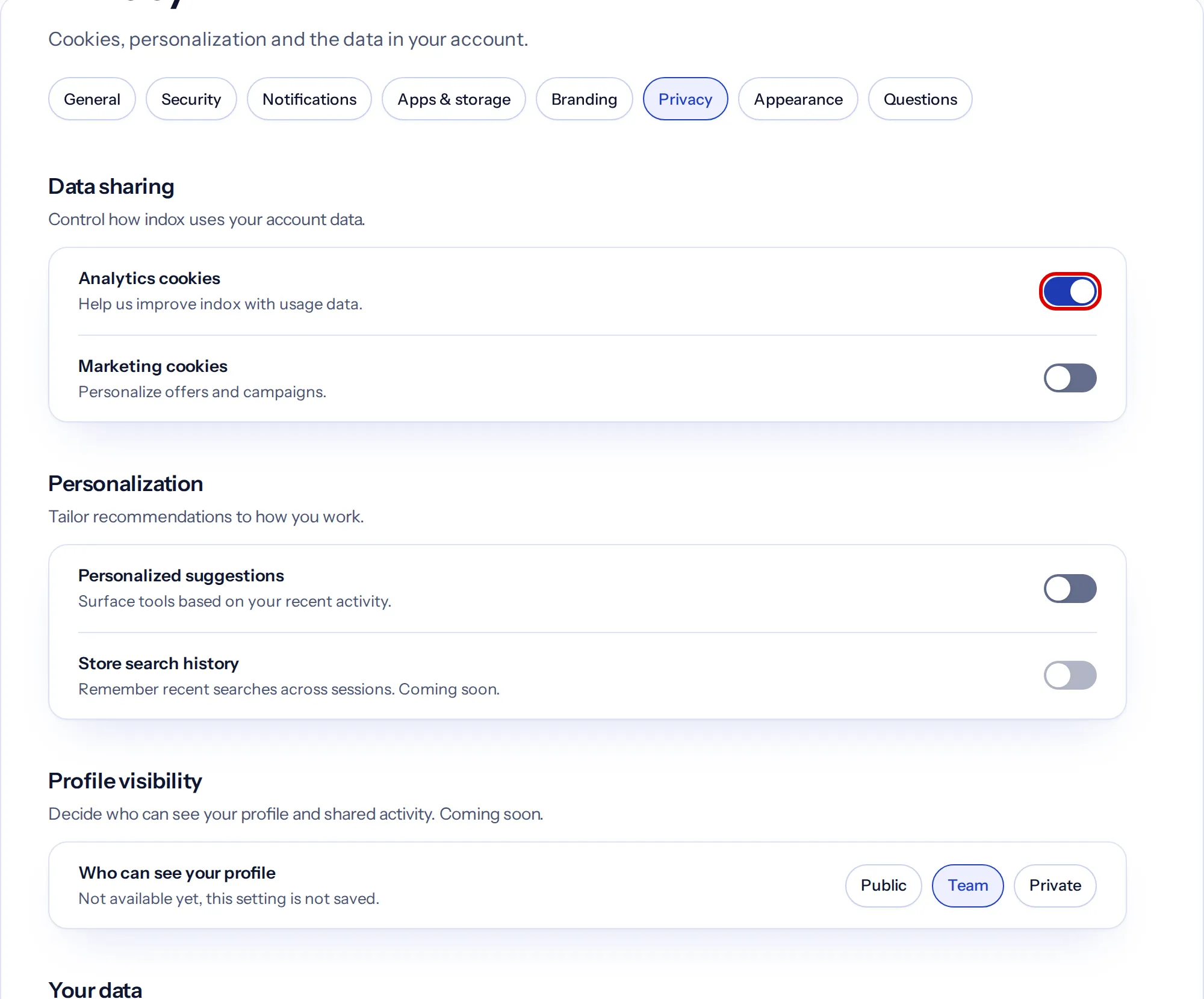 Manage your cookie and privacy choicesTurn analytics and personalization on or off, see which privacy settings are not ready yet, and find the Your data card.
 Review your account activitySee sign-ins and other events on your account from the last 90 days. Filter them by type and date, and export them to a file.
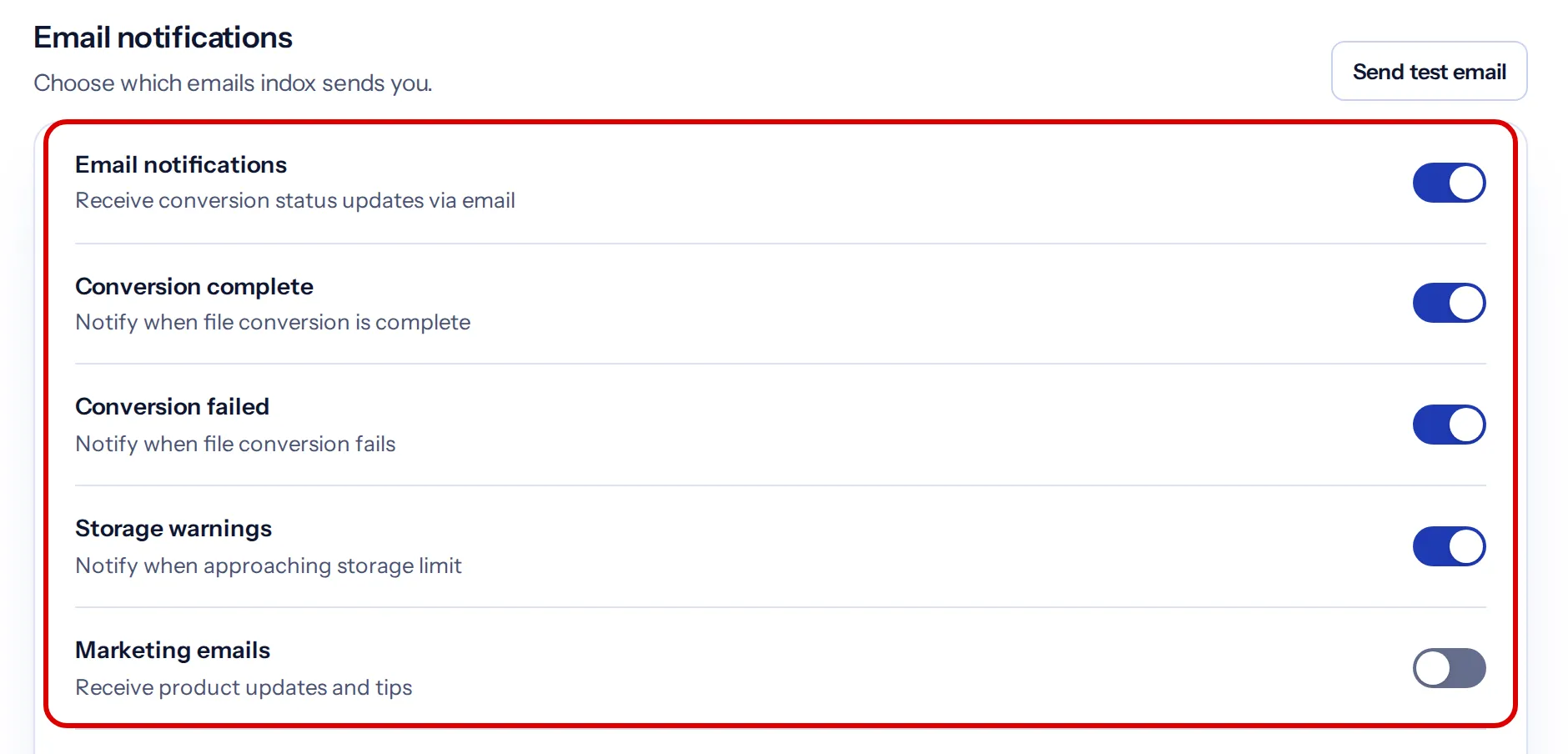 Choose which emails indox sends youTurn emails from indox on or off on the Notifications page, and pick when indox warns you that your storage is filling up.
Share files
Plans, credits & billing
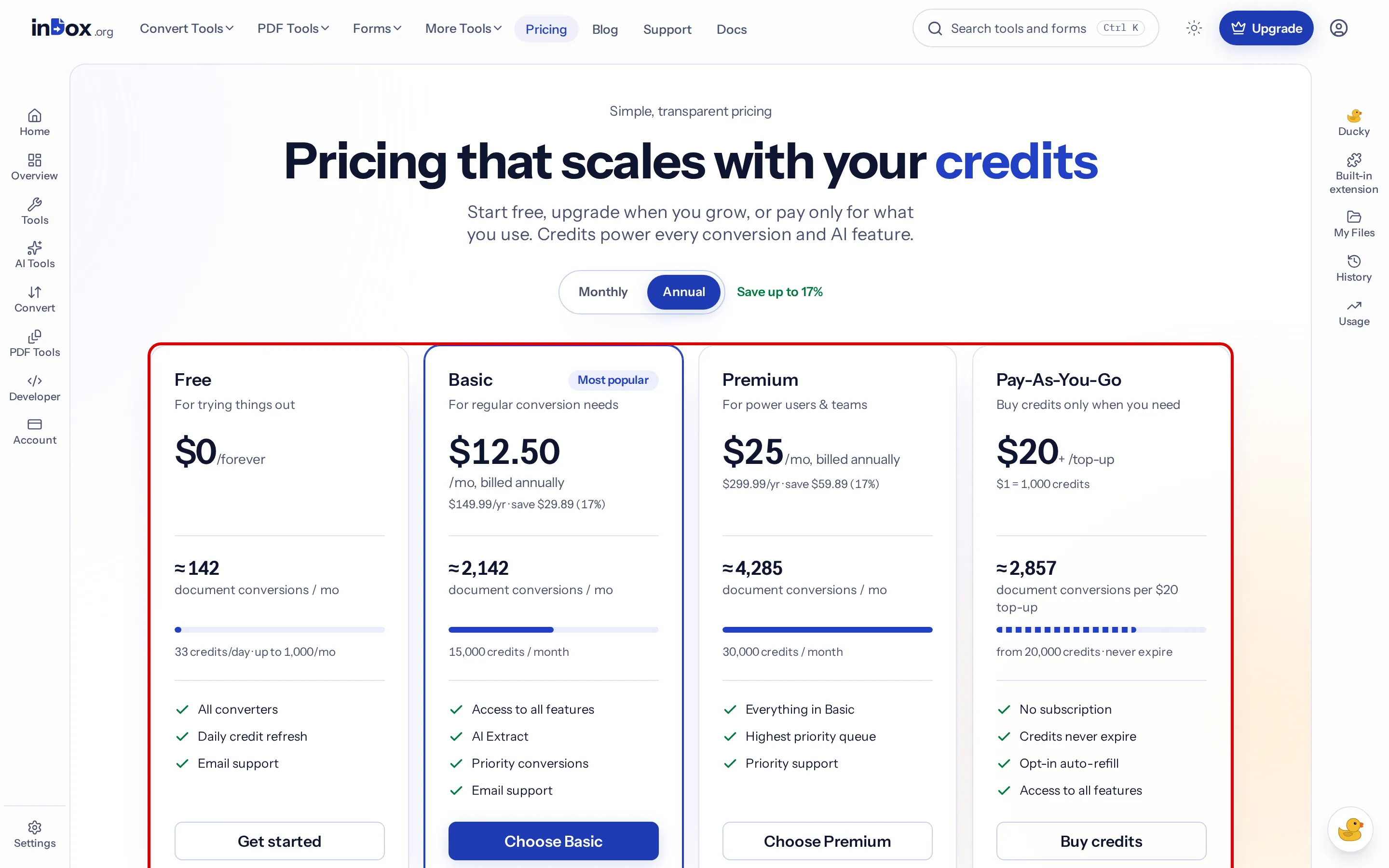 Choose a plan and upgradeCompare the Free, Basic, Premium and Pay-As-You-Go plans on indox.org, pick one, and get to the checkout step. You can look at the plans without an account.
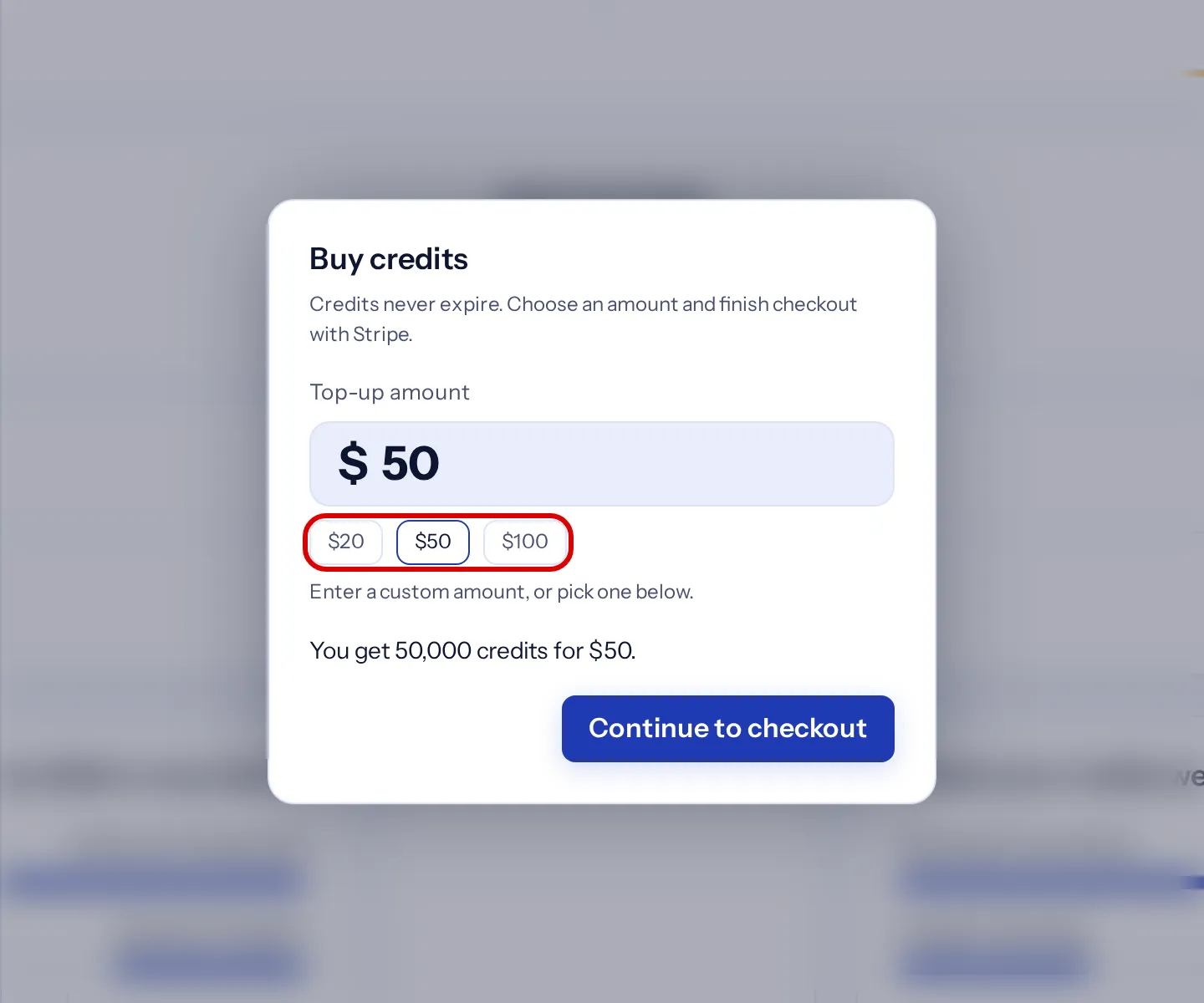 Buy extra creditsAdd more credits to your indox.org account with a one-time top-up. Pick an amount, see how many credits you get, and go on to the secure payment page.
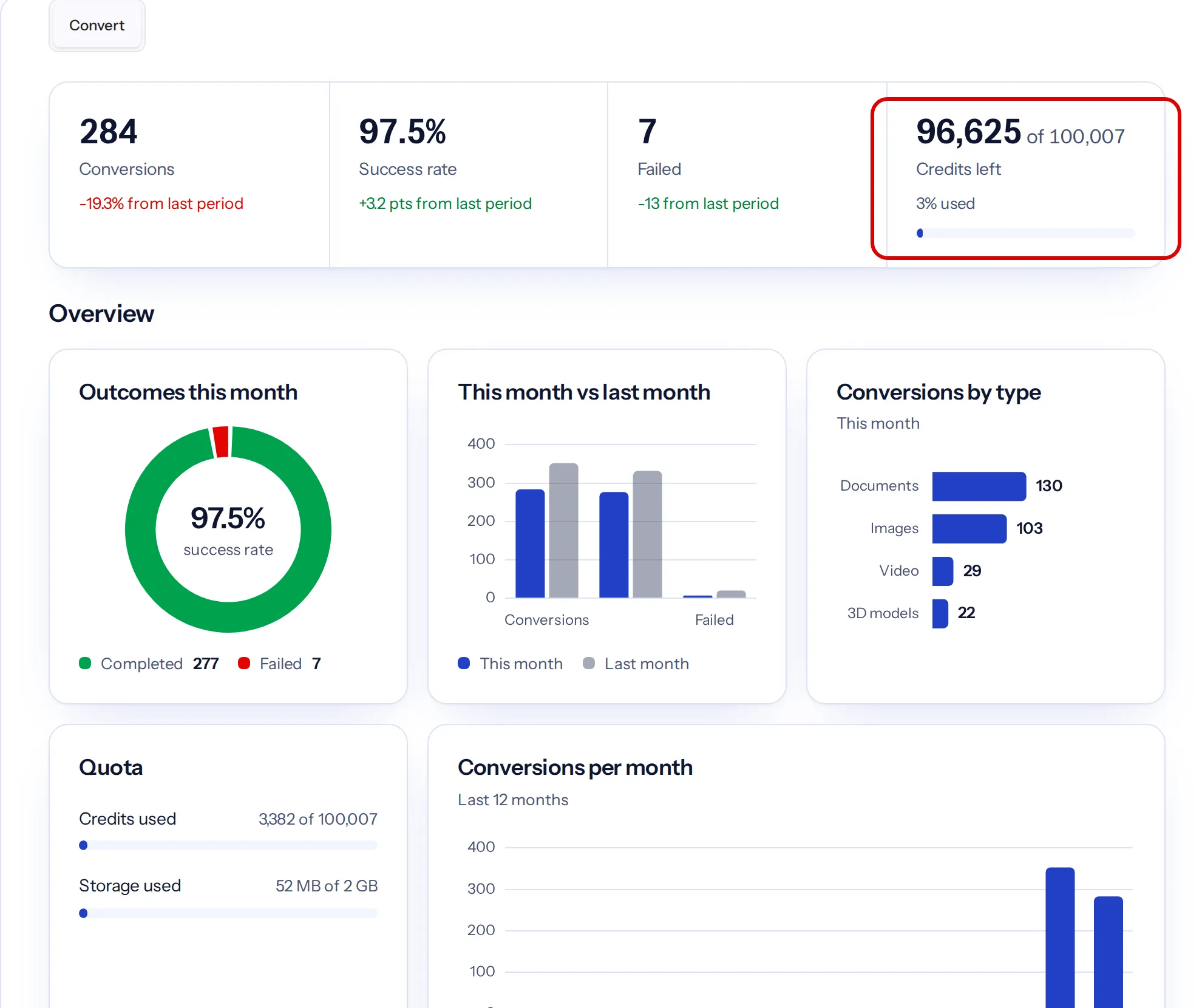 Check your credits and usageSee how many credits you have left, what you have used them on, and how much you converted, on the Usage and Subscription pages of indox.org. You can also download your usage.
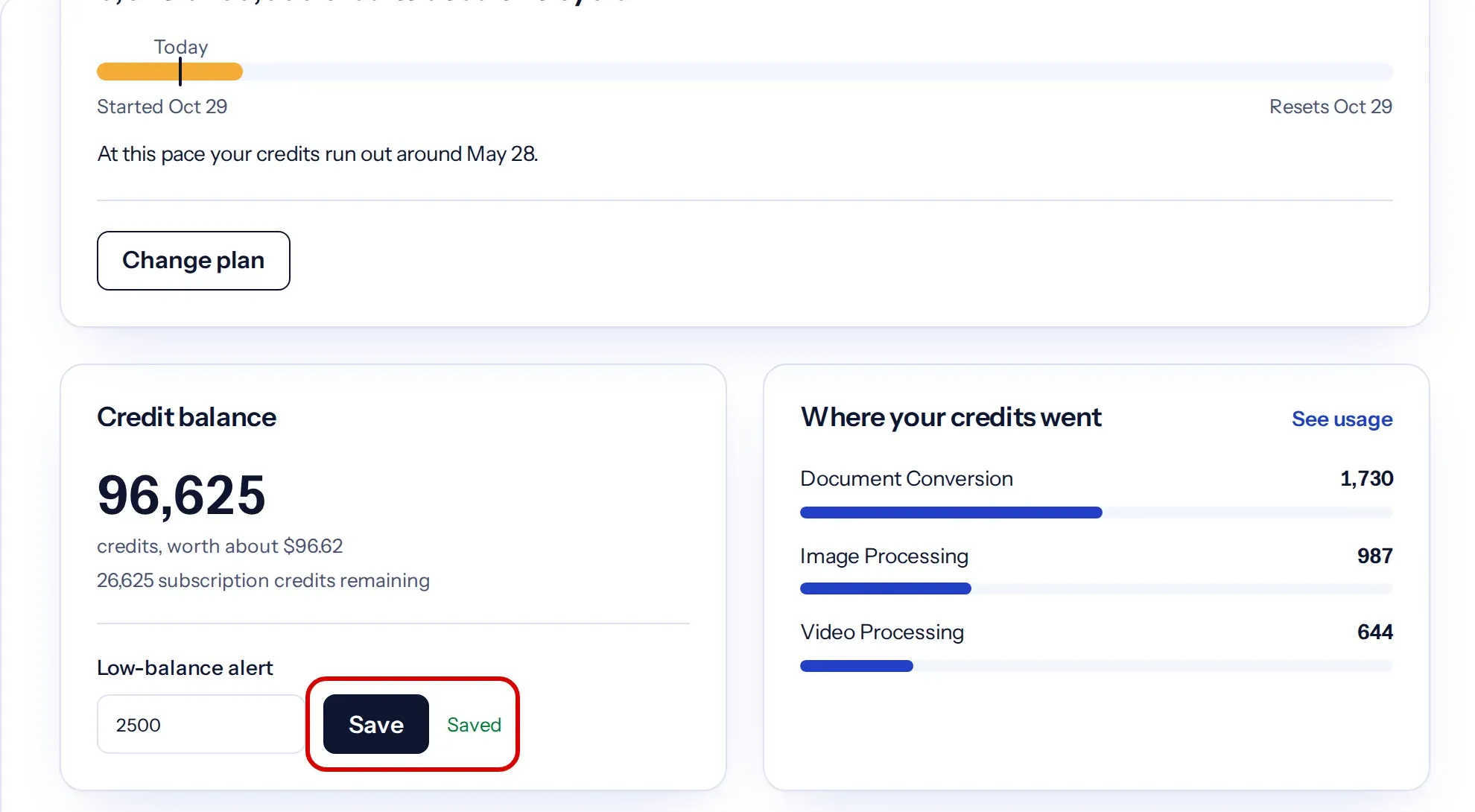 Get an alert when credits run lowSet the number of credits at which indox.org warns you, so you do not run out in the middle of a job. You type a number and select Save.
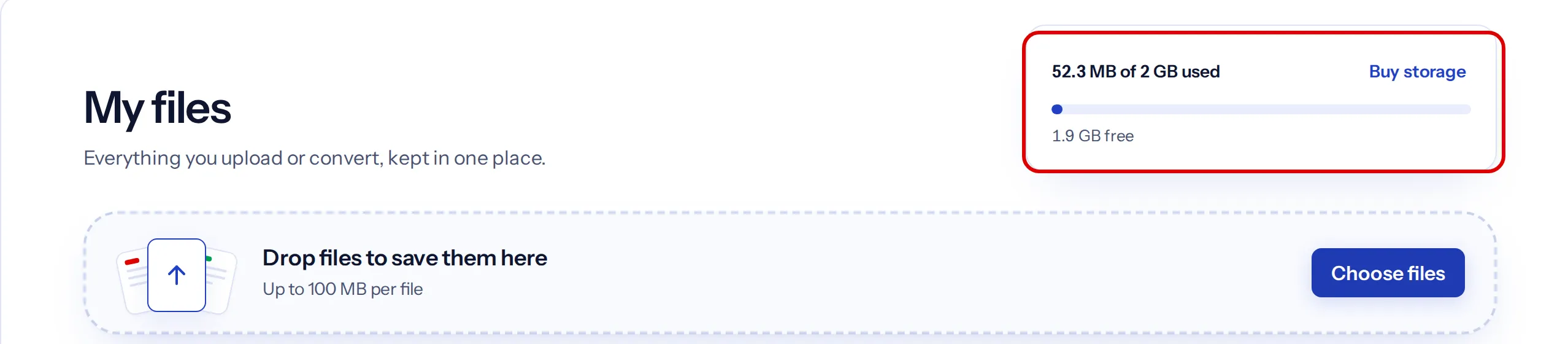 Check your storage and buy more spaceSee how much file space you use on indox.org and how much is left, and learn how to buy more storage. You buy by the gigabyte.
