Restructure any PDF
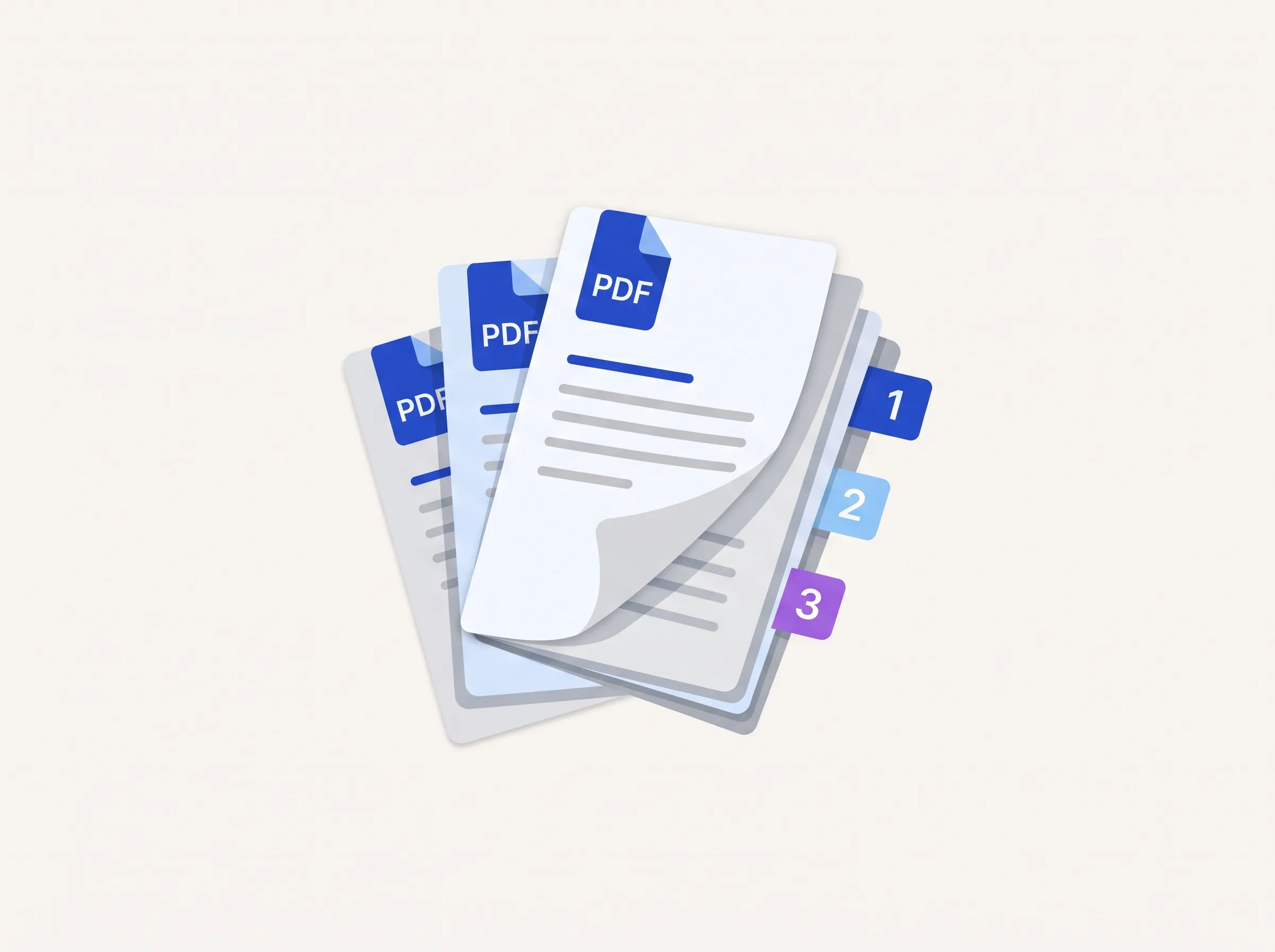
Merge, split, rotate, rearrange and renumber pages, every page-level operation for getting a document into the shape you need.
14 tools
Extract Bookmarks
Single Long Page
Scale Pages
N-up Layout
Booklet
Add Page Numbers
Crop PDF
Merge PDF
Split PDF
Rotate Pages
Extract Pages
Reorder Pages
Edit Table of Contents
Remove Pages
Extract Bookmarks
freeSingle Long Page
freeScale Pages
freeN-up Layout
freeBooklet
freeAdd Page Numbers
freeCrop PDF
freeMerge PDF
freeSplit PDF
freeRotate Pages
freeExtract Pages
freeReorder Pages
freeWhat are the indox organize tools?
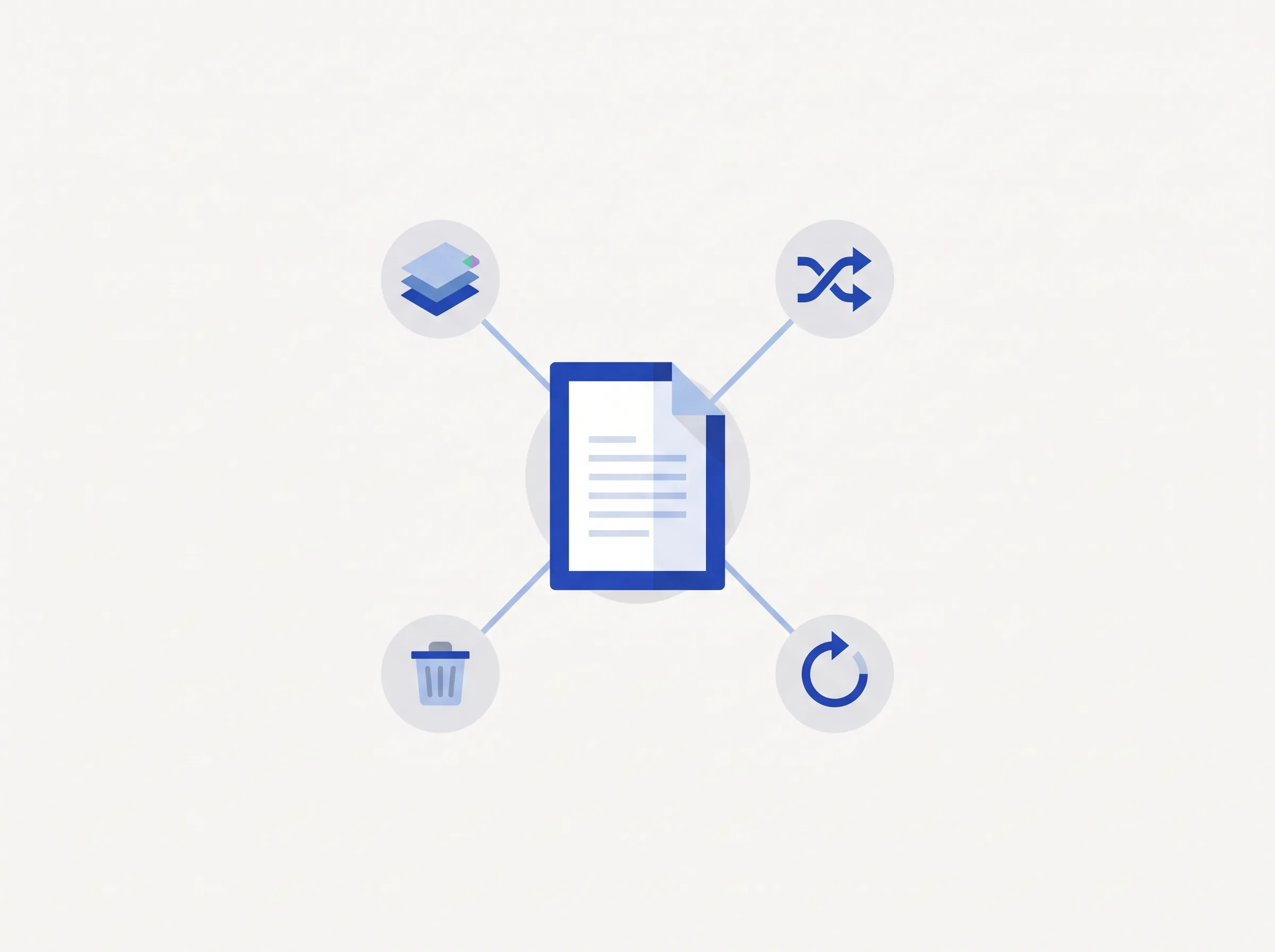
The organize tools work on whole pages. You can merge files, split them by range or size, rotate and rearrange pages, remove blank ones and add page numbers.
Drop a PDF in the box above and every tool applies to it in one click, with no second upload. Free tools need no account, and a few layout tools, such as Booklet Imposition and Overlay PDFs, need a paid plan.
What else can I do with a PDF?
Organize is one of several hubs. Edit changes what is inside a page, Convert changes the format, and Security adds a password or redacts text. Advanced covers OCR, compression and repair.
Browse all toolsEdit tools
Images, stamps, metadata, annotations and attachments.
Convert tools
Turn Word, Excel, PowerPoint, images and HTML into PDF and back.
Security tools
Password, sign, watermark, sanitize and redact your PDFs.
Advanced tools
OCR, compress, compare, repair and the Multi-Tool editor.
Do it all with indox
No tool matches that search.
Organizing questions
Can I reorder pages before merging?
Yes, Merge PDF lets you drag files and pages into any order before combining them.
Does splitting a PDF keep the original bookmarks?
Split PDF preserves bookmarks and metadata that fall within each output file's page range.
What happens when I drop a PDF in the box?
Once a file is loaded, every tool applies to it in one click. You don't upload it a second time.
What is the difference between Free and Pro organize tools?
Most organize tools are free. Multi-Page Layout, Booklet Imposition and Overlay PDFs are marked Pro and need a paid plan.
Can I remove blank pages automatically?
Yes. Remove Blank Pages detects empty pages and drops them. Remove Pages deletes the ones you pick.
Can I split a PDF by size?
Yes. Split by Size or Count cuts a file into chunks by file size or page count. Split breaks it up by page range.
Can I add page numbers?
Yes. Add Page Numbers stamps numbers on the pages and lets you set the position.
Which engine runs the tools?
Organize operations run on the open-source Stirling-PDF engine, self-hosted on indox infrastructure.