Power tools for serious PDF work
OCR, compression, repair and the full interactive Multi-Tool editor, the heavyweight operations for documents that need real processing.
11 tools
Check PDF
Compress PDF
OCR PDF
Repair PDF
Decompress PDF
Compare PDFs
Auto Rename
Scanner Effect
Pipeline
Multi-Tool
Read & Annotate
Check PDF
freeCompress PDF
freeOCR PDF
✦ AIRepair PDF
freeDecompress PDF
freeCompare PDFs
freeAuto Rename
freeScanner Effect
freePipeline
proMulti-Tool
soonRead & Annotate
soonWhat are the indox advanced tools?
The advanced hub holds the heavier operations: OCR, compression, repair, comparison, AI renaming, a scanner effect, and the interactive Multi-Tool page editor and reader.
Drop a PDF in the box above, then pick a tool. It runs on the file you already added, so there is no second upload. Each card shows a rough run time, and the Free, Pro and AI badges show which plan a tool needs.
What should I try next?
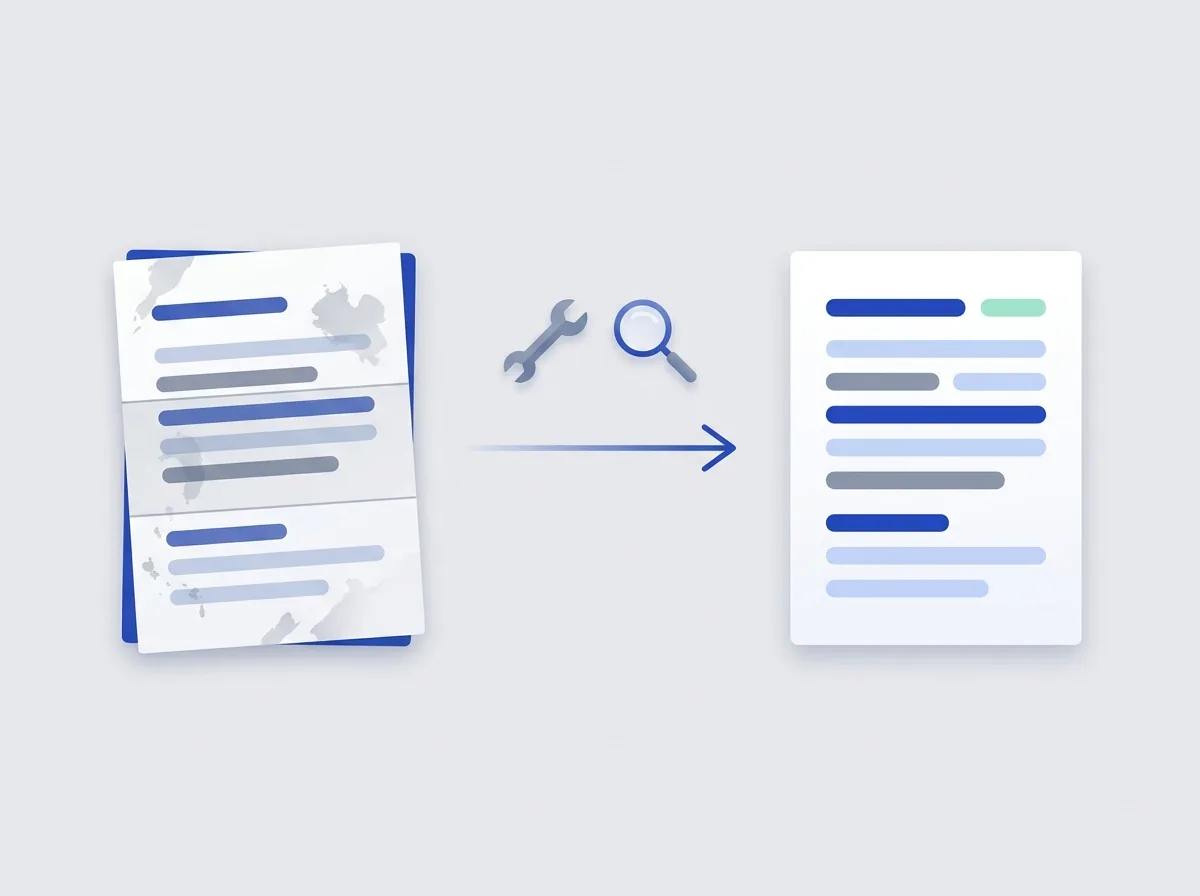
After OCR or repair, the other hubs cover the rest of the job. Organize handles page order, Edit handles stamps and metadata, and Security handles passwords and redaction. The AI tools can pull tables and text out of the same file.
Open the AI toolsOrganize tools
Merge, split, rotate, rearrange and renumber pages.
Edit tools
Images, stamps, metadata, annotations and attachments.
Security tools
Password, sign, watermark, sanitize and redact your PDFs.
AI tools
AI Extract, Doc Chat and Smart Convert read a document's structure.
Do it all with indox
No tool matches that search.
Advanced questions
Why does OCR take longer than other tools?
OCR runs full-page text recognition on every scanned page, which is more compute-intensive than a direct format conversion, expect roughly 30 seconds per document.
What languages does OCR support?
OCR PDF supports the language packs bundled with the underlying Stirling-PDF/Tesseract engine, including English, Spanish, French, German and Persian.
What is the Multi-Tool?
Multi-Tool is the interactive page editor, a draggable thumbnail grid where you rotate, delete, insert, redact and reorder pages, then apply and download.
Will compression hurt quality?
Compress PDF offers quality presets. Lower settings downsample images more aggressively; text and vector content always stay sharp.
What does Repair PDF do?
It rebuilds corrupt or broken structure so a damaged PDF opens again.
What does Auto Rename do?
It generates a meaningful filename from the document's own content, which helps when a folder is full of scans with messy names.
Do I upload the file again for each tool?
No. After you drop a PDF, the file chip shows it is ready and the tool you pick runs on that file.