indox.org
  • Convert Tools
  • Pricing
  • Blog
  • Support
  • Docs
Ctrl K
Get started
Indox

Encrypted in transit. Free-tier files auto-deleted within 24 hours. No tracking.

  • Encrypted in transit
  • Auto-delete within 24h
  • No training on your files

Convert documents

  • DOCX to PDF
  • PDF to DOCX
  • XLSX to PDF
  • PDF to JPG
  • EPUB to PDF
  • XLSX to CSV
  • HTML to PDF

Convert images

  • HEIC to JPG
  • JPG to PDF
  • AVIF to JPG
  • WEBP to JPG
  • SVG to PNG
  • JPG to PNG

Convert video and audio

  • AVI to MP4
  • WAV to MP3
  • MOV to MP4
  • M4A to MP3
  • MKV to MP4
  • MP4 to MP3
  • WEBM to MP4
  • OGG to MP3

Tools

  • Convert
  • Edit
  • Organize
  • Sign & secure
  • Compress & repair
  • AI
  • PDF converter
  • All conversions

Apps

  • AI Extract
  • Chat with a doc
  • Translate documents
  • Office
  • Form reader
  • Fill & Sign
  • PDF viewer
  • Scan to PDF
  • Unit converter

Font formats

  • TTF
  • OTF
  • WOFF
  • WOFF2
  • EOT
  • SVG
  • PFA
  • PFB

Company

  • Blog
  • Pricing
  • Support
  • Feedback
  • Terms of Use
  • Privacy Policy

IRS forms for individuals

  • Individual income tax
  • Payments, refunds & disputes
  • Tax pros & free filing help
  • IRS notices & requests
  • Records, IDs & e-file
  • Estates, gifts & trusts
  • Retirement & savings plans

IRS forms for businesses

  • Employment & payroll
  • 1099s & information returns
  • Business & corporations
  • Charities & nonprofits
  • Excise tax
  • International

USCIS family and status

  • Green cards
  • Citizenship
  • Family petitions
  • Adoption
  • Travel & status changes
  • Asylum & humanitarian relief

USCIS work and filings

  • Work authorization
  • Investors & entrepreneurs
  • Records & requests
  • Fees & payments
  • Waivers
  • Appeals & motions

Developers

  • Documentation
  • API Reference
  • Python SDK

Products

  • Businesses
  • IndoxHub
  • Pencilly

Apps and extensions

  • WebEase (Extension)
  • AI Summarizer (Extension)
  • KeyNest (Extension)
  • KeyNest (Android App)

© 2026 Nemati AI LLC. All rights reserved.

Private. Secure. Encrypted. Auto-deleted within 24 hours.

Updated on 2026-10-13, v0.26.0

AI Extract: layout-aware document extraction

Source document
max 100 MB · 500 pages
Output format
Extraction options

No extractions yet

Extracted output

No document yet

Drop a file on the left or pick a sample to see the structured output here.

  1. Home
  2. AI tools
  3. AI Extract

Extract structure from any document

AI Extract reads a PDF, Word file, PowerPoint, spreadsheet, HTML page or image and returns its structure as Markdown, JSON or tables. Headings, reading order and table cells stay in place, so the output is ready for a language model, a search index or a script. Pick a sample in the box above or drop in your own file, choose a format and press Extract document. The size and page limit shows in the source box before you start, and the samples run without signing in.

Why use indox's AI Extract?

Start from a file or a sample

Start from a file or a sample

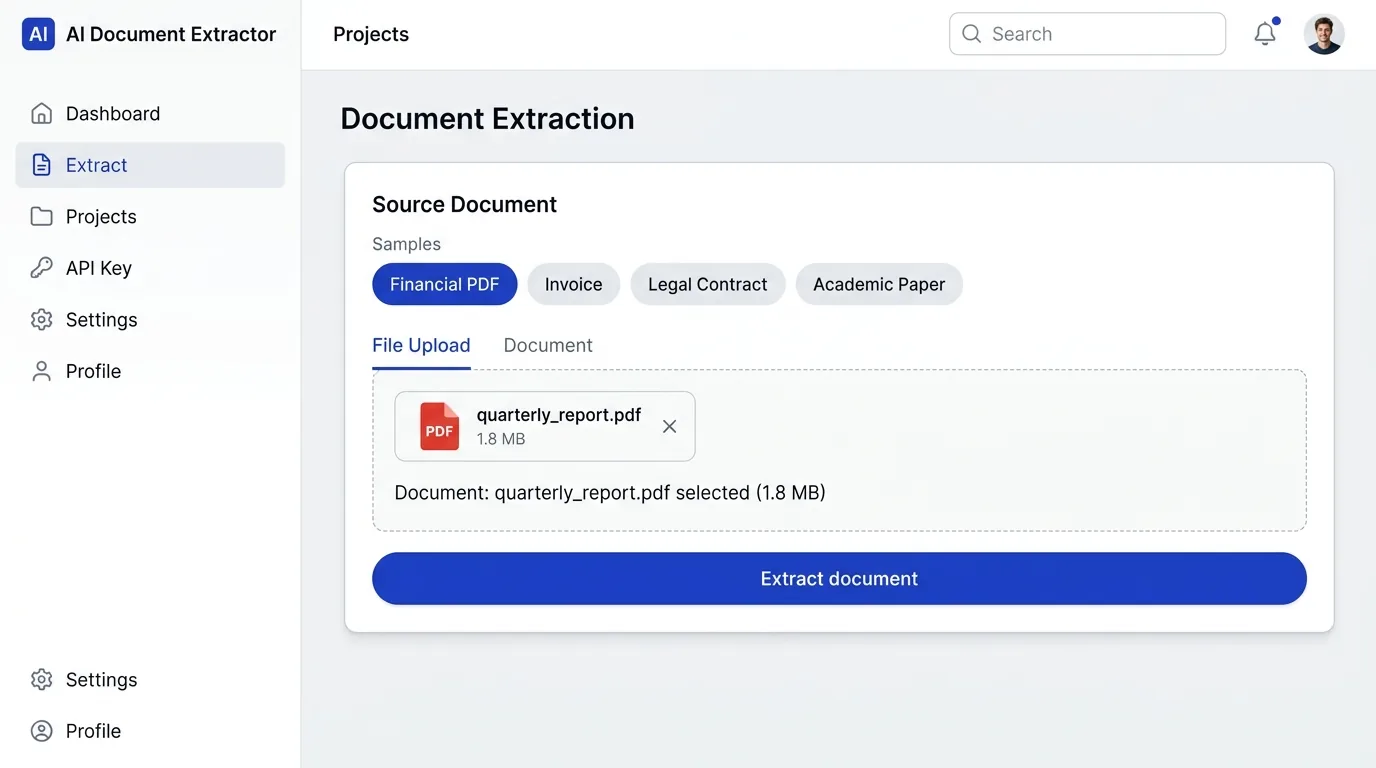
Drop a file on the source box, click to browse, or pick a sample: a financial PDF, a scanned receipt, a multi-column paper or a contract. A chip shows which file is loaded, and you can remove it and start over.

Choose the format and what to read

Choose the format and what to read

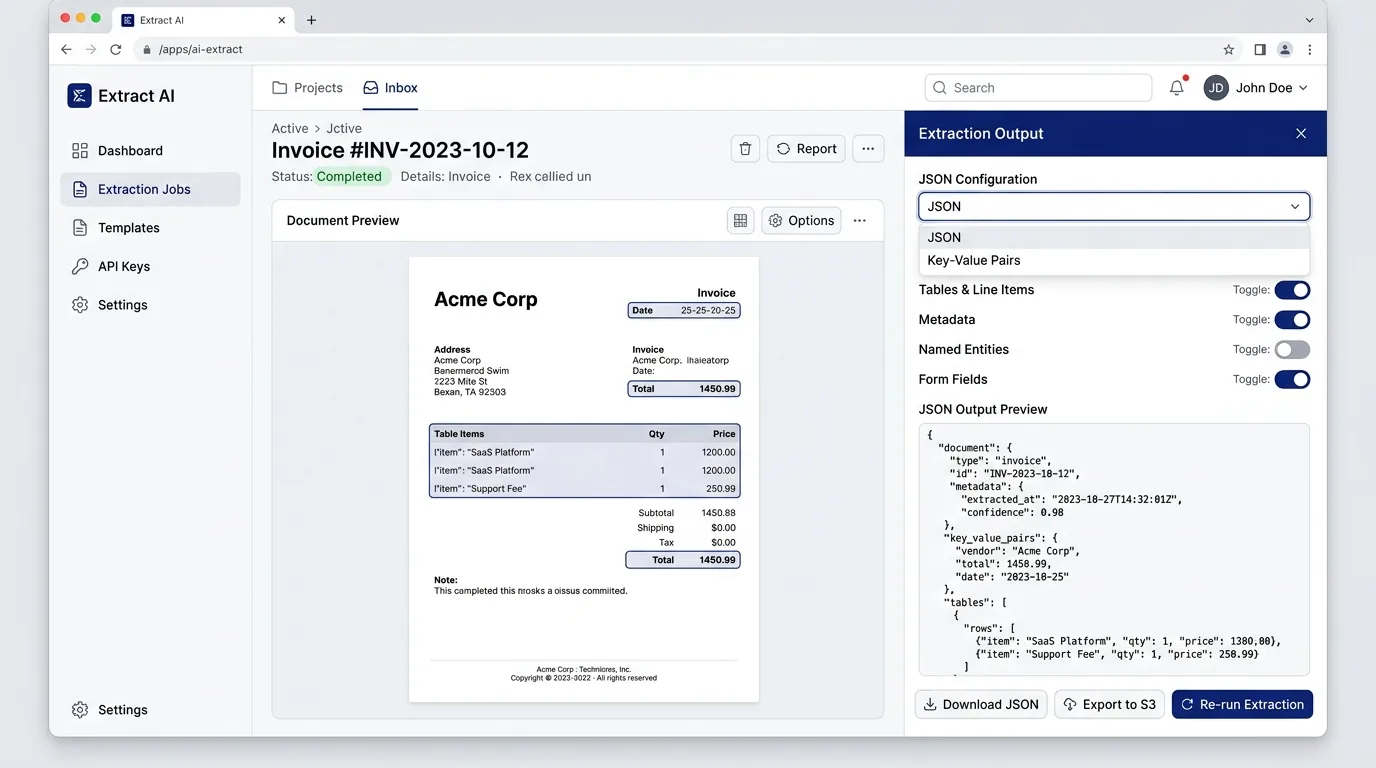
Output comes as Markdown, JSON, HTML or Tables. Switches control table structure, OCR for scans, reading order, code and formulas, and picture export. The OCR switch is marked as costing credits and code detection as slower.

Check the result, then take it with you

Check the result, then take it with you

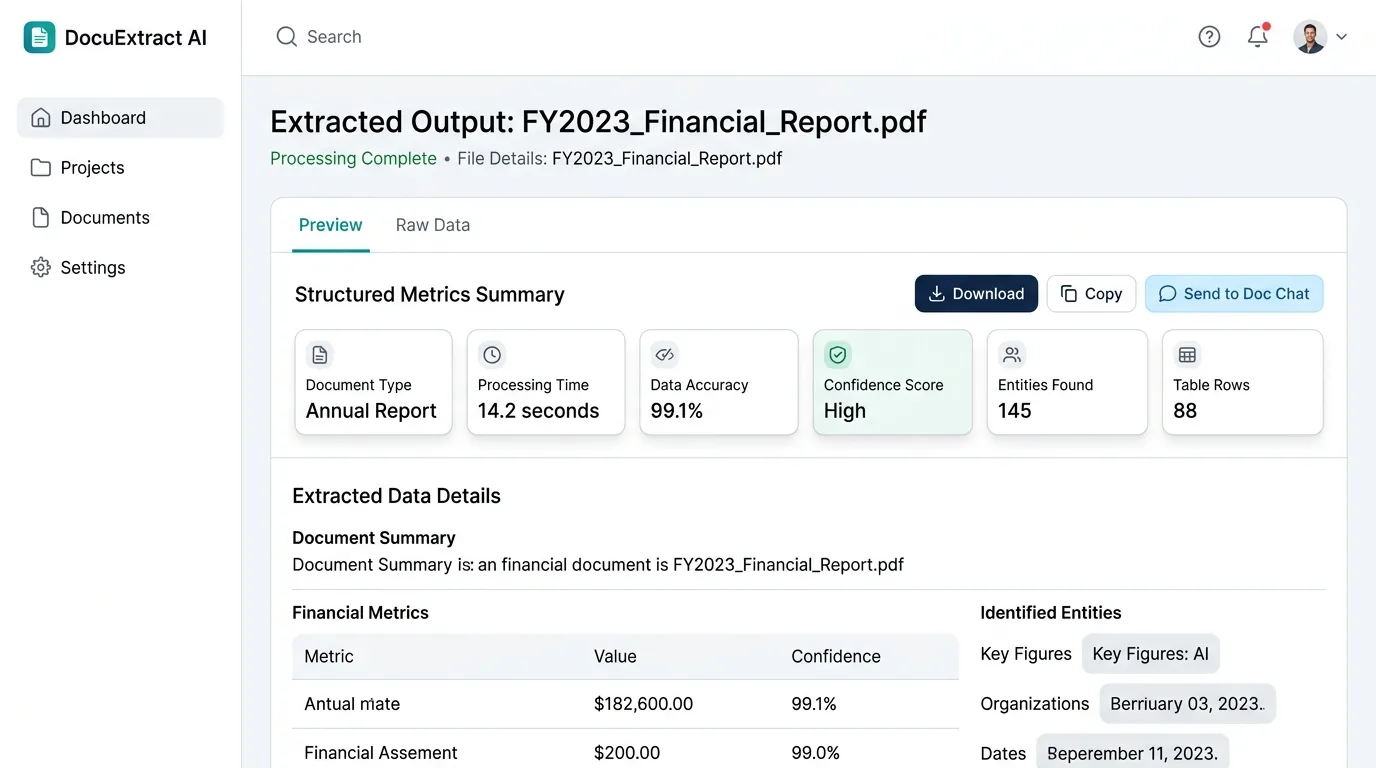
The output pane has Markdown, JSON and Preview tabs, with page, table, figure and parse-time counts under it. Download the file, copy it or send it to Doc Chat.

What it captures

Layout-aware, not just text

It reads the document the way a person does, keeping what plain text extraction throws away.

Table structure

Cells, headers and spans recovered into real tables.

Reading order

Multi-column pages re-sequenced into logical flow.

Headings & sections

Hierarchy kept intact for clean chunking.

Code & formulas

Plain text vs structured

Why "extract" beats "convert to text"

Same PDF. Left: what a vanilla text extractor returns. Right: what AI Extract sees.

pdftotext output, flat text, no structure
Quarterly Report 2026
Revenue by region
Region   Q1   Q2  Americas
4.20M  4.85M EMEA 3.10M
3.42M APAC 2.05M 2.61M
Summary Total revenue grew 14.6%
quarter over quarter, led by the
APAC segment...
chart
AI Extract output, layout-preserving Markdown
# Quarterly Report 2026
## Revenue by region

| Region   | Q1    | Q2    |
|----------|-------|-------|
| Americas | 4.20M | 4.85M |
| EMEA     | 3.10M | 3.42M |
| APAC     | 2.05M | 2.61M |

## Summary
Total revenue grew 14.6%…

![chart](figures/fig-01.png)

How does AI Extract work?

  1. 1

    Add a document

    Drop a PDF, Office file, HTML page or image on the source box, or pick one of the samples.

  2. 2

    Choose format and options

    Select Markdown, JSON, HTML or Tables, then switch on the table, OCR and reading-order options you need.

  3. 3

    Extract and use the result

    Press Extract document. When parsing finishes, copy or download the output, or send it to Doc Chat.

What do I get from AI Extract?

The extractor reads the layout of each page, not only its text, so tables stay tables and headings keep their level. You choose the output format, and the same extraction is available from the API for pipelines.
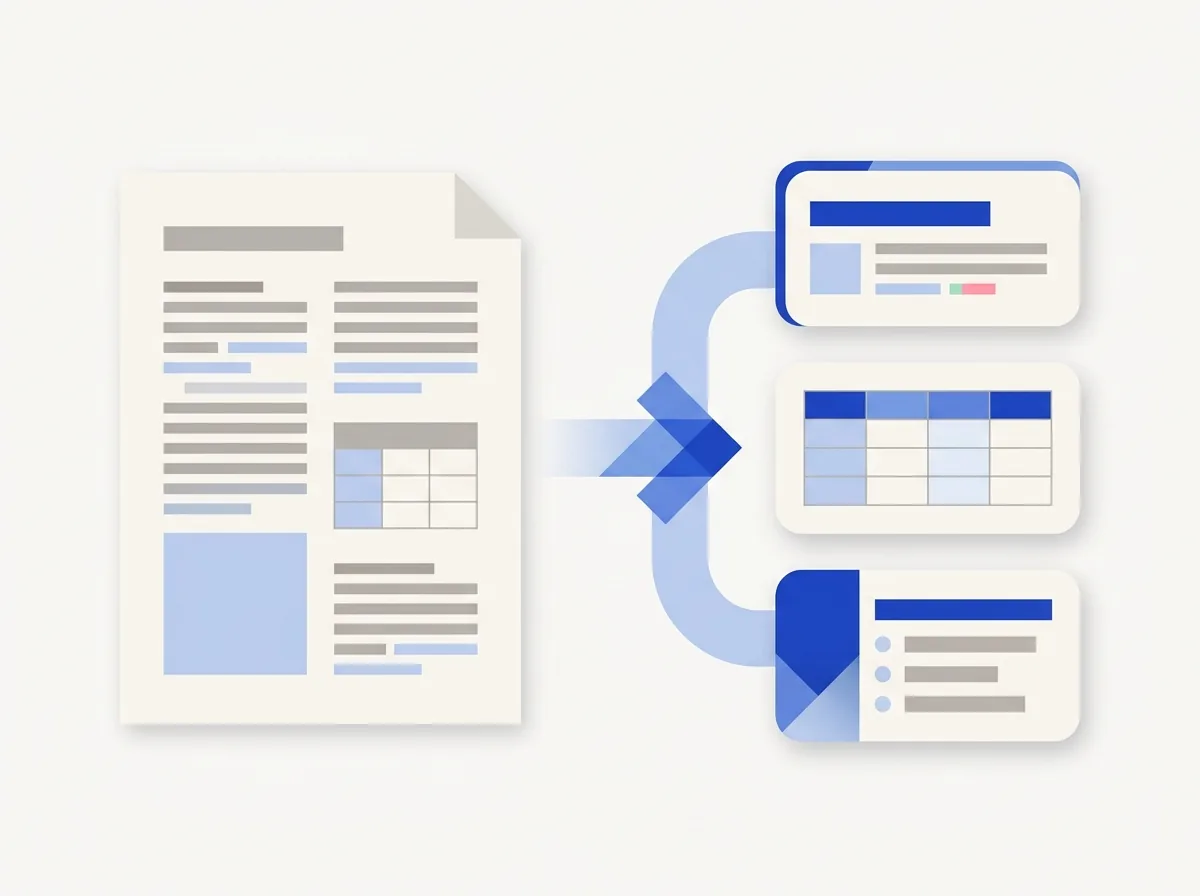
  • Tables come back as real Markdown or JSON tables
  • Multi-column pages are put back in reading order
  • Headings keep their hierarchy for clean chunking
  • Scanned pages go through OCR when you switch it on
  • The samples run without an account
What do I get from AI Extract?

What can't AI Extract read, and what happens to my file?

Pages without a text layer. A scan or a photo has no text layer, so switch on OCR and the page is read as an image first. A very blurry or low-contrast scan can still come back incomplete.

Complicated layouts. Unusual layouts, stacked tables and handwriting can be misread. Open the output next to the source before you rely on a table or a figure.

What the output is. AI Extract returns the structure it finds. It does not summarize, correct or rewrite your document, and the output is not a certified copy.

Your file. Files are processed on indox infrastructure, are not used to train models and are removed from storage automatically. Retention depends on your plan and is listed in the limits docs.

What can I do after extracting a document?

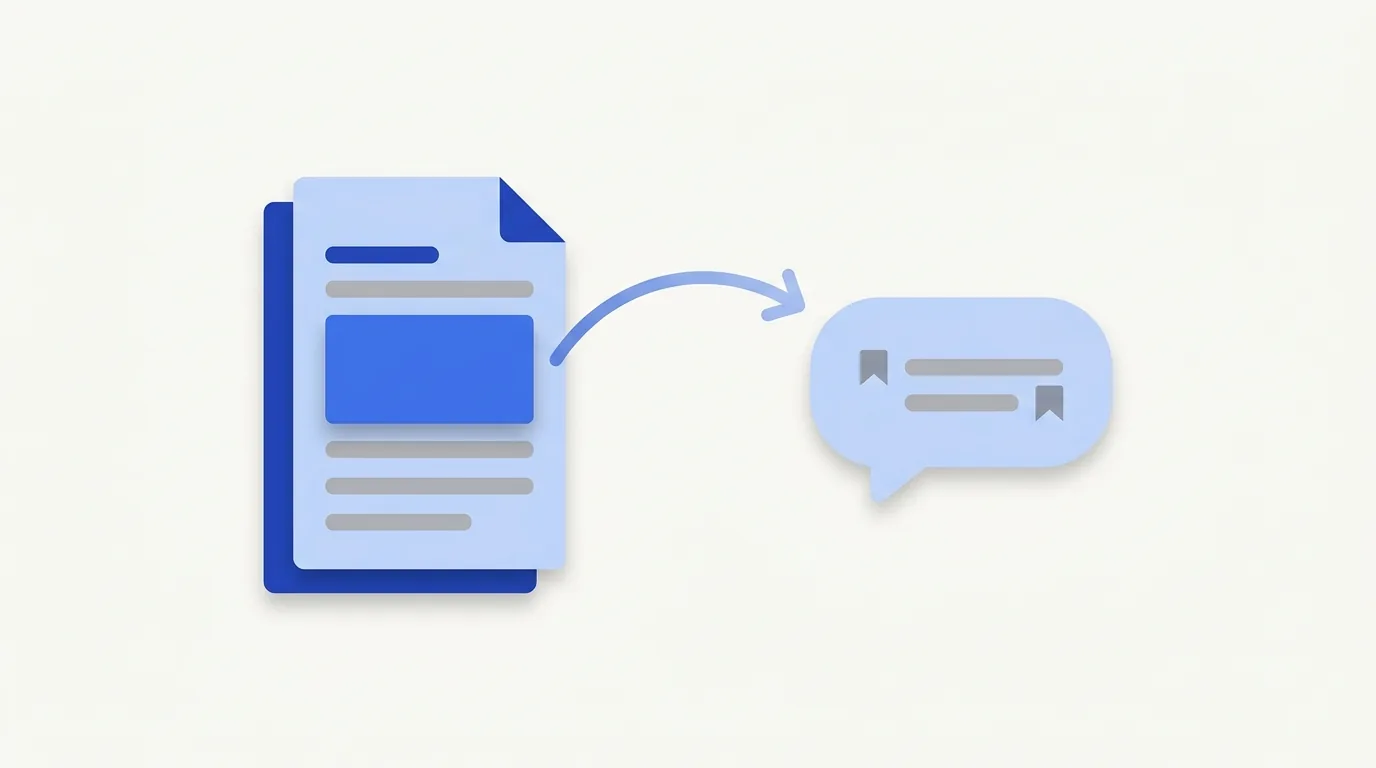
Go beyond AI Extract: ask the extracted document questions in Doc Chat, translate it, or convert it to another format.

API access

Drop AI Extract into your pipeline with a single API call.

See the API example →

Developer API

Drop AI Extract into any pipeline

One endpoint. Returns Markdown or JSON. Async by default, poll for the result.

POST /docs/api/v1/extract/
curl -X POST https://indox.org/docs/api/v1/extract/ \
  -H "Authorization: Bearer $INDOX_TOKEN" \
  -F "[email protected]" \
  -F "format=markdown" \
  -F "ocr=true"

# → 202 { "extract_id": "ex_8f3k…", "status": "queued" }
# Poll GET /docs/api/v1/extract/ex_8f3k…/ until status=succeeded
What can I do after extracting a document?

Who can use AI Extract?

  • Teams building RAG pipelines

    Teams building RAG pipelines

    Convert document libraries into clean Markdown chunks ready for embedding.

  • Finance and reporting teams

    Finance and reporting teams

    Recover P&L tables and regional breakdowns from earnings PDFs.
  • Legal and contract teams

    Legal and contract teams

    Preserve clause numbering, defined terms and signature blocks.

AI Extract FAQs

Inline code and math detected and labelled.

Figures & images

Pictures exported and referenced in place.

Scanned OCR

Image-only PDFs run through OCR first.
  • Researchers and students

    Researchers and students

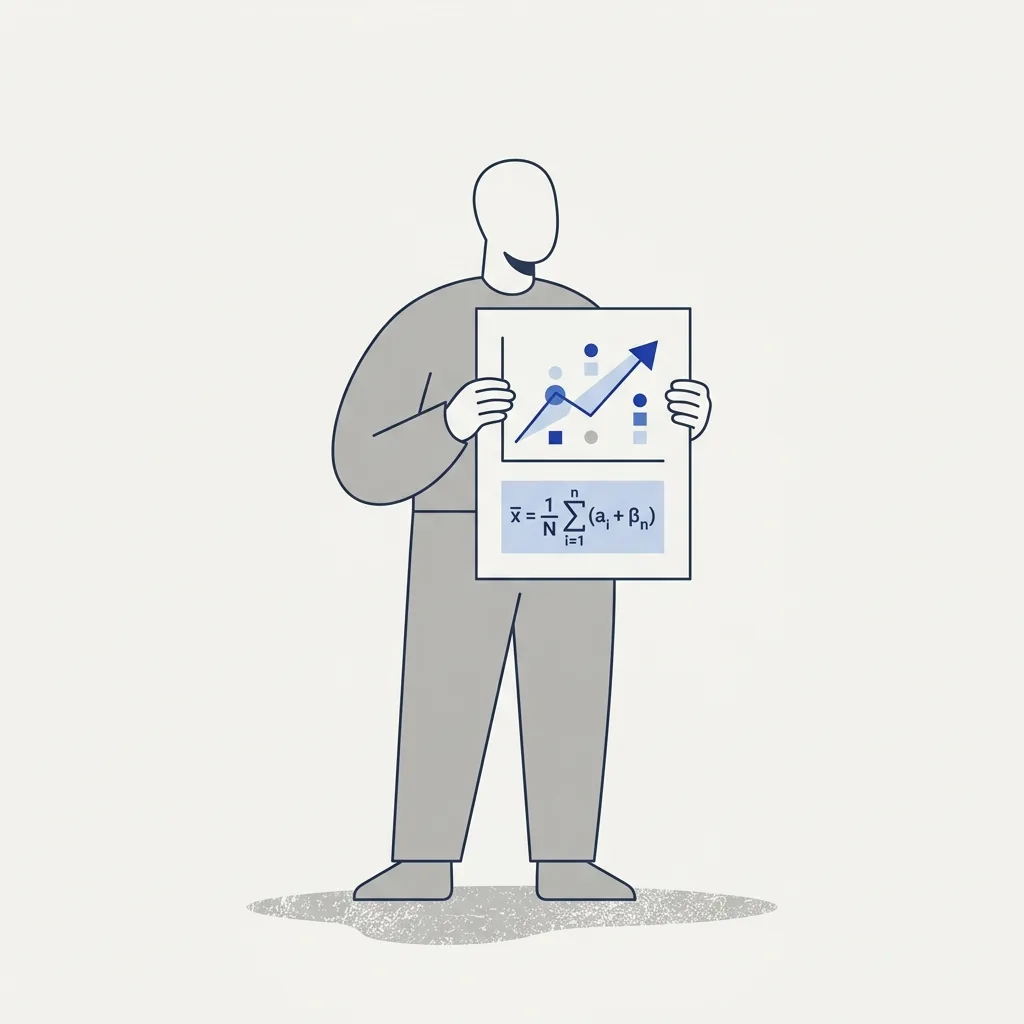
    Keep figure captions, citations and equations tied to their sections.

  • Which file types can I extract?

    PDF, DOCX, PPTX, XLSX, HTML and images. Scanned PDFs are read with OCR when the OCR option is on.

    What's the difference from a normal converter?

    Converters reproduce a document in another format. AI Extract reads its structure, such as tables, headings and reading order, into machine-readable Markdown or JSON.

    Which OCR languages are supported?

    English, Spanish, French, German, Persian and Arabic are among them. Scanned pages go through OCR when you switch the option on.

    Is there a max page count or batch mode?

    The page and size limit that applies to you shows in the source box. For larger libraries, call the API once per file and poll each job. There is no batch endpoint yet.

    Is my document stored?

    Files are processed on indox infrastructure and removed from storage automatically. How long they stay depends on your plan and is listed in the limits docs.

    Compliance and self-hosting?

    Files are processed in region and are not used to train models. Self-hosting is not offered.

    Do I need an account to try AI Extract?

    No. The samples in the box above run without signing in, so you can see a result before you upload anything of your own.

    Which output formats can I choose?

    Markdown, JSON, HTML and Tables. The output pane also has a rendered Preview tab, and you can copy or download what you see.

    Can I use AI Extract with Doc Chat?

    Yes. After an extraction, Send to Doc Chat opens the extracted document in a chat so you can ask questions about it.

    How do I call AI Extract from code?

    AI Extract is an API endpoint that accepts a file, returns a job and lets you poll for the result. The Developer API block above shows curl, Python and Node examples.

    Doc Chat

    Send the extracted document to chat and ask questions in plain language.

    Open Doc Chat →

    Translate documents

    Translate a document into another language.

    Open Doc Translate →

    Convert

    Need a different output format? Convert to DOCX, HTML, ePub and more.

    Open Convert →

    Where can I read more about the AI Extract API?

    • Docs

      API overview

      How the API is laid out: versioned paths and Bearer-token auth.

    • Docs

      Authentication

      Bearer tokens, API keys and the free tier that needs no credentials.

    • Docs

      Limits

      File size, credits and retention for free and paid use.

    • Docs

      Python SDK

      Install the published Python client and make your first call.

    Do it all with indox

    View all 123 tools

    No tool matches that search.

    Sign & secure

    • Sign PDF
    • Protect PDF
    • Unlock PDF
    • Redact PDF
    • Watermark PDF
    • Redact Text
    • Sanitize PDF
    • Certificate Sign
    • Remove Signature
    • Unlock Forms
    • Timestamp PDF
    • Change Permissions

    Convert

    • PDF to Word
    • Word to PDF
    • PDF to Excel
    • PDF to JPG
    • JPG to PDF
    • Excel to PDF
    • PDF to PowerPoint
    • PowerPoint to PDF
    • PDF to CSV
    • PDF to HTML
    • Markdown to PDF
    • PDF to Markdown
    • HTML to PDF
    • PDF to Text
    • Text to PDF
    • PDF to JSON
    • JSON to PDF
    • PDF to EPUB
    • EPUB to PDF
    • Email to PDF
    • RTF to PDF
    • ODT to PDF
    • PDF to XML
    • PDF to PDF/A
    • PDF to Video
    • HEIC to JPG
    • SVG to PNG
    • CSV to Excel
    • JSON to CSV
    • PDF to EPS
    • EPS to PDF
    • PDF to PS
    • PS to PDF

    Edit

    • Edit PDF
    • Fill PDF Form
    • Add Stamp
    • Edit PDF Metadata
    • Flatten PDF
    • Add / Extract Images
    • Remove Annotations
    • Adjust Contrast
    • Invert Colors
    • Replace Colors
    • Get PDF Info
    • Add Attachments
    • Show JavaScript
    • Analyze PDF
    • List Attachments
    • Extract Attachments
    • Rename Attachment
    • Delete Attachment
    • Remove Images

    Organize

    • Merge PDF
    • Split PDF
    • Rotate Pages
    • Reorder Pages
    • Remove Pages
    • Extract Bookmarks
    • Single Long Page
    • Scale Pages
    • N-up Layout
    • Booklet
    • Add Page Numbers
    • Crop PDF
    • Extract Pages
    • Edit Table of Contents

    Compress & repair

    • Check PDF
    • Compress PDF
    • OCR PDF
    • Repair PDF
    • Decompress PDF
    • Compare PDFs
    • Auto Rename
    • Scanner Effect
    • Pipeline
    • Multi-Tool
    • Read & Annotate

    AI

    • AI Extract
    • Chat with a doc
    • Translate documents

    Apps

    • Office
    • Form reader
    • Fill & Sign
    • PDF viewer
    • Scan to PDF
    • Unit converter

    Image

    • Compress Image
    • Resize Image
    • Crop Image
    • Convert Image
    • Remove Background
    • Upscale Image
    • Watermark Image
    • Rotate & Flip
    • Image to Base64
    • Remove EXIF

    Video

    • Convert Video
    • Compress Video
    • Trim Video
    • Video to GIF
    • Extract Audio
    • Add Subtitles
    • Video Thumbnail
    • GIF to MP4

    Audio

    • Convert Audio
    • Compress Audio
    • Trim Audio
    • Merge Audio
    • Audio to Text
    • Change Speed
    • Normalize Audio
    • Record Audio

    Fonts

    • Font Converter
    • TTF to WOFF2
    • OTF to WOFF2
    • WOFF to WOFF2
    • TTF to OTF
    • OTF to TTF
    • WOFF2 to TTF

    What do the free and paid plans add?

    Free

    • All converters
    • Daily credit refresh
    • Email support

    Basic

    • Access to all features
    • AI Extract & Doc Chat
    • Priority conversions
    • Email support
    Highest priority

    Premium

    • Everything in Basic
    • Highest priority queue
    • Larger file limits
    • Priority support

    Pay-As-You-Go

    • No subscription
    • Credits never expire
    • Opt-in auto-refill
    • Access to all features
    See prices