Convert to and from PDF
Turn Word, Excel, PowerPoint, images and HTML into PDF, and convert PDFs back into editable, structured or archival formats.
33 tools
PDF to Word
Word to PDF
PDF to Excel
Excel to PDF
PDF to PowerPoint
PowerPoint to PDF
PDF to JPG
JPG to PDF
PDF to CSV
PDF to HTML
Markdown to PDF
PDF to Markdown
HTML to PDF
PDF to Text
Text to PDF
PDF to JSON
JSON to PDF
PDF to EPUB
EPUB to PDF
Email to PDF
RTF to PDF
ODT to PDF
PDF to XML
PDF to PDF/A
PDF to Video
HEIC to JPG
SVG to PNG
CSV to Excel
JSON to CSV
PDF to EPS
EPS to PDF
PDF to PS
PS to PDF
PDF to Word
freeWord to PDF
freePDF to Excel
freeExcel to PDF
freePDF to PowerPoint
freePowerPoint to PDF
freePDF to JPG
freeJPG to PDF
freePDF to CSV
freePDF to HTML
freeMarkdown to PDF
freePDF to Markdown
freeWhat are the indox convert tools?
The convert tools turn files into PDF and PDFs into other formats. Word, Excel, PowerPoint, images, HTML, Markdown and more go in, and editable Word, spreadsheets, slides, images, text and archival PDF/A come out.
Drop a file in the box above and indox picks the matching converter, or open a tool and add several files to the queue. Free conversions need no account, and a few Pro tools need a paid plan.
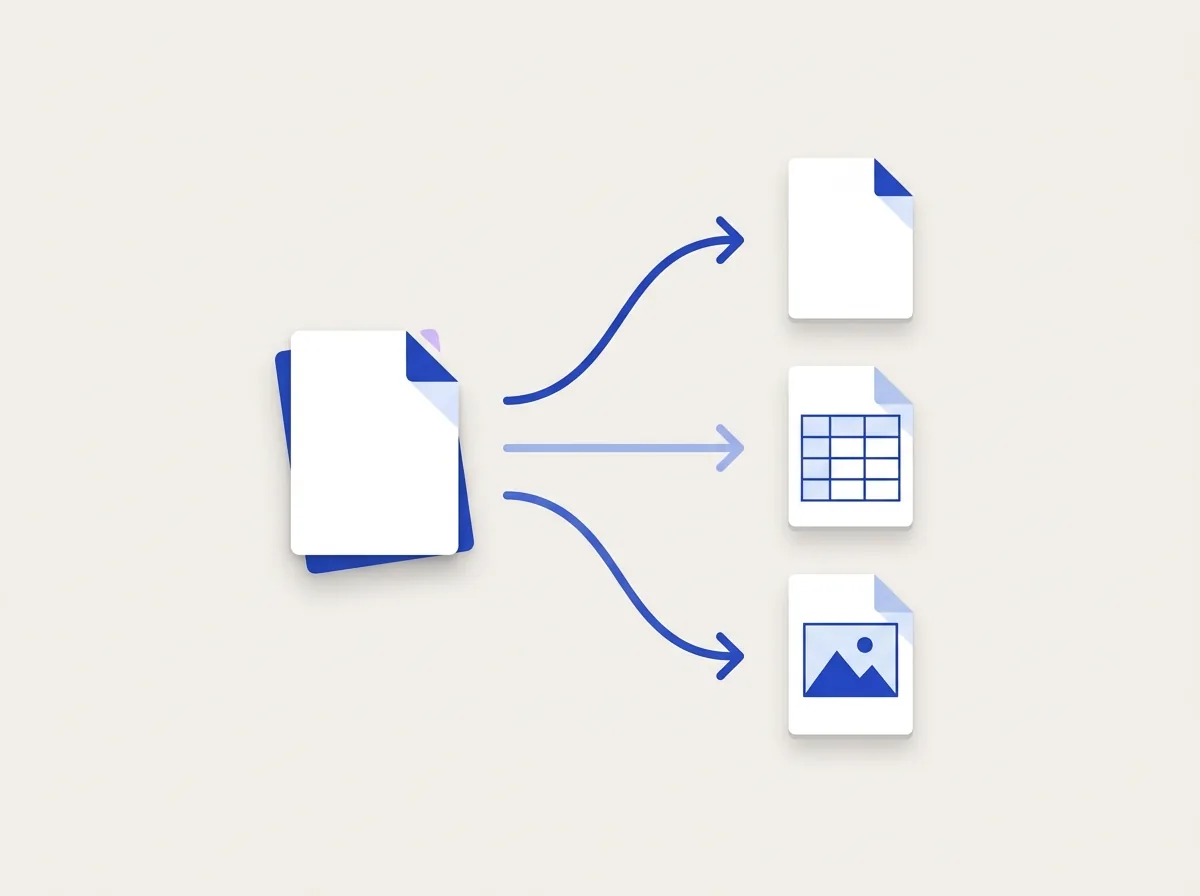
What else can I do with my files?
More hubs sit next to Convert. Organize reshapes pages, Edit changes what is inside a PDF, and Advanced handles OCR, compression and repair.
Browse all toolsOrganize tools
Merge, split, rotate, rearrange and renumber pages.
Edit tools
Images, stamps, metadata, annotations and attachments.
Advanced tools
OCR, compress, compare, repair and the Multi-Tool editor.
Security tools
Password, sign, watermark, sanitize and redact your PDFs.
Do it all with indox
No tool matches that search.
Convert questions
Which engine converts my file?
Document formats (Word, Excel, PowerPoint, HTML) convert on Stirling-PDF and LibreOffice, and every other pair runs on the engine best suited to it. You never pick the engine, the tool does it for you.
Is there a file size limit?
File size limits depend on your plan, paid plans allow larger files and priority processing.
What happens when I drop a file in the box?
indox detects the file type and sends you straight to the matching converter with your file attached.
Are my files private?
Files are processed on indox infrastructure and auto-expire after conversion. We never share or sell your documents.
What is the difference between Free and Pro tools?
Free conversions run with no signup. Pro tools such as Email to PDF, PDF to CSV and PDF to XML unlock with any paid plan and add batch and priority processing.
Can I convert several files at once?
Yes. Drop multiple files in the box above, or open any converter and add files to the queue before starting.
Can I turn a PDF back into an editable file?
Yes. The Convert from PDF tools produce Word, Excel, PowerPoint, text, HTML, Markdown, EPUB, JSON and images, and PDF to Excel pulls tables into a spreadsheet.
Is there an API?
Yes. The same converters are available as a REST API, and the docs quickstart shows how to authenticate, convert and download.