Pick the other format
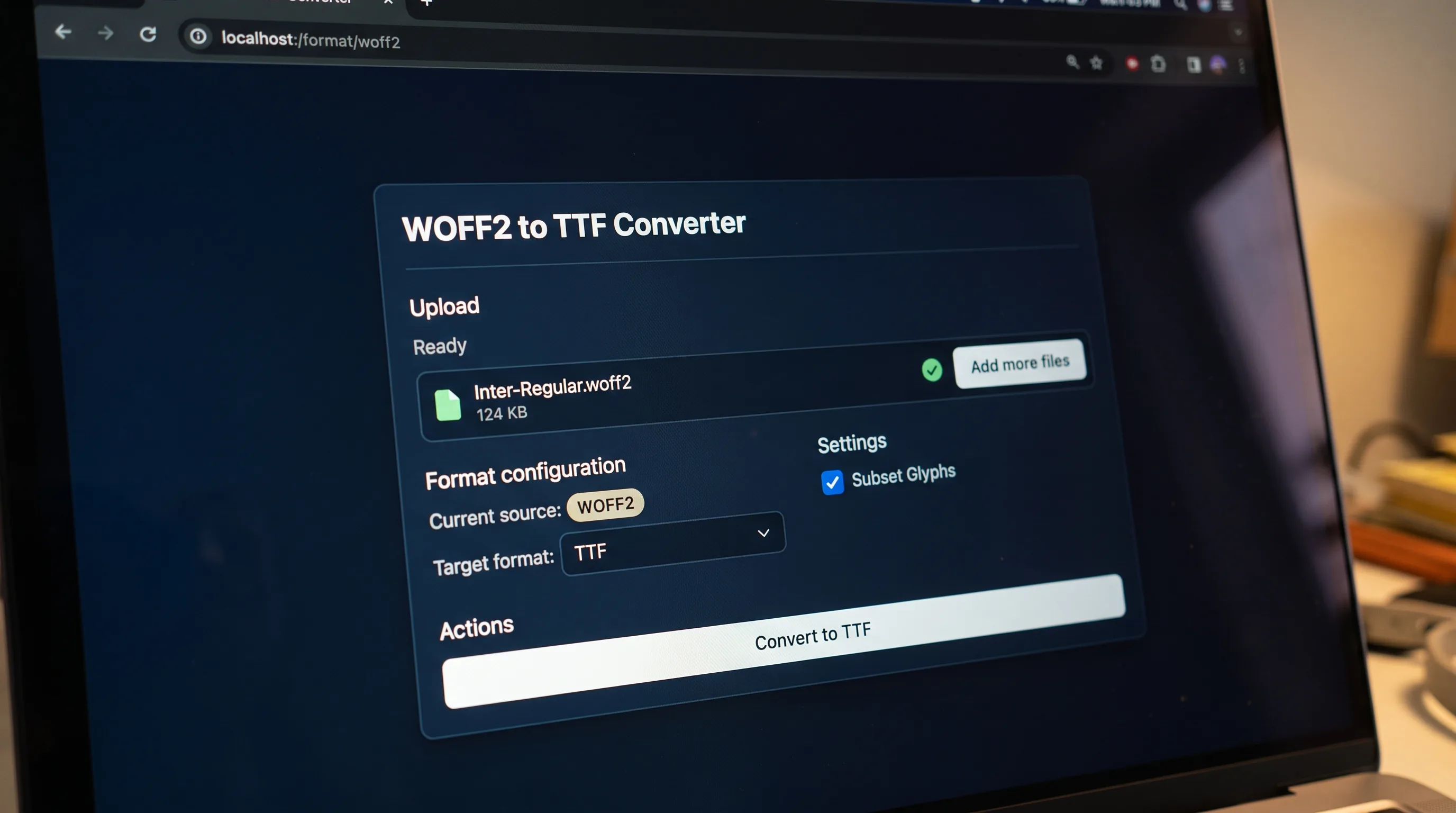
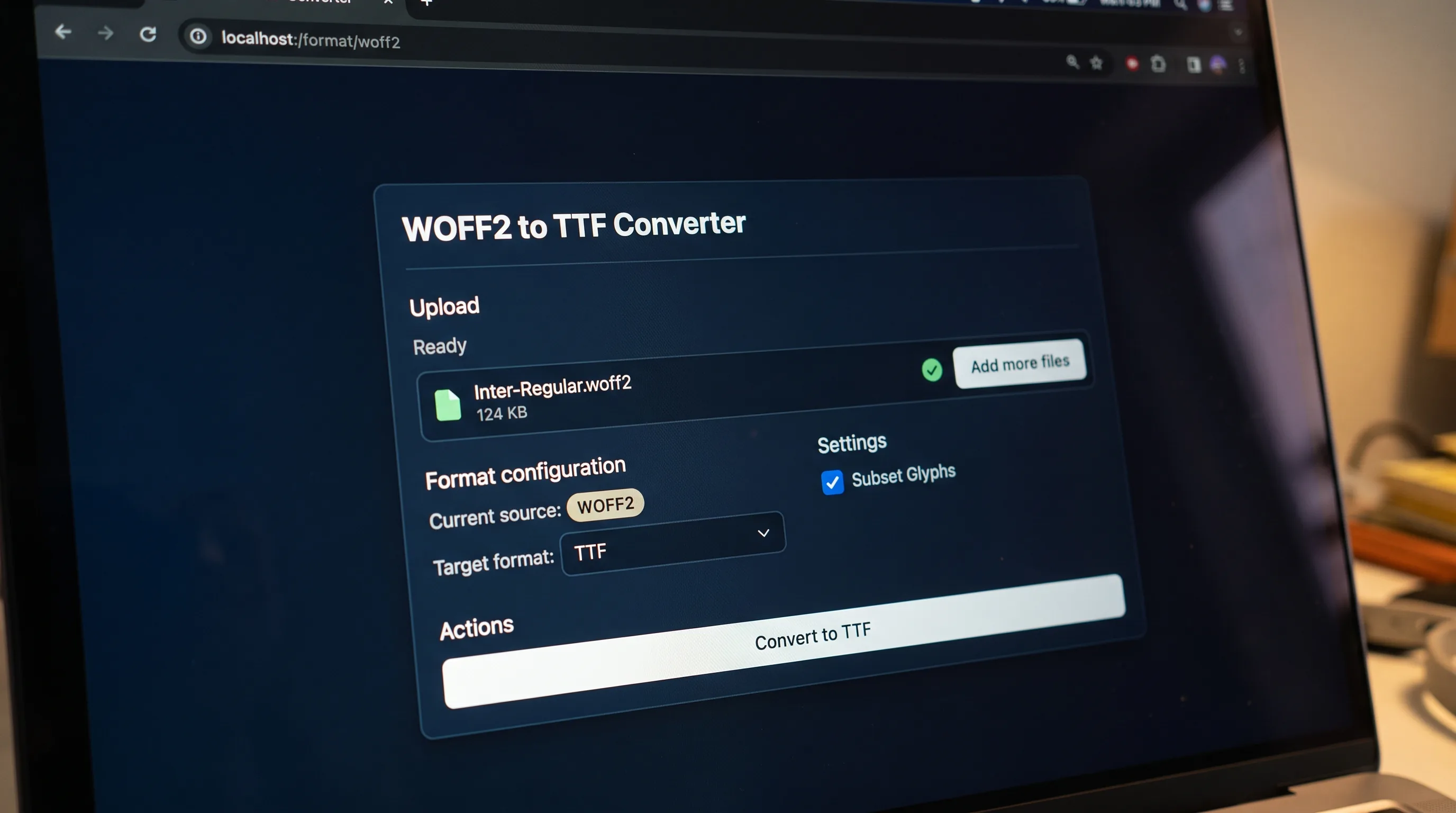
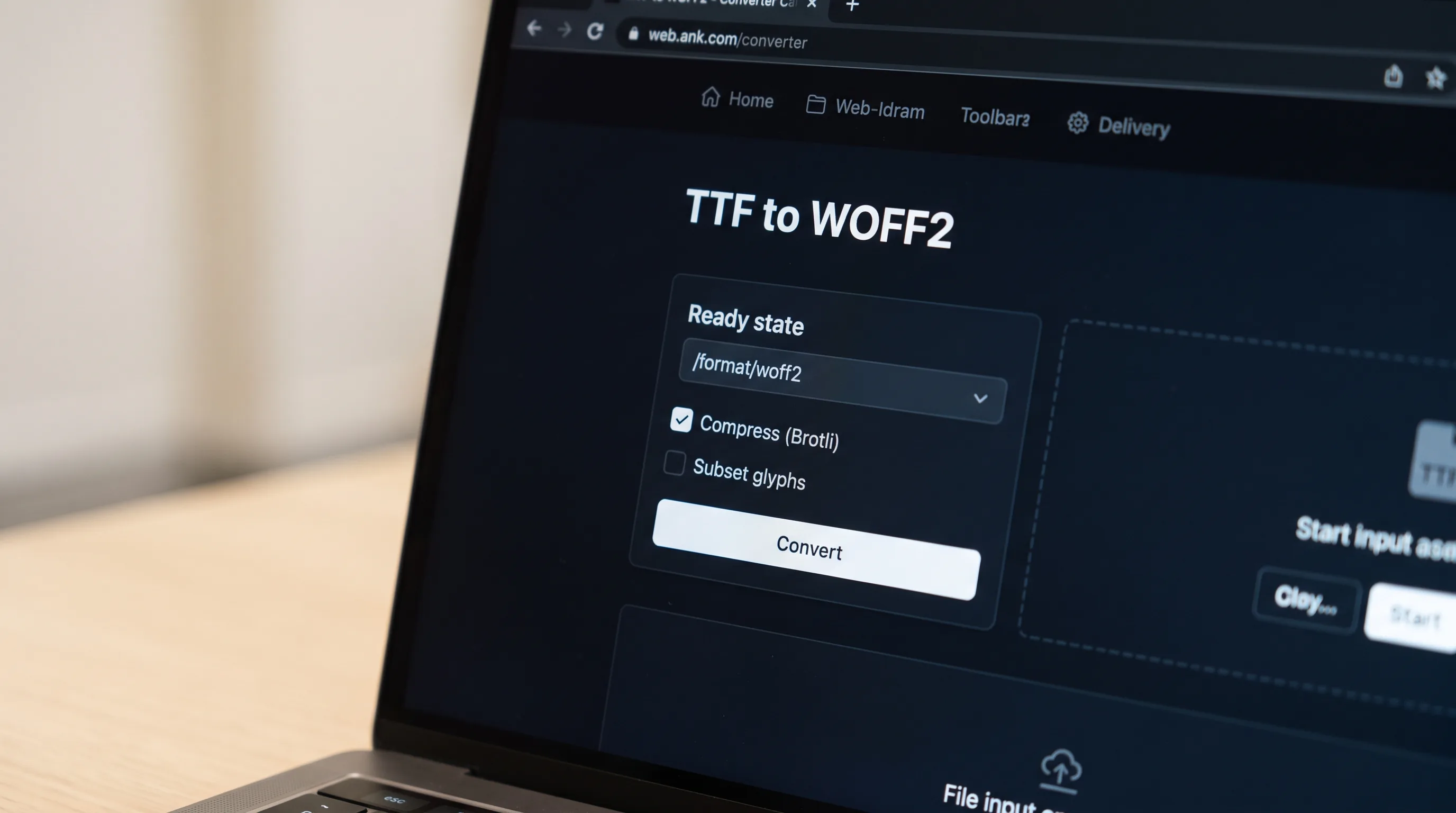
Choose the source format in the converter above. The target is already set to TTF, so you only add the file.
TTF converter
Drop a .otf file here or click to upload
TTF (TrueType Font) is the most widely supported font file format on every modern desktop and mobile operating system. Apple and Microsoft jointly designed it so a single font file would render identically on Windows, macOS, Linux, iOS, and Android. TTF stores each glyph as a set of quadratic Bézier curves plus a small program of hinting instructions that keep type crisp at low pixel sizes. If you have ever installed a font on your computer, you have almost certainly handled a .ttf file.
Choose the source format in the converter above. The target is already set to TTF, so you only add the file.
Drop a font on the box or browse for one. A progress row shows while the job runs.
When the job finishes you see the new file name. Download it, or convert another font straight away.
Compress
Repack the font into a smaller, browser-ready container.
Decompress
Unpack a compressed web font back to its raw outline data.
Subset
Ship only the glyphs a page actually uses.
Pick the format of the font you have. TTF is already the target.
Drop the file on the upload box or click to browse, then press Convert to TTF.
Wait for the result, then download it. Free-tier files are deleted automatically.
Apple created TrueType in 1991 as a direct counter to Adobe's proprietary Type 1 (PostScript) format, which required a paid licence and dedicated rendering hardware to run well at screen sizes. Microsoft adopted TrueType for Windows 3.1 in 1992, instantly making it the de-facto standard for desktop typography. In 1996 Adobe and Microsoft jointly developed OpenType on top of the TrueType container, extending it with advanced typographic layout features and full Unicode coverage. Three decades later, TrueType is still the baseline format every font tool, every PDF renderer, and every operating system text engine must support, even when you ship a .otf, .woff, or .woff2, the underlying glyph data is usually TrueType outlines wrapped in a different container.
The upload box shows the live size limit before you add a file. Signing in raises it, and paid plans raise it further.
TTF converts to and from the other seven public font formats. The lists further down the page link to each pair.
Files are uploaded to Cloudflare R2 storage for processing and are encrypted in transit.
Free-tier files are deleted automatically after the job finishes. Signed-in output stays in your history for your plan's retention period.
Inspect a font for free in the font workspace, then convert it.
Open the font workspaceFor PDFs, Word, PowerPoint and scans, AI Extract turns documents into clean Markdown or JSON, tables, layout and reading order preserved.
Open AI Extract →

Turn the font a designer sent into a file you can load with @font-face.
Convert a web font back into one you can install, when its licence allows it.

Move an old font on an older site into a format current browsers open.
No tool matches that search.
Yes. TTF is the most compatible font format on the planet. Modern web workflows convert TTF to WOFF2 for delivery, but desktop applications, print pipelines, and CAD software all consume .ttf files directly with no extra tooling.
Both formats use the same OpenType container, so the line is blurry. TTF stores glyph outlines as quadratic Bézier curves; OTF more often stores them as cubic Béziers (PostScript-style). OTF files also commonly ship with advanced typographic features like ligatures, stylistic sets, and small caps, features that TTF technically supports but rarely uses.
Yes, via the CSS @font-face rule, but it is not optimal. TTF files are uncompressed, so they ship more bytes than they need to. Converting TTF to WOFF2 cuts roughly 70 percent off the file size with no quality loss, which is why every modern site uses WOFF2 instead.
Yes. Free conversions need no signup and add no watermark.
No. You can convert a font without signing up. Signed-in conversions use credits, and the result stays in your history.
Yes. Every pair has its own page. The links under the conversion lists open them.
Converting a file does not change its licence. Check that the licence lets you convert the font and embed it on the web before you publish it.