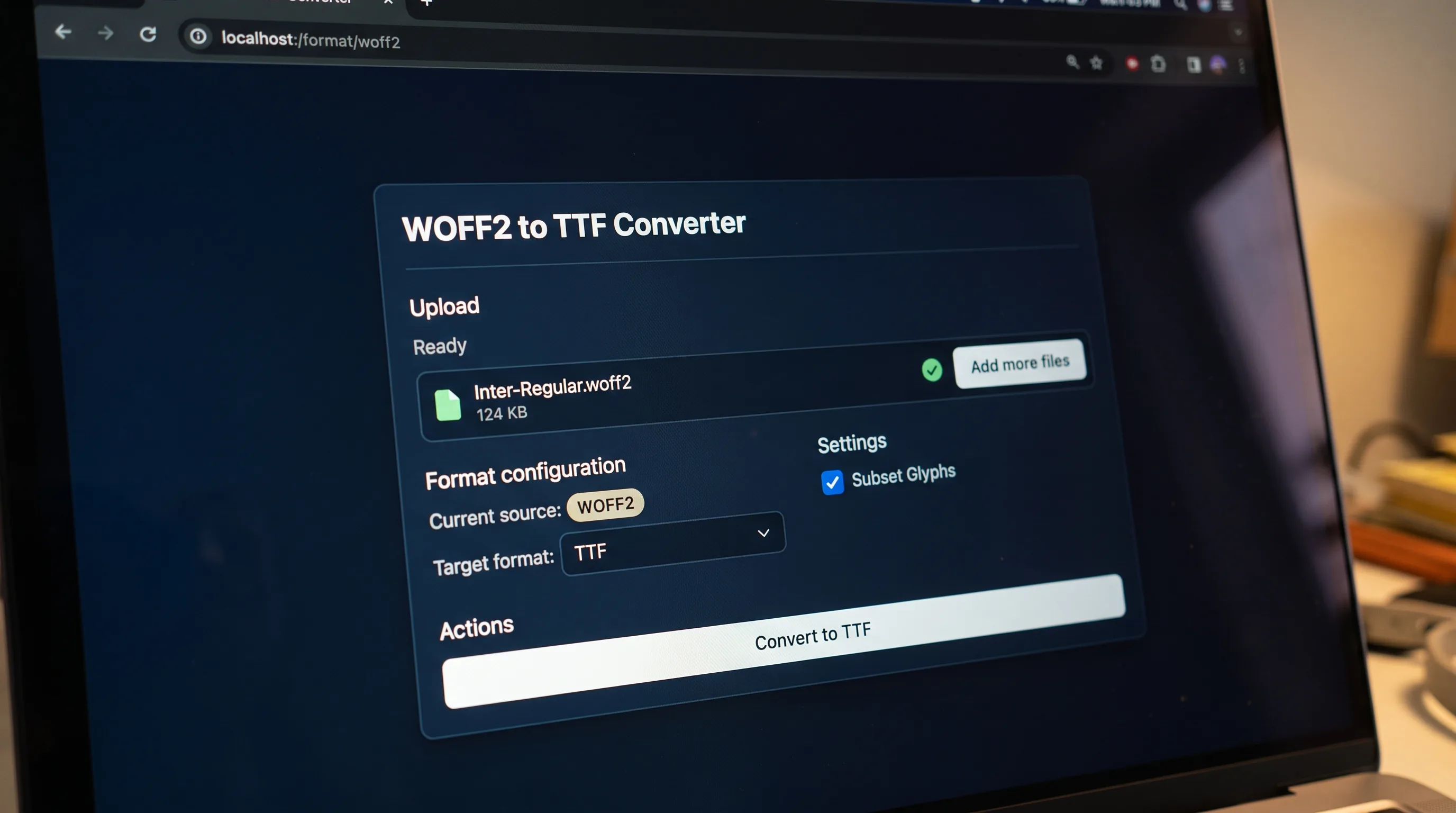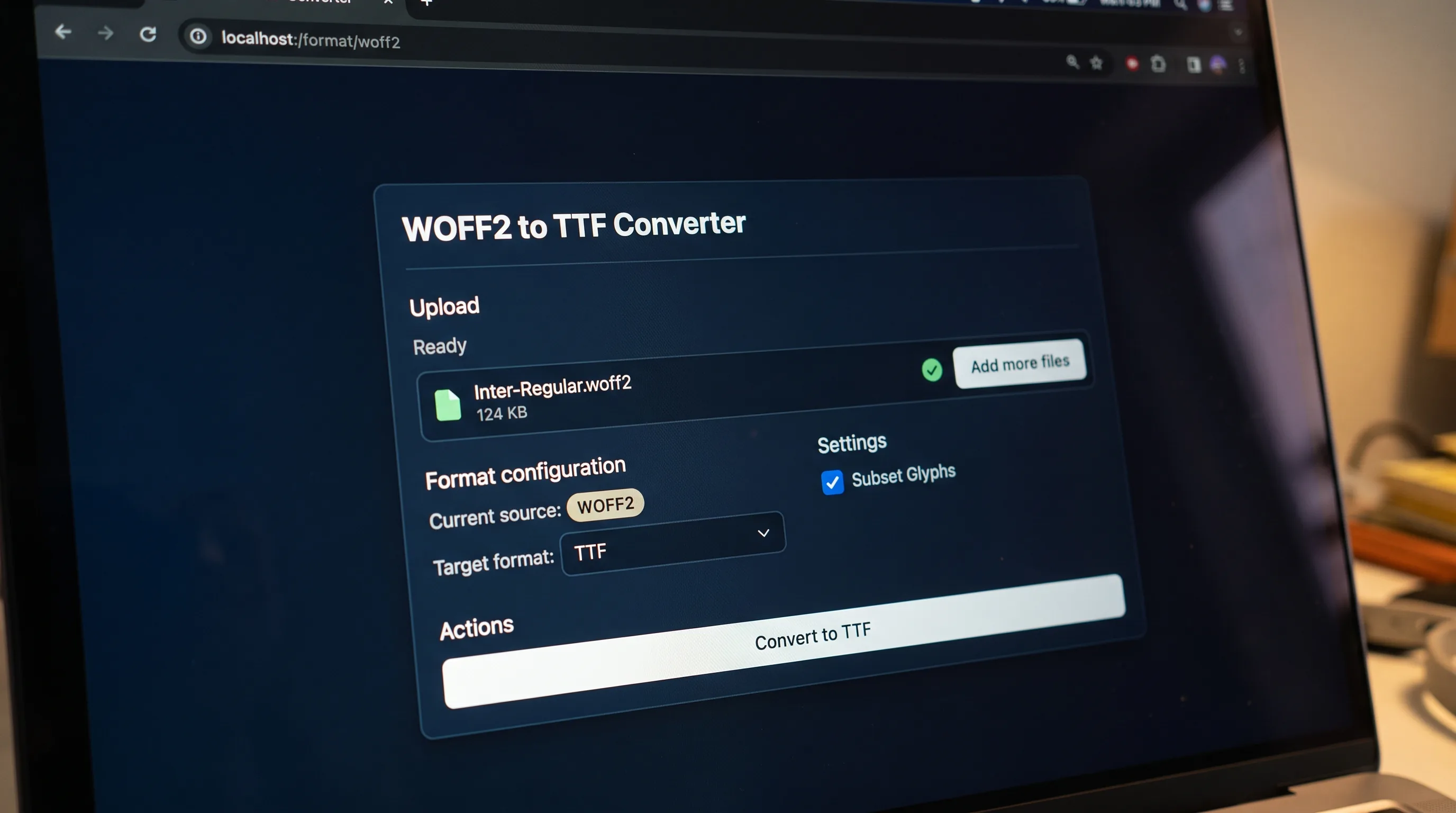
Pick the other format
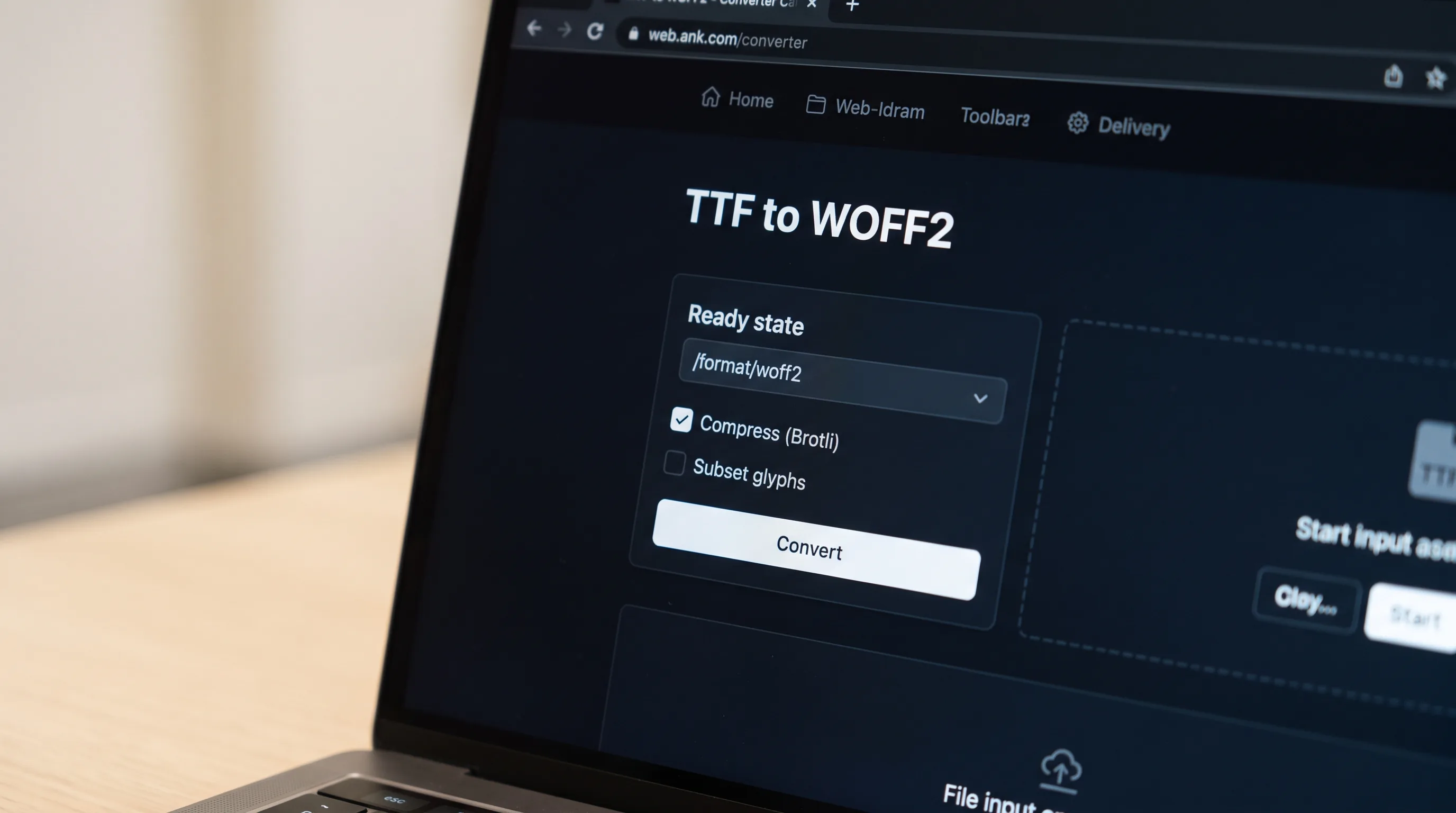
Choose the source format in the converter above. The target is already set to WOFF2, so you only add the file.
WOFF2 converter
Drop a .ttf file here or click to upload
WOFF2 (Web Open Font Format 2) is the format every modern website should be shipping. It is a Brotli-compressed envelope around a TrueType or OpenType font that is roughly 30 percent smaller than the original WOFF, with zero rendering difference. Every browser released since 2016 supports WOFF2 natively, including Chrome, Firefox, Safari, Edge, and the major mobile browsers. If you serve web fonts in 2026, WOFF2 is the right answer.
Choose the source format in the converter above. The target is already set to WOFF2, so you only add the file.
Drop a font on the box or browse for one. A progress row shows while the job runs.
When the job finishes you see the new file name. Download it, or convert another font straight away.
Compress
Repack the font into a smaller, browser-ready container.
Decompress
Unpack a compressed web font back to its raw outline data.
Subset
Ship only the glyphs a page actually uses.
Pick the format of the font you have. WOFF2 is already the target.
Drop the file on the upload box or click to browse, then press Convert to WOFF2.
Wait for the result, then download it. Free-tier files are deleted automatically.
Google engineers Raph Levien and Roderick Sheeter designed WOFF2 in 2014, replacing WOFF's zlib compression with Brotli, Google's then-new compression algorithm tuned for the patterns found in OpenType data. Chrome shipped WOFF2 support in version 36 in mid-2014; Firefox followed in version 39 in 2015; Safari in version 10 in 2016. The W3C published WOFF2 as a Candidate Recommendation in 2016 and a full Recommendation in 2018. The size win was immediate and dramatic: typical font payloads dropped 25 to 50 percent overnight, and WOFF2 has been the recommended web font format ever since. Variable fonts amplified the size advantage even further, a single variable WOFF2 file commonly replaces five or six static OpenType weights, cutting both bytes and HTTP request count. That round trip is one reason variable-font adoption took off so quickly once WOFF2 became universal, and why every modern type foundry now ships WOFF2 as the default web licence target.
The upload box shows the live size limit before you add a file. Signing in raises it, and paid plans raise it further.
WOFF2 converts to and from the other seven public font formats. The lists further down the page link to each pair.
Files are uploaded to Cloudflare R2 storage for processing and are encrypted in transit.
Free-tier files are deleted automatically after the job finishes. Signed-in output stays in your history for your plan's retention period.
Inspect a font for free in the font workspace, then convert it.
Open the font workspaceFor PDFs, Word, PowerPoint and scans, AI Extract turns documents into clean Markdown or JSON, tables, layout and reading order preserved.
Open AI Extract →

Turn the font a designer sent into a file you can load with @font-face.
Convert a web font back into one you can install, when its licence allows it.

Move an old font on an older site into a format current browsers open.
No tool matches that search.
Two reasons. Brotli compression is roughly 30 percent more efficient than the zlib used in WOFF, and every browser released since 2018 supports it. The browser support tipped first; the size win locked it in.
Most modern font editors handle WOFF2 directly. If yours does not, convert WOFF2 to TTF or OTF first, the underlying glyph data transfers cleanly with no quality loss.
Upload your .ttf file to our converter and pick WOFF2 as the target. The file you download is typically 60 to 70 percent smaller than the original TTF and is ready to ship via @font-face, no extra subsetting, hinting, or post-processing required to get a clean web-ready file.
Yes. Free conversions need no signup and add no watermark.
No. You can convert a font without signing up. Signed-in conversions use credits, and the result stays in your history.
Yes. Every pair has its own page. The links under the conversion lists open them.
Converting a file does not change its licence. Check that the licence lets you convert the font and embed it on the web before you publish it.