Start from a popular pair
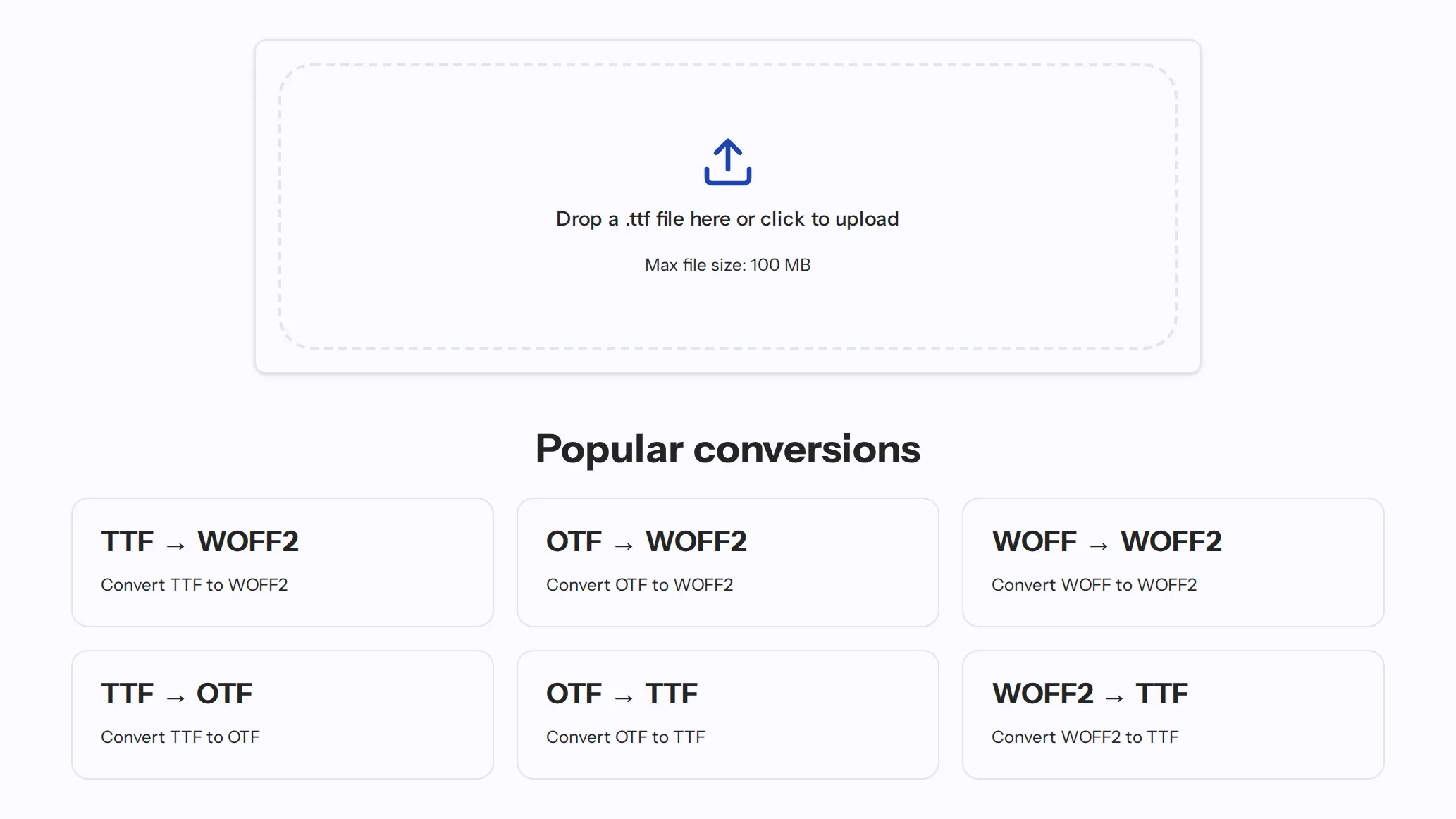
Common conversions such as TTF to WOFF2 or OTF to TTF sit under the upload box. Pick one and the source and target formats fill in for you.
Free font converter
TTF, OTF, WOFF, WOFF2, EOT, SVG, PFA, PFB. No signup. No watermark.
Drop a .ttf file here or click to upload
A font converter changes a font file from one format to another without redrawing its letters. indox reads the font you add, rebuilds it in the format you choose and gives you a file to download. Pick a source and target format above, add your font and press Convert. Use it to ship a smaller WOFF2 on your website, to turn a web font back into one you can install, or to open an old EOT or Type 1 font in a current tool. You do not need an account, and the upload box shows the live size limit before you start.
Common conversions such as TTF to WOFF2 or OTF to TTF sit under the upload box. Pick one and the source and target formats fill in for you.
Drop a font on the box or browse for one. A progress row shows while the job runs.
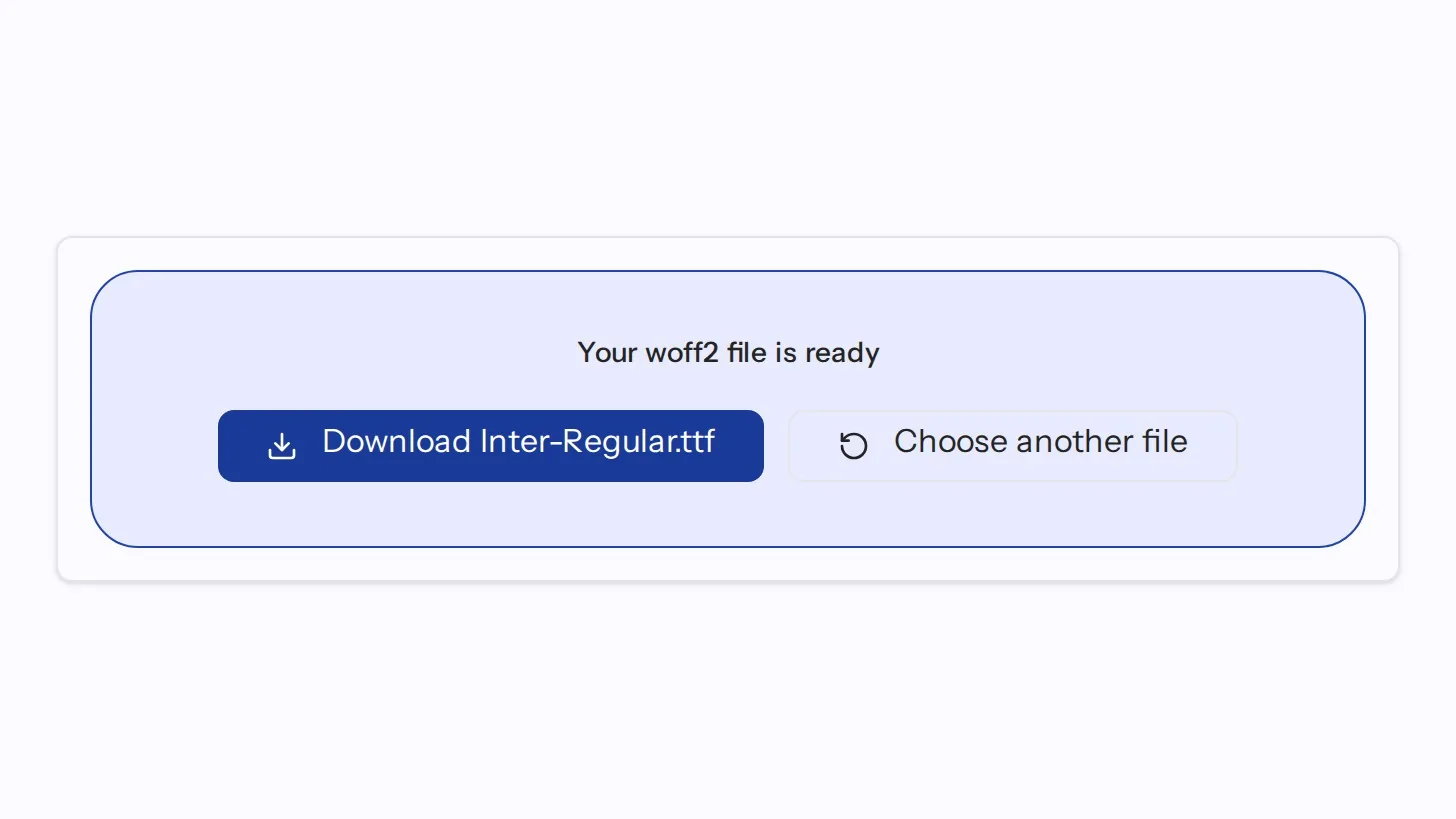
When the job finishes you see the new file name and how much smaller it came out. Download it, or convert another font straight away.
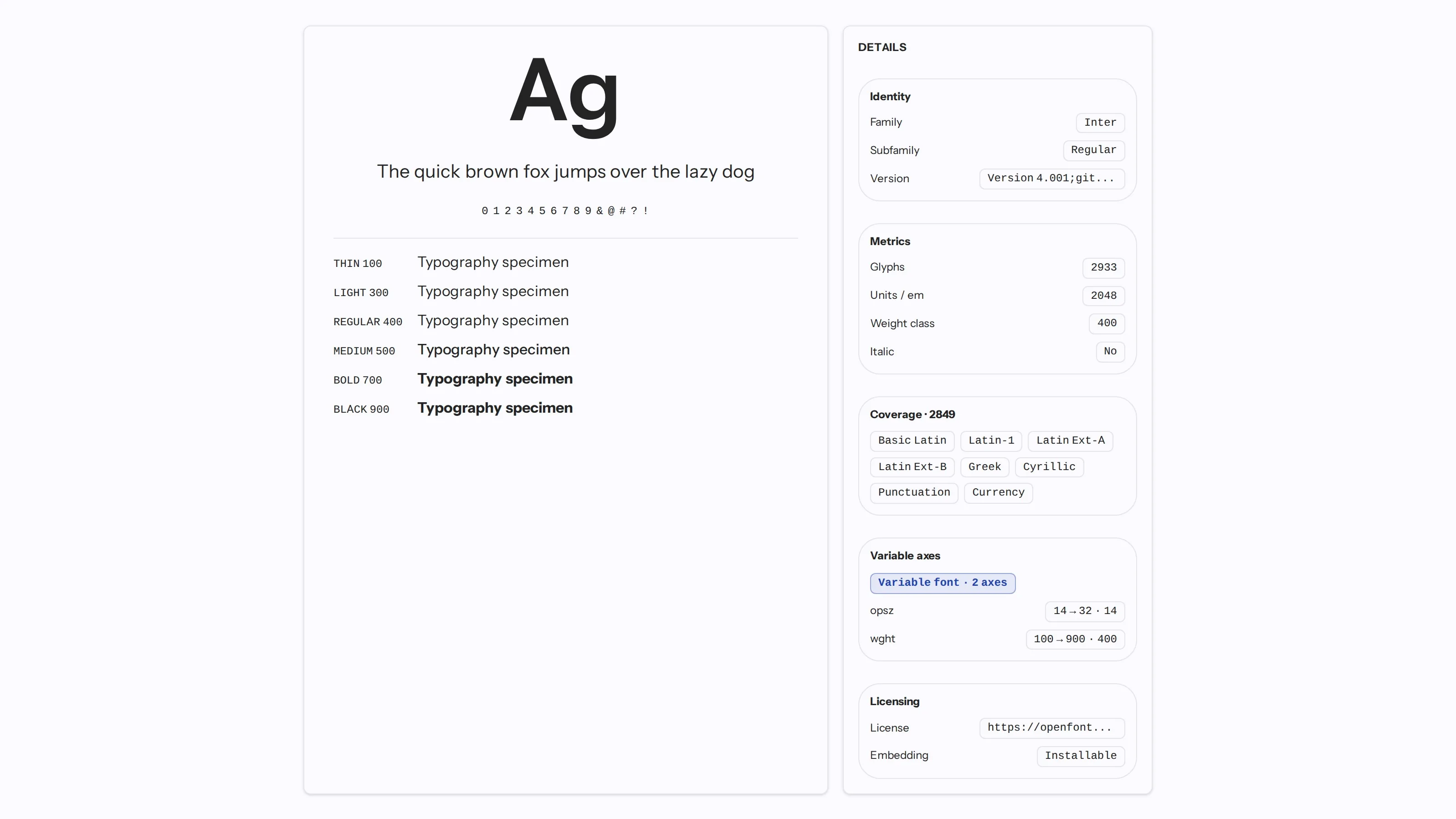
The font workspace shows a font's glyphs, metrics and licence flags first. Inspecting is free, so you can check what you have before you convert it.
Pick the source and target format, or start from one of the common pairs under the upload box.
Drop the file on the upload box or click to browse. TTF, OTF, WOFF, WOFF2, EOT, SVG, PFA and PFB files are accepted.
Press Convert, wait for the result, then download it. Free-tier files are deleted automatically.
The converter changes the file format and leaves the design of the letters alone. You choose the target format, and a single file needs no account.
The upload box shows the live size limit before you add a file. Signing in raises it, and paid plans raise it further.
Pick any pair from the eight supported formats. Legacy and specialist formats such as EOT, SVG, PFA and PFB are included.
Files are uploaded to Cloudflare R2 storage for processing and are encrypted in transit.
Free-tier files are deleted automatically after the job finishes. Signed-in output stays in your history for your plan's retention period.
The font workspace opens a font and shows its family, version, glyph count, weight, character coverage, variable axes and licence flags next to a live specimen. Inspecting is free, so you can check a font before you decide to convert it.
Open the font workspace

Turn the TTF or OTF a designer sent into a WOFF2 you can load with @font-face.
Turn a web font back into a TTF or OTF you can install, when the licence allows it.
Move an EOT or SVG font from an older site into WOFF or WOFF2.
No tool matches that search.
A font converter changes a font file from one format to another, for example TTF to WOFF2. The letters keep their design. Only the file format changes.
Yes. Free conversions need no signup and add no watermark. The font workspace shows how many free conversions you have left.
The upload box shows the live limit before you add a file. Signing in raises it, and paid plans raise it further.
Files are uploaded to Cloudflare R2 storage for processing, then deleted automatically on the free tier.
Use WOFF2. It is the compressed web font format that current browsers open, so convert your TTF or OTF to WOFF2 and load it with @font-face.
Conversion changes the file format, not the design. Test the converted font where you plan to use it, especially when you switch between TrueType and OpenType outlines.
No. You can convert a font without signing up. Signed-in conversions use credits, and the result stays in your history.
Converting a file does not change its licence. Check that the licence lets you convert the font and embed it on the web before you publish it. The font workspace shows licence and embedding flags.