Jump to any page
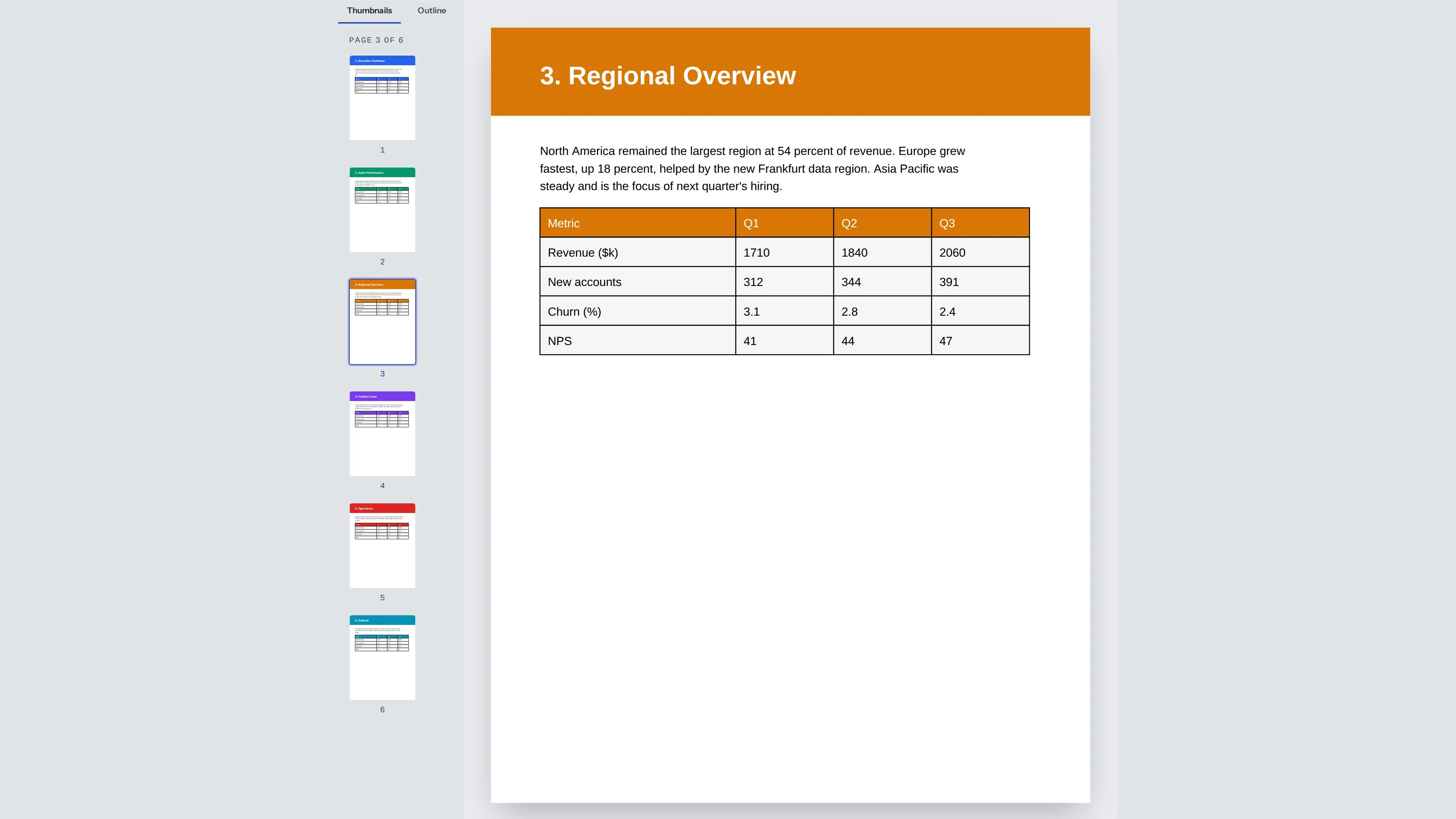
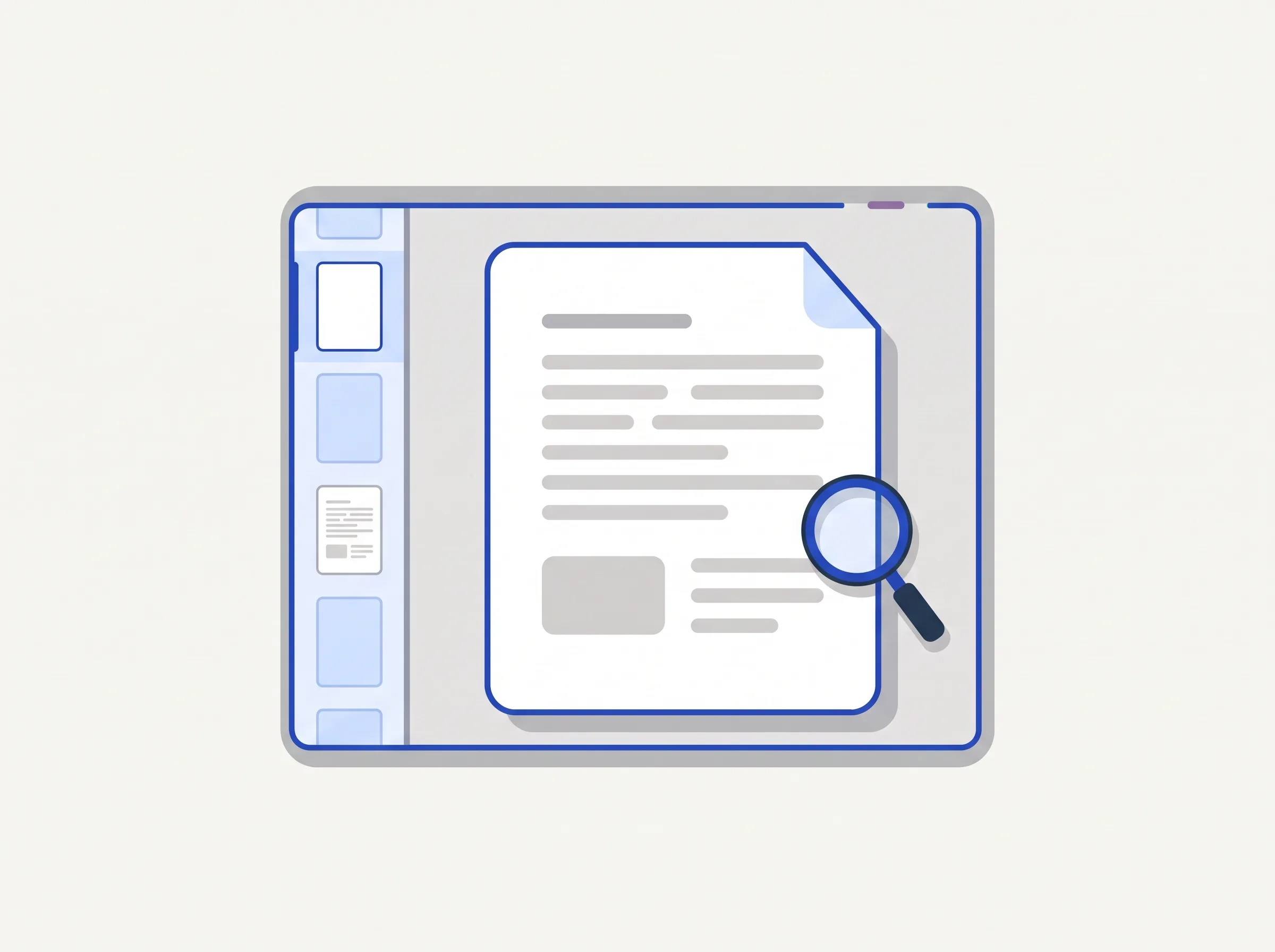
Page thumbnails and the document outline sit beside the page. Click a thumbnail or an outline entry, or type a page number in the go-to box.
Open a PDF and read it in your browser
Open a PDF
Drag a file here, or browse to render it right in your browser.
Stays on your device. Nothing is uploaded.
Rendered locally in your browser. Applying annotations uploads the file.
A PDF viewer opens a PDF so you can read it without installing anything. indox draws the pages in your browser and gives you page thumbnails, an outline, zoom presets and a go-to-page box. Open a file from your device, move through it, then download it or hand it to Doc Chat or AI Extract. Viewing happens locally in your browser, and only applying notes uploads the file.
Page thumbnails and the document outline sit beside the page. Click a thumbnail or an outline entry, or type a page number in the go-to box.
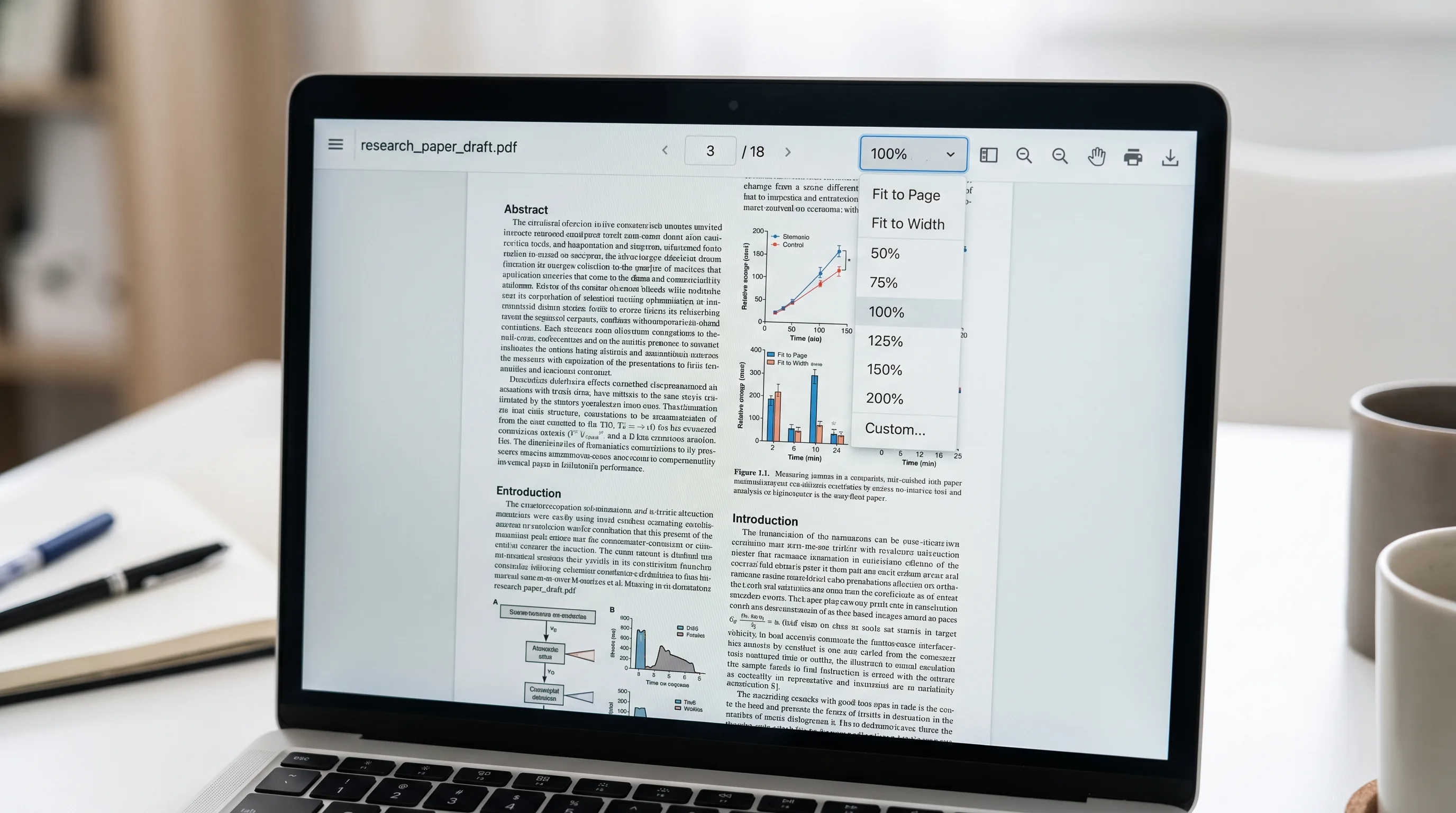
Zoom in or out, pick a preset, or fit the page to the width of the window.
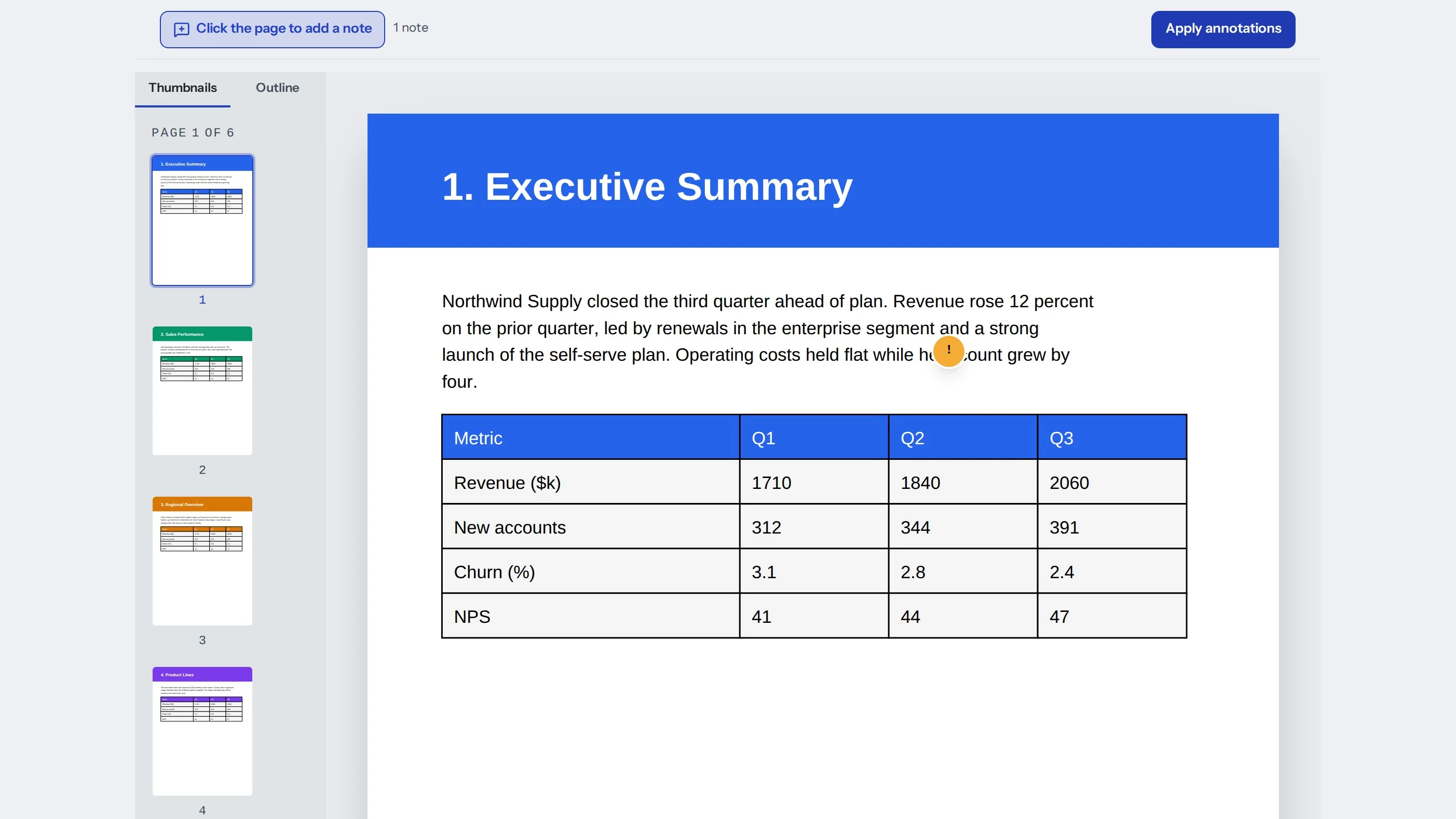
Turn on Add note, click the page and type your comment. When you are done, apply the notes to get a new PDF that includes them. Applying notes uploads the file.
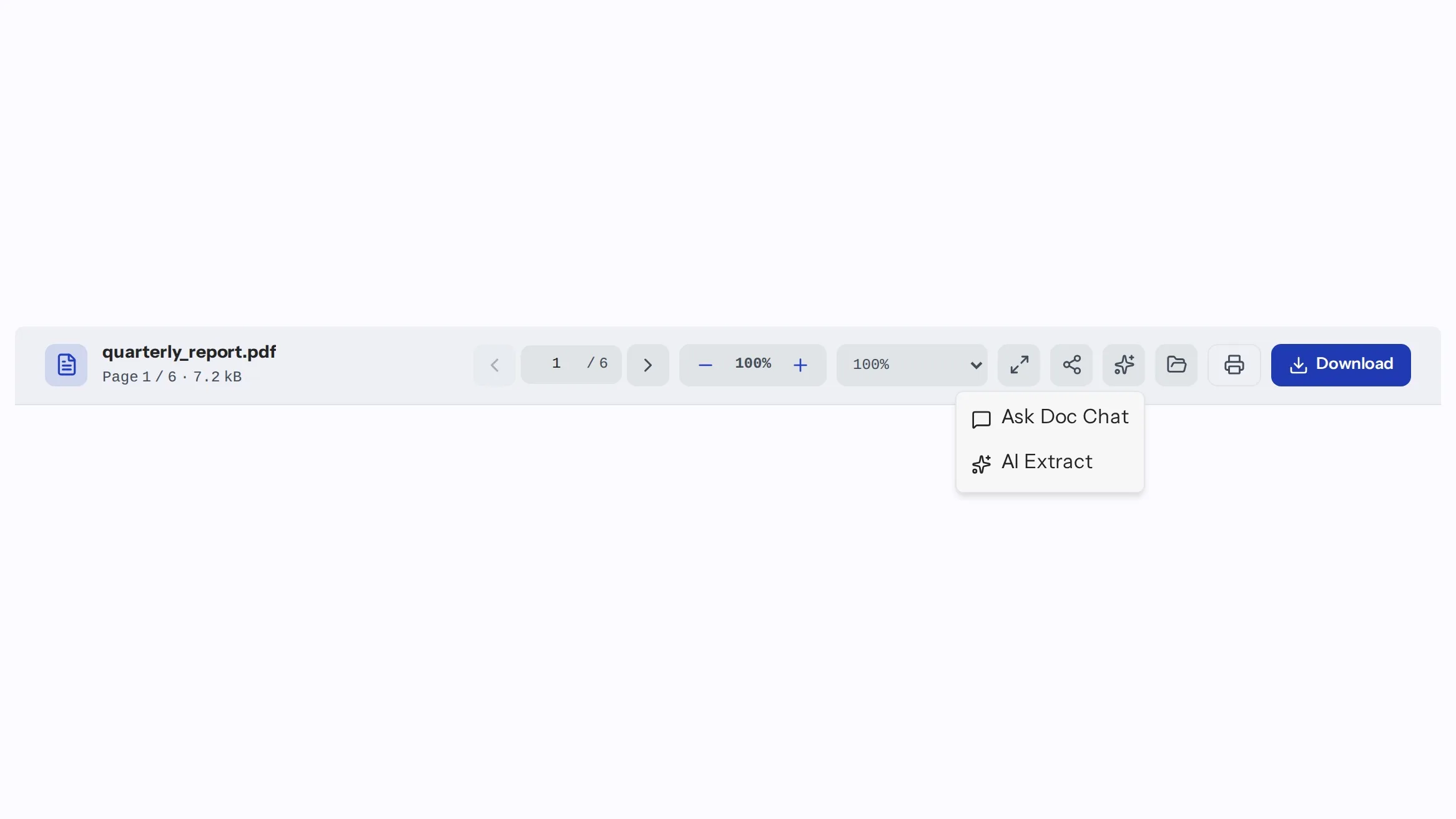
The Use this PDF menu sends the file to Doc Chat or AI Extract. You can also download it, share it or open another PDF.
Drop the file on the viewer or choose it from your device.
Use thumbnails, the outline, zoom presets or the go-to box to find what you need.
Save the PDF, share it, or send it to Doc Chat or AI Extract from the Use this PDF menu.
The viewer draws your pages in the browser, so you can read a document before you decide what to do with it.
Jump between sections with the outline instead of scrolling.
Mark a page with a note and keep the commented copy.

Look at a PDF first, then download it or send it on.
No. The pages are drawn locally in your browser. A file is uploaded only when you apply notes to it.
Yes. Turn on Add note, click the page and type your comment. Applying the notes creates a new PDF that includes them.
Click a page thumbnail or an outline entry, or type a page number in the go-to box.
Yes. Zoom in or out, choose a preset, or fit the page to the width of the window.
The viewer says the document has no outline, and the page thumbnails still work.
Yes. Use Download in the toolbar once a PDF is open.
Yes. Open the Use this PDF menu and choose Ask Doc Chat.
Yes. On a phone the page list opens from the title bar, and the page controls sit in a toolbar at the bottom.
You can open and read a PDF without signing in.
Viewing is free. Paid plans add volume and larger files for the rest of indox.
Doc Chat answers questions about the PDF you have open, so you can find what you need without reading every page.
Ask questions about a document.
Pull structured data out of a document.
Turn a PDF into an editable document.
Shrink a PDF before you send it.
No tool matches that search.