indox.org
  • Convert Tools
  • Pricing
  • Blog
  • Support
  • Docs
Ctrl K
Get started
Indox

Encrypted in transit. Free-tier files auto-deleted within 24 hours. No tracking.

  • Encrypted in transit
  • Auto-delete within 24h
  • No training on your files

Convert documents

  • DOCX to PDF
  • PDF to DOCX
  • XLSX to PDF
  • PDF to JPG
  • EPUB to PDF
  • XLSX to CSV
  • HTML to PDF

Convert images

  • HEIC to JPG
  • JPG to PDF
  • AVIF to JPG
  • WEBP to JPG
  • SVG to PNG
  • JPG to PNG

Convert video and audio

  • AVI to MP4
  • WAV to MP3
  • MOV to MP4
  • M4A to MP3
  • MKV to MP4
  • MP4 to MP3
  • WEBM to MP4
  • OGG to MP3

Tools

  • Convert
  • Edit
  • Organize
  • Sign & secure
  • Compress & repair
  • AI
  • PDF converter
  • All conversions

Apps

  • AI Extract
  • Chat with a doc
  • Translate documents
  • Office
  • Form reader
  • Fill & Sign
  • PDF viewer
  • Scan to PDF
  • Unit converter

Font formats

  • TTF
  • OTF
  • WOFF
  • WOFF2
  • EOT
  • SVG
  • PFA
  • PFB

Company

  • Blog
  • Pricing
  • Support
  • Feedback
  • Terms of Use
  • Privacy Policy

IRS forms for individuals

  • Individual income tax
  • Payments, refunds & disputes
  • Tax pros & free filing help
  • IRS notices & requests
  • Records, IDs & e-file
  • Estates, gifts & trusts
  • Retirement & savings plans

IRS forms for businesses

  • Employment & payroll
  • 1099s & information returns
  • Business & corporations
  • Charities & nonprofits
  • Excise tax
  • International

USCIS family and status

  • Green cards
  • Citizenship
  • Family petitions
  • Adoption
  • Travel & status changes
  • Asylum & humanitarian relief

USCIS work and filings

  • Work authorization
  • Investors & entrepreneurs
  • Records & requests
  • Fees & payments
  • Waivers
  • Appeals & motions

Developers

  • Documentation
  • API Reference
  • Python SDK

Products

  • Businesses
  • IndoxHub
  • Pencilly

Apps and extensions

  • WebEase (Extension)
  • AI Summarizer (Extension)
  • KeyNest (Extension)
  • KeyNest (Android App)

© 2026 Nemati AI LLC. All rights reserved.

Private. Secure. Encrypted. Auto-deleted within 24 hours.

Updated on 2026-10-13, v0.26.0

Doc ChatChat with your documentsEVERY ANSWER CITED

Sources · 3

Sources · 3

Quarterly review

Grounded answers, every claim cited · All 3

  1. You said:YT

    Which region grew fastest last quarter, and by how much?

  2. Assistant said:✦

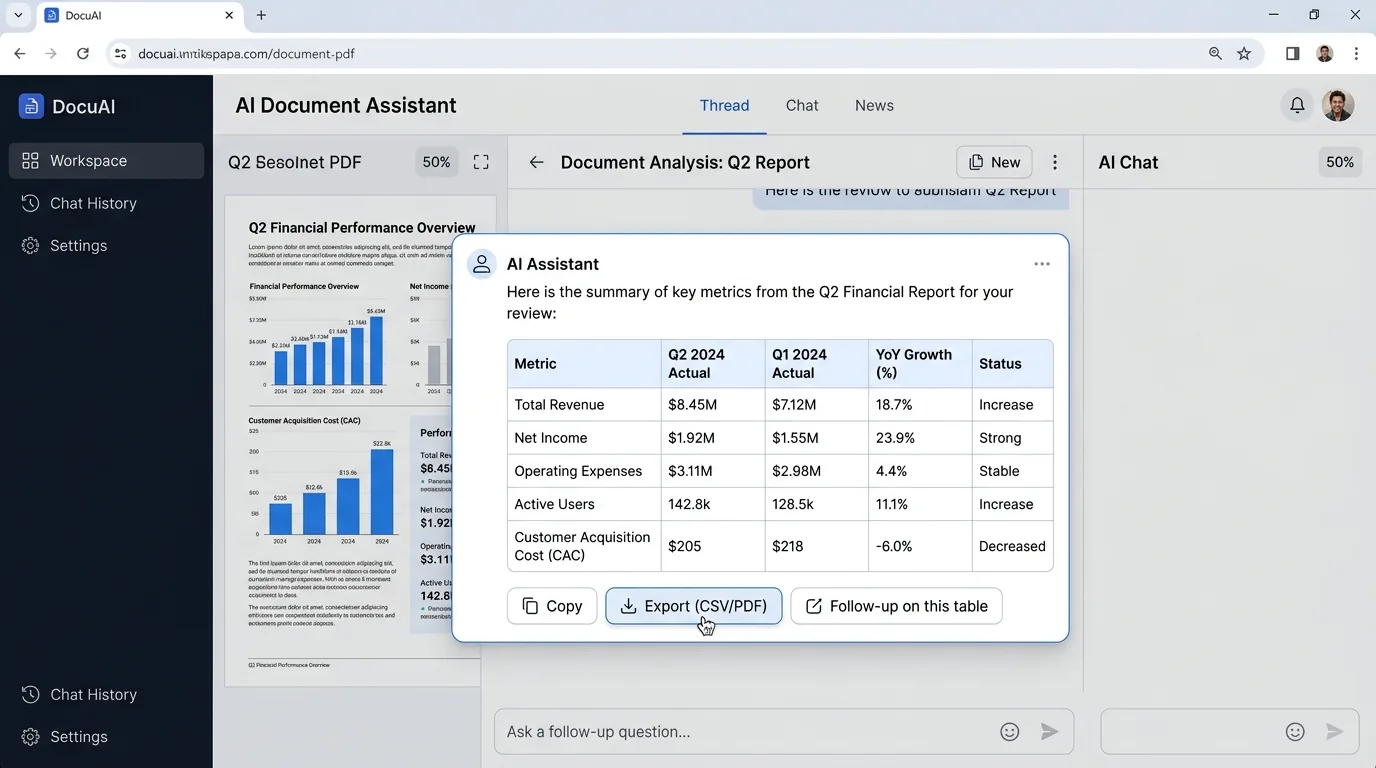
    APAC grew fastest in Q2, revenue rose from 2.05M to 2.61M, a 27.3% increase quarter over quarter. Americas and EMEA grew 15.5% and 10.3% respectively over the same period.

    RegionQ1Q2Δ
    APAC2.05M2.61M+27.3%
    Americas4.20M4.85M+15.5%
    Report · p.4Report · p.7
  3. You said:YT

    Does the services agreement cap our liability?

  4. Assistant said:✦

    Yes. Section 9.2 limits aggregate liability to the total fees paid in the preceding 12 months, and excludes indirect or consequential damages.

    MSA · §9.2
  1. Home
  2. AI tools
  3. Doc Chat

Chat with your documents

Doc Chat lets you ask questions about your PDFs, contracts and reports in plain language. It indexes each document you add, finds the passages that matter and writes an answer from them only, with a citation to the page or clause it came from. The workspace above is loaded with sample documents, so you can ask a question right away. Add your own files with Add a document, and choose whether an answer draws on all your sources or only some of them.

Why use indox's Doc Chat?

Cited answers

Cited answers

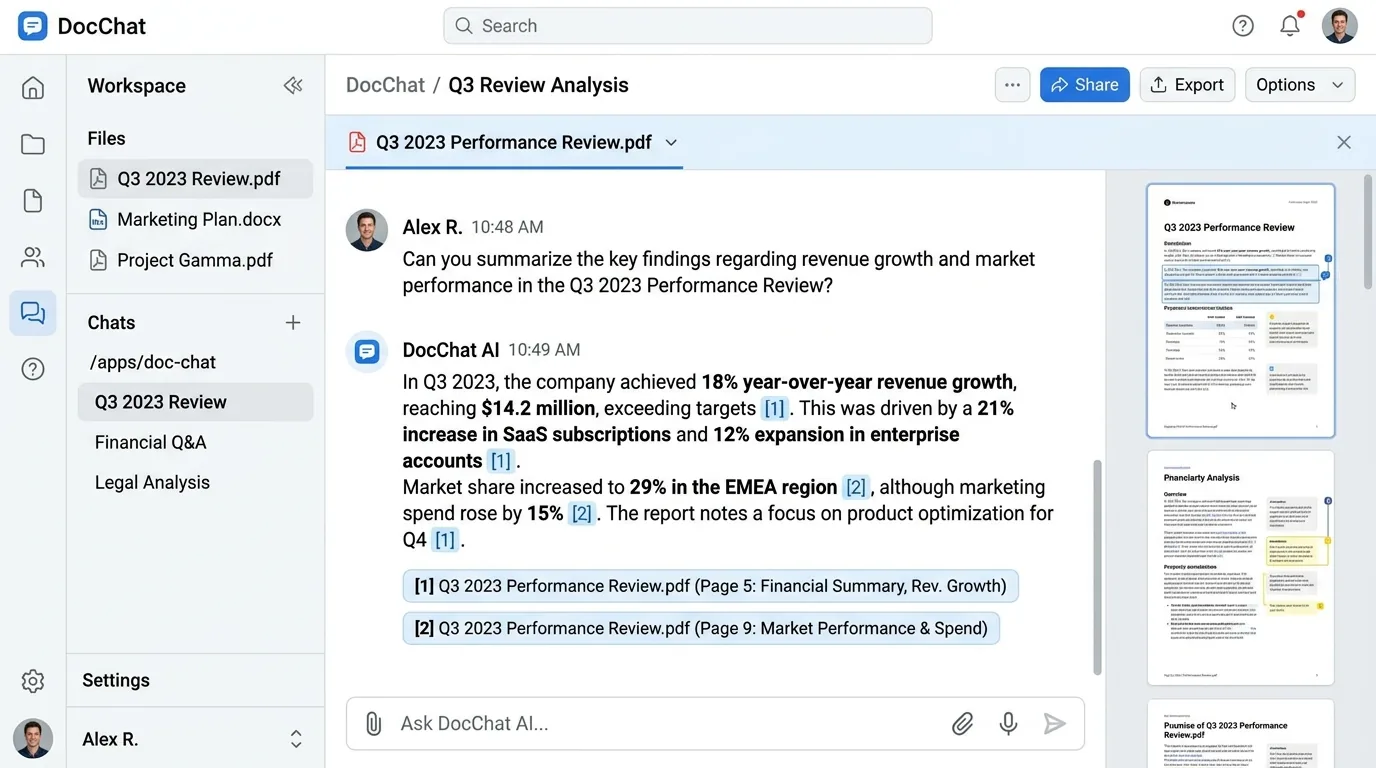
Every response links to the exact page or clause it came from. Click a citation to open the source at that spot.

Tables understood

Tables understood

indox parses table structure so numbers are read correctly. Ask a follow-up on a table straight from the answer.

Multi-document

Multi-document

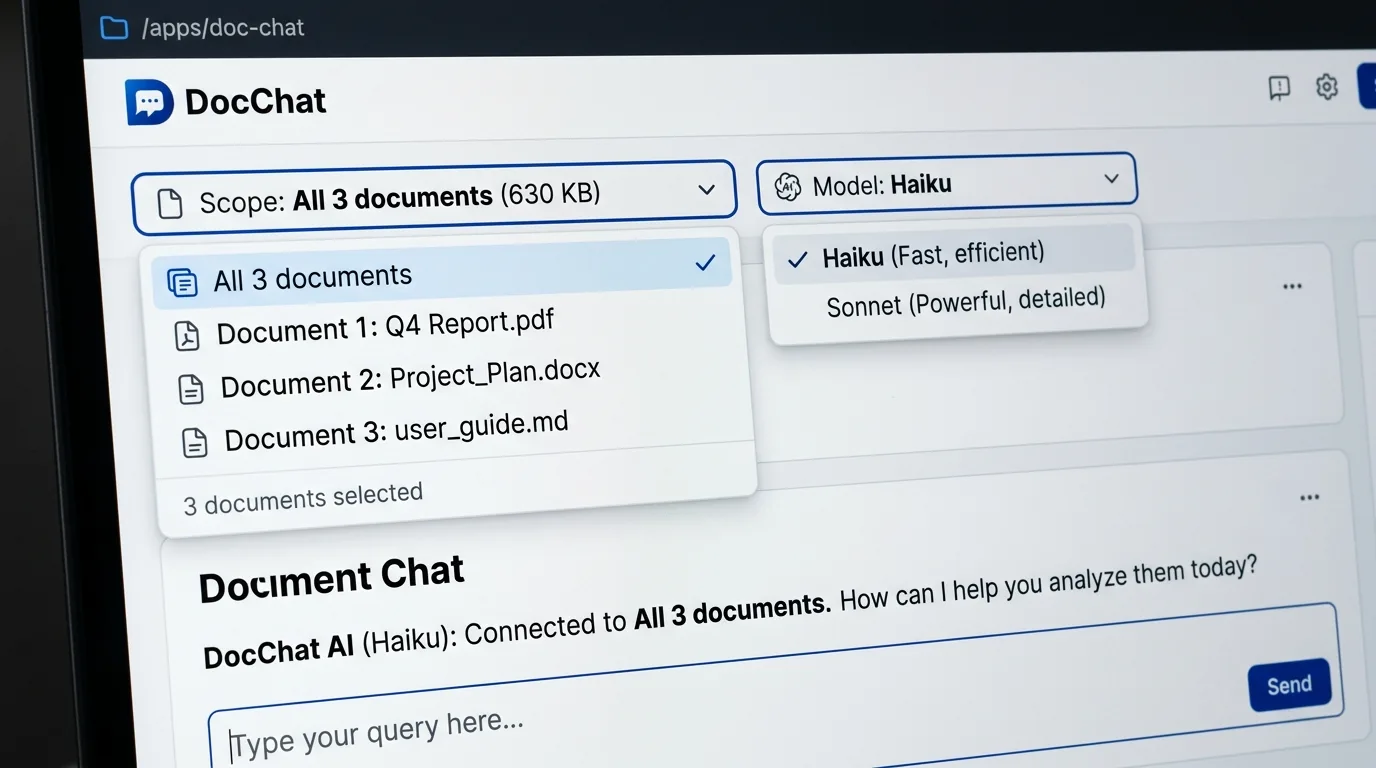
Ask across many files at once, such as contracts, reports and decks. A scope control picks which sources an answer draws on, and a model switch trades speed for depth: Haiku is fast and Sonnet goes deeper.

Private by default

Private by default

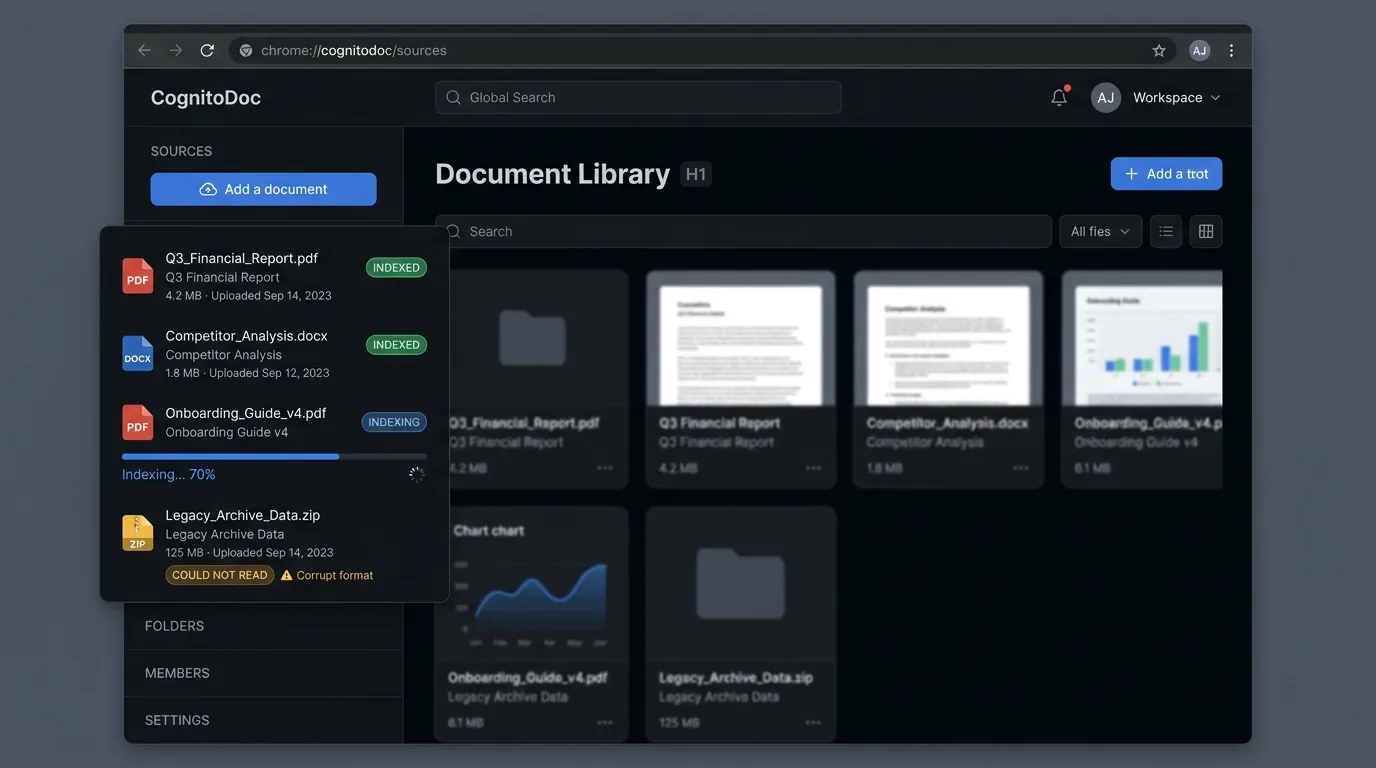
Documents are never used to train models and expire from storage automatically. Each source shows how long it has left.

How does Doc Chat work?

  1. 1

    Add your documents

    Add a PDF, Word file, slide deck or image from the Sources panel. Each file is indexed and shows its progress.

  2. 2

    Ask a question

    Type in plain language or pick a suggested question, then press Enter. The answer is written from passages found in your documents.

  3. 3

    Check the citations

    Open the cited page or clause to confirm the answer, then copy it, export it or ask a follow-up.

What do I get from Doc Chat?

Answers come only from passages retrieved from your documents, and each one is shown as a citation, so you can verify a claim before you rely on it. You can ask across several files at once and keep working in the same thread.
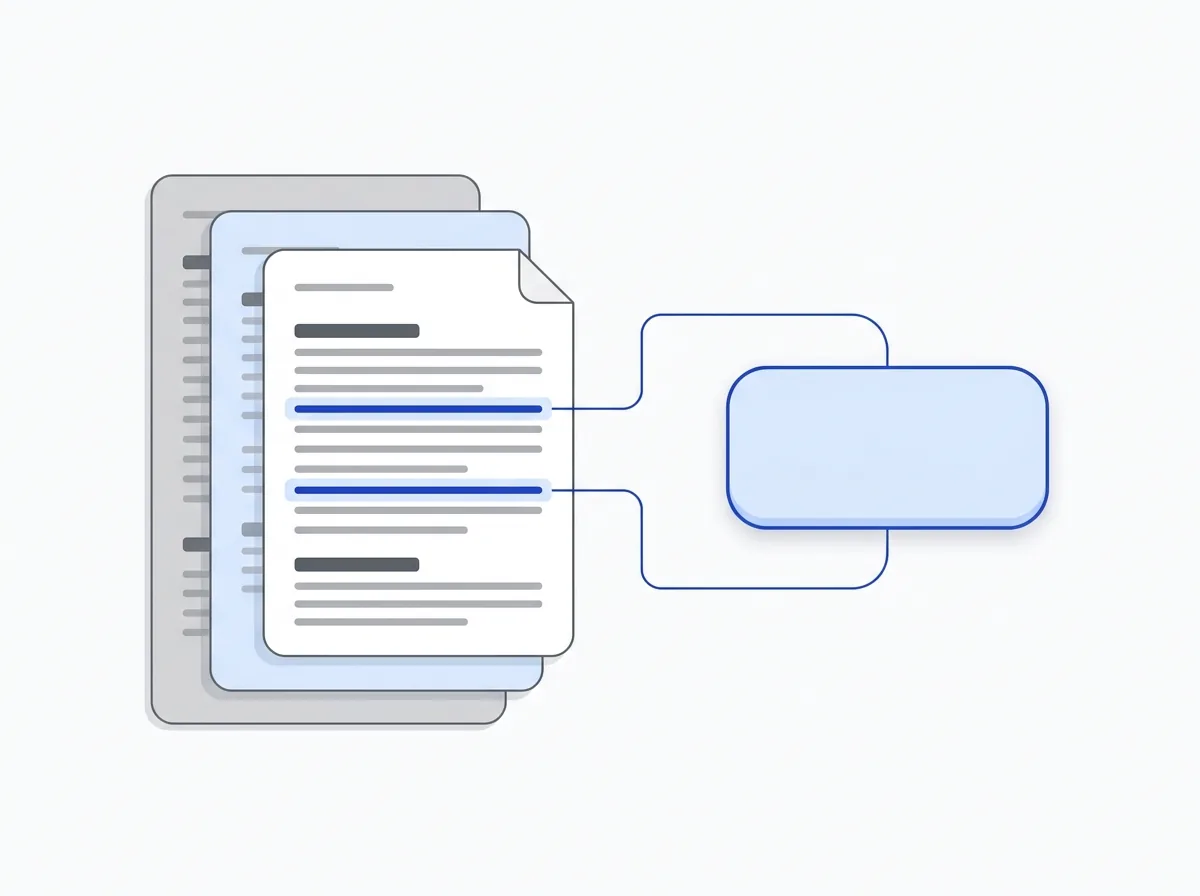
  • Every answer cites the page or clause it came from
  • Tables are read with their structure
  • One question can span several documents
  • The sample workspace runs without signing in
  • Documents are not used to train models
What do I get from Doc Chat?

What can't Doc Chat do, and what happens to my files?

Answers depend on what was indexed. Doc Chat answers from the passages it retrieves. If the answer is not in your documents, or a file could not be read, it cannot answer that part.

A citation is not a guarantee. Open the cited page before you act on a figure or a clause, especially in a contract or a table. A citation shows where an answer came from; it does not make the answer right.

Files that cannot be read. A blurry scan or an unsupported file shows a could-not-read state with a Retry button, and it stays out of the answers until it is indexed.

Your files. Files are processed on indox infrastructure, are not used for training and expire from storage automatically. Each source shows the time it has left.

What can I do with a document next?

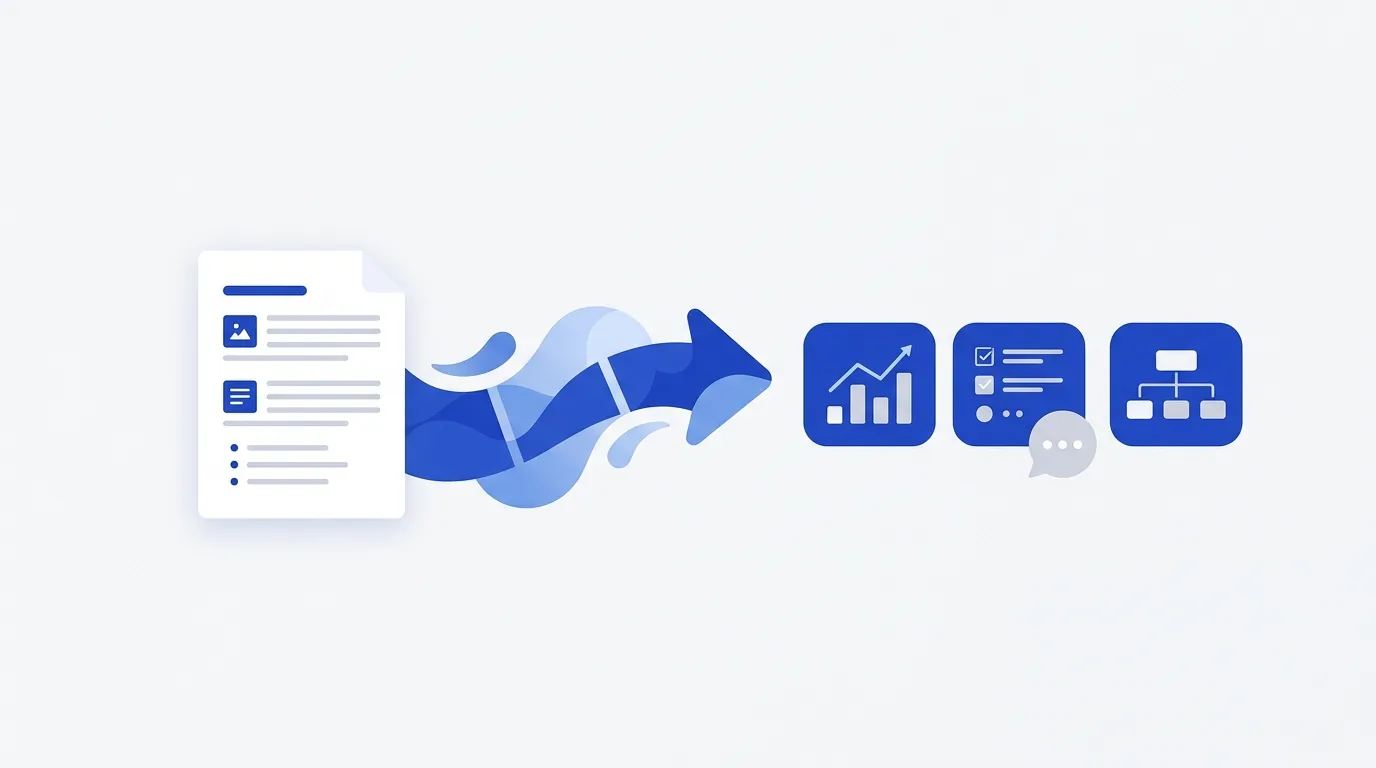
Go beyond Doc Chat: turn the document into structured data, translate it, open the cited pages or convert it first.
What can I do with a document next?

Who can use Doc Chat?

  • People reviewing contracts

    People reviewing contracts

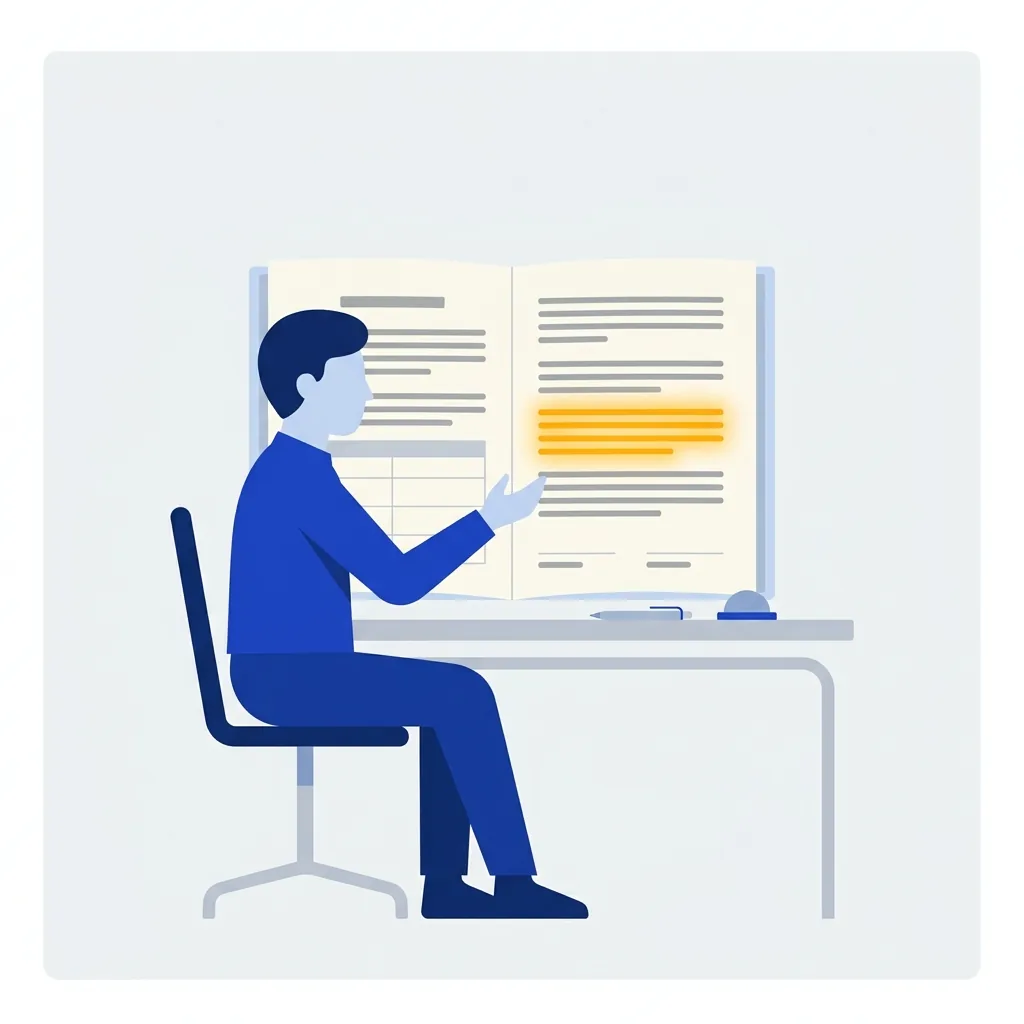
    Ask about a clause, such as a liability cap or a renewal notice, and open the section the answer cites.
  • Analysts working through reports

    Analysts working through reports

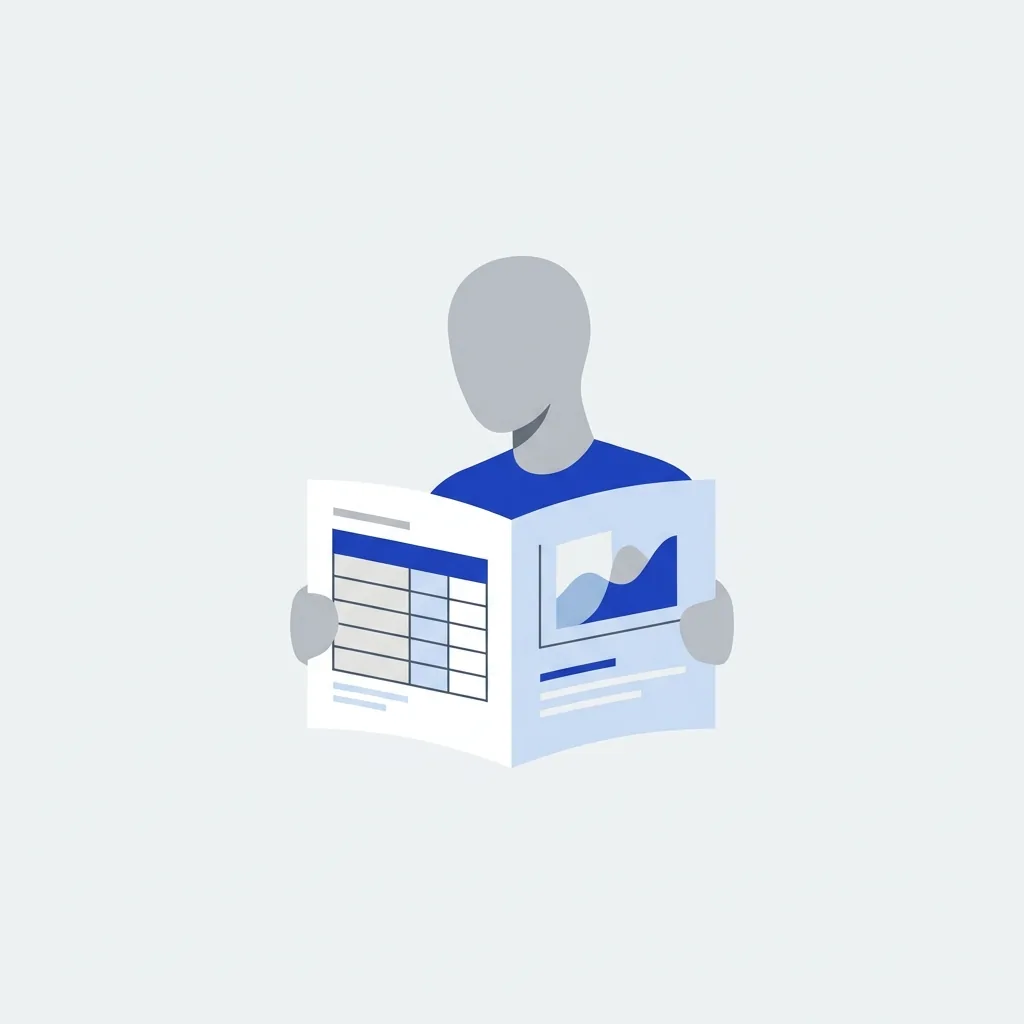
    Ask which region grew fastest and get the table and the page back.
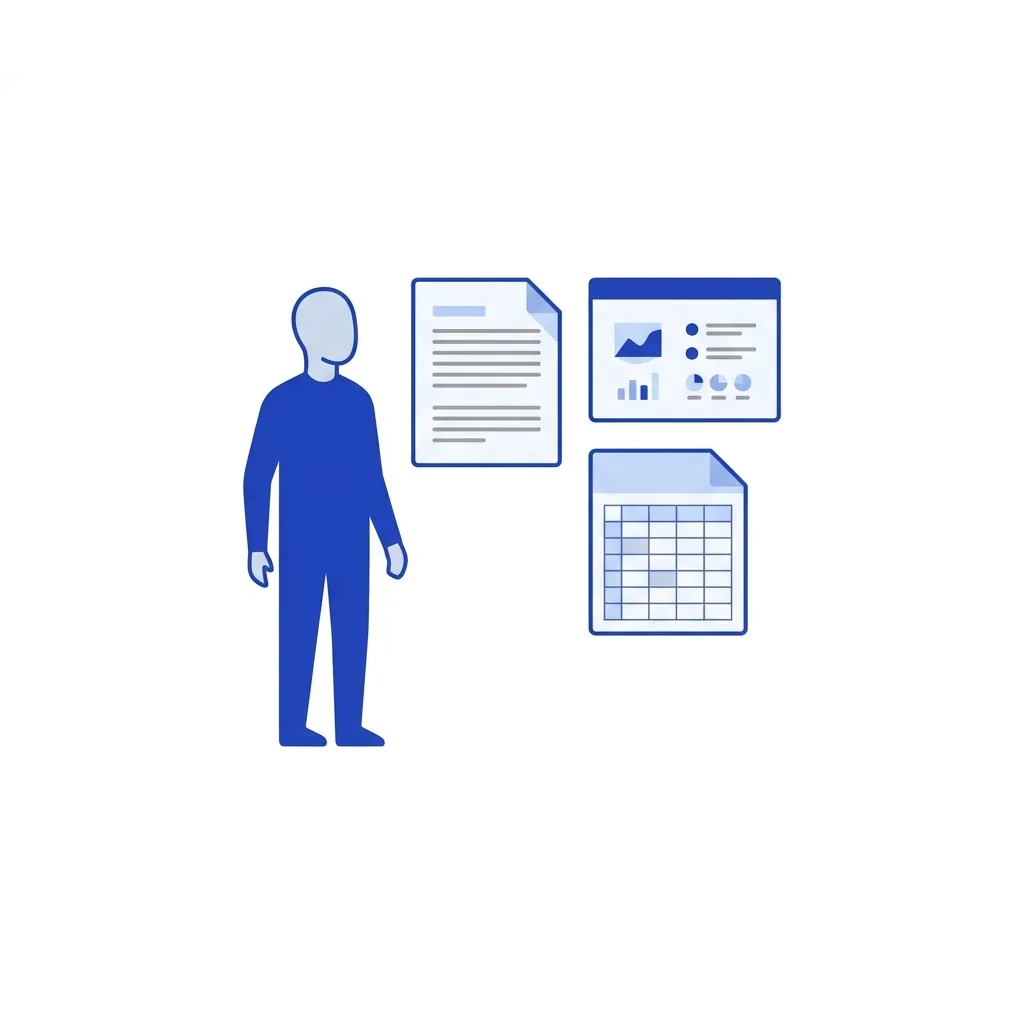
  • Teams with decks and many files

    Teams with decks and many files

    Ask across a report, an agreement and a board deck at once.

Doc Chat FAQs

How does Doc Chat avoid making things up?

Documents are parsed by indox, indexed into a vector store, and answers are generated only from retrieved passages, each shown as a citation. Check the citation before you rely on an answer.

How many documents can I add?

A chat holds several documents on the free plan and more on paid tiers. Questions are answered across all of them at once.

Are my documents kept private?

Yes. Files are processed on indox infrastructure, never used for training, and removed from storage automatically.

Which files can I add?

PDF, DOCX and PPTX files, and PNG or JPG images. A file that cannot be read shows an error with a Retry button.

Which answer model should I pick?

Haiku is the fast option and Sonnet is the deeper one. You can switch between them from the chat header at any time.

Can I ask across more than one document?

Yes. The scope control lets an answer draw on all your sources or only the ones you choose.

Can I take an answer out of the chat?

Each answer has Copy and Export buttons, and tables have a follow-up button so you can keep digging into the numbers.

Do I need an account to try Doc Chat?

The workspace above is loaded with sample documents, so you can ask a question without signing in first.

Can I open the page an answer cites?

Yes. Each citation points to the source page or clause so you can check it.

AI Extract

Turn PDFs, Word, PowerPoint and scans into Markdown, JSON or tables.

Translate documents

Translate a document into another language.

PDF viewer

Open a document and jump to the page an answer cites.

Convert

Convert a document to another format before you chat with it.

Where can I read more about documents and limits?

  • Docs

    Limits

    File size, credits and retention for free and paid use.

  • Docs

    Concepts

    How authentication works and why jobs run asynchronously.

  • Docs

    Authentication

    Bearer tokens, API keys and the free tier that needs no credentials.

Do it all with indox

View all 123 tools

No tool matches that search.

Sign & secure

  • Sign PDF
  • Protect PDF
  • Unlock PDF
  • Redact PDF
  • Watermark PDF
  • Redact Text
  • Sanitize PDF
  • Certificate Sign
  • Remove Signature
  • Unlock Forms
  • Timestamp PDF
  • Change Permissions

Convert

  • PDF to Word
  • Word to PDF
  • PDF to Excel
  • PDF to JPG
  • JPG to PDF
  • Excel to PDF
  • PDF to PowerPoint
  • PowerPoint to PDF
  • PDF to CSV
  • PDF to HTML
  • Markdown to PDF
  • PDF to Markdown
  • HTML to PDF
  • PDF to Text
  • Text to PDF
  • PDF to JSON
  • JSON to PDF
  • PDF to EPUB
  • EPUB to PDF
  • Email to PDF
  • RTF to PDF
  • ODT to PDF
  • PDF to XML
  • PDF to PDF/A
  • PDF to Video
  • HEIC to JPG
  • SVG to PNG
  • CSV to Excel
  • JSON to CSV
  • PDF to EPS
  • EPS to PDF
  • PDF to PS
  • PS to PDF

Edit

  • Edit PDF
  • Fill PDF Form
  • Add Stamp
  • Edit PDF Metadata
  • Flatten PDF
  • Add / Extract Images
  • Remove Annotations
  • Adjust Contrast
  • Invert Colors
  • Replace Colors
  • Get PDF Info
  • Add Attachments
  • Show JavaScript
  • Analyze PDF
  • List Attachments
  • Extract Attachments
  • Rename Attachment
  • Delete Attachment
  • Remove Images

Organize

  • Merge PDF
  • Split PDF
  • Rotate Pages
  • Reorder Pages
  • Remove Pages
  • Extract Bookmarks
  • Single Long Page
  • Scale Pages
  • N-up Layout
  • Booklet
  • Add Page Numbers
  • Crop PDF
  • Extract Pages
  • Edit Table of Contents

Compress & repair

  • Check PDF
  • Compress PDF
  • OCR PDF
  • Repair PDF
  • Decompress PDF
  • Compare PDFs
  • Auto Rename
  • Scanner Effect
  • Pipeline
  • Multi-Tool
  • Read & Annotate

AI

  • AI Extract
  • Chat with a doc
  • Translate documents

Apps

  • Office
  • Form reader
  • Fill & Sign
  • PDF viewer
  • Scan to PDF
  • Unit converter

Image

  • Compress Image
  • Resize Image
  • Crop Image
  • Convert Image
  • Remove Background
  • Upscale Image
  • Watermark Image
  • Rotate & Flip
  • Image to Base64
  • Remove EXIF

Video

  • Convert Video
  • Compress Video
  • Trim Video
  • Video to GIF
  • Extract Audio
  • Add Subtitles
  • Video Thumbnail
  • GIF to MP4

Audio

  • Convert Audio
  • Compress Audio
  • Trim Audio
  • Merge Audio
  • Audio to Text
  • Change Speed
  • Normalize Audio
  • Record Audio

Fonts

  • Font Converter
  • TTF to WOFF2
  • OTF to WOFF2
  • WOFF to WOFF2
  • TTF to OTF
  • OTF to TTF
  • WOFF2 to TTF

What do the free and paid plans add?

Free

  • All converters
  • Daily credit refresh
  • Email support

Basic

  • Access to all features
  • AI Extract & Doc Chat
  • Priority conversions
  • Email support
Highest priority

Premium

  • Everything in Basic
  • Highest priority queue
  • Larger file limits
  • Priority support

Pay-As-You-Go

  • No subscription
  • Credits never expire
  • Opt-in auto-refill
  • Access to all features
See prices