Pick the other format
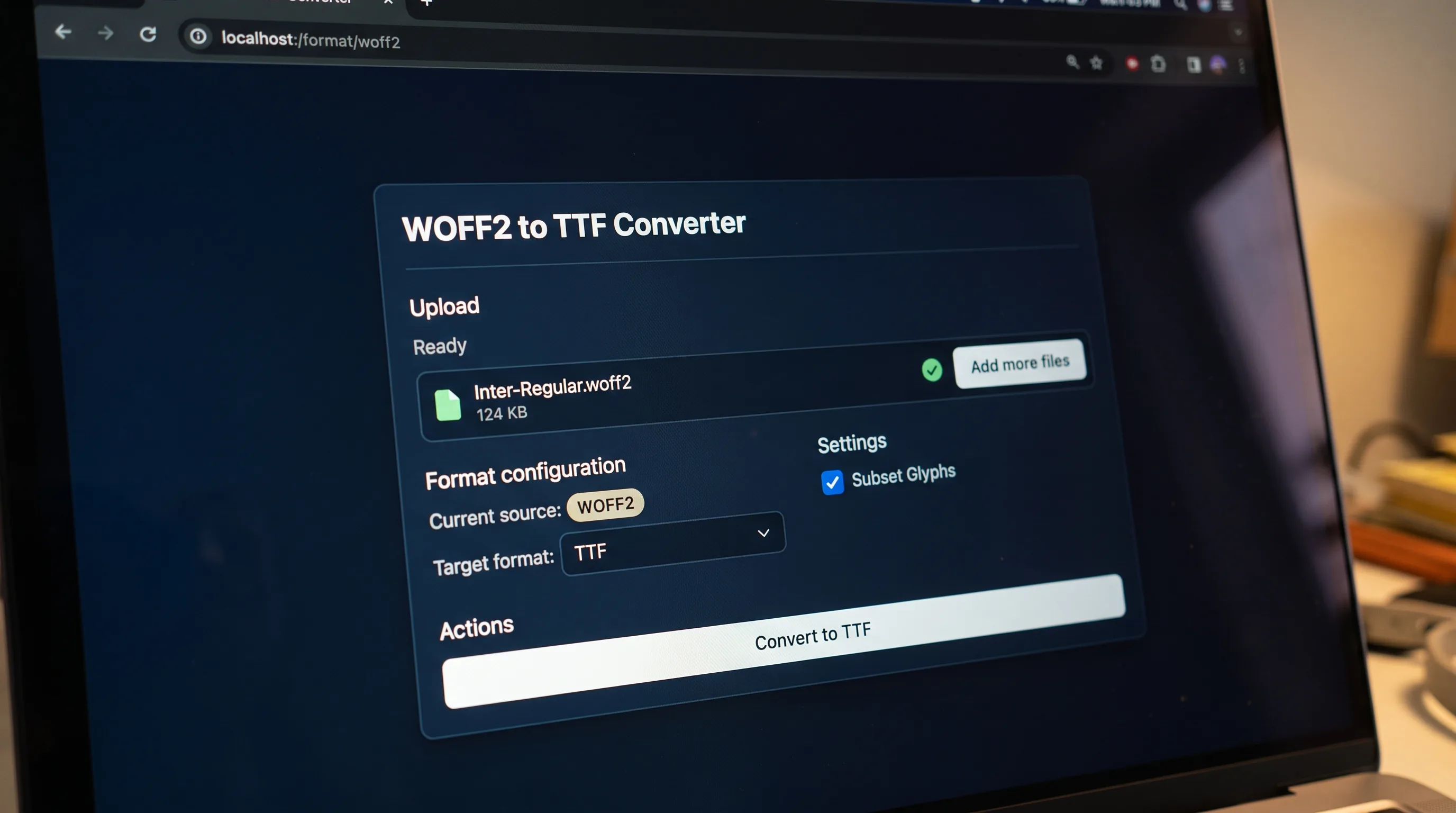
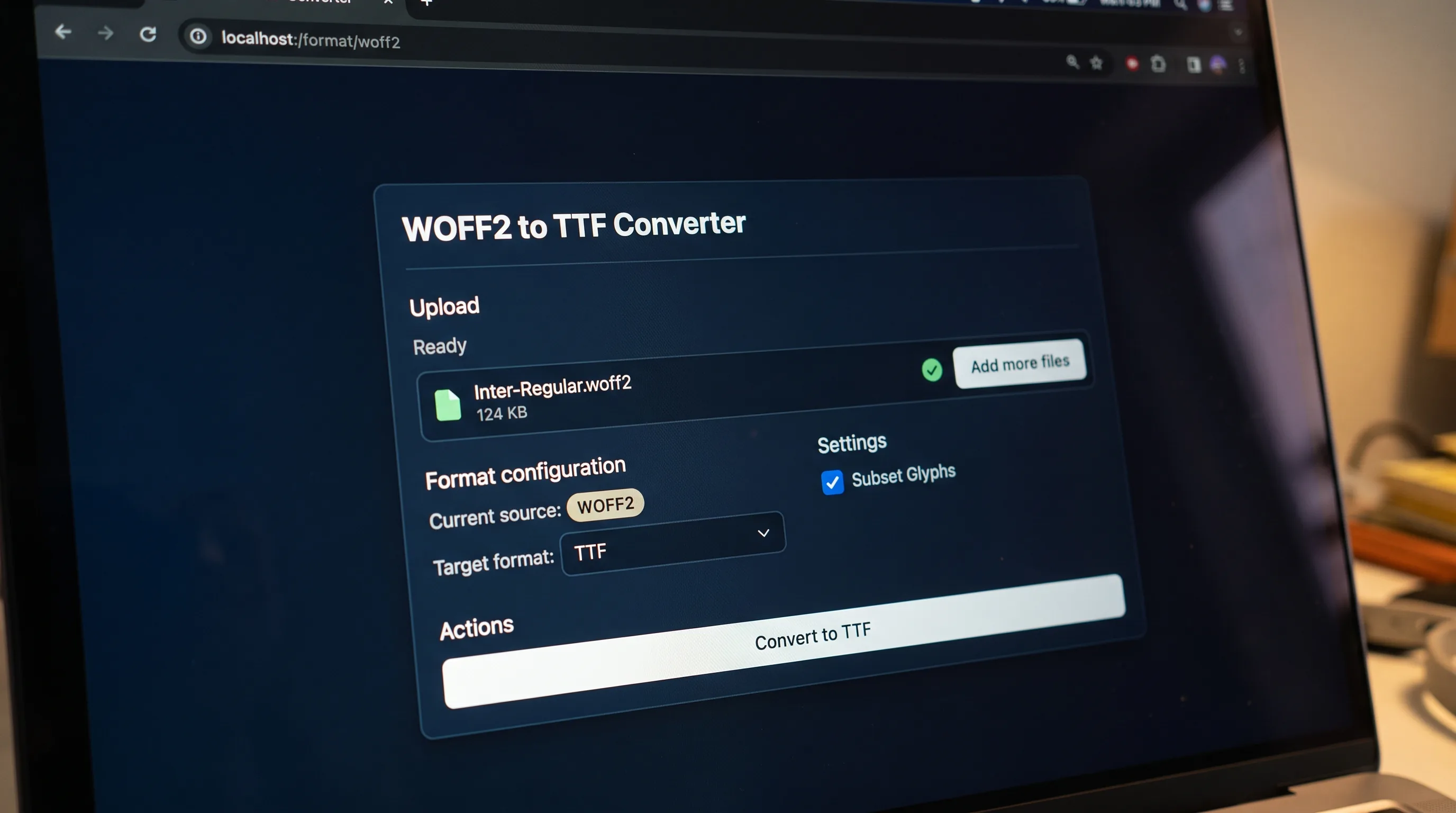
Choose the source format in the converter above. The target is already set to SVG, so you only add the file.
SVG converter
Drop a .ttf file here or click to upload
SVG font is a deprecated web font format that stores glyph outlines as inline SVG paths inside a single XML document. Designed for early mobile browsers that could not render TrueType natively, SVG fonts were the only practical way to ship custom typography to iPhones and Android devices before 2013. The W3C deprecated SVG fonts in 2017 and modern browsers removed support, but SVG font files still exist in design tools and archives, making conversion the main reason to handle one today.
Choose the source format in the converter above. The target is already set to SVG, so you only add the file.
Drop a font on the box or browse for one. A progress row shows while the job runs.
When the job finishes you see the new file name. Download it, or convert another font straight away.
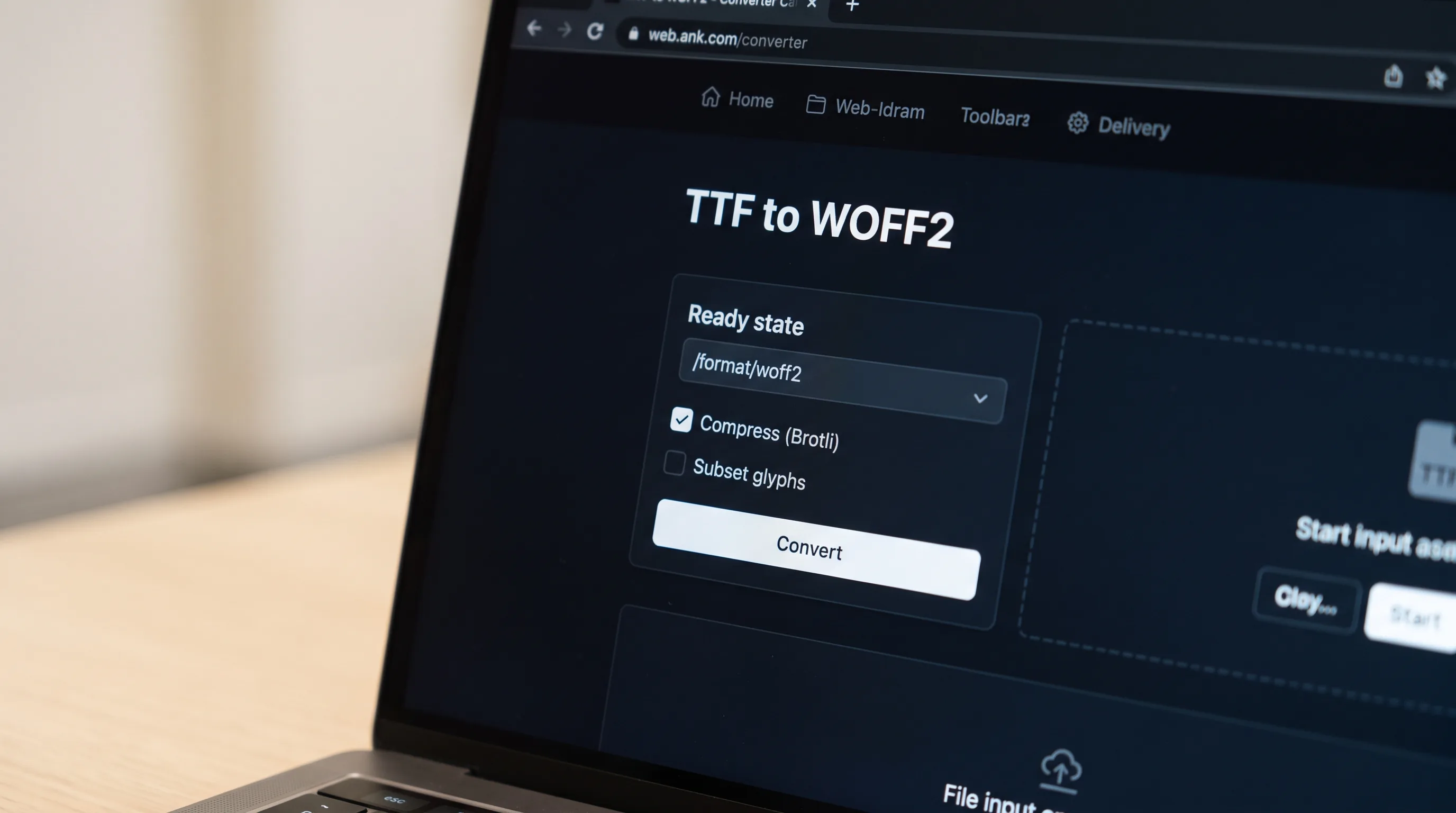
Compress
Repack the font into a smaller, browser-ready container.
Decompress
Unpack a compressed web font back to its raw outline data.
Subset
Ship only the glyphs a page actually uses.
Pick the format of the font you have. SVG is already the target.
Drop the file on the upload box or click to browse, then press Convert to SVG.
Wait for the result, then download it. Free-tier files are deleted automatically.
The W3C added SVG fonts to the SVG 1.1 specification in 2003 as a way to embed type inside an SVG document. Safari on iOS adopted them in 2008, briefly making SVG fonts the only way to ship custom fonts to iPhones. The format never spread beyond WebKit, Firefox shipped a partial implementation in 2010 and removed it in 2017, Chrome removed support in 2015, and Internet Explorer never supported them at all. The W3C deprecated SVG fonts in the SVG 2 working draft in 2015 and removed them entirely from the SVG 2 Recommendation in 2017. Today SVG fonts are interesting mainly as an archival format and as a stepping stone for converting decorative or icon fonts to modern containers. A small ecosystem of design tools and conversion utilities still ships with SVG-font support specifically for these archival round-trips, which is the main reason this page exists.
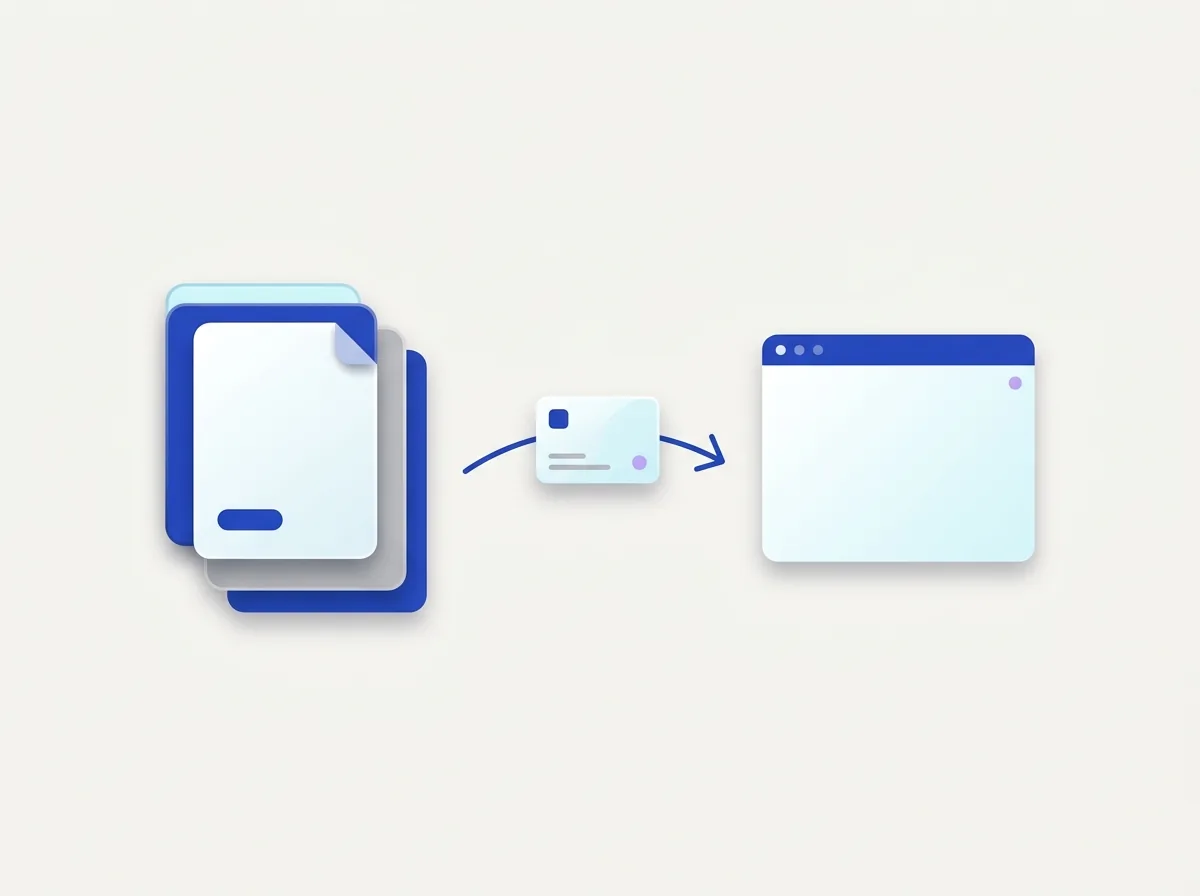
The upload box shows the live size limit before you add a file. Signing in raises it, and paid plans raise it further.
SVG converts to and from the other seven public font formats. The lists further down the page link to each pair.
Files are uploaded to Cloudflare R2 storage for processing and are encrypted in transit.
Free-tier files are deleted automatically after the job finishes. Signed-in output stays in your history for your plan's retention period.
Inspect a font for free in the font workspace, then convert it.
Open the font workspaceFor PDFs, Word, PowerPoint and scans, AI Extract turns documents into clean Markdown or JSON, tables, layout and reading order preserved.
Open AI Extract →

Turn the font a designer sent into a file you can load with @font-face.
Convert a web font back into one you can install, when its licence allows it.

Move an old font on an older site into a format current browsers open.
No tool matches that search.
No. Chrome removed support in 2015, Firefox in 2017, and Safari deprecated them. Modern websites should not ship SVG fonts. The format is useful only as an archival source for conversion to TTF, OTF, or WOFF2.
Upload your .svg font file to our converter and pick TTF as the target. Our pipeline reads the SVG glyph paths, recomputes the cubic-to-quadratic outline conversion, and writes a clean .ttf file you can install or convert further.
No, an SVG font is a complete typeface stored as an SVG document, with one glyph element per character mapped to a Unicode code point. An SVG icon is just a single graphic. If you want an icon font today, ship a normal OTF or WOFF2, the icon-font pattern still works in 2026 even though SVG fonts do not.
Yes. Free conversions need no signup and add no watermark.
No. You can convert a font without signing up. Signed-in conversions use credits, and the result stays in your history.
Yes. Every pair has its own page. The links under the conversion lists open them.
Converting a file does not change its licence. Check that the licence lets you convert the font and embed it on the web before you publish it.