Run a repair with no settings
The panel has no option fields. It holds a short note and the Repair PDF button, so the whole job is the file plus one instruction: repair.
or drop a file anywhere here
Files other than PDF are converted first. Signing in raises the size limit.
A PDF can be damaged by an interrupted download, a failed copy or a program that closed while saving, and a viewer may then refuse to open it. This page is for someone holding such a file who wants one quick try before asking for a new copy. You add the PDF and press Repair, and indox rebuilds the file's structure as a new copy and keeps the pages it can read. Afterwards a message gives the page count and says whether any text came back. Some content may not survive: in our test on 5 November 2026, a file with a cut cross-reference table and wrong stream lengths came back with all 5 pages and all its text, and a copy cut to its first half came back as 5 blank pages. Check the result before you rely on it. A password-protected file must be unlocked first.
Our own 5-page test PDF with a cut cross-reference table and wrong stream lengths, repaired on indox.org
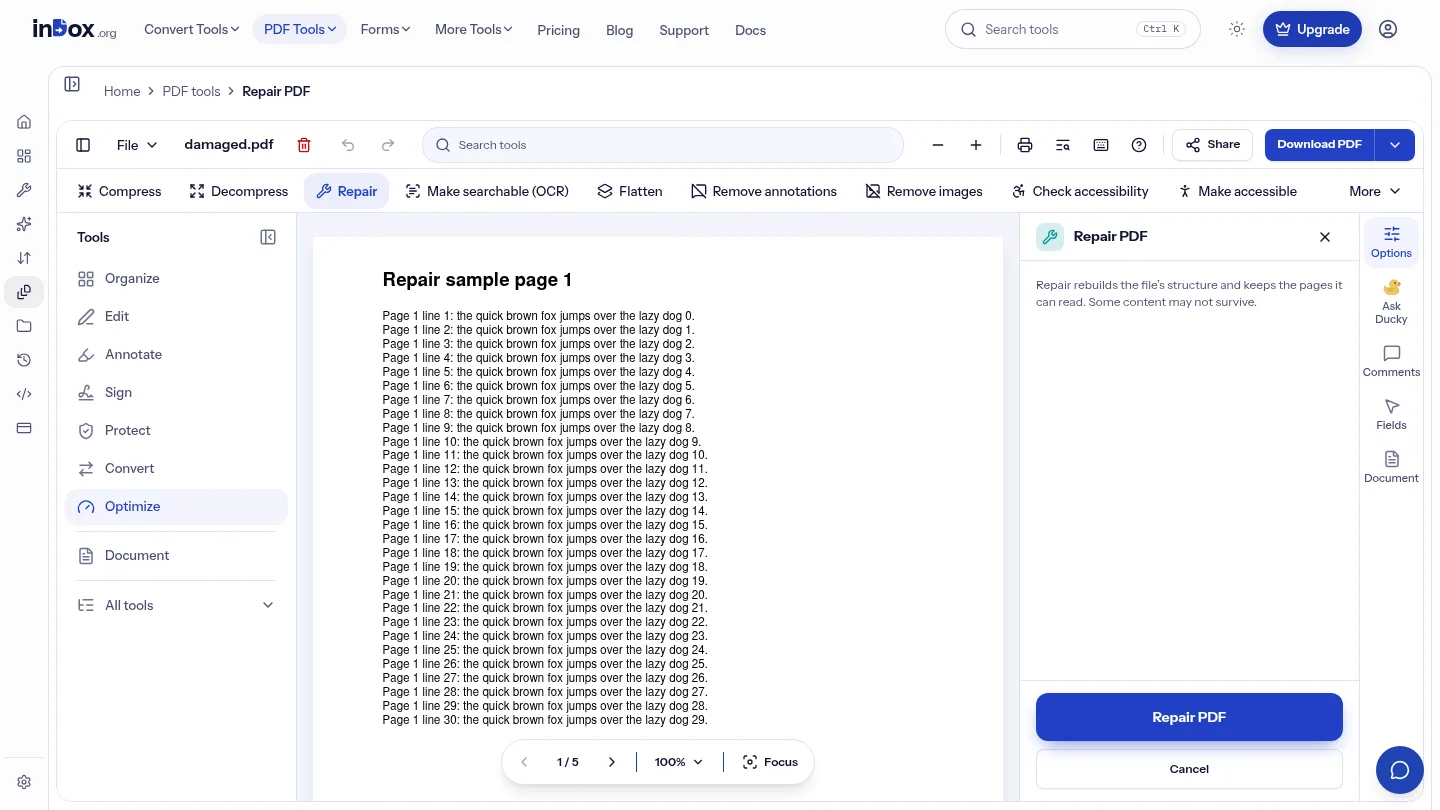
The panel has no option fields. It holds a short note and the Repair PDF button, so the whole job is the file plus one instruction: repair.
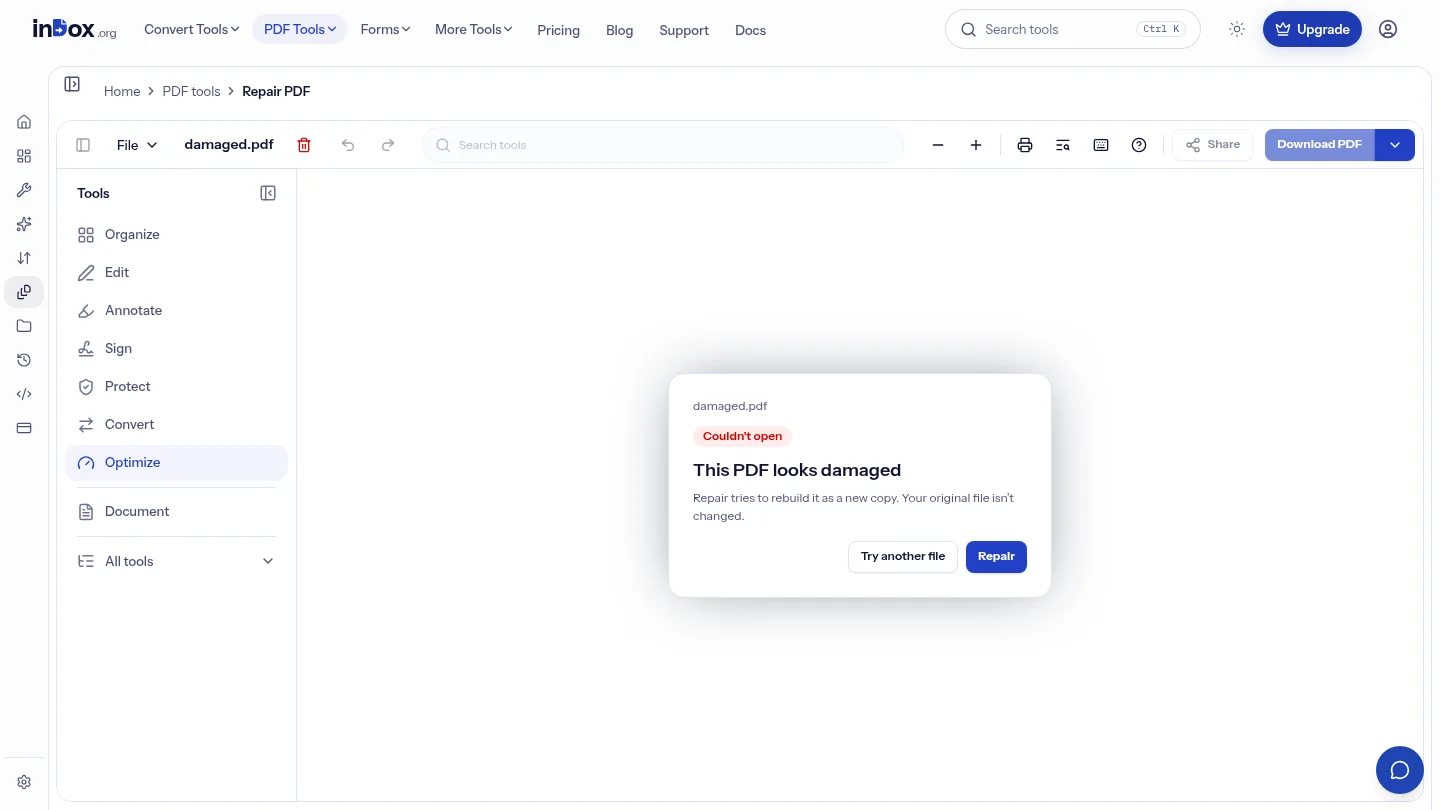
A file that will not open shows a "This PDF looks damaged" card with a Repair button. After the repair it opens in the editor and a message gives the page count: "Repaired. The file has N pages and its text came back", or a warning that no text was found. For a file that already opens, the Repair panel says "Repaired. The file still has N pages."
The damaged-file card says the repair makes a new copy and your original file isn't changed. Keep the original, because a second attempt with other software needs the same starting point.
The tool does not compare the repaired PDF with the original or list what it fixed. Page through the document and confirm that the text and images are what you expect, because a result made of blank pages is not a repair.
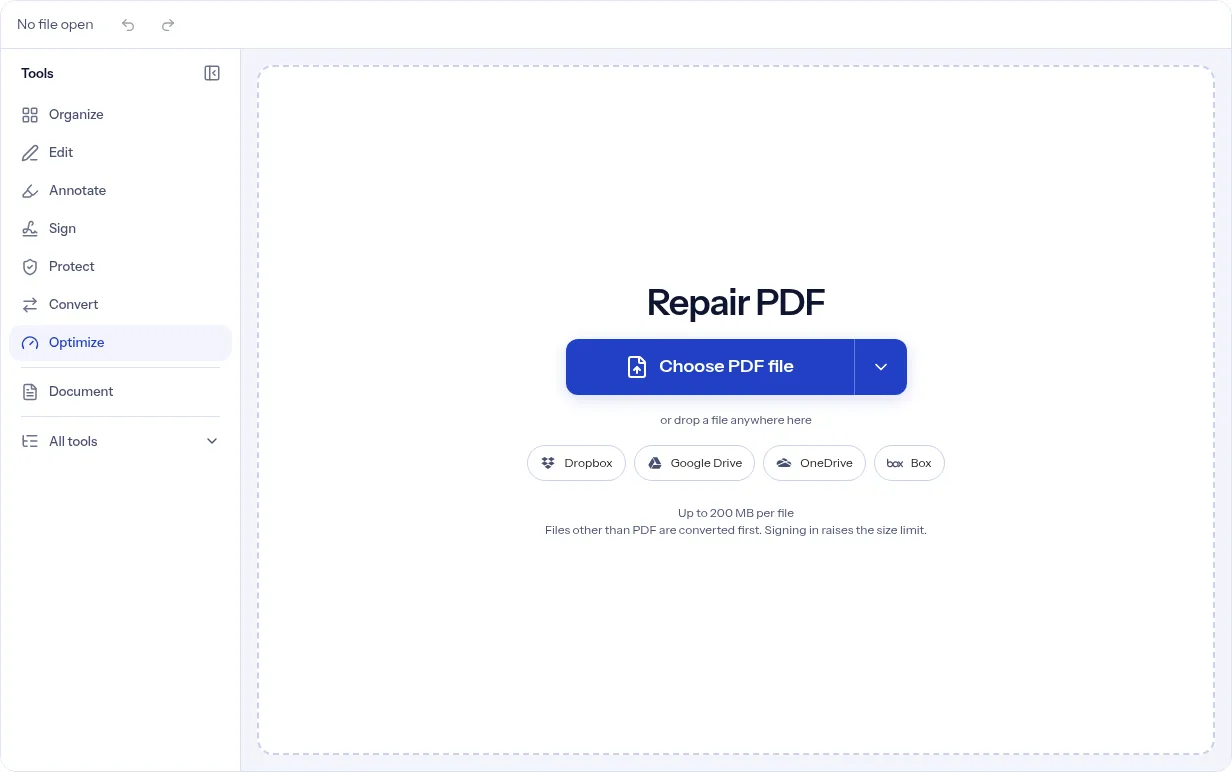
Drop the file on the upload box, or press Choose PDF file and browse to it. A file that will not even open shows a "This PDF looks damaged" card.
In the panel, press Repair PDF. On the damaged-file card, press Repair. The job runs with nothing to configure. In our test it took about 5.6 seconds from the click to the editor reopening.
Read the message: it gives the page count and, for a file that would not open, whether text came back. Then scroll through every page. In our test the repaired sample opened at page 1 of 5. If pages are blank or missing, do not use the file. Your original is unchanged.
Below is what a repair did on our own test files, including the one that failed. There is one button and no settings to guess at, and the result says how many pages came back and whether their text did. A repair runs without an account. Your PDF travels to indox over HTTPS, the damaged-file card says your original file isn't changed, and for a visitor who is not signed in the upload is deleted 24 hours after the job finishes.
| What you see | Why | What to do |
|---|---|---|
| The editor opens on blank pages after Repair | The file was cut short, so the page content was not in it. In our test a copy cut in half came back as 5 blank pages | Do not use the file. Download it again, ask the sender for another copy, or export it again from the program that made it. |
| A warning says no text was found | No text could be read on the first pages. That is expected for a scan, and a sign of lost content for a typed document | Page through the result. If a typed document is blank, find another copy of the file. |
| The job stops with "Couldn't repair this file." | The engine could not rebuild the file, or the result was a single blank page | Try once more. If the result is the same, open the original in another viewer or export it again from the program that made it. |
| Repair fails on a file that opens | The rebuilt copy had fewer pages than the original, so it was refused and your file was kept | Keep the original. Open it in another viewer or export it again from the program that made it. |
| The repaired file opens but links or bookmarks are gone | The file was rewritten, and a rewrite can leave out parts that do not mark the page. Our sample kept all of them | Compare with the original. If you need the bookmarks back, rebuild them with Edit TOC. |
| The Repair PDF button is disabled | The file has a password | Remove it with Unlock PDF, then repair the open copy. |
| The repaired file is larger than the original | The qpdf fallback writes a readable form of the file. Our sample got smaller | Shrink it with Compress PDF. |
| Kind of damage | What a rebuild can do | Our test, 5 November 2026 |
|---|---|---|
| Cross-reference table cut or damaged, trailer missing | The objects are still in the file, so a tool can scan for them and write a new index. qpdf documents this recovery and says it will not always give the result you want | A sample with a cut table, no trailer and wrong stream lengths came back with 5 of 5 pages and all its text |
| Wrong stream lengths | A reader can look for the end of each stream when the objects are present | Not checked on its own; it was part of the sample above |
| File cut short, bytes missing | Missing bytes are not in the file, so they cannot be rebuilt | A copy cut to its first half came back as 5 blank pages, and no warning appeared at the time |
| Password-protected file | This is protection, not damage. Use Unlock PDF first | The Repair button is disabled for such a file |
| Scan that is hard to read | The file is not damaged. Try Adjust Contrast or OCR PDF | No run on this page |
A PDF from a portal or an email stopped partway and now shows an error in the viewer. Try a repair before you ask the sender for the file again.
Documents copied from an aging drive or memory card sometimes will not open. Run each one through the tool and keep the ones that come back readable.
One file in a batch stops a later step, such as a conversion. Repair that single PDF, check it, then feed it back into the batch.
Facts checked on November 5, 2026
If the rebuild fails, or it would lose pages from a file that opens, the job stops with an error and your file is unchanged. A file cut short can still come back as blank pages: in our test on 5 November 2026 a copy cut to its first half came back as 5 blank pages. The card now warns when no text was found, so read the message and the pages, then look for another copy of the file.
No. A repair rebuilds the structure of the file, and it cannot recover bytes that are not there. We tested two damaged copies of one sample: one with a cut index came back complete, and one cut in half came back with blank pages.
Add it on this page. If the editor cannot read it, a "This PDF looks damaged" card appears: press Repair. The rebuilt copy opens in the editor with a message giving its page count. If that fails, download the file again or ask the sender for a new copy, because missing bytes cannot be rebuilt.
Check it. In our test the file with a cut cross-reference table came back with 5 of 5 pages, 7,531 of 7,531 text characters, 2 of 2 images, 5 of 5 links and 5 of 5 bookmarks. That is one sample. Page through your result and read the text before you rely on it.
Read the message after the repair. For a file that would not open, it says "Repaired. The file has N pages and its text came back", or warns that no text was found. For a file that opens, the panel says "Repaired. The file still has N pages." Then page through the result, because the message cannot tell you whether images or links survived.
No. The damaged-file card says the repair makes a new copy and your original file isn't changed. The repaired file is a new PDF, and in our test it was smaller than the damaged one (13,003 bytes against 26,471 bytes).
In our test it did. Our damaged sample had its cross-reference table cut, no trailer and wrong stream lengths, and other tools we tried could not open it. The repaired file had all 5 pages and the same text as the undamaged original. Results on other files can differ.
Not directly. The Repair PDF button is disabled and the panel asks you to unlock the file first. Remove the protection with Unlock PDF, then repair the unlocked copy.
No. The panel has a note and the Repair PDF button, and nothing to set. The job starts as soon as you press the button.
No. A repair runs without signing in, within a daily free allowance and a 200 MB cap per file. Signing in raises the cap to 200 MB.
The upload is sent over HTTPS when you press Repair. If you are not signed in, the upload and the repaired copy are deleted from indox's server 24 hours after the job finishes; with an account they stay in your history until you delete them. The file on your device is never changed.