It reads the file, so you only pick the result
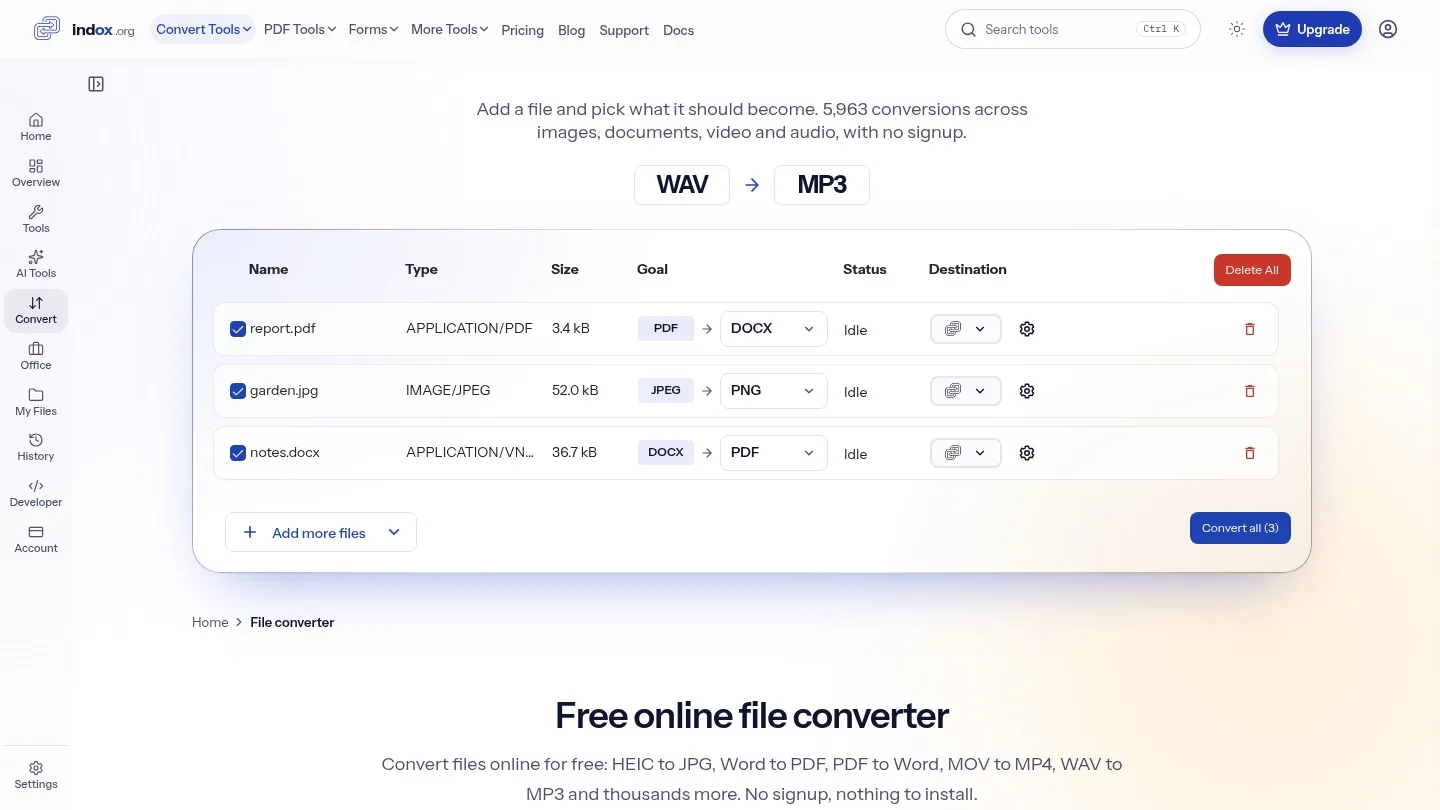
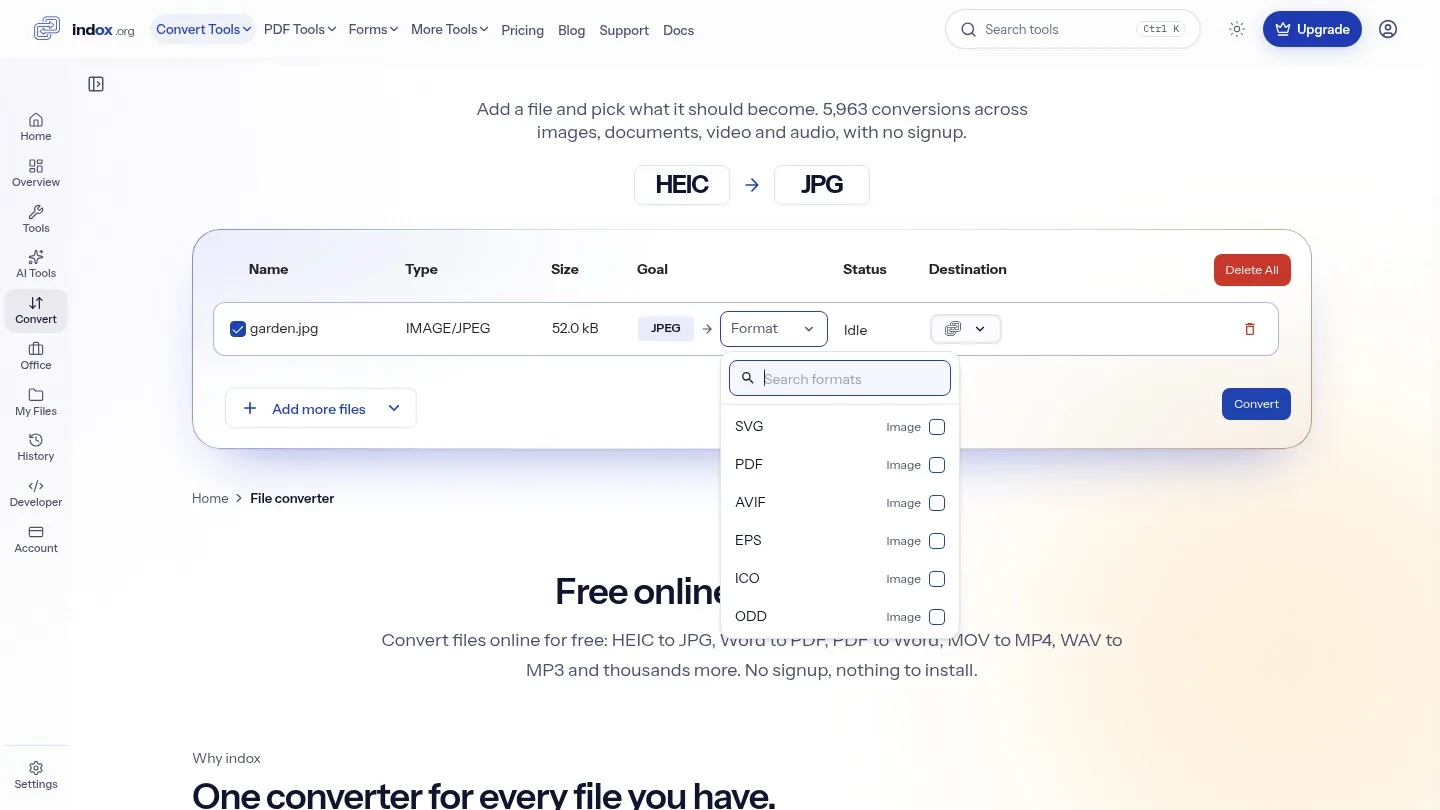
Add a file and the converter checks what it is, then lists only the formats that file can become. You never scroll past options that would fail.
Convert files online for free: HEIC to JPG, Word to PDF, PDF to Word, MOV to MP4, WAV to MP3 and thousands more. No signup, nothing to install.
Why indox
Add a file and the converter checks what it is, then lists only the formats that file can become. You never scroll past options that would fail.
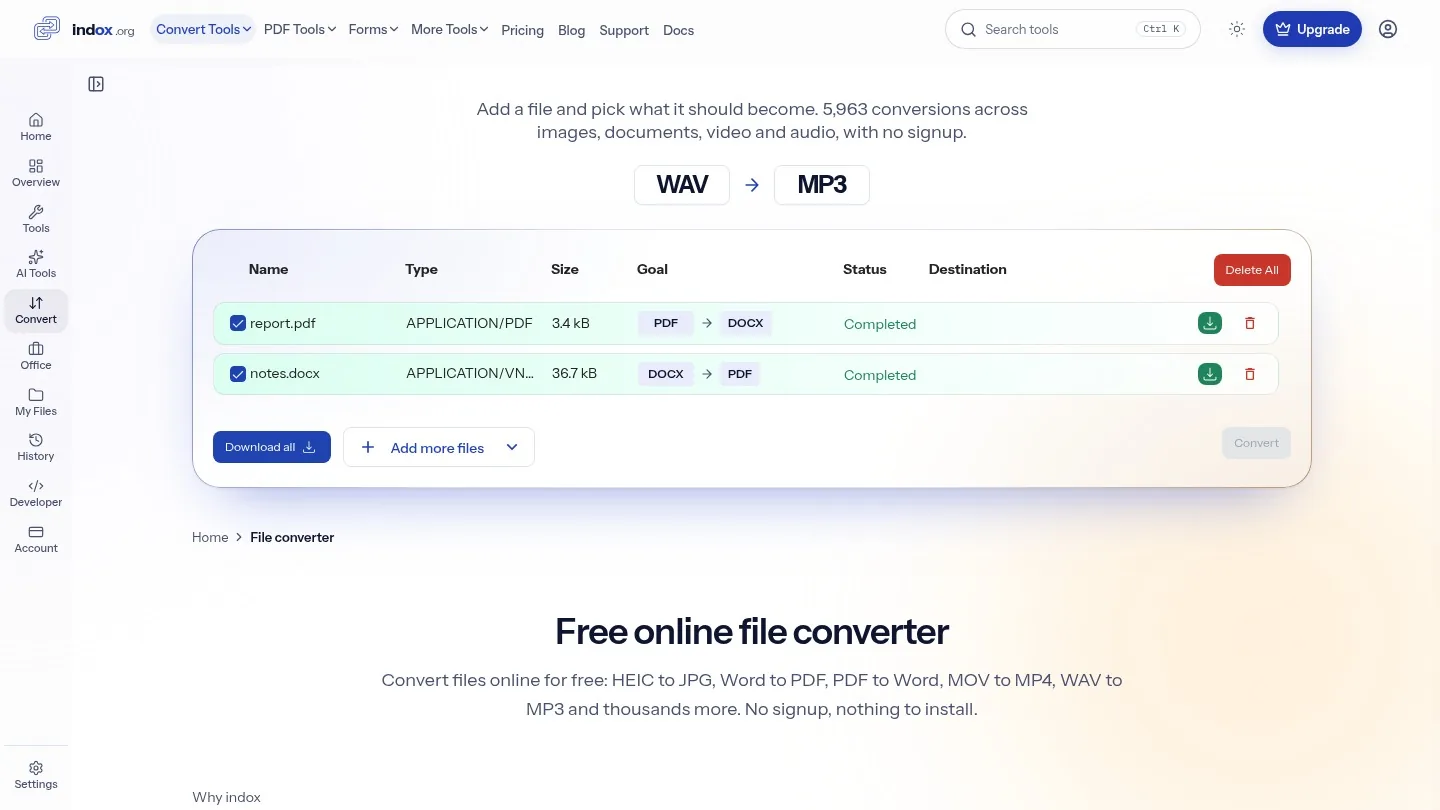
Add a photo, a spreadsheet and a video together and choose a format for each one. Every file shows its own status and has its own download.
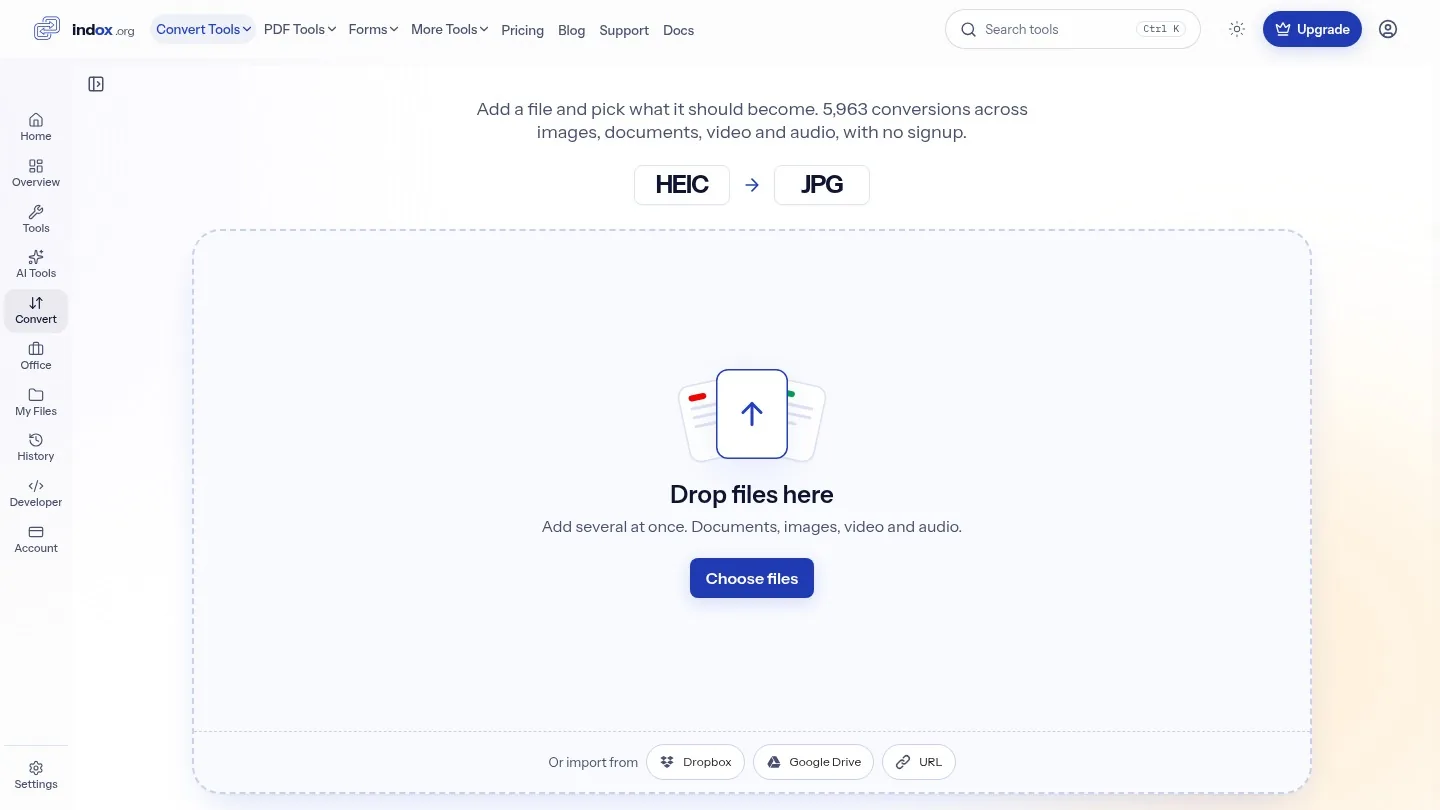
Drop files on the box, choose them from your device, or import them from Google Drive, Dropbox or a link. It runs in the browser, so there is nothing to install.
How it works
Drop them on the box, or bring them in from your device, Google Drive, Dropbox or a link.
The converter reads each file's type and lists the formats it can become.
Each file shows its own status. Download the result when it finishes.
A file travels over an encrypted connection and is converted on indox infrastructure. Files uploaded on the free tier are kept for 24 hours after the job finishes, then deleted automatically.
Encrypted in transit
Processed on indox infrastructure
Your result, when the job finishes
Free-tier files, after 24 hours
Signed in? Your output stays in your history for your plan's retention period.
Limits
Your current limit is shown under the upload box. Signing in raises it; a paid plan does not change it.
You get free credits every day with no account and no card. Paid plans add more volume.
5,963 conversions across images, documents, video, audio, ebooks and fonts. A format a file cannot become is never offered.
The converter runs in the browser on a phone, tablet or computer. There is no app to install.
Merge, split, compress, sign, OCR and edit. 94 tools in one place.
Browse every format and search all 5,963 conversion pairs.
Format guide
The right format depends on where the file goes next. Start from what you need it to do.
JPG to share, PNG to edit, PDF to send several as one file.
| Format | Best for | Keep in mind |
|---|---|---|
| JPG | Photos you share, upload or email | Small files, but no transparency, and each save loses a little detail |
| PNG | Screenshots, logos and images you will edit | Keeps every pixel and transparency; files are larger than JPG |
| WEBP | Images on a website | Smaller than JPG at similar quality; some older apps cannot open it |
| HEIC | Photos kept on an iPhone | About half the size of JPG, but many Windows and web apps cannot read it |
| AVIF | Web images where size matters most | Very small files; support outside browsers is still limited |
| SVG | Logos and icons that must scale | Stays sharp at any size; it holds drawings, not photos |
PDF to send or print, DOCX or XLSX to keep editing.
| Format | Best for | Keep in mind |
|---|---|---|
| Files you send, print or archive | Looks the same on every device; hard to edit | |
| DOCX | Text you still need to edit | Opens in Word, Google Docs and Pages; layout can shift between apps |
| XLSX | Spreadsheets with formulas and several sheets | Keeps formulas and formatting; needs a spreadsheet app |
| CSV | Moving table data between systems | Plain text any tool can read; one sheet, no formulas or styling |
| HTML | Content for a web page | Opens in any browser; images and styles may sit in separate files |
| EPUB | Books read on a phone or e-reader | Text reflows to fit the screen, so page numbers are not fixed |
MP4 plays almost everywhere, so it is the usual target.
| Format | Best for | Keep in mind |
|---|---|---|
| MP4 | Sharing, uploading and playback on any device | The safest choice; quality depends on the settings it was made with |
| MOV | Editing on a Mac or iPhone | High quality from Apple cameras; large, and less at home on Windows |
| MKV | Films with several audio tracks or subtitles | Holds almost anything; many phones and TVs will not play it |
| WEBM | Video embedded in a web page | Small and open; editors and Apple devices support it poorly |
| AVI | Older Windows software and cameras | Widely known but dated; files are large for their quality |
MP3 for listening, WAV for editing.
| Format | Best for | Keep in mind |
|---|---|---|
| MP3 | Music and voice on any player | Small files; some detail is removed and cannot be restored |
| WAV | Recording and editing | Full, uncompressed quality; about ten times the size of MP3 |
| M4A | Apple devices and voice memos | Better quality than MP3 at the same size; less universal |
| OGG | Games, apps and open-source tools | Open and efficient; many car and phone players skip it |
Popular conversions
The conversions people look for most, grouped by file type.
Phone photos, web images and scans.
Office files, PDFs, web pages and ebooks.
Camera and screen recordings, into MP4.
No tool matches that search.
Questions
It reads the file's type when you add it, then lists only the formats that file can become. indox supports 5,963 conversions in total.
Yes. Add several files to the same list and choose a format for each one. They do not have to be the same type.
Choose by where the file goes next: JPG or MP4 to share, PDF to send or print, and PNG, DOCX or WAV to keep editing. The format guide on this page compares each one.
It depends on the format you pick. Going to a smaller format, such as PNG to JPG or WAV to MP3, removes some detail to save space. Going the other way keeps what the file already has, but cannot bring back what was removed.
Yes. The converter runs in the browser on iPhone, Android, tablets and computers, so there is no app to install.
Most images and documents finish in seconds. Long videos and large files take longer, and each file shows its own status while it runs.
The usual causes are a damaged file, copy protection, or a size over your limit. The converter shows a message on the file that failed.
Yes, to start. You get free credits every day with no account and no card. Paid plans add more volume, batch jobs and the API.
No. indox runs in your browser, so there is nothing to install, and you can convert or edit a file as a guest. Signing in raises your upload limit and keeps your history.
Files are encrypted in transit. Files uploaded on the free tier are deleted automatically after 24 hours.
The limit for your account is shown under the upload box on this page. Signing in gives you a higher limit than a guest gets.
Yes. One REST API runs every tool on this site: send a file, poll the job, download the result. The free tier needs no key.