Plain text in, a PDF you can print or send out
A text file looks different in every editor. A PDF fixes the page, so the person who opens it sees what you saw. It also opens on phones and in browsers that have no text editor at hand.
Add a .txt file and get a PDF back. Expect one fixed-width font and A4 pages, with the text kept as real, selectable text.
To convert txt to pdf, add the .txt file, keep PDF as the output format and download the result. In our test, a 3.9 kB UTF-8 text file became a one-page A4 pdf of 27.8 kB, set in a fixed-width font, with long lines wrapped instead of cut off.
Transfers use HTTPS, and files converted on the free tier are deleted after 24 hours, so the result is not a long-term archive. Quality depends on the source file, so open the PDF file once before you share it.
Need more PDF options? Open the PDF Converter hub.
TXT (Plain Text)
A file that holds only characters. It has no fonts, bold or italic, images, tables or page layout, so every program shows the same words in its own default style. The characters can be stored in different encodings, which is why accented or non-Latin text sometimes appears garbled when a file is opened with the wrong one.
PDF (Portable Document Format)
A fixed-layout document format published as ISO 32000. Each page records the exact position of every character, image and line, usually with the fonts embedded, so it displays and prints identically in any reader and is awkward to edit.
A UTF-8 text file of 75 lines with accents, Persian text and a long line, converted on indox.org
A text file looks different in every editor. A PDF fixes the page, so the person who opens it sees what you saw. It also opens on phones and in browsers that have no text editor at hand.
In our test the words in the PDF could be extracted again, so you can search, select and copy them.
Our UTF-8 sample held accented Latin letters, curly quotes, an em dash and a euro sign. All of them were correct in the PDF.
A 403-character line was wrapped at word boundaries into five lines and nothing was clipped. An ASCII table kept its columns, because the whole file is set in a fixed-width font.
The conversion runs on indox servers, so it works from Windows, Mac, Linux, Android or iPhone with only a browser.
Drop the file on the box or choose it from your device. Save the file as UTF-8 first if it contains accents or non-Latin letters.
Check that PDF is the output format, then start the conversion. In our test a 3.9 kB file took 11.1 seconds from the click to Completed, and a 63-byte file took 3.3 seconds.
Save the PDF and scan the pages before you send it. Look at accents, non-Latin text and wide tables, which are the places a text conversion goes wrong.
You hand over a plain text file and take away a PDF with the text kept selectable. The page says up front what is decided for you, which is the font, the page size and the encoding, so you know before you convert whether it fits the job.
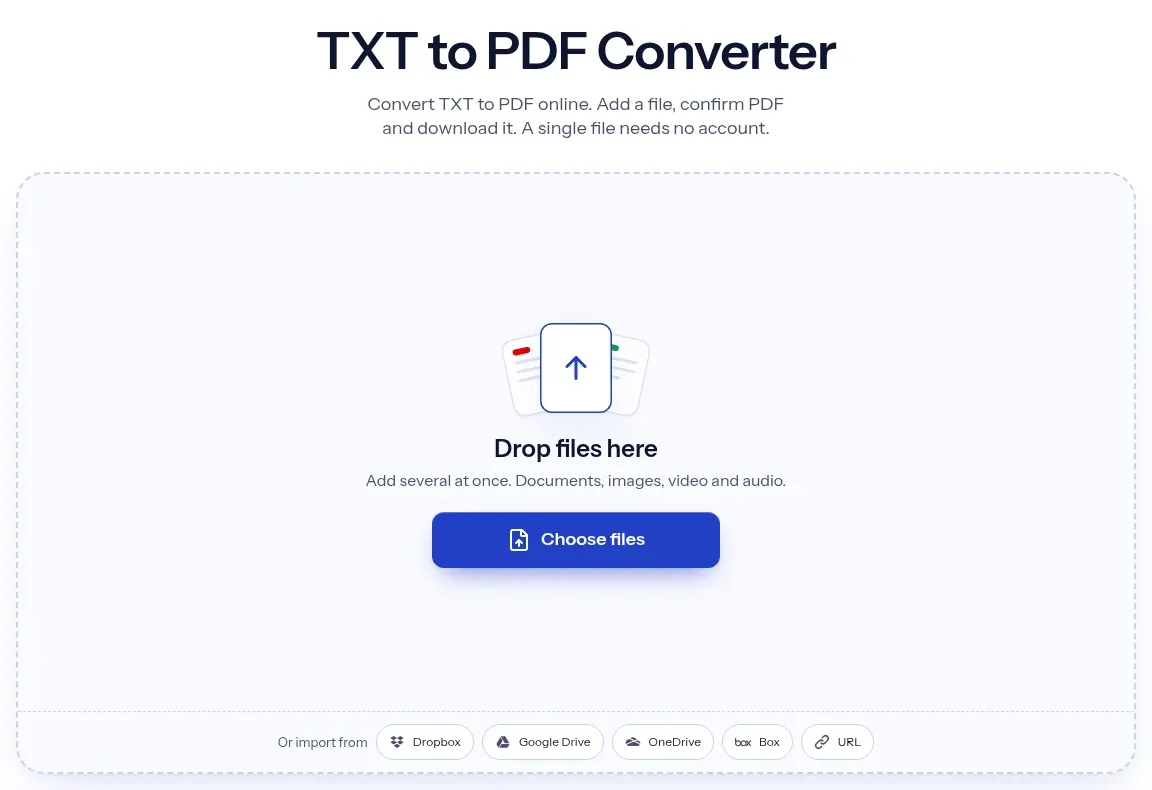
The upload box shows the live size limit before you add a file. Signing in raises it; a paid plan does not change it.
TXT in, PDF out. Pick another output on the converter if you need a different format.
Files are encrypted in transit over HTTPS and processed on indox infrastructure.
Free-tier files are kept for 24 hours after the job finishes, then deleted automatically.
| What you see | Why | What to do |
|---|---|---|
| Black diamonds or question marks instead of accents | The file is not UTF-8 and the encoding is not detected | Save the file as UTF-8 in your editor, then convert again |
| Persian text sits at the left of the page | The converter shapes the letters but does not set right-to-left alignment | Check the result before you share it, and keep the original text file. A document built in DOCX carries its own alignment |
| The font looks like a typewriter | A .txt file carries no font, so a fixed-width font is used | For a proportional font, convert from Markdown or DOCX instead |
| The URL is not clickable | Web addresses stay plain text | Copy it from the PDF, or start from HTML to PDF to keep links |
| The PDF is much larger than the text file | Fonts are embedded in the PDF, and a 63-byte file gave 19.9 kB in our test | This is normal for this converter, so judge by the page count rather than the size |
| Compared on | TXT | |
|---|---|---|
| Layout | None, each program shows its own default | Fixed pages, the same in every viewer |
| Fonts | Not stored in the file | Embedded in the file |
| Encoding | Can differ, and the wrong one garbles text | Stored with the file, so the text reads the same everywhere |
| Editing | Any text editor | Needs a PDF editor |
| Typical use | Notes, logs, configs and code | Sharing, printing and archiving |
Facts checked on November 4, 2026
No tool matches that search.
Open the converter, add your .txt file, keep PDF as the output and download the result. There is nothing to install and the original file is not changed.
The file was probably not UTF-8. In our test a Windows-1252 file gave a replacement character for every accented letter, because the converter did not detect the encoding. Open the text in an editor, save it as UTF-8 and convert again.
UTF-8 text with such characters can be converted. In our test a Persian sentence was shaped correctly, but it was left-aligned and a text extraction returned its words in reversed order. We did not test Arabic or Chinese.
No. In our test a 403-character line was wrapped at word boundaries into five lines of about 80 characters, and no text was lost.
In our test the text could be extracted from the PDF, so it is real text and not an image. For right-to-left scripts the extracted word order was reversed, so search results can be unreliable there.
We saw no such option during our run. The result was A4 with a fixed-width font. If you need a different layout, convert from DOCX or Markdown instead.
Yes. The converter runs in the browser, so you add the file, convert it and download the PDF on Android or iPhone.
No. The URL in our test file stayed plain text with no link in the PDF.
Use PDF when the pages must look the same everywhere or must be printed. If the text should reflow on a small screen, an EPUB or HTML file suits it better.