One slide per PDF page, at the page size
The slide takes the size of the PDF page. Our 10 × 5.625 inch (16:9) test pages gave slides of the same size, so you do not start from a 4:3 template.
Add a PDF and get a PPTX back, one slide per page. A text PDF gives editable text boxes, a scan gives pictures.
To convert pdf to pptx, add the PDF, keep PPTX as the output format and download the deck. In our test, a 3-page text PDF became a 15 KB pptx with 26 editable text boxes and no whole-page pictures, while a scanned PDF became three slides that each hold one picture.
Transfers use HTTPS, and files converted on the free tier are deleted after 24 hours, so the result is not a long-term archive. Quality depends on the source file, so open the PPTX file once before you share it.
Need more PDF options? Open the PDF Converter hub.
PDF (Portable Document Format)
A fixed-layout document format published as ISO 32000. Each page records the exact position of every character, image and line, usually with the fonts embedded, so it displays and prints identically in any reader and is awkward to edit.
PPTX (Office Open XML Presentation)
The Microsoft PowerPoint presentation format, an Open Packaging Conventions package of XML parts defined by the Office Open XML standard (ISO/IEC 29500, ECMA-376). Slides, layouts, notes and animations are stored as editable parts, so how a deck looks depends on the fonts and features of the program that opens it.
A 3-page text PDF and a 3-page scanned PDF, converted to PPTX on indox.org
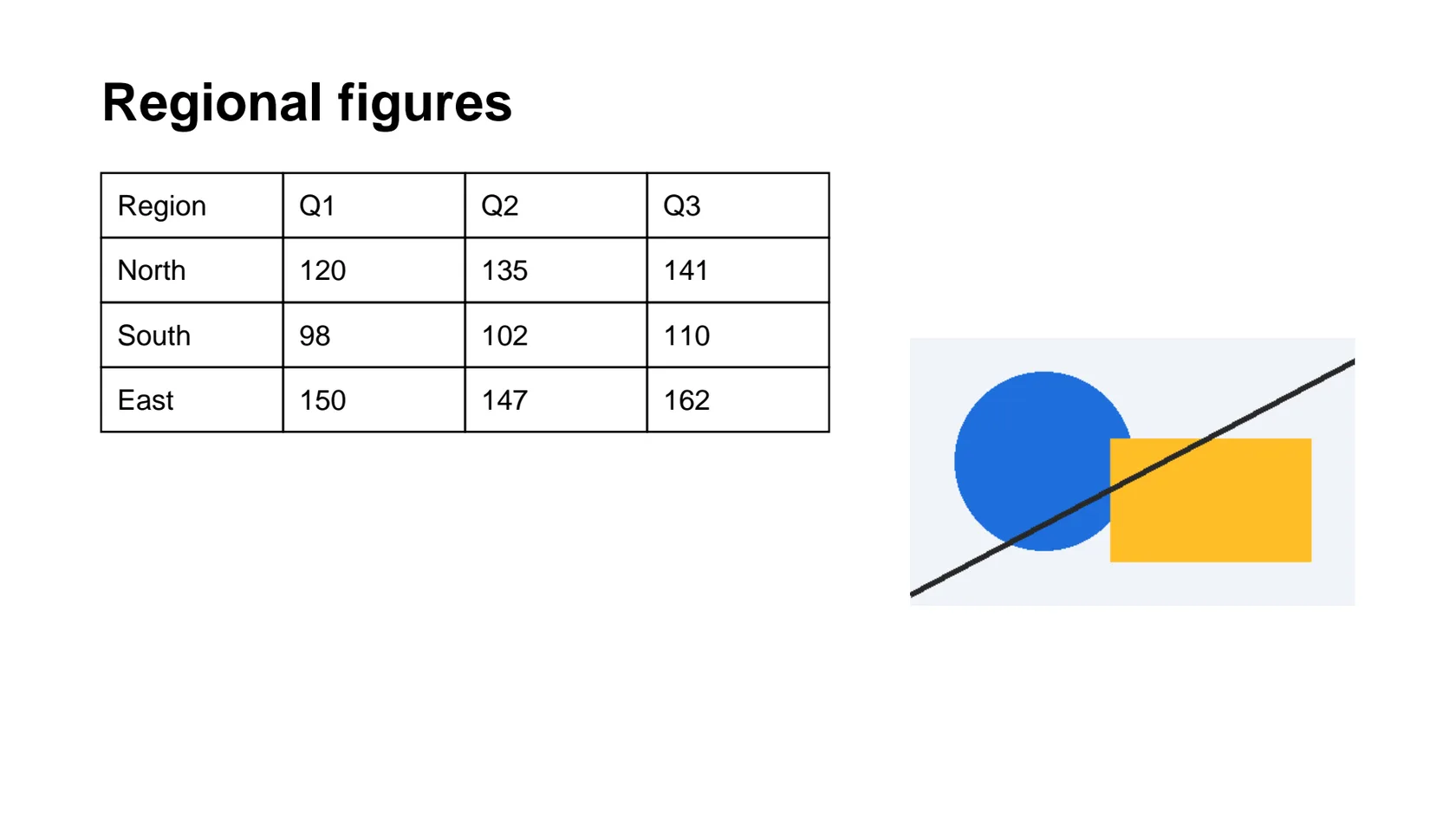
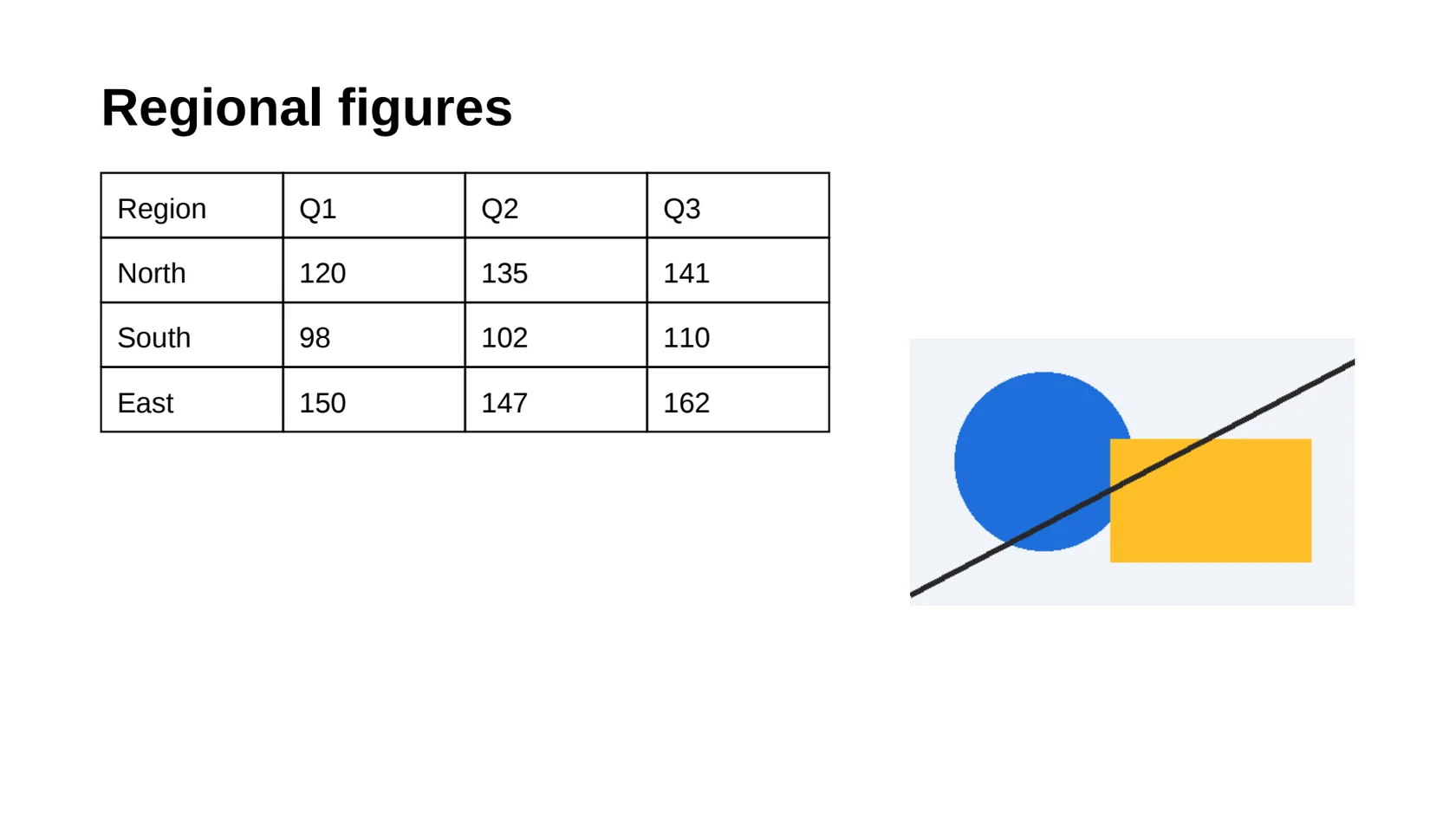
The slide takes the size of the PDF page. Our 10 × 5.625 inch (16:9) test pages gave slides of the same size, so you do not start from a 4:3 template.
When the PDF has a real text layer, the words come out as PowerPoint text boxes you can click into and retype. Pictures and vector shapes stay separate objects.
The conversion runs on indox servers, so it works the same on Windows, Mac, a Chromebook or a phone. Open the result in PowerPoint, Keynote, Google Slides or LibreOffice Impress.
Drop the file on the box or choose it from your device. Check first whether you can select text in it: that tells you whether you will get text boxes or a picture.
Check that PPTX is the output format, then start the conversion. In our test it took 10.9 seconds from the click to Completed for a 3-page file.
Save the PPTX, click into a line of text and look at the table and the fonts before you present. Expect to tidy line breaks and shapes by hand.
Add a PDF and download a PowerPoint file you can edit. We measured a text PDF and a scanned PDF, so you know before you convert whether you will get text boxes or pictures.
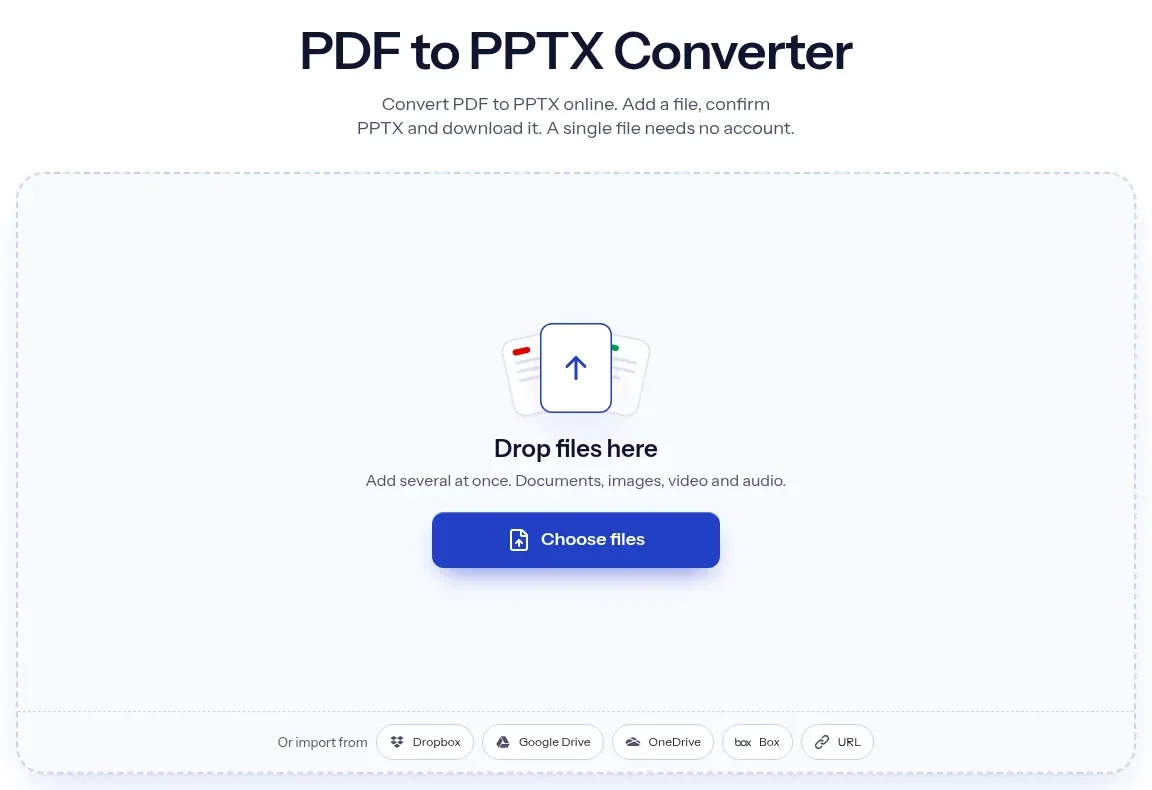
The upload box shows the live size limit before you add a file. Signing in raises it; a paid plan does not change it.
PDF in, PPTX out. Pick another output on the converter if you need a different format.
Files are encrypted in transit over HTTPS and processed on indox infrastructure.
Free-tier files are kept for 24 hours after the job finishes, then deleted automatically.
| What you see | Why | What to do |
|---|---|---|
| Each slide is one picture | The PDF is a scan with no text layer | Run OCR on the PDF, then convert again |
| A paragraph is split into several boxes | Each text line becomes its own box | Select the boxes together, or retype the paragraph in one box |
| The table is not a table | Cells arrive as text boxes with line shapes | Rebuild it as a PowerPoint table, or use PDF to XLSX for the data |
| Fonts look different | The deck names Arial or Times New Roman, not the PDF font | Install the font you want, or set a font in PowerPoint |
| You want text for a document, not slides | Slides split text by line | Use PDF to DOCX instead |
| Compared on | PPTX | |
|---|---|---|
| Purpose | Fixed layout that looks the same everywhere | A deck to edit, reorder and present |
| Text | Glyphs placed on the page, usually without paragraph structure | Text boxes, placeholders and slide masters |
| Editing | Awkward without a PDF editor | Built for editing in PowerPoint and similar apps |
| Fonts | Often embedded, so the look is fixed | Taken from the machine that opens the file |
| Tables and charts | Drawn as lines and text | Native tables and charts are possible |
Facts checked on November 4, 2026
No tool matches that search.
Open the converter, add your PDF, keep PPTX as the output and download the deck. You do not need Acrobat or PowerPoint to run the conversion, only to open the result.
It depends on the PDF. A PDF with a text layer gave editable text boxes in our test, 26 across three slides. A scanned PDF gave one picture per slide, so there is no text to edit.
The PDF is probably a scan or a photo of a page, so it holds pixels and no characters. The converter applies no text recognition. Run OCR on the PDF first, then convert it.
The output here is a .pptx file, the current PowerPoint format. PPT is the older binary format and PowerPoint, Keynote and Google Slides open a PPTX without trouble.
A PDF stores where each glyph sits, not how a deck was built. The conversion maps fonts to named ones such as Arial and places each line in its own box, so the look is close but not identical.
PowerPoint tables are not recovered from a PDF. A ruled table came out as one text box per cell and one line shape per border, with no table object. Rebuild it if you need a real table.
Yes. Our 10 × 5.625 inch PDF pages gave 10 × 5.625 inch slides. A PDF with mixed page sizes was not part of our test, so check that case in your own file.
If you mostly want to reuse running text, convert to a Word file with PDF to DOCX. Choose PPTX when you want pictures, shapes and page layout as slides.
Yes. The converter works in the browser on any of them, so there is nothing to install. Add the PDF, convert and save the deck.