Every frame and the timing are kept
The converter does not drop frames or change the speed. In our test the 36-frame, 12 fps, 3-second GIF came out as a 36-frame, 12 fps, 3-second MP4.
You get an MP4 video of your animation, usually far smaller than the GIF, with the same frames and timing but no sound and no built-in loop.
To convert a GIF to MP4, add the GIF, keep MP4 as the output and download the video. The animation is re-encoded as H.264, which is why the file shrinks: in our test a 258 KB gif became an 82 KB mp4 with all 36 frames, the same 12 frames per second and the same 3 seconds. The MP4 has no sound, does not loop by itself, and transparent areas turn solid.
Transfers use HTTPS, and files converted on the free tier are deleted after 24 hours, so the result is not a long-term archive. Quality depends on the source file, so open the MP4 file once before you share it.
GIF (Graphics Interchange Format)
A raster format that can hold several frames in one file, which is why it became the usual container for short looping clips. Each frame uses a palette of 256 colours or fewer and is compressed losslessly with LZW. Timing is stored per frame in hundredths of a second, and a pixel can be marked transparent, but only fully on or off. There is no sound and no partial transparency.
MP4 (MPEG-4 Part 14)
A video container built around H.264, the codec used by most phones, browsers and editing apps. Unlike a GIF it can hold millions of colours and compresses between frames, but it cannot store transparency and has no loop flag of its own.
A 321 × 241 GIF test clip (36 frames, 12 fps, 3 s) generated by us, converted on indox.org
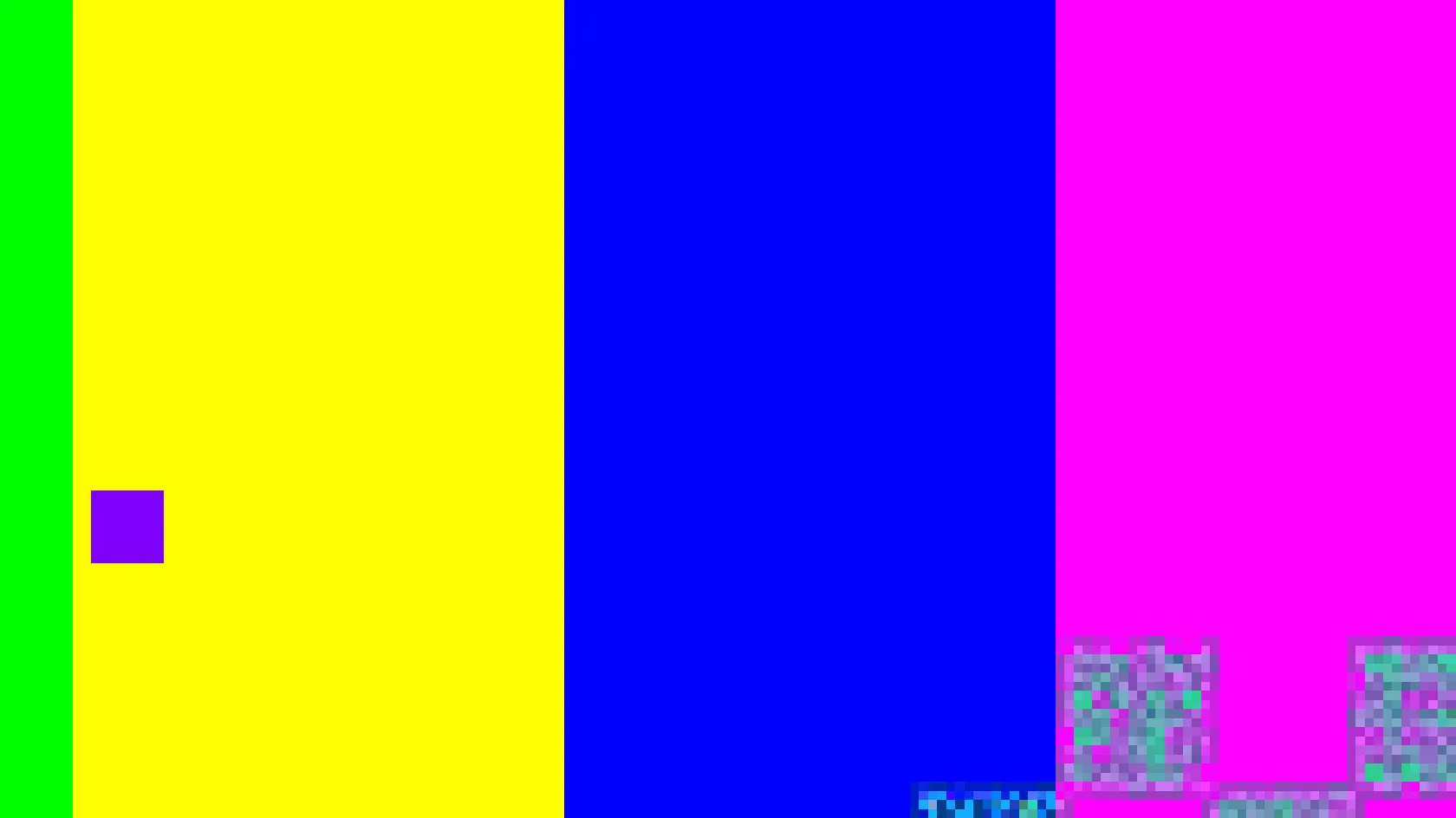
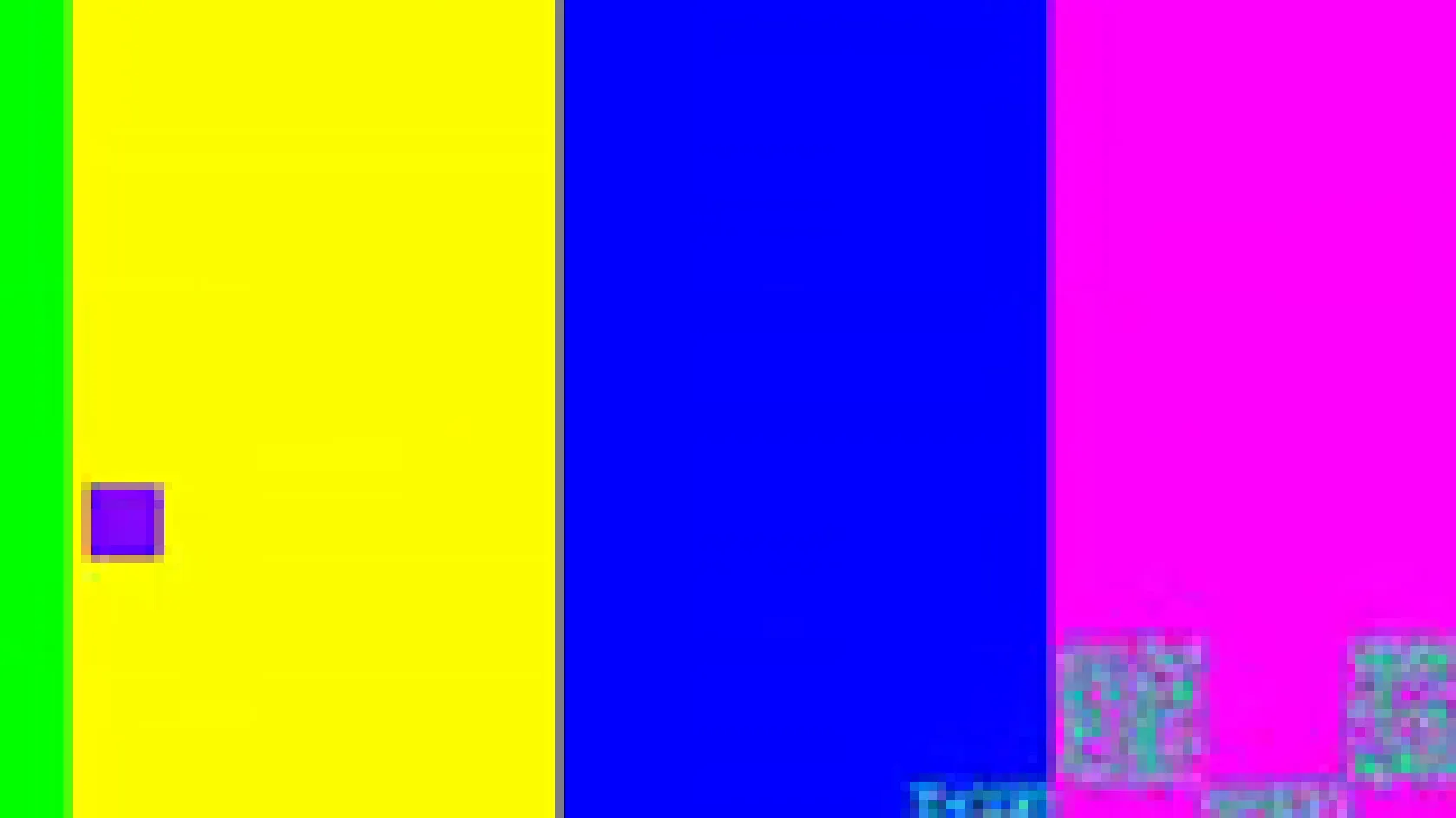
The converter does not drop frames or change the speed. In our test the 36-frame, 12 fps, 3-second GIF came out as a 36-frame, 12 fps, 3-second MP4.
H.264 wants an even width and height, and a raw ffmpeg command fails on an odd size with a divisibility error. The converter rescales the frame to the nearest even size instead of failing. Our 321 by 241 GIF became 320 by 240.
A GIF stores each frame as a separate palette image, while H.264 stores mostly the changes between frames. In our test the MP4 was about 68% smaller than the GIF. A real clip with photos or video footage will compress differently from our test pattern.
Everything runs in the browser, so you do not need ffmpeg, a command line or an editing app. In our test the conversion took 3.8 seconds from the click to Completed.
Drop the GIF on the box or choose it from your device. Keep the original, since the transparency and loop setting live only in the GIF.
Check that MP4 is the output format, then start the conversion. In our test a 3-second GIF took 3.8 seconds from the click to Completed. Larger files will take longer.
Save the MP4 and play it on the device or page where you will use it. If it does not play there, see the table below.
You hand over a GIF and take away an MP4 with the same frames, speed and length. The page states up front what is lost, so you know about the missing transparency, sound and loop before you upload. You install nothing.
The upload box shows the live size limit before you add a file. Signing in raises it; a paid plan does not change it.
GIF in, MP4 out. Pick another output on the converter if you need a different format.
Files are encrypted in transit over HTTPS and processed on indox infrastructure.
Free-tier files are kept for 24 hours after the job finishes, then deleted automatically.
| What you see | Why | What to do |
|---|---|---|
| The MP4 plays once and stops | MP4 has no loop flag | Add the loop attribute to the video element, or turn on repeat in your player |
| A white box where the GIF was transparent | MP4 cannot store transparency | Place the GIF on the colour you want in an editor, then convert |
| The MP4 will not play on an iPhone or in QuickTime | The output used the 4:4:4 pixel format, which those players may not accept | Test on the device; if it fails, re-encode with ffmpeg using pix_fmt yuv420p |
| Edges look slightly soft | An odd-size frame was rescaled to an even size | Use a GIF with even width and height |
| You need the animation as an image again | The MP4 is a video | Use MP4 to GIF |
Older video files at a smaller size
iPhone and Mac video that plays anywhere
Video for phones, TVs and editors
Browser recordings you can share
| Compared on | GIF | MP4 |
|---|---|---|
| Colours | 256 or fewer per frame | Millions with H.264 |
| Compression | Lossless LZW per frame | Lossy video that stores changes between frames |
| Transparency | On or off per pixel | None |
| Sound | None | Optional audio track |
| Looping | Repeats if the file says so | No loop flag; the player or page decides |
| Size in our test | 258 KB | 82 KB |
Facts checked on November 4, 2026
No tool matches that search.
Add the GIF to the converter in your browser, keep MP4 as the output format and download the result. You do not install anything. In our test a 3-second GIF took 3.8 seconds from the click to Completed.
No. A GIF carries no audio, so the MP4 has one video stream and no audio track. If you need sound, add it afterwards in a video editor.
An MP4 has no loop flag. Our GIF repeated forever, and the MP4 plays once. On a web page, add the loop attribute to the video element. In a player, turn on its repeat option.
MP4 cannot store transparency, so the areas become solid. In our test a fully transparent GIF turned into opaque white. We did not test a GIF that mixes transparent and opaque areas, so the colour there may differ. Put the GIF on a solid background first if it matters.
H.264 needs an even width and height. The converter rescales the whole frame to the nearest even size instead of failing, so edges can shift by up to one pixel. Pick even dimensions in your GIF to avoid it.
We have not tested it. The MP4 in our test used the 4:4:4 pixel format (High 4:4:4 Predictive profile), which Safari and QuickTime may not play, according to one developer's report. Try the file on your device before relying on it.
In our test, yes: 82 KB against 258 KB, about 68% smaller. That GIF was a generated test pattern, so a real clip will give a different ratio. A GIF that is already tiny can even grow, as a very small transparent sample did in our second test, going from 1.4 KB to 2.2 KB.
The 256-colour limit of the GIF stays in the picture, and the video is compressed again with some loss. The odd-size rescale adds slight softness at edges. We did not run a quality score on this pair, so look at the result yourself.
Yes. Use a video element with autoplay, loop, muted and playsinline, as the web.dev guide describes. Browsers generally allow autoplay only for muted video.