Works for static and animated GIFs
A still GIF gives a JPG of the picture. An animated GIF gives a JPG of its first frame. The spelling JPEG means the same thing, so a search for gif to jpeg ends up in the same place.
Add a GIF and get one JPG back. For an animated GIF, the JPG is the first frame.
To convert gif to jpg, add the GIF file, keep JPG as the output format and download the result. In our test, a 3-frame animated GIF of 20.1 KB became one 7.4 KB jpg of its first frame, and the transparent areas came out black.
Transfers use HTTPS, and files converted on the free tier are deleted after 24 hours, so the result is not a long-term archive. Quality depends on the source file, so open the JPG file once before you share it.
GIF (Graphics Interchange Format)
A raster format that can hold several frames in one file, which is why it became the usual container for short looping clips. Each frame uses a palette of 256 colours or fewer and is compressed losslessly with LZW. Timing is stored per frame in hundredths of a second, and a pixel can be marked transparent, but only fully on or off. There is no sound and no partial transparency.
JPEG (Joint Photographic Experts Group)
A lossy photo format from the early 1990s built on block-based DCT compression. It is limited to 8-bit standard dynamic range with no alpha channel, yet it opens in practically every editor, viewer, email client and content management system.
An animated GIF of 3 frames, 480 × 270 px, converted on indox.org
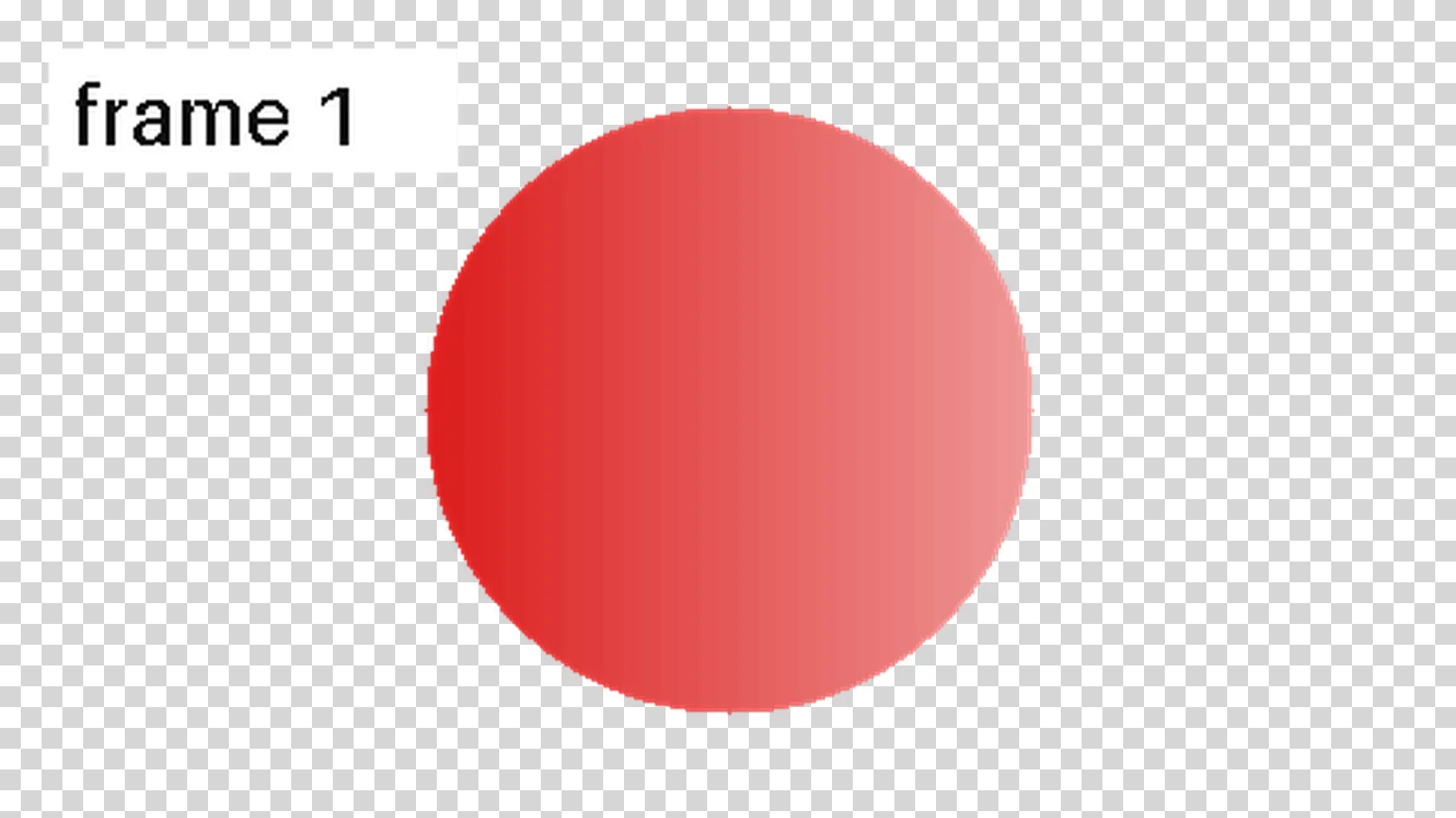
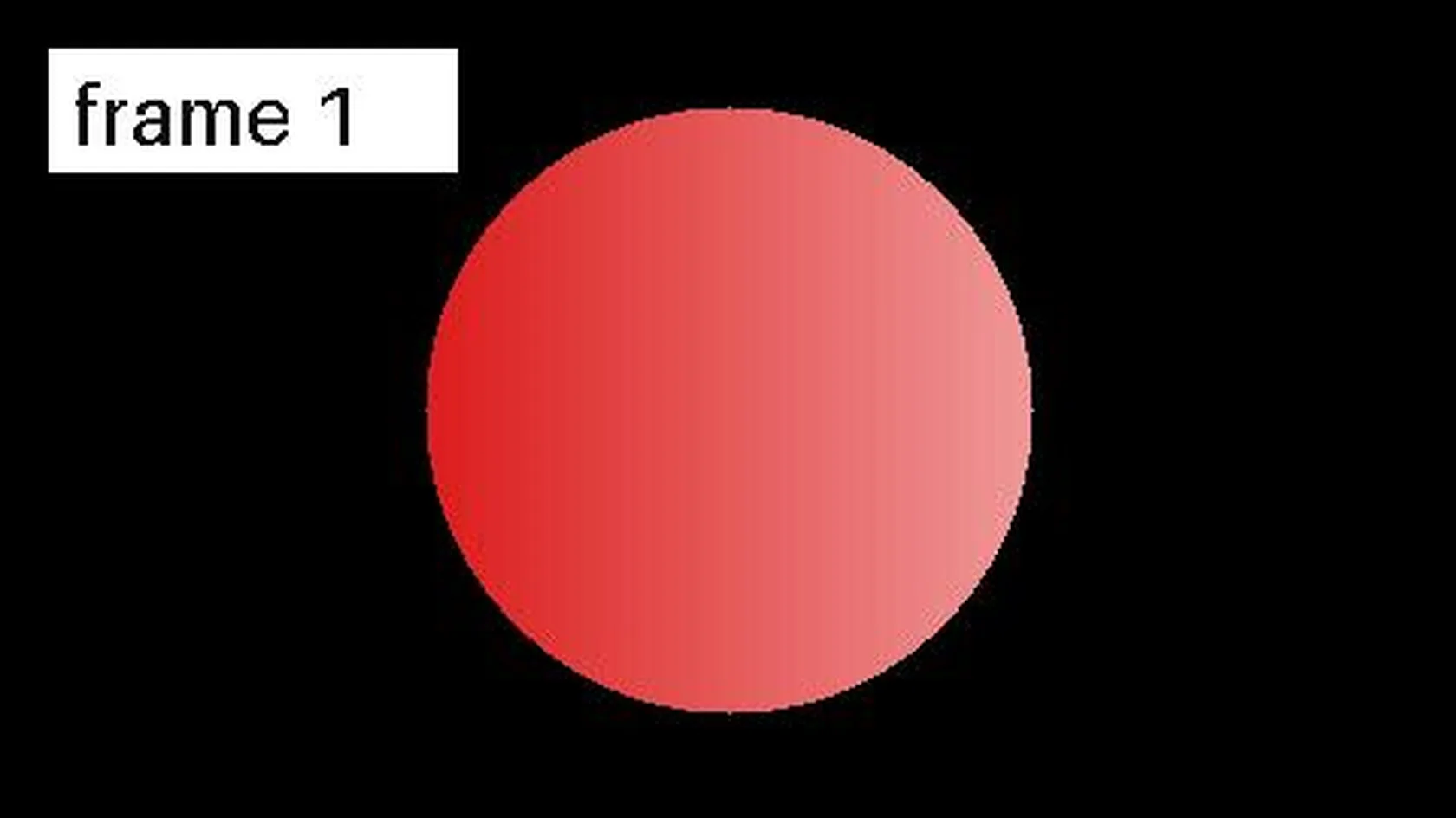
A still GIF gives a JPG of the picture. An animated GIF gives a JPG of its first frame. The spelling JPEG means the same thing, so a search for gif to jpeg ends up in the same place.
The conversion runs on indox servers, so it works the same on Windows, Mac, Android and iPhone. You do not need an image editor to flatten a GIF.
We checked which frame you get and what colour replaces transparent pixels. Both answers are below, so you know before converting whether the result suits your upload.
Drop the file on the box or choose it from your device. Keep the original GIF: it still holds the animation and the transparency, and the JPG cannot give them back.
Check that JPG is the output format, then start the conversion. In our test it took 3.3 seconds from the click to Completed, for both an animated and a still GIF.
Save the JPG and open it before you upload it. Check that the frame is the one you wanted and that no black patches sit where the GIF was transparent.
You hand over a GIF and take away a JPG, ready for forms and sites that reject GIF. The page tells you what happens to the frames and the transparency before you convert, so you can decide if a JPG is the right output.
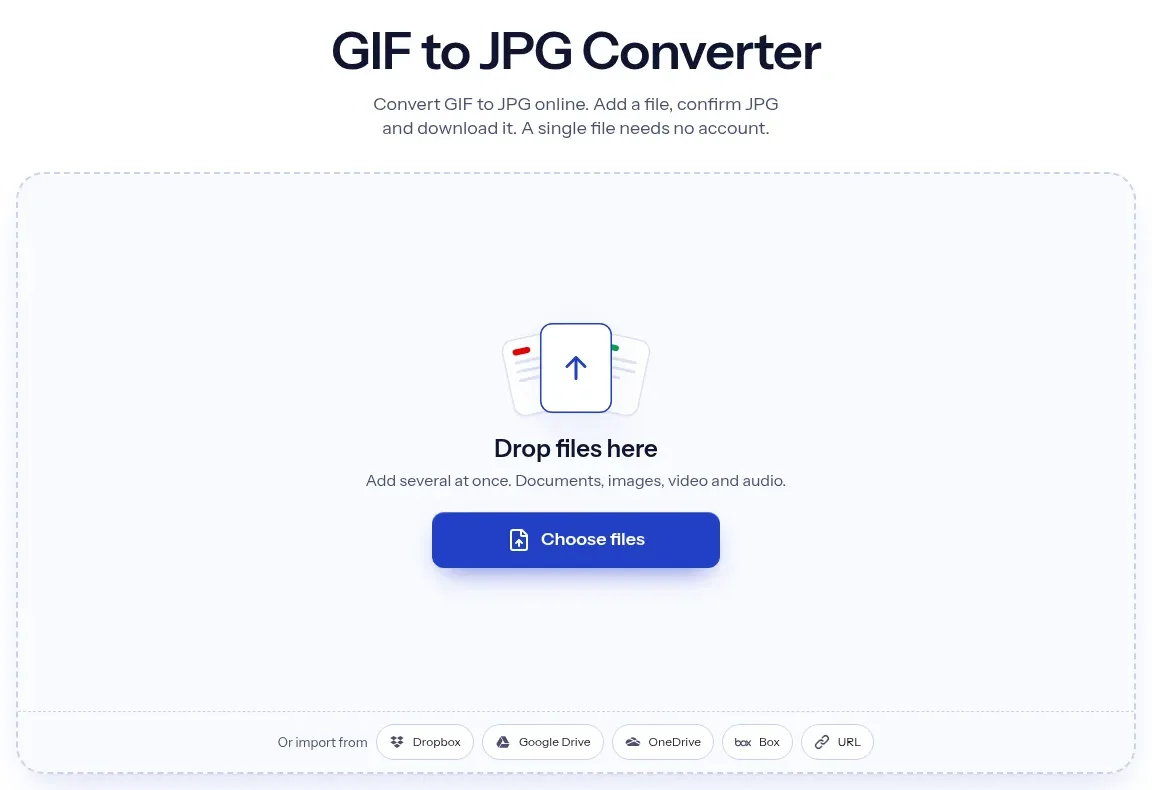
The upload box shows the live size limit before you add a file. Signing in raises it; a paid plan does not change it.
GIF in, JPG out. Pick another output on the converter if you need a different format.
Files are encrypted in transit over HTTPS and processed on indox infrastructure.
Free-tier files are kept for 24 hours after the job finishes, then deleted automatically.
| What you see | Why | What to do |
|---|---|---|
| Black patches where the GIF was transparent | A JPG cannot store transparency and the transparent pixels were filled with black | Use GIF to PNG to keep transparency, or place the GIF on a solid background in an editor first |
| The JPG shows a different frame than I wanted | Only the first frame is converted | Export the frame you want from the GIF in an editor, then convert that file |
| The JPG does not move | A JPG is a still image | Use GIF to MP4 to keep the motion |
| The JPG is larger than the GIF | Flat colours and few colours compress well in GIF but not in JPG | Use GIF to PNG for graphics, or keep the GIF |
| A site still rejects the file | Renaming the extension does not change the contents | Upload the converted .jpg, which is a real JPG |
| Compared on | GIF | JPG |
|---|---|---|
| Frames | One or many in a single file, so it can animate | One image per file, no animation |
| Colours | 256 colours or fewer per frame | Millions of colours, 8 bits per channel |
| Compression | Lossless LZW | Lossy, so detail is approximated |
| Transparency | A pixel is fully transparent or fully opaque | None, so transparent areas need a fill |
| Best for | Short loops, simple graphics, flat colours | Photos and pictures that must be small and widely accepted |
Facts checked on November 4, 2026
No tool matches that search.
Open the converter, add your GIF file, keep JPG as the output and download the result. You do not need an image editor or any software on your computer.
The first frame. In our test a 3-frame GIF gave one JPG that matched frame 1 closely and differed clearly from frames 2 and 3. If you need another frame, export it from the GIF in an editor first.
Not on this page. The converter returns one JPG, and in our run no ZIP and no frame choice was offered.
A JPG cannot store transparency, so those pixels need a colour. In our test they became black, with a magenta transparent entry and with a white one. For a see-through result use GIF to PNG, or put the GIF on a solid background in an editor and convert that.
No. A JPG is a single still image. To keep the motion, convert the GIF to a video with GIF to MP4.
Yes. JPG and JPEG are two spellings of one format, and both mean the same output file here.
It depends on the picture. Our 3-frame animated GIF of 20.1 KB gave a 7.4 KB JPG, about 0.37 times the size, but our 2.1 KB two-colour still GIF gave a 4.4 KB JPG, about twice the size.
Close, but not identical. JPG is lossy and the converter saved at about quality 75, so hard edges and flat colours can show slight noise. Compare the result with the original before you use it.
No. Changing the extension does not change the contents, and many sites check the real file type. Convert the GIF so you get a real JPG.
Choose JPG for a photo-like frame that must be small and widely accepted. Choose PNG for logos, text, line art or any picture with a transparent background.