Free U.S. government forms
2,521 fillable forms from 8 U.S. agencies: tax, immigration, veterans, Medicare and more. Fill them in your browser, free and without an account.
Categories
All categories- Individual income tax101 IRS forms
- Employment & payroll81 IRS forms
- 1099s & information returns68 IRS forms
- Business & corporations200 IRS forms
- Green cards9 USCIS forms
- Work authorization11 USCIS forms
- Citizenship8 USCIS forms
- Family petitions8 USCIS forms
- Disability compensation26 VA forms
- VA health care130 VA forms
- Medicare enrollment8 CMS forms
- Bankruptcy43 U.S. Courts forms
Popular forms
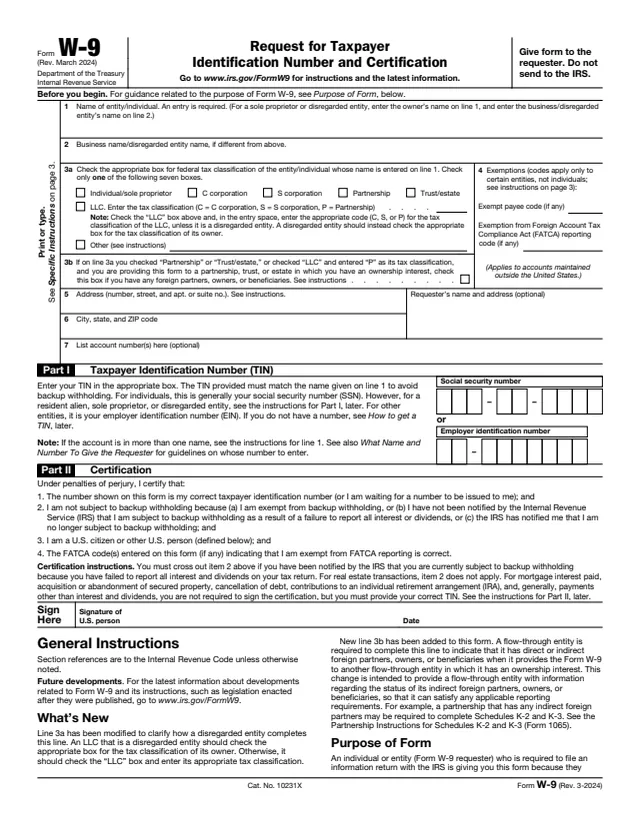
W-9
Request for Taxpayer Identification Number and Certification
23 fields, 6 pages
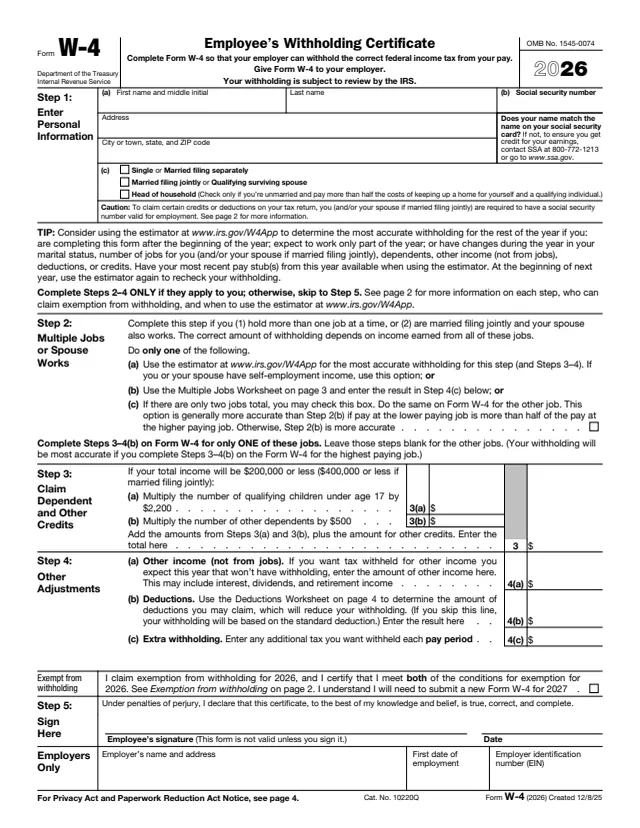
W-4
Employee's Withholding Certificate
48 fields, 5 pages
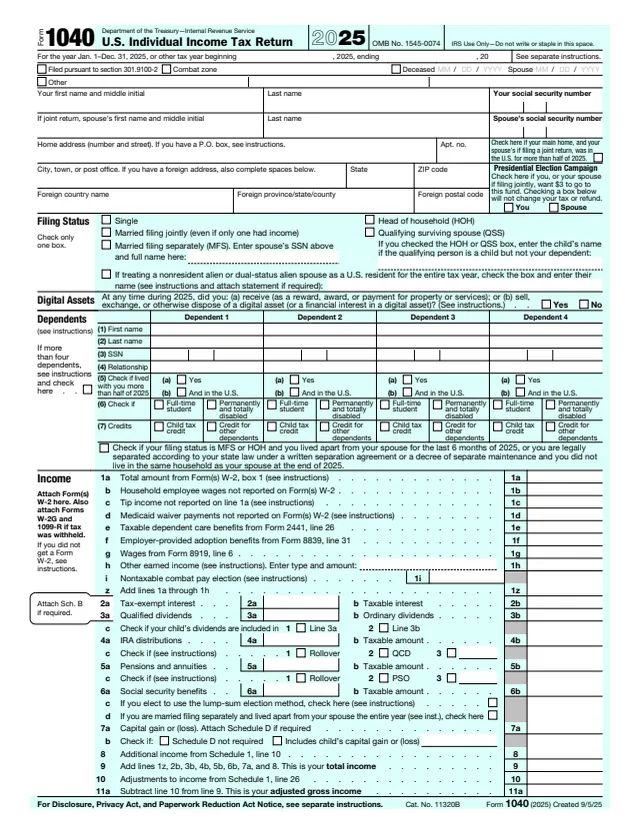
1040
U.S. Individual Income Tax Return
199 fields, 2 pages
1099-NEC
Nonemployee Compensation
140 fields, 6 pages
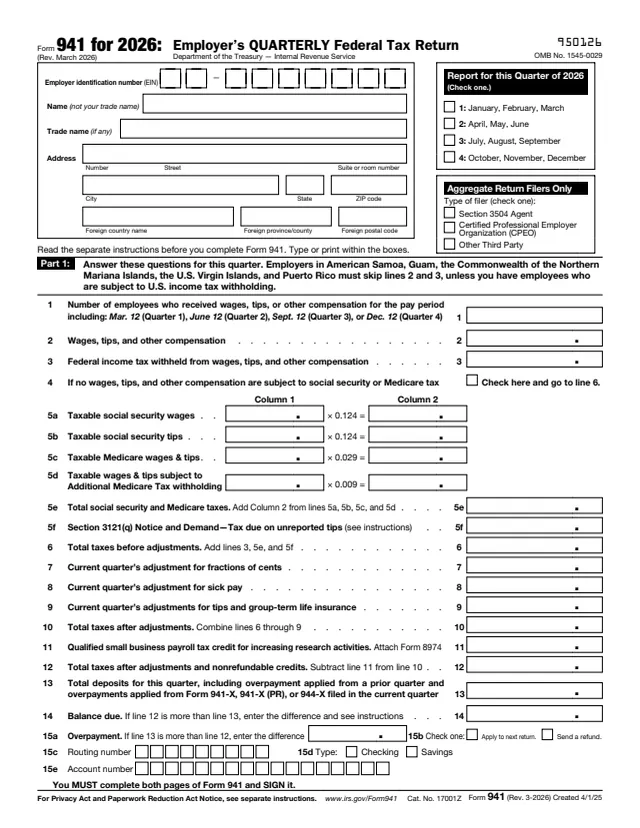
941
Employer's QUARTERLY Federal Tax Return
116 fields, 3 pages
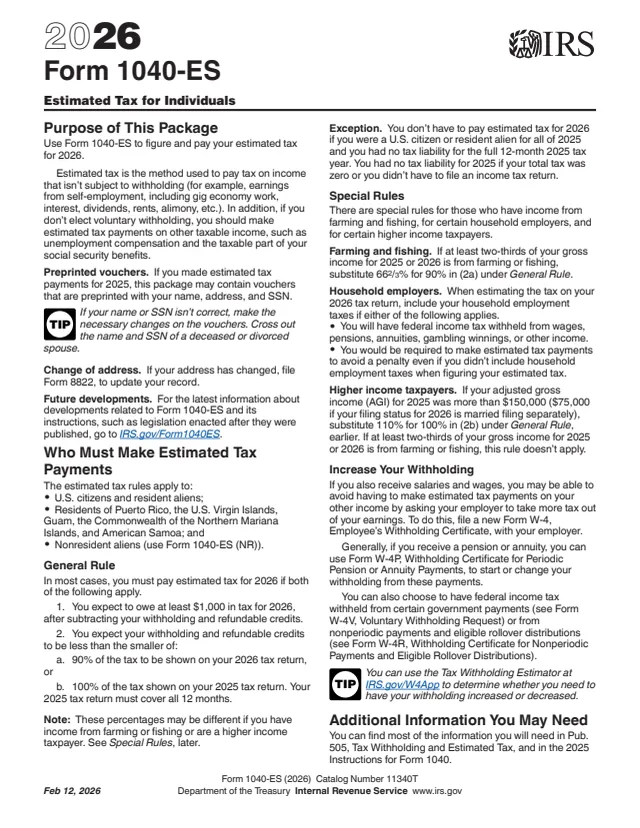
1040-ES
Form 1040-ES, Estimated Tax for Individuals
118 fields, 16 pages
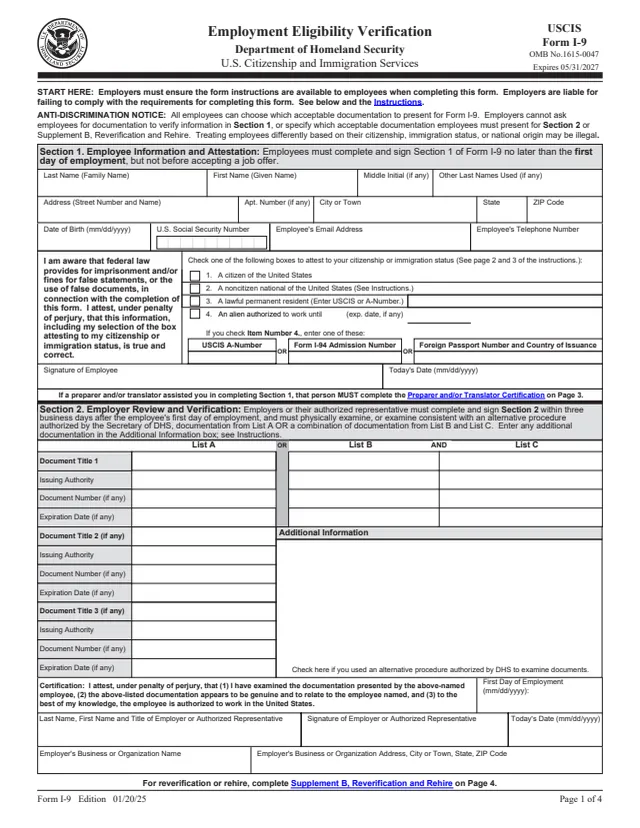
I-9
Employment Eligibility Verification
128 fields, 4 pages
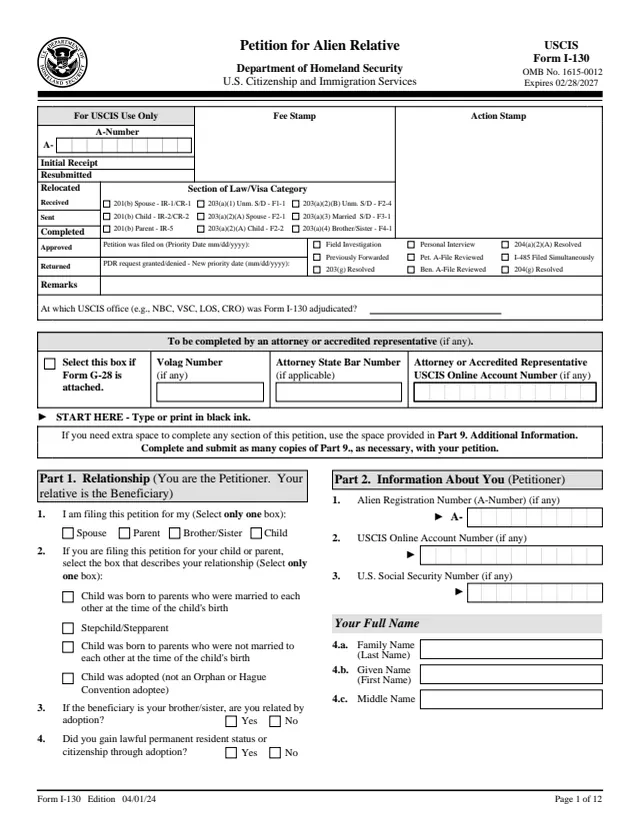
I-130
Petition for Alien Relative
450 fields, 12 pages
All forms
W-9
Request for Taxpayer Identification Number and Certification
23 fields, 6 pages
W-4
Employee's Withholding Certificate
48 fields, 5 pages
1040
U.S. Individual Income Tax Return
199 fields, 2 pages
1099-NEC
Nonemployee Compensation
140 fields, 6 pages
941
Employer's QUARTERLY Federal Tax Return
116 fields, 3 pages
1040-ES
Form 1040-ES, Estimated Tax for Individuals
118 fields, 16 pages
W-2
Wage and Tax Statement
568 fields, 11 pages
1099-K
Payment Card and Third Party Network Transactions
207 fields, 6 pages
1099-INT
Interest Income
127 fields, 7 pages
1099-R
Distributions From Pensions, Annuities, Retirement or Profit-Sharing Plans, IRAs, Insurance Contracts, etc.
257 fields, 9 pages
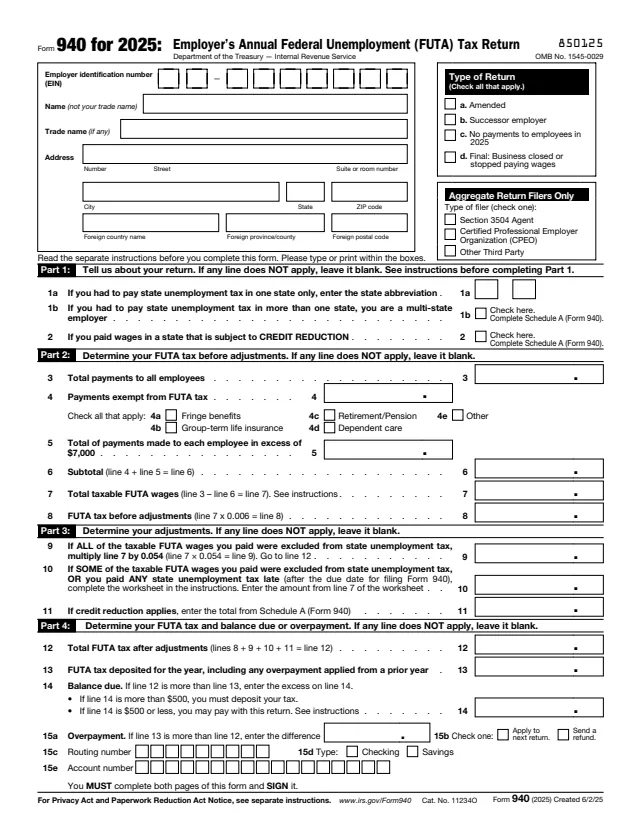
940
Employer's Annual Federal Unemployment (FUTA) Tax Return
97 fields, 3 pages
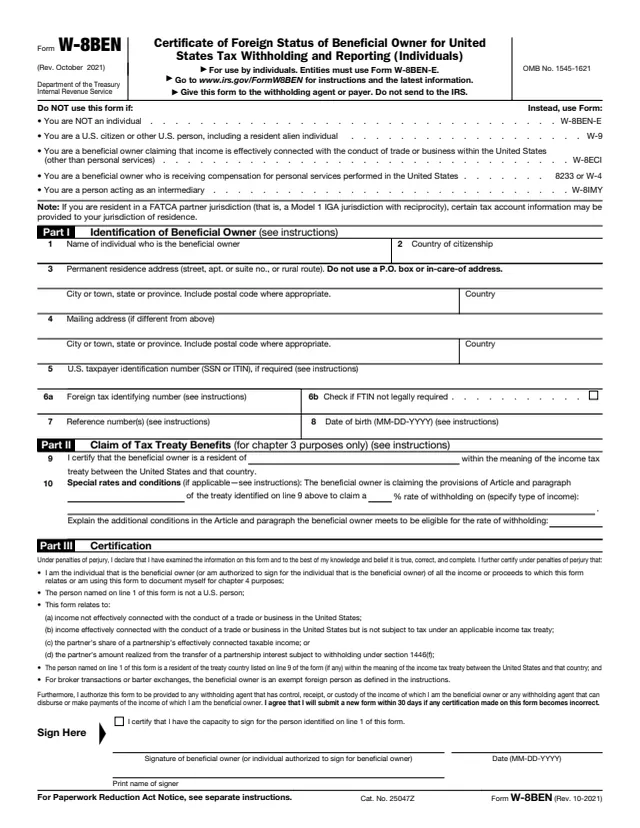
W-8
Certificate of Foreign Status of Beneficial Owner for United States Tax Withholding and Reporting (Individuals)
23 fields, 1 page
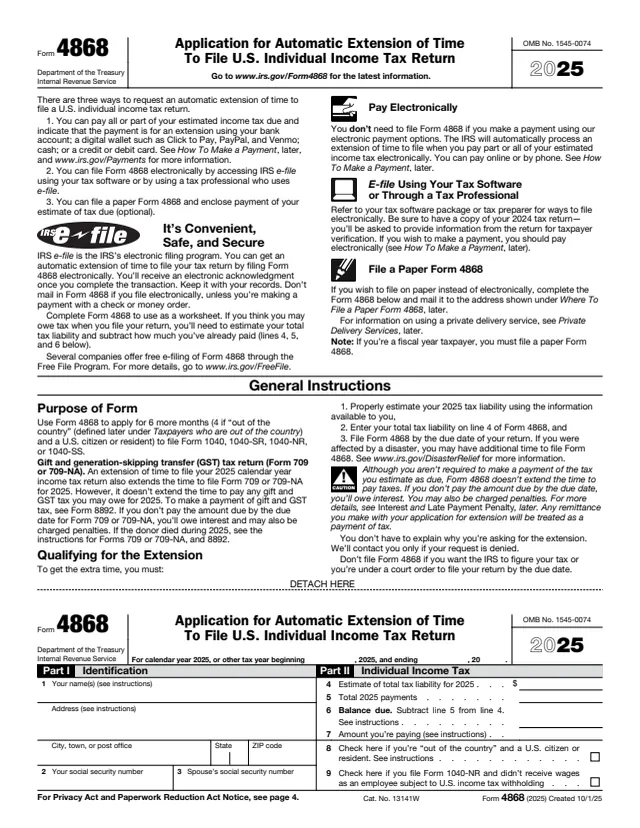
4868
Application for Automatic Extension of Time To File U.S. Individual Income Tax Return
17 fields, 4 pages
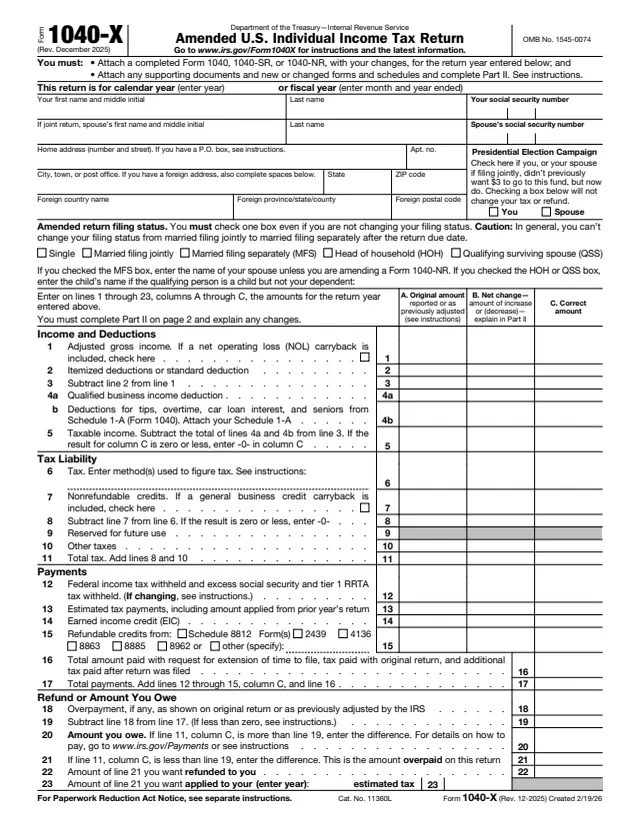
1040-X
Amended U.S. Individual Income Tax Return
166 fields, 2 pages
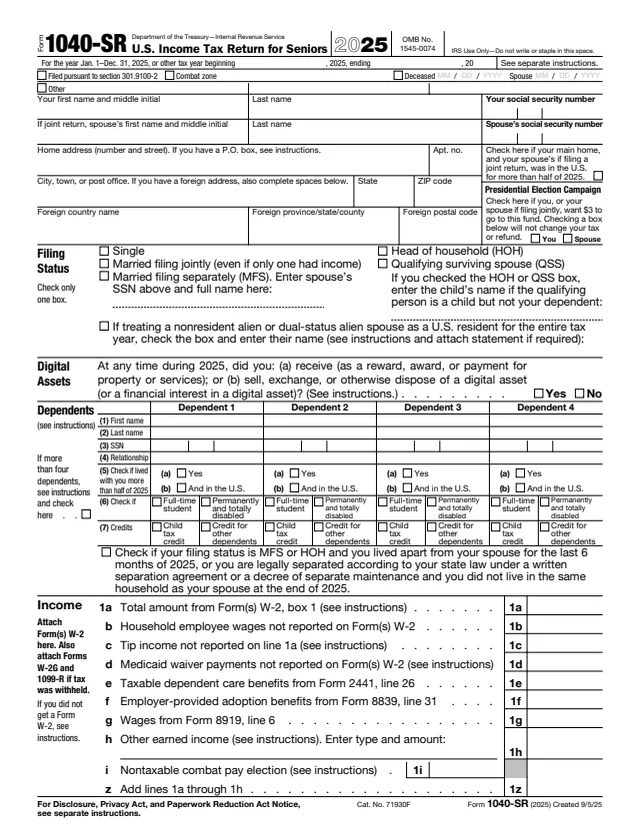
1040-SR
U.S. Income Tax Return for Seniors
200 fields, 4 pages
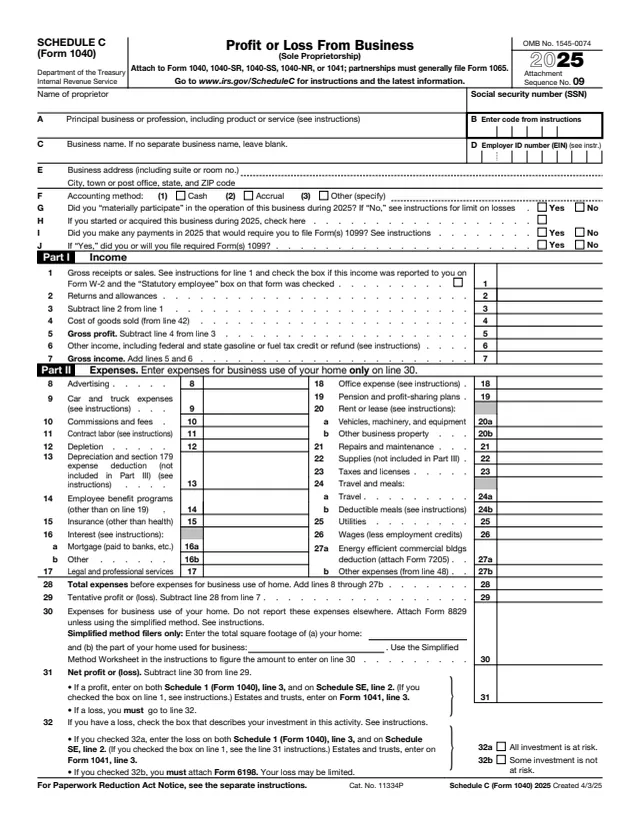
1040
Profit or Loss From Business (Sole Proprietorship)
105 fields, 2 pages
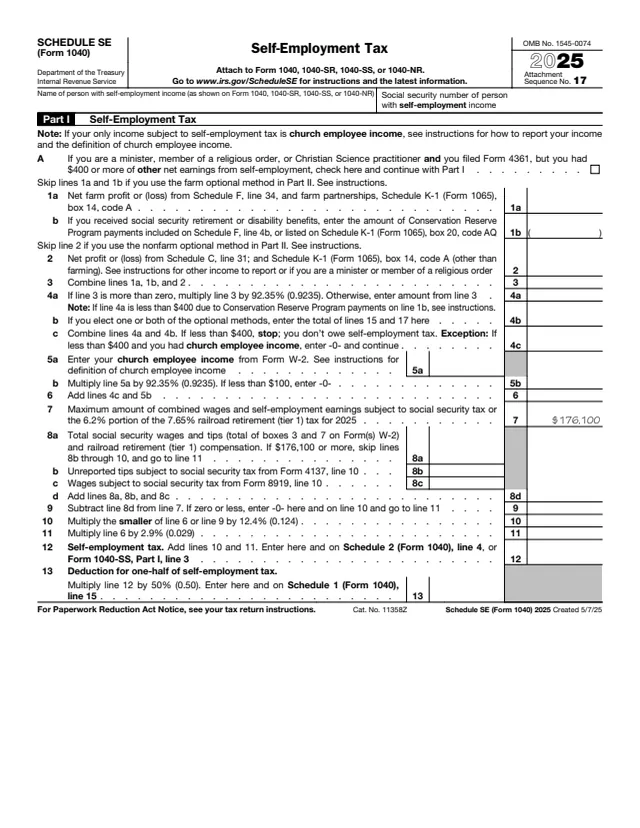
1040
Self-Employment Tax
27 fields, 2 pages
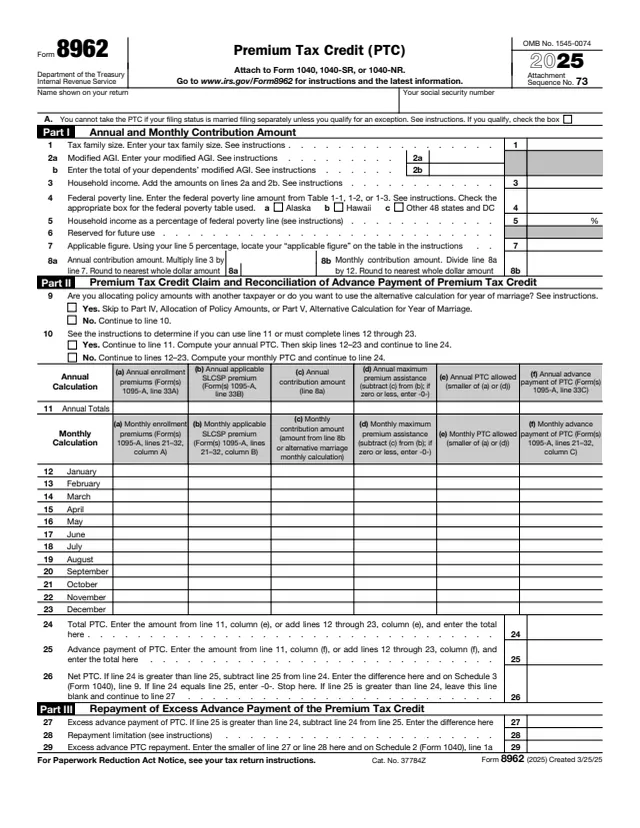
8962
Premium Tax Credit (PTC)
141 fields, 2 pages
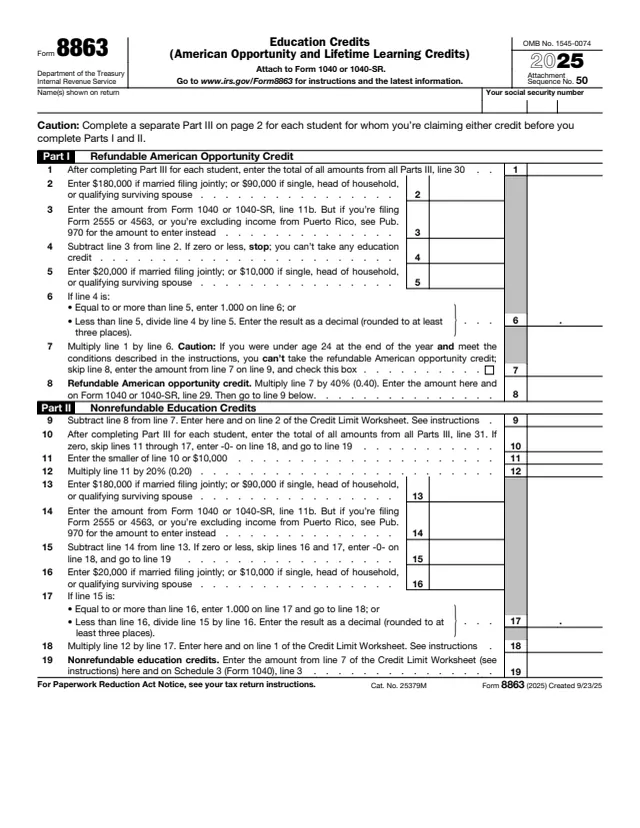
8863
Education Credits (American Opportunity and Lifetime Learning Credits)
77 fields, 2 pages
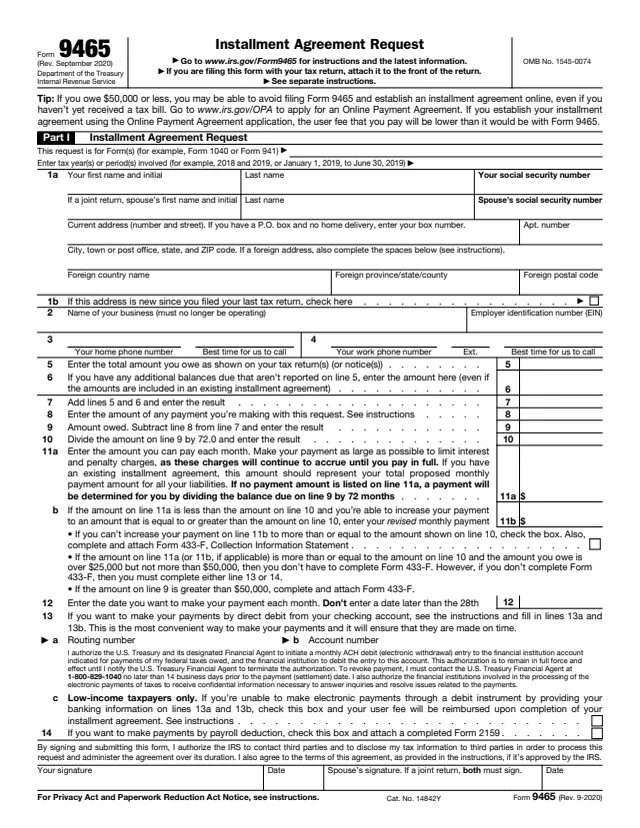
9465
Installment Agreement Request
66 fields, 2 pages
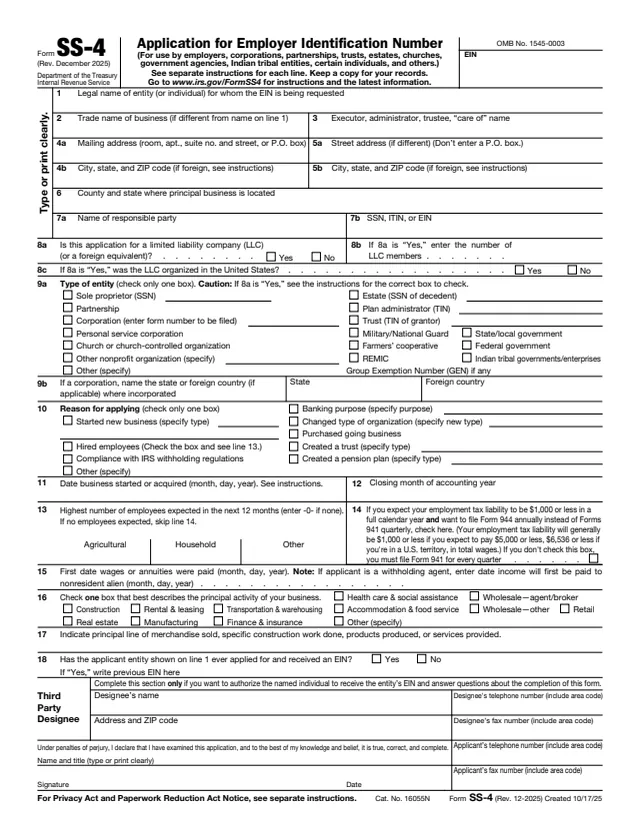
SS-4
Application for Employer Identification Number
89 fields, 2 pages
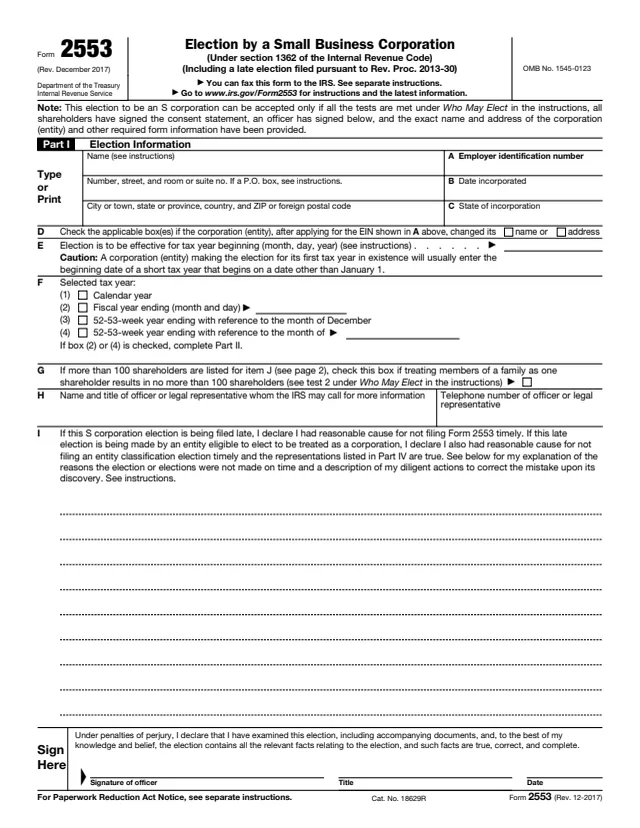
2553
Election by a Small Business Corporation (Under Section 1362 of the Internal Revenue Code)
100 fields, 4 pages
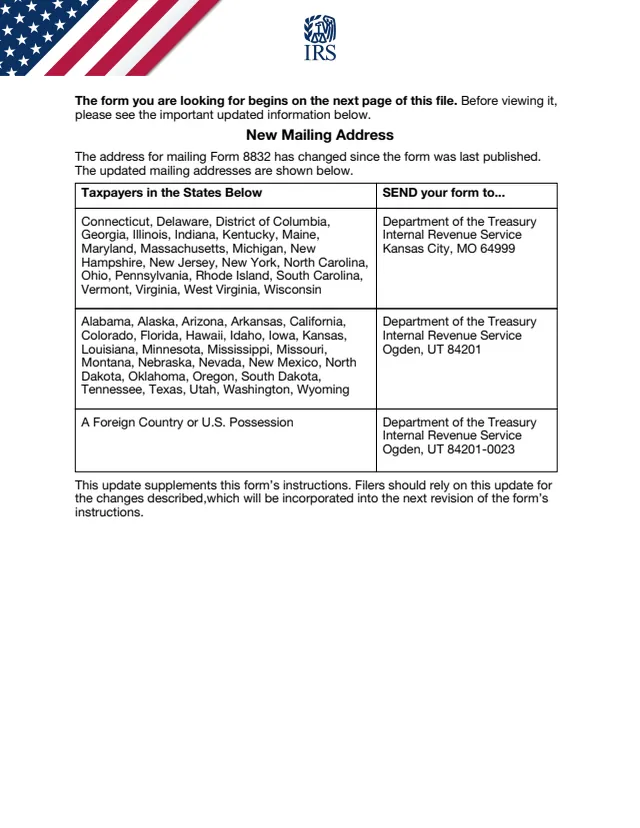
8832
Entity Classification Election
70 fields, 8 pages
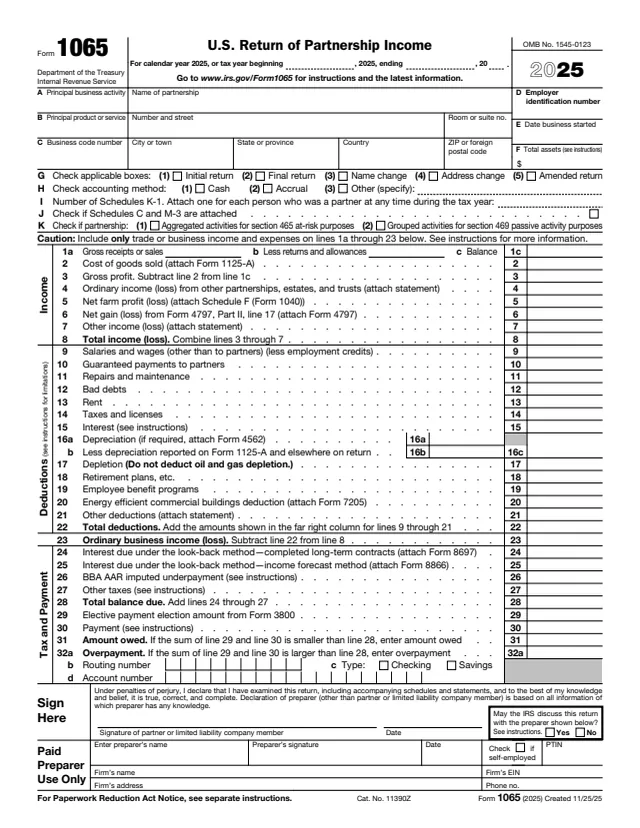
1065
U.S. Return of Partnership Income
440 fields, 6 pages
All categories
IRS
- Individual income tax101
- Employment & payroll81
- 1099s & information returns68
- Business & corporations200
- Charities & nonprofits39
- Estates, gifts & trusts62
- Retirement & savings plans63
- Excise tax40
- International112
- Payments, refunds & disputes99
- Records, IDs & e-file83
- Tax pros & free filing help127
- IRS notices & requests37
USCIS
VA
- Disability compensation26
- VA health care130
- Veterans pension19
- Decision reviews & appeals5
- Education & training26
- Careers & employment4
- Home loans & housing49
- Life insurance19
- Burials & memorials19
- Family & caregiver benefits14
- VA records & requests12
- Representatives & accredited agents5
- VA debts & overpayments3
- VA contracting14
- VA employee forms7
CMS
U.S. Courts
GSA
- Federal contracting161
- Federal grants6
- Federal personnel83
- Federal medical records34
- Background checks & security clearance29
- Military service records5
- Claims & incident reports28
- Federal retirement & insurance40
- Federal payroll129
- Federal travel25
- Property & fleet55
- Building operations28
- Federal telecommunications5
- Records management23
- GSA operations27
Federal Student Aid
State Department
Fill any of 2,521 government forms free, right in your browser.
What is the indox forms library?
The forms library collects official U.S. government forms in one place, from IRS tax forms to USCIS immigration forms, so you can fill one in your browser for free.
Search by form number, such as W-9 or 1040, or browse by topic. Open a form and it loads in the editor with a real field for every box. Filling is free; sign in when you want to download or print the finished copy. Each agency publishes its forms as PDFs, and indox reads the fields from that PDF, so the layout matches the original. Check the edition date before you file.

What else can I do with my forms?
Need to sign or reshape the PDF afterwards?
The PDF tools hub covers merging, splitting, compressing and signing, and the PDF converter turns a finished form into another format.
Open the PDF tools hubPDF tools hub
Merge, split, compress, sign, OCR and more.
Form reader
Read the fields of any fillable PDF and fill them in.
Sign documents
Collect signatures on a finished PDF.
PDF converter
Every format pair that goes to or from a PDF.
Do it all with indox
No tool matches that search.
Forms FAQs
Are the forms free to fill?
Yes. Open any form and fill it in your browser for free. Sign in when you want to download or print the filled copy.
Where do the forms come from?
Each agency that issues a form, such as the IRS or USCIS, publishes it as a PDF. indox keeps a blank copy of each one and reads its fields, so the title, description and field count come from the PDF itself.
How do I find the form I need?
Type a form number or a word such as payroll in the search box, start from the popular forms, or open a topic to see every form it holds.
Why do USCIS forms not get a data barcode?
USCIS forms are filled as standard PDFs, so the barcode that Adobe Acrobat adds to some of them is not generated. USCIS processes forms with or without it.
Should I check the edition date?
Yes. Agencies retire old editions, so check the edition date on the form before you file it.
Can I sign a form here?
Yes. Forms open in the editor, and the PDF tools include signing. For USCIS forms, print and sign in ink.
Can I fill a form that is not in the library?
Yes. Drop your own PDF into the form reader and indox reads its fields the same way.