The video is copied, not re-encoded
In our test the MP4 held mpeg2video at 720 × 480 and 29.97 fps, the same as the VOB. Frame 60 of the source and of the MP4 had identical pixels, so a plain conversion adds no new compression loss.
You get an MP4 that holds the same MPEG-2 picture and AC-3 sound as your VOB, with the first audio track and no menu data.
To convert vob to mp4, add one VOB file, keep MP4 as the output and download the result. In our test the video was copied into the MP4 without re-encoding, so the picture was identical, but it is still MPEG-2 and Chrome could not play it. Only the first audio track was kept, menus are dropped, and an uppercase .VOB name was refused until we renamed it.
Transfers use HTTPS, and files converted on the free tier are deleted after 24 hours, so the result is not a long-term archive. Quality depends on the source file, so open the MP4 file once before you share it.
VOB (DVD Video Object)
A VOB is the file DVD-Video discs use for the movie, built on the MPEG-2 Program Stream. It usually holds MPEG-2 video and AC-3 audio, and it can also carry subtitle and menu data. A long title is split into numbered files in the VIDEO_TS folder, and only the first one starts with a full header.
MP4 (MPEG-4 Part 14)
The container that phones, browsers, cameras and editing apps are built around. An MP4 can hold many codecs. The one you get from this page depends on what the VOB contained, so check the codec before you assume it will play on a TV or phone.
A 5-second DVD-style VOB test clip (720 × 480, two AC-3 tracks) made by us, converted on indox.org
In our test the MP4 held mpeg2video at 720 × 480 and 29.97 fps, the same as the VOB. Frame 60 of the source and of the MP4 had identical pixels, so a plain conversion adds no new compression loss.
The DVD sample was interlaced, with the top field first. The MP4 kept that flag. The converter did not deinterlace the picture, so motion on a modern screen can show combing unless your player deinterlaces.
The MP4 was written with its index before the video data, so a player that supports the codecs can start before the whole file has downloaded.
The sample had two AC-3 stereo tracks. The MP4 had one, the first, at 192 kb/s. If your disc carries a commentary or a second language, it is not in the output.
| You need | Use | Why |
|---|---|---|
| H.264 video for a phone or TV | A desktop re-encoder such as HandBrake | This page copies MPEG-2 and does not re-encode |
| The whole disc as one file | Join the VOB files first on your computer | This page converts one file per run |
| A chosen audio or subtitle track | A desktop tool with track selection | This page keeps the first audio track only |
| A quick MP4 wrapper for one VOB | This converter | It copies the stream in seconds and needs no install |
Drop a VOB on the box or choose it from your device. The file name needs a lowercase .vob extension. In our test VTS_01_1.VOB in capitals was refused on the page, and the same bytes named .vob uploaded fine.
Check that MP4 is the output format, then start. In our test a 5-second, 4.15 MB VOB took 4.8 seconds from the click to Completed. A longer or larger file takes longer.
Save the file and open it in a player that handles MPEG-2, such as VLC. Check the sound and the audio language, because only the first track is kept.
You add a VOB from a DVD rip or a camcorder disc and get an MP4 without installing anything. The page says what ends up inside the file and where it falls short.
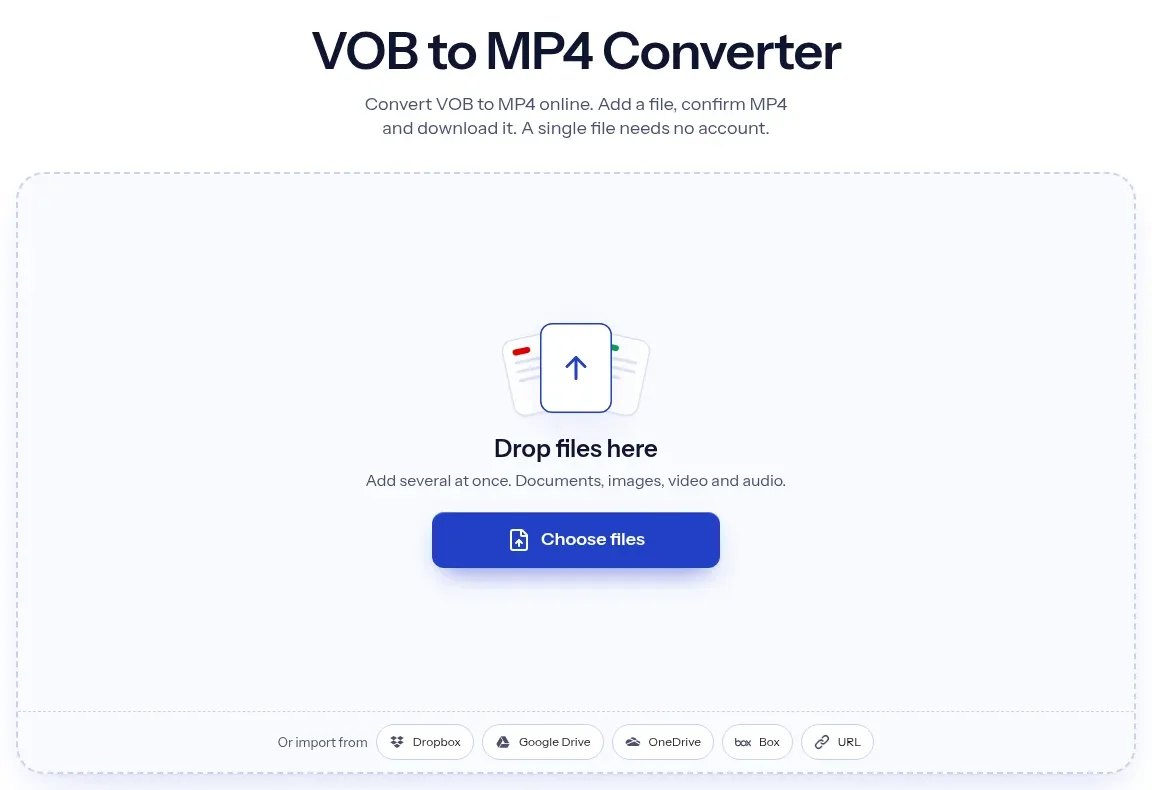
The upload box shows the live size limit before you add a file. Signing in raises it; a paid plan does not change it.
VOB in, MP4 out. Pick another output on the converter if you need a different format.
Files are encrypted in transit over HTTPS and processed on indox infrastructure.
Free-tier files are kept for 24 hours after the job finishes, then deleted automatically.
| What you see | Why | What to do |
|---|---|---|
| Nothing in that drop can be converted | The file name ends in capital .VOB, which the page refused in our test | Rename the extension to lowercase .vob and add it again |
| The MP4 does not play in the browser | The video is MPEG-2 and the audio AC-3, which Chromium 156 could not play | Open it in VLC, or re-encode to H.264 with a desktop tool |
| Only the first part of the film appears | Each numbered VOB is its own file and only the first has the full header | Convert each part and join them on your computer |
| The second language or commentary is missing | Only the first audio track is kept | Use a desktop tool that lets you pick the audio track |
| The conversion fails on a commercial DVD | Copy-protected discs are not supported and were not tested | Use a disc you made yourself, such as a camcorder DVD |
| Compared on | VOB | MP4 |
|---|---|---|
| Container | A restricted form of the MPEG-2 Program Stream, used on DVD-Video | ISO base media file format, derived from QuickTime |
| Typical contents | MPEG-2 video with AC-3 or other DVD audio, plus subtitle and menu data | Many codecs; our output held MPEG-2 video and AC-3 audio |
| One title | Split into numbered files in VIDEO_TS | One file per conversion on this page |
| Where it plays | DVD players and desktop players such as VLC | Most devices as a container; codec support decides playback |
| Standard | MPEG-2 Systems, ISO/IEC 13818-1 | ISO/IEC 14496-14, published in 2003 |
Facts checked on November 5, 2026
No tool matches that search.
Add one VOB file to the converter in your browser, keep MP4 as the output and download the result. In our test, four anonymous conversions worked without an account, a limit message or a paywall.
In our test yes, because the video stream was copied and frame 60 had identical pixels before and after. The cost is that the MP4 stays MPEG-2, so you do not get the smaller files H.264 usually gives.
The video inside is still MPEG-2 with AC-3 audio. In our test Chromium 156 reported DEMUXER_ERROR_NO_SUPPORTED_STREAMS. A desktop player such as VLC handles these codecs. If you need H.264 for phones or TVs, re-encode it with a desktop tool.
Both open VOB files on your own computer, and both can re-encode to H.264, which this page does not do. This page is the shorter route when you only want a quick stream copy of one file and do not want to install software.
A DVD title is cut into numbered VOB files such as VTS_01_1.VOB and VTS_01_2.VOB, and only the first carries the full header. The tool converts one file per run, so each part becomes its own MP4. In our test the second part lost about 0.5 seconds of video.
In our test the page answered "Nothing in that drop can be converted." for the capitalised name, while identical bytes named .vob were accepted. Rename the extension to lowercase and add the file again.
The first audio track is kept. In our test a VOB with two audio tracks produced an MP4 with one. Menus and chapters are not kept. Subtitles were not tested.
Yes. The conversion runs on indox servers, so you only need a browser. Playing the result is a separate matter, because MPEG-2 and AC-3 support depends on the player.