Transparency is kept in the PDF
A transparent PNG does not get a black or white box. In our test the PDF stored the picture with a separate transparency mask, and the transparency values matched the PNG exactly.
Add a PNG and get a PDF with the image on one page. In our test a transparent logo stayed transparent.
To convert png to pdf, add the PNG file, keep PDF as the output format and download the result. You get one PDF with one page for the image. In our test a transparent 800 × 600 px logo became a PDF with the transparency intact, and the page was the size of the image rather than A4 or Letter.
Transfers use HTTPS, and files converted on the free tier are deleted after 24 hours, so the result is not a long-term archive. Quality depends on the source file, so open the PDF file once before you share it.
Need more PDF options? Open the PDF Converter hub.
PNG (Portable Network Graphics)
A lossless raster format with a full alpha channel. It preserves every pixel it is given and supports transparency, which makes it the usual choice for logos, screenshots, and any image with sharp edges or text.
PDF (Portable Document Format)
A fixed-layout document format published as ISO 32000. Each page records the exact position of every character, image and line, usually with the fonts embedded, so it displays and prints identically in any reader and is awkward to edit.
Two PNG samples we made: an 800 × 600 px transparent logo and a 1600 × 1000 px screenshot, converted on indox.org
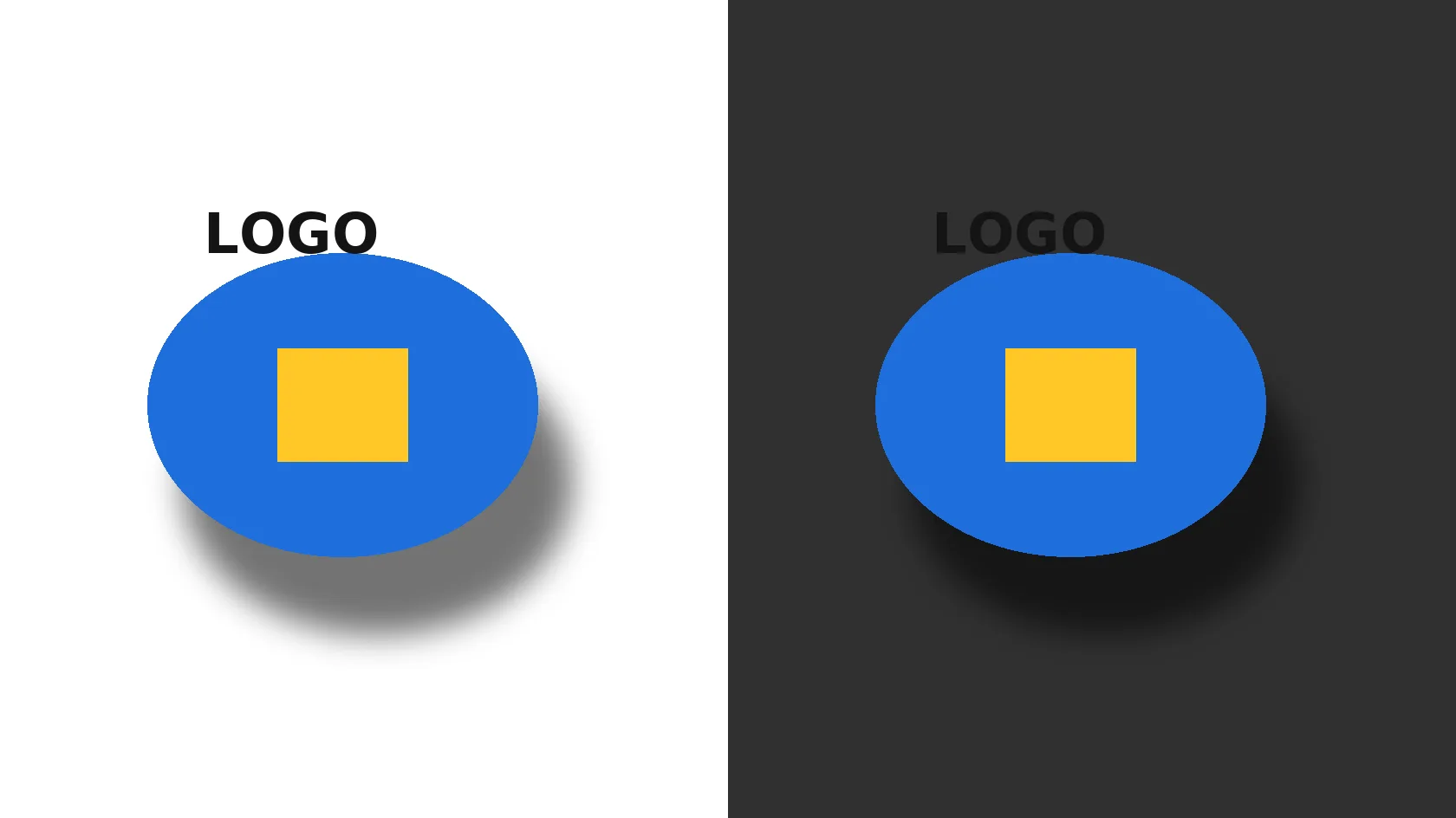
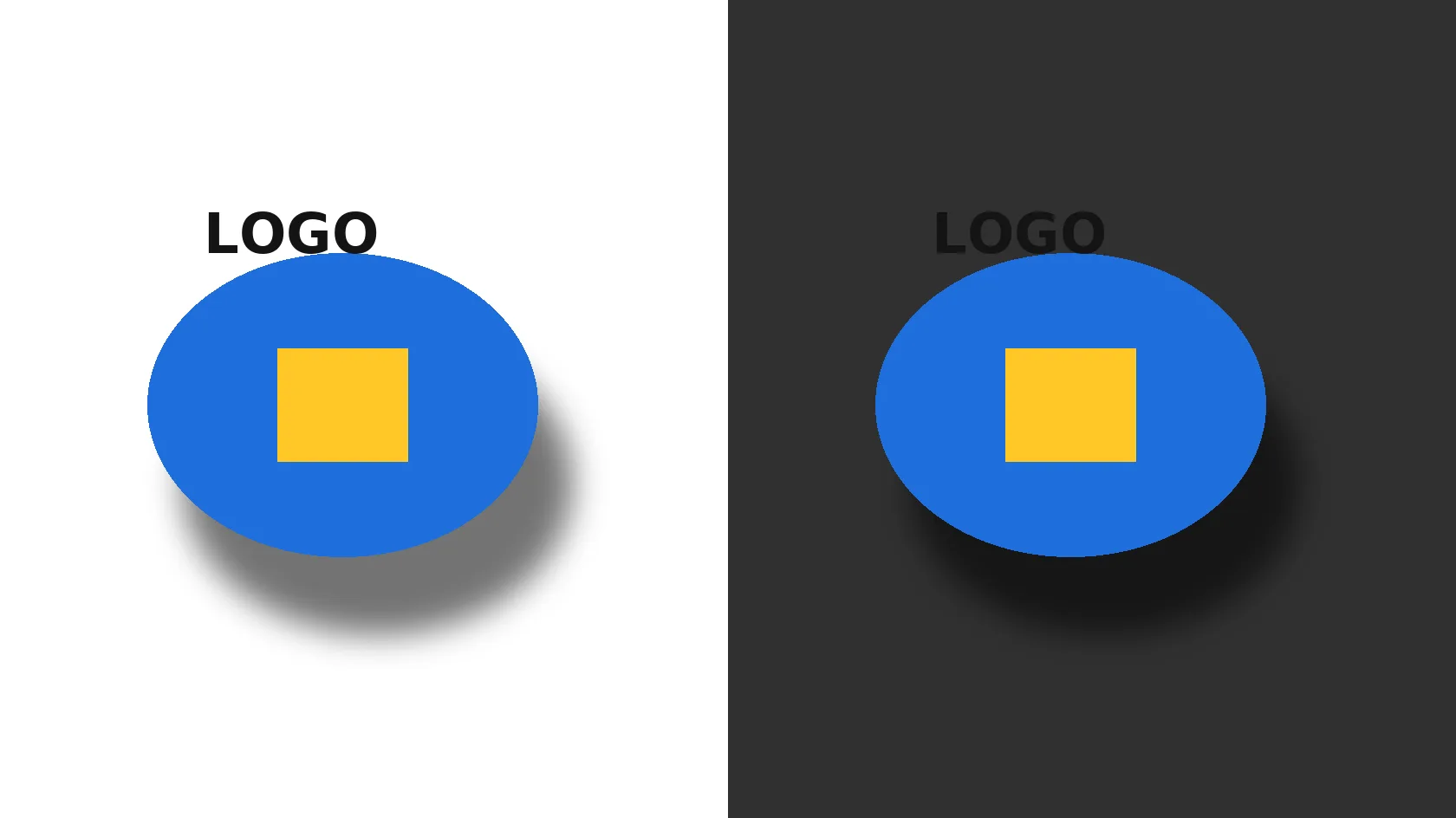
A transparent PNG does not get a black or white box. In our test the PDF stored the picture with a separate transparency mask, and the transparency values matched the PNG exactly.
The picture inside the PDF was not re-saved as JPEG in our test, so screenshots and text keep their sharp edges. The PDF holds the same pixels, so zooming in looks like zooming into the PNG.
The conversion runs on indox servers in your browser page. You do not need a PDF printer driver, an image editor or a desktop app.
Drop the PNG on the box or choose it from your device. Keep the PNG: it is your original and the PDF is a copy made from it.
Check that PDF is the output format, then start the conversion. In our test it took 3.8 seconds from the click to Completed for a transparent logo and 3.3 seconds for a screenshot.
Save the PDF and look at it before you send or upload it. Check the page size and, for a transparent image, how it looks on the background you will use.
You hand over a PNG and take away a PDF that shows the same image on one page. The page says up front what it does with transparency and page size, so you know before you convert whether the result fits the form, email or print job.
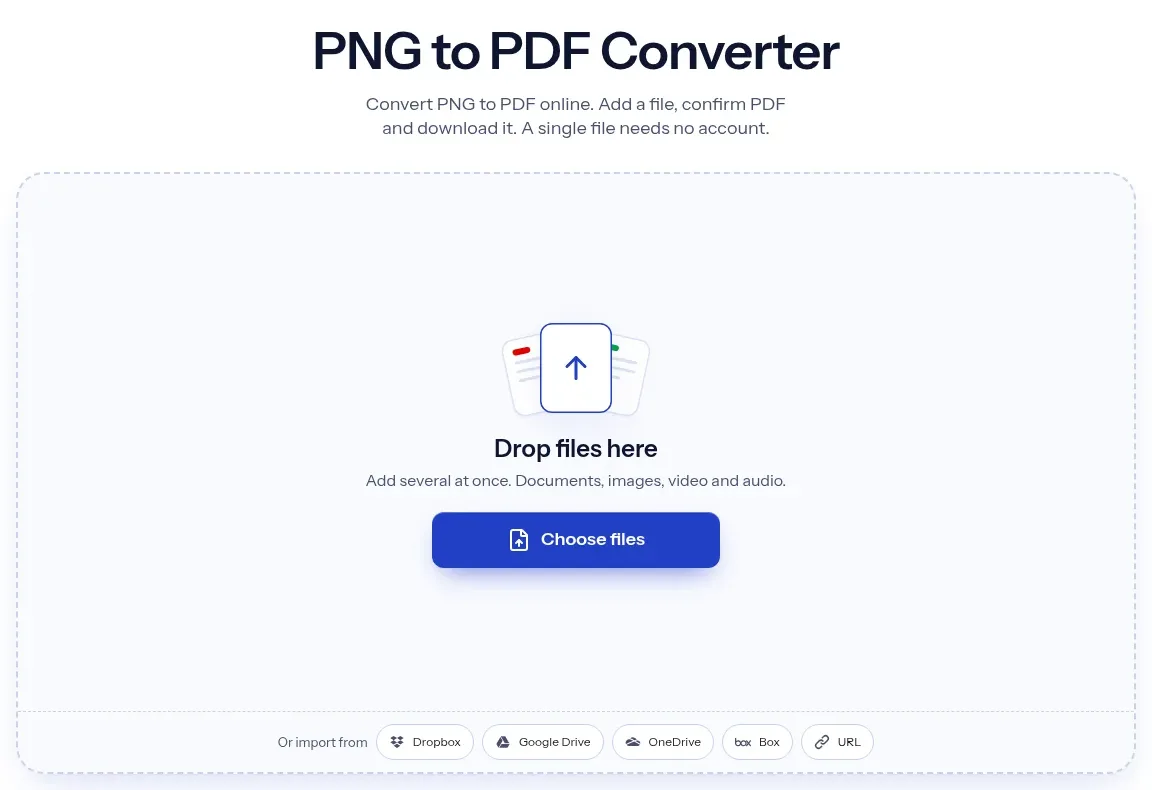
The upload box shows the live size limit before you add a file. Signing in raises it; a paid plan does not change it.
PNG in, PDF out. Pick another output on the converter if you need a different format.
Files are encrypted in transit over HTTPS and processed on indox infrastructure.
Free-tier files are kept for 24 hours after the job finishes, then deleted automatically.
| What you see | Why | What to do |
|---|---|---|
| The page is tiny or odd-shaped | The page follows the image pixels at 300 per inch, with no A4 fit | Scale the PDF when you print, or place it on a larger page in a PDF editor |
| The logo looks white or grey, not clear | The PDF keeps the transparency and your viewer draws a background behind it | Place the PDF over the colour you want, or open it in another viewer to compare |
| I need several images in one PDF | One file is converted per job | Convert each PNG, then join them with Merge PDF |
| The words cannot be selected | The PDF holds a picture, not text | Run OCR PDF on the result |
| I wanted a PNG back from the PDF | This page goes one way, PNG to PDF | Use PDF to PNG for the other direction |
| Compared on | PNG | |
|---|---|---|
| What it is | One raster image | A document of fixed pages that can hold images, text and vector shapes |
| Compression | Lossless, every pixel is kept | Depends on how the image was stored; in our test the PNG's pixels went in without JPEG |
| Transparency | Alpha channel in the file | Possible through a soft mask; the viewer draws the background |
| Page size | None, only pixels | Fixed in points, so it prints at a set size |
| Typical use | Logos, screenshots, web graphics | Forms, reports and files meant to be printed or sent as documents |
Facts checked on November 4, 2026
No tool matches that search.
Open the converter, add your PNG file, keep PDF as the output and download the result. You get one PDF with the image on one page, and you do not need to install anything.
In our test on 4 November 2026 we converted anonymously, with no sign-in, and saw no limit, paywall or error. Limits can change, so the page you see is the one to trust.
It stays transparent. In our test the PDF held the image plus a separate transparency mask, and the transparency values matched the PNG exactly. The viewer draws what is behind it: white on white and dark grey on dark grey in the renderer we used.
In our test the image inside the PDF was not JPEG-compressed, so detail and sharp edges were kept. We checked the transparent sample pixel by pixel on its transparency values and, for the opaque screenshot, only the storage type and size.
The page follows the image. In our test an 800 × 600 px PNG gave a 192 × 144 pt page (2.67 × 2.0 in) and a 1600 × 1000 px PNG gave 384 × 240 pt, both at 300 pixels per inch. There was no A4 or Letter fit.
Not in one step here. The converter takes one file per job and makes one single-page PDF. Convert each PNG and join the PDFs with the Merge PDF tool. We did not test a multi-file upload.
It depends on the image. In our test a transparent logo grew by about 6%, from 25.8 KB to 27.5 KB, while an opaque screenshot shrank by 23.8%, from 234.6 KB to 178.8 KB. Do not count on a size saving.
No. The PDF holds the screenshot as a picture, so the words are pixels. Run [OCR PDF](/pdf-tools/ocr-pdf) on the result if you need selectable text.
The converter is a web page, so there is nothing to install on any device with a modern browser. We ran our test on one setup and did not test phone browsers separately.