Works with .tif and .tiff
The two spellings are the same format, and either one gives you a .pdf back.
Add a TIFF or TIF file and get a PDF back. Our test kept the first page only, so a multi-page TIFF is not carried over whole.
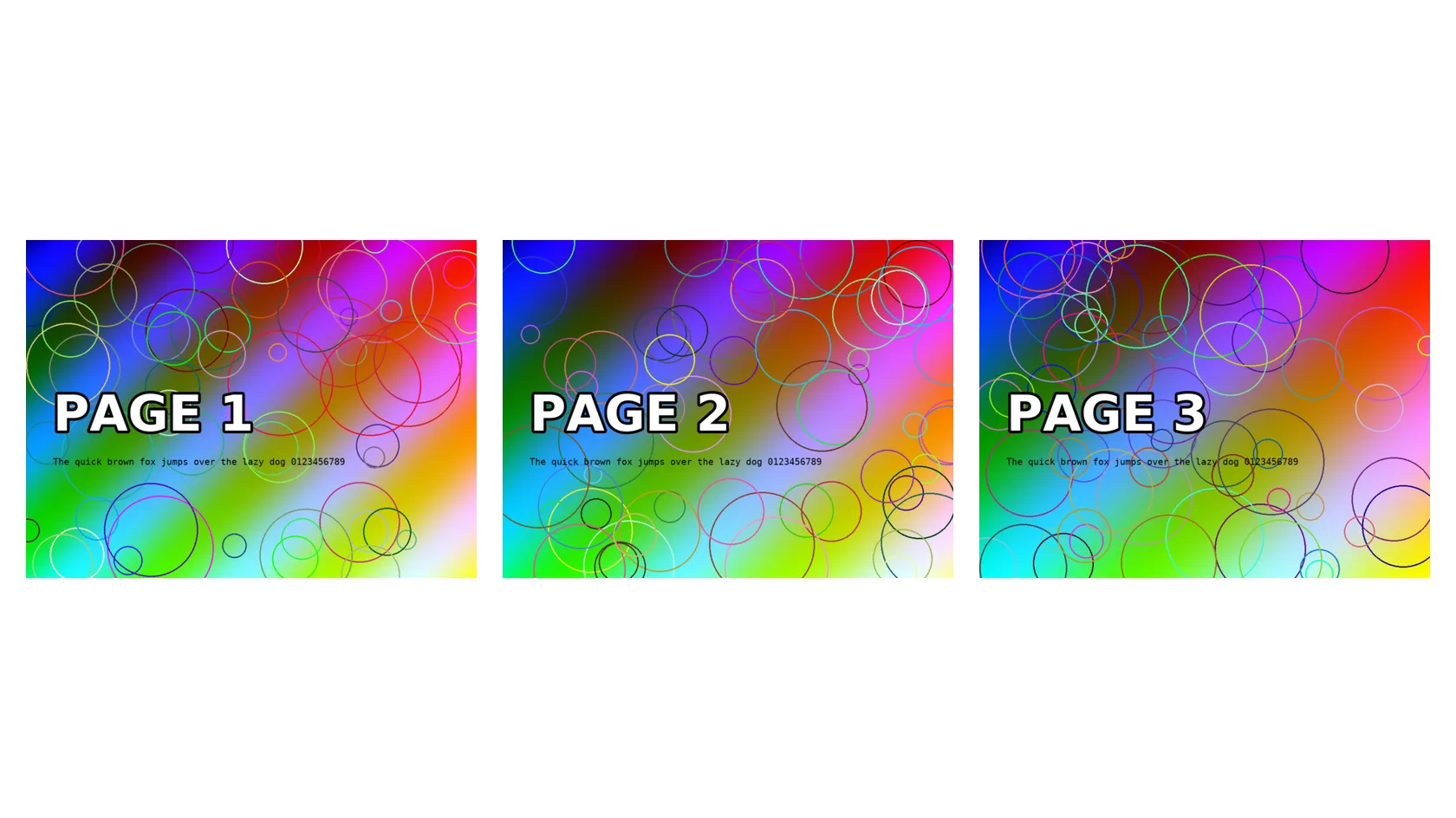
To convert tiff to pdf, add the .tif or .tiff file, keep PDF as the output format and download the result. In our test, a 5.8 MB TIFF with three pages became a 2.0 MB pdf with one page, the first, and its pixels matched the TIFF exactly.
Transfers use HTTPS, and files converted on the free tier are deleted after 24 hours, so the result is not a long-term archive. Quality depends on the source file, so open the PDF file once before you share it.
Need more PDF options? Open the PDF Converter hub.
TIFF (Tagged Image File Format)
A raster container used for scans and print work. One file can hold several images, each with its own directory, and it can store uncompressed, LZW or Group 4 data, bit depths above 8 per channel and colour spaces such as CMYK. Revision 6.0 dates from 1992 and is controlled by Adobe.
PDF (Portable Document Format)
A fixed-layout document format published as ISO 32000. Each page records the exact position of every character, image and line, usually with the fonts embedded, so it displays and prints identically in any reader and is awkward to edit.
A three-page TIFF test scan, 1000 × 750 px, converted on indox.org

The two spellings are the same format, and either one gives you a .pdf back.
The conversion runs on indox servers, so it works the same on Windows, Mac, Android and iPhone. You need no Acrobat and no TIFF viewer.
We measured what happens to a three-page TIFF and say it here: one PDF page came out. You can decide before you convert whether that fits your job.
In our test the PDF stored the image without JPEG compression and matched the TIFF pixel for pixel. A CMYK TIFF stayed CMYK instead of being forced to RGB.
Drop the file on the box or choose it from your device. Keep the original TIFF. It is your master and the PDF cannot be turned back into a multi-page TIFF.
Check that PDF is the output format, then start. In our test it took 3.8 seconds from the click to Completed for the RGB file and 4.3 seconds for the CMYK file.
Save the PDF and open it once. Compare its page count with your scan. If the scan had several pages and the PDF shows one, the other pages were not converted.
You hand over a TIFF or TIF file and take away a PDF that opens anywhere, with the picture stored without extra loss. The page tells you what happens to extra pages before you convert, so a scan does not get thrown away on a wrong assumption.
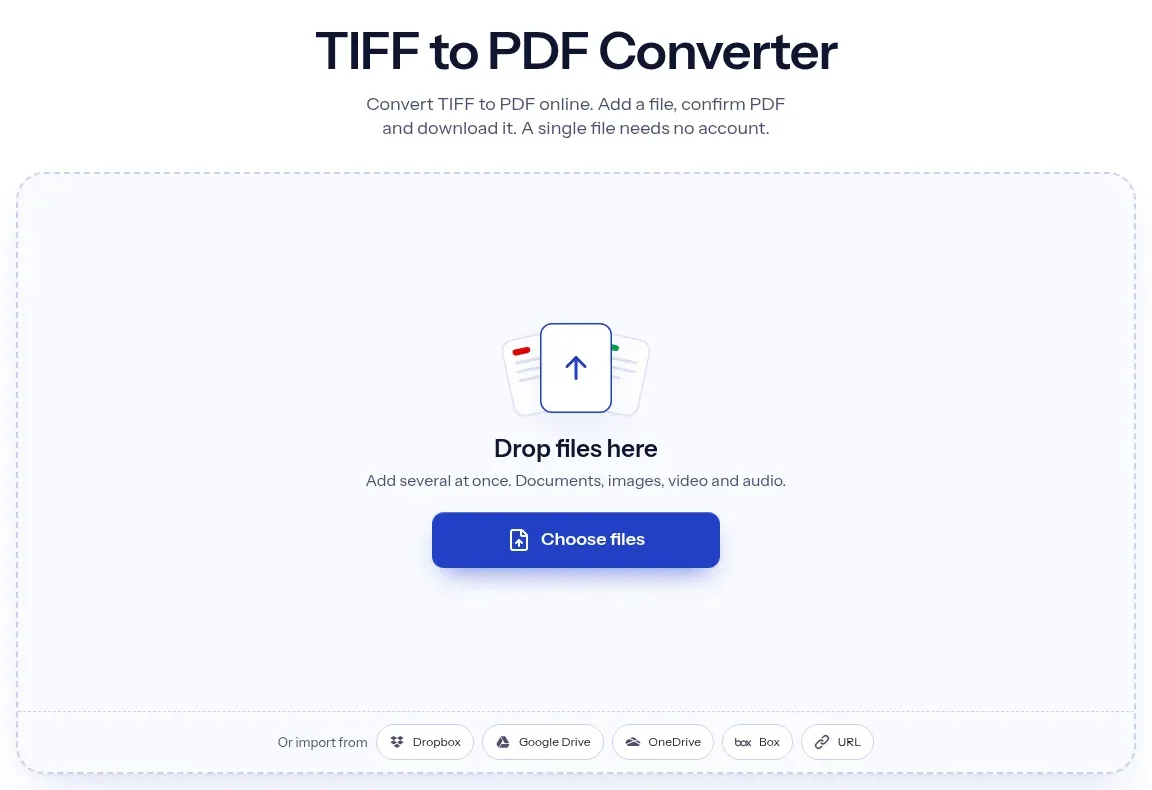
The upload box shows the live size limit before you add a file. Signing in raises it; a paid plan does not change it.
TIFF in, PDF out. Pick another output on the converter if you need a different format.
Files are encrypted in transit over HTTPS and processed on indox infrastructure.
Free-tier files are kept for 24 hours after the job finishes, then deleted automatically.
| What you see | Why | What to do |
|---|---|---|
| The PDF has one page but the scan had several | The converter wrote the first page only | Split the TIFF into one file per page and convert each, then join the PDFs |
| The page looks tiny when printed or zoomed out | The page size comes from pixels and dpi, and a 300 dpi scan of 1000 px is 3.3 inches wide | Print at 100%, or use a higher-resolution scan |
| Colours look odd in a browser | A CMYK image stays CMYK in the PDF and some viewers handle it badly | Open it in a desktop PDF reader, or convert the artwork to RGB first |
| A site still rejects the file | The site may want JPG or PNG | Use TIFF to JPG or TIFF to PNG |
| The text in the PDF cannot be selected | A scan is a picture of text | Run OCR in another tool |
| Compared on | TIFF | |
|---|---|---|
| Pages | One file can hold several images | Made for many pages, but this converter wrote one |
| Compression | Uncompressed, LZW or Group 4 | Can store the image losslessly, as in our test |
| Colour | RGB, CMYK and more bit depths are possible | CMYK and RGB images can be stored |
| Where it opens | Scanners, print and imaging software | Practically every browser, phone and mail client |
| Typical use | Scans, archives and print masters | Sharing, forms and archiving documents |
Facts checked on November 4, 2026
No tool matches that search.
Open the converter, add your TIFF or TIF file, keep PDF as the output and download the result. You need no Acrobat and no software on your computer. We converted files without signing in.
In our test the converter wrote one PDF page from a three-page TIFF and dropped pages two and three. Other tools report the same symptom, and sometimes the viewer is to blame, so open the PDF in a second reader to be sure. If you need every page, split the TIFF into one file per page and convert each.
Not here as far as we saw. Each upload gives its own PDF. Convert the files one by one and merge the PDFs in a PDF tool.
Not in our test. The PDF stored the image with lossless LZW compression and a pixel comparison with the TIFF found no difference. Scans from other sources may behave differently.
Yes for the picture itself in our test, since the pixels matched exactly. What you lose is any page beyond the first in a multi-page TIFF.
The size follows the TIFF. Our 1000 × 750 px, 300 dpi file became a page of 240 × 180 pt. The image is not stretched to A4, so print the PDF at 100% if you want the original size.
It stays CMYK. In our test the PDF held a four-component CMYK image and was about 1.5% larger than the TIFF. Some web viewers show CMYK images with odd colours, so check it in the reader you will use.
Yes. TIF and TIFF are the same format with a shorter and a longer extension, and both are accepted here.
Yes. It works in the browser on Windows, Mac, Android and iPhone, so there is nothing to install.
Many upload forms list PDF, JPG and PNG only. Changing the file name does not help because the contents are still TIFF. Convert it to a real PDF.