Side-by-side compare is now in PDF tools
Open two versions of a document and see what changed between them.
- Published
- Updated
- Reading time
- 1 min
On this page
Have a PDF open?
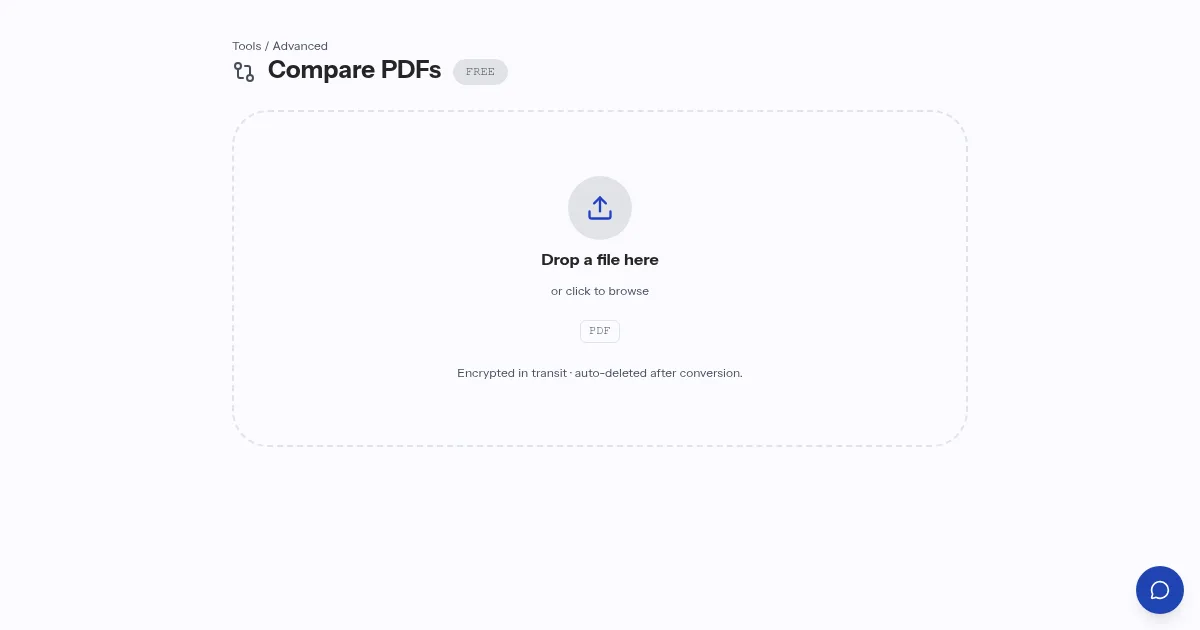
Open Compare PDFsCompare opens two versions of a document next to each other and marks what changed between them. It is meant for the moment you receive a revised contract or report and need to know what is different without reading both again.
Open the older file on the left and the newer one on the right, then step through the marked changes. Treat the result as a pointer to where to look, and read each marked passage before you accept it.
Questions people ask about Compare PDFs
What does side-by-side compare do?
It opens two versions of a document next to each other and marks what changed between them.
Can I accept the marked changes without reading them?
It is better not to. The marks show where to look, so read each marked passage before you accept it.
About the author
indox Team
Staff writers, PDF and document toolsThe people who build and test the indox document tools write these guides from what they see in daily use.