Part I, lines 1 to 6
The decedent's name as it appears on Form 706, Social Security number, name of the fiduciary, date of death, address with foreign address fields, and a daytime telephone number.
706 Sch. PC
Protective Claim for Refund
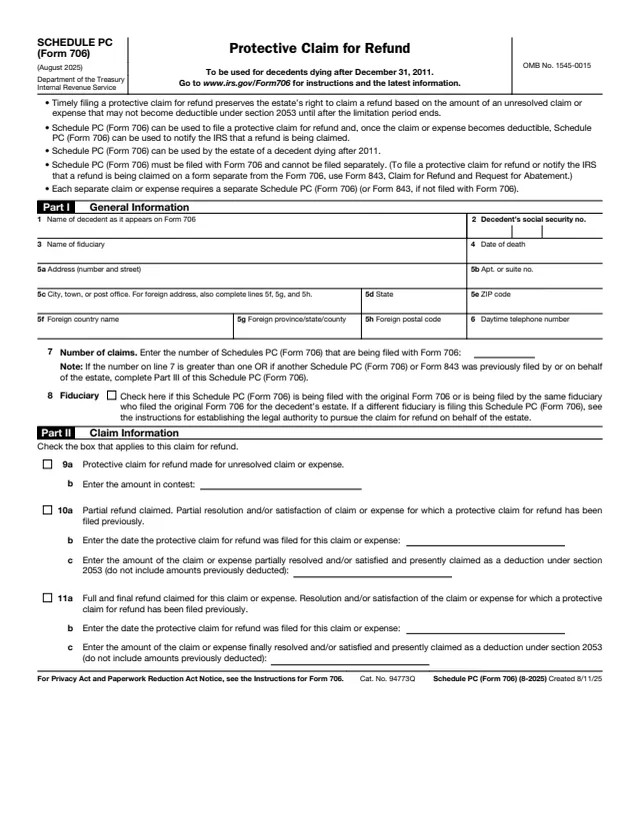
Schedule PC (Form 706), Protective Claim for Refund, is a three-page schedule filed with Form 706, the United States Estate (and Generation-Skipping Transfer) Tax Return. The IRS About page says it is used to file a section 2053 protective claim for refund by estates of decedents who died after 2011, and to inform the IRS when the contingency leading to the claim is resolved and the refund due the estate is finalized.
The schedule says timely filing a protective claim for refund preserves the estate's right to claim a refund based on the amount of an unresolved claim or expense that may not become deductible under section 2053 until after the limitation period ends. Each separate claim or expense uses a separate Schedule PC.
The schedule says it is filed with Form 706 and cannot be filed separately. A claim filed apart from Form 706 uses Form 843 instead. You can fill out Schedule PC free in your browser on this page and download it without an account.
The decedent's name as it appears on Form 706, Social Security number, name of the fiduciary, date of death, address with foreign address fields, and a daytime telephone number.
The number of Schedules PC being filed with Form 706, and a box to check if the schedule is filed with the original Form 706 or by the same fiduciary who filed it.
Three boxes for the type of claim: a protective claim for an unresolved claim or expense with the amount in contest, a partial refund, or a full and final refund, each with the earlier filing date and amount.
A table with the Form 706 schedule, line and item number, identification of the claim, amounts deducted under the listed regulations, the amount presently claimed, ancillary expenses and the amount of tax to be refunded.
Other Schedules PC and Forms 843 filed by the estate, with the IRS office where each claim was filed, the date filed, the type of claim and the amount in contest.
Each separate claim or expense uses its own Schedule PC. Enter on line 7 the number of Schedules PC filed with Form 706.
The instructions say to give information that is correct and complete as of the time the schedule is filed, and to update it when filing an updated Schedule PC, checking contact details carefully.
Check line 9a for the initial protective claim, line 10a for a partial refund, or line 11a for a full and final refund, and fill in the amount and date lines under the box checked.
Enter the Form 706 schedule, line and item number, the claimants, the basis of the claim, the reasons and contingencies delaying resolution and the status. The instructions say columns (g) and (h) are completed only for a partial or final claim.
The instructions for Schedules J, K and L (Form 706) say an expense not currently deductible is reported on that schedule without a value in the last column, with the protective claim on Schedule PC.
For an initial claim, the instructions say only earlier Forms 843 need be listed. For a partial or final claim, list the status of all claims filed by or on behalf of the estate.
You get the real form, filled in a browser tab, with nothing standing between you and the finished PDF.
The schedule says it is filed with Form 706 and cannot be filed separately. To file a claim or notify the IRS on a separate form, it points to Form 843.
The instructions say the estate will receive a written acknowledgment. If it is not received within 180 days, the fiduciary should contact the IRS at 866-699-4083. A certified mail receipt does not confirm processing.
The instructions describe two ways: a supplemental Form 706 with an updated Schedule PC, checking the boxes for Part I, lines 13 and 14a, or an updated Form 843 with the notation they give. A copy of the initial notice of claim is also submitted.
The instructions say the estate should notify the IRS within 90 days of the date the claim or expense is paid or the date the amount becomes certain, whichever is later.
The instructions say filing a protective claim on Schedule PC will not suspend the IRS's review of Form 706 or delay the closing letter for the estate.
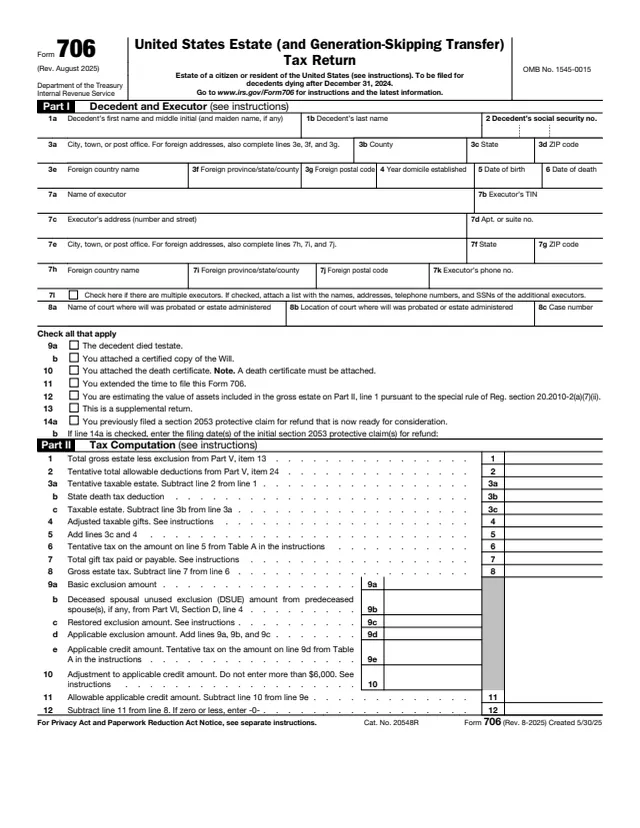
706
316 fields, 5 pages
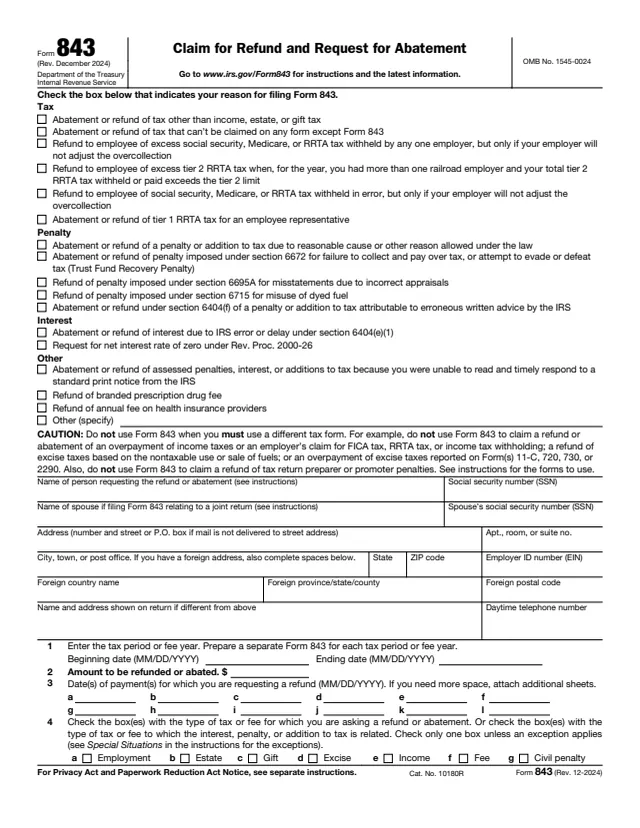
843
85 fields, 2 pages
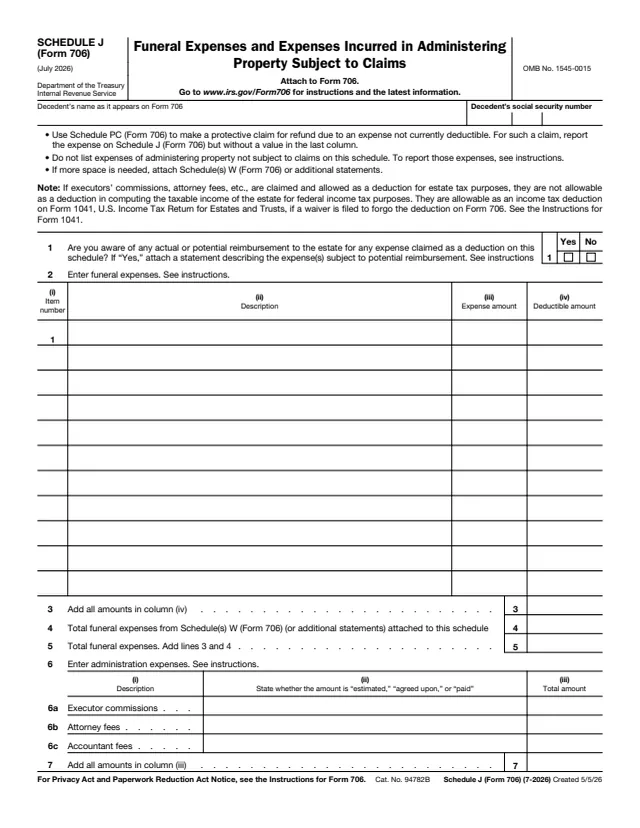
706 Sch. J
134 fields, 2 pages
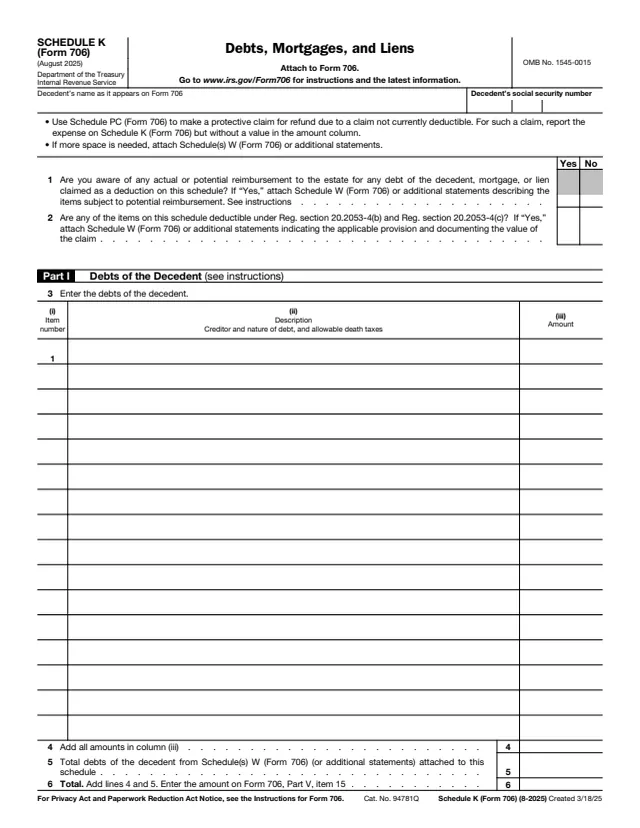
706 Sch. K
132 fields, 2 pages
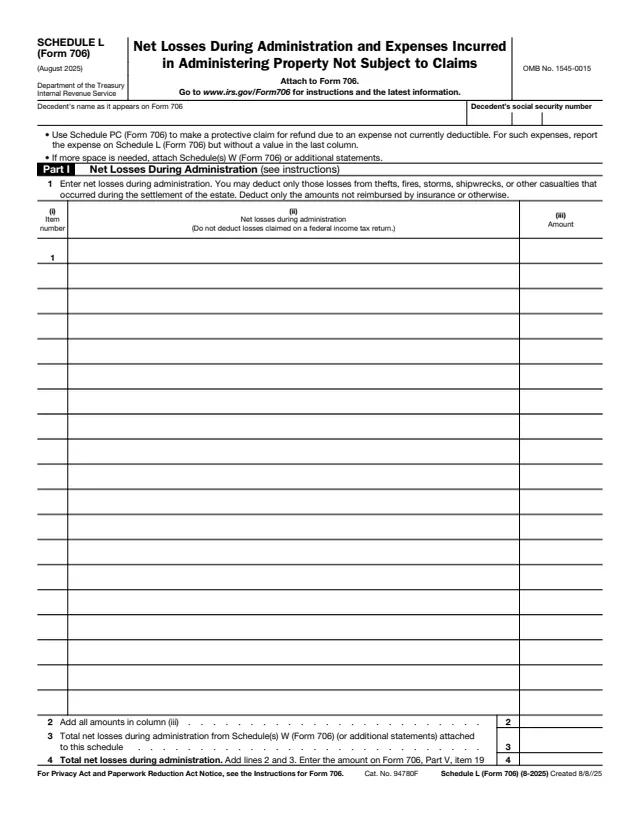
706 Sch. L
137 fields, 2 pages
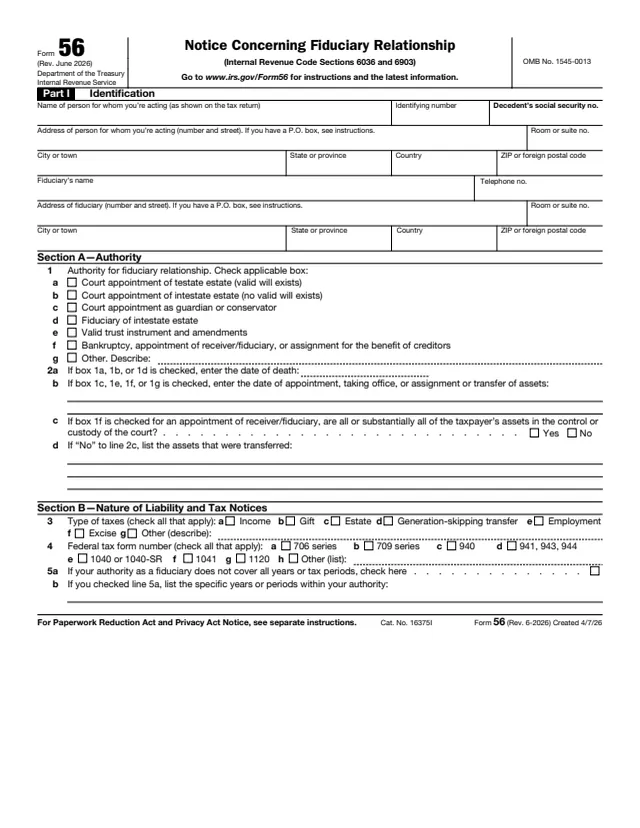
56
72 fields, 2 pages
The estate's fiduciary completes Schedule PC and files it with the estate's Form 706. The Form 706 instructions say that if Part IV, line 6 is answered "Yes," Schedule PC is completed for each claim.
No tool matches that search.
No. The schedule says it is filed with Form 706 and cannot be filed separately. A claim filed on its own uses Form 843, Claim for Refund and Request for Abatement.
One for each separate claim or expense. Line 7 shows how many are filed with Form 706.
The schedule says it preserves the estate's right to claim a refund based on an unresolved claim or expense that may not become deductible under section 2053 until after the limitation period ends.
With a supplemental Form 706 and an updated Schedule PC, or with an updated Form 843 carrying the notation given in the instructions. The instructions say this should be done within 90 days.
The instructions say the IRS will presume an adequately identified claim includes related ancillary expenses, such as attorneys' fees, court costs, appraisal fees and accounting fees, and each still has to meet section 2053.
No. The instructions say it will not suspend the IRS's review and examination of Form 706, nor delay the issuance of a closing letter.