How to split one PDF into separate files
Split by page range, by bookmark or into single pages.
indox TeamStaff writers, PDF and document tools
- Published
- Updated
- Reading time
- 1 min
On this page
Have a PDF open?
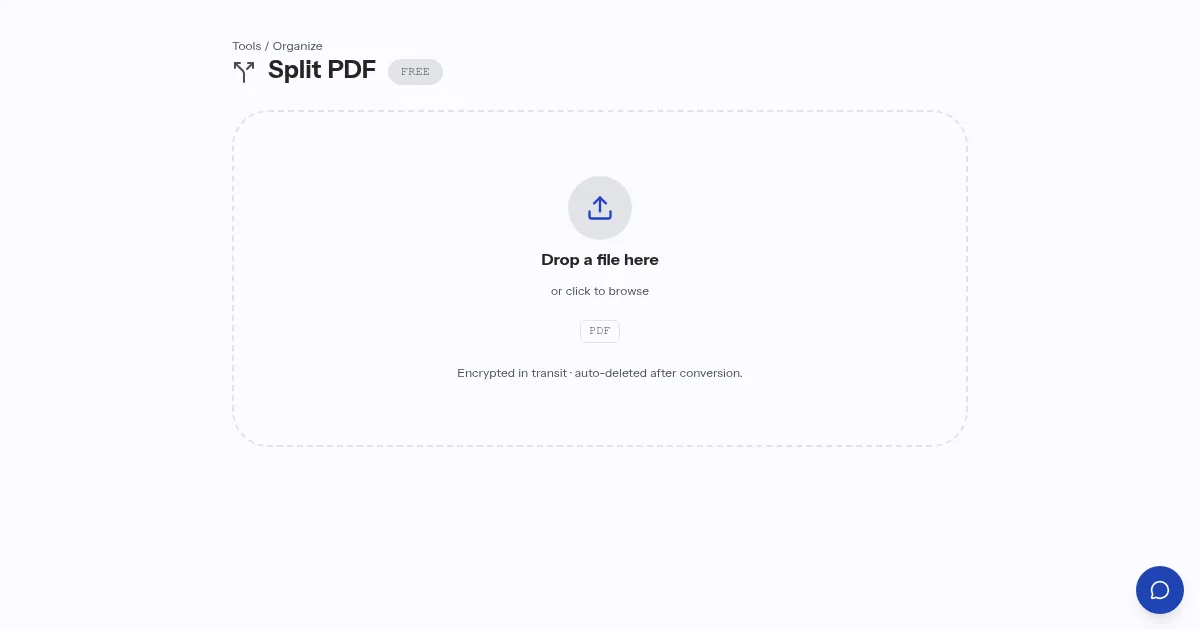
Open Split PDFSplitting turns one large PDF into several smaller ones. You can split by page range, such as pages 1 to 4 and 5 to 9, by bookmark so each chapter becomes a file, or into single pages.
Decide first how the parts will be used. A contract bundle that goes to different people splits well by range, a long manual by bookmark. Check the first and last page of each part after the split.
Questions people ask about Split PDF
How can I split a PDF?
By page range, by bookmark so each chapter becomes a file, or into single pages.
Which split method suits a long manual?
Splitting by bookmark, since each chapter becomes its own file. Ranges suit bundles that go to different people.
About the author
indox Team
Staff writers, PDF and document toolsThe people who build and test the indox document tools write these guides from what they see in daily use.
Try Split PDF on your own file
Open Split PDFNo account needed for a single file.